
Lido
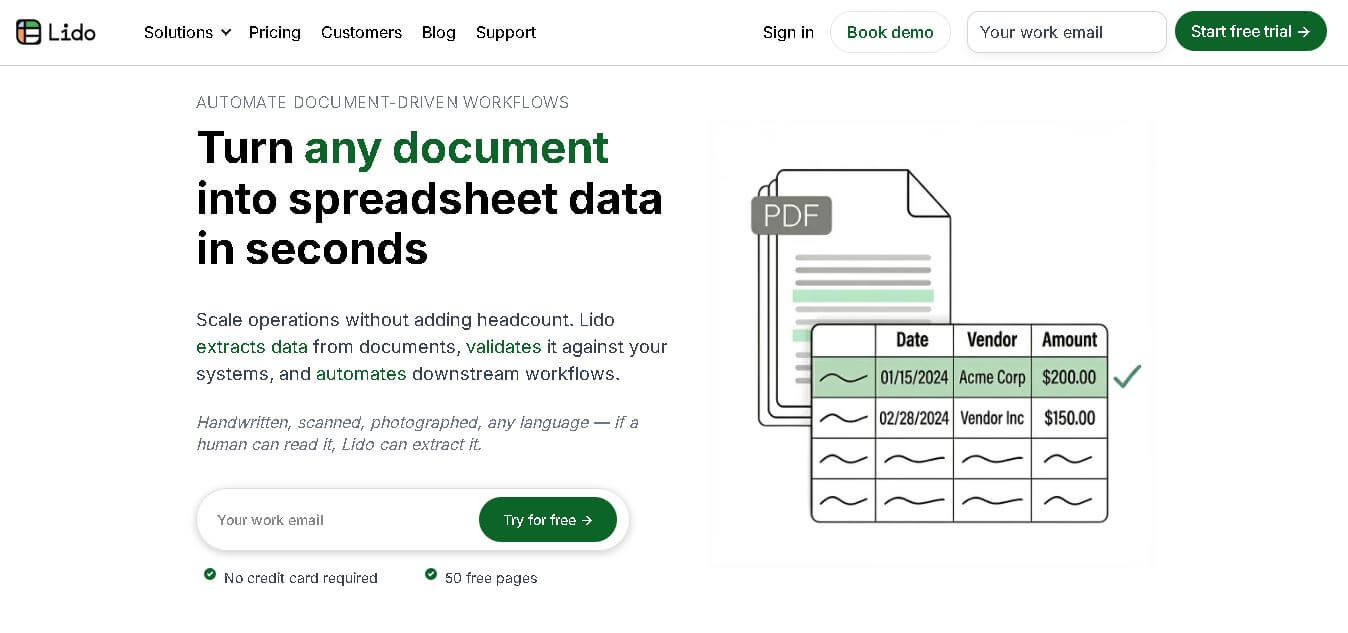
Lido is an AI-powered spreadsheet automation platform that simplifies data workflows, enabling users to integrate, analyze, and visualize data without complex coding or manual effort.
What is Lido AI?
- Founders: Lido was founded by entrepreneurs with expertise in SaaS, automation, and data tools (specific names not widely publicized).
- Launch: Introduced in the early 2020s to modernize spreadsheet automation.
-
Use Cases:
-
Automating reporting workflows
-
Data aggregation from multiple sources
-
Marketing analytics and dashboards
-
Financial tracking and forecasting
-
CRM and operations management
-
-
Technology:
-
AI-driven automation
-
API integrations
-
Cloud-based infrastructure
-
Spreadsheet-like interface with advanced backend processing
-
Lido is an AI-powered finance platform that uses artificial intelligence to change how people handle spreadsheets by automating their daily tasks and streamlining data operations. Users can consolidate multiple data sources, which include Google Sheets, APIs, and databases, into a single interface through the platform. The user-friendly design of Lido enables users to manage data without needing to learn advanced formulas or programming languages. Businesses achieve time savings together with error reductions, which enable them to obtain practical insights at an improved rate. Lido enables teams to handle data more effectively for their reporting and analysis needs while enhancing productivity and decision-making across all their operational areas.
Key Features
Lido AI key features are
-
Automated Data Syncing:
Seamlessly connects with multiple data sources like APIs, Google Sheets, and databases, ensuring real-time updates without manual imports. -
No-Code Workflow Automation:
Users can create automated workflows without coding, making it accessible for non-technical users and saving significant development time. -
AI-Powered Data Processing:
Lido leverages AI to clean, organize, and process large datasets, reducing errors and improving accuracy in analysis. -
Custom Dashboards and Reporting:
Build dynamic dashboards that automatically update, enabling better decision-making with real-time insights. -
Spreadsheet Interface:
Familiar spreadsheet layout combined with advanced automation features makes adoption easy for users already comfortable with tools like Excel or Google Sheets. -
API Integration:
Connects directly with third-party services, allowing users to fetch and push data across platforms effortlessly. -
Collaboration Tools:
Teams can collaborate in real time, improving productivity and ensuring everyone works with the latest data.
Pricing
- Free plan available with limited features
- Paid plans with advanced automation and integrations
- Custom pricing for teams and enterprise users
Disclaimer: For the latest and most accurate pricing information, please visit the official Lido AI website.
Who is using it?
A diverse range of users and organizations utilize Lido AI
- Startups and small businesses
- Data analysts and operations teams
- Marketing professionals
- Finance teams
- SaaS companies
- Non-technical users needing automation
Alternatives
Some Lido AI alternatives are
- Google Sheets
- Microsoft Excel
- Airtable
- Zapier
- Notion
- Retool
Conclusion
Lido stands out as a powerful AI-powered spreadsheet automation tool that bridges the gap between traditional spreadsheets and modern data workflows. Its no-code approach, combined with advanced integrations and automation capabilities, makes it ideal for businesses looking to streamline operations. By reducing manual effort and improving data accuracy, Lido helps teams focus on insights rather than repetitive tasks. Whether you’re a startup or an enterprise, Lido offers a scalable solution to enhance productivity and simplify data management.
People are also reading
FAQ
What is Lido used for?
Lido is used for automating spreadsheet workflows, integrating data sources, and generating real-time reports.
Is Lido suitable for non-technical users?
Yes, Lido offers a no-code interface, making it easy for non-technical users to automate tasks.
Does Lido integrate with other tools?
Yes, it supports integrations with APIs, Google Sheets, and various third-party platforms.
Is there a free version of Lido?
Yes, Lido provides a free plan with basic features for individuals and small teams.
How is Lido different from Excel or Google Sheets?
Lido focuses on automation and real-time data syncing, while Excel and Google Sheets primarily handle manual data entry and analysis.
User Reviews
No reviews yet for Lido.
Featured Tools
Featured AI tools from TechShark

Melody Genie
MelodyGenie is an AI-powered music generator that creates original songs from simple text prompts. Users can choose styles, moods, and genres, then instantly generate melodies and full tracks, making it easy for creators, marketers, and hobbyists to produce custom music without musical expertise.
Freemium

Kimi AI
Kimi AI is an advanced AI assistant developed by Moonshot AI that helps you chat, research, write, code, and automate tasks in one place. It supports web search, file analysis, and multimodal inputs, and can even run autonomous “agent” workflows to complete complex tasks end-to-end.
Freemium

Fashion Diffusion AI
Fashion Diffusion is an AI-powered fashion design platform that helps brands and designers create clothing designs, virtual try-ons, AI models, product photos, and marketing visuals faster and cost-effectively.
Paid

Veo 4
Veo 4 AI is an AI video creation platform that generates dramatic videos from text, images, audio, and video prompts using realistic motion and synchronized sound.
Paid
Alternatives
Alternatives to Lido
Lido is an AI-driven tool designed to streamline spreadsheet automation by connecting data sources, automating workflows, and generating insights. It helps businesses and individuals manage data efficiently with minimal technical knowledge.
 4.8
4.8Venice AI
Legal
Venice AI is a private generative AI platform that lets you chat, write, code, create images, generate videos, produce audio, and build AI agents. It combines models from leading providers with privacy controls, including Private, TEE, and E2EE modes. A free plan is available, with paid options for advanced capabilities.
 4.9
4.9Equals
Spreadsheets
Equals is an AI-powered spreadsheet and GTM analytics platform that helps teams connect live data, build dashboards, and answer business questions using natural language. It combines a managed data warehouse, spreadsheet, and AI analyst, enabling faster, reliable insights without SQL or complex data tools.
 4.9
4.9Google Sheets
Spreadsheets
Google Sheets is a cloud-based spreadsheet tool that helps users create, edit, and collaborate on data in real time. It supports formulas, charts, automation, and integrations with Google Workspace, enabling teams to manage data, analyze information, and build workflows from anywhere with shared access.
 4.9
4.9Row Zero
Spreadsheets
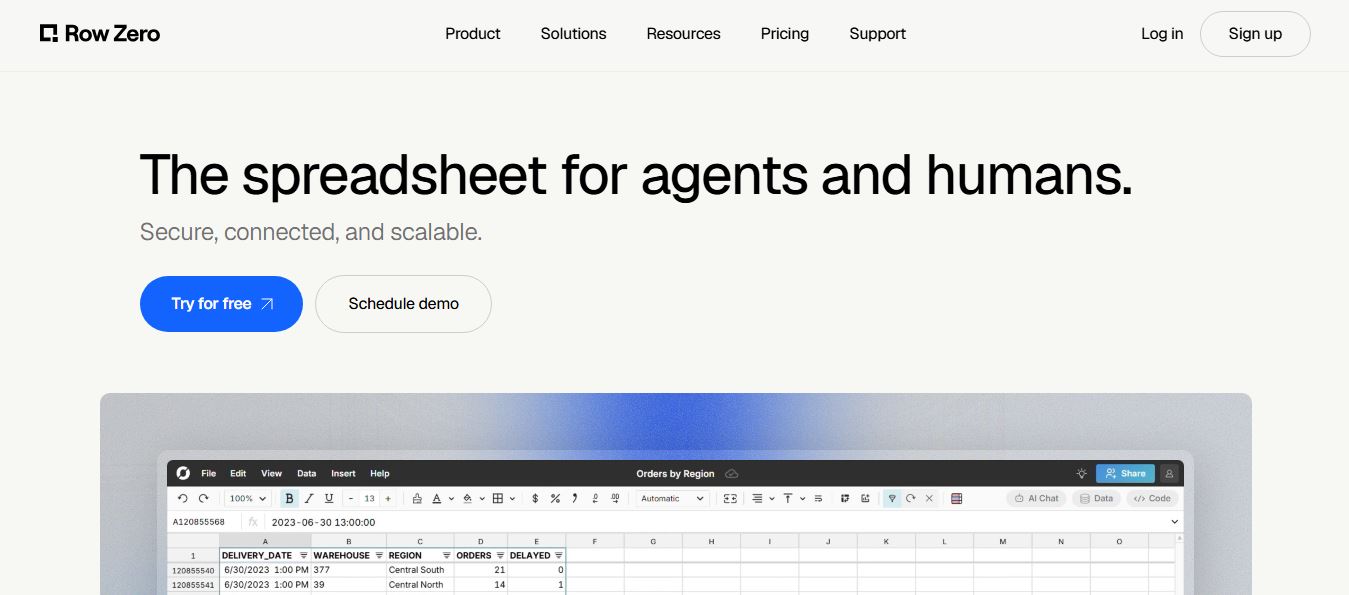
Row Zero is an AI-powered cloud spreadsheet platform that helps teams analyze massive datasets using familiar spreadsheet workflows. It connects directly to data warehouses, auto-updates live data, and scales to billions of rows, enabling fast, secure, and collaborative data analysis without traditional spreadsheet limitations.
 4.9
4.9Grist AI Spreadsheet Generator
Spreadsheets
Grist AI Spreadsheet Generator (getgrist.com/ai/spreadsheet-generator/) is an open-source, relational AI spreadsheet and custom application builder that turns text prompts into structured relational databases, Python formulas, dashboards, and access rules via an in-product AI Assistant and Model Context Protocol (MCP).
 4.9
4.9Shortcut AI
Spreadsheets
Shortcut AI is an AI-powered Excel agent that helps finance teams build financial models, analyze data, and automate complex spreadsheet workflows using natural language. It generates formulas, structures reports, and processes data with high accuracy, enabling faster decision-making and reducing manual analysis work.
 4.9
4.9Microsoft Excel
Spreadsheets
Microsoft Excel AI (Copilot for Excel) is an AI-powered assistant that helps users analyze data, write formulas, create charts, and generate insights using natural language. It automates complex tasks, highlights trends, and builds reports, enabling faster, data-driven decisions directly within Excel workflows.
 4.9
4.9Coefficient
Spreadsheets
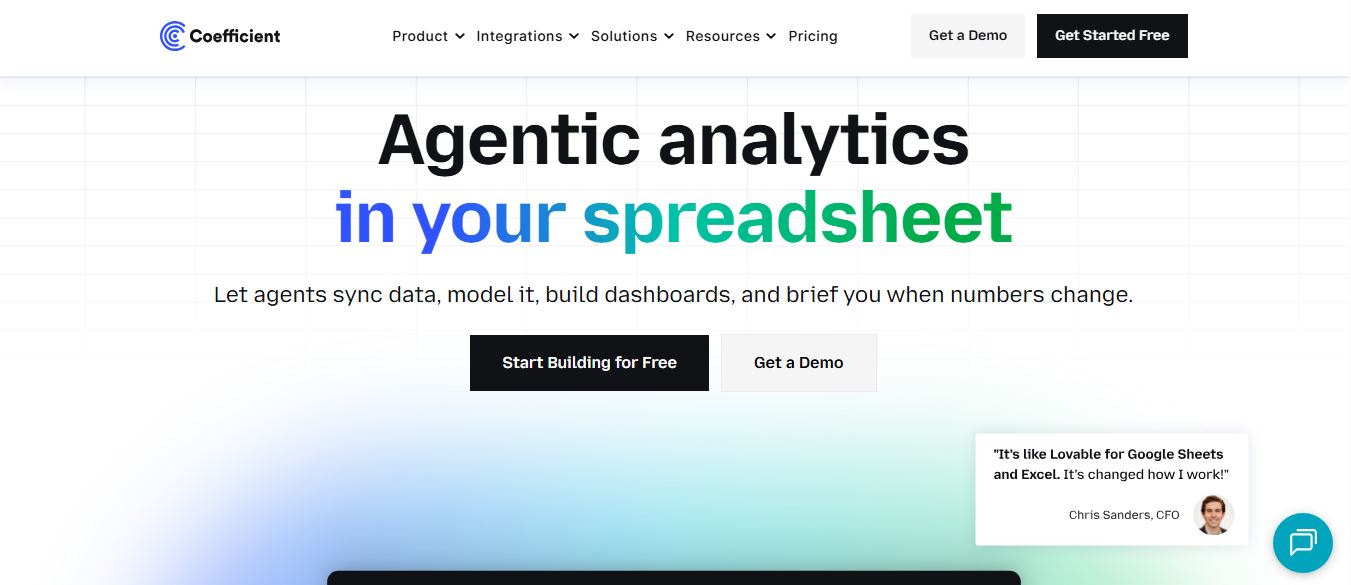
Coefficient is an AI-powered spreadsheet automation platform that connects live data from tools like Salesforce, HubSpot, and databases directly into Google Sheets and Excel. It enables real-time reporting, automated refreshes, and AI-driven analysis, helping teams build dashboards and workflows without manual exports or coding.
 4.9
4.9SheetGPT
Spreadsheets
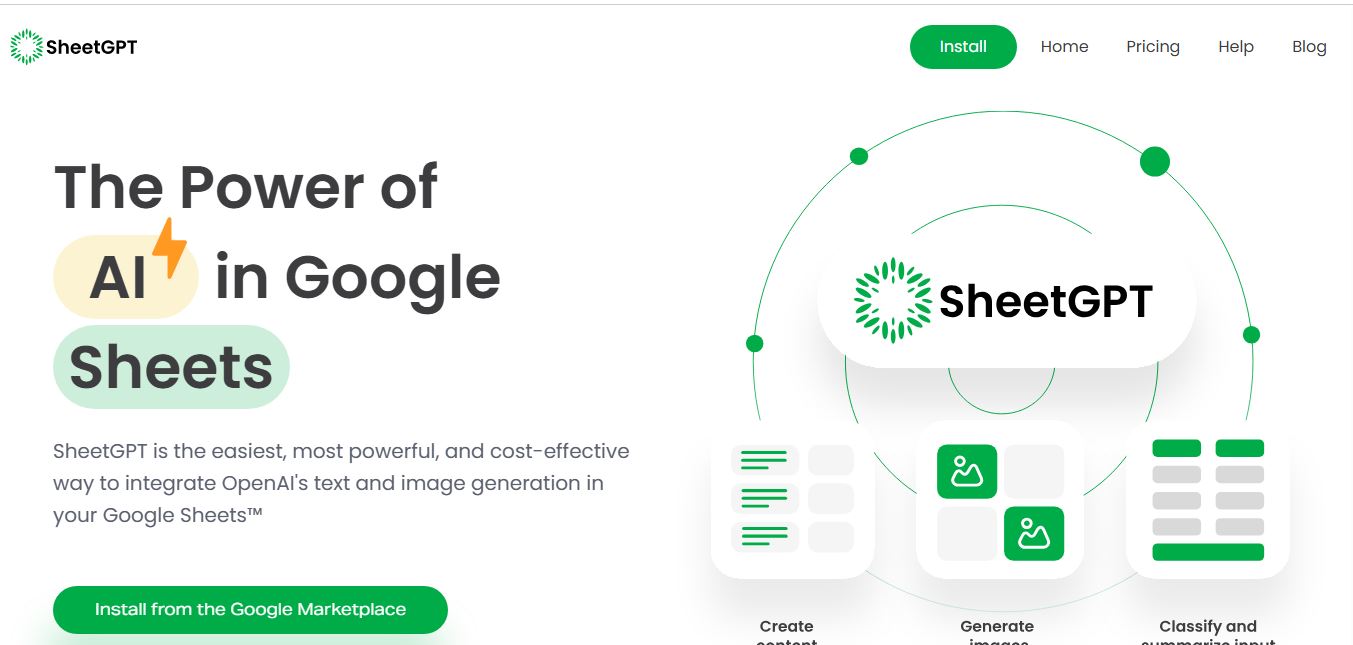
SheetGPT is an AI-powered Google Sheets add-on that helps users generate content, analyze data, and automate tasks using simple formulas like =GPT(). It integrates models like ChatGPT, Claude, and Gemini, enabling faster workflows for summarization, translation, classification, and large-scale spreadsheet operations.