
QuickSearchPlus
QuickSearchPlus is a unified calendar and meeting command centre that syncs Google, Outlook, Zoom, and team calendars into a single view. It provides AI-powered agendas, live meeting guidance, automatic summaries, paid or free booking links, and social chat booking for Instagram and Facebook.
What is QuickSearchPlus?
QuickSearchPlus is a unified calendar and meeting platform that brings everything into one place. It syncs all your calendars—Google, Outlook, Zoom, and team schedules—into a single view, so you don't have to switch between apps to see what's on your plate. Then it adds AI-powered agendas before meetings, live guidance during calls, automatic summaries after, and booking links that let clients schedule and pay for your time.
QuickSearchPlus was founded in 2024 and is based in New York City. Over 500 founders, marketers, and executives already trust it. The platform works through a web dashboard and a Chrome extension that activates automatically on Zoom, Google Meet, and Teams.
- Headquarters: New York City, USA
- Core Focus: Calendar unification, AI meeting intelligence, booking and scheduling
What can you do with QuickSearchPlus?
- Sync multiple calendars—Google, Outlook, Zoom, Teams—into one conflict-free view
- Get AI-generated agendas before meetings so you show up prepared
- See live guidance and time tracking during video calls on Zoom, Meet, or Teams
- Receive automatic summaries with decisions and action items after every call
- Create paid or free booking links to monetize your time and stop no-shows
- Embed a booking widget on your website or let people book through Instagram and Facebook DMs
- Run ticketed events, workshops, and group sessions without third-party platforms
Technology behind it:
- Calendar sync across Google, Outlook, Zoom, and Microsoft Teams
- AI for agendas and meeting summaries (works with ChatGPT, DeepSeek, and Perplexity)
- Live meeting guidance overlay for video calls
- Stripe integration for collecting payments on bookings
- Chrome extension with AI search, bookmark manager, and OCR
- Encrypted recordings and summaries with privacy-first design
Who is it for?
- Consultants, founders, and executives with lots of client meetings
- Service providers like salon owners, trainers, and healthcare professionals
- Researchers and academics organizing sources and studies
- Remote teams that need consistent meeting workflows
- Enterprise teams that need IT admin controls and compliance
Pricing model: Freemium—free tier available, paid plans start at $13/month, and custom enterprise pricing.

Key features of QuickSearchPlus
Here's what QuickSearchPlus offers:
- Unified Calendar Hub: Syncs Google, Outlook, Zoom, and team schedules into one view. No more switching between apps.
- AI Agenda Builder: Auto-generates structured agendas before every call. Share them with attendees so everyone arrives ready.
- Live Meeting Guidance: During video calls on Zoom, Meet, or Teams, you see a sidebar showing what's next and time remaining. Keeps meetings on track.
- Auto AI Summaries: After every video call, you get a clear summary with decisions and action items delivered to your inbox and saved to your dashboard.
- Paid and Free Booking Links: Create booking links with upfront payment via Stripe—no payment, no booking. Also supports free appointments, group sessions, and ticketed events.
- Social Chat Booking: People can book appointments directly inside Instagram and Facebook DMs. No manual back-and-forth.
- AI Booking Widget: Embed on your website so visitors can ask questions, choose services, see availability, and book without leaving the page.
- Smart Bookmark Manager: Save links with notes and images, organize into folders, cloud-sync, and search instantly with AI filtering.
- Chrome Extension: Lightweight extension that works automatically on Zoom, Google Meet, and Teams. Also does AI search, translation, and OCR from images.
QuickSearchPlus Pricing
QuickSearchPlus has a free plan and three paid tiers. You can cancel anytime, and no credit card is needed for the free plan.
Basic — $0 Forever:
- Sync 1 calendar source
- Basic booking link (free appointments only)
- Limited AI agendas
- Limited meeting summaries
- Works with Zoom, Google Meet, Teams
- Web access + Chrome Extension
Standard — $13/month (Most Popular):
- Everything in Basic, plus:
- Unlimited calendar sources
- Paid booking links (collect payment upfront via Stripe)
- Location availability routing
- In-person and video appointment types
- Unlimited AI agendas
- Full meeting summaries with action items
- Live meeting guidance for video calls
- Google Calendar, Outlook, Zoom sync
- Priority email support
Premium — $23/month:
- Everything in Standard, plus:
- Multi-user team workspace
- Advanced meeting analytics
- Custom branding on booking links
- Multiple booking link types
- Team calendar consolidation
- Choose your AI model (ChatGPT, DeepSeek, Perplexity)
- Priority support and onboarding call
Enterprise — $20/seat/month (minimum 5 seats):
- Everything in Premium, plus:
- Centralized team admin dashboard
- SSO and SAML authentication
- Custom data retention policies
- Custom security and compliance controls
- Dedicated customer success manager
- SLA-backed uptime guarantee
- Priority onboarding and training
- Monetized booking links for all seats
Note: Student discounts are available. Annual billing saves 25%. For the latest pricing and enterprise quotes, visit quicksearchplus.com/pricing.
Who is using QuickSearchPlus?
Professionals across many fields use QuickSearchPlus, including:
- Consultants and Coaches: For paid booking links, structured client calls, and polished summaries.
- Service Providers: Salon owners, personal trainers, and healthcare professionals use it to get paid upfront and prevent no-shows.
- Founders and Executives: For team standups, boardroom recaps, and searchable decision history.
- Researchers and Academics: To save and organize sources, translate papers, and search bookmarks instantly.
- Remote and Distributed Teams: For consistent meeting workflows with agendas, recordings, and summaries in one dashboard.
- Enterprise Teams: Using Chrome Enterprise deployment, IT Admin console, SSO, and compliance-ready meeting records.
Best QuickSearchPlus Alternatives
If you're looking for other options, consider:
- Calendly — Popular scheduling tool for bookings
- Otter.ai — AI transcription and note-taking for meetings
- Notion plus Cal.com — Custom stack with notes and scheduling
- Motion — AI calendar and task management
- Reclaim.ai — Smart calendar scheduling for teams
- Clockwise — AI calendar optimization
What makes QuickSearchPlus different is that it combines calendaring, booking, AI meeting intelligence, and browser productivity into one platform—so you might replace several tools with just this one.
Pros and Cons of QuickSearchPlus
What's good
- All-in-one platform—calendar sync, booking, agendas, live guidance, and summaries in one place
- Generous free tier—no credit card required
- Paid booking links with upfront payment via Stripe—stops no-shows
- Chrome extension works smoothly with Zoom, Google Meet, and Teams
- Searchable meeting history with AI summaries—find decisions and action items in seconds
- Privacy-first design with encrypted recordings and minimal permissions
What could be better
- Newer platform (founded 2024)—less established than Calendly
- Some integrations (like Zoom) are still being finalized
- Enterprise plan requires minimum 5 seats
- Might be more than you need if you only want basic scheduling
- You need a Stripe account to accept payments
Why choose QuickSearchPlus?
QuickSearchPlus is made for people who live in their calendars, meetings, and browsers. Instead of using Calendly for booking, Otter.ai for notes, and Notion for agendas, you get one unified hub that does everything.
- One tool, many benefits: Calendar unification, AI agendas, live guidance, summaries, and monetized bookings—all together
- Save time: Automated agendas save about 45 minutes of prep per meeting. Summaries remove post-meeting write-ups completely.
- Protect your time: Paid booking links mean only serious clients book—no more no-shows
- Works anywhere: Website widget, social DMs (Instagram/Facebook), or direct links—clients book wherever they find you
- Privacy-first: Encrypted recordings, minimal permissions, and security built in from the start
QuickSearchPlus vs. Competitors
The main difference is scope. Calendly focuses only on scheduling. Otter.ai focuses only on transcription. QuickSearchPlus combines calendar sync, booking, AI agendas, live guidance, and automatic summaries in one platform. Using individual tools instead could cost 3–4 times more.
| Feature / Tool | QuickSearchPlus | Calendly | Otter.ai | Notion + Cal.com |
|---|---|---|---|---|
| Core Focus | Unified calendar + meeting intelligence | Scheduling and booking | Meeting transcription | Notes + scheduling (two tools) |
| Starting Price | $0 Free, $13/mo Standard | $10/mo (Essentials) | $10/mo (Pro) | $8/mo + $8/mo |
| AI Agendas | Yes | No | No | No |
| Paid Booking Links | Yes (with Stripe) | Limited (via third-party) | No | Via Cal.com |
| Live Meeting Guidance | Yes | No | No | No |
| Best For | All-in-one meeting productivity | Simple scheduling | Meeting transcription | Flexible productivity stacks |
How do we rate QuickSearchPlus?
| Parameter | Rating (out of 5) |
|---|---|
| Calendar Unification and Sync | 4.7 |
| AI Meeting Intelligence (Agendas, Summaries) | 4.8 |
| Booking and Payment Features | 4.6 |
| Chrome Extension and Browser Integration | 4.8 |
| Value for Money | 4.7 |
| Overall Score | 4.72 |
QuickSearchPlus Review
QuickSearchPlus is a refreshing solution for anyone tired of calendar chaos. Instead of jumping between Calendly, Otter.ai, and your calendar apps, you get one hub that handles the whole meeting process. The AI agendas save prep time and make meetings more focused. The live guidance keeps things on track. The automatic summaries mean you never forget action items. And the paid booking links are a game-changer for service providers who deal with no-shows.
Yes, it's a newer platform (launched in 2024), and some integrations like Zoom are still being polished. But the free tier gives you calendar sync, basic booking, and limited AI agendas and summaries—which is already quite useful. For power users, the Standard plan at $13/month is a great deal compared to buying separate tools that would cost 3–4 times more.
Conclusion
QuickSearchPlus delivers on its promise: one place for every meeting—before, during, and after. Whether you're a consultant monetizing your time, a founder running team standups, or a service provider tired of no-shows, QuickSearchPlus gives you the tools to control your calendar and meetings. With a generous free tier, affordable paid plans, and a Chrome extension that works with your existing tools, it's a compelling choice for anyone looking to eliminate meeting chaos.
FAQ
What is QuickSearchPlus?
QuickSearchPlus is an AI-powered calendar, meeting, and appointment management platform that combines calendar synchronization, AI meeting agendas, live meeting guidance, automatic summaries, and booking tools in one workspace. It can connect calendars and meeting platforms such as Google Calendar, Outlook, Zoom, and Microsoft Teams.
What can QuickSearchPlus be used for?
QuickSearchPlus can be used to manage calendars, schedule appointments, create AI-generated meeting agendas, track meetings in real time, generate summaries and action items, and create booking links. It also supports website booking widgets and booking through Instagram and Facebook chats.
Does QuickSearchPlus support AI meeting summaries?
Yes. QuickSearchPlus can transcribe supported video meetings and generate AI summaries containing key decisions, action items, and next steps. These summaries can be delivered after meetings and stored in a searchable meeting archive.
Can QuickSearchPlus create paid booking links?
Yes. Users can create booking links with their own prices and collect payment through Stripe before confirming an appointment. The platform supports video meetings, in-person appointments, and ticketed events, making it useful for consultants, coaches, salons, clinics, trainers, and other service providers.
Does QuickSearchPlus work with Google Calendar, Outlook, Zoom, and Teams?
Yes. QuickSearchPlus supports integrations with Google Calendar, Microsoft Outlook, Zoom, and Microsoft Teams. Users can bring supported calendars and meeting schedules into a unified view to reduce scheduling conflicts and avoid switching between multiple applications.
Is QuickSearchPlus free to use?
Yes. QuickSearchPlus offers a free Basic plan with features such as one calendar connection, basic booking links, limited AI agenda generation, limited meeting summaries, and integrations with Zoom, Google Meet, and Teams. Its Premium plan is currently listed at $14.99 per month, while Enterprise pricing starts at $20 per seat per month
Who should use QuickSearchPlus?
QuickSearchPlus is designed for professionals, consultants, coaches, freelancers, service businesses, marketers, and teams that regularly schedule or conduct meetings. It is particularly useful for people who want to combine calendar management, meeting intelligence, appointment booking, and payment collection in one platform
User Reviews
No reviews yet for QuickSearchPlus.
Featured Tools
Featured AI tools from TechShark

Melody Genie
MelodyGenie is an AI-powered music generator that creates original songs from simple text prompts. Users can choose styles, moods, and genres, then instantly generate melodies and full tracks, making it easy for creators, marketers, and hobbyists to produce custom music without musical expertise.
Freemium

Kimi AI
Kimi AI is an advanced AI assistant developed by Moonshot AI that helps you chat, research, write, code, and automate tasks in one place. It supports web search, file analysis, and multimodal inputs, and can even run autonomous “agent” workflows to complete complex tasks end-to-end.
Freemium

Fashion Diffusion AI
Fashion Diffusion is an AI-powered fashion design platform that helps brands and designers create clothing designs, virtual try-ons, AI models, product photos, and marketing visuals faster and cost-effectively.
Paid

Veo 4
Veo 4 AI is an AI video creation platform that generates dramatic videos from text, images, audio, and video prompts using realistic motion and synchronized sound.
Paid
Alternatives
Alternatives to QuickSearchPlus
The top QuickSearchPlus alternatives include Calendly, Otter.ai, Notion with Cal.com, Motion, Reclaim.ai, and Clockwise. While QuickSearchPlus combines calendar unification, AI agendas, live meeting guidance, automatic summaries, and paid booking links into one platform, Calendly is a simpler scheduling tool focused solely on bookings. Otter.ai provides meeting transcription but lacks scheduling and agenda features. Notion combined with Cal.com offers a flexible but DIY productivity stack. QuickSearchPlus is best for professionals who want an all-in-one meeting productivity solution rather than juggling multiple specialized tools.
 4.9
4.9iPic Ai
Image
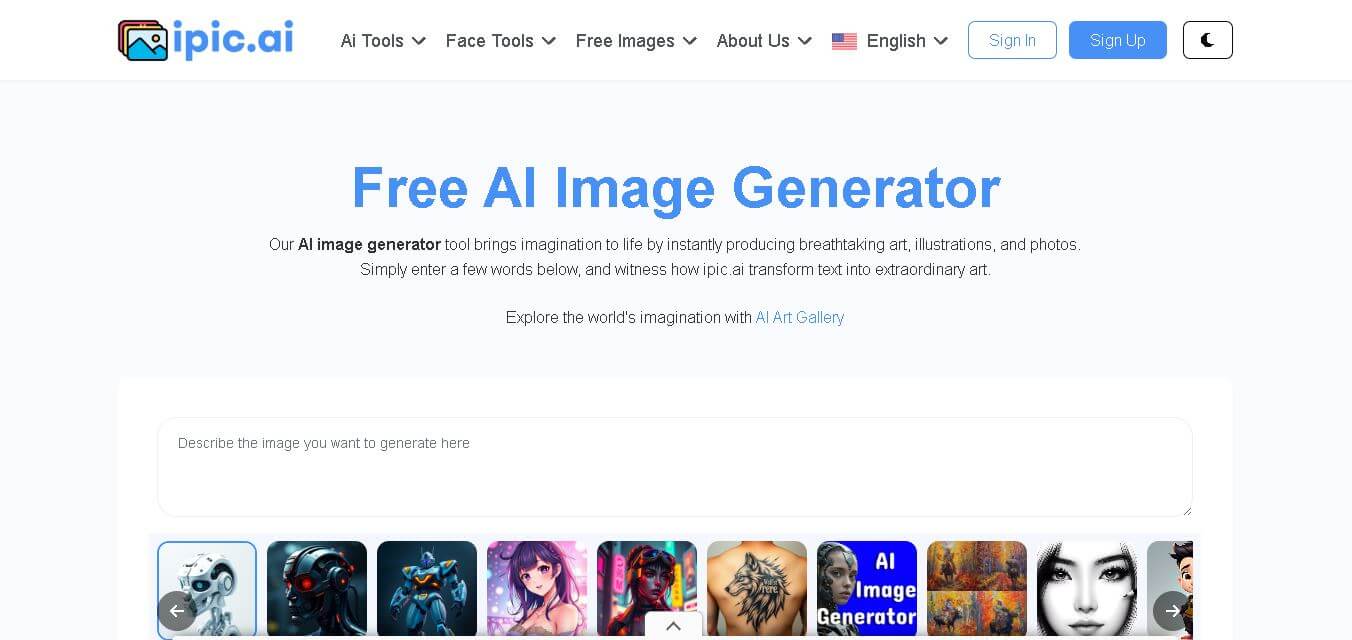
iPic is an AI-powered image generation and editing platform that lets users create visuals from text prompts and enhance photos with tools like background removal, upscaling, and style filters. It’s designed for quick, creative image creation for marketing, social media, and design needs.
 4.8
4.8Funy AI
Art
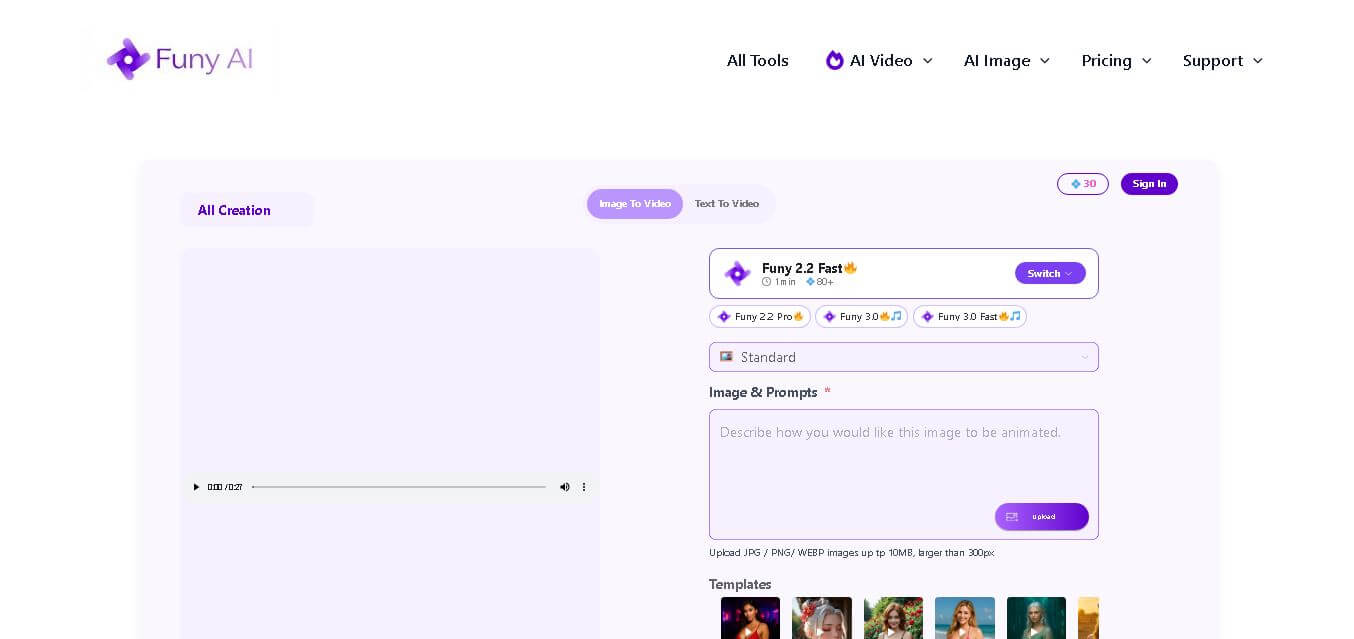
Funy AI brings multiple creative tools into one place for generating, editing, enhancing, and transforming visual content. Users can create videos from text or images, generate artwork, improve photo quality, remove backgrounds, and experiment with creative effects. Its simple interface and no-sign-up access make experimentation convenient for beginners and creators.
 4.7
4.7Illusion Diffusion (AP123)
Art
IllusionDiffusion helps creators turn patterns, shapes, and illusion images into visually striking artwork. Users provide an input illusion and text prompt, then adjust controls such as illusion strength and seed to influence the result. It is particularly useful for experimental AI art, social media graphics, creative concepts, and visual design projects.
 4.5
4.5Neural Love
Art
Neural.love helps creators improve, generate, restore, and transform visual content with AI. You can upscale images, enhance videos, restore old photographs, generate AI art, animate images, and edit visuals online. Its browser-based tools make advanced image and video processing accessible without requiring complex editing software or technical expertise.
 4.9
4.9Leonardo AI
Design
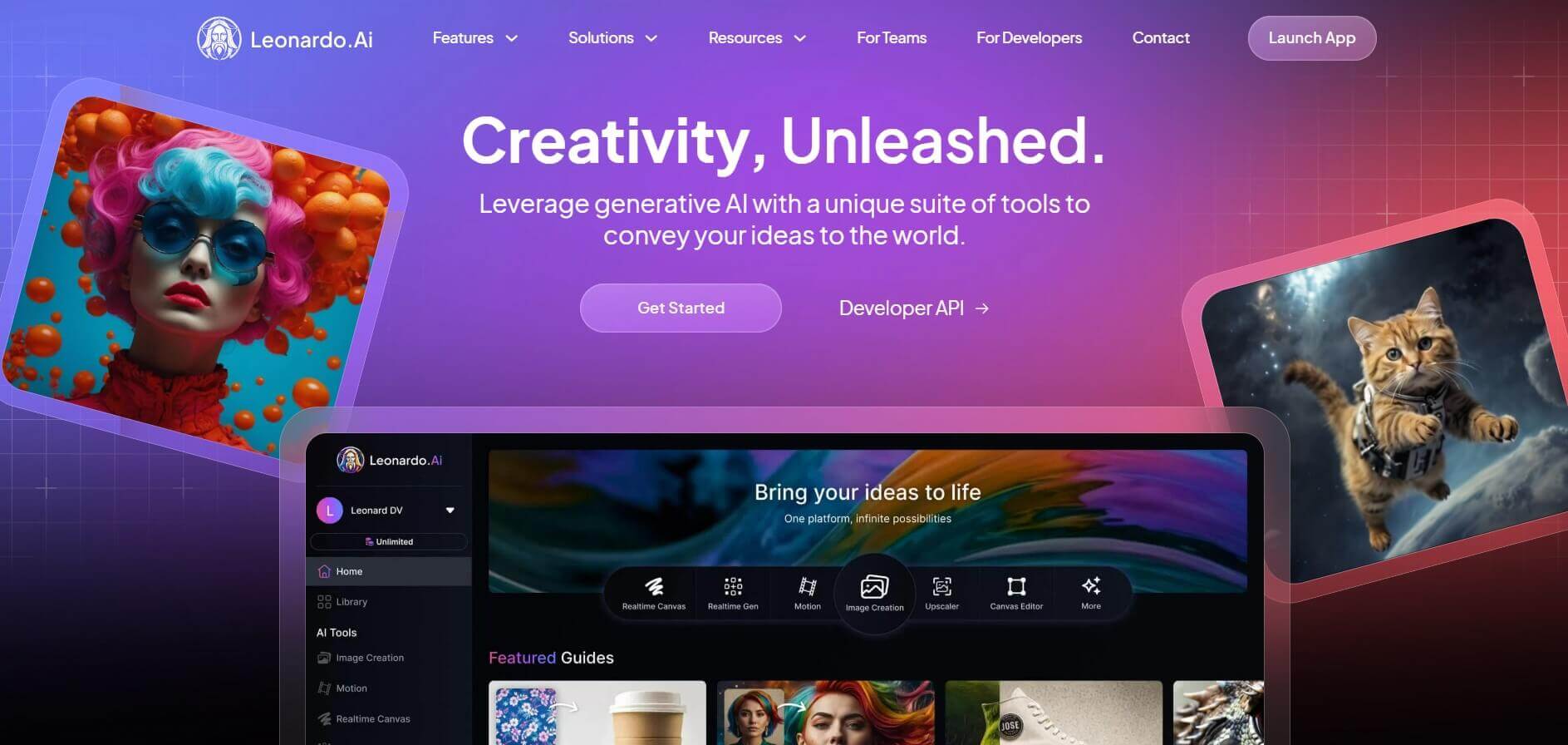
Leonardo is an advanced generative AI platform for image and video creation, featuring custom model fine-tuning (LoRA training), Real-Time Canvas, Real-Time Generation, and multi-model support across proprietary Phoenix, Lucid, and FLUX architectures.
 4.8
4.8Coool.ai
Art
Coool.ai is a comprehensive web-based platform that aggregates over 15 leading AI image and video generation models—including Midjourney, Flux, Kling, and Veo—into a single interface with a community prompt gallery.
 4.6
4.6KrispCall
Art
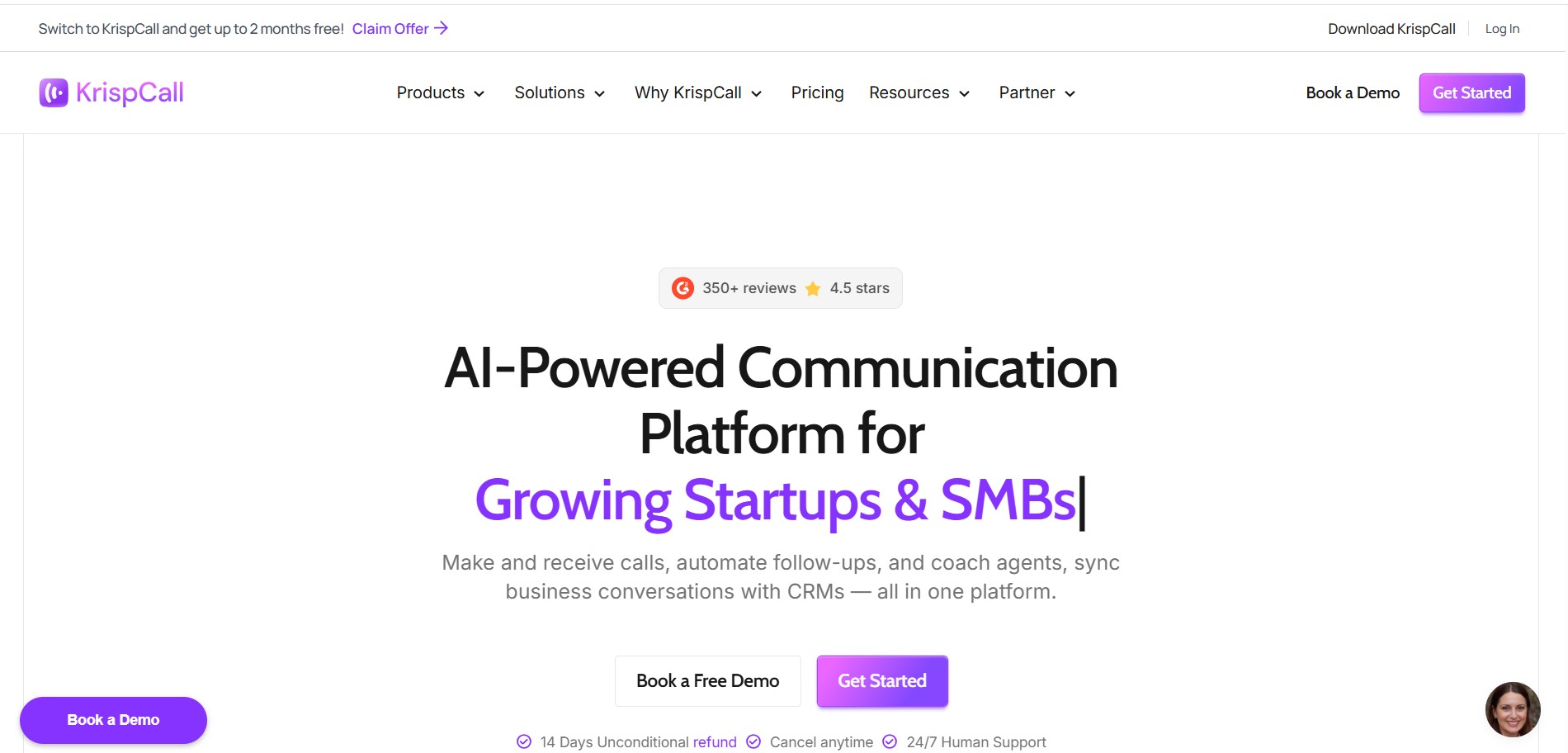
KrispCall is an AI-driven cloud telephony service that integrates business calling, texting, and analytics directly into CRM and help desk workflows. It offers AI Copilot, global virtual numbers, and over 100 integrations to modernize sales and support team communications.
 4.5
4.5QuickQR Art
Art
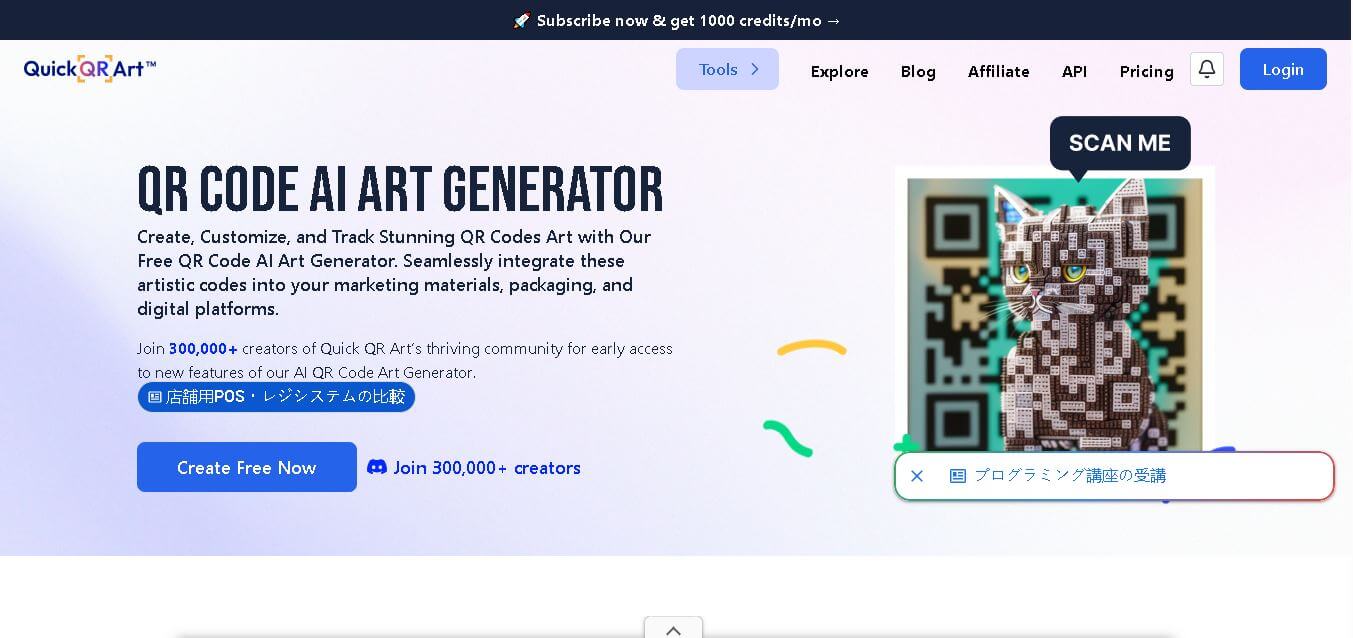
Quick QR Art is a creative QR code generation tool that transforms ordinary QR codes into visually appealing artwork while keeping them scannable. It helps individuals, marketers, designers, and businesses create branded QR experiences with customization, analytics, dynamic QR codes, and AI-generated designs that improve engagement across digital and print campaigns.
 4.8
4.8Lexica Art
Image
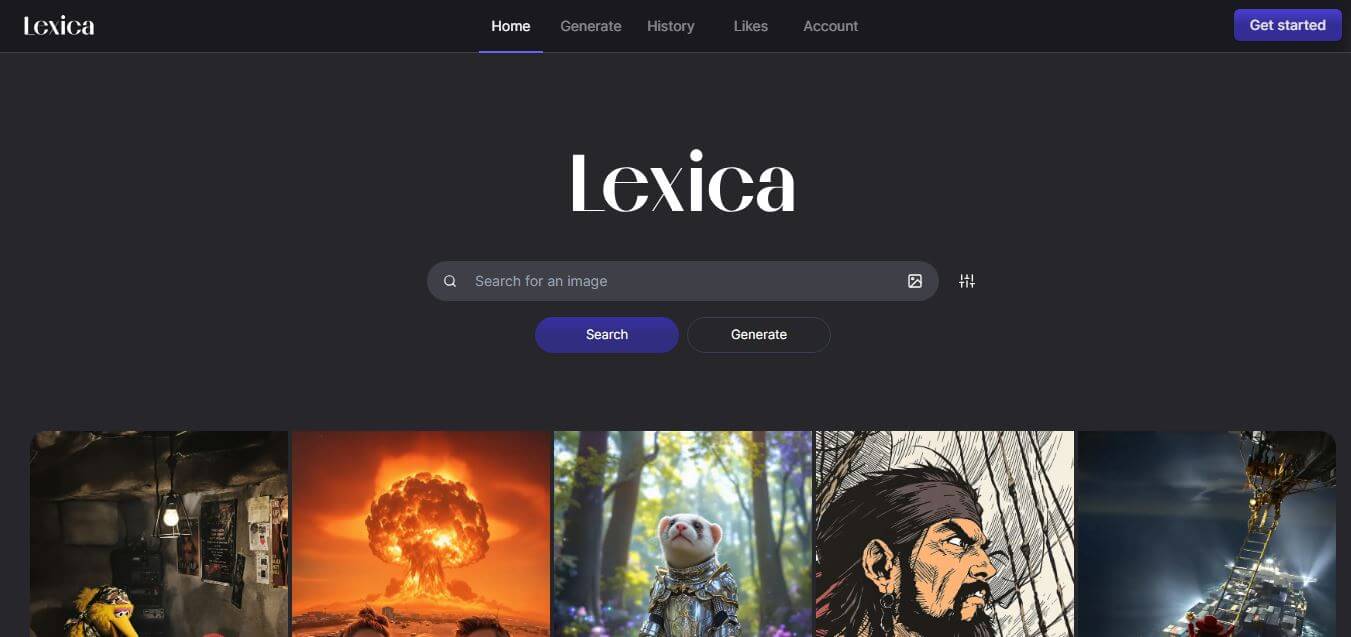
Lexica Art (lexica.art) is a specialized AI image generation platform and searchable prompt discovery engine powered by the Aperture model, enabling creators to search millions of photorealistic AI artworks and generate high-resolution visual assets.