
Adobe Podcast
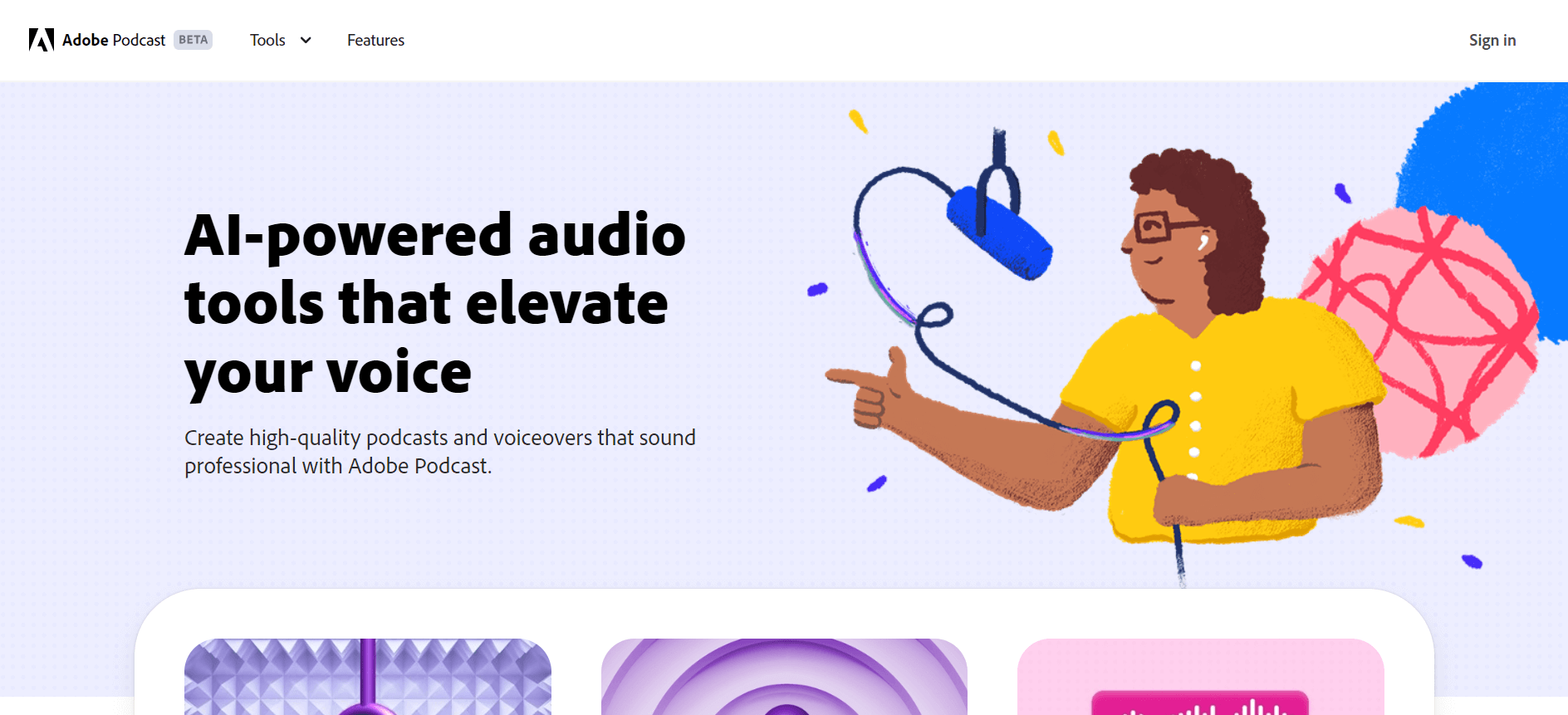
Adobe Podcast is a web-based audio tool that lets you record, edit, transcribe, and enhance voice recordings directly in your browser. It uses AI to remove noise, improve clarity, and create professional-quality podcasts and voiceovers without needing advanced equipment.
What is Adobe Podcast?
Adobe Podcast is a web-based audio recording and editing platform that helps you create clear, professional-quality voice content without needing advanced tools or equipment. It allows you to record, edit, and enhance audio directly from your browser. One of its biggest strengths is automatic voice enhancement, which removes background noise and improves clarity instantly. This makes it especially useful for podcasters, content creators, and professionals who want high-quality audio without spending hours on editing. It simplifies the entire process, making audio production faster, easier, and more accessible for everyone.
- Founders: Adobe Inc. (developed as part of Adobe’s product ecosystem)
- CEO: Shantanu Narayen (Adobe CEO)
- Launch Year: 2022
- Headquarters: San Jose, California, USA
- Company Type: Web-based audio recording and editing platform
- Use Cases: Podcast recording, voice enhancement, audio editing, transcription, voiceovers
- Technology: AI speech enhancement, noise reduction, text-based audio editing, browser-based recording
- Target Users: Podcasters, content creators, educators, marketers, professionals
- Launch / Growth: Rapid adoption among creators, integrated with the Adobe ecosystem, and popular for easy browser-based audio editing.
Adobe Podcast, launched in 2022, has quickly gained traction as a browser-based audio tool for creators worldwide. The platform attracts around 8.5M–10M monthly visits, with approximately 3.2M unique users per month, showing strong and consistent demand. Users spend an average of 8 minutes+ per session, indicating high engagement. India alone contributes about 28% of total traffic, followed by the U.S. and Brazil. The tool also holds nearly 70%+ share within podcast AI tools, highlighting its dominance in this category. Backed by Adobe’s ecosystem, it benefits from a massive user base of 850M+ active users across Adobe platforms, supporting rapid adoption.
Key Features of Adobe Podcast
Adobe Podcast is designed to make audio creation simple and professional, even if you don’t have technical experience. It focuses on improving sound quality and making editing feel effortless.
- AI Voice Enhancement: Cleans up background noise and makes your voice sound studio-quality
- Browser-Based Recording: Record audio directly without installing any software
- Text-Based Editing: Edit audio by editing the transcript like a document
- Automatic Transcription: Converts speech into text instantly for easy editing
- Multi-Track Recording: Record multiple speakers separately for better control
- Noise & Echo Removal: Removes unwanted sounds automatically
- Easy Sharing & Export: Quickly download or share your final audio
Adobe Podcast Pricing
If you’re planning to use Adobe Podcast, the good part is that it keeps pricing simple and beginner-friendly. You don’t have multiple confusing tiers—just a free plan and one premium upgrade.
- Free Plan: You can use core features like audio enhancement and basic recording for free, but there are limits (like 30-minute files and ~1 hour usage per day)
- Premium Plan (~$9.99/month): Gives you advanced features like video support, bulk uploads, longer files (up to 2 hours), and up to 4 hours of processing per day
- Free Trial: You can try premium features with a 30-day free trial before paying
From a practical point of view, if you’re just starting or recording occasionally, the free version is enough. But if you’re serious about podcasting or content creation, the premium plan feels affordable and worth upgrading.
Is Adobe Podcast Worth It?
If you’re someone who records audio regularly, Adobe Podcast is honestly a great option. It removes one of the biggest problems—poor audio quality—by automatically enhancing your voice, even if you’re using a basic mic. That alone can save you a lot of time and effort.
- Worth it for: Podcasters, YouTubers, students, and content creators
- Big Advantage: Makes audio sound professional without editing skills
- Saves Time: No need for complex software or manual cleanup
- Easy to Use: Works directly in your browser
- Not ideal for: Advanced users who need deep manual audio control
- Limitation: Free plan has usage limits.
If you want quick, clean, and professional audio without complexity, Adobe Podcast is definitely worth trying.
Disclaimer: For the latest and most accurate pricing information, please visit the official Adobe website.
How Does Adobe Podcast Work?
Adobe Podcast works by simplifying the entire audio creation process—from recording to editing and enhancing—directly in your browser. You don’t need complex software or technical skills.
- Step 1: Record or Upload Audio: You can record your voice directly or upload an existing audio file
- Step 2: Automatic Enhancement: The tool uses AI to remove noise, reduce echo, and improve voice clarity instantly
- Step 3: Transcription: Your audio is converted into text so you can see and edit it easily
- Step 4: Edit Like a Document: You can edit audio by editing the text (cut, delete, or adjust parts)
- Step 5: Fine-Tune & Export: Make final adjustments and download or share your polished audio
Adobe Podcast works like a smart audio editor that turns raw recordings into clean, professional-quality sound with minimal effort.
Why Did Adobe Podcast Become Popular?
Adobe Podcast became popular because it solved a very common problem—creating high-quality audio without expensive equipment or complex editing tools. Most people struggle with background noise and unclear recordings, and this tool made that process almost effortless.
- Easy to Use: No need for technical skills or advanced software
- AI Voice Enhancement: Instantly improves audio quality, even from basic recordings
- Browser-Based: No downloads required, works directly online
- Time-Saving: Reduces hours of manual editing into just a few clicks
- Adobe Brand Trust: Backed by Adobe, which already has a strong creator ecosystem
- Growing Creator Economy: More podcasters, YouTubers, and creators needed simple audio tools
Who Is Using Adobe Podcast?
Adobe Podcast is used by a wide range of people who want to create or improve audio content without dealing with complex tools. It’s especially popular among creators and professionals who need clean, high-quality sound quickly.
- Podcasters & Content Creators: Record, edit, and enhance podcasts or voice content easily
- YouTubers & Video Creators: Improve voiceovers and audio quality for videos
- Students & Educators: Convert lectures, notes, and projects into audio content for easier learning
- Marketing & Sales Professionals: Turn reports, briefs, and insights into audio for on-the-go listening
- Business Professionals: Create presentations, voiceovers, and internal communication audio
- Accessibility Users: Listen to content instead of reading, making information easier to consume
Adobe Podcast Alternatives
If you’re exploring alternatives to Adobe Podcast, there are plenty of strong tools depending on your needs—whether it’s editing, voice generation, or full podcast production. Popular options include Descript, Murf.ai, Riverside, and Audacity, which offer features like transcription, voiceovers, and multi-track editing.
- Descript: Best for text-based audio and video editing with transcription
- Murf.ai: Ideal for creating realistic voiceovers and narration
- Riverside: Great for high-quality remote podcast recording
- Audacity: Free and powerful tool for manual audio editing
- Podcastle: All-in-one platform for recording, editing, and publishing podcasts
- Wondercraft: Useful for creating audio content and voice-based storytelling
- Auphonic: Focuses on automatic audio enhancement and leveling
- Otter.ai: Best for transcription and converting speech into text
- ElevenLabs: Strong for AI voice generation and voice cloning
Adobe Podcast Pros and Cons
Adobe Podcast is a great tool for quick and clean audio production, but it has its strengths and a few limitations depending on your needs.
Pros
- Improves Audio Quality Instantly: Makes even basic recordings sound clear and professional
- Easy to Use: No technical skills or editing experience required
- Browser-Based: No need to download or install software
- Text-Based Editing: Edit audio just like editing a document
- Saves Time: Reduces hours of manual editing into minutes
- Good for Beginners: Perfect for creators starting with podcasts or voice content
Cons
- Limited Advanced Controls: Not ideal for professional audio engineers
- Usage Limits in Free Plan: Restrictions on file length and processing time
- Internet Required: Doesn’t work offline since it’s web-based
- Less Flexibility: Compared to tools like Audacity or Adobe Audition
- Dependent on AI Processing: Results may vary depending on input audio quality
Real-World Use Cases of Adobe Podcast
Adobe Podcast is used in many practical situations where people need clean, professional audio without complex editing. It’s especially helpful for quick content creation and improving voice quality.
- Podcast Recording: Create and enhance podcast episodes with clear, studio-like sound
- YouTube Voiceovers: Improve narration quality for videos without expensive microphones
- Online Courses & Tutorials: Record lectures and educational content with better clarity
- Remote Interviews: Clean up audio from Zoom or online interviews
- Business Presentations: Turn reports or presentations into audio format
- Content Repurposing: Convert blogs or articles into audio content for wider reach
- Social Media Content: Create short audio clips or reels with professional sound
- Freelancers & Creators: Deliver high-quality audio projects quickly without heavy editing tools
Why Choose Adobe Podcast?
If you want a simple way to create high-quality audio without dealing with complex editing tools, Adobe Podcast is a very practical choice. It’s designed to make audio creation fast and effortless.
- Instant Audio Improvement: Turns low-quality recordings into clear, professional sound
- No Technical Skills Needed: Anyone can use it without learning advanced editing
- Browser-Based Convenience: Works online, no installation required
- Time-Saving: Reduces hours of editing into just a few clicks
- Text-Based Editing: Edit audio like a document, which feels very intuitive
- Trusted Adobe Ecosystem: Backed by Adobe’s reliable tools and technology
You should choose Adobe Podcast if you want quick, clean, and professional audio without complexity or heavy software.
Adobe Podcast vs Competitors
If you compare Adobe Podcast with competitors, it clearly focuses on one thing—making audio sound better quickly. It’s perfect if you already have a recording and just want to clean it up fast. Descript is more like an all-in-one editing tool. It lets you edit audio and video using text, making it ideal for creators who spend time refining content. Riverside is built for recording high-quality remote interviews, especially with guests. Its local recording feature makes a big difference in audio quality. Audacity, on the other hand, is a free, traditional editor. It gives full control but requires more technical knowledge and time.
| Feature / Tool | Adobe Podcast | Descript | Riverside | Audacity |
|---|---|---|---|---|
| Core Focus | Audio enhancement | Editing + content creation | Remote recording | Manual audio editing |
| Best For | Beginners, quick cleanup | Full podcast production | Interview podcasts | Advanced manual editing |
| Ease of Use | Very Easy | Easy | Moderate | Hard |
| AI Features | Strong (voice enhancement) | Advanced (editing + AI tools) | Moderate | Limited |
| Text-Based Editing | Yes | Best-in-class | Yes | No |
| Recording Quality | Good | Good | Best (local recording) | Depends on setup |
| Video Support | Limited | Full support | Full (4K) | No |
| Pricing | Free + ~$9.99/mo | Free + ~$24/mo | Free + ~$15+/mo | Free |
How We Rate Adobe Podcast
| Parameter | Rating (Out of 5) |
|---|---|
| Ease of Use | 4.8 |
| Audio Quality Enhancement | 4.7 |
| Features & Capabilities | 4.3 |
| Editing Experience | 4.5 |
| Automation & Speed | 4.8 |
| Customization | 4.0 |
| Pricing Value | 4.4 |
| Overall Rating | 4.6 |
Adobe Podcast Review
If you’ve ever recorded audio and felt like, “this could sound a lot better,” Adobe Podcast honestly feels like a quick fix. You just upload your recording, and within seconds, it sounds much clearer and more professional—without doing much work. What I really like is how simple everything is. You don’t need to learn complicated editing tools. The text-based editing feels natural, almost like you’re editing a document instead of audio, which saves a lot of time. That said, if you’re someone who wants full control over every tiny detail, it might feel a bit limited. Overall, it’s perfect if you want clean, high-quality audio quickly without getting into technical complexity.
Conclusion
If you want a simple way to make your audio sound clean and professional, Adobe Podcast is a really solid option. It takes away the usual struggles—like background noise and complicated editing—and gives you quick results without much effort. It’s especially useful if you create content regularly and don’t want to spend hours fixing audio. While it may not offer deep control like advanced tools, it does exactly what most people need—fast and effective audio improvement.
People are also reading:
FAQ
Is Adobe Podcast free to use?
Yes, there’s a free version available. You can enhance and edit audio, but there are limits on usage. If you need more features, you can upgrade to the premium plan.
Do I need a professional mic for Adobe Podcast?
Not really. Even if you record with a basic mic or laptop, Adobe Podcast can improve the audio quality and make it sound much better.
Is Adobe Podcast good for beginners?
Yes, it’s actually one of the easiest tools to use. You don’t need any editing experience—everything is simple and beginner-friendly.
Does Adobe Podcast remove background noise?
Yes, it automatically removes noise and improves voice clarity, which is perfect for recordings done in non-studio environments.
Is Adobe Podcast better than Audacity?
It depends. Adobe Podcast is better for quick and simple editing, while Audacity is better if you want full manual control.
Can I use Adobe Podcast for YouTube voiceovers?
Yes, it works really well for voiceovers and helps make your audio sound more professional without much effort.
Who should use Adobe Podcast?
Anyone who creates audio—podcasters, YouTubers, students, or professionals—can benefit from it, especially if they want better sound quality quickly.
User Reviews
No reviews yet for Adobe Podcast.
Featured Tools
Featured AI tools from TechShark

Melody Genie
MelodyGenie is an AI-powered music generator that creates original songs from simple text prompts. Users can choose styles, moods, and genres, then instantly generate melodies and full tracks, making it easy for creators, marketers, and hobbyists to produce custom music without musical expertise.
Freemium

Kimi AI
Kimi AI is an advanced AI assistant developed by Moonshot AI that helps you chat, research, write, code, and automate tasks in one place. It supports web search, file analysis, and multimodal inputs, and can even run autonomous “agent” workflows to complete complex tasks end-to-end.
Freemium

Fashion Diffusion AI
Fashion Diffusion is an AI-powered fashion design platform that helps brands and designers create clothing designs, virtual try-ons, AI models, product photos, and marketing visuals faster and cost-effectively.
Paid

Veo 4
Veo 4 AI is an AI video creation platform that generates dramatic videos from text, images, audio, and video prompts using realistic motion and synchronized sound.
Paid
Alternatives
Alternatives to Adobe Podcast
Adobe Podcast alternatives include tools like Descript, Riverside, Audacity, Podcastle, and Auphonic. These platforms offer audio editing, recording, and enhancement features. Descript is great for text-based editing, Riverside for remote recording, Audacity for full manual control, and Podcastle for an all-in-one podcast creation experience.
 4.8
4.8Trint
Audio Editing
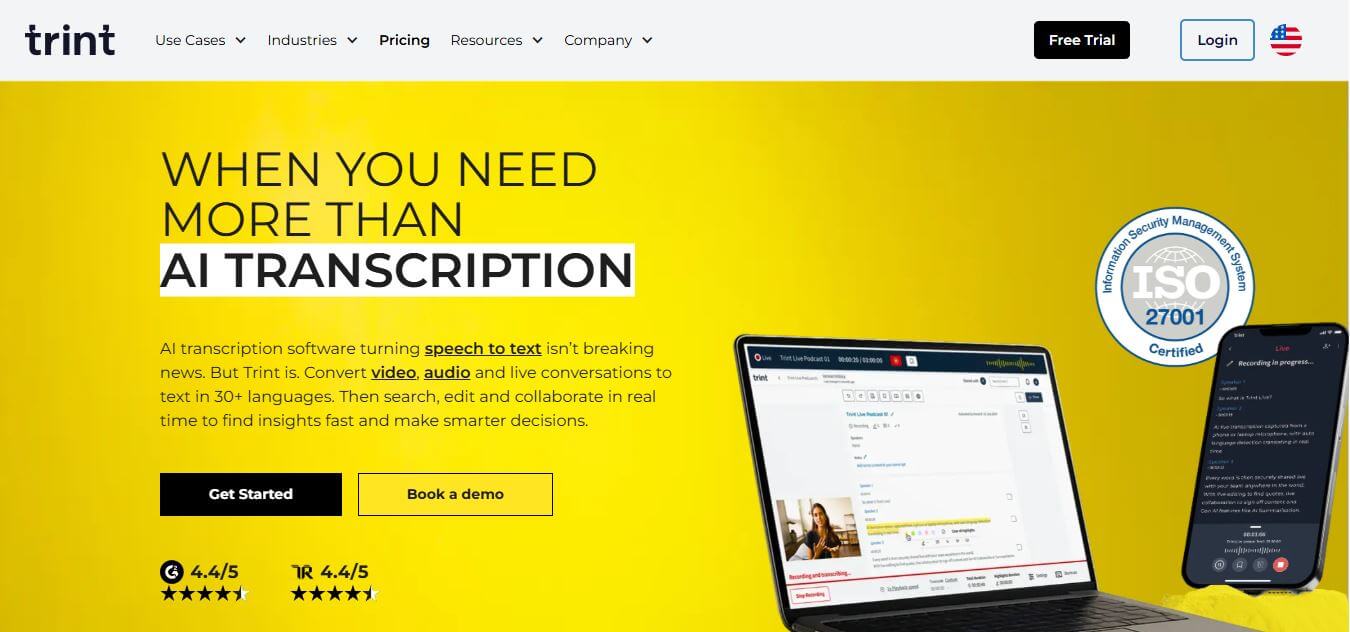
Trint helps professionals turn audio, video, and live conversations into editable, searchable transcripts. It supports multilingual transcription, translation, captions, collaboration, speaker identification, and AI-assisted content discovery. With web, desktop, and mobile workflows, Trint is built for journalists, media teams, businesses, podcasters, researchers, and organizations that need to transform spoken content efficiently.
 4.8
4.8LALAL.AI
Audio Editing
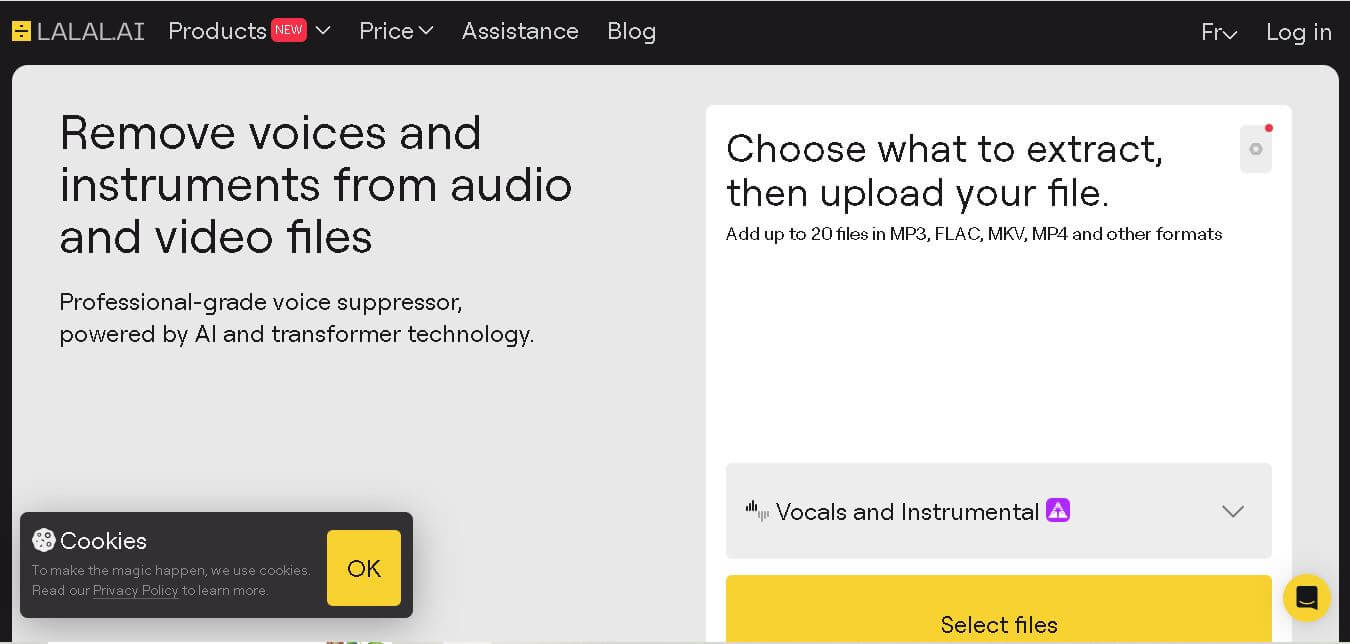
LALAL.AI helps musicians, producers, editors, and creators separate vocals and instruments from existing audio or video recordings. Its tools support stem splitting, vocal removal, voice cleaning, echo reduction, and other audio-processing tasks. Users can work through web, desktop, and mobile applications while choosing different neural networks for separation.
 4.8
4.8AI Coustics
Audio Editing
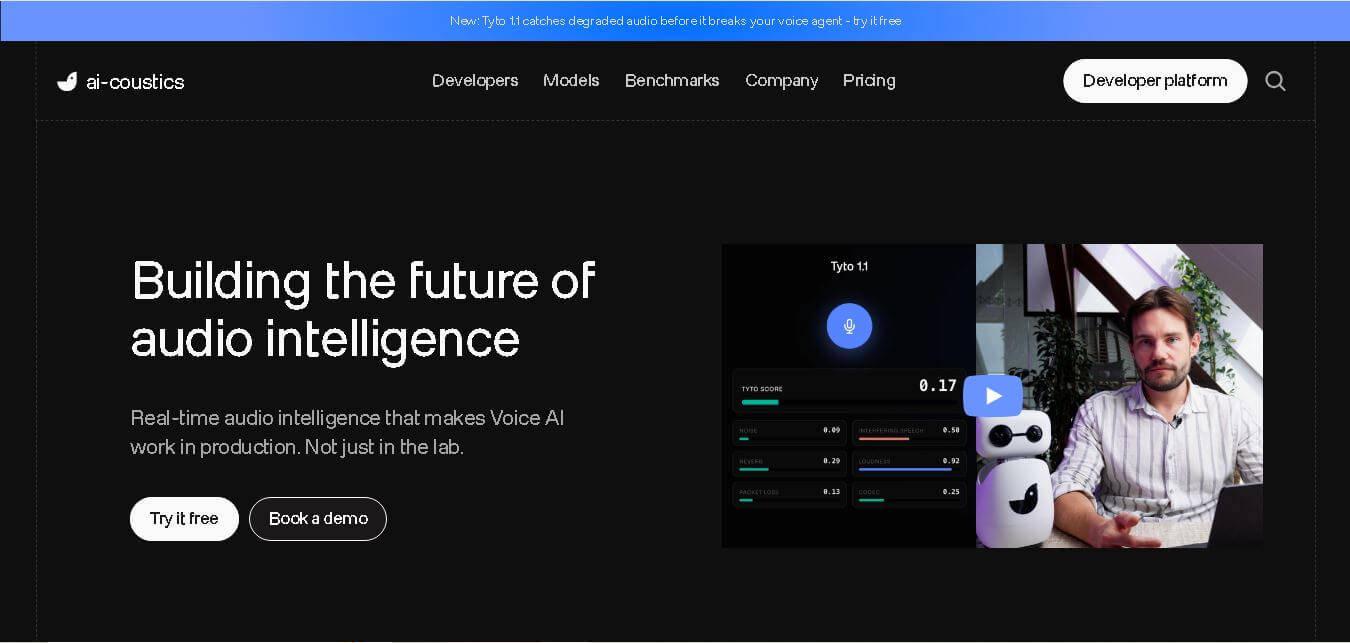
AI Coustics is an AI-powered audio intelligence platform that helps developers improve speech quality for voice AI systems. It enhances, isolates, and analyzes audio in real time, reducing noise and errors, so tools like speech recognition and voice agents perform reliably in real-world conditions.
 4.7
4.7FineVoice AI
Audio Editing
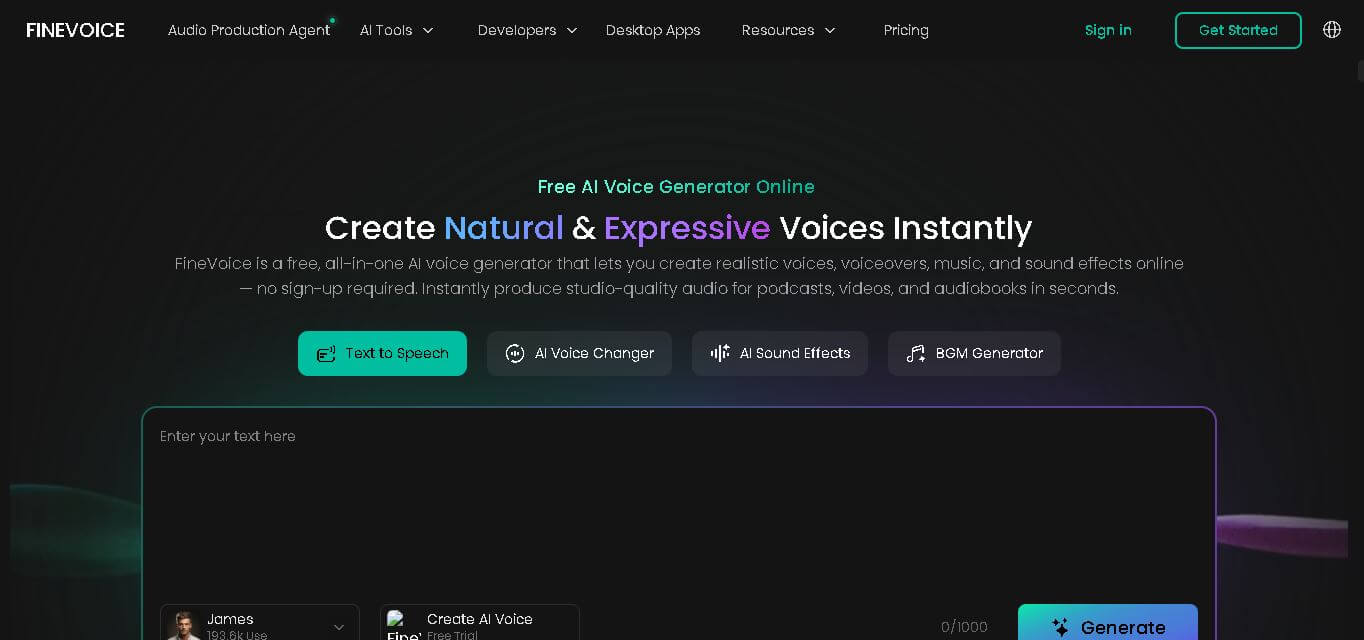
FineVoice helps creators turn text and recordings into natural audio using voice generation, cloning, voice changing, enhancement, transcription, music, and sound-effect tools. With support for 154 languages and 1,500+ voices, it can simplify voiceover production for videos, podcasts, education, gaming, marketing, audiobooks, and other digital content.
 4.6
4.6Cleanvoice AI
Audio Editing
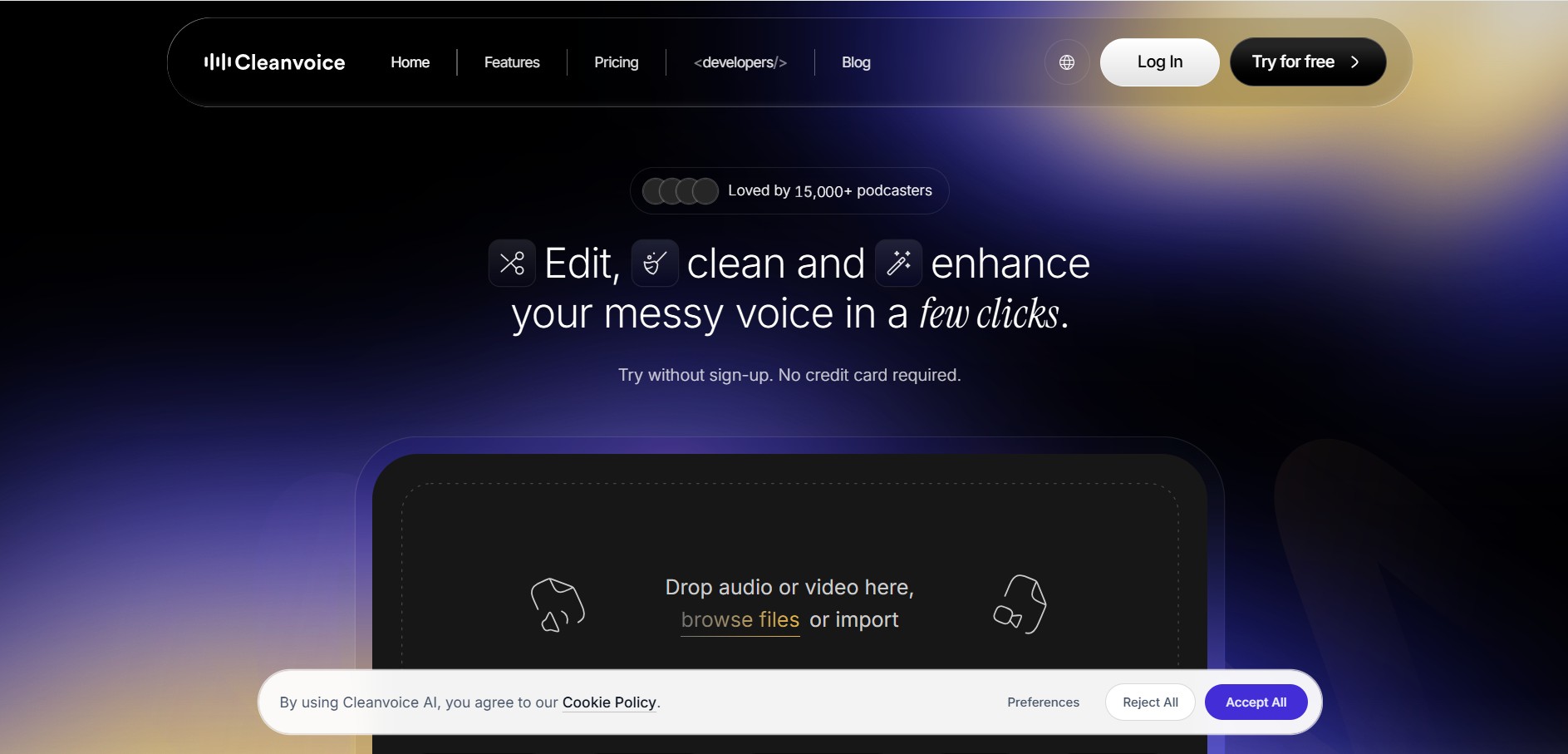
Cleanvoice is a podcast and audio editing tool that automatically improves recordings by removing filler words, background noise, mouth sounds, stutters, and long pauses. It also generates transcripts, summaries, and show notes, helping creators, businesses, and agencies produce professional-quality audio and video content with minimal manual editing.
 4.6
4.6AudioCleaner AI
Audio Editing
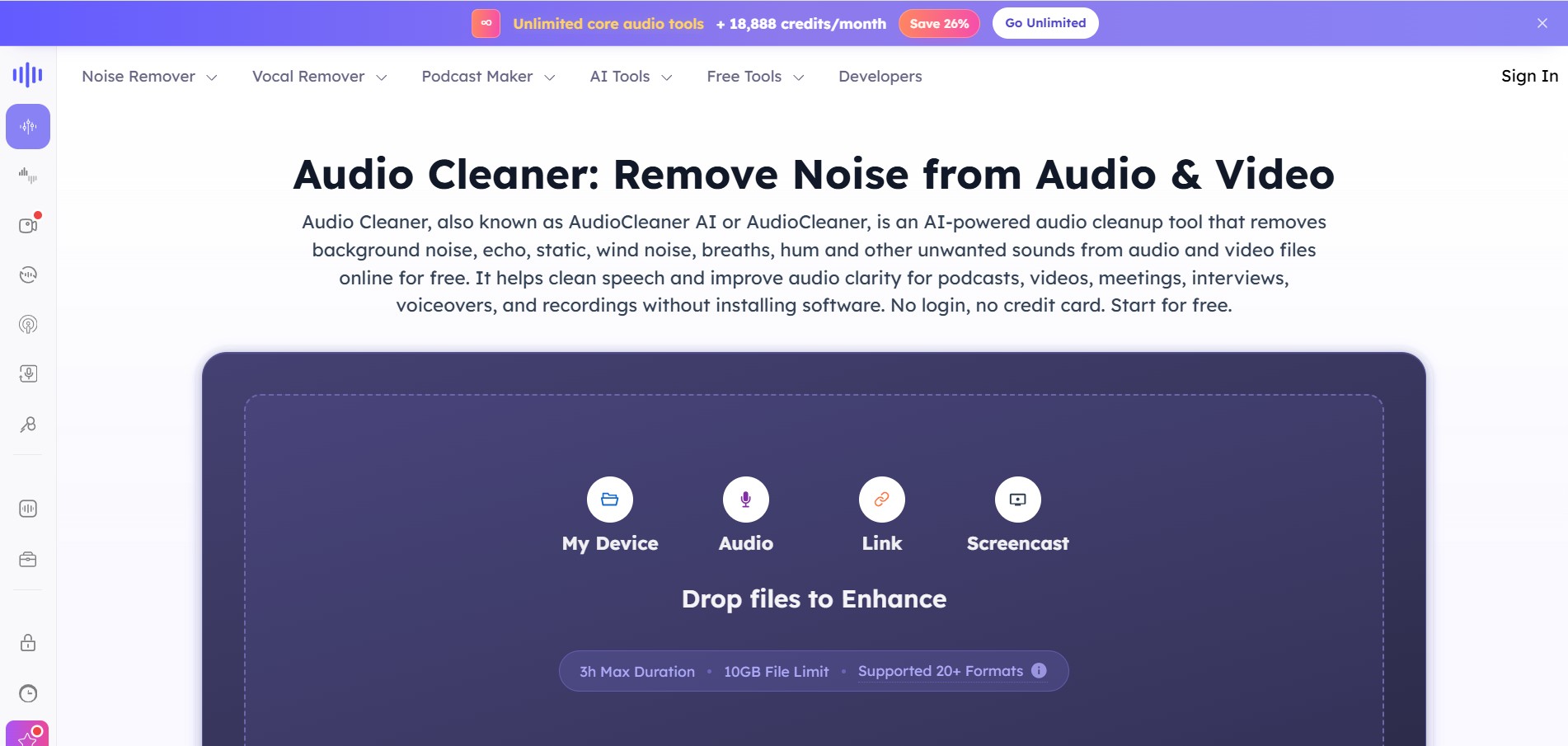
AudioCleaner AI is an online audio enhancement tool that improves sound quality by removing unwanted background noise, echo, static, mouth clicks, and other distractions from audio and video files. It also offers vocal separation, podcast generation, voice transformation, and text-to-speech features, making audio editing faster, simpler, and more accessible.
 4.6
4.6Fathom
Audio Editing
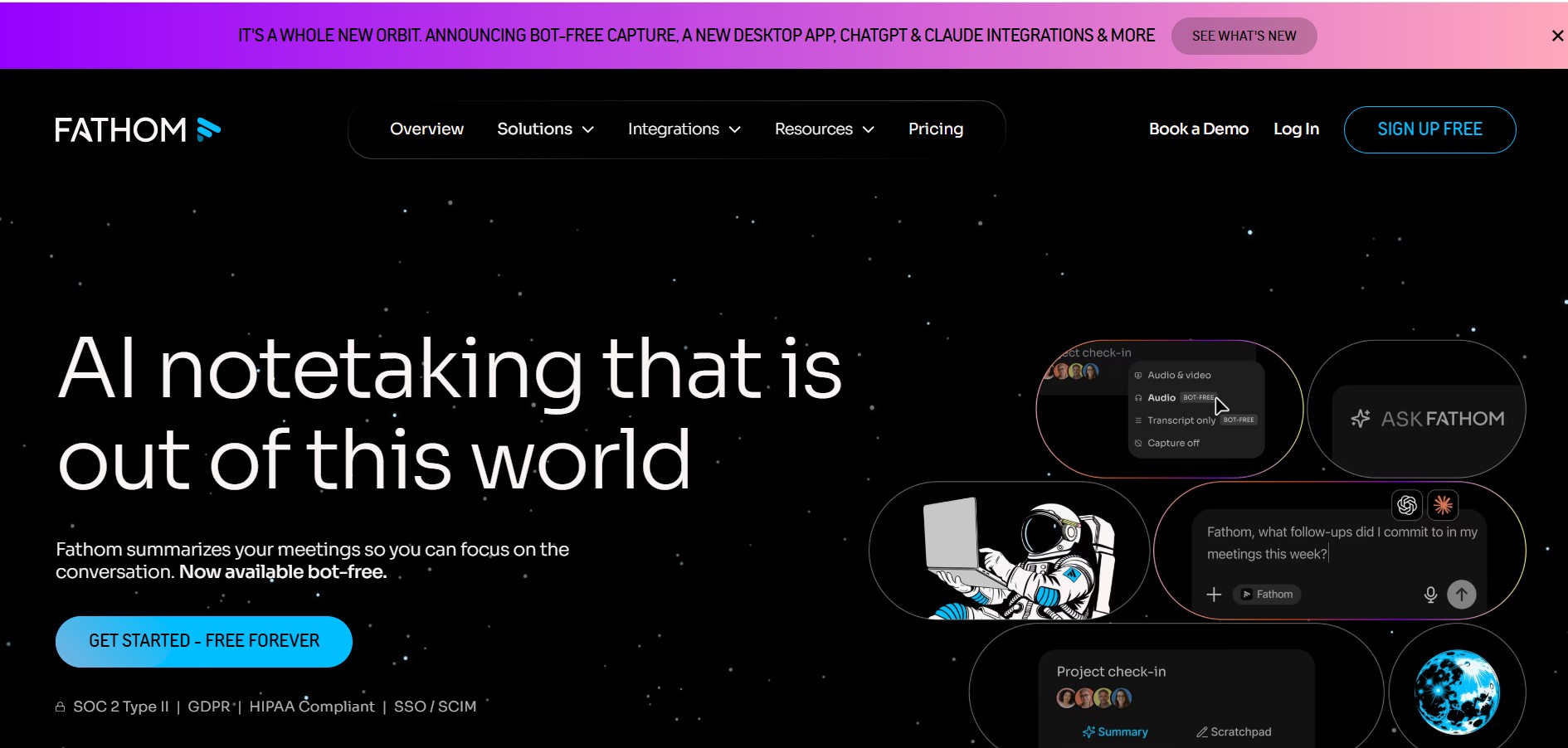
Fathom is an AI-powered notetaker that records, transcribes, highlights, and summarizes meetings instantly, allowing you to stay focused on the conversation rather than taking notes. It integrates with major video conferencing platforms and CRM systems.
 4.8
4.8Speak AI
Transcriber
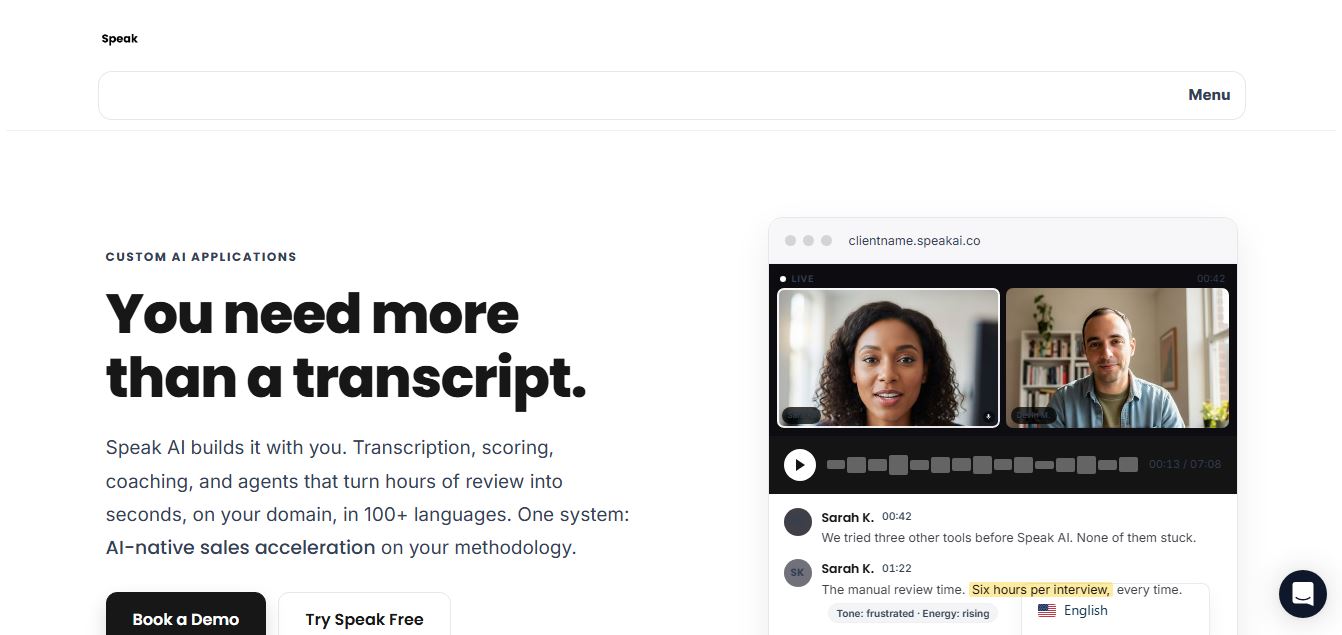
Speak AI is an AI-powered audio transcription, qualitative research, and NLP analysis platform that converts unstructured speech, video recordings, and text into searchable transcripts, sentiment insights, and multi-model AI summaries.
 4.8
4.8Altered AI
Audio Editing
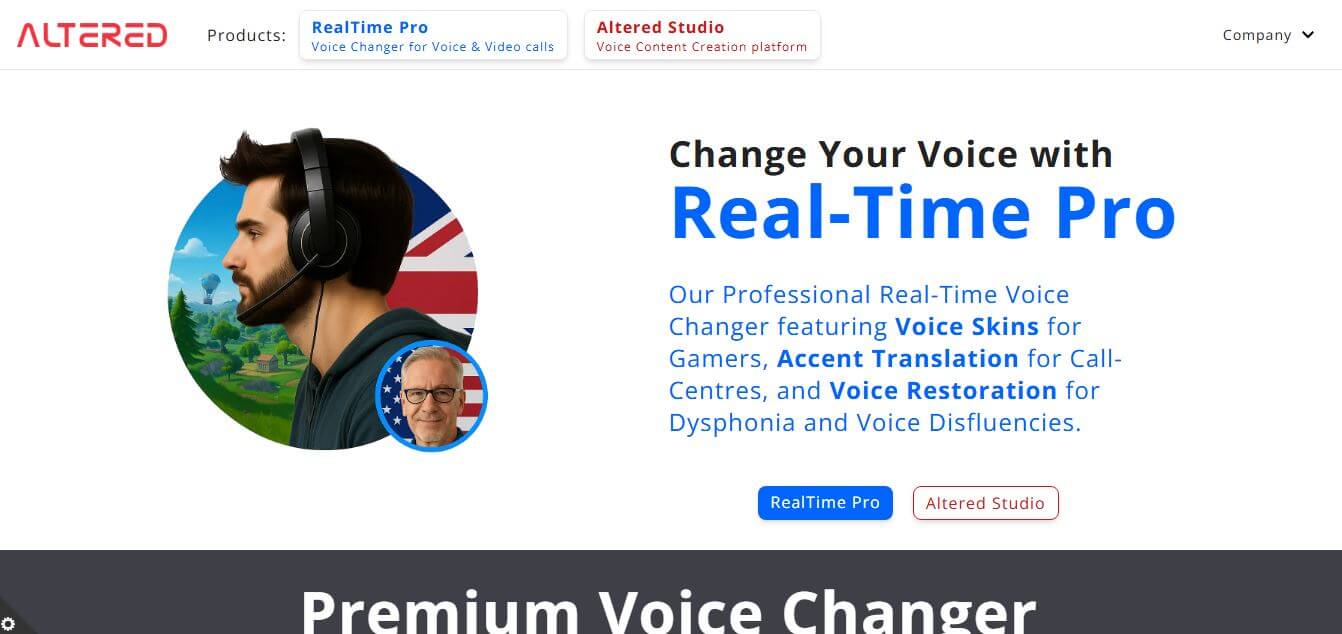
Altered AI (Altered Studio) is a professional Voice AI platform and Speech-to-Speech voice changer that morphs your voice into diverse characters, alters accents, and provides voice cloning, real-time voice skins, and audio cleanup for media production and games.