
ClassPoint AI
ClassPoint AI Quiz Generator helps teachers and trainers create interactive quiz questions directly from PowerPoint slides without writing prompts manually. It analyzes slide content, generates meaningful questions in seconds, supports multiple languages, and offers Bloom's Taxonomy levels to match different learning objectives, making classroom assessments faster, smarter, and more engaging.
What is ClassPoint AI?
ClassPoint AI Quiz Generator is a presentation-based assessment tool that converts PowerPoint slide content into ready-to-use quiz questions within seconds. Designed for educators, trainers, and presenters, it simplifies the process of creating classroom assessments without requiring manual question writing. The tool understands the information on each slide, generates relevant questions, and lets users customize them by selecting question types, Bloom's Taxonomy levels, and preferred languages. Because it works directly inside Microsoft PowerPoint, users can prepare lessons, deliver presentations, and collect live responses without switching applications, improving productivity while creating a more interactive and engaging learning experience.
ClassPoint is trusted by more than 20 million educators, trainers, and students worldwide. The AI Quiz Generator creates 3 major question types: Multiple Choice, Short Answer, and Fill in the Blanks. It supports 6 Bloom's Taxonomy levels, helping teachers generate questions from simple recall to creative thinking. The platform also offers multilingual question generation and works directly inside Microsoft PowerPoint, eliminating the need for additional quiz creation software while saving valuable lesson preparation time.
- Category: AI Quiz Generator, EdTech & Interactive Teaching Tool
- Launch Year: 2023
- Use Cases:
- Instantly generating formative assessment questions from PowerPoint lesson slides
- Running live, gamified quizzes with real-time student leaderboards and star awards
- Differentiating question difficulty using Bloom's Taxonomy cognitive levels
- Conducting interactive polls, short answer checks, and word cloud brainstorming during lectures
- Technology:
- Natural Language Processing (NLP) content analysis engine tuned for educational materials
- Bloom's Taxonomy cognitive level classification models
- Native Microsoft PowerPoint add-in framework with web-based student response integration
- Target Users:
- K-12 teachers seeking fast check-for-understanding tools during daily lessons
- Higher education professors wanting to increase lecture engagement in large classrooms
- Corporate L&D trainers conducting interactive employee training workshops
- Ecosystem: Microsoft PowerPoint Add-In, Presenter Web Dashboard, Student Mobile/Web Response Portal, and downloadable Class Reports.

Key features of ClassPoint AI
ClassPoint AI's key features are
- One-Click Slide-to-Quiz Generation: Scans slide text and instantly generates relevant questions with accurate multiple-choice options and correct answers.
- Bloom's Taxonomy Selector: Allows educators to filter generated questions based on cognitive difficulty levels (Remember, Understand, Apply, Analyze, Evaluate, Create).
- Multiple Interactive Question Types: Converts slide content into Multiple Choice, Short Answer, Word Cloud, Fill in the Blanks, and Slide Drawing activities.
- Multi-Language Support: Analyzes and generates quizzes in over 30 global languages matching the slide language.
- Built-in Classroom Gamification: Award stars, level up students, display real-time leaderboards, and save custom classes directly inside PowerPoint.
- Automated Answer Keys & Explanations: Provides instant correct answer verification and detailed explanations for every generated question.
ClassPoint AI Pricing
ClassPoint offers a freemium pricing structure with free starter credits alongside affordable monthly and annual subscriptions for individual teachers and whole schools.
Free Plan:
- $0/month
- Supports max 25 class size, 20 free AI quiz credits, 5 questions per PowerPoint presentation, 3 saved classes, and basic gamification tools.
Pro Plan:
- $8/month (billed annually at $96/year)
- Supports up to 200 class size, 500 AI quiz credits/month, unlimited questions per presentation, access to all question types, 1-year class reports, and priority support.
Premium / School Plan:
- Custom pricing
- Supports up to 500 class size, unlimited AI quiz credits, custom branding, webhooks, dedicated support, and custom onboarding.
Disclaimer: For the latest and most accurate pricing information, please visit the official ClassPoint AI website.
Is ClassPoint AI Worth It?
ClassPoint AI is highly worth it for teachers and presenters who rely heavily on Microsoft PowerPoint. Its ability to create curriculum-aligned quiz questions directly from existing slide decks saves hours of lesson prep time while turning passive lectures into active, gamified learning experiences.
Real-World Use Cases
- K-12 Formative Assessment: Teachers generate quick checks for understanding at the end of every topic slide to ensure no student falls behind.
- Higher Education Engagement: University lecturers run live polling and multiple-choice quizzes to keep large lecture halls attentive.
- Corporate Onboarding & Compliance Training: L&D teams test employee comprehension during slide presentations with instant leaderboard feedback.
- Interactive Webinars: Presenters embed word cloud and short answer challenges into slides to boost participant interaction.
Who is using ClassPoint AI?
ClassPoint AI is popular among a wide audience of educators and presenters, including
- Primary & Secondary School Teachers: Seeking low-friction gamification tools for daily classroom management
- University Professors & Tutors: Adding interactive polling to existing lecture slides without learning new software
- Corporate Trainers & Workshop Facilitators: Keeping professional adult learners engaged during slide-heavy training sessions
- Instructional Designers: Rapidly prototyping assessment questions directly inside presentation files
Best ClassPoint AI Alternatives
Some of the strongest ClassPoint AI alternatives include
- Kahoot!
- Mentimeter
- AhaSlides
- Quizizz (Wayground)
- Pear Deck
- Wooclap
Pros and Cons of ClassPoint AI
Pros
- Native Microsoft PowerPoint integration eliminates the need to switch apps during class
- AI question generation uses Bloom's Taxonomy to match desired cognitive difficulty levels
- Seamless built-in gamification with stars, levels, and leaderboards
- Generates accurate questions, options, and explanations in seconds from slide text
- Multi-language support generates quizzes in 30+ languages automatically
Cons
- Requires Microsoft PowerPoint, making it less convenient for standalone Google Slides users
- Free version limits class size to 25 students and provides 20 AI credits
- Monthly AI credit limits apply on the Pro tier (500 credits/month)
Why Choose ClassPoint AI?
Creating interactive quizzes traditionally required manually copying slide content into external platforms like Kahoot or Quizizz. ClassPoint AI keeps everything inside PowerPoint, bringing instant AI question generation, student response collection, and gamification into a single familiar ribbon menu.
- Saves hours of manual quiz preparation by reading slide content directly
- Enhances lesson retention with cognitive-level filtering based on Bloom's Taxonomy
- Drives classroom participation with stars, badges, and competitive leaderboards
- Streamlines teaching workflows with comprehensive post-class analytics and reports
How ClassPoint AI Works
- 1. Install Add-In & Open PowerPoint: Download the ClassPoint add-in and open any existing PowerPoint presentation slide deck.
- 2. Click ClassPoint AI: Select a slide and click the ClassPoint AI button in the PowerPoint ribbon to analyze the slide text.
- 3. Choose Question Settings: Select desired question type (Multiple Choice, Short Answer, Word Cloud) and set Bloom's Taxonomy level.
- 4. Present & Collect Live Responses: Run slideshow mode; students join via mobile or browser using a class code to submit live answers.
ClassPoint AI vs. Competitors
While platforms like Kahoot! and Mentimeter require building presentations on separate websites or importing slides, ClassPoint AI operates directly within Microsoft PowerPoint, providing native presentation tools, AI quiz creation, and gamification in one seamless add-in.
| Feature | ClassPoint AI | Kahoot! | Mentimeter |
|---|---|---|---|
| Primary Focus | PowerPoint Quiz & Engagement Add-in | Game-Based Assessment Platform | Interactive Presentation Polling |
| PowerPoint Integration | Native In-App Add-In | Web Import / Basic Add-In | Web Import / Office Add-In |
| AI Quiz Generation | Direct Slide-to-Quiz (Bloom's Aligned) | AI Question Generator | AI Presentation Builder |
| Gamification System | Stars, Levels, Badges & Leaderboards | Music, Points & Podium Games | Basic Quiz Scoring |
| Starting Price | Free / $8/month | Free / $17/month | Free / $11.99/month |
How do we rate ClassPoint AI?
| Parameter | Rating (out of 5) |
|---|---|
| Ease of Use | 4.9 |
| Question Quality | 4.7 |
| Gamification & Engagement | 4.8 |
| PowerPoint Integration | 4.9 |
| Value for Money | 4.7 |
| Overall Score | 4.8 |
ClassPoint AI Review
ClassPoint AI offers one of the most practical EdTech integrations available for teachers who use PowerPoint daily. By combining instant slide-based AI quiz generation with live gamification and Bloom's Taxonomy level controls, it turns passive lecture slides into high-engagement interactive learning sessions without requiring complex setup.
Conclusion
ClassPoint AI Quiz Generator makes quiz creation faster, easier, and more interactive by transforming ordinary PowerPoint slides into engaging classroom assessments. Instead of spending valuable time writing questions manually, educators can generate customized quizzes that support different learning levels and languages. Its seamless PowerPoint integration, live response capabilities, and Bloom's Taxonomy customization make it a practical solution for schools, universities, and corporate training environments. Whether you're preparing lessons, reviewing concepts, or conducting formative assessments, ClassPoint AI helps improve student engagement while reducing preparation time, making it an excellent addition to any modern teaching or presentation workflow.
FAQ
How does ClassPoint AI Quiz Generator create quiz questions?
ClassPoint AI Quiz Generator scans the content available on your PowerPoint slide and understands its context before generating relevant quiz questions automatically. You can choose Multiple Choice, Short Answer, or Fill in the Blanks formats and adjust the cognitive difficulty using Bloom's Taxonomy. This significantly reduces manual work while ensuring questions stay aligned with your lesson objectives and presentation content.
Can I customize the AI-generated questions?
Yes. After generating questions, you can customize the question format, select different Bloom's Taxonomy levels, generate alternative questions, review suggested answers, and save questions as presentation slides. This flexibility allows teachers to create quizzes that match different student abilities, classroom activities, and learning outcomes without starting from scratch every time.
Does ClassPoint AI support multiple languages?
Yes. ClassPoint AI supports multiple languages, allowing educators to generate quiz questions in their preferred language. This feature helps teachers deliver lessons to multilingual classrooms and international learners more effectively. Language support also improves accessibility, making it easier to create inclusive educational experiences without translating every question manually.
Who should use ClassPoint AI Quiz Generator?
ClassPoint AI Quiz Generator is suitable for school teachers, university lecturers, corporate trainers, online educators, and presenters who regularly use PowerPoint. Anyone looking to save time while creating engaging quizzes can benefit from its automation features. It works especially well for formative assessments, classroom discussions, revision sessions, workshops, and professional training programs.
Does ClassPoint AI work inside Microsoft PowerPoint?
Yes. One of ClassPoint AI's biggest advantages is its seamless integration with Microsoft PowerPoint. Users can generate quiz questions, present lessons, collect live responses, and manage interactive classroom activities without leaving PowerPoint. This streamlined workflow reduces distractions, improves teaching efficiency, and eliminates the need for switching between multiple educational applications.
User Reviews
No reviews yet for ClassPoint AI.
Featured Tools
Featured AI tools from TechShark

Melody Genie
MelodyGenie is an AI-powered music generator that creates original songs from simple text prompts. Users can choose styles, moods, and genres, then instantly generate melodies and full tracks, making it easy for creators, marketers, and hobbyists to produce custom music without musical expertise.
Freemium

Kimi AI
Kimi AI is an advanced AI assistant developed by Moonshot AI that helps you chat, research, write, code, and automate tasks in one place. It supports web search, file analysis, and multimodal inputs, and can even run autonomous “agent” workflows to complete complex tasks end-to-end.
Freemium

Fashion Diffusion AI
Fashion Diffusion is an AI-powered fashion design platform that helps brands and designers create clothing designs, virtual try-ons, AI models, product photos, and marketing visuals faster and cost-effectively.
Paid

Veo 4
Veo 4 AI is an AI video creation platform that generates dramatic videos from text, images, audio, and video prompts using realistic motion and synchronized sound.
Paid
Alternatives
Alternatives to ClassPoint AI
The best ClassPoint AI alternatives include Kahoot!, Mentimeter, AhaSlides, Quizizz, Pear Deck, and Wooclap. Kahoot! and Quizizz lead in game-based quizzes, Mentimeter excels at live audience polling, while Pear Deck offers Google Slides integration.
 4.8
4.8PitchBob
Presentation
PitchBob.io helps entrepreneurs develop startup ideas and create pitch decks, investor letters, business plans, and executive summaries. Through guided AI conversations, it organizes business information, offers pitch feedback, and supports fundraising preparation. It is useful for founders who want structured startup documents without starting from a blank page.
 4.6
4.6Xavier AI
Presentation
Xavier AI is a strategy-focused presentation tool designed to help professionals create consulting-style business decks quickly. It can transform prompts or uploaded documents into structured presentations, support market and competitive analysis, and provide sourced information. Users can also customize presentations to company branding and export finished decks to PowerPoint files.
 4.9
4.9Zoho Sheet
Spreadsheets
Zoho Sheet is a cloud-based spreadsheet tool that lets users create, edit, and collaborate on data in real time. It offers formulas, charts, automation, and AI-powered insights, helping teams analyze data, manage workflows, and work together efficiently from anywhere.
 4.9
4.9Slidesgo
Presentation
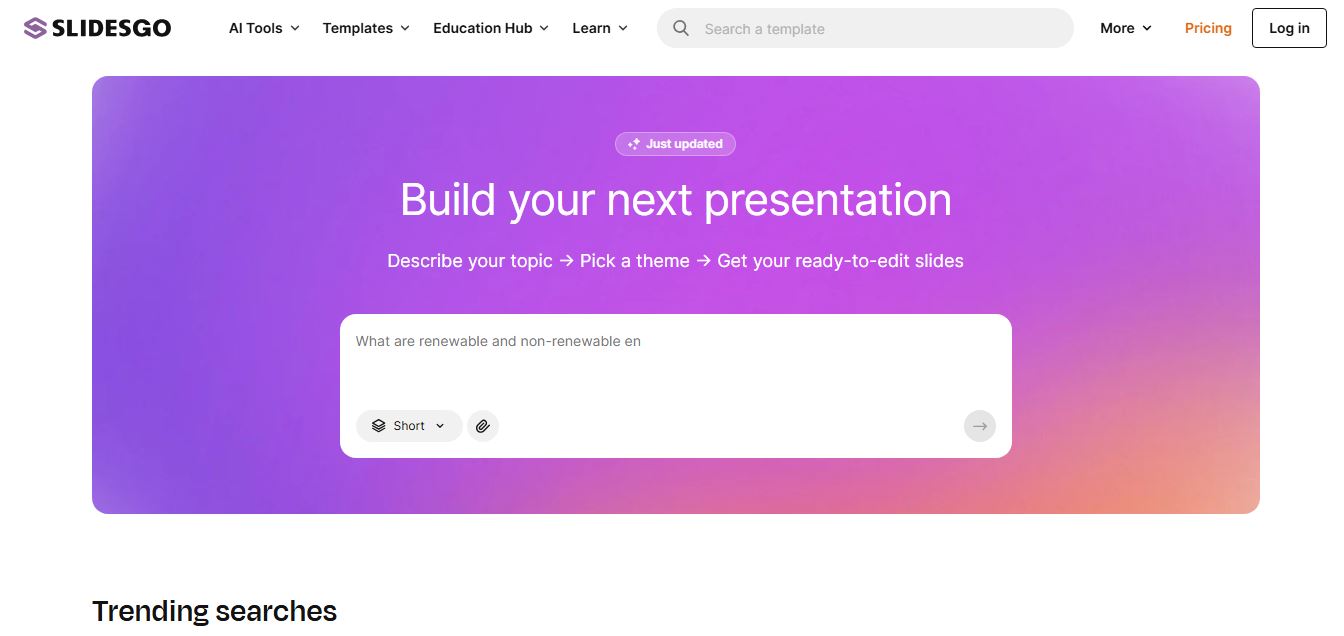
Slidesgo is a platform that offers free and premium presentation templates for Google Slides and PowerPoint. It provides professionally designed slides for business, education, and creative use, helping users create visually appealing presentations quickly without starting from scratch.
 4.8
4.8SlideSpeak
Presentation
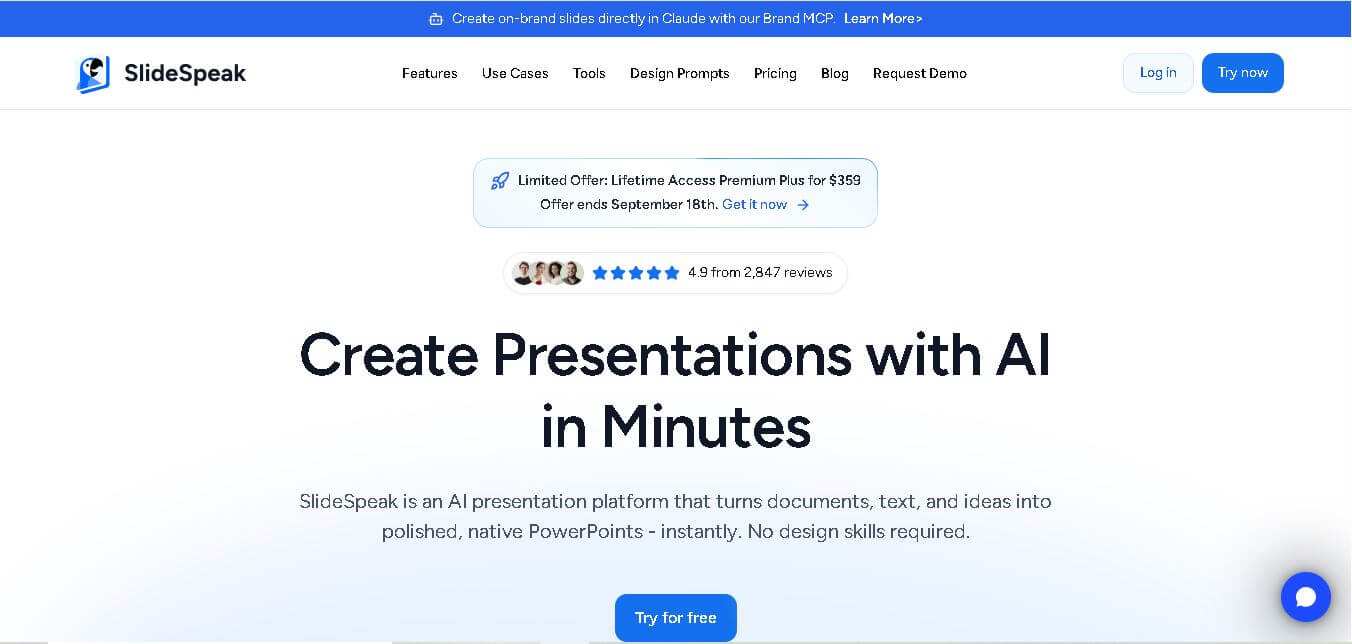
SlideSpeak is an AI-powered presentation tool that lets users chat with PowerPoint files, summarize slides, and generate new presentations from documents or prompts. It helps extract insights, create slides quickly, and turn content into clear, structured presentations with minimal effort.
 4.8
4.8MagicSlides
Presentation
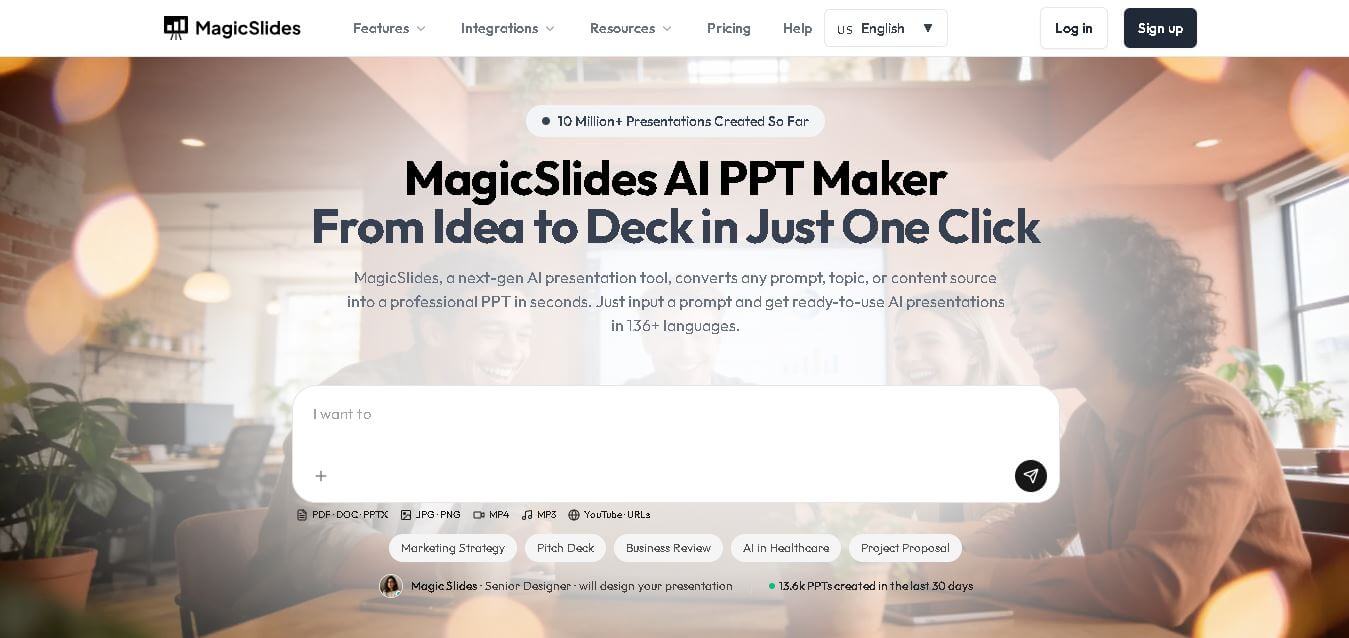
MagicSlides helps users create polished presentations from ideas, text, documents, URLs, and other content. It combines automated slide generation with templates, design systems, AI editing, image support, and multiple export formats. Students, teachers, professionals, consultants, and entrepreneurs can use it to produce presentations faster without building every slide manually.
 4.8
4.8Alai
Presentation
Alai is an AI presentation and design maker backed by Y Combinator that generates on-brand pitch decks, slide decks, infographics, carousels, and social visuals from prompts, documents, or links using custom design systems and native PPT/PDF exports.
 4.9
4.9Beautiful AI
Presentation
Beautiful.ai is an AI-powered presentation software that helps users create professional slides quickly with smart design automation. It automatically adjusts layouts, formatting, and visuals, allowing teams to build polished, consistent presentations without manual design work or advanced skills.
 4.8
4.8GitMind
Project Management
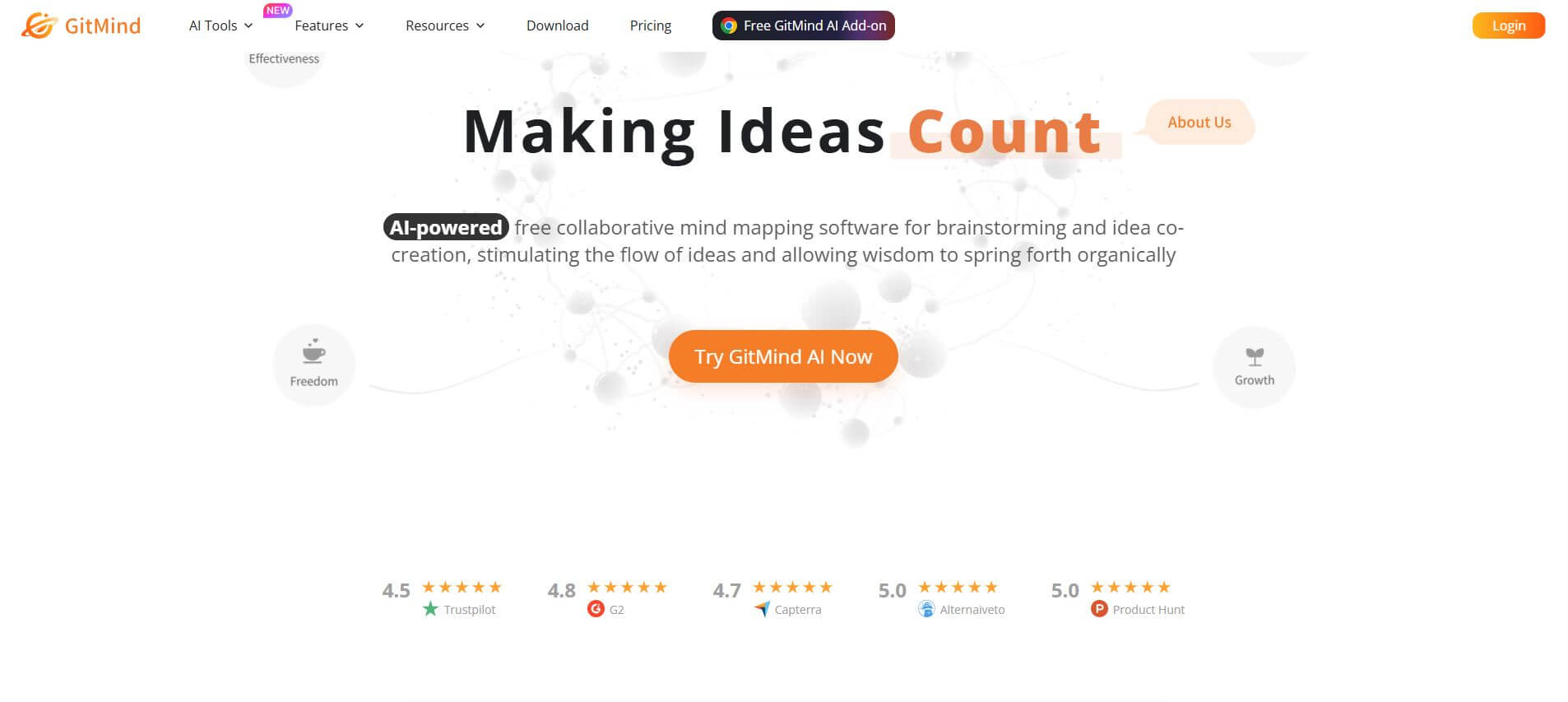
GitMind is an AI-powered mind mapping and visual workspace that turns text, videos, audio, PDFs, and websites into structured mind maps, summaries, and diagrams. It helps you organize ideas, brainstorm, plan projects, and simplify complex information using AI-driven insights and visual layouts.