TechShark logoTechShark
  • AI Tools
  • Blog
  • Submit AI Tool
Get started
Tutorials

Step-by-step guides to master the most popular AI tools.

AI Glossary

Plain-English definitions of essential AI terms and concepts.

Compare AI Tools

Side-by-side feature, pricing and capability breakdowns.

About Us

Learn the story, mission and team behind TechShark.

Contact Us

Get in touch with our team for support or partnerships.

star-fillFeatured

Browse 1,500+ AI tools across every workflow.

Find the right tool for writing, design, code, video, research and more all in one curated directory.

Explore directory
AI ToolsBlogSubmit AI Tool
Resources
TutorialsAI GlossaryCompare AI ToolsAbout UsContact Us
Get started
TechShark logoTechShark.

TechShark — Discover, Compare & Master the Best AI Tools.

Top Categories

  • Logo
  • Marketing
  • Productivity
  • Social Media
  • Video Editing
  • Writing

Top AI Tools

  • ChatGPT
  • DeepSeek AI
  • Google Gemini
  • Grok
  • Midjourney AI
  • Notion AI
  • Perplexity AI

Resources

  • Blog
  • Tools
  • Compare AI Tools
  • Contact Us
  • AI Glossary

TechShark Links

  • Home
  • About
  • Submit your tool
  • Privacy Policy
  • Terms of Services
  • Sitemap

© 2026 TechShark.io All rights reserved.

We may earn compensation for purchases made through some links on this site.

Kids AI tools

Explore the best Kids AI tools, filtered from the TechShark directory.
Clear filters
AllFreeFreemiumPaid
Kids×
Algo.kids preview4.8

Algo.kids

Kids

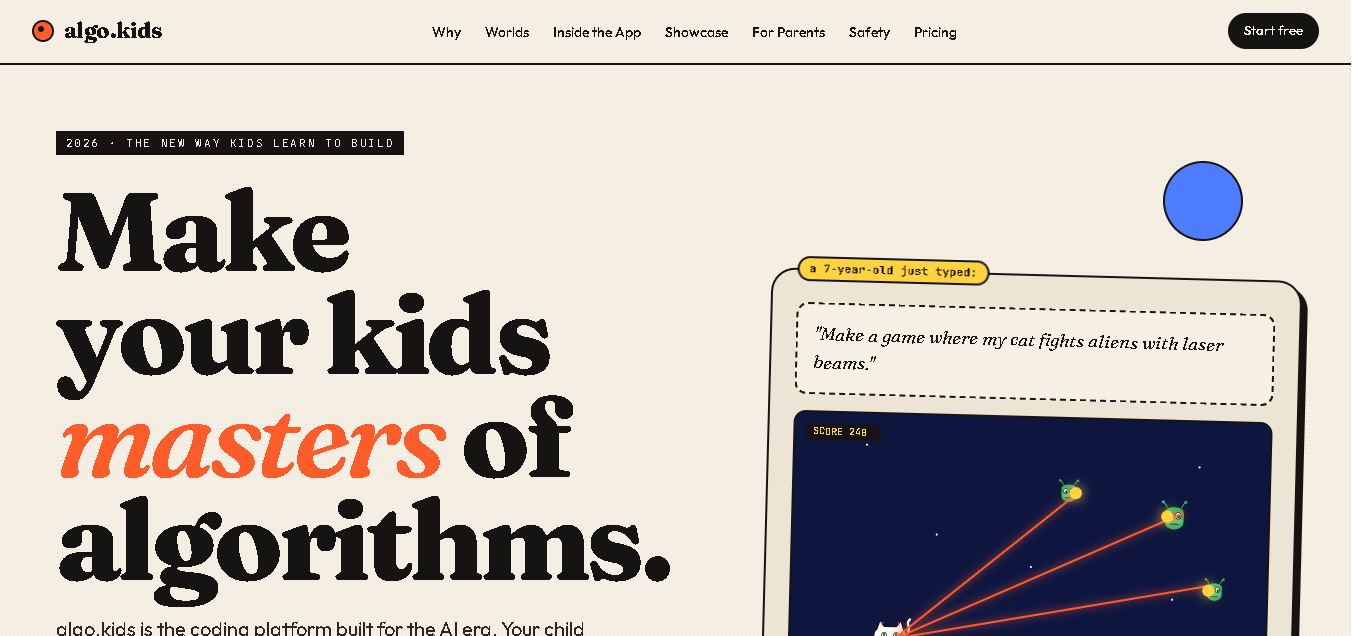
algo.kids is a coding education platform that helps children create games, stories, websites, and software projects with AI assistance. Its four learning worlds introduce age-appropriate coding experiences, from visual blocks to real programming languages. With guided explanations, parental monitoring, and free entry-level access, it makes learning programming interactive and creative.

FreeView tool
Tinkly AI preview4.9

Tinkly AI

Kids

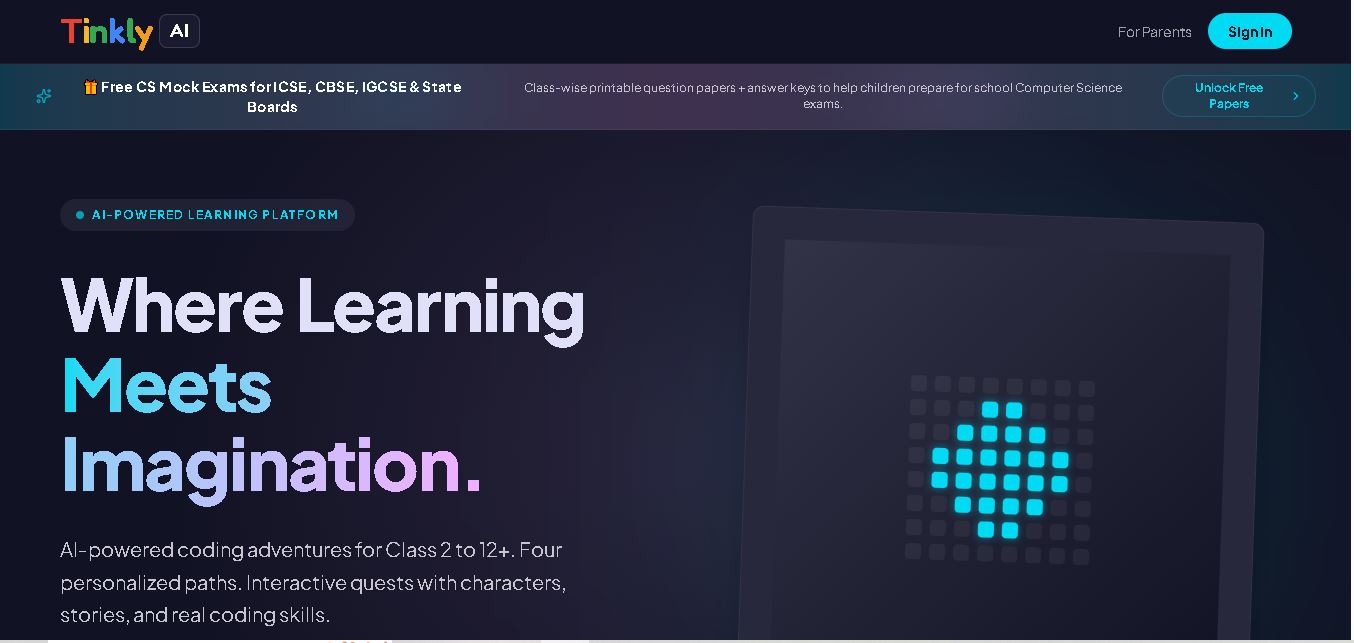
Tinkly AI is a gamified coding and AI education platform for students aged 7–18. It offers interactive quests, personalized learning paths, Python lessons, machine learning activities, and practical projects. With parent progress tracking and free Computer Science mock exams, it helps young learners explore technology through engaging, structured educational experiences.

FreeView tool
Launch Kids preview4.8

Launch Kids

Kids

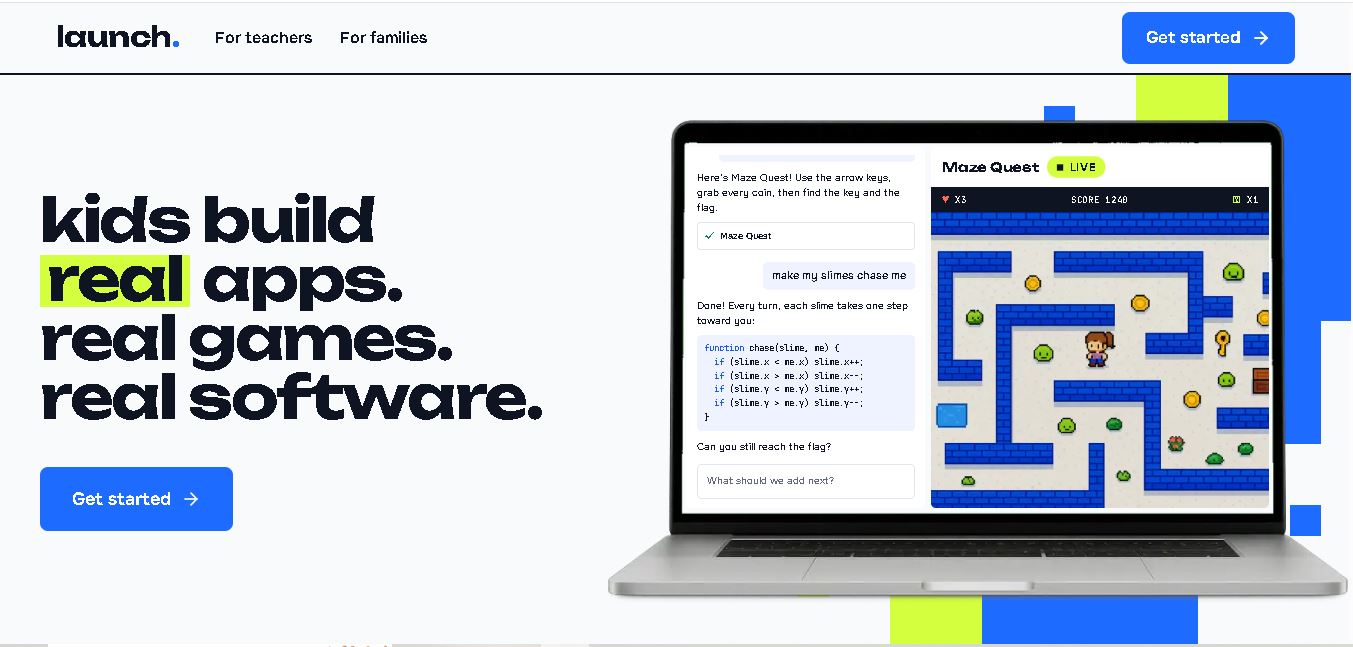
Launch Kids is an AI-assisted coding platform that helps children aged 5–13 build real games, websites, and applications. Children describe their ideas in simple language and receive coding assistance to bring them to life. With beginner-friendly guidance, browser-based access, and classroom features, it supports creative learning, programming skills, and problem-solving at home or school.

FreeView tool
KidsZone preview4.8

KidsZone

Kids

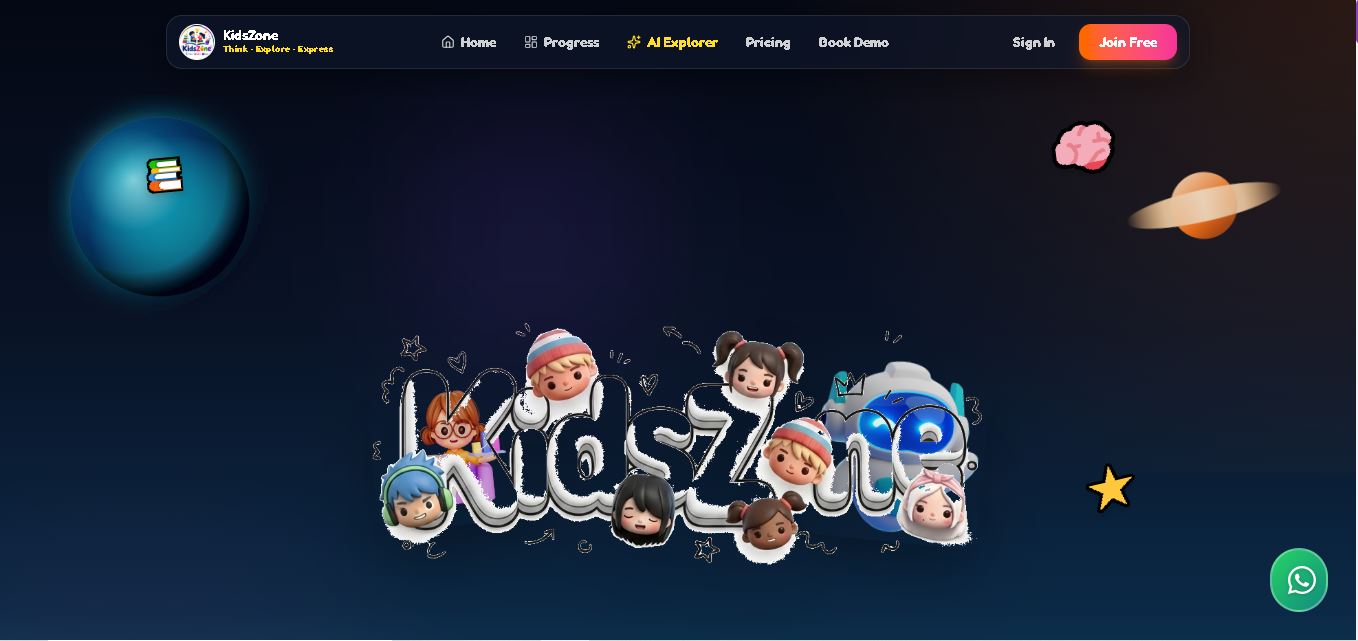
KidsZone is an online educational platform that helps children develop reading, phonics, mathematics, logical reasoning, AI awareness, and coding skills. It features interactive learning missions, a 3D companion, educational videos, and creative challenges. Parents can explore free activities and review available learning options through its dedicated website and parent resources.

FreeView tool
Tynker preview4.8

Tynker

Kids

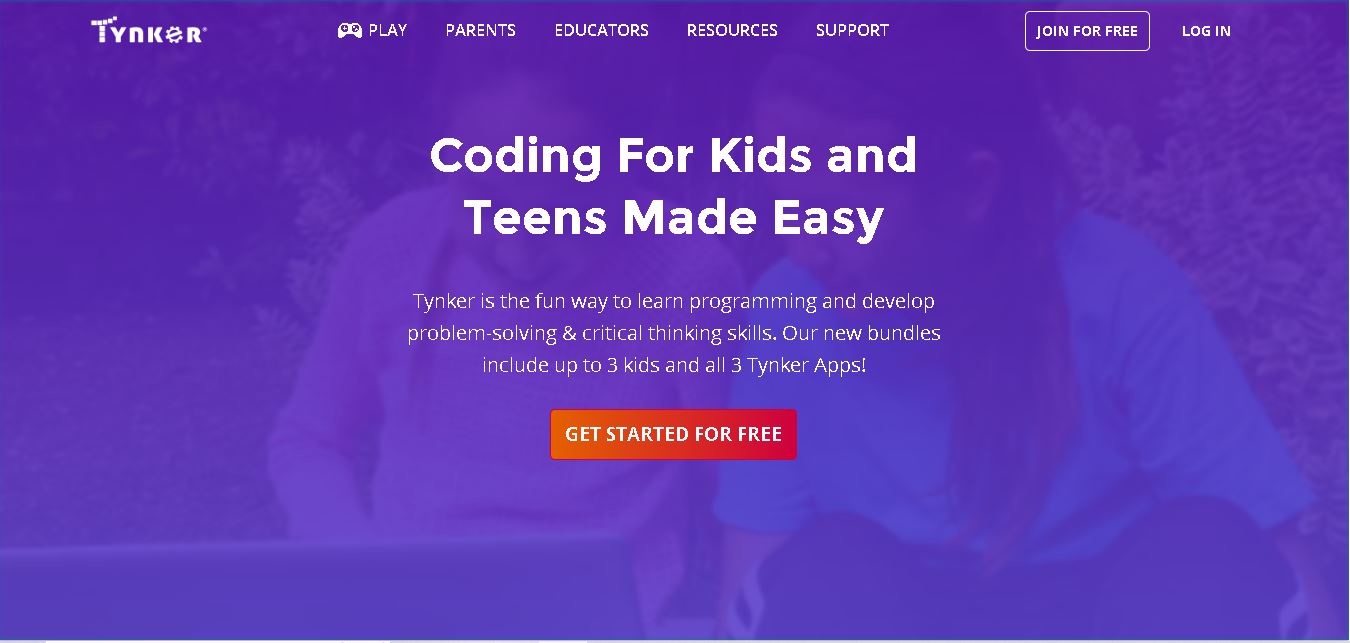
Tynker helps children develop coding, creativity, and problem-solving skills through interactive programming lessons. Learners can create games, animations, and digital projects while exploring Python, JavaScript, Minecraft modding, and AI concepts. Its guided courses support beginners and progressing students, making coding education accessible to families, teachers, and schools worldwide.

FreeView tool
Machine Learning for Kids preview4.9

Machine Learning for Kids

Kids

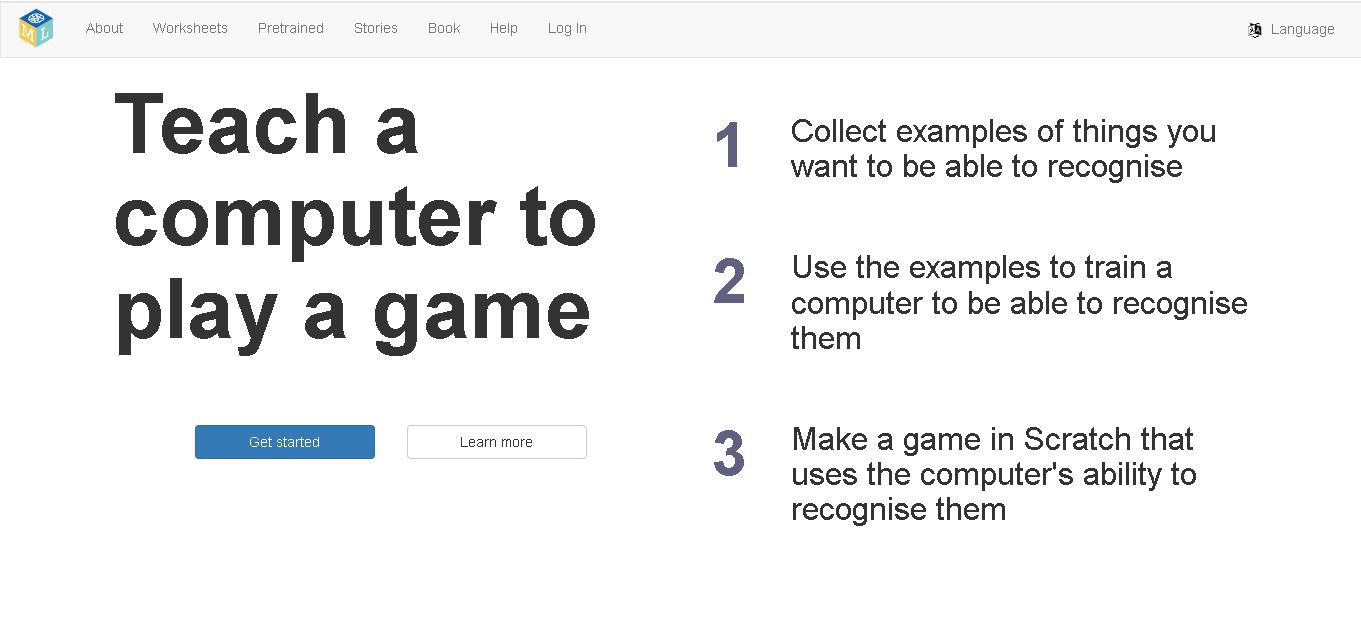
Machine Learning for Kids is an educational website that introduces children to artificial intelligence through interactive projects and beginner-friendly coding. Learners train machine learning models using examples of text, images, numbers, and sounds, then apply them in Scratch activities. It helps develop creativity, computational thinking, and practical AI understanding.

FreeView tool
Previous12
Code.org preview4.9

Code.org

Kids

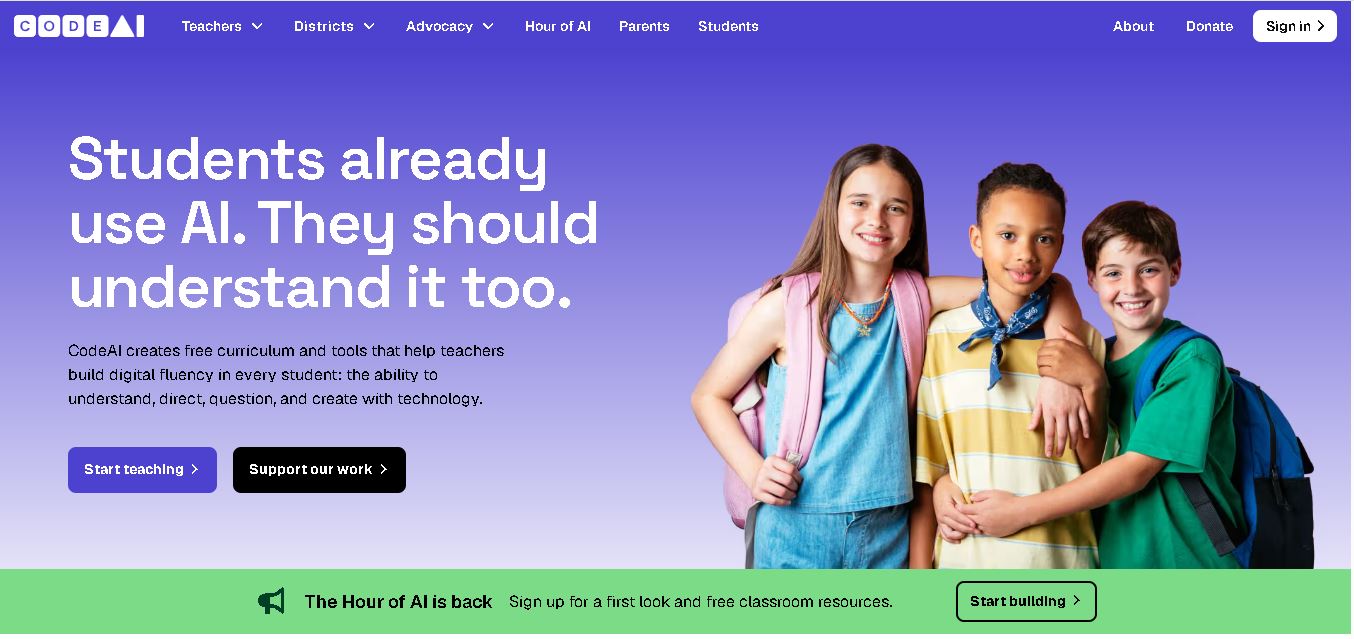
Code.org is a nonprofit educational initiative offering free coding, computer science, and AI learning resources for students and teachers. Now known as CodeAI, it provides interactive lessons, classroom curriculum, and professional development. Its resources help learners build programming knowledge, develop problem-solving abilities, and understand artificial intelligence responsibly.

FreeView tool
Scratch preview5.0

Scratch

Kids

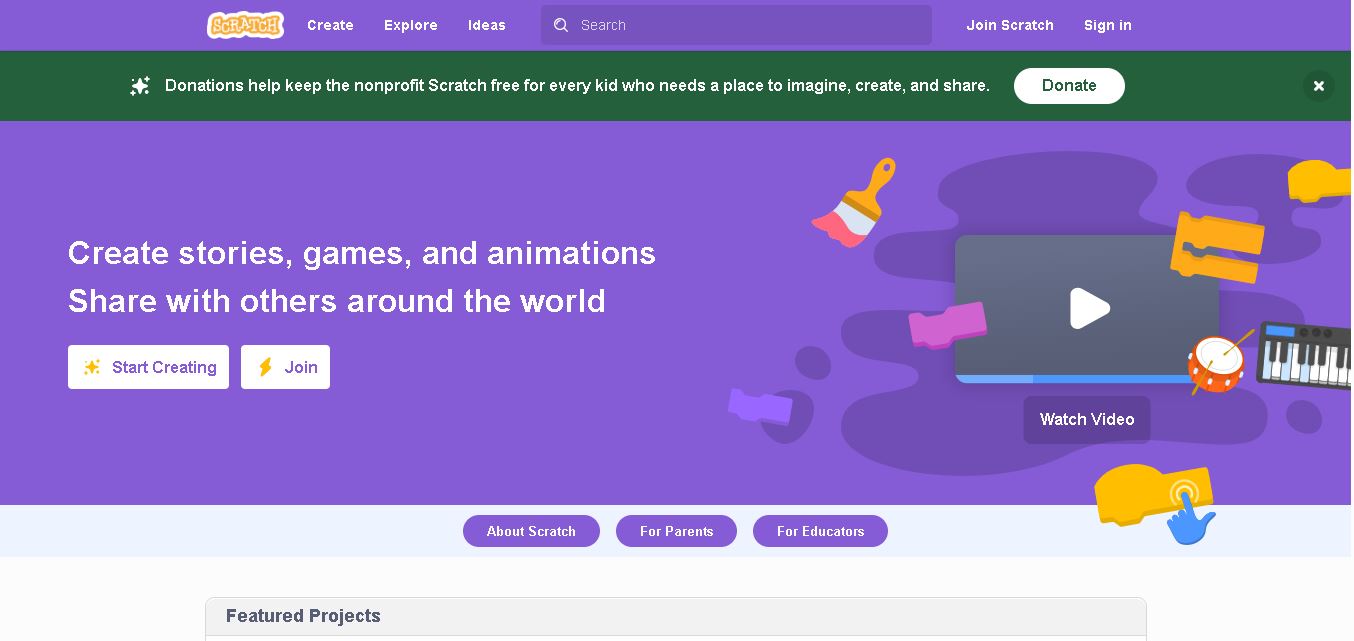
Scratch is a free, visual coding platform that helps children and beginners create interactive games, animations, stories, and digital artwork. Its drag-and-drop programming blocks make coding easier to understand without requiring traditional programming syntax. Developed at the MIT Media Lab, Scratch encourages creativity, logical reasoning, collaboration, and hands-on learning through its global community.

FreeView tool
QuestionAI preview4.8

QuestionAI

Kids

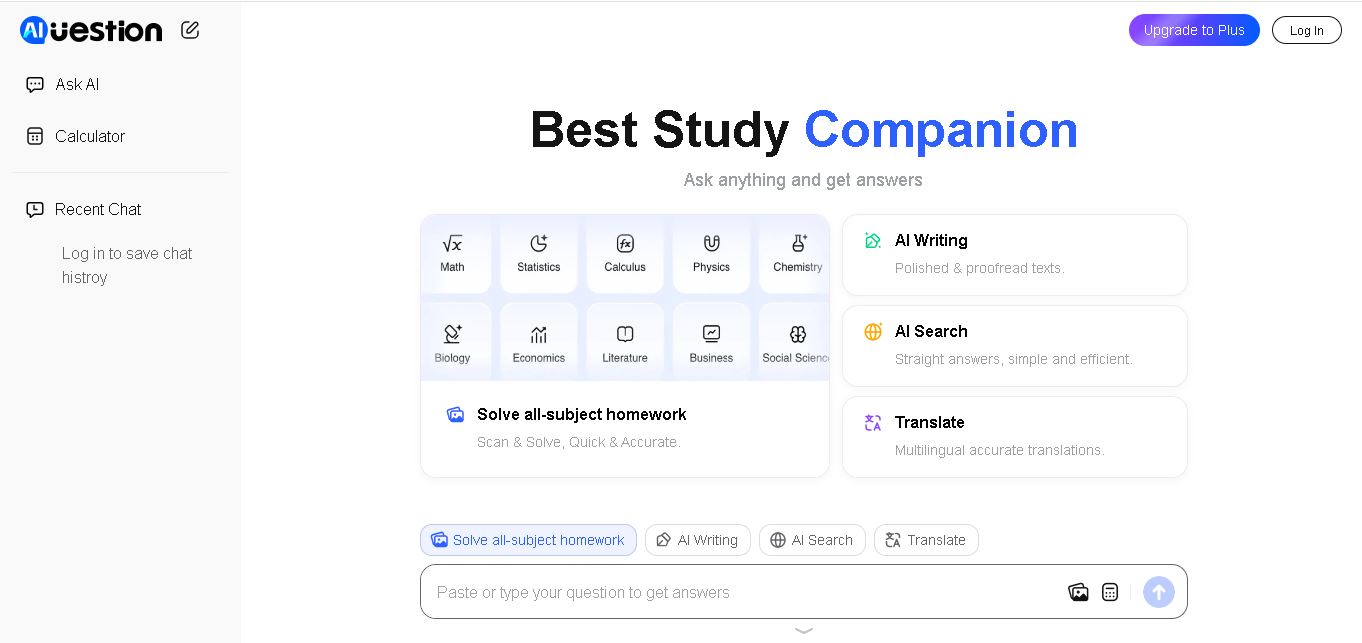
Question AI is an online homework helper that answers academic questions, solves problems from images, and summarizes educational documents. It supports AI chat and learning assistance across multiple subjects. Students can use Question AI to review lessons, understand challenging concepts, and obtain quick explanations through its web and mobile experiences.

FreeView tool
Khanmigo preview4.9

Khanmigo

Kids

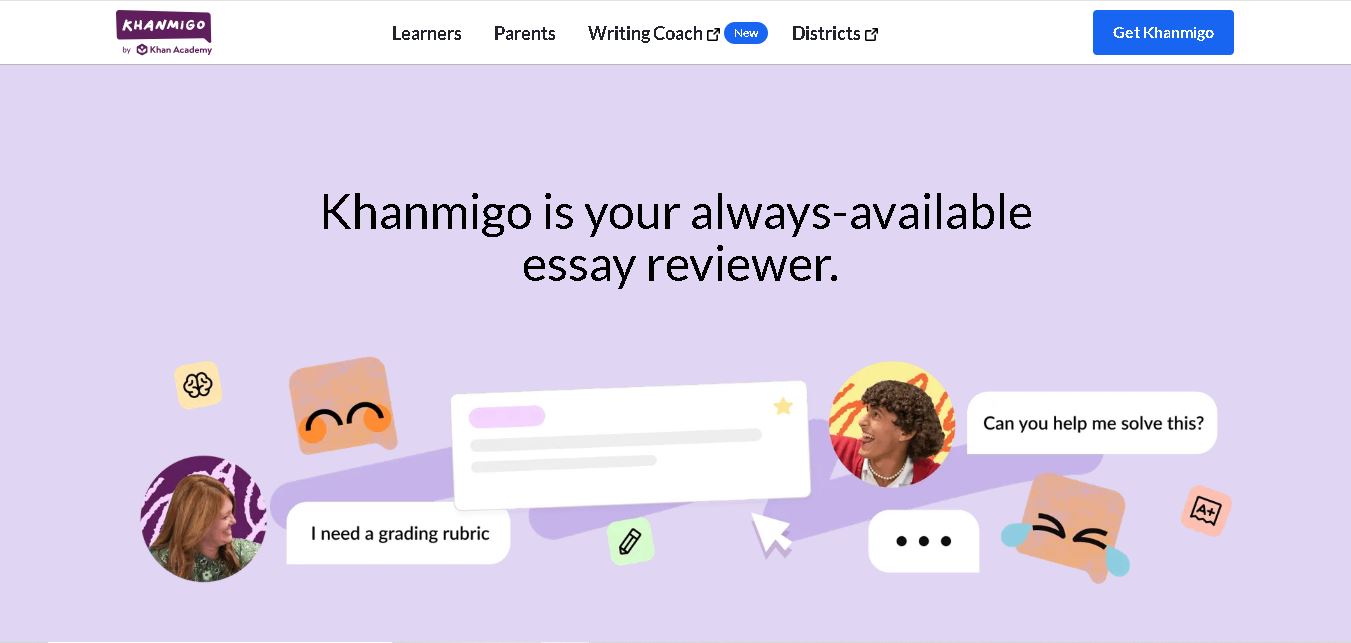
Khanmigo is an AI tutoring and teaching assistant from Khan Academy that helps students learn through guided explanations, interactive practice, and personalized feedback. It supports subjects including mathematics, science, writing, history, and coding. Teachers can also use it for lesson planning, classroom activities, learning objectives, and student progress reviews.

FreeView tool
Khan Academy Kids preview4.9

Khan Academy Kids

Kids

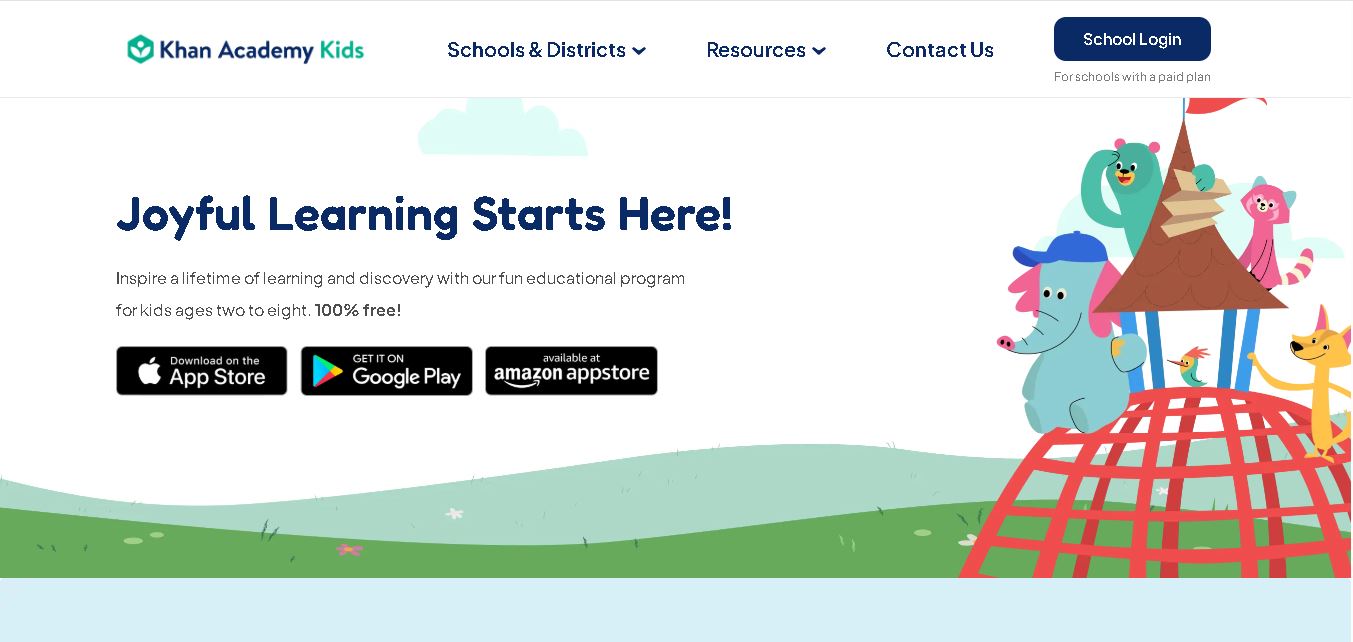
Khan Academy Kids helps children ages 2–8 learn through engaging educational games, interactive stories, videos, and creative exercises. It covers reading, writing, mathematics, language, and emotional development. Families and individual teachers can access its learning resources for free, without advertisements or subscriptions, making early education more accessible.

FreeView tool