
QuestionAI
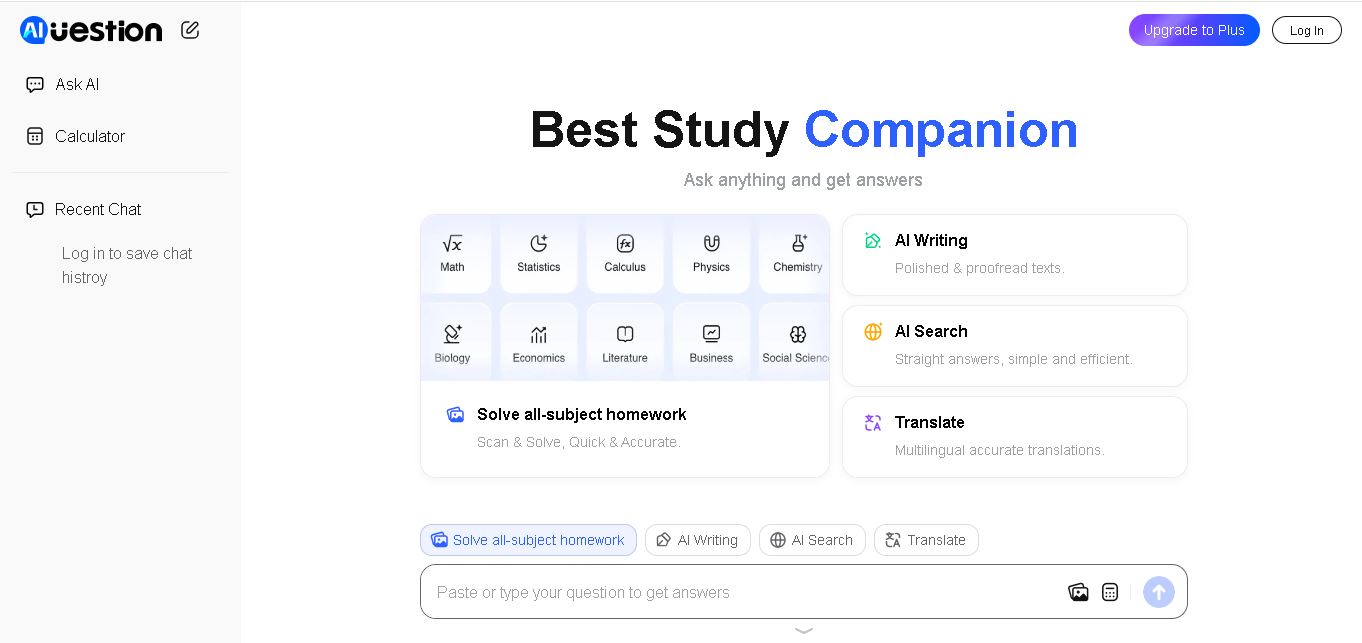
Question AI is an online homework helper that answers academic questions, solves problems from images, and summarizes educational documents. It supports AI chat and learning assistance across multiple subjects. Students can use Question AI to review lessons, understand challenging concepts, and obtain quick explanations through its web and mobile experiences.
What is QuestionAI?
Question AI is a digital study assistant that helps students solve homework problems, understand difficult concepts, and summarize educational materials. It accepts typed questions, images, and PDF documents to generate answers and explanations across different subjects. Students can use it for mathematics, science, language learning, and general academic queries. Question AI also provides AI chat and summarization features, making it useful for reviewing lessons, completing practice exercises, and improving understanding of complex topics.
Question AI is an educational assistant designed to simplify homework and everyday learning. Its official website reports more than 10 million users and promotes 24/7 AI assistance. Key features include image-based problem solving, AI chat, PDF uploads, and text summarization. The service supports desktop and mobile access, including Windows, Mac, iOS, and Android. Its browser extension also offers screenshot-based answers and writing assistance. No independently verified public statistics confirm its overall answer accuracy, founding year, or total completed questions, so these figures should be checked before publication.
- Core Focus: AI Homework Help, Step-by-Step Problem Solving & Instant Question Scanning
- Platform Type: Educational AI Web Platform & Mobile App (iOS & Android)
Use Cases:
- Scanning handwritten or printed math equations, calculus integrals, and algebra word problems for instant solutions
- Solving complex chemistry, physics, and biology questions with detailed scientific explanations
- Drafting essays, summarizing textbook chapters, and checking grammar across humanities assignments
- Explaining difficult academic concepts using clear, conversational AI chat interactions
Technology:
- Advanced OCR (Optical Character Recognition) engine capable of reading messy handwriting and complex mathematical notations
- Multimodal generative AI models trained across diverse K-12 and university academic subjects
- Cross-platform cloud synchronization across web browsers and mobile applications
Target Users:
- Middle School, High School, and University Students seeking rapid homework assistance
- Parents helping children with nightly math and science assignments
- Independent Learners and Test Prep Students studying for standardized exams
- Content creators using writing tools to draft study guides, academic review articles, and EdTech product evaluations
Corporate Entity: QuestionAI (Developer / Global EdTech)

Key features of QuestionAI
QuestionAI's key features are
- Snap & Solve OCR Scanner: Instantly photograph homework problems using a smartphone camera or screenshot tool for immediate processing.
- Step-by-Step Explanations: Breaks down complex math equations and science problems into logical, sequential intermediate steps.
- Multi-Subject Coverage: Supports mathematics, algebra, calculus, physics, chemistry, biology, history, and literature.
- Interactive AI Chat Tutor: Ask follow-up questions to clarify specific parts of a solution or request alternative problem approaches.
- Writing & Summarization Assistant: Generates essay outlines, corrects grammar, and summarizes long reading passages.
- Cross-Device Accessibility: Seamlessly switch between web browsers, iOS, and Android mobile apps.
QuestionAI Pricing
QuestionAI offers a generous free tier alongside affordable premium subscription plans for unlimited advanced problem solving.
Free Tier:
- Daily complimentary problem queries and basic step-by-step solutions with no credit card required
Premium Subscriptions:
- Pro Plan: Affordable monthly or annual subscription (typically ranging from ~$5 to ~$10 per month) unlocking unlimited AI queries, priority processing, and advanced step-by-step tutoring breakdowns
Disclaimer: Pricing plans and promotional discounts vary by region and mobile app store. Visit questionai.com for current pricing details.
Who is using QuestionAI?
QuestionAI is designed for students, learners, and parents, including
- High School & College Students: Getting instant guidance on difficult math and science homework assignments
- Independent Study Learners: Reviewing core academic concepts at their own pace
- Parents: Assisting children with complex STEM homework questions
- Content Creators: Using writing tools to draft homework help reviews, study tips, and EdTech comparisons
Best QuestionAI Alternatives
Some of the top QuestionAI alternatives include
Pros and Cons of QuestionAI
Pros
- Extremely fast photo-scanning and OCR engine handle handwritten equations and printed text effortlessly
- Provides detailed step-by-step breakdowns rather than just a bare final answer
- Covers a wide breadth of academic subjects beyond math, including science and humanities
- Affordable pricing and an accessible free tier make it easy for students to adopt
Cons
- The free tier includes daily query limits that require upgrading for heavy users
- Like all AI tools, complex advanced proofs occasionally require student verification
- Requires internet access via web or mobile app
Why Choose QuestionAI?
QuestionAI is the premier homework helper choice for students looking for quick, accurate, step-by-step explanations across math, science, and writing assignments.
- Breaks down complex equations into clear, understandable step-by-step solutions
- Supports multiple academic subjects from middle school algebra to university calculus
- Offers an intuitive conversational chat interface for interactive tutoring
QuestionAI vs. Competitors
The main difference between QuestionAI, Photomath, and Gauthmath is that QuestionAI provides a broad multi-subject AI homework assistant covering math, science, and humanities writing with conversational chat tutoring, whereas Photomath focuses specifically on camera-based mathematical equation solving and step-by-step arithmetic/algebra graphing. QuestionAI stands out for its all-in-one multi-disciplinary study assistance.
| Feature / Tool | QuestionAI (questionai.com) | Photomath | Gauthmath | Brainly |
|---|---|---|---|---|
| Core Focus | Multi-Subject AI Homework Helper & Study Assistant | Camera-Based Math Solver & Graphing Calculator | AI Math & Science Homework Solver | Peer-to-Peer Student Q&A Community |
| Subject Scope | Math, Science, Humanities & Writing | Mathematics Focus (Arithmetic to Calculus) | Math, Physics, Chemistry & Biology | All School Subjects |
| Photo Scanning (OCR) | Yes (Handwritten & Printed Text) | Yes (Advanced Math OCR) | Yes (Photo Scanner) | Text & Photo Search |
| Interactive AI Chat | Yes (Conversational Follow-ups) | Limited (Step Explanations) | AI & Live Tutors | Community Answers |
| Starting Price | Free Tier / Pro Subscription (~$5–$10/mo) | Free / Plus Tiers | Free / Subscription Tiers | Free / Brainly Plus |
| Best For | Students needing quick step-by-step help across math, science, and writing | Students focusing intensely on mathematical proofs and graphing | STEM students solving complex math and science problems | Getting answers from peer student communities |
How do we rate QuestionAI?
| Parameter | Rating (out of 5) |
|---|---|
| Problem Solving Speed & OCR Accuracy | 4.8 |
| Step-by-Step Explanations | 4.8 |
| Multi-Subject Coverage | 4.8 |
| User Interface & Accessibility | 4.9 |
| Value for Money | 4.8 |
| Overall Score | 4.82 |
QuestionAI Review
QuestionAI is a highly efficient and reliable AI homework helper that simplifies complex academic problem-solving for students worldwide. By combining rapid photo scanning with detailed, step-by-step explanations across math, science, and writing, QuestionAI ensures students understand the methodology behind each answer rather than just copying results. Its clean mobile and web interface make it an accessible study companion. For students looking for dependable 24/7 homework assistance in 2026, QuestionAI is an exceptional tool.
Conclusion
Question AI offers a practical way to approach homework, explore academic concepts, and summarize study materials using AI-powered assistance. Its image-based question solving, PDF support, and AI chat make it useful for students with different learning needs. However, generated responses should be checked for accuracy, especially in complex subjects. For the best results, use Question AI as a learning companion that supports independent thinking, regular practice, and a stronger understanding of academic topics.
FAQ
What can you use Question AI for?
You can use Question AI to solve homework problems, understand difficult academic concepts, summarize lengthy study materials, and ask questions through AI chat. It supports image-based questions and PDF uploads, making it convenient for different learning tasks. Students should review its explanations carefully and verify important answers using textbooks or teachers.
Is Question AI free to use?
Question AI promotes free access to its core homework assistance features on its official website. However, the available features and usage limits may vary across the website, mobile applications, and subscription offerings. Before upgrading, check the current pricing and terms displayed for your account to understand exactly what is included.
Can Question AI solve math problems from pictures?
Yes, Question AI supports image-based problem solving. You can capture or upload a picture containing a mathematical question and let the tool analyze it. This can save time when entering equations manually. Always check calculations and explanations independently, particularly when solving complicated problems or preparing for important examinations.
Does Question AI support PDF uploads?
Yes, Question AI lists PDF uploads among its features. You can use this capability to ask questions about educational documents and obtain help understanding longer reading materials. It can make studying more convenient by reducing manual copying. Review generated summaries against the original document to avoid missing important details or context.
Which subjects can Question AI help with?
Question AI is designed for questions across multiple academic subjects, including mathematics, science, literature, and history. Its usefulness depends on the question's complexity and the quality of the information provided. For specialized subjects, verify important explanations against reliable educational sources rather than assuming every generated response is completely accurate or comprehensive.
Can you use Question AI on mobile devices?
Yes, Question AI supports access through desktop and mobile experiences. Its website identifies Windows, Mac, iOS, and Android compatibility, while its mobile application is available for Apple devices. You can use it to ask questions while studying away from your computer, subject to device compatibility and current service availability.
User Reviews
No reviews yet for QuestionAI.
Featured Tools
Featured AI tools from TechShark
Melody Genie
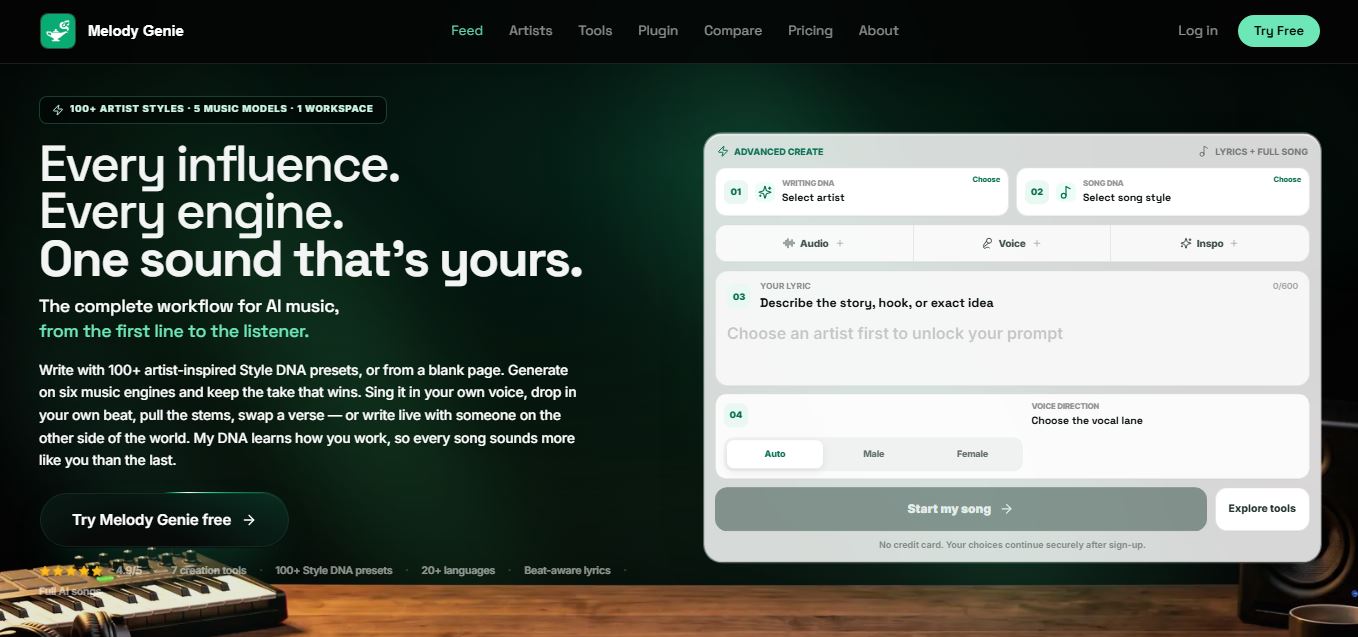
MelodyGenie is an AI-powered music generator that creates original songs from simple text prompts. Users can choose styles, moods, and genres, then instantly generate melodies and full tracks, making it easy for creators, marketers, and hobbyists to produce custom music without musical expertise.
Freemium
Kimi AI
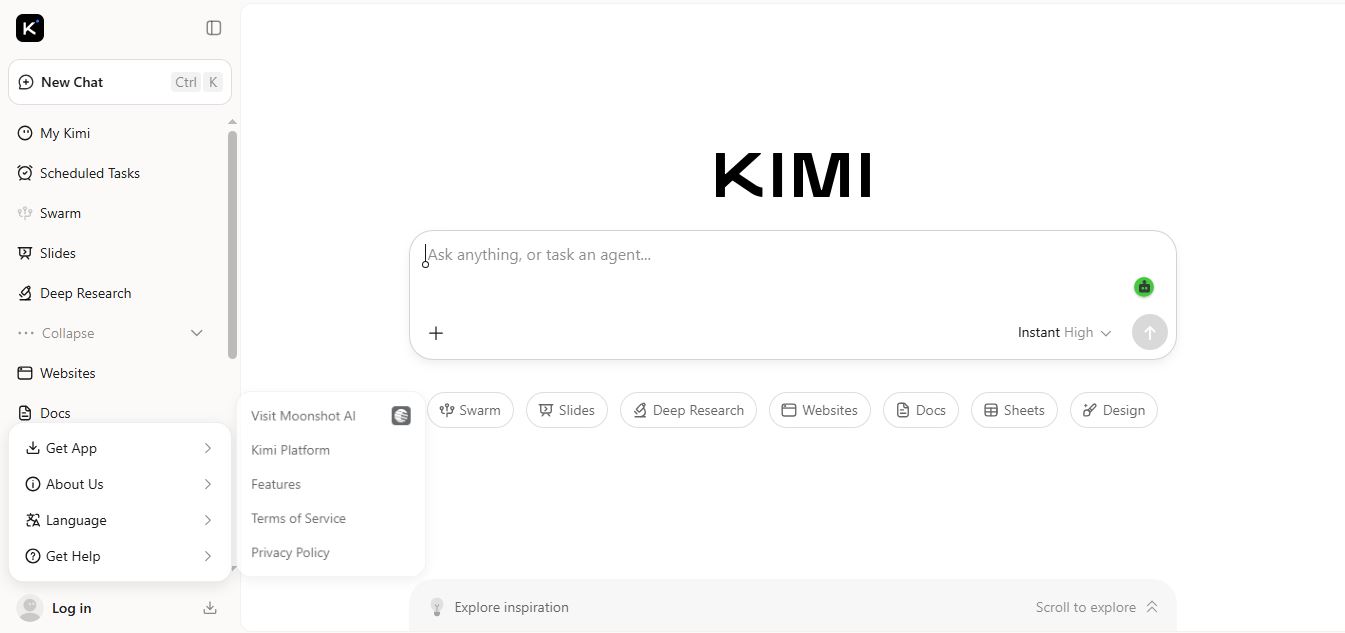
Kimi AI is an advanced AI assistant developed by Moonshot AI that helps you chat, research, write, code, and automate tasks in one place. It supports web search, file analysis, and multimodal inputs, and can even run autonomous “agent” workflows to complete complex tasks end-to-end.
Freemium

Fashion Diffusion AI
Fashion Diffusion is an AI-powered fashion design platform that helps brands and designers create clothing designs, virtual try-ons, AI models, product photos, and marketing visuals faster and cost-effectively.
Paid
Veo 4
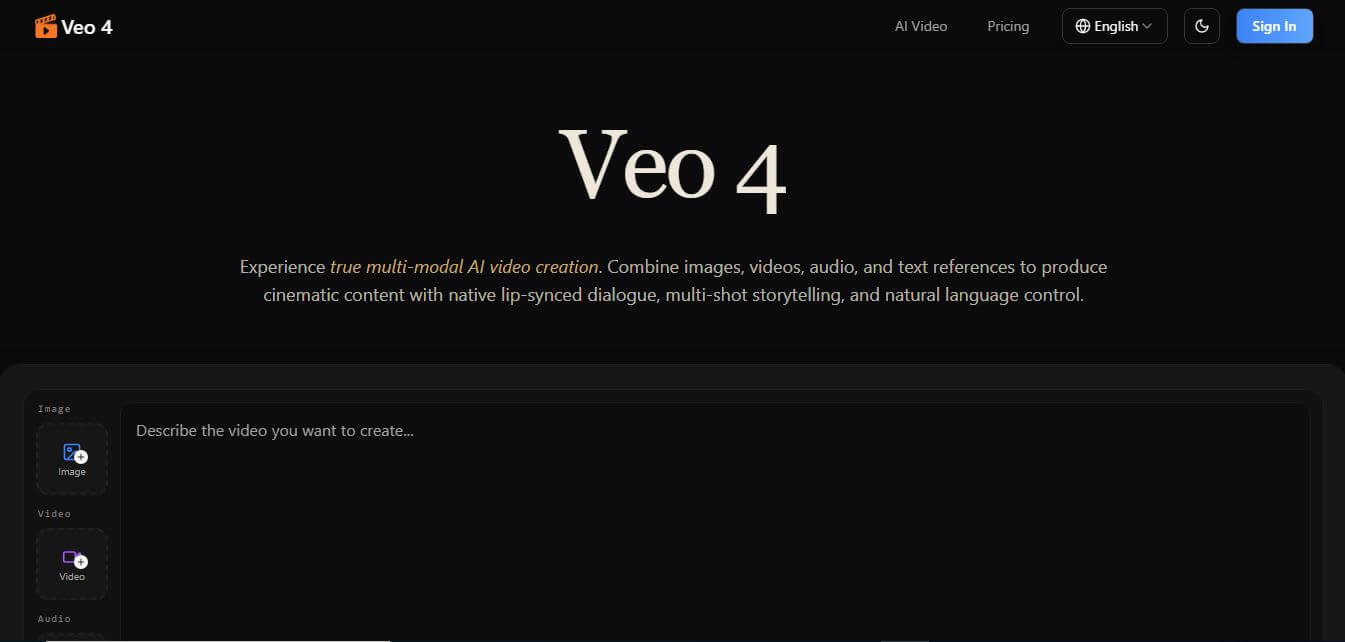
Veo 4 AI is an AI video creation platform that generates dramatic videos from text, images, audio, and video prompts using realistic motion and synchronized sound.
Paid
Alternatives
Alternatives to QuestionAI
The best QuestionAI alternatives include Gauthmath, Photomath, Symbolab, Coursehero, Brainly, and Khanmigo. These platforms provide homework help, math solving, and study assistance. While QuestionAI offers a versatile multi-subject AI helper covering math, science, and humanities with photo OCR, alternatives like Photomath focus primarily on advanced mathematical equations and graphing.
 4.9
Humain AI Literacy Mission (HAILM)
Kids
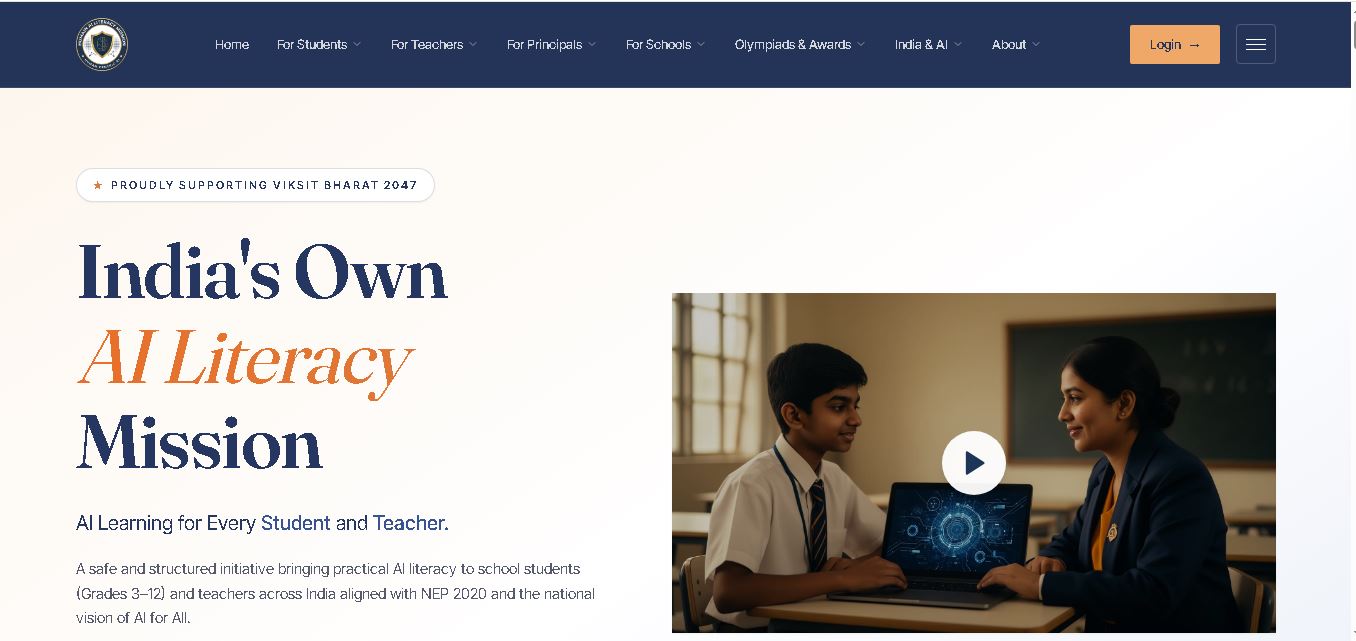
Humain AI Literacy Mission is an educational initiative helping Indian students in Grades 3–12 and teachers develop practical artificial intelligence skills. It offers foundational AI courses, interactive activities, assessments, and certificates. Aligned with NEP 2020 and international educational guidance, HAILM promotes responsible AI use, digital safety, critical thinking, and future-ready learning.
 4.9
Brisk Teaching
Kids
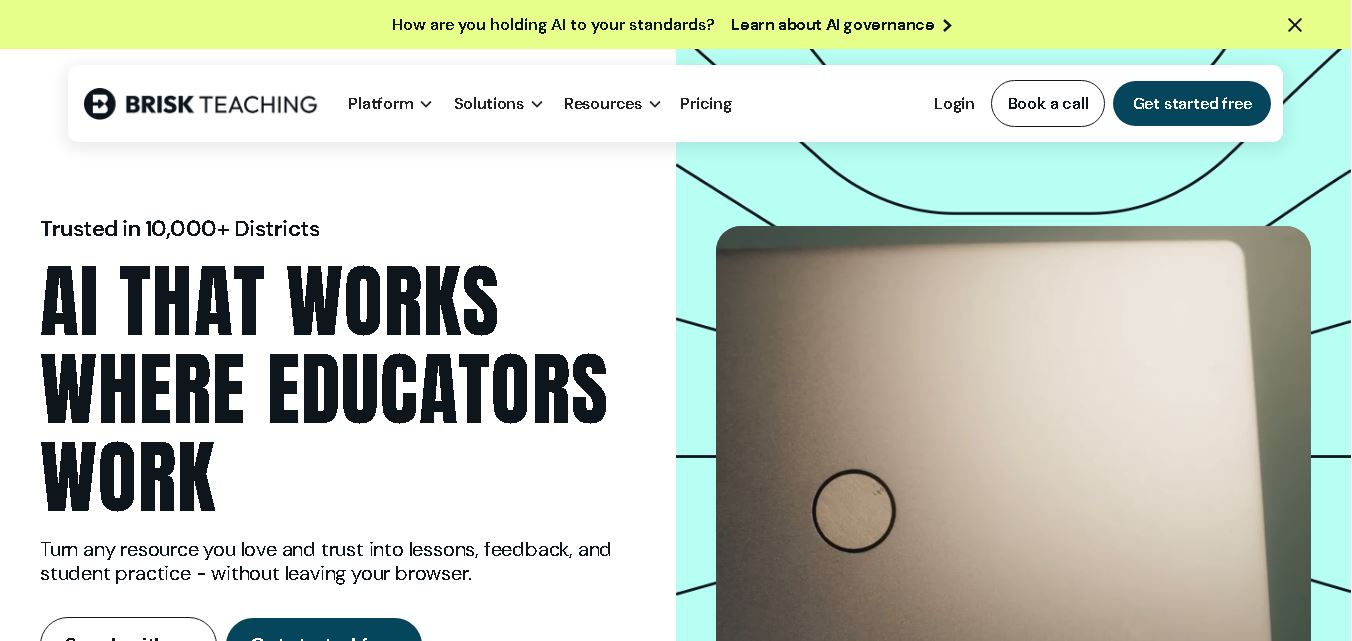
Brisk Teaching helps educators create lesson plans, quizzes, worksheets, presentations, and personalized feedback using AI. It integrates with familiar teaching tools and supports differentiated instruction, translation, and student activities. With free educator access and advanced school plans, Brisk helps teachers reduce repetitive preparation and focus more on meaningful classroom learning.
 4.9
Diffit
Kids
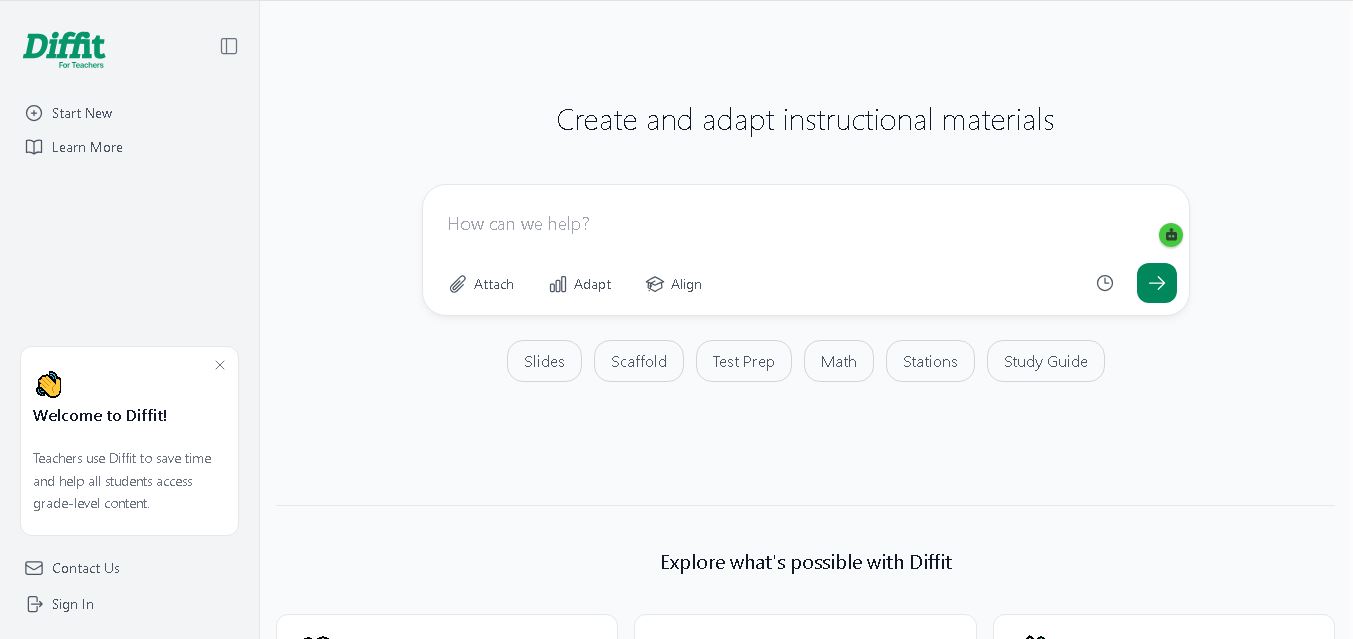
Diffit helps teachers create differentiated classroom materials from topics, text, PDFs, URLs, and video transcripts. It can produce reading passages, vocabulary tasks, comprehension questions, worksheets, and lesson activities tailored to student needs. Educators can edit, print, share, and, with eligible plans, export resources to familiar teaching tools more efficiently.
 5.0
MagicSchool AI
Kids
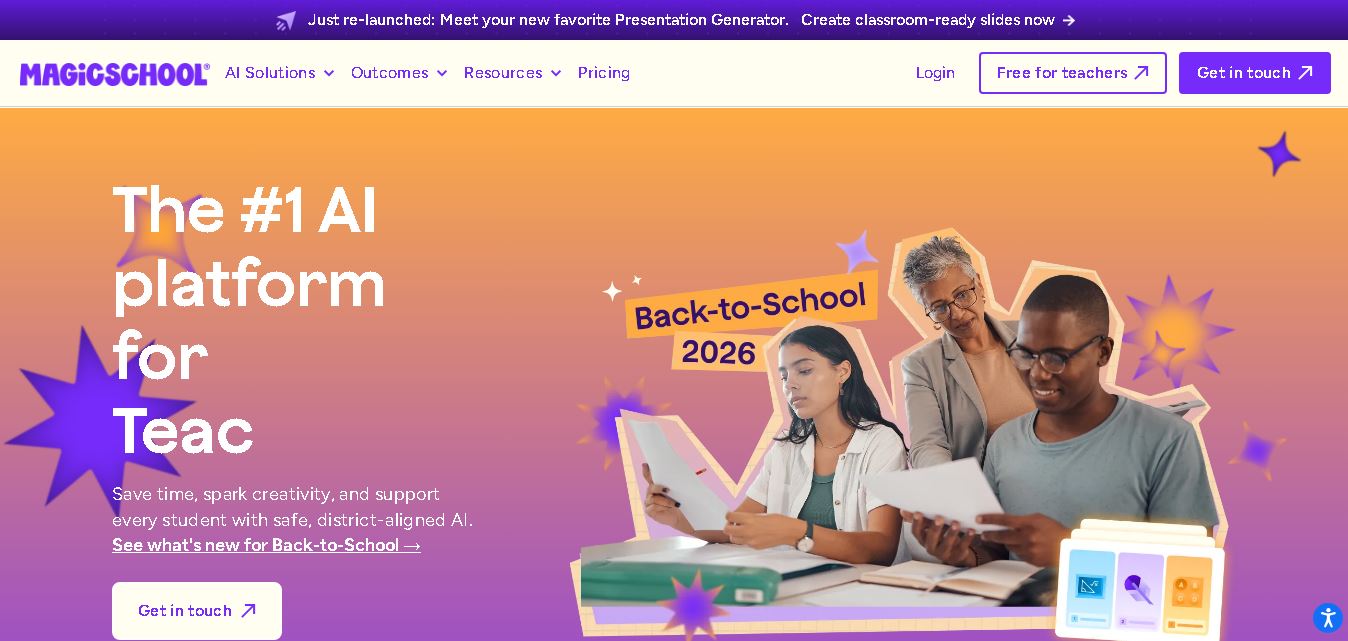
MagicSchool AI helps teachers and students use artificial intelligence for educational tasks. It offers tools for lesson planning, quiz creation, worksheet generation, writing feedback, and personalized learning. With free and paid plans, it supports classroom productivity, differentiated instruction, and responsible AI adoption across schools and educational institutions worldwide.
 4.9
Curipod
Kids
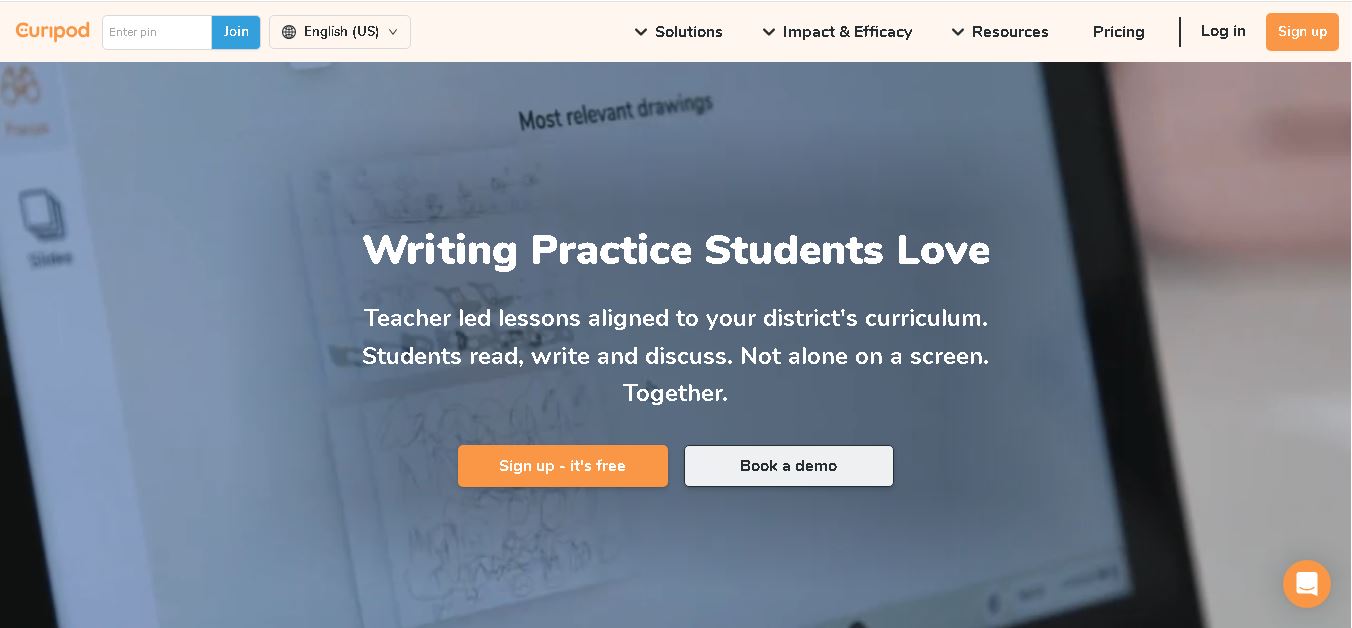
Curipod offers teachers a practical way to create interactive lessons, encourage classroom participation, and provide structured feedback on student learning. Its AI-assisted lesson generation, writing activities, and assessment tools can reduce preparation time while supporting more engaging instruction. The free plan provides an accessible starting point, while schools can explore paid options for broader needs. For educators seeking technology that combines classroom interaction with teacher-controlled AI, Curipod is worth evaluating against their curriculum, privacy, and teaching requirements.
 4.8
Powtoon
Kids
Powtoon is an online video and presentation creation tool for producing animated explainers, educational videos, marketing content, and business presentations. It offers customizable templates, animated characters, multimedia editing, and AI-assisted features. Beginners, educators, marketers, and businesses can use it to transform complex ideas into engaging visual stories without advanced animation skills.
 4.8
Animaker
Kids
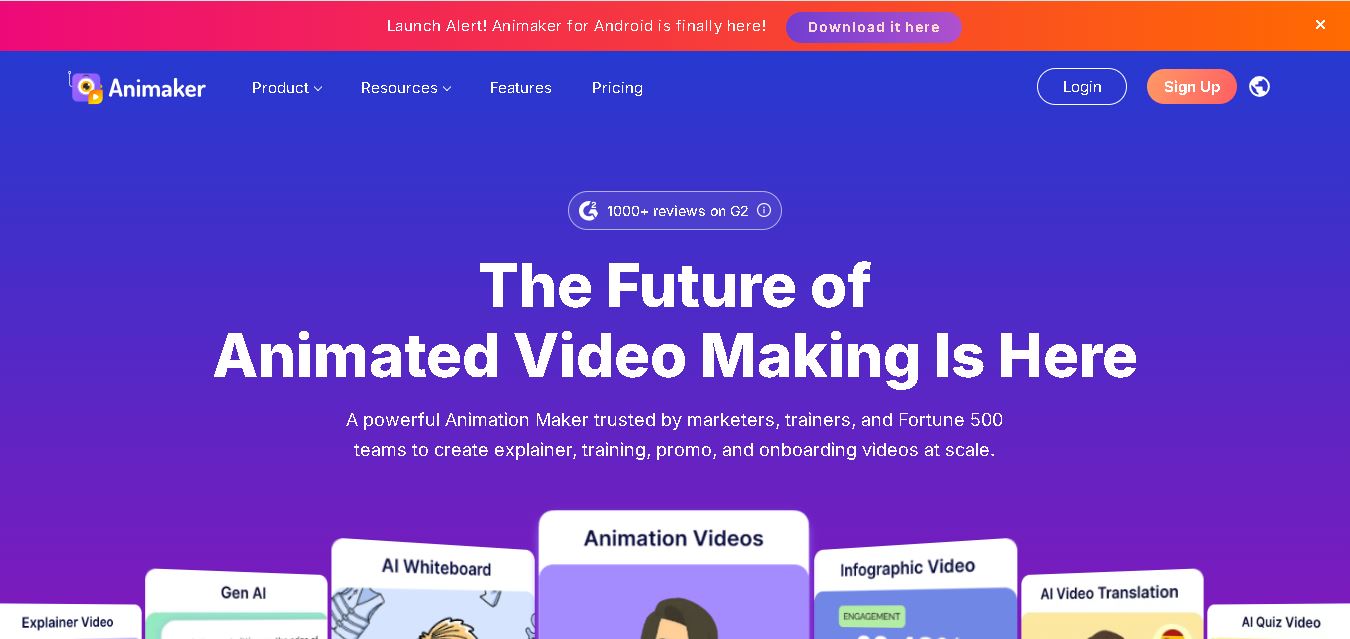
Animaker helps users create animated videos, explainer content, presentations, and promotional materials using customizable characters, templates, AI video generation, and editing features. Its online editor supports voiceovers, subtitles, and multilingual video translation. It is useful for marketers, educators, businesses, and creators who want engaging videos without advanced animation or editing expertise.
 5.0
Google Read Along
Kids
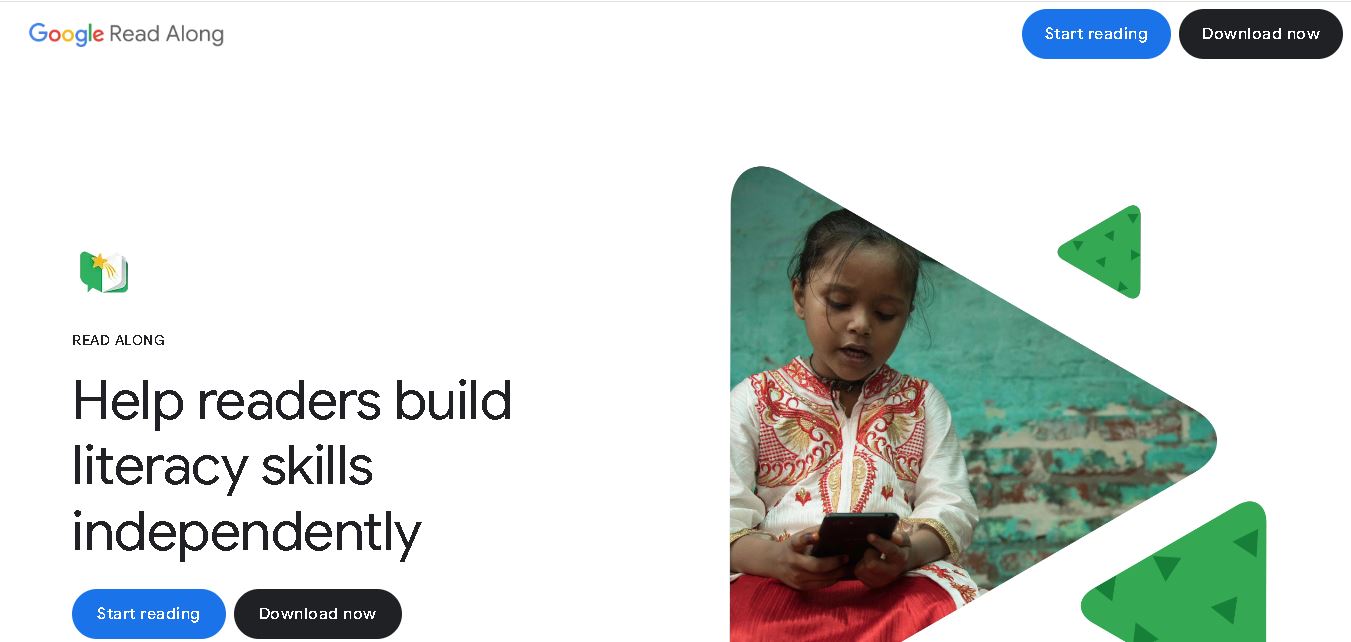
Google Read Along is a free reading practice tool for children that improves pronunciation, fluency, and confidence through interactive stories, reading games, and real-time feedback from its assistant, Diya. Supporting multiple languages and offline Android access, it helps families and educators make early literacy practice more engaging, accessible, and convenient for young learners.
 4.8
Squibler
Kids
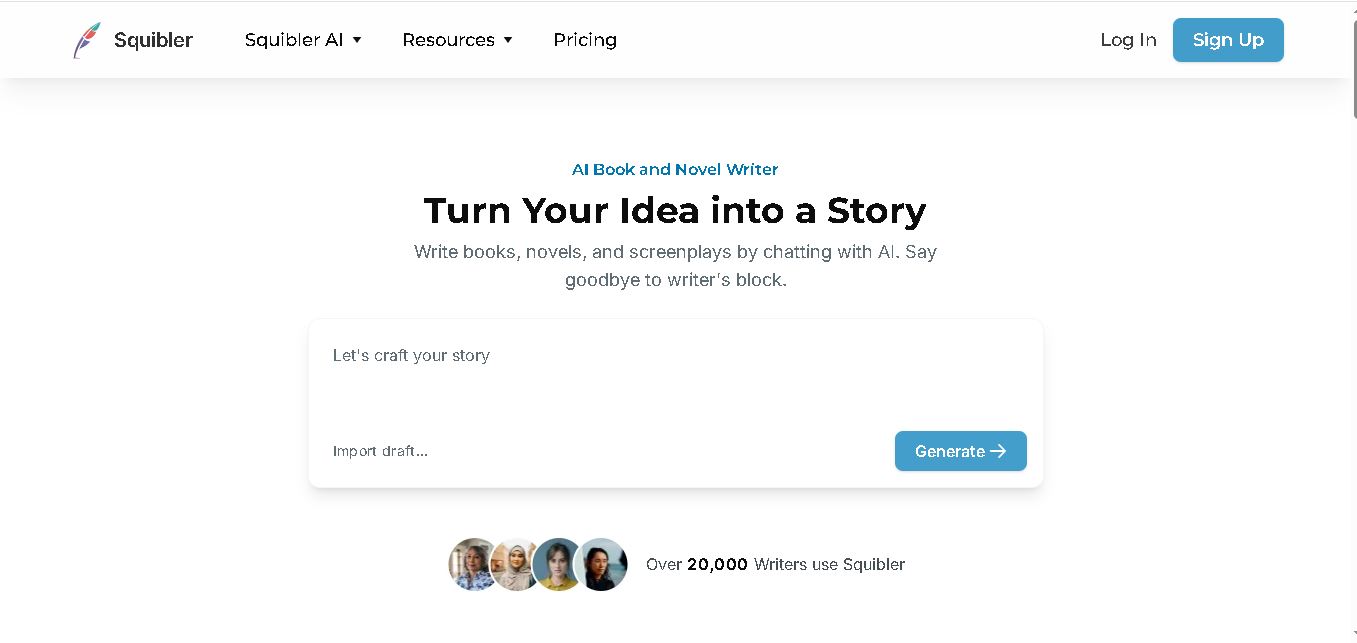
Squibler is an AI writing assistant for creating books, novels, screenplays, and story outlines. It helps writers develop characters, organize chapters, refine existing drafts, and generate visuals. With free and paid plans, Squibler supports beginners and experienced authors seeking a more structured, efficient, and creative long-form writing workflow.