
BlackBox AI
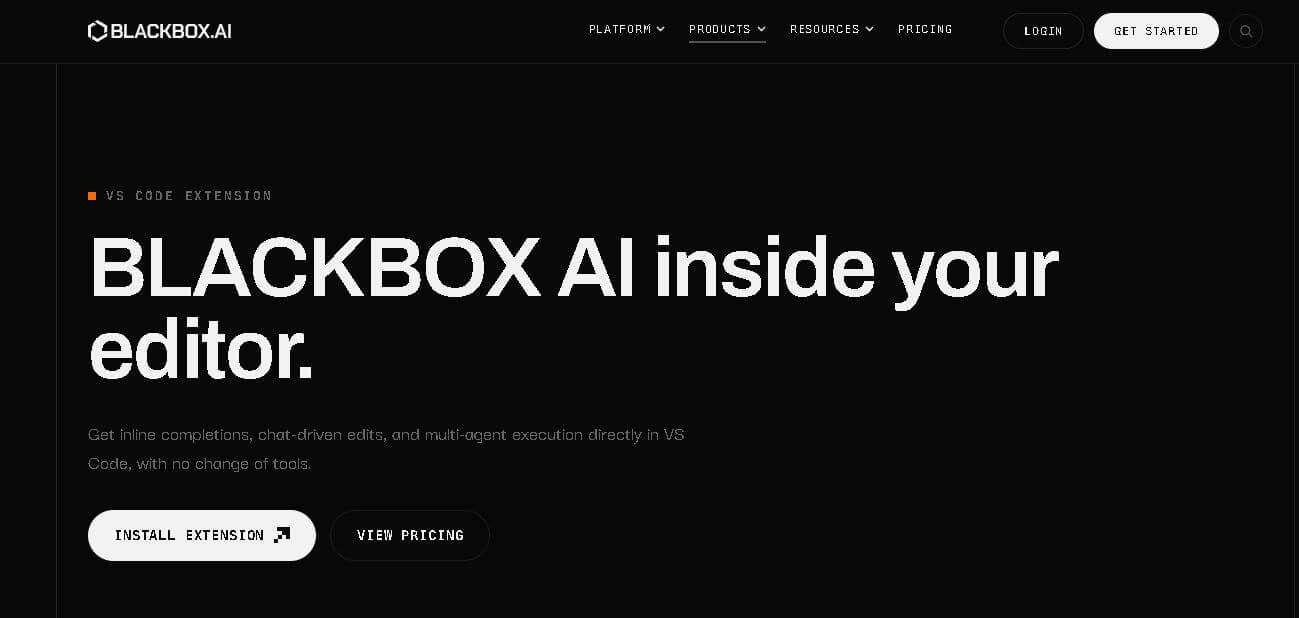
BLACKBOX AI helps developers code, automate software tasks, and work with multiple AI models through one ecosystem. Its tools include cloud coding agents, a CLI, Agents API, and access to 300+ models. Developers can generate code, test projects, manage repositories, compare agent implementations, and create pull requests with automated workflows.
What is BlackBox AI?
BLACKBOX AI is a coding and AI inference service designed to help developers build, automate, and deploy software using multiple AI models and coding agents. It provides access to 300+ open and closed models through a unified endpoint, alongside browser-based agents, a command-line interface, and an Agents API. Developers can use it for code generation, debugging, repository tasks, testing, and automated pull requests. Its infrastructure emphasizes encrypted inference, zero data retention, model flexibility, and enterprise deployment options for teams handling production workloads.
BLACKBOX AI brings together more than 300 AI models from 28+ labs through its unified model infrastructure. Its website reports 454 tokens per second for Nemotron 3 Ultra provider performance, independently measured by artificial analysis in July 2026. The platform also offers browser-based coding agents, a CLI, and an Agents API. Its API supports multiple coding agents, including Blackbox, Claude Code, Codex, and Gemini, while enterprise deployments provide dedicated infrastructure, encryption, and zero-data-retention options.
- Platform Role: AI Coding Assistant, Multi-Agent Engineering Platform & Low-Code Builder
- Developer & Organization: Blackbox AI (San Francisco, California)
- Cross-Platform Access: Web IDE, Desktop Application, VS Code / JetBrains Extension, Command-Line Interface (CLI), Mobile (iOS & Android), and REST API
Use Cases:
- Generating real-time inline code completions, automated unit tests, and refactoring scripts inside modern IDEs
- Converting visual Figma wireframes or raw screenshots directly into responsive frontend code (HTML/CSS, React, Flutter)
- Executing parallel coding tasks and diff comparisons across multiple AI agents using the proprietary Chairman LLM orchestration engine
- Automating complex repository searches, documentation parsing, and asynchronous cloud data processing
- Deploying custom AI agents and full-stack web applications straight from text prompts using the native App Builder
Technology:
- Chairman LLM orchestration layer running Claude Code, OpenAI, and native models simultaneously for competitive task execution
- Direct GPU acceleration infrastructure (NVIDIA A100/H100 clusters) enabling ultra-low latency code synthesis
- Repository-aware context indexing capable of scanning files, Git commits, local project trees, and live URLs
- OpenAI-compatible inference API endpoint (api.blackbox.ai) supporting streaming, tool calling, and multimodal generation
Target Users:
- Software engineers and DevOps teams aiming to automate repetitive coding chores and unit test creation
- UI/UX designers and frontend developers converting visual wireframes directly into functional codebases
- Full-stack startups and indie hackers building rapid web or mobile application prototypes
- Enterprise engineering organizations seeking secure, encrypted AI assistance with training opt-out controls
Acquisition: Native SaaS cloud service and API platform operated by Blackbox AI (blackbox.ai)

What are the key features of BlackBox AI?
BlackBox AI's key platform features are
- Multi-Agent Orchestration (Chairman LLM): Dispatches coding requests across competing models in parallel to deliver the highest-quality diff output.
- Figma & Image to Code: Converts uploaded UI design mockups, wireframes, and screenshots directly into working frontend code.
- IDE & CLI Integrations: Offers real-time autocomplete, inline chat edits, auto-debugging, and terminal automation within VS Code and JetBrains.
- Remote Cloud Agents: Runs asynchronous, long-running data research, code reviews, and background tasks on dedicated cloud instances.
- Voice Agent Coding: Enables hands-free, natural language interaction to generate and edit code using voice commands.
- OpenAI-Compatible API: Provides programmatic access to model inference, tool calling, and autonomous developer workflows.
- Enterprise Security Enclaves: Features end-to-end encryption, zero data retention guarantees, SAML SSO, and training opt-out options.
How much does BlackBox AI cost?
BlackBox AI operates on a freemium model with daily free usage, scaling into tiered monthly plans for power users and enterprise teams.
Pricing Tiers:
- Free Plan ($0/month): Access to basic coding assistance, VS Code extension, free model queries, and mobile builder access with daily limits.
- Pro Plan ($10/month): Unlimited chat, access to premium frontier models, Chairman LLM execution, CLI access, and IDE agents.
- Pro Plus Plan ($20/month): Unlocks remote cloud agents, Voice Agent, app builder features, higher model quotas, and native Slack integration.
- Pro Max Plan ($40/month): Designed for heavy users; provides maximum compute priority, Figma-to-code automation, SAML SSO, and advanced team controls.
- Enterprise Plan (Custom): Tailored for large organizations requiring custom SLAs, dedicated on-premises deployment, and strict compliance security.
Disclaimer: Free tiers feature usage quotas on advanced frontier models. Access to multi-agent cloud execution and voice capabilities requires a paid subscription.
Who should use BlackBox AI?
BlackBox AI is designed for software creators and technical teams, including
- Full-Stack Developers: Engineers looking to boost daily throughput with intelligent inline completions, contextual code chat, and auto-debugging.
- Product Designers & Marketers: Non-technical team members wanting to translate Figma designs or screenshots into active code prototypes quickly.
- DevOps & Technical Leads: Teams requiring parallel multi-agent evaluation to compare solutions for complex or security-sensitive refactoring tasks.
What are the best alternatives to BlackBox AI?
Some of the strongest BlackBox AI alternatives include
- GitHub Copilot
- Cursor
- Claude Code
- Aider
- Replit Agent
- Qodo (formerly CodiumAI)
What are the pros and cons of BlackBox AI?
What are the pros of BlackBox AI?
- Versatile multi-surface presence spanning Web IDE, desktop app, VS Code extension, CLI, and mobile apps
- Powerful multimodal visual generation turning Figma files and images into structured frontend code
- The Chairman LLM feature lets users benchmark solutions across multiple AI models simultaneously
- Direct GPU hardware access delivers fast code generation and response times
What are the cons of BlackBox AI?
- Parallel multi-agent execution can consume monthly credit quotas quickly
- High-volume cloud task automation requires upgrading to higher-tier paid plans
- Generated code for complex custom architectures still requires human review and verification
Why should you choose BlackBox AI?
Context switching between design software, documentation, chat interfaces, and IDEs slows down software development. BlackBox AI unifies these steps into a single environment. Whether you are building from a design mock, refactoring a legacy repository, or using voice commands in the terminal, BlackBox AI provides multi-model intelligence to deliver production-ready code faster.
How does BlackBox AI compare to competitors?
The primary distinction between BlackBox AI, Cursor, GitHub Copilot, and Replit Agent lies in model orchestration, entry points, and multimodal execution. While Cursor acts as a dedicated standalone fork of VS Code and GitHub Copilot focuses on Microsoft ecosystem integration, BlackBox AI offers multi-agent execution across web, CLI, IDE, and mobile platforms.
| Feature / Platform | BlackBox AI | Cursor | GitHub Copilot | Replit Agent |
|---|---|---|---|---|
| Core Focus | Multi-Agent AI Developer Platform | AI-Native IDE Code Editor | IDE Extension & Repository Assistant | Cloud Environment & Autonomous App Builder |
| Access Surfaces | IDE, CLI, Web, Mobile, Cloud, API | Custom Desktop IDE Application | IDE Extensions (VS Code, JetBrains, Visual Studio) | Web Browser Cloud Workspaces |
| Multi-Agent Execution | Yes (Chairman LLM runs models in parallel). | No (single model selection per interaction) | No (single model response per prompt) | No (single agent execution loop) |
| Figma-to-Code Support | Yes (native visual translation) | Limited (Image context via chat) | Limited (Image input support) | Yes (visual layout prompting) |
| Best For | Developers wanting multi-model flexibility across multiple platforms | Engineers looking for a fully dedicated AI-first code editor | Enterprise teams integrated into GitHub & Microsoft 365 | Rapid cloud prototyping and zero-setup web app deployments |
How do we rate BlackBox AI?
| Parameter | Rating (out of 5) |
|---|---|
| Code Generation & Multimodal Accuracy | 4.8 |
| Cross-Platform Accessibility & Integrations | 4.9 |
| Execution Speed & GPU Performance | 4.7 |
| Security, Encryption & Privacy Governance | 4.8 |
| Value for Money | 4.6 |
| Overall Score | 4.76 |
What is our review and verdict on BlackBox AI?
BlackBox AI stands out as a versatile, feature-rich developer platform. By combining multi-agent parallel execution with native Figma-to-code transformation and deep IDE integrations, it provides a powerful toolkit for accelerating modern software engineering. It is an excellent choice for developers looking to combine multiple AI models inside a single workflow.
Conclusion
BLACKBOX AI stands out as a flexible environment for developers who want AI assistance across coding, model access, automation, and software workflows. Its combination of 300+ models, coding agents, CLI tools, APIs, multi-agent execution, and repository integrations makes it suitable for both individual development and larger engineering operations. Security-focused capabilities such as encryption, zero data retention, and dedicated enterprise deployments further expand its appeal for teams handling production workloads.
FAQ
What can I use BLACKBOX AI for?
BLACKBOX AI can help you handle many software-development tasks, including writing code, debugging, generating tests, modifying repositories, and automating development workflows. You can work through the browser, terminal, or API depending on your setup. For larger projects, its agents can inspect files, execute commands, run tests, and prepare changes for review.
Is BLACKBOX AI suitable for beginners?
Yes, BLACKBOX AI can be useful for beginners who want assistance while learning programming or building small projects. You can describe what you want in natural language and receive coding assistance. However, understanding the generated code remains important. Reviewing suggestions, testing outputs, and learning the underlying programming concepts will help you use the tool more effectively.
What programming languages does BLACKBOX AI support?
BLACKBOX AI supports major programming languages and frameworks used in modern development, including React, Vue, Angular, Node.js, Python, Java, and Go. Its CLI can automatically detect the language, framework, and project conventions. This makes it practical for developers working across different technology stacks rather than limiting them to one programming environment.
How many AI models are available through BLACKBOX AI?
BLACKBOX AI provides access to 300+ open and closed models through its model infrastructure. The catalog covers models from 28+ labs, allowing developers and teams to select models based on their workload, performance requirements, and pricing preferences. This unified approach means you can access multiple model providers without having to build separate integrations for each one.
Can BLACKBOX AI create code automatically?
Yes, BLACKBOX AI can generate and modify code based on natural-language instructions. Its coding agents can work with repositories, inspect files, execute terminal commands, install dependencies, run tests, and make changes. The Agents API can also turn completed agent work into reviewable pull requests, making it useful for more structured software-development workflows.
Does BLACKBOX AI support GitHub repositories?
Yes, BLACKBOX AI supports GitHub and can integrate repository-based development into its agent workflows. The Agents API also supports GitLab and Bitbucket. Agents can work within cloud sandboxes, modify files, run tests, and create pull requests. This allows development teams to connect AI-assisted coding with familiar version-control and code-review processes.
User Reviews
No reviews yet for BlackBox AI.
Featured Tools
Featured AI tools from TechShark

Melody Genie
MelodyGenie is an AI-powered music generator that creates original songs from simple text prompts. Users can choose styles, moods, and genres, then instantly generate melodies and full tracks, making it easy for creators, marketers, and hobbyists to produce custom music without musical expertise.
Freemium

Kimi AI
Kimi AI is an advanced AI assistant developed by Moonshot AI that helps you chat, research, write, code, and automate tasks in one place. It supports web search, file analysis, and multimodal inputs, and can even run autonomous “agent” workflows to complete complex tasks end-to-end.
Freemium

Fashion Diffusion AI
Fashion Diffusion is an AI-powered fashion design platform that helps brands and designers create clothing designs, virtual try-ons, AI models, product photos, and marketing visuals faster and cost-effectively.
Paid

Veo 4
Veo 4 AI is an AI video creation platform that generates dramatic videos from text, images, audio, and video prompts using realistic motion and synchronized sound.
Paid
Alternatives
Alternatives to BlackBox AI
The best BlackBox AI alternatives include Cursor, GitHub Copilot, Claude Code, Aider, and Replit Agent. While BlackBox AI offers a multi-surface platform with parallel multi-agent execution (Chairman LLM) and Figma-to-code capabilities, alternatives like Cursor provide an AI-native desktop IDE experience, and GitHub Copilot offers deep integration within the Microsoft ecosystem.
 4.9
4.9Claudebin
Code Assistant
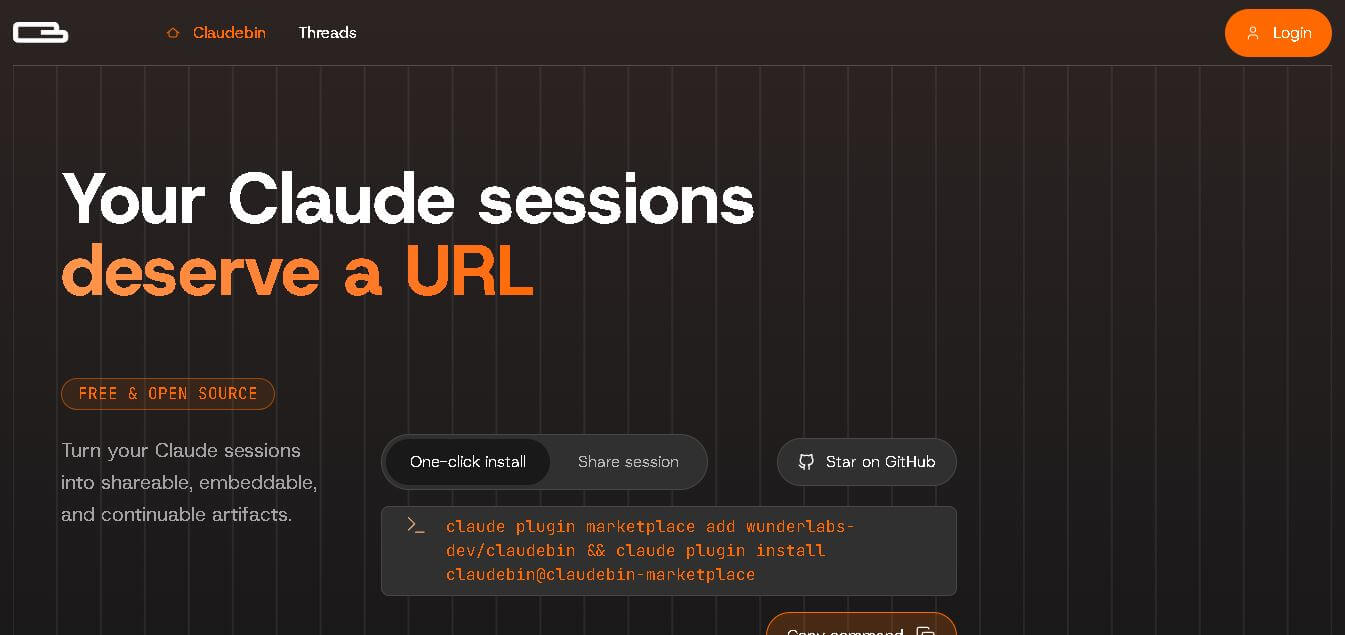
Claudebin is an open-source tool for sharing Claude Code sessions through structured, accessible web links. It captures conversations, file operations, terminal commands, and tool calls, helping developers explain their coding workflows. With session viewing and embedding capabilities, it simplifies technical documentation, collaboration, debugging discussions, and knowledge sharing across development projects.
 4.9
4.9GitFluence
Code Assistant
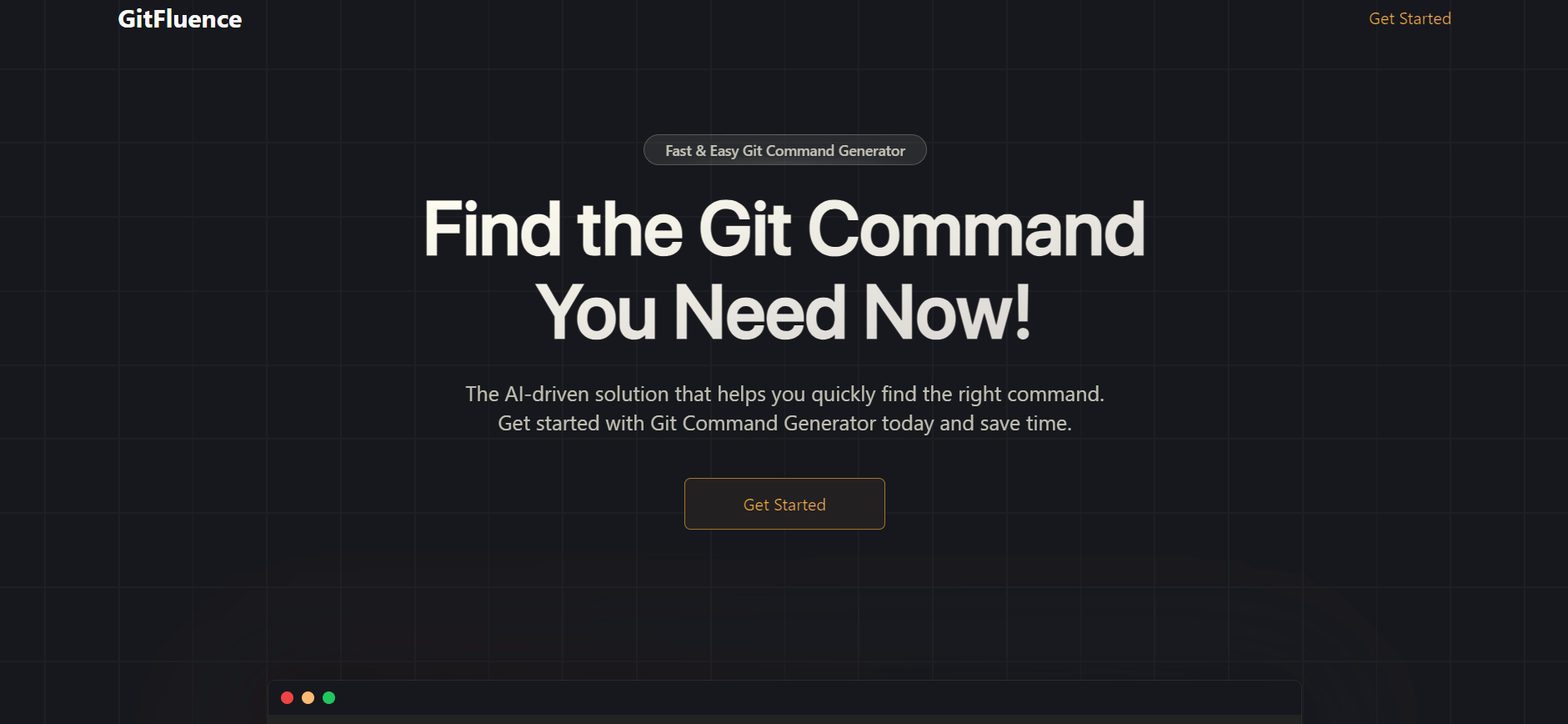
GitFluence is an AI-powered Git command generator that helps developers turn plain-English instructions into exact Git commands. It eliminates the need to memorize syntax, speeds up version control workflows, and lets users quickly copy accurate commands for tasks like branching, merging, and fixing commits.
 4.9
4.9Kiro
Vibe Coding
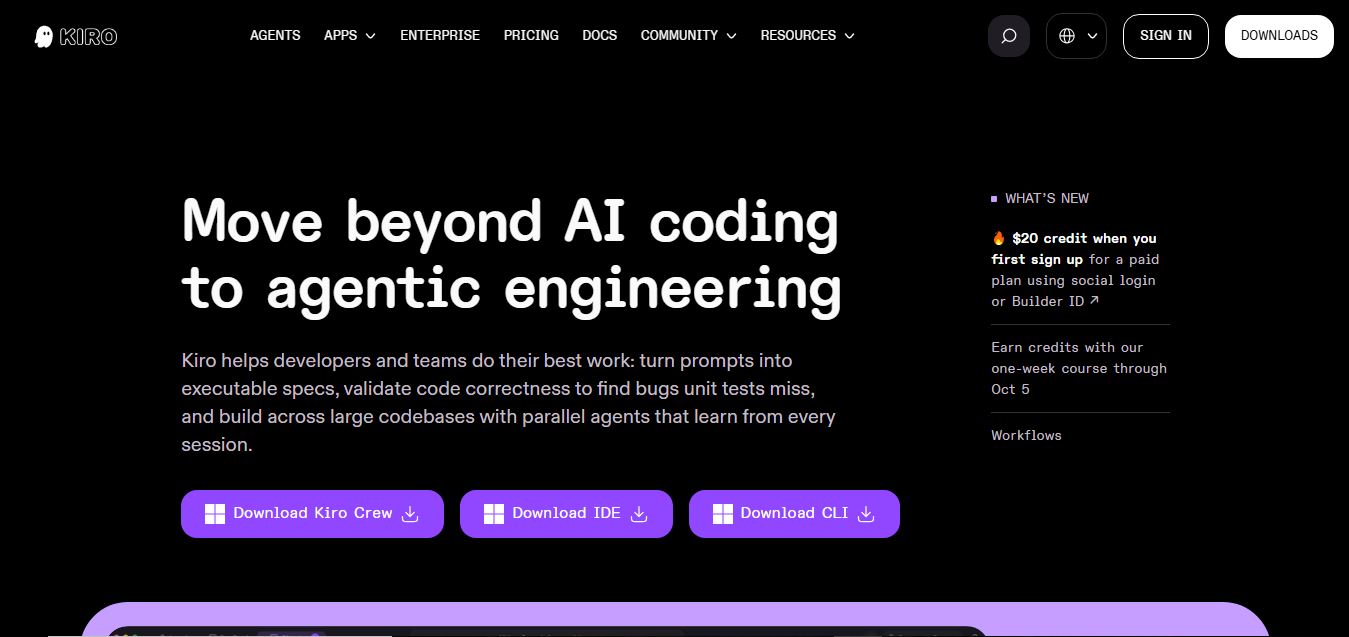
Kiro is an AI-powered developer platform that helps teams plan, build, and ship software using autonomous agents. It turns prompts into structured specs, writes and tests code, and automates workflows across IDE, CLI, and cloud, enabling faster, reliable development from prototype to production.
 4.8
4.8Emergent
Vibe Coding
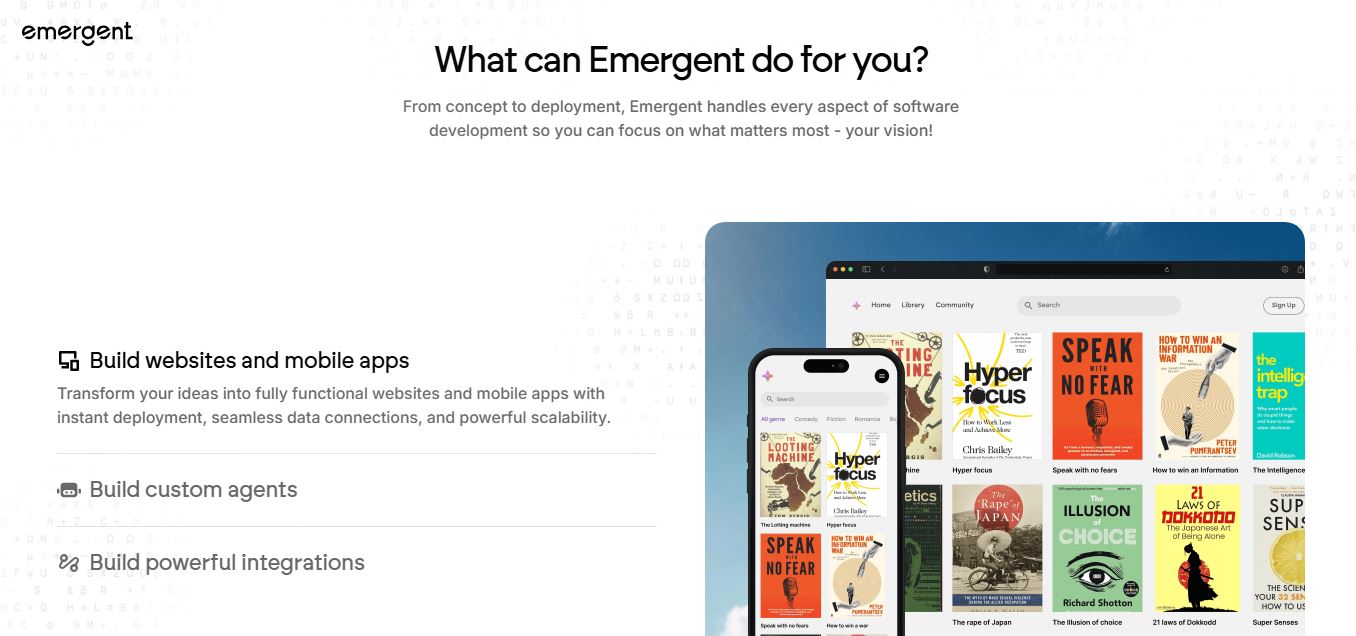
Emergent is an AI-powered app builder that lets users create full-stack web and mobile applications by simply describing their idea. It uses autonomous agents to plan, code, test, and deploy apps, handling everything from backend to hosting without requiring traditional programming skills.
 4.7
4.7Amazon Q Developer
Code Assistant
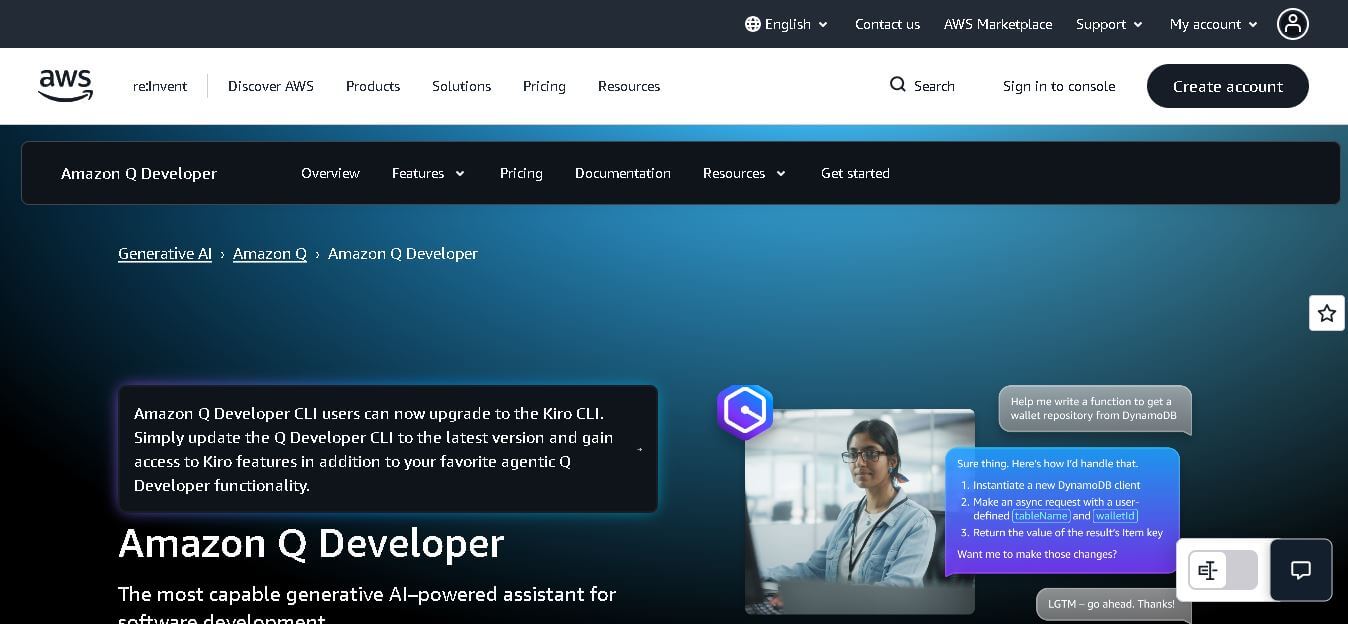
Amazon Q Developer helps developers write, explain, test, refactor, secure, and troubleshoot code while working with AWS services. It provides conversational assistance, inline suggestions, agentic coding, and cloud guidance across supported IDEs, command-line environments, and AWS interfaces. Its goal is to reduce repetitive work and help teams move from ideas to deployable software.
 4.9
4.9GitLab
Code Assistant
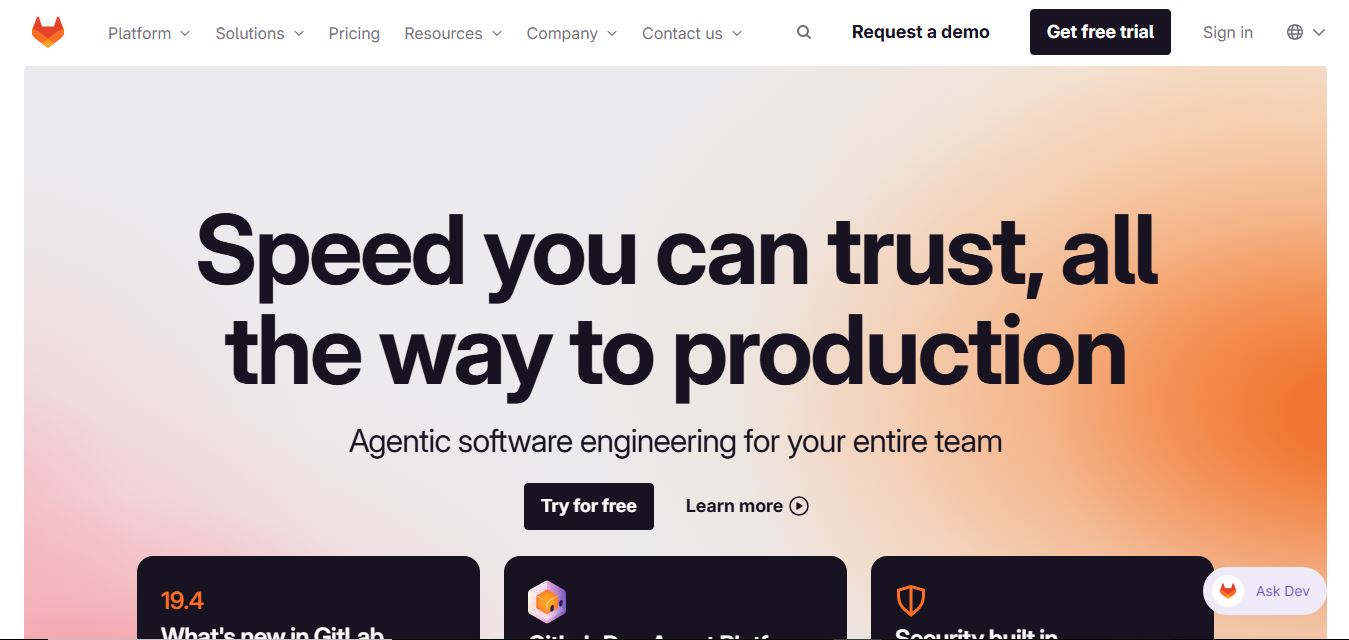
GitLab is a DevOps platform that provides a complete suite for planning, coding, testing, and deploying software in one place. It combines version control, CI/CD, security, and collaboration tools, helping teams streamline development workflows and deliver software faster and more efficiently.
 4.9
4.9CodeRabbit
Code Assistant
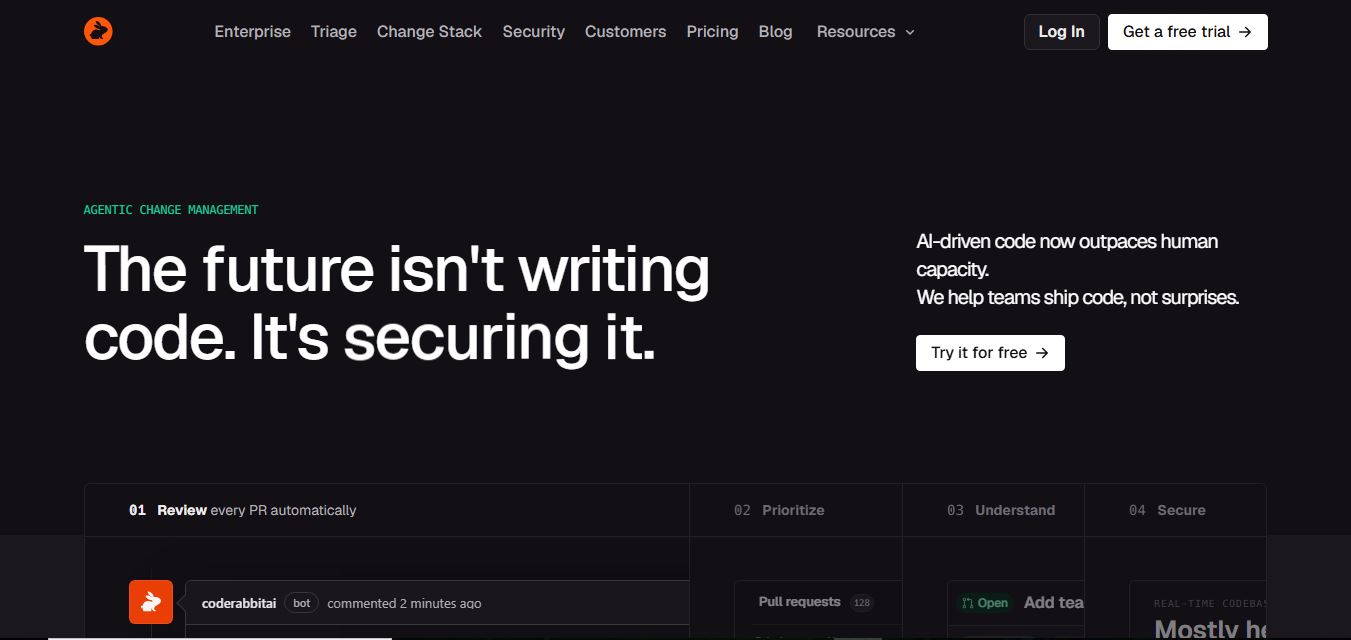
CodeRabbit is an AI-powered code review assistant that helps developers catch bugs, improve code quality, and speed up pull requests. It analyzes code changes in real time, provides actionable feedback, and integrates with Git workflows to make reviews faster and more efficient.
 4.9
4.9Sourcery
Code Assistant
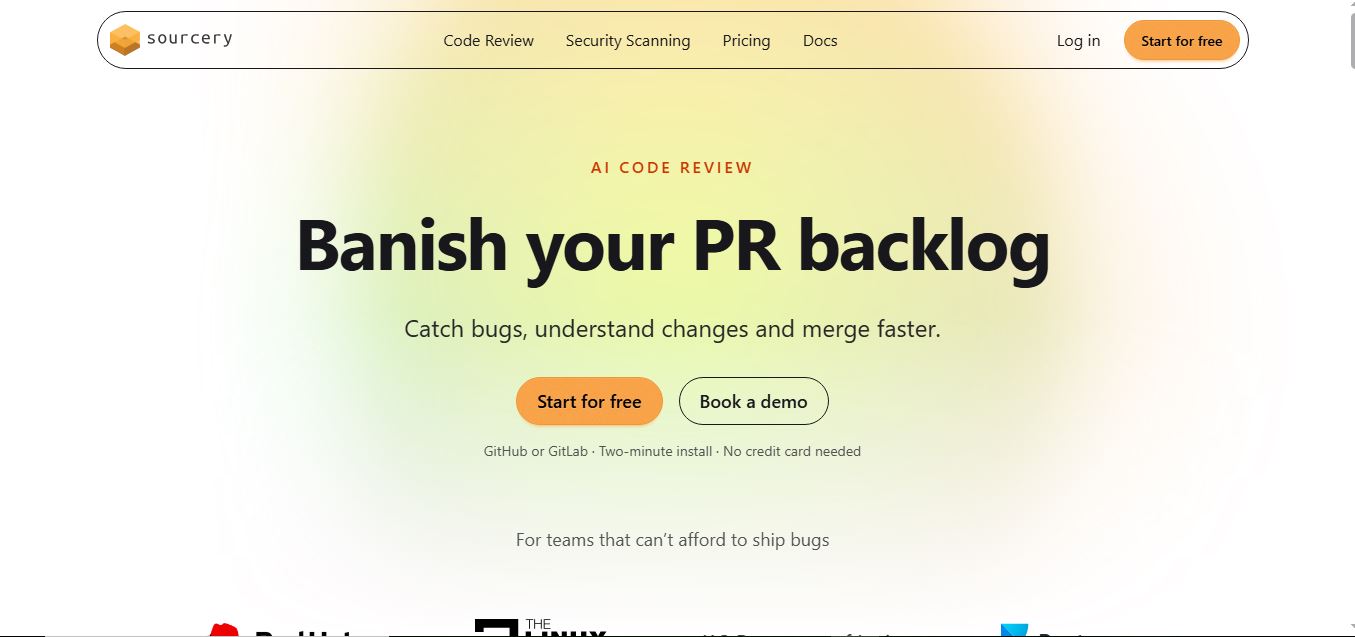
Sourcery is an AI-powered code refactoring tool that helps developers automatically improve Python code quality. It analyzes code, suggests cleaner and more efficient alternatives, and applies refactors instantly, making code more readable, maintainable, and aligned with best practices.
Tenki Cloud
Code Assistant
Tenki Cloud is a high-performance, cost-efficient cloud infrastructure platform offering disposable sandboxes for AI agents, self-hosted GitHub Actions runners, and automated AI code review.