
GitLab
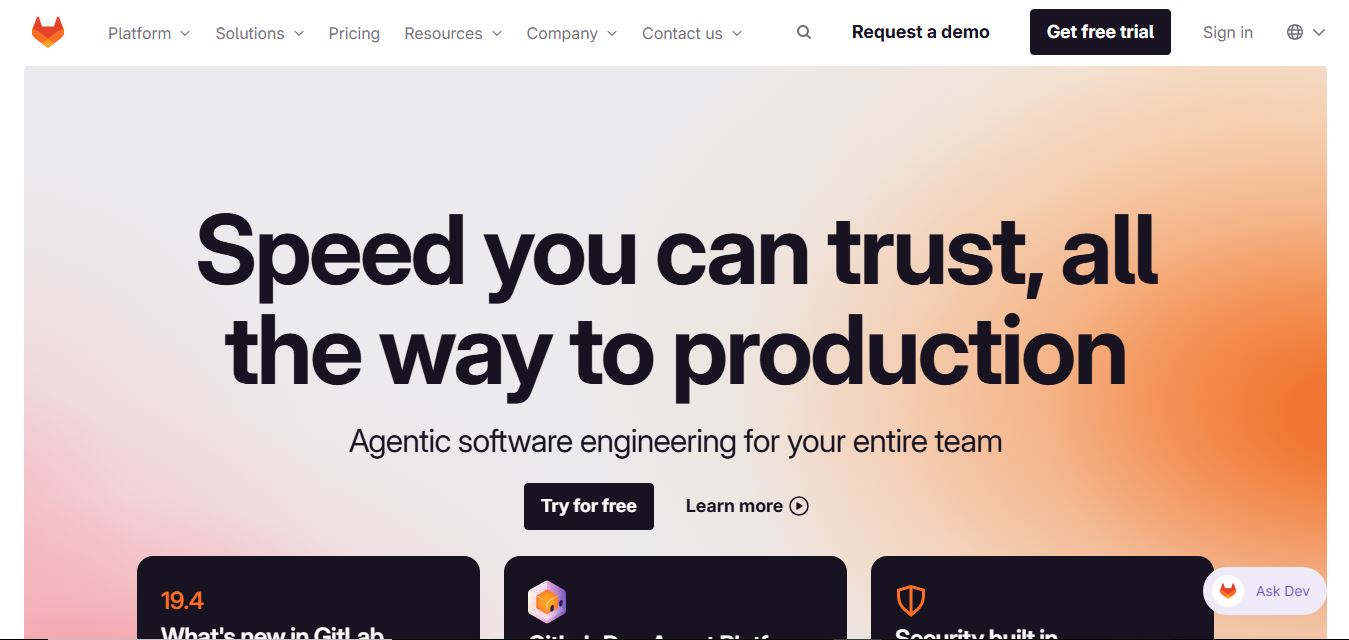
GitLab is a DevOps platform that provides a complete suite for planning, coding, testing, and deploying software in one place. It combines version control, CI/CD, security, and collaboration tools, helping teams streamline development workflows and deliver software faster and more efficiently.
What is GitLab?
GitLab is a complete DevOps platform that helps teams plan, build, secure, and deploy software in one place. It provides tools for source code management, CI/CD pipelines, issue tracking, and collaboration, all within a single application. GitLab supports the entire software development lifecycle, enabling teams to automate workflows, improve code quality, and release updates faster. Developers and enterprises widely use it to streamline development processes and manage projects efficiently across distributed teams.
Co-founded in 2011 by Dmitriy Zaporozhets and Sid Sijbrandij in Ukraine and the Netherlands, GitLab is publicly traded on NASDAQ (NASDAQ: GTLB) under executive leadership, including CEO Bill Staples. The platform powers over 30 million registered users and more than 100,000 organizations worldwide—including Siemens, Nvidia, Goldman Sachs, and Ticketmaster. GitLab processes billions of pipeline compute minutes monthly, enabling enterprises to reduce manual toolchain maintenance by up to 50 percent while shifting security left into everyday developer workflows.
- Founder / Leadership: Sid Sijbrandij (Co-founder & Executive Chairman), Dmitriy Zaporozhets (Co-founder), and Bill Staples (CEO)
- Launch Year: 2011 (Open-source project debut; GitLab Inc. incorporated in 2014)
Use Cases:
- Collaborative Git repository management, code review, and merge request approval workflows
- Automating multi-stage continuous integration and continuous deployment (CI/CD) pipelines
- Executing automated security scans (SAST, DAST, secret detection, container scanning) before code merges
- Managing enterprise compliance frameworks, separation of duties, and audit event logs across projects
Technology:
- Unified single-application architecture built on Ruby on Rails, Go, Vue.js, and PostgreSQL
- Scalable, multi-platform GitLab Runner orchestration engine supporting Docker and Kubernetes
- Integrated GitLab Duo AI assistant providing context-aware code generation and automated pipeline debugging
Target Users:
- Software engineers, technical leads, and full-stack application developers
- DevOps engineers, Site Reliability Engineers (SREs), and platform leads
- DevSecOps architects, security officers, and enterprise compliance auditors
- Engineering executives seeking to consolidate sprawling software delivery toolchains
Corporate Entity: Publicly traded on NASDAQ

Key features of GitLab
GitLab's key features are
- Single-Application DevSecOps: Consolidates source code management, project planning, automated CI/CD, security scanning, package registry, and monitoring in one unified data model.
- High-Throughput CI/CD Pipelines: Define, execute, and scale complex build, test, and release stages using declarative .gitlab-ci.yml syntax with auto-scaling self-hosted or SaaS runners.
- GitLab Duo AI Assistant: Accelerate delivery with AI code completion, automated root-cause analysis for failed CI/CD jobs, code refactoring, and AI-driven vulnerability explanations.
- Shift-Left Security Scanning: Integrates SAST, DAST, secret detection, dependency scanning, and container scanning directly into developer merge requests.
- Enterprise Compliance & Governance: Enforce merge request approval rules, compliance frameworks, separation-of-duties controls, and audit event logs across projects.
- Value Stream & DORA Analytics: Track engineering productivity metrics (deployment frequency, lead time for changes, change failure rate, time to restore) to optimize team velocity.
- Deployment Flexibility: Available as a multi-tenant cloud SaaS, fully isolated single-tenant GitLab Dedicated, or self-hosted instances on bare-metal and Kubernetes.
- Integrated Package & Container Registry: Store, publish, and distribute Docker containers, Helm charts, npm packages, PyPI modules, and Maven artifacts directly within project repos.
GitLab Pricing
GitLab operates on a per-user, per-month subscription model billed annually across SaaS and self-managed editions, with a permanent free tier and enterprise AI add-ons.
Free Plan:
- $0/month (Free forever)
- 1 user or namespace, 5 GB storage, 400 CI/CD compute minutes per month, and core repository management
Premium Plan:
- $29/user/month (billed annually at $348/user/year)
- Enterprise agile planning, 10,000 CI/CD minutes per month, merge request approvals, code review analytics, and enterprise support
Ultimate Plan:
- $99/user/month (billed annually at $1,188/user/year)
- Includes everything in Premium plus full security scanning (SAST/DAST/Container scanning), compliance management, DORA metrics, and 50,000 CI/CD minutes
GitLab Duo AI Add-Ons:
- GitLab Duo Pro ($19/user/month) for AI code completion and chat; GitLab Duo Enterprise ($39/user/month) for vulnerability remediation and automated CI/CD root-cause debugging
GitLab Dedicated:
- Single-tenant, fully managed cloud deployment designed for regulated enterprises with custom regional requirements
Disclaimer: For the latest enterprise deployment packages, volume discounts, and runner pricing, please visit the official GitLab pricing portal at about.gitlab.com/pricing/.
Who is using GitLab?
GitLab is designed for a broad range of engineering and DevOps teams, including
- Enterprise Engineering Departments: Replacing multi-vendor toolchains with a single platform
- DevOps & Platform Teams: Automating continuous integration, container builds, and Kubernetes releases
- DevSecOps & Compliance Teams: Requiring automated vulnerability scanning and audit logging in regulated sectors
- Open-Source Communities: Managing public code repositories and collaborative issue boards
- Content Creators: Using writing tools to draft CI/CD pipeline guides, Git branching strategy documentation, and enterprise DevOps playbooks
- System Administrators: Deploying self-hosted, air-gapped instances to comply with strict national data residency laws
Best GitLab Alternatives
Some of the strongest GitLab alternatives include
- GitHub (GitHub Enterprise & Actions)
- Atlassian Bitbucket (with Jira & Bamboo)
- Azure DevOps
- JetBrains Space
- Jenkins
- AWS CodeCommit & CodePipeline
Pros and Cons of GitLab
Pros
- True single-application architecture eliminates brittle third-party integrations and synchronizes data across the entire lifecycle
- Industry-leading CI/CD engine with powerful .gitlab-ci.yml flexibility and auto-scaling runner pools
- Deep security scanning (SAST, DAST, secrets, container scanning) built directly into merge request workflows
- Full deployment sovereignty: run on GitLab.com, self-hosted on private servers, or deployed via single-tenant GitLab Dedicated
- Transparent, handbook-first company culture with open-core community contribution roots
Cons
- Significant price jump between the Premium tier ($29/user/mo) and Ultimate tier ($99/user/mo)
- Self-hosting high-availability GitLab instances requires dedicated Linux sysadmin and database maintenance
- The sheer breadth of settings, navigation menus, and features can be overwhelming for beginners
- Advanced security scanning and compliance dashboards are strictly reserved for the top Ultimate tier
Why Choose GitLab?
GitLab is the ideal choice for software teams, platform engineers, and enterprises looking to streamline operations with a unified DevSecOps platform.
- Replaces multiple disconnected tools (Jira, Jenkins, Snyk, Artifactory) with a single platform
- Accelerates code delivery using powerful, declarative CI/CD pipeline automation
- Catches security flaws early by embedding SAST, DAST, and container scans into developer PRs
- Empowers engineers with GitLab Duo AI code assistance and automated pipeline debugging
- Provides total deployment freedom across SaaS, self-managed private clouds, and air-gapped infrastructure
GitLab vs. Competitors
The main difference between GitLab, GitHub Enterprise, Azure DevOps, and Bitbucket is that GitLab is architected as a single application covering the entire DevSecOps lifecycle natively—including built-in security scanning, compliance, and container registries—whereas GitHub relies on modular add-ons (GitHub Actions, GitHub Advanced Security), Azure DevOps operates as a suite of separate services (Repos, Pipelines, Artifacts), and Bitbucket depends heavily on integrations with Jira and Bamboo. GitLab stands out for its all-in-one architecture, self-hosted deployment flexibility, and native security depth.
| Feature / Tool | GitLab (about.gitlab.com) | GitHub Enterprise | Azure DevOps | Atlassian Bitbucket |
|---|---|---|---|---|
| Core Architecture | Single Integrated DevSecOps App | Modular SCM & Developer Platform | Modular Enterprise DevOps Suite | Git SCM & Jira Integration |
| Built-in Security (SAST/DAST) | Yes (Included in Ultimate) | GitHub Advanced Security (Add-on) | Microsoft Defender for DevOps | Third-Party Snyk / Sonar |
| Native CI/CD Engine | GitLab CI/CD (.gitlab-ci.yml) | GitHub Actions | Azure Pipelines | Bitbucket Pipelines |
| Self-Hosted Deployment | Yes (Omnibus, Helm, Dedicated) | GitHub Enterprise Server | Azure DevOps Server | Bitbucket Data Center |
| AI Assistant Integration | GitLab Duo (Pro & Enterprise) | GitHub Copilot | GitHub Copilot / Azure AI | Atlassian Intelligence / Rovo |
| Best For | All-in-One DevSecOps & Enterprise | Open-Source & Developer Ecosystem | Microsoft Azure Enterprises | Teams Anchored in Jira/Confluence |
How do we rate GitLab?
| Parameter | Rating (out of 5) |
|---|---|
| CI/CD Pipeline Capabilities & Speed | 5.0 |
| DevSecOps & Security Scanning Depth | 5.0 |
| Source Code Management & Merge Requests | 4.9 |
| Deployment Flexibility (SaaS & Self-Hosted) | 5.0 |
| Value for Money | 4.7 |
| Overall Score | 4.92 |
GitLab Review
GitLab remains a standard in the modern software engineering and enterprise infrastructure landscape. By championing the vision of a unified DevSecOps platform delivered as a single application, GitLab has successfully eliminated the operational overhead and security blind spots associated with fragmented toolchains. Its CI/CD engine is widely considered the gold standard for flexibility and reliability, while its shift-left security capabilities allow organizations to detect vulnerabilities long before staging. For engineering leaders and DevOps architects seeking to unify planning, coding, security, and deployments into a single cohesive pipeline, GitLab is an outstanding platform.
Conclusion
GitLab provides an all-in-one DevOps platform that brings code management, CI/CD, security, and collaboration into a single application. Instead of stitching together multiple tools, teams can manage the entire software development lifecycle in one place. This improves visibility, efficiency, and collaboration across projects. Overall, GitLab streamlines development workflows, helping teams build, test, secure, and deploy software faster while maintaining control and consistency.
FAQ
What is GitLab and how does it work?
GitLab is an all-in-one DevSecOps platform that helps teams plan, build, secure, and deploy software from a single application. It works by combining source code management, CI/CD pipelines, security testing, and deployment tools into one unified system, so teams don’t need multiple disconnected tools. This integrated approach allows developers, security teams, and operations teams to collaborate efficiently across the entire software development lifecycle.
What makes GitLab different from other DevOps tools?
GitLab stands out because it provides a complete end-to-end platform instead of requiring separate tools for version control, CI/CD, and security. Everything—from planning and coding to testing and deployment—runs in one interface with a shared data model. This reduces complexity, eliminates toolchain fragmentation, and improves visibility across projects.
What features does GitLab offer?
GitLab includes features such as source code repositories, merge requests and code reviews, CI/CD pipelines, security scanning (SAST, DAST, dependency scanning), project management tools, and analytics dashboards. It also supports automation, package registries, and monitoring, making it a comprehensive platform for managing the entire software lifecycle.
How does GitLab help with CI/CD and automation?
GitLab has built-in CI/CD capabilities that automate the process of building, testing, and deploying applications. Developers can define pipelines that automatically run when code is committed, ensuring consistent testing and faster releases. This reduces manual work, improves reliability, and allows teams to deliver updates more frequently with fewer errors.
How does GitLab handle security and compliance?
GitLab integrates security directly into the development workflow, allowing teams to detect vulnerabilities early in the software lifecycle. It includes tools for static and dynamic analysis, dependency scanning, and compliance tracking, so teams can build security into every stage rather than adding it later. This approach helps reduce risks and meet regulatory requirements more efficiently.
Can GitLab be used for enterprise-scale projects?
Yes, GitLab is designed to scale from small teams to large enterprises. It offers enterprise features like role-based access control, compliance management, audit logs, and flexible deployment options, including cloud-hosted and self-managed environments. Many large organizations use GitLab to manage complex software delivery processes at scale.
What is GitLab Duo and how does AI work in GitLab?
GitLab Duo is the AI-powered layer within GitLab that helps automate development tasks such as code suggestions, issue creation, vulnerability fixes, and workflow automation. It uses AI agents to assist across the software lifecycle, enabling teams to work faster while maintaining control through governance and policies.
Who should use GitLab?
GitLab is ideal for developers, DevOps engineers, security teams, and enterprises that want a unified platform for software development and delivery. It is especially useful for organizations looking to streamline workflows, reduce reliance on multiple tools, and improve collaboration across development, security, and operations teams.
User Reviews
No reviews yet for GitLab.
Featured Tools
Featured AI tools from TechShark

Melody Genie
MelodyGenie is an AI-powered music generator that creates original songs from simple text prompts. Users can choose styles, moods, and genres, then instantly generate melodies and full tracks, making it easy for creators, marketers, and hobbyists to produce custom music without musical expertise.
Freemium

Kimi AI
Kimi AI is an advanced AI assistant developed by Moonshot AI that helps you chat, research, write, code, and automate tasks in one place. It supports web search, file analysis, and multimodal inputs, and can even run autonomous “agent” workflows to complete complex tasks end-to-end.
Freemium

Fashion Diffusion AI
Fashion Diffusion is an AI-powered fashion design platform that helps brands and designers create clothing designs, virtual try-ons, AI models, product photos, and marketing visuals faster and cost-effectively.
Paid

Veo 4
Veo 4 AI is an AI video creation platform that generates dramatic videos from text, images, audio, and video prompts using realistic motion and synchronized sound.
Paid
Alternatives
Alternatives to GitLab
The best GitLab alternatives include GitHub, Atlassian Bitbucket, Azure DevOps, JetBrains Space, Jenkins, and AWS CodePipeline. These platforms provide source code management, continuous integration, and developer automation. While GitLab specializes in an all-in-one DevSecOps platform with native security scanning and flexible self-hosting options, alternatives like GitHub lead in open-source developer mindshare, and Azure DevOps integrates tightly with the Microsoft cloud enterprise ecosystem. Choosing the right tool depends on whether you require an all-in-one single application platform, modular cloud integrations, or deep Atlassian Jira alignment.
 4.9
4.9Claudebin
Code Assistant
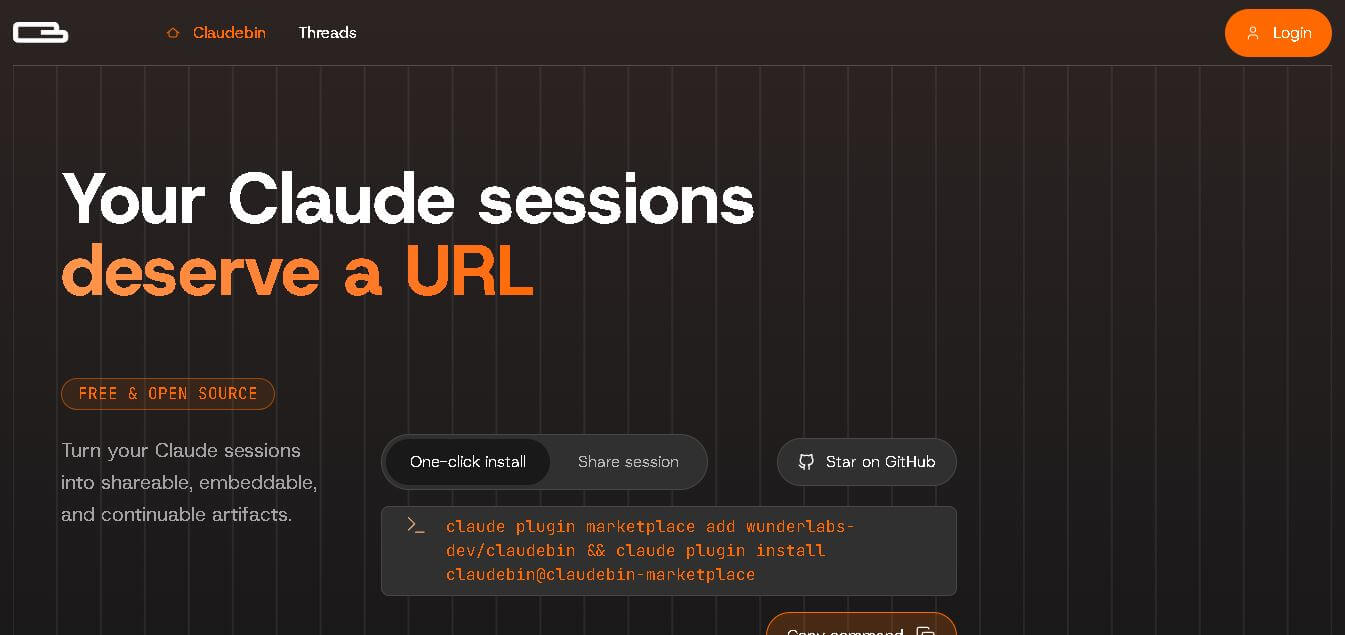
Claudebin is an open-source tool for sharing Claude Code sessions through structured, accessible web links. It captures conversations, file operations, terminal commands, and tool calls, helping developers explain their coding workflows. With session viewing and embedding capabilities, it simplifies technical documentation, collaboration, debugging discussions, and knowledge sharing across development projects.
 4.9
4.9GitFluence
Code Assistant
GitFluence is an AI-powered Git command generator that helps developers turn plain-English instructions into exact Git commands. It eliminates the need to memorize syntax, speeds up version control workflows, and lets users quickly copy accurate commands for tasks like branching, merging, and fixing commits.
 4.9
4.9Kiro
Vibe Coding
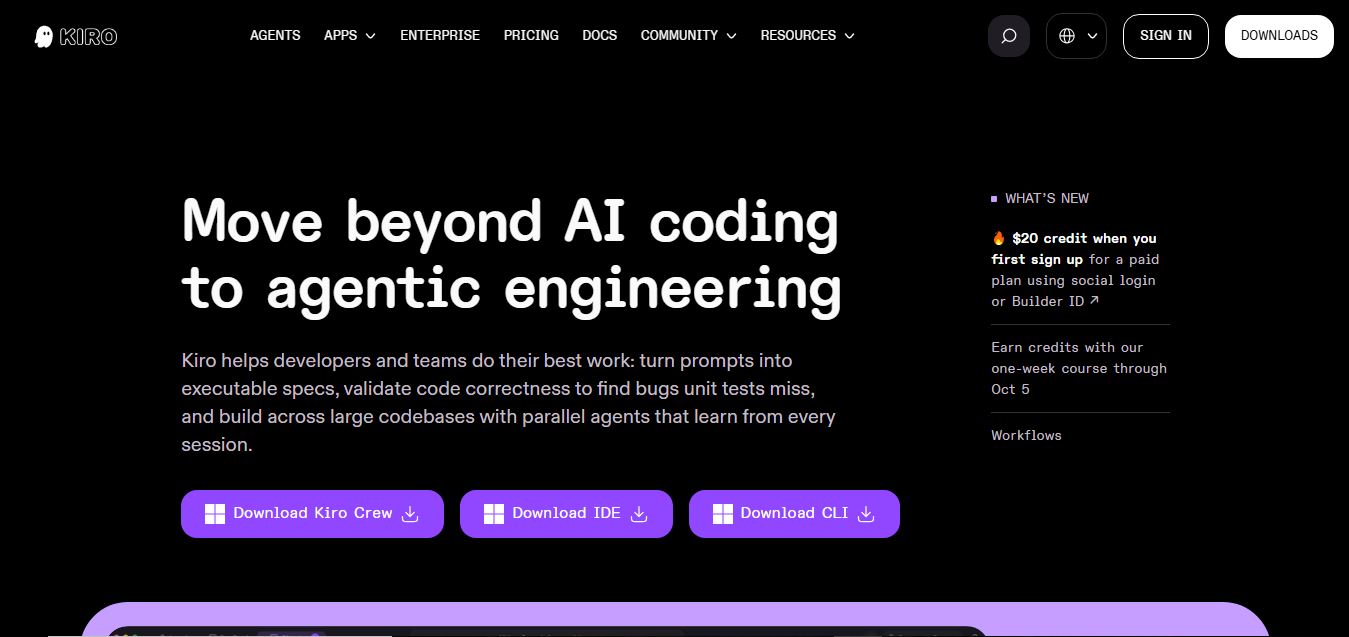
Kiro is an AI-powered developer platform that helps teams plan, build, and ship software using autonomous agents. It turns prompts into structured specs, writes and tests code, and automates workflows across IDE, CLI, and cloud, enabling faster, reliable development from prototype to production.
 4.8
4.8Emergent
Vibe Coding
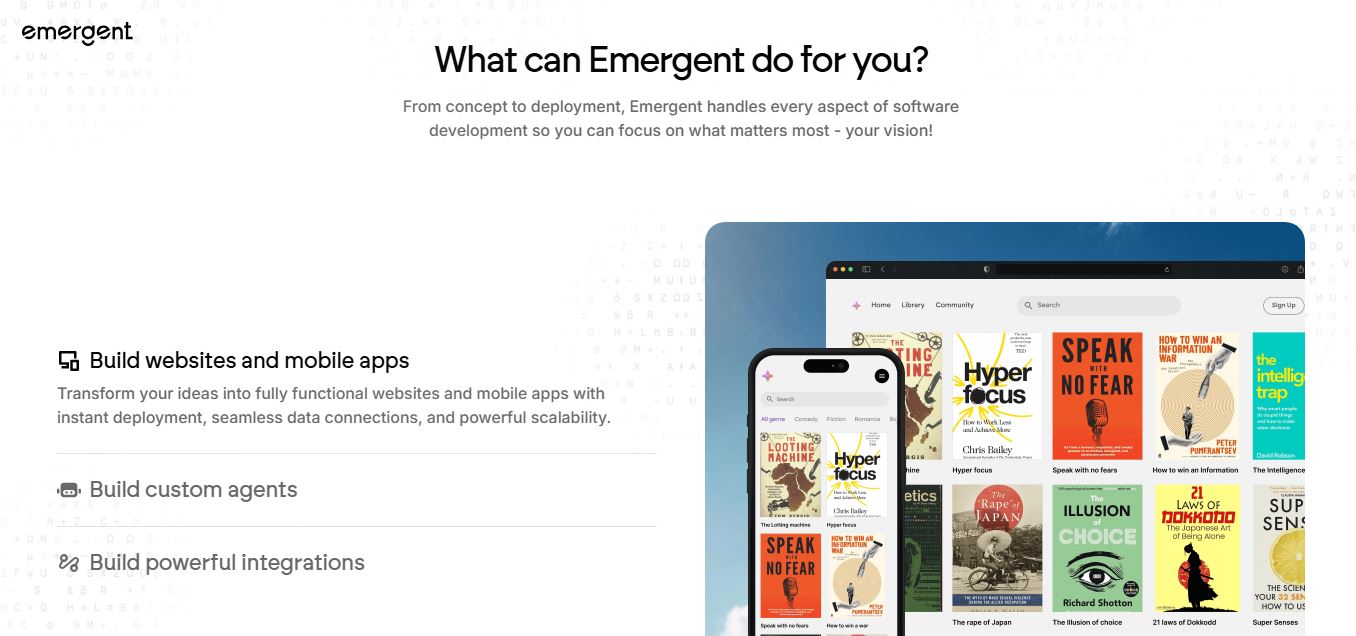
Emergent is an AI-powered app builder that lets users create full-stack web and mobile applications by simply describing their idea. It uses autonomous agents to plan, code, test, and deploy apps, handling everything from backend to hosting without requiring traditional programming skills.
 4.7
4.7Amazon Q Developer
Code Assistant
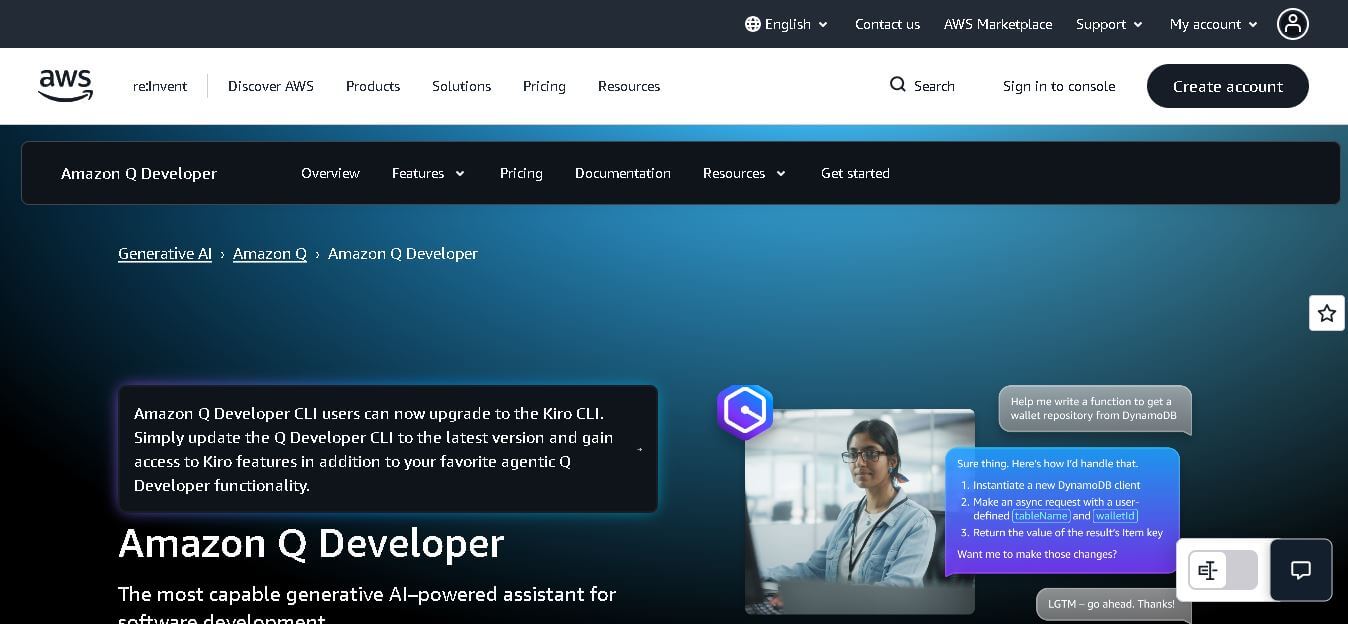
Amazon Q Developer helps developers write, explain, test, refactor, secure, and troubleshoot code while working with AWS services. It provides conversational assistance, inline suggestions, agentic coding, and cloud guidance across supported IDEs, command-line environments, and AWS interfaces. Its goal is to reduce repetitive work and help teams move from ideas to deployable software.
 4.9
4.9CodeRabbit
Code Assistant
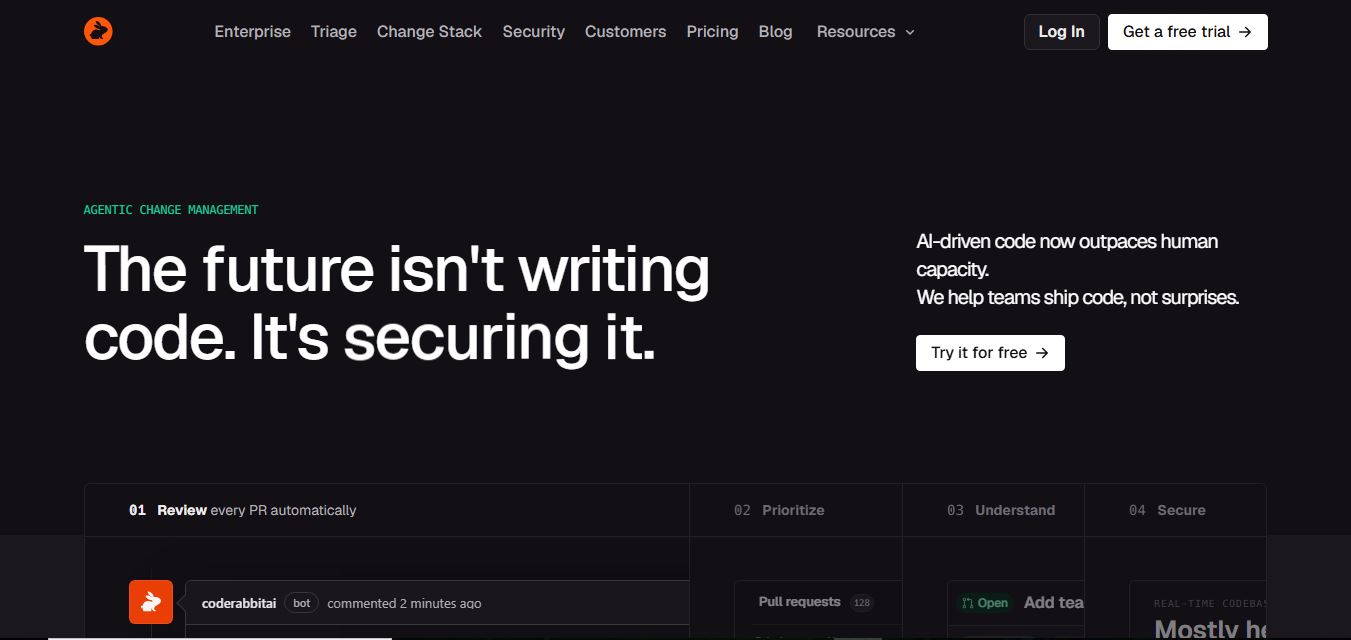
CodeRabbit is an AI-powered code review assistant that helps developers catch bugs, improve code quality, and speed up pull requests. It analyzes code changes in real time, provides actionable feedback, and integrates with Git workflows to make reviews faster and more efficient.
 4.9
4.9Sourcery
Code Assistant
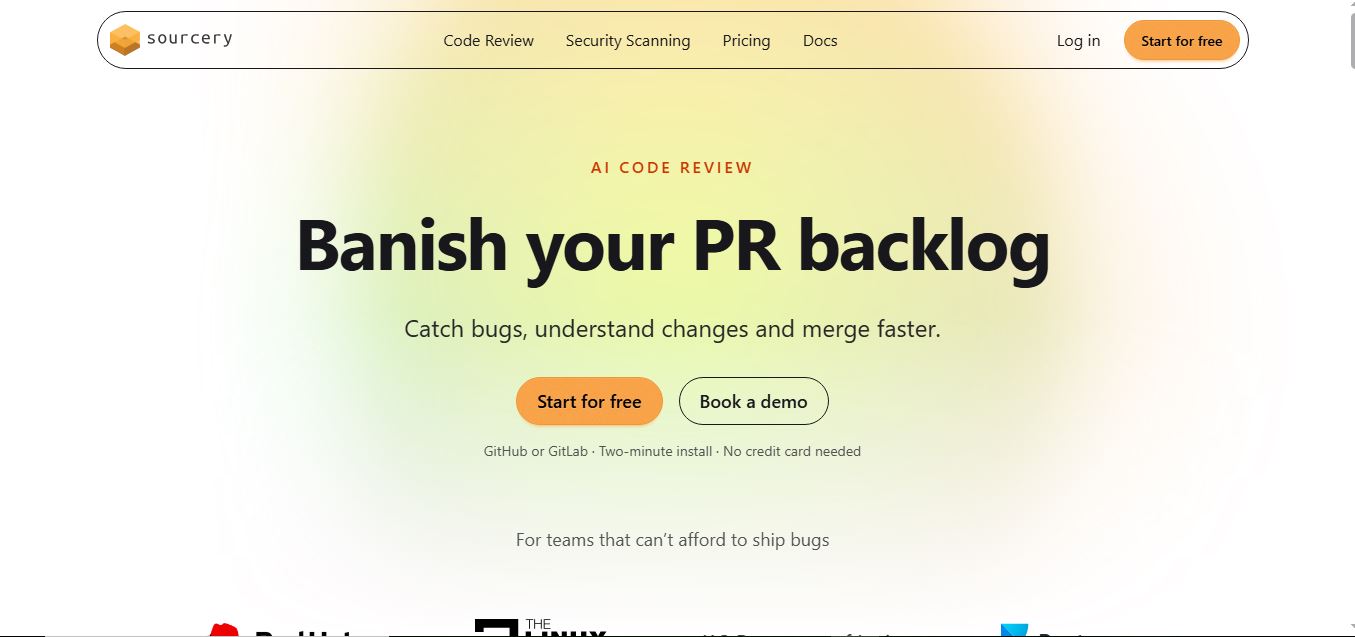
Sourcery is an AI-powered code refactoring tool that helps developers automatically improve Python code quality. It analyzes code, suggests cleaner and more efficient alternatives, and applies refactors instantly, making code more readable, maintainable, and aligned with best practices.
Tenki Cloud
Code Assistant
Tenki Cloud is a high-performance, cost-efficient cloud infrastructure platform offering disposable sandboxes for AI agents, self-hosted GitHub Actions runners, and automated AI code review.
Chessnut
Code Assistant
Chessnut is an innovative chess technology company specializing in smart electronic chessboards, AI-powered coaching tools, and seamless hybrid online/offline gameplay solutions.