
Qodo
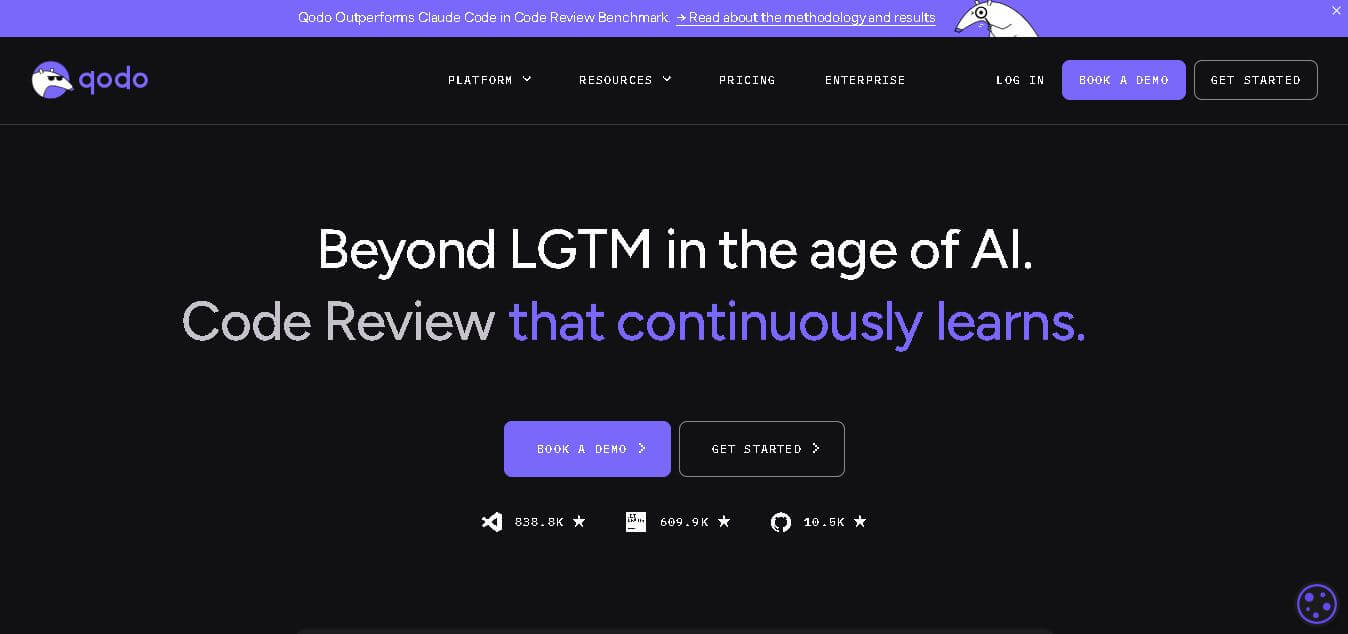
Qodo is an AI-powered code review and testing platform that helps developers write, test, and review high-quality code faster by detecting bugs, generating tests, and improving software reliability.
What is Qodo AI?
Founders
- Founded by Itamar Friedman and Dedy Kredo
- Both founders have strong experience in artificial intelligence and enterprise software development
Launch
- Founded in 2022
- Previously known as CodiumAI before rebranding to Qodo
- Headquarters located in Tel Aviv, Israel
Use Cases
- AI-assisted code review
- Automated unit test generation
- Bug detection in complex codebases
- Improving software reliability and performance
- Supporting CI/CD and development workflows
Technology
- Advanced machine learning models trained on software engineering tasks
- Context-aware code analysis
- AI agents for test creation and bug detection
- Integration with developer tools and repositories
The Qodo is an AI-powered code-assistant platform that assists developers in creating and assessing code while testing their work to achieve software standards. The system automates vital development tasks through its capabilities, which manage code review processes and bug detection operations and test development work. Qodo uses codebase analysis to provide developers with actionable recommendations that help them improve system performance and the security and reliability of their systems. The platform supports standard development environments and version control systems to enable teams to establish consistent coding standards. The Qodo AI-based system enables developers to build production applications that can scale while they develop their projects with shorter timeframes and fewer manual mistakes.
Key Features
Qodo AI key features are
AI-Powered Code Review
- Qodo automatically analyzes code changes and pull requests.
- It identifies logical errors, coding issues, and potential vulnerabilities before code is merged.
Automated Test Generation
- The platform generates meaningful unit tests directly from the code logic.
- This improves test coverage and reduces the time developers spend writing tests manually.
Context-Aware Code Understanding
- Qodo understands the entire codebase instead of analyzing only single files.
- This helps detect deeper issues across multiple modules and repositories.
IDE Integration
- The platform integrates with popular development environments.
- Developers can access AI suggestions and code improvements without leaving their coding workspace.
Repository Integration
- Works with common Git workflows and code repositories.
- Automatically reviews pull requests and provides recommendations for improvement.
Security and Quality Checks
- Detects potential security risks and coding standard violations.
- Helps organizations maintain secure and reliable software systems.
AI Agents for Development Tasks
- Qodo uses specialized AI agents that focus on different coding tasks such as analysis, testing, and debugging.
- This multi-agent approach improves accuracy and efficiency in development workflows.
Pricing
- Free Plan – Suitable for individual developers and open-source projects with basic features.
- Team Plan – Paid plan with advanced collaboration and productivity tools for development teams.
- Enterprise Plan – Custom pricing with advanced security, compliance, and large-scale deployment options.
Disclaimer: For the latest and most accurate pricing information, please visit the official Qodo AI website.
Who is using Qodo AI?
A diverse range of users and organizations utilize Qodo AI
- Software developers and programmers
- Startup engineering teams
- Enterprise development teams managing large codebases
- DevOps and CI/CD teams
- Open-source contributors
- Technology companies building complex software applications
Alternatives
Some popular alternatives to Qodo AI include
- GitHub Copilot
- Codeium
- Tabnine
- Amazon CodeWhisperer
- Snyk Code
- DeepCode AI
Conclusion
Qodo uses advanced AI technology to support software developers in improving their code quality and developing more efficient workflows. The development team uses automated code assessment together with intelligent testing creation and contextual analysis to find programming defects during their software development process, which results in the creation of reliable software products. The platform combined with developer workflows creates a valuable tool that benefits both individual programmers and large development teams. The software development method that Qodo offers is useful because it helps create secure and high-quality software products while boosting productivity and making code more reliable by reducing the amount of manual work needed.
People are also reading
FAQ
What is Qodo AI?
Qodo is an AI-powered code review and testing platform that helps developers improve code quality, detect bugs, and automate testing.
Is Qodo free to use?
Yes, Qodo offers a free plan for individual developers, along with paid plans for teams and enterprises.
What programming languages does Qodo support?
Qodo supports most major programming languages used in modern software development.
Does Qodo integrate with Git platforms?
Yes, Qodo integrates with GitHub, GitLab, and Bitbucket to review pull requests and improve code quality.
Who should use Qodo?
Developers, software teams, startups, and large enterprises that want to improve code quality and automate development workflows.
User Reviews
No reviews yet for Qodo.
Featured Tools
Featured AI tools from TechShark

Melody Genie
MelodyGenie is an AI-powered music generator that creates original songs from simple text prompts. Users can choose styles, moods, and genres, then instantly generate melodies and full tracks, making it easy for creators, marketers, and hobbyists to produce custom music without musical expertise.
Freemium

Kimi AI
Kimi AI is an advanced AI assistant developed by Moonshot AI that helps you chat, research, write, code, and automate tasks in one place. It supports web search, file analysis, and multimodal inputs, and can even run autonomous “agent” workflows to complete complex tasks end-to-end.
Freemium

Fashion Diffusion AI
Fashion Diffusion is an AI-powered fashion design platform that helps brands and designers create clothing designs, virtual try-ons, AI models, product photos, and marketing visuals faster and cost-effectively.
Paid

Veo 4
Veo 4 AI is an AI video creation platform that generates dramatic videos from text, images, audio, and video prompts using realistic motion and synchronized sound.
Paid
Alternatives
Alternatives to Qodo
Qodo is an advanced AI coding platform designed to improve code quality across the software development lifecycle. It automates code reviews, generates tests, detects vulnerabilities, and helps developers deliver reliable, secure, and production-ready software faster.
 4.9
4.9Edubrain AI
Education
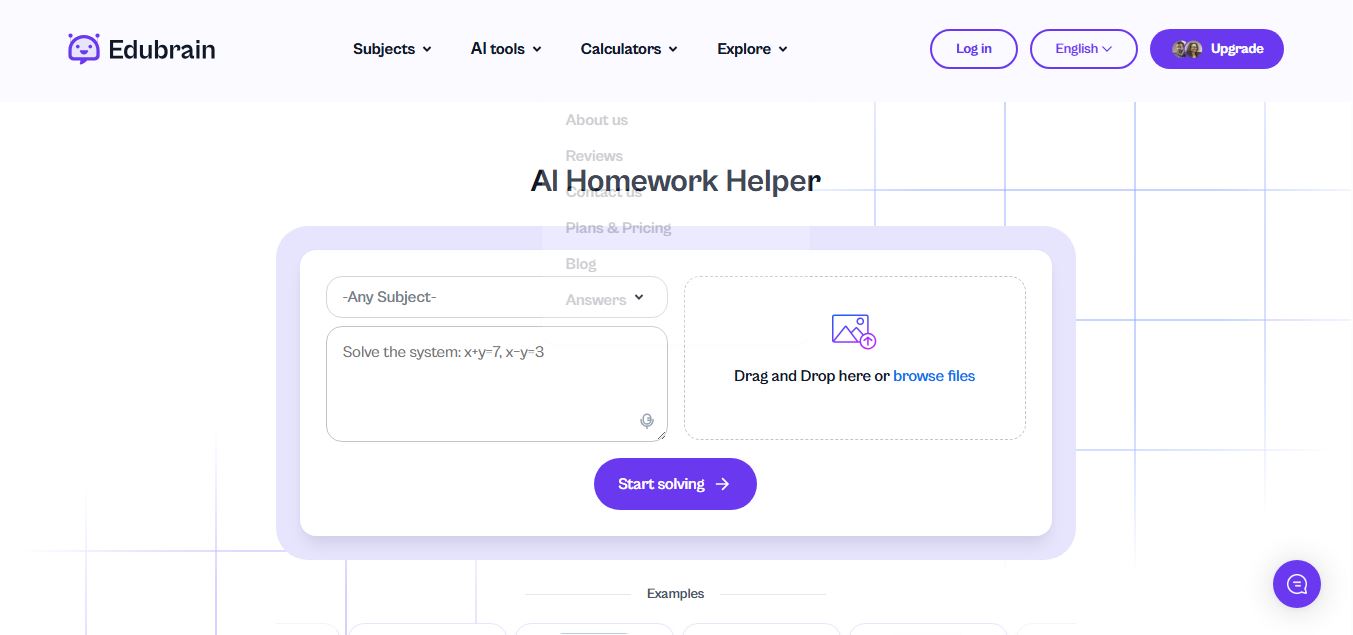
Edubrain is an AI-powered homework assistant that helps students solve questions across 90+ subjects using text, images, PDFs, or audio. It provides step-by-step explanations, adapts to learning styles, and works without sign-up, enabling faster understanding, exam prep, and personalized study support.
 4.8
4.8Math AI
Education
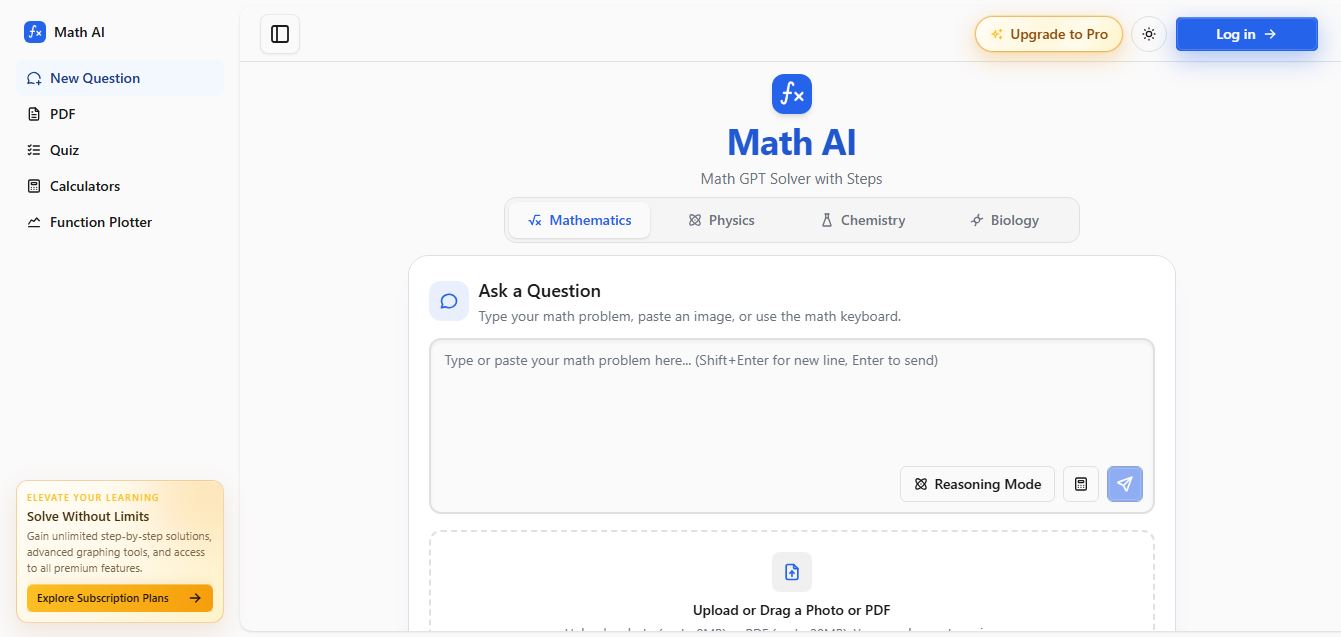
Math AI is an AI-powered math learning platform that helps users solve problems using text or images with step-by-step explanations. It supports algebra, calculus, and more, offering quizzes, graphs, and personalized tutoring to improve understanding and make studying, homework, and exam preparation easier.
 4.9
4.9ThetaWise
Education
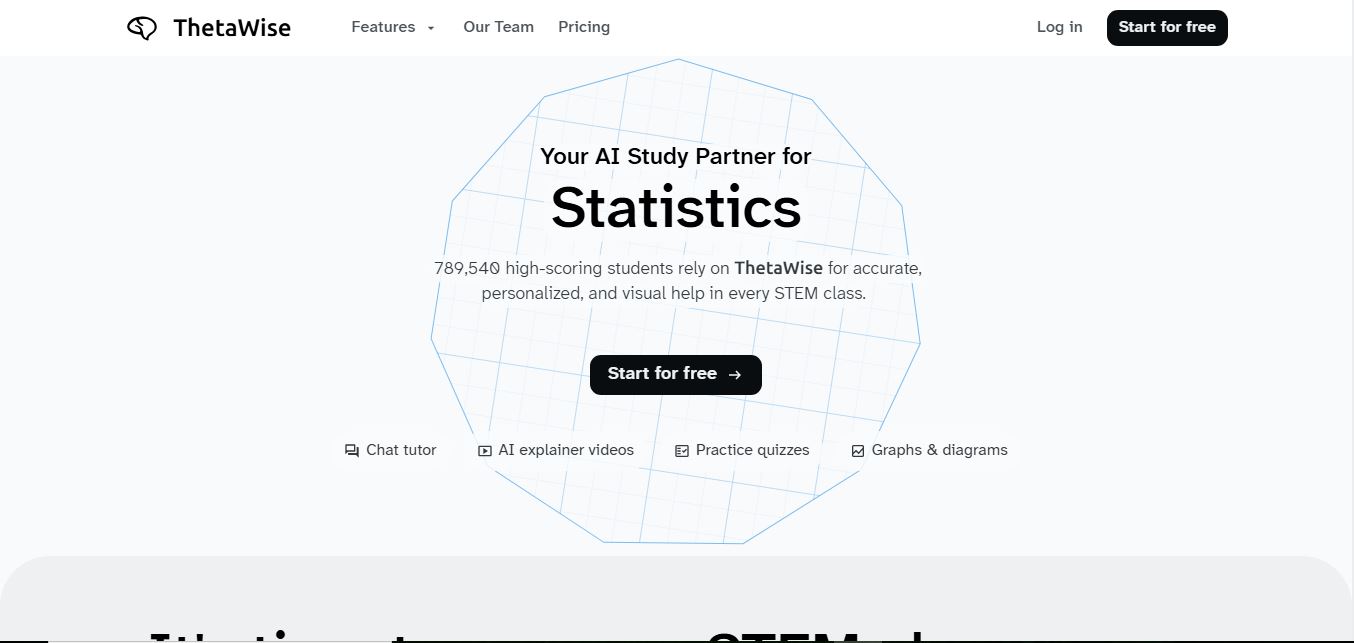
ThetaWise is an AI-powered STEM learning platform that helps students solve math and science problems with step-by-step explanations, video lessons, and practice quizzes. It acts like a 24/7 tutor, adapting to learning styles and improving understanding, test performance, and concept mastery.
 4.9
4.9Mathos AI
Education
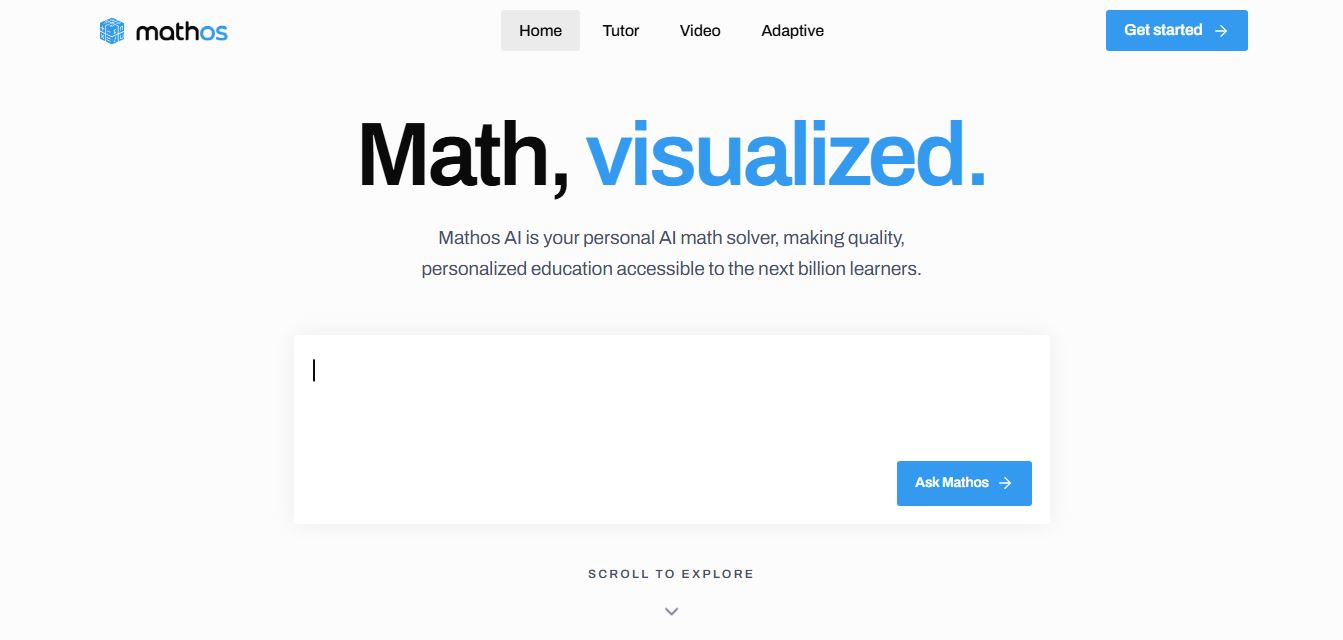
Mathos AI is an AI-powered math solver and tutor that helps students solve problems with step-by-step explanations and personalized guidance. It turns questions into lessons, generates quizzes, flashcards, and videos, and adapts to mistakes, enabling deeper understanding instead of just providing answers.
 4.8
4.8Brainly
Education
Brainly is an AI-powered learning platform that helps students solve homework, study concepts, and prepare for exams with step-by-step explanations. It combines AI guidance with a global community of experts, turning questions into personalized learning and helping students understand—not just complete—their schoolwork.
 4.8
4.8Gauth
Education
Gauth (formerly Gauthmath) is an AI-powered homework helper that lets students solve problems by typing or snapping a photo. It delivers step-by-step explanations across math and other subjects, combines AI with live tutor support, and helps users understand concepts, complete homework, and prepare for exams.
 4.7
4.7AI Math Solver
Education
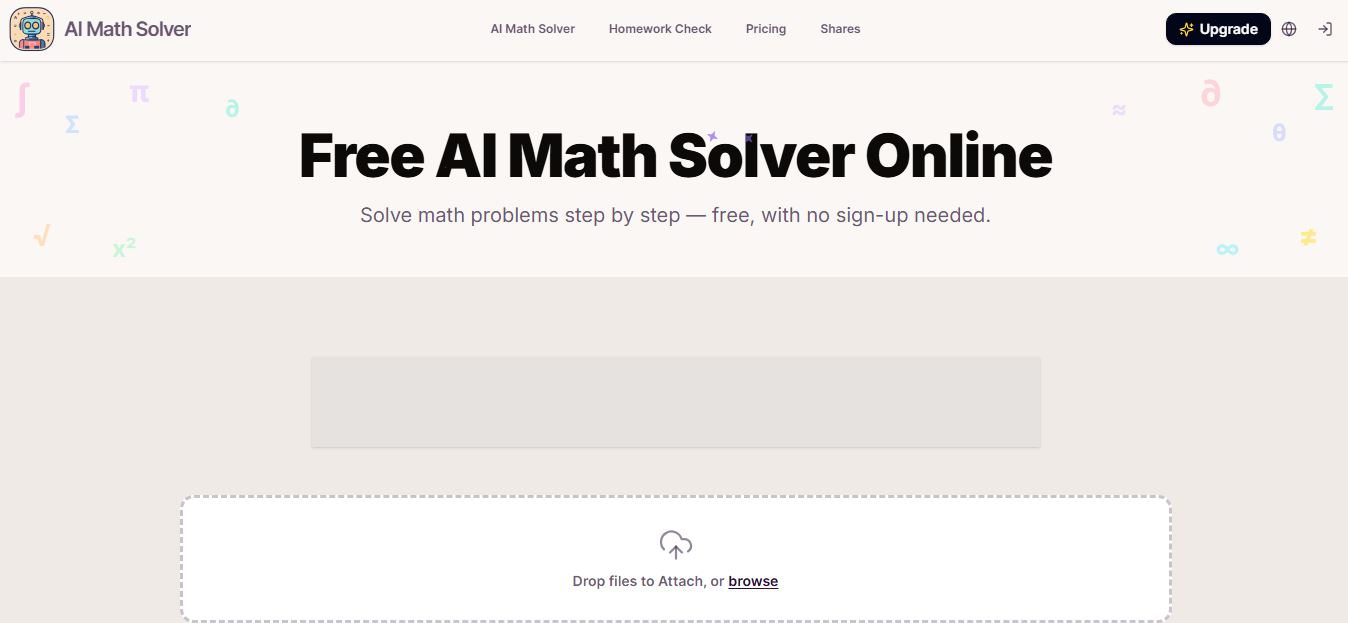
AIMathSolve is an AI-powered math solver that helps users solve problems across algebra, calculus, geometry, and more using text or image input. It generates step-by-step explanations, recognizes handwritten equations, and improves understanding, making it useful for homework, learning, and exam preparation.
 4.9
4.9Brilliant
Education
Brilliant is an interactive online learning platform that helps users build math, coding, and problem-solving skills through hands-on lessons. It uses visual explanations, real-time feedback, and a personal AI tutor to guide learning, enabling deeper understanding compared to passive video-based courses.
 5.0
5.0Desmos
Education
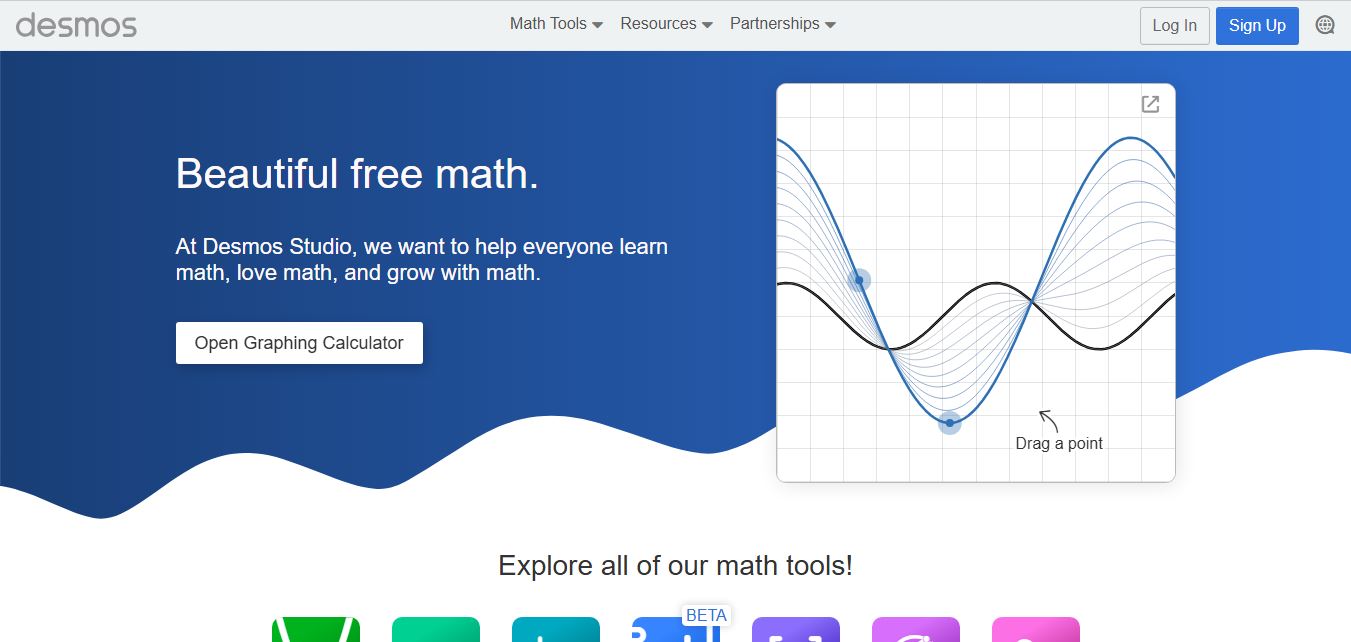
Desmos is an interactive math platform that helps students and teachers visualize concepts through graphing calculators, activities, and classroom tools. It enables real-time exploration of equations, functions, and data, making math more intuitive, engaging, and accessible across algebra, geometry, and advanced topics.