Balabolka
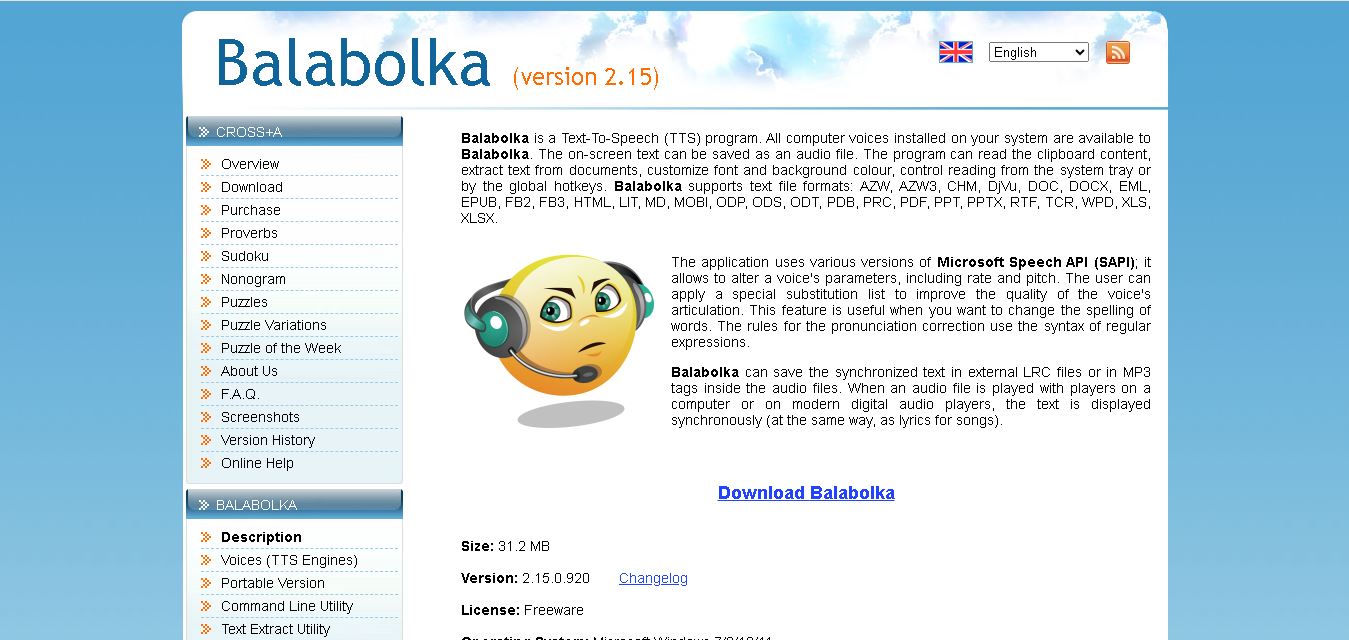
Balabolka is a free Windows text-to-speech program that reads documents aloud and converts written content into audio. It supports many file formats, installed speech voices, pronunciation adjustments, customizable reading controls, synchronized text, and a portable version. It is useful for accessibility, studying, proofreading, listening, and creating personal audio files easily.
What is Balabolka?
Balabolka is a Windows text-to-speech program that converts written content into spoken audio through voices installed on your computer. It can read clipboard text, process numerous document formats, adjust speech rate and pitch, and save synthesized speech as audio. It also supports pronunciation corrections, synchronized text, portable operation, command-line processing, and text extraction utilities.
Balabolka is freeware and supports 30+ input document formats, including PDF, DOCX, EPUB, HTML, MOBI, PPTX, XLSX, and RTF formats. It uses computer voices through Microsoft Speech API technologies and lets users adjust speech rate and pitch. The portable edition can run from a USB drive without installation. The official site lists a 6.7 MB skin pack containing 107 skins. Balabolka can create synchronized LRC text and MP3-tag synchronization, while its command-line utility supports SAPI 4, SAPI 5, and Microsoft Speech Platform.
- Founder / Creator: Ilya Morozov (Cross+A)
- License: Freeware
Use Cases:
- Converting digital ebooks, PDFs, and long documents into audiobooks and MP3 audio files
- Assisting visually impaired users or individuals with dyslexia through screen reading and clipboard monitoring
- Creating synchronized text and audio files (LRC or embedded MP3 ID3 tags) for language learning and listening comprehension
- Automating batch text extraction and bulk text-to-speech rendering via command-line utilities
Technology:
- Speech engine integration supporting Microsoft Speech API (SAPI 4, SAPI 5) and Microsoft Speech Platform
- Customizable pronunciation correction engine using Hunspell spell-checking dictionaries and regular expression syntax
- Broad document parsing engine supporting over 25 formats, including PDF, DOCX, EPUB, MOBI, HTML, and FB2
Target Users:
- Students, researchers, and language learners looking to listen to study materials on desktop or mobile audio devices
- Individuals with reading difficulties, low vision, or dyslexia requiring accessible text-to-speech desktop software
- Podcast producers and audio creators generating draft spoken dialogue or rapid voiceovers from written scripts
- Content creators using writing tools to draft script outlines, proofread articles via audio playback, and format written materials
Corporate Entity: Developed by Cross+A (Ilya Morozov)

Key features of Balabolka
Balabolka's key features are
- Comprehensive Text Format Support: Parses and extracts text directly from AZW, AZW3, CHM, DjVu, DOC, DOCX, EML, EPUB, FB2, HTML, LIT, MOBI, PDF, PPT, PPTX, RTF, TXT, XLS, and XLSX files.
- Multi-Format Audio Export: Saves spoken text directly to MP3, WAV, WMA, OGG, MP4, M4A, FLAC, and AAC audio files for offline playback.
- Synchronized Audio Subtitles (LRC & ID3): Saves synchronized text as external LRC files or embeds synchronized ID3 lyrics tags directly into MP3 files to display lyrics on media players.
- Pronunciation Correction & Rules: Customizes articulation and spelling fixes using custom substitution lists with regular expression (Regex) pattern support.
- Clipboard Monitoring & Global Hotkeys: Automatically reads text copied to the system clipboard and supports customizable hotkeys for system-tray reading controls.
- Portable Version & Command-Line Utility: Offers standalone portable execution from USB drives without installation, plus a headless CLI utility for scripted batch processing.
- Hunspell Spell Checking & Custom Skins: Integrates Hunspell spell-check dictionaries across dozens of languages and supports skin packs for UI customization.
Balabolka Pricing
Balabolka is 100% freeware without functional limitations, artificial time limits, or subscription costs.
Free Plan:
- $0 / Free forever
- Includes full access to all desktop features, document conversion, audio saving, skin customization, CLI utilities, and portable editions
Disclaimer: Balabolka is provided free of charge for personal and commercial use. Users who wish to support ongoing development can purchase the developer's standalone software, Cross+A. For downloads and documentation, visit cross-plus-a.com/balabolka.htm.
Who is using Balabolka?
Balabolka is designed for Windows users, audio enthusiasts, and accessibility seekers, including
- Students & Academic Researchers: Converting textbooks, journal articles, and research PDFs into portable MP3 audiobooks
- Visually Impaired & Dyslexic Readers: Relying on high-contrast text rendering and customizable voice playback rates
- Language Learners & Multilingual Students: Improving pronunciation and listening comprehension using synchronized text and speech
- Content Creators: Using writing tools to draft script outlines, proofread articles via audio playback, and format written materials
Best Balabolka Alternatives
Some of the strongest Balabolka alternatives include
- NaturalReader
- Speechify
- ReadAloud
- NVDA (NonVisual Desktop Access)
- eSpeak NG
- Amazon Polly
Pros and Cons of Balabolka
Pros
- 100% completely free software with no hidden fees, subscriptions, or feature paywalls
- Supports an unmatched variety of document formats (PDF, EPUB, DOCX, MOBI, HTML) and output audio formats
- The highly portable edition runs directly from USB drives without registry installation
- Advanced regular expression (Regex) replacement rules for detailed pronunciation adjustments
- Includes command-line and text-extraction utilities for batch conversion workflows
Cons
- Exclusive to Microsoft Windows (no native macOS, iOS, or Android applications)
- Relies on system-installed SAPI speech voices; modern natural neural voices require additional third-party voice installation
- Interface design reflects traditional Windows desktop software rather than modern minimalist cloud web apps
Why Choose Balabolka?
Balabolka is the top choice for desktop users needing a versatile, cost-free solution to turn text into speech and offline audio files.
- Converts almost any ebook or document format into MP3, WAV, or OGG audio files effortlessly
- Runs locally on Windows without requiring active internet access or cloud usage fees
- Allows complete control over voice parameters, pitch, speed, and custom pronunciation rules
- Provides lightweight, portable, and command-line execution modes for power users
- Remains a completely free tool backed by decades of reliable Windows development
Balabolka vs. Competitors
The main difference between Balabolka, NaturalReader, Speechify, and NVDA is that Balabolka is a lightweight, locally executed Windows freeware application capable of converting over 25 file types to offline audio with custom regex pronunciation rules, whereas NaturalReader and Speechify are subscription-based cloud SaaS platforms with modern neural AI voices, and NVDA is a dedicated open-source screen reader designed specifically for blind users rather than document-to-audio file conversion.
| Feature / Tool | Balabolka (cross-plus-a.com) | NaturalReader | Speechify | NVDA |
|---|---|---|---|---|
| Core Focus | Desktop Document-to-Audio TTS Converter | Cloud AI Text-to-Speech & Reader | Cross-Platform Speed Reading & Audiobooks | Open-Source Windows Screen Reader |
| Platform Support | Windows Desktop / Portable | Web, iOS, Android, Chrome Extension | Web, iOS, Android, macOS, Chrome | Windows Desktop |
| Audio Export Formats | MP3, WAV, WMA, OGG, M4A, FLAC, AAC | MP3 (Paid Tiers) | MP3 (Premium Tiers) | Limited File Exporting |
| Document Format Variety | Extensive (25+ formats incl. PDF, EPUB, DOCX) | Moderate (PDF, DOCX, TXT, EPUB) | Moderate (PDF, Web, Docs) | System Screen Capture & Application Text |
| Starting Price Range | 100% Freeware | Free / ~$9.99–$19.99/month | Free / ~$11.58–$29.00/month | 100% Free / Open Source |
| Best For | Free offline document conversion & regex voice tuning | Cross-device reading with realistic AI voices | High-speed productivity reading across devices | Complete screen navigation for blind users |
How do we rate Balabolka?
| Parameter | Rating (out of 5) |
|---|---|
| Document & File Format Support | 5.0 |
| Audio Conversion & Subtitle Export | 4.8 |
| Customization & Pronunciation Controls | 4.7 |
| Portability & Command Line Utility | 4.9 |
| Value for Money | 5.0 |
| Overall Score | 4.88 |
Balabolka Review
Balabolka remains an essential tool in the text-to-speech landscape. By leveraging local Microsoft Speech APIs and offering compatibility with virtually all major document and ebook formats, it provides a reliable bridge between written text and audio. Its advanced features—such as regular expression pronunciation replacement lists, synchronized LRC file generation, clipboard listening, and portable USB operation—make it far more flexible than standard web-based readers. While its interface adheres to classic desktop aesthetics and it relies on system-installed voices, its zero-cost freeware model and robust feature set ensure Balabolka remains a top utility for students, language learners, and accessibility advocates worldwide.
Conclusion
Balabolka remains a practical choice if you want free, flexible text-to-speech software on Windows without a subscription. Its broad document support, voice controls, pronunciation tools, synchronized text, portable edition, and audio export make it versatile for reading and accessibility workflows. Because voice availability depends on installed speech engines, results can vary by computer. For personal audio creation and document listening, Balabolka offers a useful set of features at no software cost.
FAQ
What does Balabolka do?
Balabolka is a text-to-speech program for Windows that reads written content aloud through voices installed on your computer. It can save synthesized speech as audio files. The software supports clipboard reading, document text extraction, adjustable voice rate and pitch, pronunciation substitutions, and synchronized text using LRC files or MP3 tags.
Is Balabolka free to use?
Yes, Balabolka is freeware according to its website. You can download and use the desktop application without purchasing a subscription. The project also provides a portable version that does not require installation. However, any third-party commercial speech voice you add may have separate licensing requirements, especially for commercial audio distribution.
What file formats does Balabolka support?
Balabolka supports 30+ document formats, including PDF, DOC, DOCX, EPUB, HTML, MOBI, PPT, PPTX, RTF, XLS, XLSX, AZW, CHM, DjVu, FB2, ODT, and several other formats. This makes it useful for reading books, documents, presentations, spreadsheets, and web content aloud without manually copying every section into a separate text-to-speech application.
Can Balabolka convert text into audio?
Yes, Balabolka can save synthesized speech as audio files. The program can also create synchronized text through LRC files or information stored in MP3 tags. Balabolka can split large documents into smaller sections before converting them. This approach is useful when you need audio files for study, listening, or accessibility.
What voices does Balabolka use?
Balabolka uses Microsoft Speech API technologies and can work with speech voices installed on your Windows. The available voices depend partly on your system and installed speech engines. You can adjust parameters such as speaking rate and pitch, while substitution rules can help improve pronunciation for particular words or expressions.
Does Balabolka have a portable version?
Yes, Balabolka includes a portable version designed to run without installation. You can run the portable application from a USB drive. Your computer still needs at least one compatible speech voice installed. This option is particularly useful when you simply want text-to-speech functionality easily across computers without installing the desktop application.
User Reviews
No reviews yet for Balabolka.
Featured Tools
Featured AI tools from TechShark

Melody Genie
MelodyGenie is an AI-powered music generator that creates original songs from simple text prompts. Users can choose styles, moods, and genres, then instantly generate melodies and full tracks, making it easy for creators, marketers, and hobbyists to produce custom music without musical expertise.
Freemium

Kimi AI
Kimi AI is an advanced AI assistant developed by Moonshot AI that helps you chat, research, write, code, and automate tasks in one place. It supports web search, file analysis, and multimodal inputs, and can even run autonomous “agent” workflows to complete complex tasks end-to-end.
Freemium

Fashion Diffusion AI
Fashion Diffusion is an AI-powered fashion design platform that helps brands and designers create clothing designs, virtual try-ons, AI models, product photos, and marketing visuals faster and cost-effectively.
Paid

Veo 4
Veo 4 AI is an AI video creation platform that generates dramatic videos from text, images, audio, and video prompts using realistic motion and synchronized sound.
Paid
Alternatives
Alternatives to Balabolka
The best Balabolka alternatives include NaturalReader, Speechify, ReadAloud, NVDA, eSpeak NG, and Amazon Polly. These tools provide text-to-speech playback, document conversion, and screen reading functionality. While Balabolka is a 100% free offline Windows desktop tool supporting over 25 file formats and custom regex voice tuning, alternatives like NaturalReader and Speechify offer modern cloud neural AI voices across mobile and web platforms, while NVDA serves as an open-source screen reader for total desktop navigation.
 4.9
4.9KittenTTS Web
Text-to-Speech
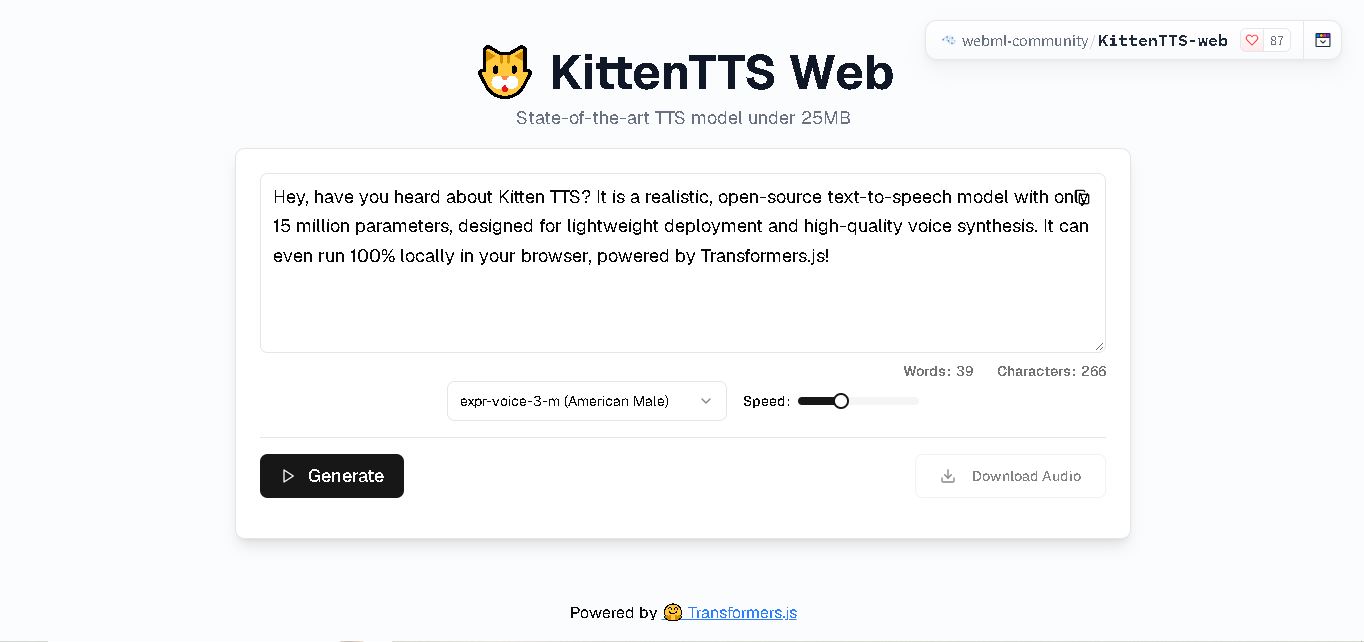
KittenTTS Web is a lightweight text-to-speech demo hosted on Hugging Face Spaces. It helps users explore how written text can be transformed into spoken audio using neural voice synthesis. The project is particularly relevant to developers, content creators, and accessibility-focused users interested in experimenting with compact speech generation technology directly through a web browser.
 4.9
4.9Parler-TTS
Text-to-Speech
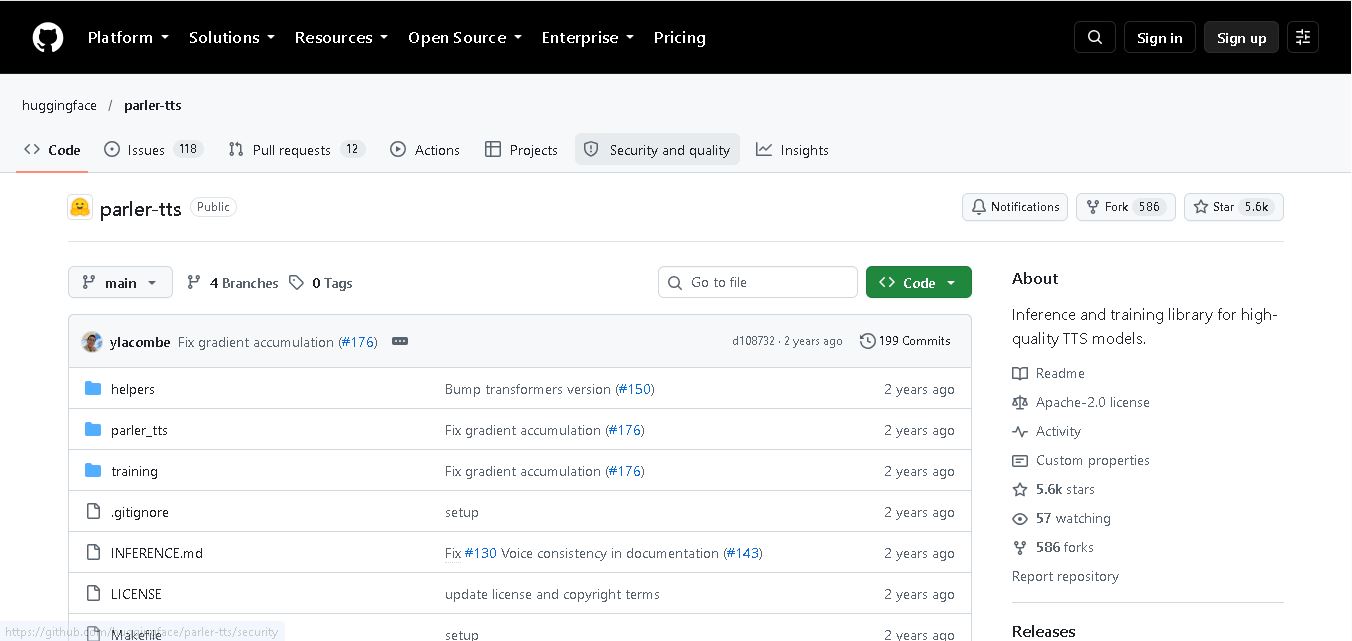
Parler-TTS is an open-source text-to-speech tool that transforms written content into natural-sounding audio. It lets developers describe voice characteristics using natural language, including pitch, speaking speed, and recording quality. With publicly available model weights, training resources, and customizable checkpoints, it supports experimentation, research, and tailored speech-generation applications across projects.
 4.9
4.9IMS Toucan
Text-to-Speech
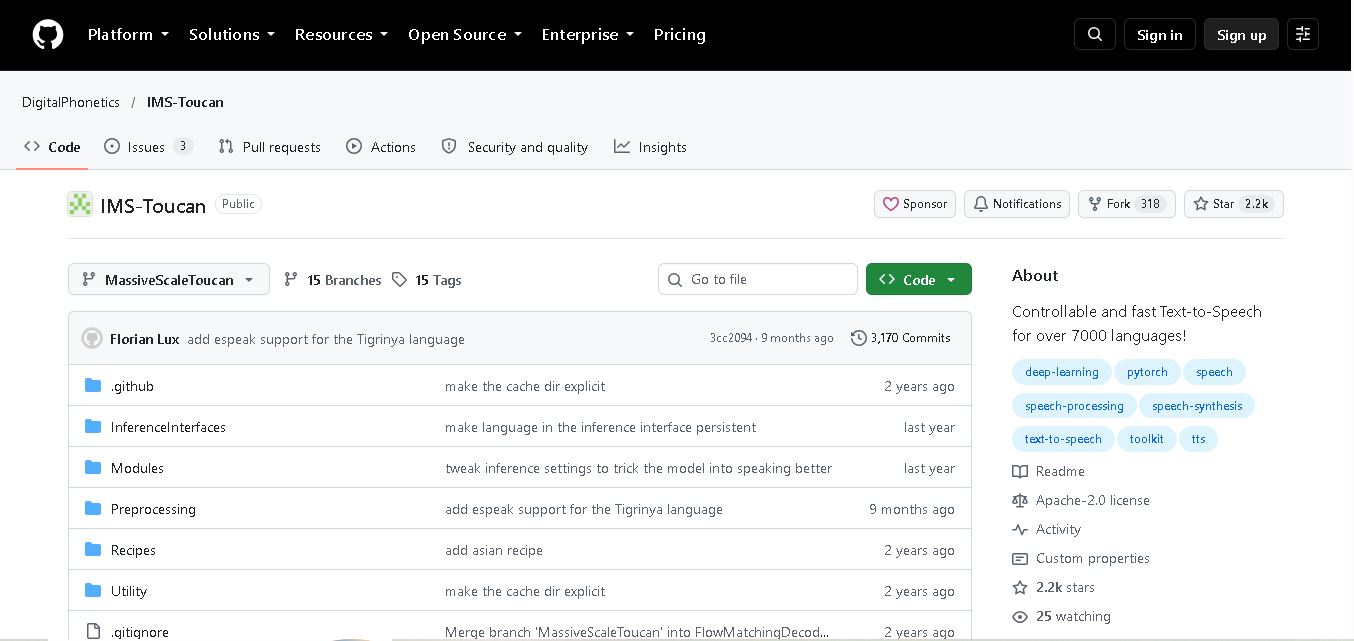
IMS Toucan is an open-source text-to-speech toolkit from the University of Stuttgart designed for multilingual speech generation. It converts text into audio and provides tools for inference, voice and prosody control, and model training. Supporting more than 7,000 languages, it serves developers and researchers exploring technology across linguistic contexts.
 4.8
4.8Verbatik
Text-to-Speech
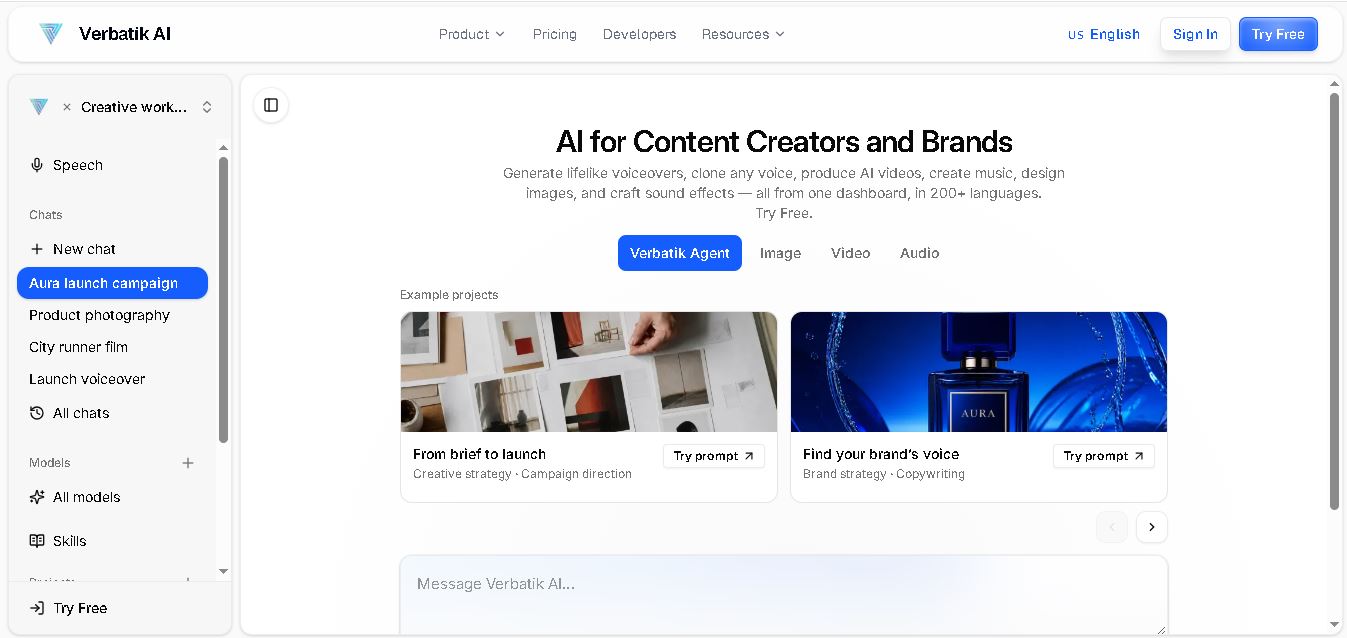
Verbatik AI helps users create realistic voiceovers, clone voices, generate music, and produce multimedia content using artificial intelligence. With multilingual speech, customizable voice settings, and developer APIs, it supports content creators, marketers, educators, and businesses. The platform simplifies audio production, video creation, and content localization from one workspace.
 4.8
4.8Narration Box
Text-to-Speech
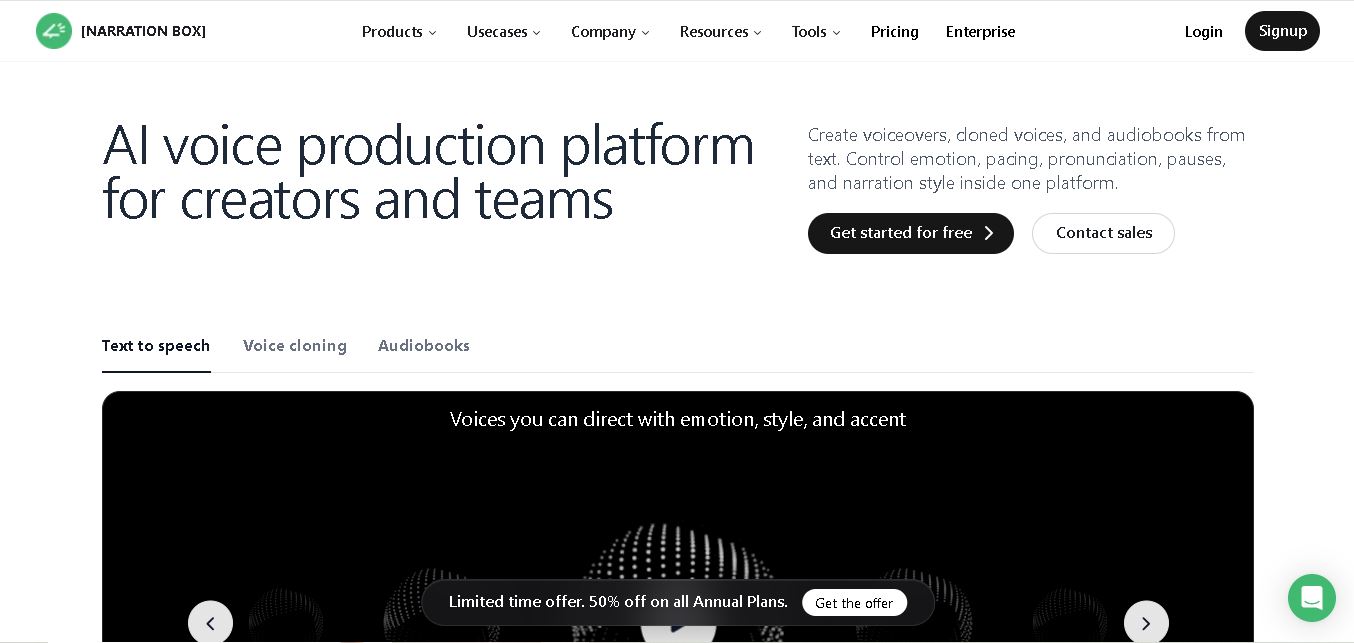
Narration Box is an AI voice generator for creating realistic voiceovers, audiobooks, podcasts, and educational audio from text. It offers over 1,500 AI narrators, 80+ languages and accents, voice cloning, and customizable emotional delivery. Its editing tools help creators produce consistent, multilingual audio content for personal and professional projects.
 4.7
4.7AudioBot
Text-to-Speech
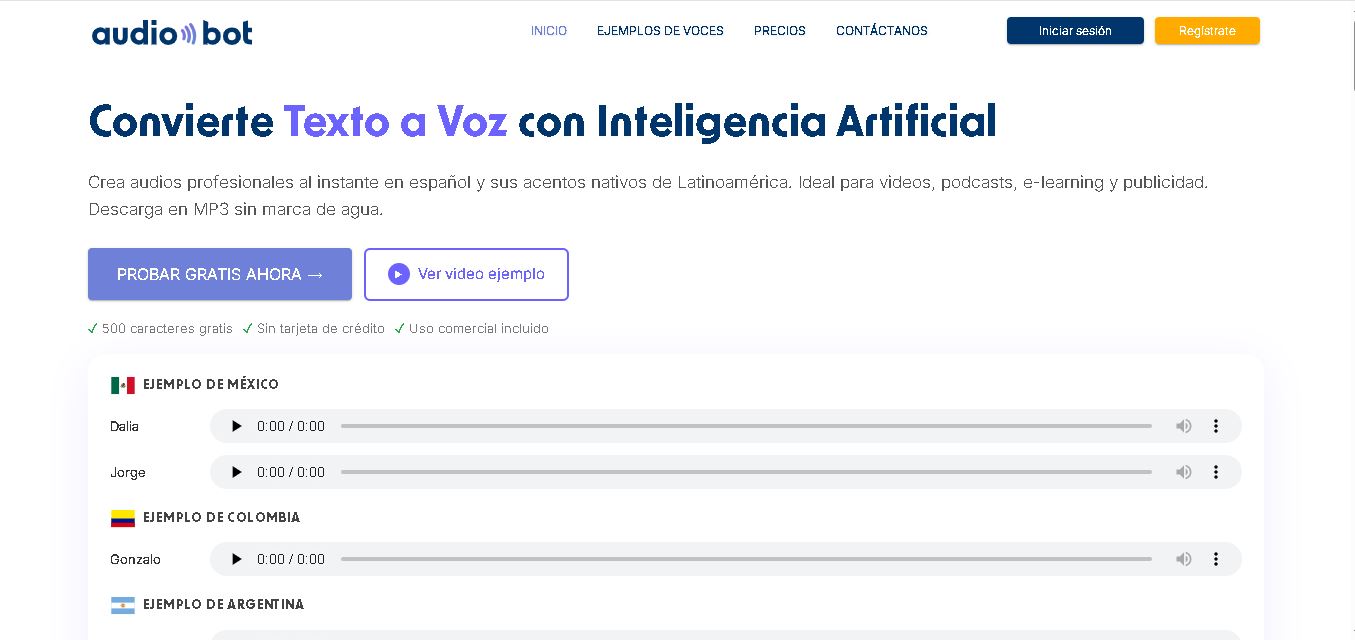
AudioBot converts written text into natural-sounding speech using AI-generated voices. It supports multiple languages and regional accents, making it useful for video voiceovers, presentations, educational materials, and audio content. Users can generate and download audio files, helping simplify narration workflows without requiring traditional recording equipment or voice talent.
 4.7
4.7Audie AI
Text-to-Speech
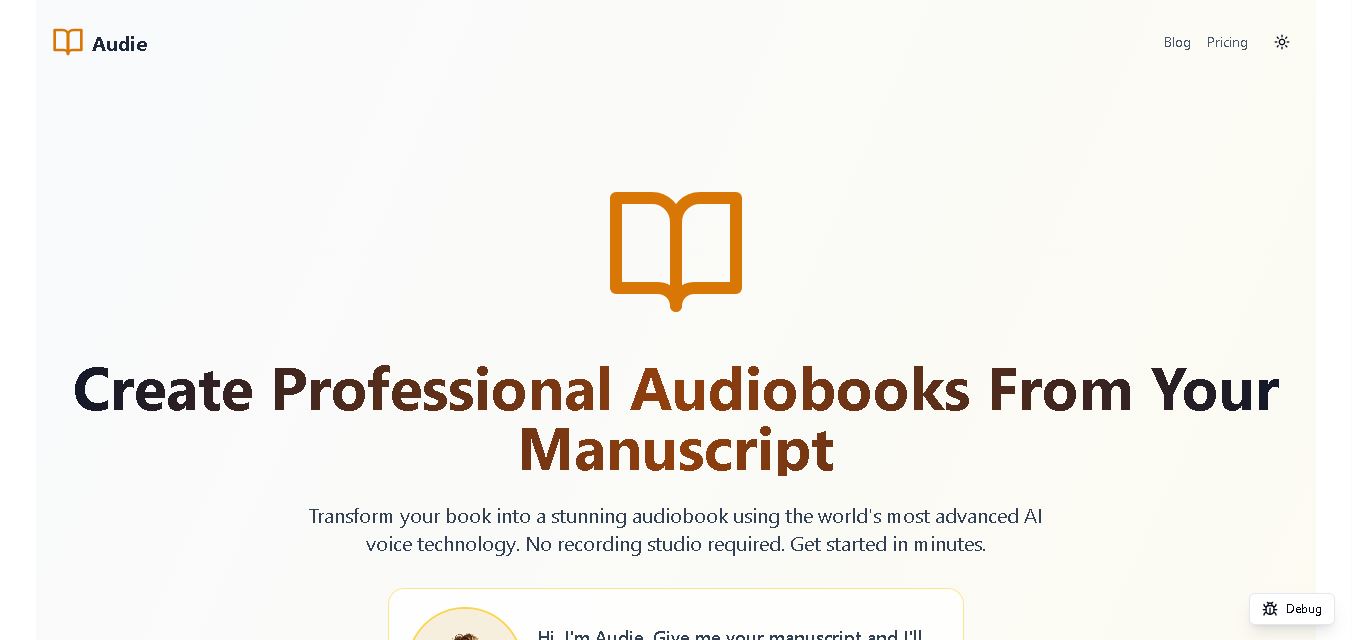
Audie AI is an audiobook creation tool that converts written manuscripts into narrated audio using AI-generated voices. It helps authors and publishers simplify production, explore different narration styles, and reduce reliance on traditional recording studios. With voice selection, advertised voice cloning, and downloadable audio, it supports more accessible audiobook creation for independent creators.
 4.6
4.6Speechelo
Text-to-Speech
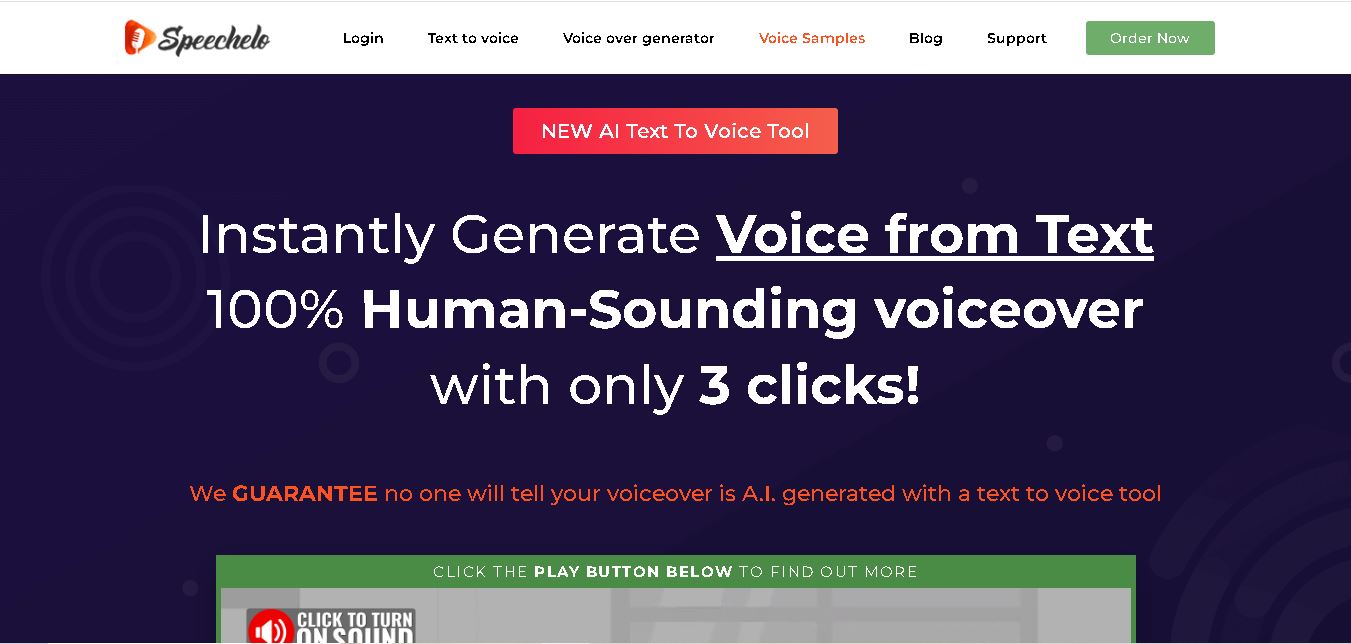
Speechelo is a text-to-speech tool designed to help creators turn written scripts into voiceovers. It offers different voices, languages, tones, and audio adjustments for creating narration. Video creators, educators, marketers, and content teams can use it to produce audio for tutorials, presentations, promotional videos, and other digital content projects.
 4.7
4.7Leelo AI
Text-to-Speech
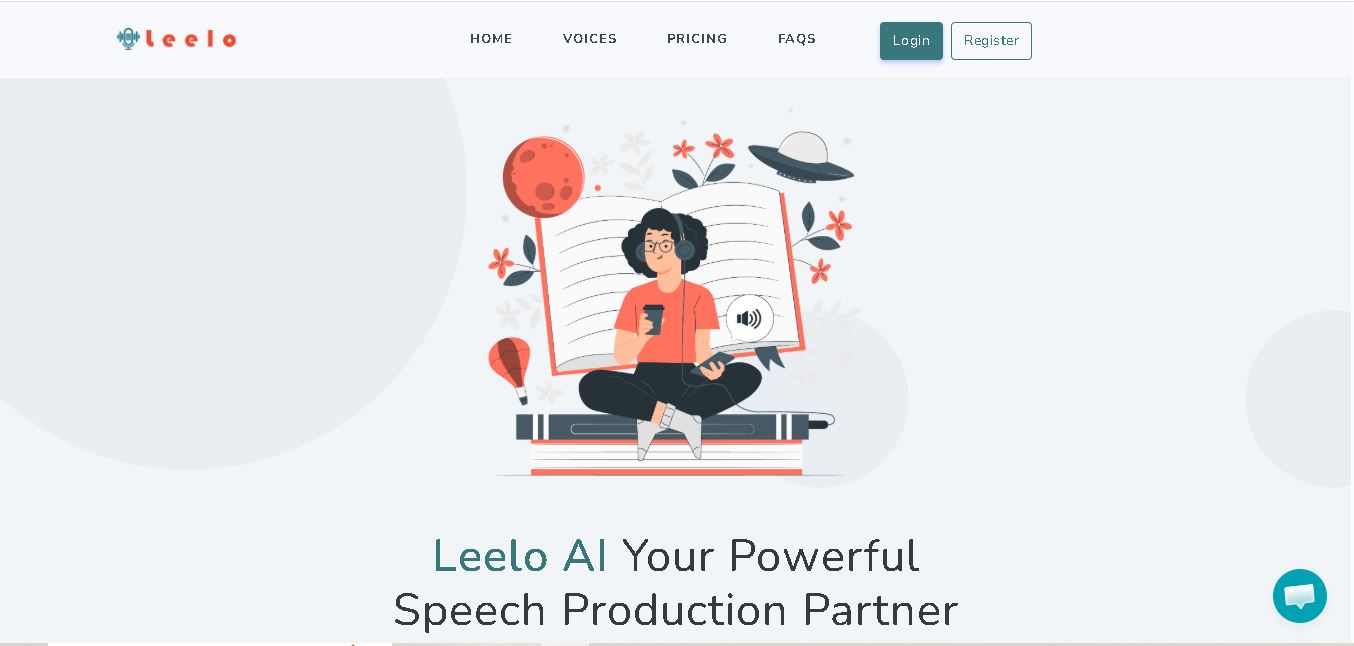
Leelo AI helps you turn written content into natural-sounding speech without recording your own voice. You can choose from 800+ voices across 142 languages and accents, adjust available voice settings, generate audio, store files in the cloud, export recordings, and use generated speech commercially for different content and communication needs.