
Aqua Voice
Aqua Voice is a fast voice-to-text tool designed for writing across everyday and professional applications. It converts natural speech into clean, formatted text while understanding technical terms and personal vocabulary. With 49 languages, custom instructions, dictionary controls, and cross-device support, Aqua helps users replace repetitive typing with faster voice-based writing.
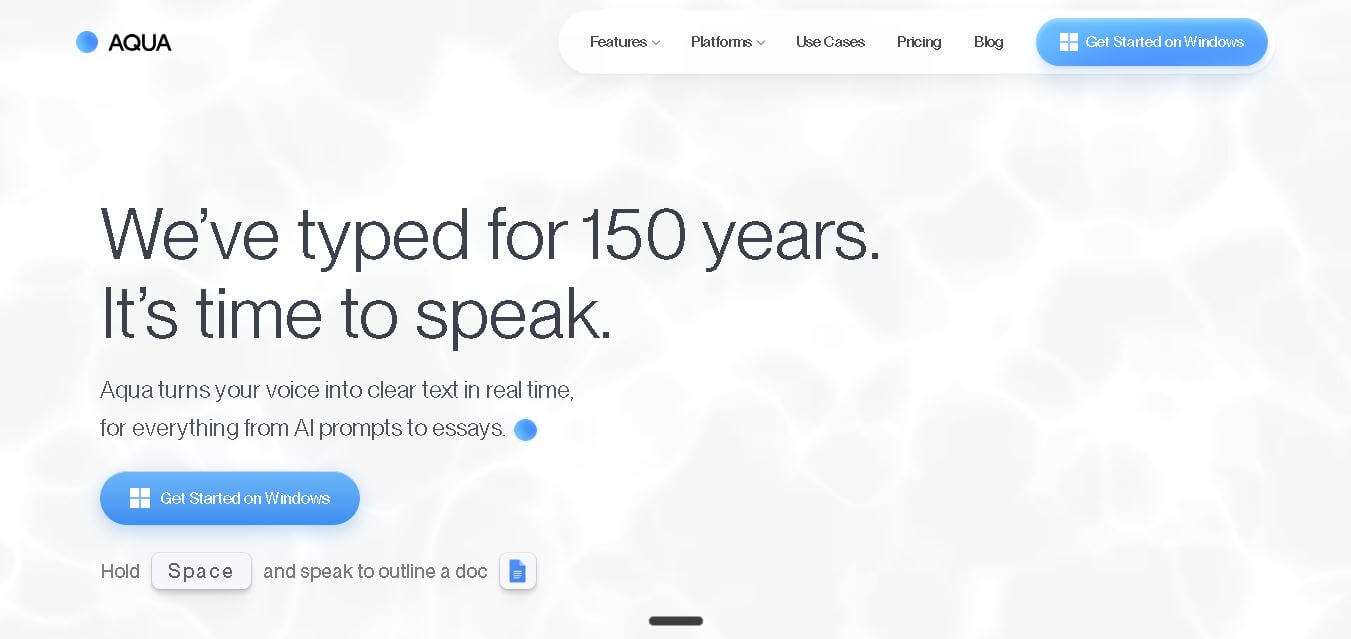
What is Aqua Voice?
Aqua Voice is a voice dictation tool that converts spoken words into polished text across apps, helping users write, message, code, and create documents without relying heavily on a keyboard. It uses the Avalon speech model to understand natural language, technical vocabulary, punctuation, and formatting. Aqua supports 49 languages and works across macOS, Windows, and iPhone, with features such as custom dictionaries, writing instructions, Edit Mode, and Realtime Mode.
Aqua Voice uses its Avalon transcription model and reports 97.3% accuracy on the AISpeak benchmark, compared with 65.1% for Whisper Large v3 on the same test. The tool supports 49 languages, reaches speeds of up to 230 words per minute, and offers 1,000 free words for new users. Pro costs $8 per month when billed annually, while Max costs $24 per month annually. Aqua supports macOS, Windows, and iPhone, with Android currently under development.
- Platform Role: AI Voice Dictation App, Real-Time Speech-to-Text & Voice Editing System
- Developer & Organization: Aqua Voice, Inc.
- Cross-Platform Access: macOS, Windows, iOS (App Store AI Keyboard), Android (Coming Soon), and direct system hotkey integration
Use Cases:
- Dictating long-form essays, blogs, emails, and documentation 3x faster than traditional manual typing
- Constructing long, detailed context-rich prompts for LLM models like ChatGPT, Claude, and Gemini via voice
- Editing, formatting, and restructuring existing text on screen using conversational voice commands
- Refining technical code comments, API jargon, and specialized terms with high domain accuracy
- Replying to instant messaging threads across Slack, Microsoft Teams, Discord, and WhatsApp hands-free
Technology:
- Proprietary Avalon AI speech engine scoring 97.3% accuracy on technical AISpeak benchmarks
- Real-time deep context processing engine that reads on-screen text to shape tone, grammar, and sentence structure
- Cross-device dictionary synchronization for custom technical terms, acronyms, and personal names
- Real-time multi-language automatic translation and dynamic low-latency audio stream processing
Target Users:
- Software engineers, technical writers, and product managers dictating code context and engineering docs
- AI power users and prompt engineers interacting with large language models on desktop and mobile
- Executives, founders, and busy professionals seeking hands-free email and chat management
- Writers, journalists, and content creators drafting long-form content without keyboard strain
Acquisition: Operating SaaS platform developed and maintained by Aqua Voice, Inc. (aquavoice.com)

What are the key features of Aqua Voice?
Aqua Voice's key platform features are
- System-Wide AI Dictation: Types clean, auto-punctuated text into any active text box or application across macOS, Windows, and mobile keyboards.
- Avalon Speech Engine: Custom-trained AI model built specifically to recognize programming terms, API endpoints, model names, and complex technical jargon.
- Conversational Voice Editing: Highlight or dictate commands to alter text in real time (e.g., “Make this title case,” “Translate to Japanese,” or “Format numbers as $10m”).
- Real-Time Speech Processing: Captures audio up to 230 words per minute and refines sentences fluidly as you speak.
- Custom Personal Dictionary: Syncs specialized vocabulary, team names, and industry acronyms across mobile and desktop devices.
- Deep Context Recognition: Analyzes surrounding window context to match style, tone, and formatting requirements automatically.
How much does Aqua Voice cost?
Aqua Voice provides a free entry tier with word caps, while unlimited usage, custom dictionary expansion, and team management scale across paid subscription plans.
Pricing Tiers:
- Starter / Free Plan ($0 / Free): Includes a 1,000-word lifetime allotment, baseline transcription access, and limited custom dictionary entries.
- Pro Plan ($8/month billed annually or $12/month monthly): Unlimited word dictation, full access to the Avalon AI model, custom voice editing, and up to 800 custom dictionary terms across desktop and mobile.
- Team Plan ($12/user/month billed annually): Everything in Pro plus centralized team billing, administrative controls, and organization-wide privacy modes.
- Enterprise Plan (Custom Quote): Customized deployments offering SSO/SAML login, SCIM provisioning, zero data retention agreements, and dedicated support.
Disclaimer: The free Starter tier provides a one-time 1,000-word evaluation limit. Continuous unlimited dictation and advanced Avalon model access require an active Pro or Team subscription. Verified students receive up to a 70% discount on annual plans.
Who should use Aqua Voice?
Aqua Voice is designed for speed-driven professionals and creators, including
- Developers & Vibe Coders: Coders needing rapid context feeding into AI coding assistants and detailed issue documentation.
- Mobile AI Power Users: Professionals prompting LLMs on mobile devices via custom AI voice keyboards.
- Remote Teams & Knowledge Workers: Distributed employees drafting emails, Slack updates, and strategy docs hands-free.
What are the best alternatives to Aqua Voice?
Some of the strongest Aqua Voice alternatives include
- Wispr Flow
- Superwhisper
- Voicy (UseVoicy)
- Monologue AI
- Willow Dictation
- Apple / Windows Built-in Dictation
What are the pros and cons of Aqua Voice?
What are the pros of Aqua Voice?
- Exceptional accuracy on developer and technical jargon via the Avalon speech model
- Innovative conversational voice editing capabilities for instant reformatting and translations
- Seamless cross-platform availability spanning macOS, Windows, and mobile keyboards
- Fast input handling up to 230 WPM with instant clean punctuation and filler-word removal
What are the cons of Aqua Voice?
- The free tier is restricted to a lifetime 1,000-word allowance rather than a recurring free allotment
- Requires an active subscription for continuous daily use across devices
- Cloud-dependent processing for maximum model accuracy
Why should you choose Aqua Voice?
Standard dictation tools frequently struggle with technical jargon, fail to add proper punctuation, and require manual keyboard corrections after speaking. Aqua Voice solves these issues by combining its high-accuracy Avalon model with real-time text editing commands. By enabling you to dictate ideas, clean grammar, and format text entirely through natural voice speech, Aqua Voice transforms voice into an effective typing replacement.
How does Aqua Voice compare to competitors?
The primary distinction between Aqua Voice, Superwhisper, Wispr Flow, and standard built-in dictation tools lies in model specialization and voice editing. While traditional tools rely on generic speech models that struggle with code and AI terminology, Aqua Voice utilizes its Avalon engine and deep screen context to deliver superior accuracy for technical workflows.
| Feature / Platform | Aqua Voice | Wispr Flow | Superwhisper | Apple Dictation |
|---|---|---|---|---|
| Core Focus | AI Technical Dictation & Natural Voice Editing | Fast System-Wide Dictation & Formatting | On-Device Local AI Speech-to-Text | Standard Native Operating System Voice Typing |
| AI Speech Engine | Avalon AI Model (97.3% AISpeak score) | Proprietary Cloud Speech Engine | Whisper (local / on-device processing) | Native On-Device Speech Model |
| Voice-Driven Editing | Yes (edit on-screen text with natural speech) | Basic auto-formatting | Prompt-based reformatting | No (manual text edits required) |
| Technical Term Accuracy | Very High (optimized for code & AI terms) | High | Moderate (depends on local model size) | Moderate / Low on specialized terms |
| Best For | Developers, AI power users, and writers needing voice editing | Users seeking lightweight daily dictation | Privacy-conscious users wanting offline, on-device processing | Casual users needing quick built-in voice typing |
How do we rate Aqua Voice?
| Parameter | Rating (out of 5) |
|---|---|
| Transcription Accuracy & Jargon Handling | 4.9 |
| Voice Editing & Reformatting Intelligence | 4.8 |
| Speed & Latency Performance | 4.8 |
| Cross-Platform Integration | 4.7 |
| Value for Money | 4.6 |
| Overall Score | 4.76 |
What is our review and verdict on Aqua Voice?
Aqua Voice stands out as a top-tier solution in the AI speech-to-text space. By pairing its specialized Avalon model with intelligent voice editing commands, it eliminates the common friction points of dictation software. For developers, prompt engineers, and heavy writers, Aqua Voice offers a reliable way to boost daily typing productivity.
Conclusion
Aqua Voice offers a practical alternative to traditional typing by turning natural speech into polished text across everyday and professional applications. Its Avalon model, 97.3% AISpeak benchmark accuracy, 49-language support, custom dictionary, writing instructions, and cross-device availability make it useful for users who write frequently. With a free 1,000-word allowance and paid plans for unlimited dictation, Aqua Voice gives individuals and teams a flexible way to make voice-based writing faster and more efficient.
FAQ
What is Aqua Voice used for?
Aqua Voice is designed for people who want to replace typing with natural voice input. You can use it to write emails, documents, messages, AI prompts, code, and other text wherever you can place a cursor. It works across applications, making voice dictation useful for everyday communication and professional workflows.
How does Aqua Voice work?
Aqua Voice listens to your speech and converts it into text using its Avalon transcription model. Instead of simply producing raw transcripts, it can refine phrasing, punctuation, grammar, and formatting while preserving your intended meaning. You can hold the activation key, speak naturally, and have the resulting text inserted into your selected application.
Is Aqua Voice free to use?
Yes, Aqua Voice offers a free Starter option that includes 1,000 words of dictation. No credit card is required to begin. After the free allowance, users can upgrade to a paid subscription for unlimited dictation. Pro starts at $8 per month when billed annually, while Max costs $24 per month each year.
How accurate is Aqua Voice?
Aqua Voice reports 97.3% accuracy on its AISpeak benchmark, which focuses particularly on AI and technical vocabulary. The company says Whisper Large v3 scored 65.1% on the same benchmark. This emphasis on specialized vocabulary makes Aqua particularly useful for developers, AI users, and professionals who frequently dictate technical content.
How fast can Aqua Voice type?
Aqua Voice reports speeds of up to 230 words per minute, compared with around 40 words per minute for typical keyboard typing in its demonstration. The actual speed depends on how quickly you speak and the complexity of your content. For users who speak comfortably, voice input can significantly reduce repetitive keyboard work.
How many languages does Aqua Voice support?
Aqua Voice currently supports 49 languages for dictation. Its multilingual support is designed for users who regularly communicate or create content in languages other than English. The company also states that more than half of its daily users dictate outside English, making multilingual voice input an important part of the product.
Does Aqua Voice work on Windows?
Yes, Aqua Voice works on Windows 10 and Windows 11. It can be used inside applications such as Word, Outlook, Teams, Slack, and Chrome, without requiring a separate setup for each application. Users can place the cursor wherever they want text and use Aqua to dictate directly into that location.
User Reviews
No reviews yet for Aqua Voice.
Featured Tools
Featured AI tools from TechShark

Melody Genie
MelodyGenie is an AI-powered music generator that creates original songs from simple text prompts. Users can choose styles, moods, and genres, then instantly generate melodies and full tracks, making it easy for creators, marketers, and hobbyists to produce custom music without musical expertise.
Freemium

Kimi AI
Kimi AI is an advanced AI assistant developed by Moonshot AI that helps you chat, research, write, code, and automate tasks in one place. It supports web search, file analysis, and multimodal inputs, and can even run autonomous “agent” workflows to complete complex tasks end-to-end.
Freemium

Fashion Diffusion AI
Fashion Diffusion is an AI-powered fashion design platform that helps brands and designers create clothing designs, virtual try-ons, AI models, product photos, and marketing visuals faster and cost-effectively.
Paid

Veo 4
Veo 4 AI is an AI video creation platform that generates dramatic videos from text, images, audio, and video prompts using realistic motion and synchronized sound.
Paid
Alternatives
Alternatives to Aqua Voice
The best Aqua Voice alternatives include Wispr Flow, Superwhisper, Voicy, and Monologue AI. While Aqua Voice provides an advanced speech-to-text experience with its technical-jargon optimized Avalon AI model and conversational voice editing, alternatives like Superwhisper offer local on-device transcription for privacy-focused users.
 4.9
4.9Equals
Spreadsheets
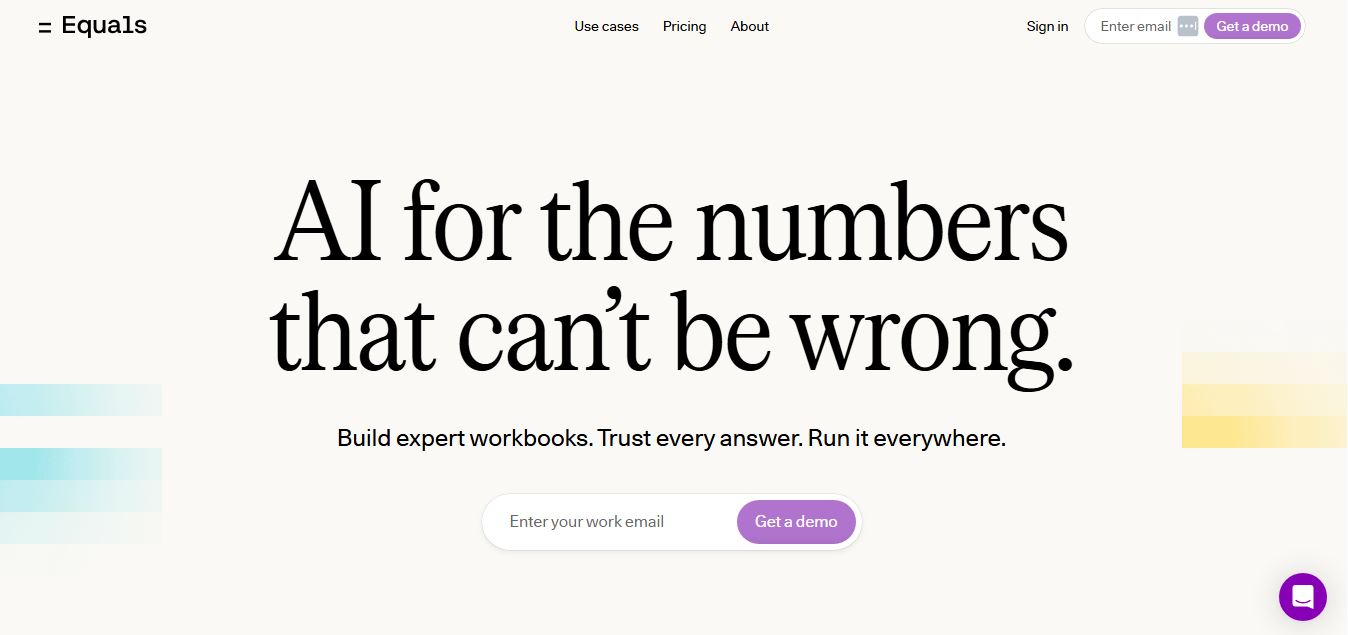
Equals is an AI-powered spreadsheet and GTM analytics platform that helps teams connect live data, build dashboards, and answer business questions using natural language. It combines a managed data warehouse, spreadsheet, and AI analyst, enabling faster, reliable insights without SQL or complex data tools.
 4.9
4.9Google Sheets
Spreadsheets
Google Sheets is a cloud-based spreadsheet tool that helps users create, edit, and collaborate on data in real time. It supports formulas, charts, automation, and integrations with Google Workspace, enabling teams to manage data, analyze information, and build workflows from anywhere with shared access.
 4.9
4.9Row Zero
Spreadsheets
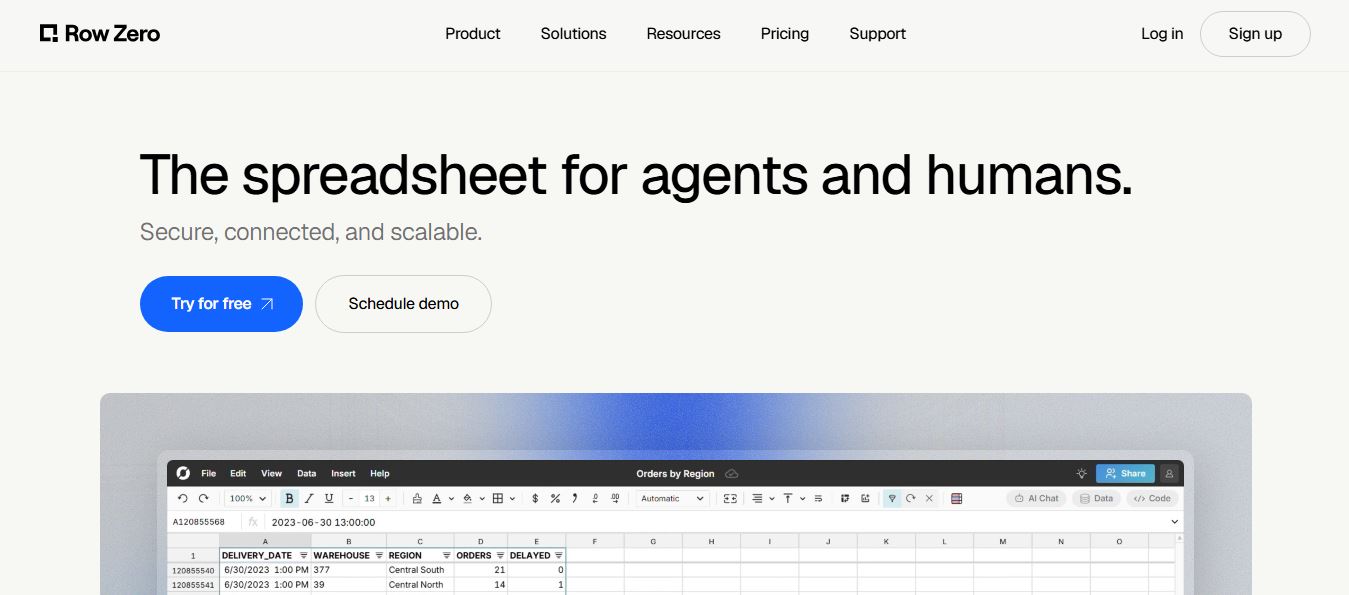
Row Zero is an AI-powered cloud spreadsheet platform that helps teams analyze massive datasets using familiar spreadsheet workflows. It connects directly to data warehouses, auto-updates live data, and scales to billions of rows, enabling fast, secure, and collaborative data analysis without traditional spreadsheet limitations.
 4.9
4.9Grist AI Spreadsheet Generator
Spreadsheets
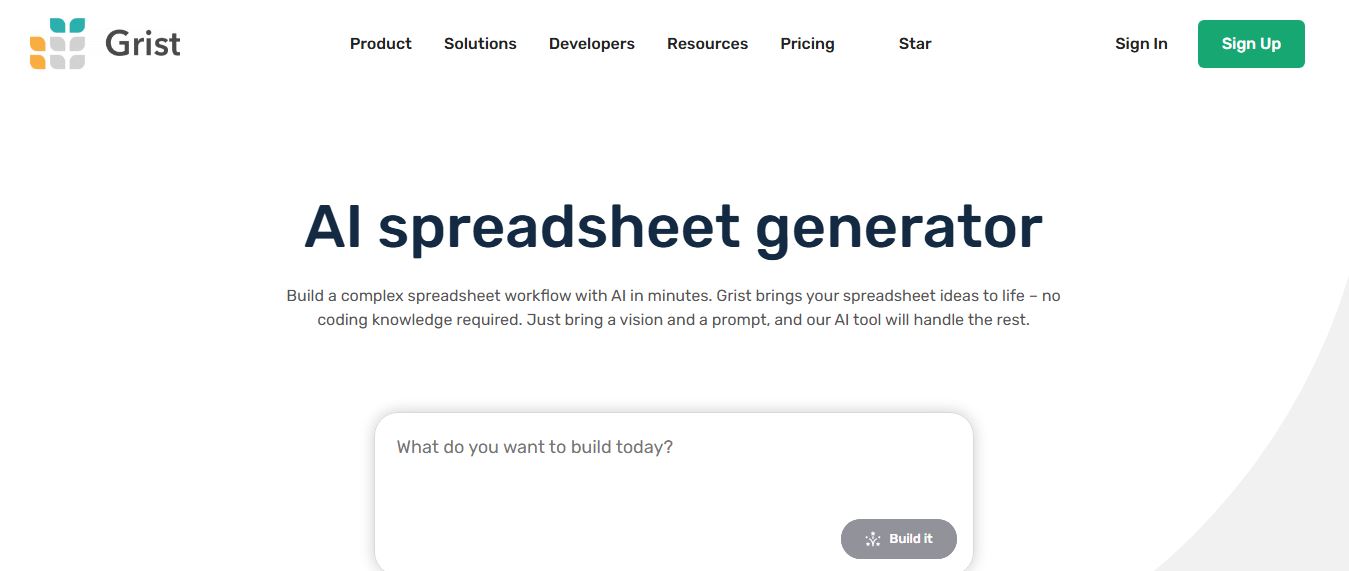
Grist AI Spreadsheet Generator (getgrist.com/ai/spreadsheet-generator/) is an open-source, relational AI spreadsheet and custom application builder that turns text prompts into structured relational databases, Python formulas, dashboards, and access rules via an in-product AI Assistant and Model Context Protocol (MCP).
 4.9
4.9Shortcut AI
Spreadsheets
Shortcut AI is an AI-powered Excel agent that helps finance teams build financial models, analyze data, and automate complex spreadsheet workflows using natural language. It generates formulas, structures reports, and processes data with high accuracy, enabling faster decision-making and reducing manual analysis work.
 4.9
4.9Microsoft Excel
Spreadsheets
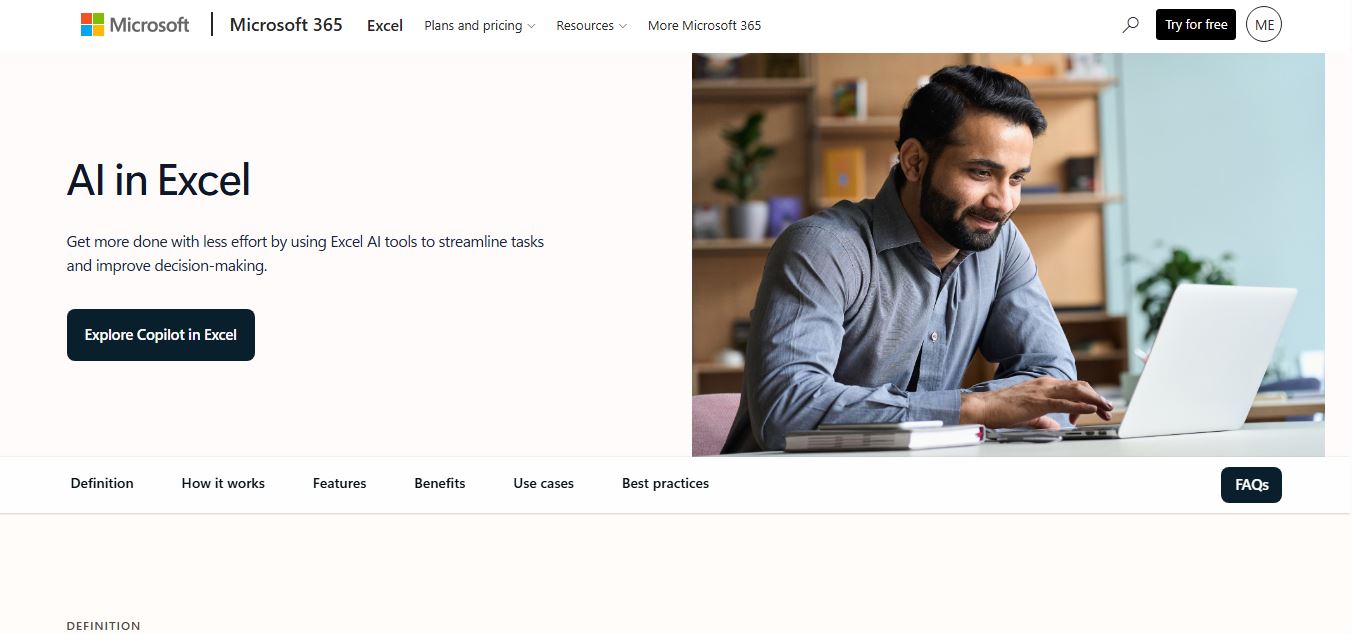
Microsoft Excel AI (Copilot for Excel) is an AI-powered assistant that helps users analyze data, write formulas, create charts, and generate insights using natural language. It automates complex tasks, highlights trends, and builds reports, enabling faster, data-driven decisions directly within Excel workflows.
 4.9
4.9Coefficient
Spreadsheets
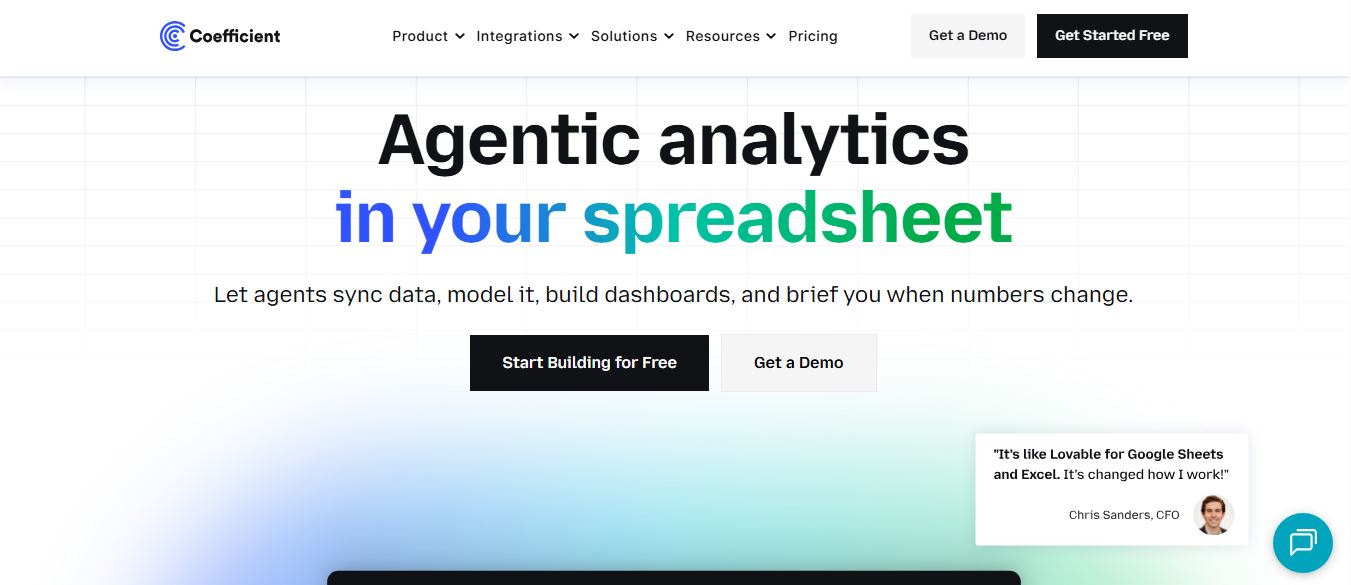
Coefficient is an AI-powered spreadsheet automation platform that connects live data from tools like Salesforce, HubSpot, and databases directly into Google Sheets and Excel. It enables real-time reporting, automated refreshes, and AI-driven analysis, helping teams build dashboards and workflows without manual exports or coding.
 4.9
4.9SheetGPT
Spreadsheets
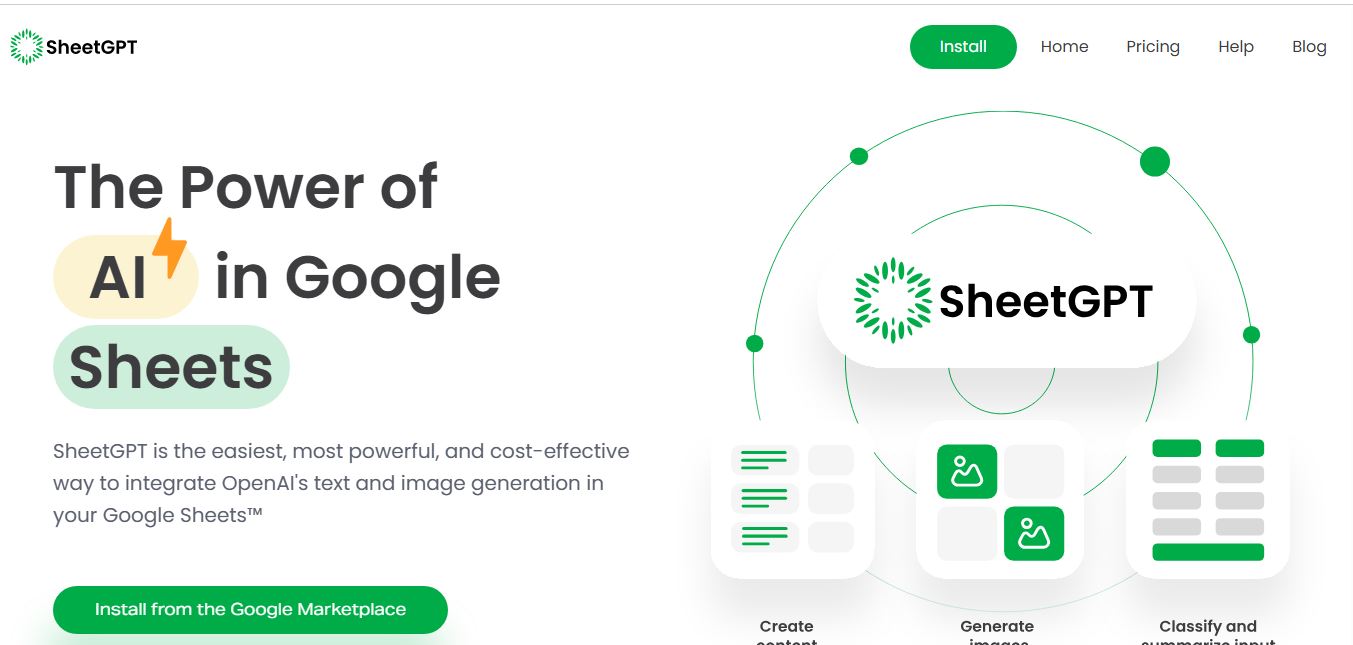
SheetGPT is an AI-powered Google Sheets add-on that helps users generate content, analyze data, and automate tasks using simple formulas like =GPT(). It integrates models like ChatGPT, Claude, and Gemini, enabling faster workflows for summarization, translation, classification, and large-scale spreadsheet operations.
 4.9
4.9GPT for Work
Spreadsheets
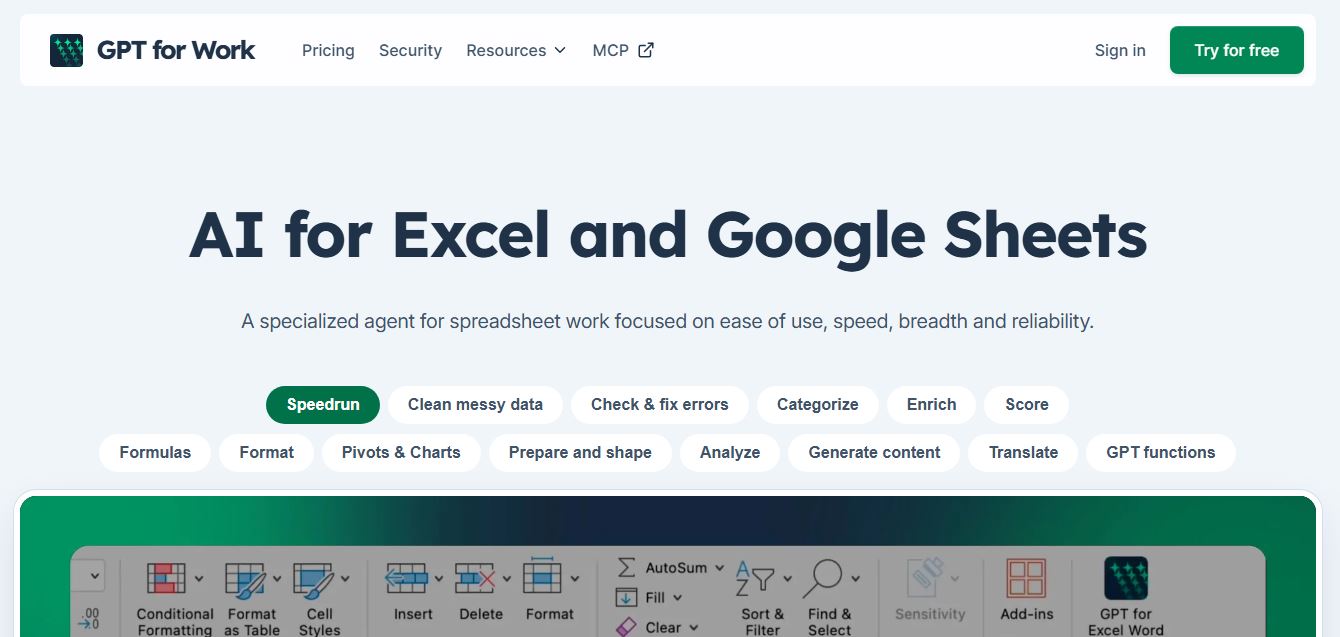
GPT for Work is an AI-powered spreadsheet assistant that helps users automate tasks in Excel and Google Sheets using natural language. It writes formulas, cleans data, generates content, and processes thousands of rows in bulk, enabling faster analysis, workflow automation, and data-driven decision-making.