Anyvids
Anyvids is an all-in-one AI video and image creation studio that aggregates top generative models—including Kling, Veo, Seedance, and FLUX—into a unified workflow featuring text-to-video, image-to-video, video upscaling, AI avatars, and character consistency tools.
What is Anyvids?
AnyVids AI is an all-in-one AI content creation platform that helps you turn ideas into videos and images in minutes. Instead of using multiple tools, it combines text-to-video, image-to-video, editing, animation, and avatar creation in one place. You can generate ads, social media clips, product videos, or cinematic content just by entering prompts or uploading images. It’s mainly built for creators, marketers, and e-commerce teams who want fast, high-quality visuals without complex production workflows.
AnyVids AI is an all-in-one AI video and image creation platform launched in 2026 that combines multiple top AI models into a single workspace for creators and marketers. It offers 20+ creative tools, including text-to-video, image-to-video, and AI avatars, with plans starting around $15/month and scaling to $119.9/month. The platform provides up to 60,000 credits annually (≈6,000 videos or 30,000 images), supports 6 concurrent tasks, and enables content creation in minutes instead of hours, reducing production time by up to 90%.
- Platform Role: Multi-Model AI Video Generator, Image Creation Studio & Video Upscaler
- Supported Foundation Models: Curated access to industry-leading video and visual models including Kling, Veo, Seedance, and modern image synthesis engines
- Core Capabilities: Text-to-video, image-to-video, character consistency controls, AI avatar creation, inpainting, and video upscaling
Use Cases:
- Producing high-impact social media video ads and product showcases for e-commerce stores on TikTok, Instagram Reels, and YouTube Shorts
- Animating static graphic designs, product photography, and concept art into dynamic cinematic motion clips
- Maintaining consistent characters and visual style across multi-scene narrative sequences and storyboard campaigns
- Enhancing and upscaling lower-resolution AI video generations to crisp high-definition renders ready for commercial broadcast
- Rapidly prototyping visual concepts and creative treatments for marketing agencies and filmmaking mood boards
Technology:
- Multi-model routing architecture connecting users directly to top-tier video and image generative diffusion pipelines
- Cross-shot character and scene consistency algorithms that preserve facial features, attire, and lighting across generated cuts
- AI video upscaling and frame interpolation engines delivering smooth playback and sharp resolution
- Cloud-based GPU rendering pipeline eliminating the need for expensive local desktop hardware or local installations
Target Users:
- Social media content creators, YouTubers, and digital storytellers producing high volumes of visual content
- E-commerce merchants and performance marketers building high-converting video advertisements
- Brand designers and creative directors experimenting with multiple aesthetic styles and visual directions
- Video editors and motion designers accelerating background creation and visual asset prototyping
Acquisition: Specialized multi-model AI video creation platform
What are the key features of Anyvids?
Anyvids' key platform features are
- Multi-Model Aggregation: Access diverse top video and image generation models inside one dashboard without buying multiple individual software licenses.
- Text-to-Video & Image-to-Video: Generate fluid, cinema-grade video clips directly from descriptive natural language prompts or reference images.
- AI Video Upscaling: Elevate lower-resolution generations to crisp HD/4K fidelity with advanced neural upscaling.
- AI Avatar & Character Generation: Produce talking avatars and maintain recognizable character likeness across multiple camera shots.
- Integrated Inpainting & Image Editing: Swap out visual elements, tweak aspect ratios, and fine-tune image frames before animating them into video.
- Prompt Refinement Assistance: Built-in prompt optimization tools help enhance input descriptions for sharper, more predictable generation quality.
- Commercial-Ready Exports: Paid tiers provide unwatermarked, high-resolution downloads cleared for commercial campaigns and client delivery.
How much does Anyvids cost?
Anyvids operates on a transparent freemium model backed by credit-based generation packages and recurring subscription tiers.
Pricing Overview:
- Free Plan: Daily allowance of free generation credits allowing users to explore supported models and test standard generation features. Outputs are intended primarily for personal non-commercial testing.
- Paid Subscriptions & Credit Packs: Unlock higher rendering resolutions, longer video generation lengths, parallel rendering queues, watermark removal, and full commercial usage rights.
Disclaimer: Credit consumption varies depending on the underlying foundation model, video duration, and output resolution selected. Visit anyvids.ai for real-time plan details and credit pricing.
Who should use Anyvids?
Anyvids is designed for modern visual creators and digital marketing teams, including
- E-Commerce Sellers: Producing engaging video ads for catalog products without hiring costly production crews.
- Independent Creators: Generating b-roll, animated illustrations, and social clips under a single manageable subscription.
- Marketing Agencies: Brainstorming creative angles and presenting animated concepts to clients in minutes.
- Motion Designers: Experimenting with different foundation models to find the ideal aesthetic for specific animation scenes.
What are the best alternatives to Anyvids?
Some of the strongest Anyvids alternatives include
- Runway
- Luma Dream Machine
- Kling AI
- Pika Labs
- InVideo AI
- Pollo AI
What are the pros and cons of Anyvids?
What are the pros of Anyvids?
- Aggregates multiple top AI video models in one place, eliminating multiple separate subscriptions
- Covers the complete creative workflow from image creation and inpainting to video animation and upscaling
- Transparent credit tracking shows the exact cost per generation across different models
- Intuitive browser-based user interface that requires no powerful local GPU setup
- Provides a free trial tier for new users to test capabilities before subscribing
What are the cons of Anyvids?
- Feature updates and model availability rely on third-party foundation providers
- May offer slightly less granular control compared to native standalone developer model interfaces
- Extended video lengths and unwatermarked 4K exports require paid credit upgrades
Why should you choose Anyvids?
The generative AI video landscape is moving at breakneck speed, with new foundation models emerging every few months. Subscribing to each platform individually quickly becomes expensive, chaotic, and inefficient. Anyvids solves this dilemma by serving as an intelligent aggregator. With Anyvids, you get immediate access to top models under one roof, paired with practical editing, character continuity, and upscaling tools that transform simple prompts into finished video content.
- Switch between premier video models seamlessly within a single production dashboard
- Transform still photos and text prompts into fluid, cinematic video assets
- Upscale low-resolution renders to crisp, presentation-ready resolutions
- Consolidate your generative video subscription costs into one credit-based platform
How does Anyvids compare to competitors?
While standalone platforms like Runway or Kling restrict users to their own proprietary model architectures, Anyvids acts as an aggregated multi-model studio that allows creators to select the best engine for each specific visual task.
| Feature / Platform | Anyvids | Runway | Kling AI | InVideo AI |
|---|---|---|---|---|
| Model Ecosystem | Multi-model aggregator (Kling, Veo, etc.) | Proprietary Gen-2 & Gen-3 models | Proprietary Kling video models | Proprietary script & stock assembler |
| Workflow Scope | Image, text-to-video, upscale & avatar | Advanced video editing & VFX studio | Cinematic video generation | Full scripted faceless video assembly |
| Character Consistency | Cross-shot reference matching | Custom model training / references | Face reference features | Stock avatars & voices |
| Pricing Structure | Freemium / Credit packages & subscriptions | From $12 - $76/month | Subscription & credit packs | From $20 - $48/month |
| Best For | Creators wanting multi-model flexibility | Professional filmmakers and VFX artists | Photorealistic human motion clips | Marketers creating automated explainer videos |
How do we rate Anyvids?
| Parameter | Rating (out of 5) |
|---|---|
| Model Diversity & Selection | 4.9 |
| Video Quality & Upscaling | 4.8 |
| Character Consistency & Control | 4.7 |
| Interface Ease of Use | 4.8 |
| Value for Money | 4.8 |
| Overall Score | 4.80 |
What is our review and verdict on Anyvids?
Anyvids provides a pragmatic, creator-friendly solution to the problem of AI tool fragmentation. By consolidating multiple high-caliber video models, image generators, upscalers, and character consistency tools into a single streamlined workspace, it saves creators both time and money. For marketing teams, freelance video editors, and digital creators looking to produce professional AI video assets without managing dozens of separate accounts, Anyvids is a practical and versatile choice.
Conclusion
AnyVids makes video creation faster and more accessible by turning simple ideas or prompts into ready-to-use video content. Instead of relying on complex editing tools, users can generate, customize, and publish videos with minimal effort. This is especially useful for marketers, creators, and businesses producing content at scale. Overall, AnyVids simplifies the video production process, helping users create engaging visuals quickly while maintaining consistency and efficiency.
FAQ
What does Anyvids AI actually do?
Anyvids AI is an all-in-one AI content creation platform that lets you generate videos, images, and visual assets from text or images in one place. Instead of using separate tools for editing, animation, and design, it combines everything into a single workspace where you can go from idea to finished content quickly. It’s built for creators, marketers, and ecommerce teams who need high-quality visuals without complex production workflows.
How is Anyvids different from other AI video tools?
Most AI tools focus on one function—like text-to-video or image generation—but Anyvids brings multiple top AI models and tools into one platform. You can switch between models, compare outputs, and create videos, images, avatars, and ads without leaving the platform. This reduces the need to juggle multiple subscriptions and tools.
What types of content can I create with Anyvids?
You can create a wide range of content, including social media videos, product ads, cinematic clips, animations, avatars, and AI-generated images. It also supports workflows like text-to-video, image-to-video, and video editing, making it suitable for everything from marketing campaigns to creative storytelling.
How does the AI video generator work?
The process is simple: you choose a model, enter a prompt or upload an image, and the platform generates a video automatically. It supports advanced controls like motion, lighting, and style, allowing you to refine outputs without traditional editing tools. Most users can create a complete video in just a few steps.
Who should use Anyvids AI?
Anyvids is ideal for content creators, marketers, ecommerce brands, designers, and even filmmakers who want to produce visual content faster. It’s especially useful for teams that need to scale content production—like generating multiple ad creatives or social posts—without increasing production costs.
Is Anyvids AI free or paid?
Anyvids offers a freemium model, where you can start with free credits and then upgrade to paid plans based on usage. Pricing is credit-based, meaning each video or image generation consumes credits, and higher-tier plans unlock more models, faster generation, and additional features.
What kind of ROI or benefits can users expect?
Users typically see faster content production, reduced costs compared to traditional video creation, and the ability to test more creative variations. Since you can generate ads, visuals, and videos in minutes, it helps teams iterate quickly and improve campaign performance without relying on large production setups.
User Reviews
No reviews yet for Anyvids.
Featured Tools
Featured AI tools from TechShark

Melody Genie
MelodyGenie is an AI-powered music generator that creates original songs from simple text prompts. Users can choose styles, moods, and genres, then instantly generate melodies and full tracks, making it easy for creators, marketers, and hobbyists to produce custom music without musical expertise.
Freemium

Kimi AI
Kimi AI is an advanced AI assistant developed by Moonshot AI that helps you chat, research, write, code, and automate tasks in one place. It supports web search, file analysis, and multimodal inputs, and can even run autonomous “agent” workflows to complete complex tasks end-to-end.
Freemium

Fashion Diffusion AI
Fashion Diffusion is an AI-powered fashion design platform that helps brands and designers create clothing designs, virtual try-ons, AI models, product photos, and marketing visuals faster and cost-effectively.
Paid

Veo 4
Veo 4 AI is an AI video creation platform that generates dramatic videos from text, images, audio, and video prompts using realistic motion and synchronized sound.
Paid
Alternatives
Alternatives to Anyvids
The best Anyvids alternatives include Runway, Kling AI, Luma Dream Machine, and InVideo AI. While Anyvids functions as a multi-model aggregator bringing top models like Kling, Veo, and Seedance into a single workspace with integrated upscaling, alternatives like Runway and Kling specialize exclusively in their proprietary foundation models.
 4.9
4.9Clipchamp
Video Generator
Clipchamp is an AI-powered online video editor by Microsoft that helps users record, edit, and share videos directly from the browser. It offers templates, stock media, and AI tools like subtitles, voiceovers, and noise removal, enabling fast, professional video creation without advanced editing skills.
 4.9
4.9CapCut
Video Editing
CapCut is a popular video editing tool that helps creators produce engaging videos with effects, transitions, filters, templates, subtitles, and AI-powered features. Available on multiple platforms, CapCut makes it easy to edit videos for TikTok, Instagram Reels, YouTube Shorts, and other social media channels.
 4.9
4.9Pika
Video Generator
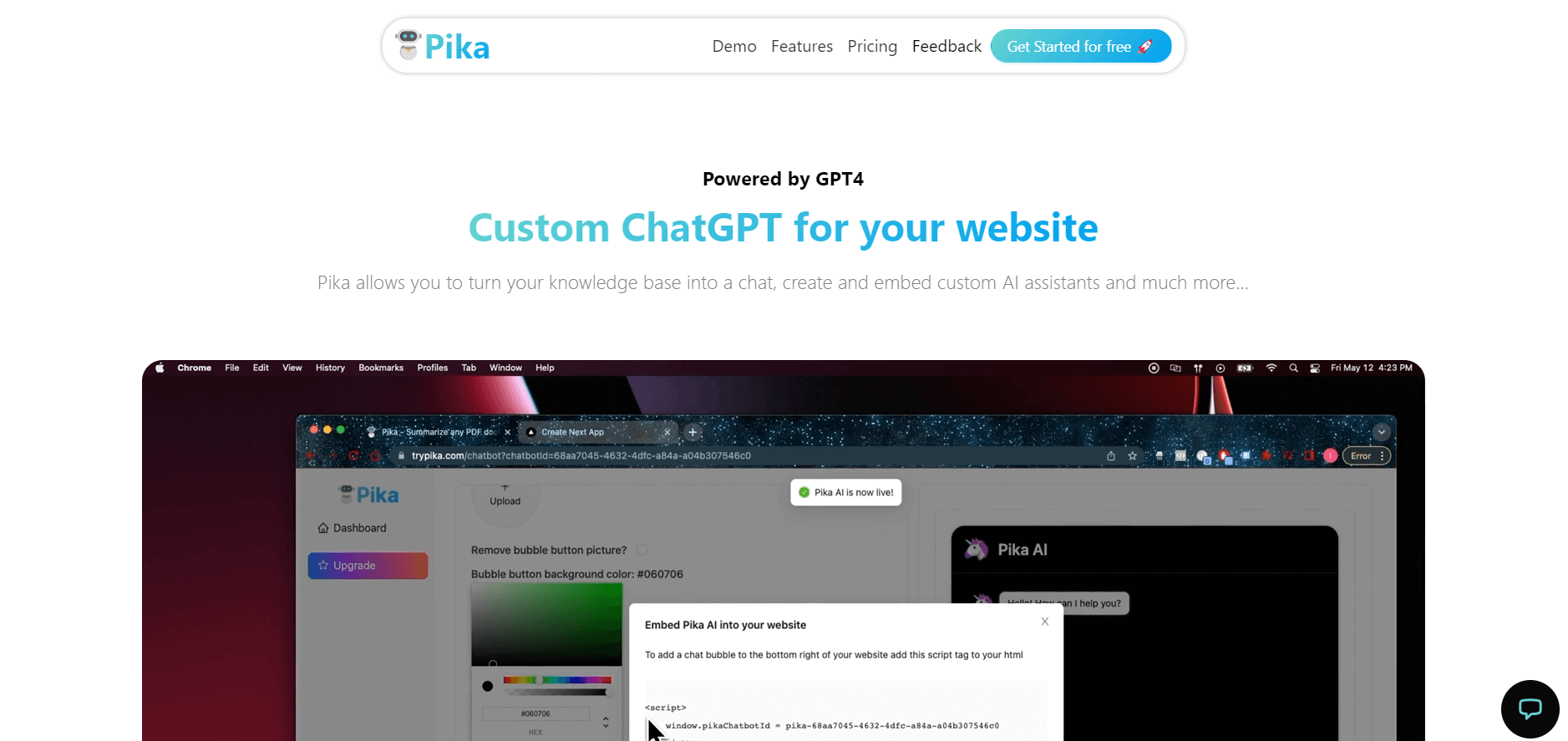
Pika is an AI video generation and creative effects platform that transforms text prompts, still images, and video clips into cinematic video sequences, meme animations, and viral visual effects using its proprietary generative video models.
 4.7
4.7Hotshot AI
Video Generator
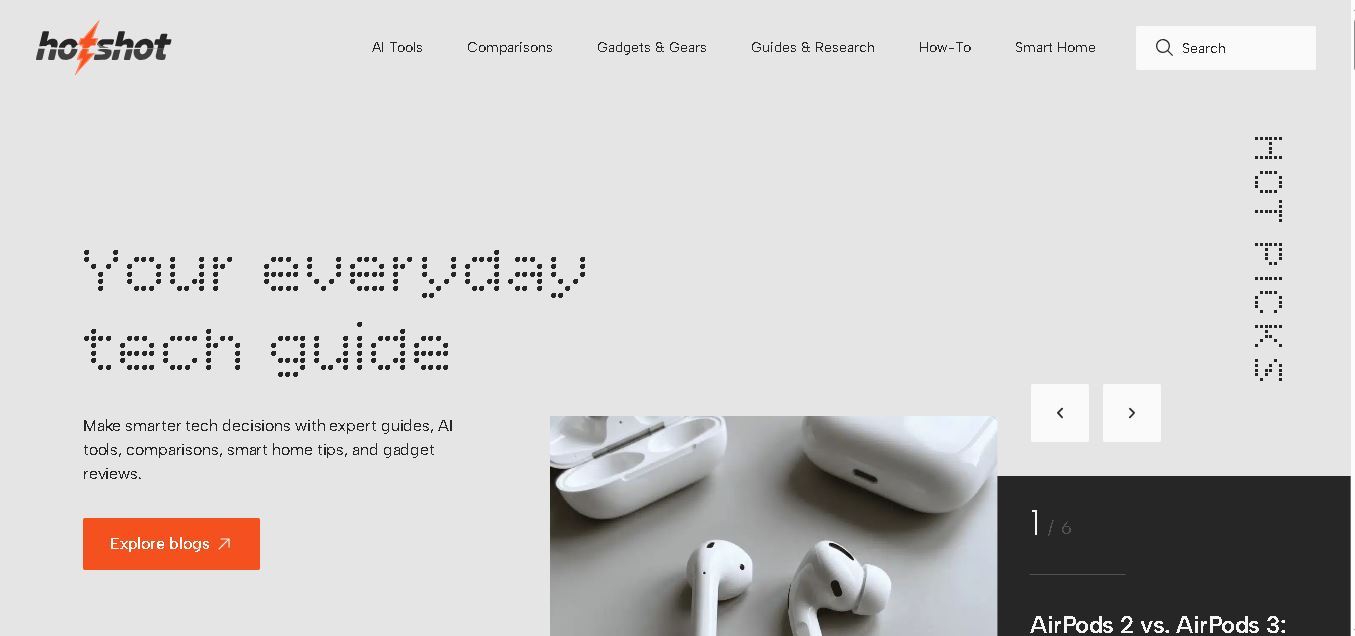
Hotshot is an everyday technology publication covering AI tools, gadgets, smart home technology, comparisons, research, and practical how-to guides. It helps readers understand products, evaluate software, compare options, and solve common technology problems through accessible articles created for people who want clearer information before making technology-related decisions online with confidence.
 4.7
4.7VideoPlus AI
Video Generator
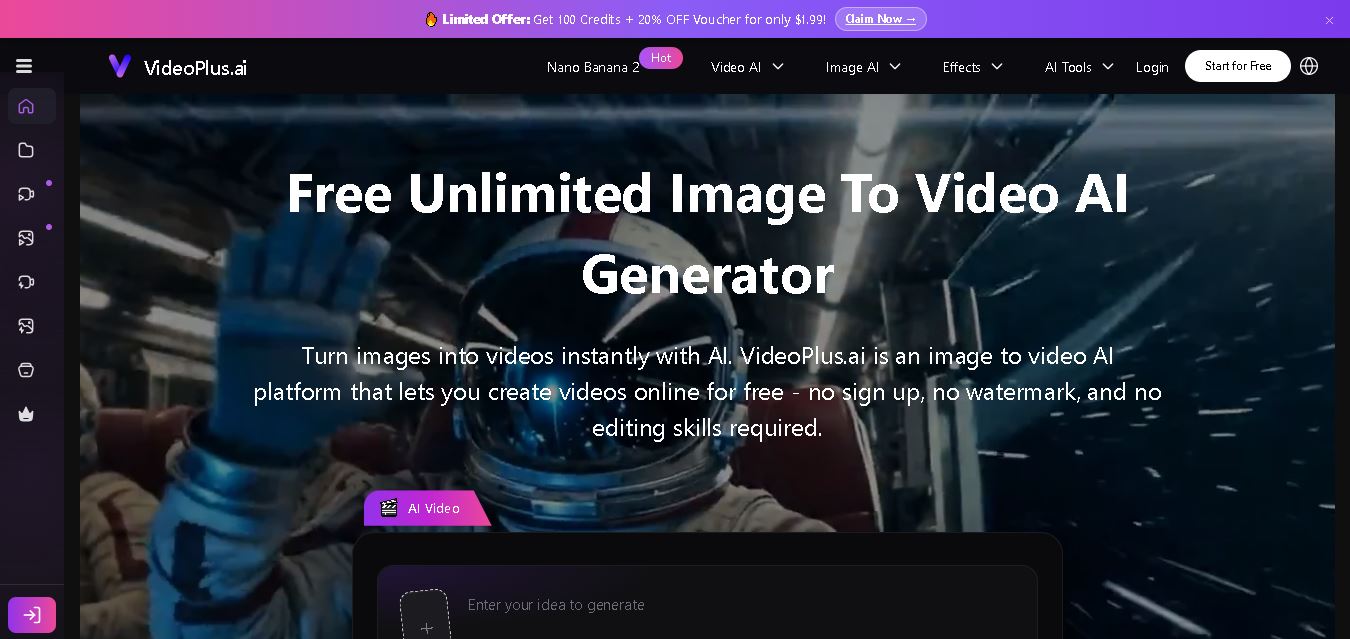
VideoPlus.ai is a versatile AI creation platform for generating and transforming videos and images. It supports text-to-video, image-to-video, reference-to-video, video-to-video, animation, image generation, enhancement, lip syncing, and creative effects. Multiple AI video models are available, making it useful for creators, marketers, designers, and businesses.
 4.7
4.7VideoTube
Video Generator
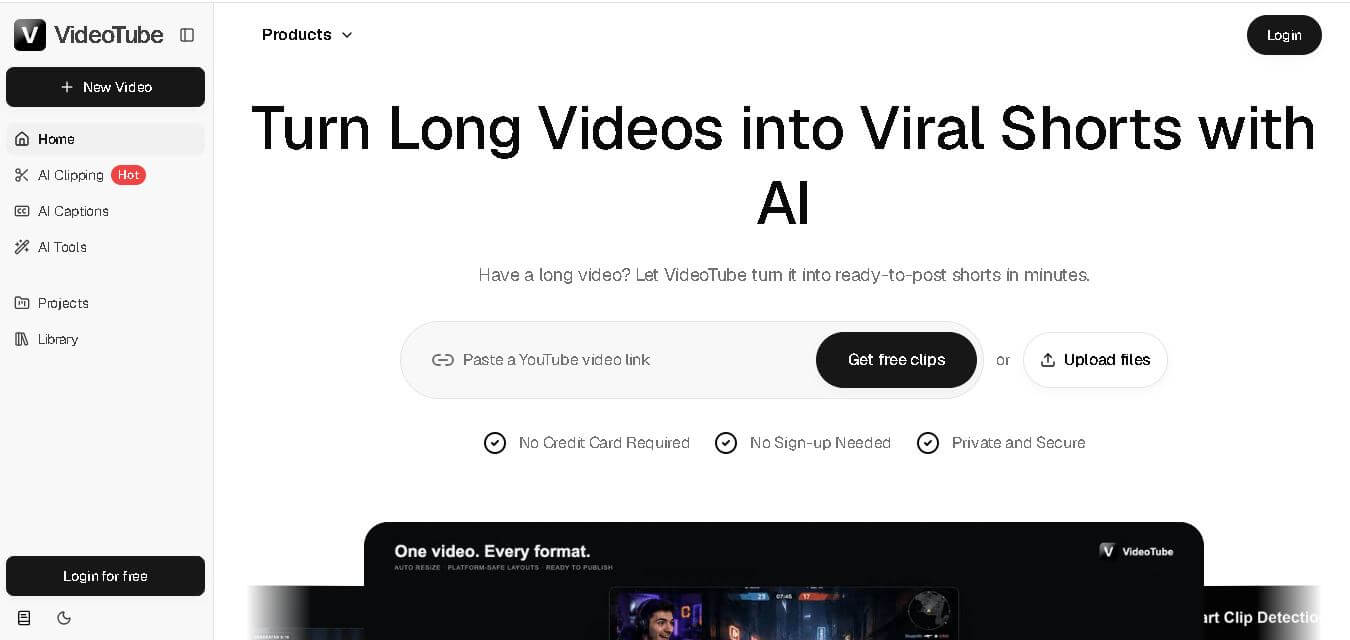
VideoTube helps creators transform long videos into short, social-ready content with AI. It can detect engaging moments, generate captions, remove filler, add B-roll, and automatically reframe videos for vertical platforms. Podcasters, YouTubers, educators, marketers, and agencies can repurpose existing content faster without relying on complicated video editing workflows.
 4.7
4.7TYPPO
Video Generator
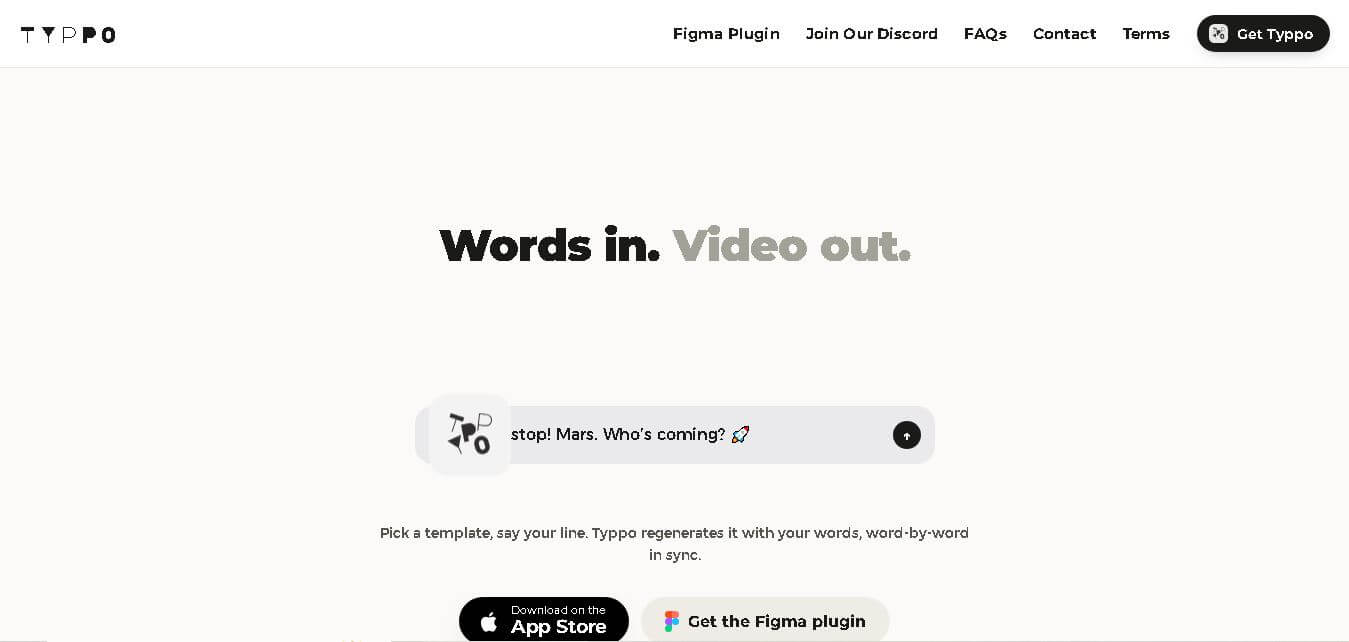
Typpo turns spoken words into animated videos without requiring design skills. Record a message, let the app transform your voice into motion graphics, and share the result on mobile-focused social channels. It supports multiple languages and offers a simple workflow for creators, marketers, communicators, and anyone wanting faster visual content creation.
 4.8
4.8Pollo AI
Video Generator
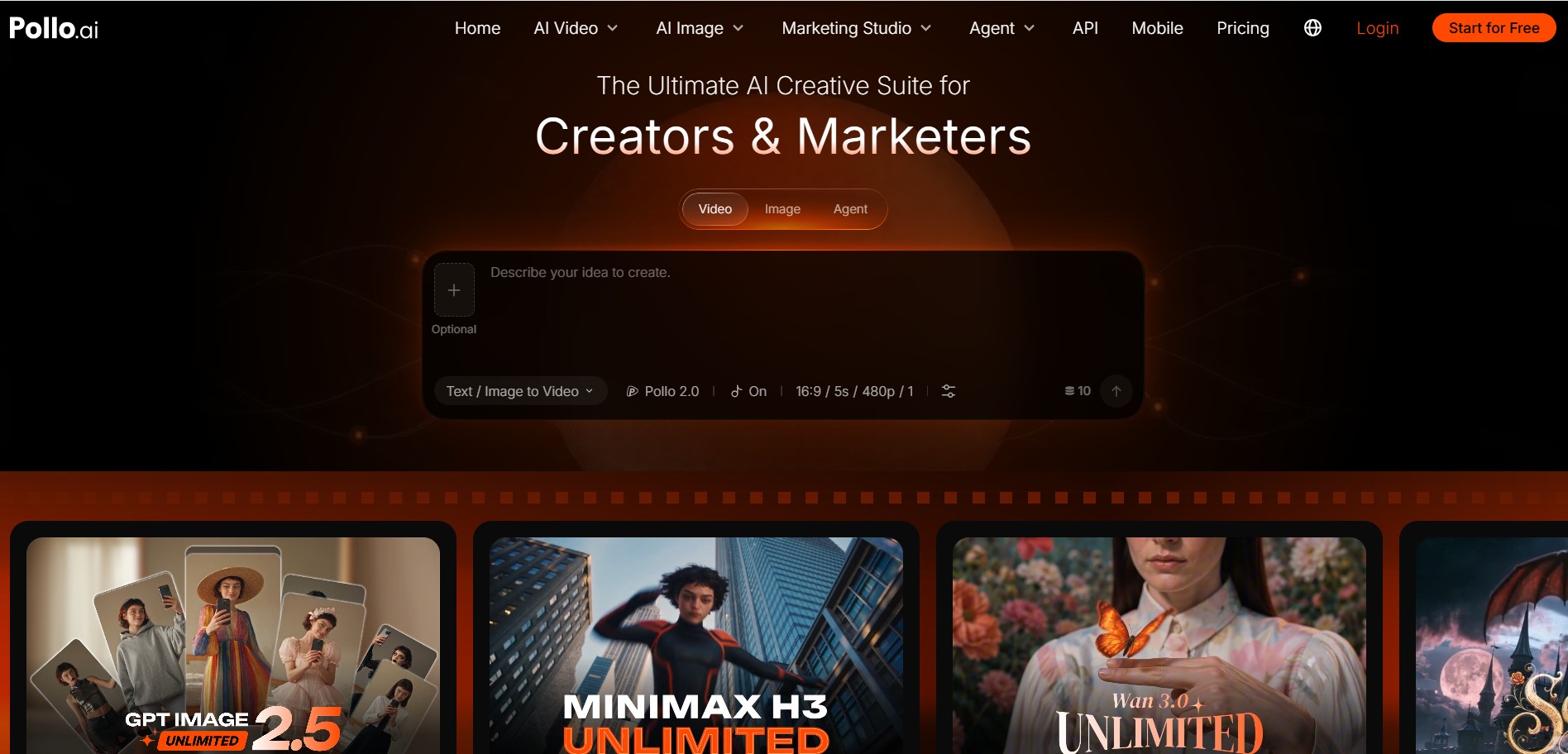
Pollo AI helps creators generate videos and visual content from text, images, and creative prompts. It combines multiple AI video models in one platform and supports workflows such as text-to-video, image-to-video, avatars, video transformation, and reference-based generation. A free tier lets users explore its core creative capabilities before upgrading.
iMini AI
Video Generator
iMini AI (imini.com) is an all-in-one AI creative agent and generative content hub that combines leading AI models into a single interface for generating images, videos, presentations, branding, and deep research reports.