
Ajelix
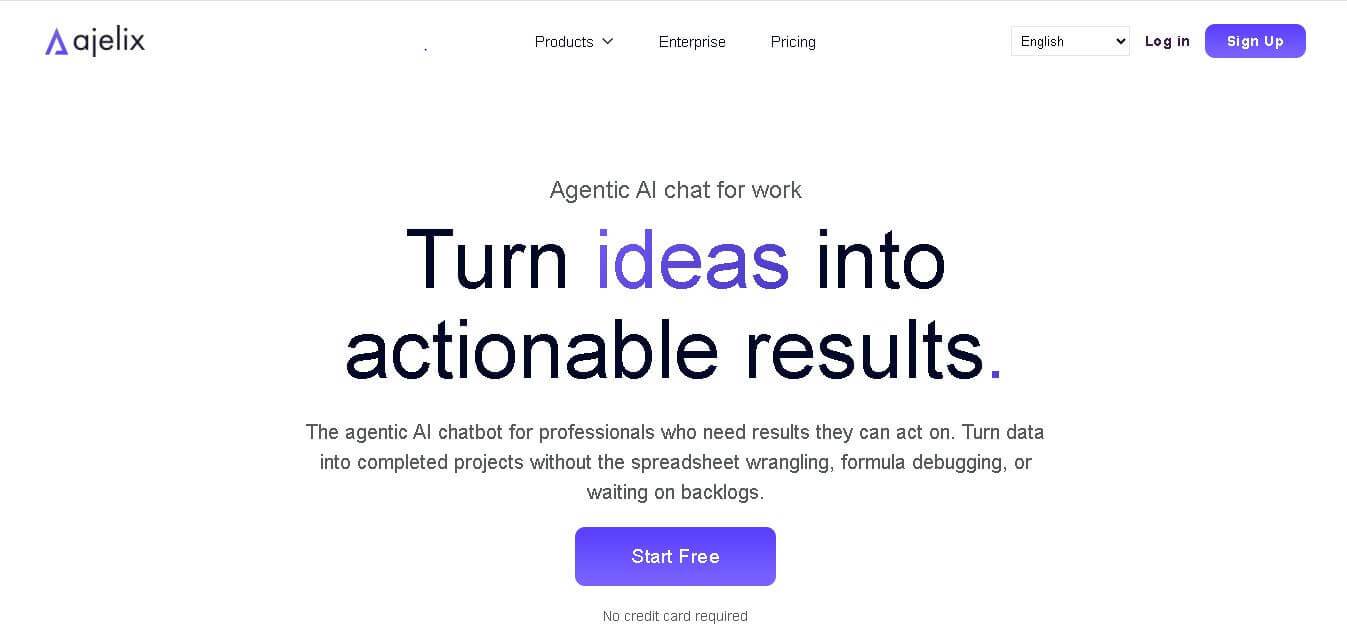
Ajelix (ajelix.com) is an AI-powered spreadsheet productivity and business intelligence platform designed to automate formula creation, VBA scripts, Google Apps Scripting, data analysis, and dashboard generation for Excel and Google Sheets.
What is Ajelix?
Ajelix is a comprehensive, web-based AI assistant and spreadsheet productivity ecosystem engineered to automate complex tasks in Microsoft Excel and Google Sheets.
Built with the mission to “Empower spreadsheet users and data analysts to automate manual tasks, eliminate coding friction, and transform raw data into insights 10x faster using artificial intelligence,” Ajelix turns plain-English instructions into error-free formulas, automated macros, custom scripts, and visual analytics dashboards.
- Platform Role: AI Spreadsheet Assistant, Formula Generator, VBA/Apps Script Writer & BI Dashboard Platform
- Developer & Organization: Ajelix
- Cross-Platform Access: Cloud Web App, Excel Add-in, and Google Workspace Add-on (compatible with Microsoft Excel, Google Sheets, Docs, Slides, and Forms)
Use Cases:
- Generating, explaining, and debugging complex nested formulas in Excel and Google Sheets from plain-text prompts
- Automating repetitive spreadsheet tasks by auto-generating and debugging VBA macros and Google Apps Scripts
- Building interactive business intelligence (BI) reports and executive summary dashboards from uploaded data
- Translating full spreadsheet workbooks and cell contents across more than 28 languages without breaking formulas
- Conversational data analysis enabling users to chat with uploaded CSV, PDF, or Excel files for fast KPI extraction
Technology:
- Large Language Models (LLMs) tuned specifically for formula syntax, VBA architecture, and Google Apps Script execution
- Native add-in integration framework connecting AI engines directly inside Excel desktop/web and Google Workspace
- Conversational AI Data Analyst interface capable of descriptive, diagnostic, and predictive data processing
- Cloud BI engine designed to dynamically aggregate raw datasets into custom visual dashboards
Target Users:
- Financial analysts, accountants, and controllers managing complex financial models and monthly reporting
- Data analysts and operations managers seeking to automate repetitive data cleaning and report generation
- Business owners and non-technical professionals needing advanced spreadsheet logic without learning code
- Global teams requiring automated translation and standardized data structures across multi-language workbooks
Acquisition: Self-serve SaaS platform and browser add-on service operated by Ajelix (ajelix.com)

What are the key features of Ajelix?
Ajelix's key platform features include
- AI Formula Generator & Explainer: Converts natural language statements into precise Excel or Google Sheets formulas and breaks down existing complex formulas step-by-step.
- VBA & Apps Script Automation Suite: Generates, optimizes, and debugs macros and scripts to automate spreadsheet actions without writing code manually.
- Conversational AI Data Analyst: Chat-based interface allowing users to upload data files, request automated cleanups, ask direct questions, and receive analytical summaries.
- AI Dashboard & Report Generator: Converts raw data tables into interactive, shareable BI dashboards featuring KPI summary cards and chart layouts.
- Spreadsheet Translator: Translates entire files or specific cell ranges into 28+ languages directly within Microsoft Excel or Google Sheets.
- Google Workspace & Excel Add-Ins: Integrates directly into spreadsheet task panes to run AI prompts, translations, and script execution natively.
How much does Ajelix cost?
Ajelix operates on a freemium model offering a basic tier with monthly request limits, alongside tiered subscription plans for higher usage and advanced BI features.
Free Access Tier:
- Free Plan ($0/month): Provides 10 AI requests per month with access to standard formula generation and basic tools to test workbook compatibility.
Paid Subscription Tiers (Billed Monthly or Annually):
- Lite Plan ($39/user/month or $32/month billed annually): Designed for standard spreadsheet users, supporting file sizes up to 20MB and 500MB workspace storage.
- Pro Plan ($99/user/month or $82/month billed annually): Built for power users, offering 100MB maximum file size limits, 2GB storage, and expanded compute capabilities.
- Max Plan ($199/user/month or $165/month billed annually): Designed for heavy data workflows, featuring 500MB file uploads, 10GB workspace storage, and maximum compute speed.
Disclaimer: Pricing, usage caps, and plan features are subject to updates by Ajelix. Check ajelix.com/pricing for current details.
Who should use Ajelix?
Ajelix is designed for spreadsheet users, financial analysts, and businesses, including
- Finance & Operations Teams: Teams automating monthly reporting, data reconciliation, and KPI visualization.
- Spreadsheet Beginners & Non-Programmers: Individuals needing to create complex formulas, macros, or scripts without formal training.
- Data-Heavy Managers: Professionals needing conversational AI analysis to pull fast answers from CSVs and financial statements.
What are the best alternatives to Ajelix?
Top alternatives to Ajelix include
- Formula Bot (Excel Formula Bot)
- Microsoft 365 Copilot (for Excel)
- GPT for Sheets and Docs
- SheetPlus
- Rows.com
- Equals.app
What are the pros and cons of Ajelix?
What are the pros of Ajelix?
- Comprehensive AI toolset covering formulas, VBA scripts, Google Apps Scripts, and BI dashboards
- Direct native add-ins for both Microsoft Excel and Google Workspace environments
- Multi-language translation engine built directly for spreadsheet data
- Conversational data analyst interface simplifies file interrogation for non-technical users
What are the cons of Ajelix?
- Free tier is limited to 10 requests per month, serving primarily as a trial
- Generated VBA scripts and complex nested formulas still require human verification on production workbooks
- Advanced compute features and larger file uploads require higher subscription tiers
Why should you choose Ajelix?
Writing formulas and debugging script errors manually consumes countless working hours. Ajelix solves this by integrating AI assistance directly into daily spreadsheet platforms. Whether translating plain language into Google Apps Script or converting raw CSV dumps into polished BI dashboards, Ajelix reduces spreadsheet frustration and speeds up data workflows.
How does Ajelix compare to competitors?
While single-purpose tools like Formula Bot focus primarily on generating basic formulas, Ajelix provides an end-to-end suite combining formula creation, script debugging, file translation, and business intelligence reporting. Compared to broad AI assistants like Microsoft 365 Copilot, Ajelix offers dedicated support for cross-platform environments across both Excel and Google Workspace.
| Feature / Platform | Ajelix | Formula Bot | Microsoft Copilot (Excel) | GPT for Sheets |
|---|---|---|---|---|
| Platform Support | Excel & Google Workspace | Excel & Google Sheets | Microsoft 365 Ecosystem | Google Workspace |
| VBA & Apps Script Tools | Yes (Generation & Debugging) | Basic Script Support | Limited Scripting | No (Focuses on cell functions) |
| BI & Dashboard Builder | Yes (Ajelix BI built-in) | Basic Visual Charts | Basic Chart Recommendations | No |
| Built-in Translation | Yes (28+ Languages) | Limited | Yes | Yes (via custom prompts) |
| Best For | Full automation, scripting & BI reporting | Quick, straightforward formula generation | Enterprise Microsoft 365 users | Inline Google Sheets formula expansion |
How do we rate Ajelix?
| Parameter | Rating (out of 5) |
|---|---|
| Formula & Script Generation Accuracy | 4.8 |
| Feature Depth & Tool Variety | 4.9 |
| Ease of Use & Add-in Integration | 4.8 |
| Data Security & Platform Reliability | 4.7 |
| Value for Money | 4.5 |
| Overall Score | 4.74 |
What is our review and verdict on Ajelix?
Ajelix stands out as an impressive productivity suite for anyone who works heavily with spreadsheets. By combining natural language formula generation, script automation, and AI-driven business intelligence into one platform, it streamlines tasks that previously required advanced technical expertise. While users should verify generated code on critical workbooks, Ajelix offers high utility for finance, operational, and analytics teams.
What is the final conclusion on Ajelix?
Ajelix is a powerful AI asset for modern spreadsheet workflows. With its robust native add-ins, script-debugging capabilities, and automated dashboard tools, Ajelix turns Excel and Google Sheets from manual data tables into automated analytical engines.
User Reviews
No reviews yet for Ajelix.
Featured Tools
Featured AI tools from TechShark

Melody Genie
MelodyGenie is an AI-powered music generator that creates original songs from simple text prompts. Users can choose styles, moods, and genres, then instantly generate melodies and full tracks, making it easy for creators, marketers, and hobbyists to produce custom music without musical expertise.
Freemium

Kimi AI
Kimi AI is an advanced AI assistant developed by Moonshot AI that helps you chat, research, write, code, and automate tasks in one place. It supports web search, file analysis, and multimodal inputs, and can even run autonomous “agent” workflows to complete complex tasks end-to-end.
Freemium

Fashion Diffusion AI
Fashion Diffusion is an AI-powered fashion design platform that helps brands and designers create clothing designs, virtual try-ons, AI models, product photos, and marketing visuals faster and cost-effectively.
Paid

Veo 4
Veo 4 AI is an AI video creation platform that generates dramatic videos from text, images, audio, and video prompts using realistic motion and synchronized sound.
Paid
Alternatives
Alternatives to Ajelix
The top Ajelix alternatives include Formula Bot, Microsoft 365 Copilot, GPT for Sheets, and Rows.com. While Ajelix excels in automated VBA/Apps Script generation, multi-language file translation, and built-in BI dashboards across Excel and Google Workspace, alternatives like Formula Bot focus primarily on simple formula prompts, and Microsoft Copilot provides deep native integration inside Office 365.
 4.9
4.9Equals
Spreadsheets
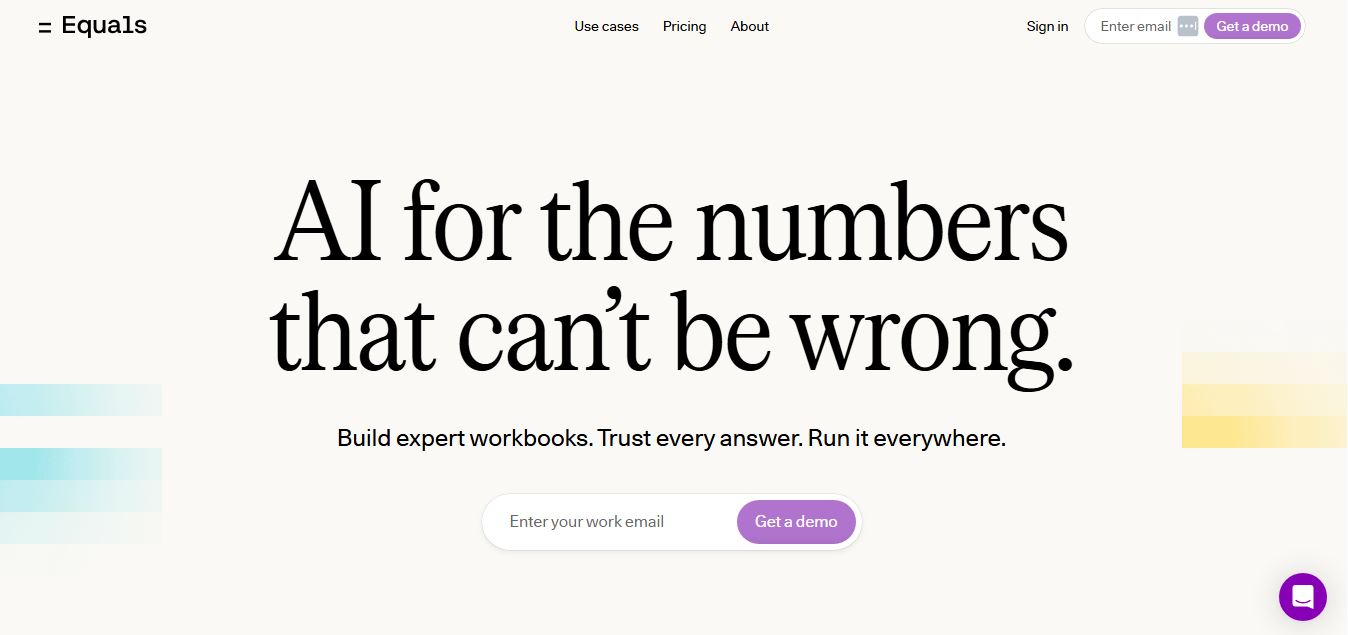
Equals is an AI-powered spreadsheet and GTM analytics platform that helps teams connect live data, build dashboards, and answer business questions using natural language. It combines a managed data warehouse, spreadsheet, and AI analyst, enabling faster, reliable insights without SQL or complex data tools.
 4.9
4.9Google Sheets
Spreadsheets
Google Sheets is a cloud-based spreadsheet tool that helps users create, edit, and collaborate on data in real time. It supports formulas, charts, automation, and integrations with Google Workspace, enabling teams to manage data, analyze information, and build workflows from anywhere with shared access.
 4.9
4.9Row Zero
Spreadsheets
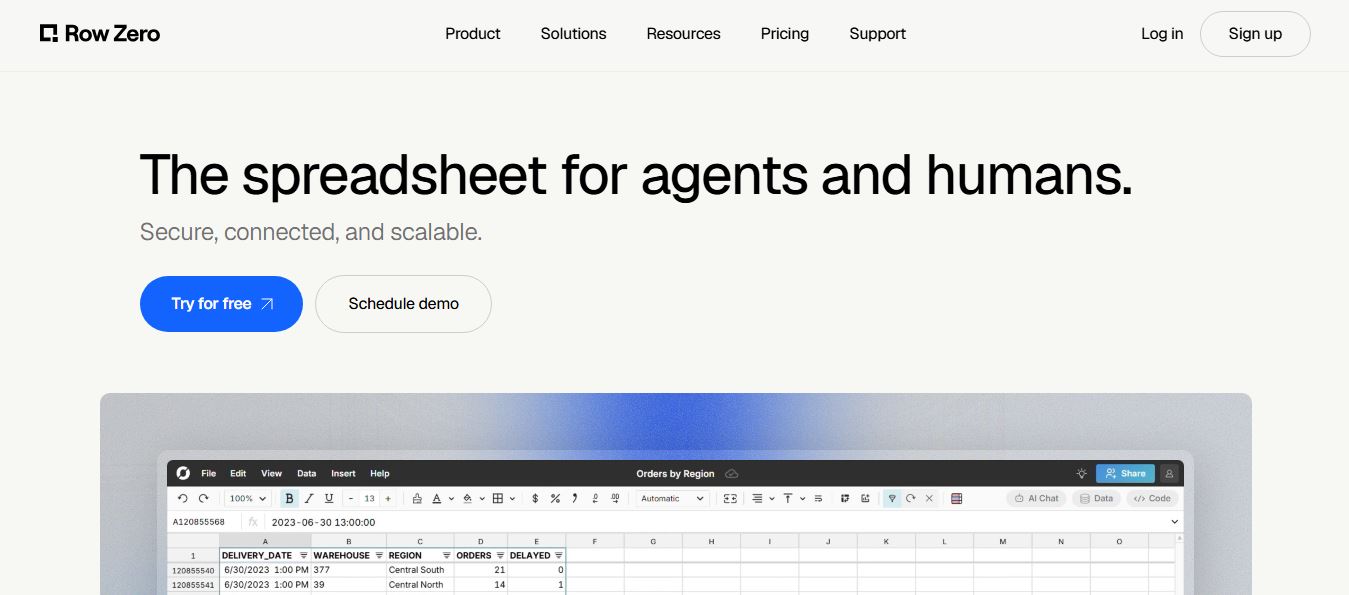
Row Zero is an AI-powered cloud spreadsheet platform that helps teams analyze massive datasets using familiar spreadsheet workflows. It connects directly to data warehouses, auto-updates live data, and scales to billions of rows, enabling fast, secure, and collaborative data analysis without traditional spreadsheet limitations.
 4.9
4.9Grist AI Spreadsheet Generator
Spreadsheets
Grist AI Spreadsheet Generator (getgrist.com/ai/spreadsheet-generator/) is an open-source, relational AI spreadsheet and custom application builder that turns text prompts into structured relational databases, Python formulas, dashboards, and access rules via an in-product AI Assistant and Model Context Protocol (MCP).
 4.9
4.9Shortcut AI
Spreadsheets
Shortcut AI is an AI-powered Excel agent that helps finance teams build financial models, analyze data, and automate complex spreadsheet workflows using natural language. It generates formulas, structures reports, and processes data with high accuracy, enabling faster decision-making and reducing manual analysis work.
 4.9
4.9Microsoft Excel
Spreadsheets
Microsoft Excel AI (Copilot for Excel) is an AI-powered assistant that helps users analyze data, write formulas, create charts, and generate insights using natural language. It automates complex tasks, highlights trends, and builds reports, enabling faster, data-driven decisions directly within Excel workflows.
 4.9
4.9Coefficient
Spreadsheets
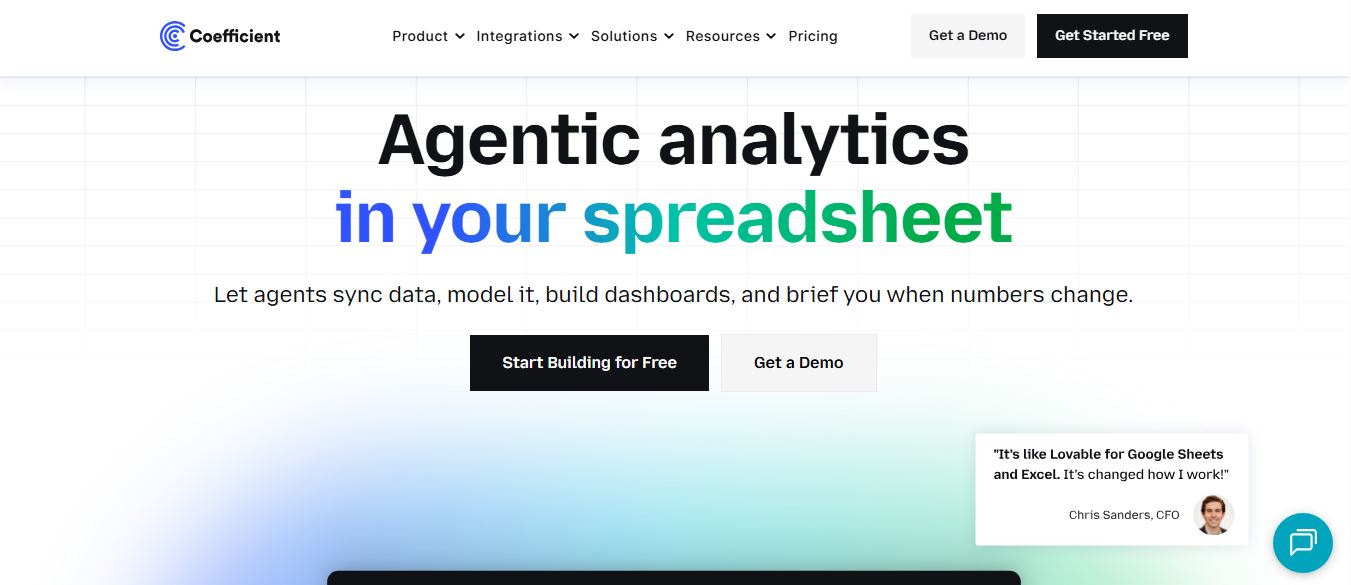
Coefficient is an AI-powered spreadsheet automation platform that connects live data from tools like Salesforce, HubSpot, and databases directly into Google Sheets and Excel. It enables real-time reporting, automated refreshes, and AI-driven analysis, helping teams build dashboards and workflows without manual exports or coding.
 4.9
4.9SheetGPT
Spreadsheets
SheetGPT is an AI-powered Google Sheets add-on that helps users generate content, analyze data, and automate tasks using simple formulas like =GPT(). It integrates models like ChatGPT, Claude, and Gemini, enabling faster workflows for summarization, translation, classification, and large-scale spreadsheet operations.
 4.9
4.9GPT for Work
Spreadsheets
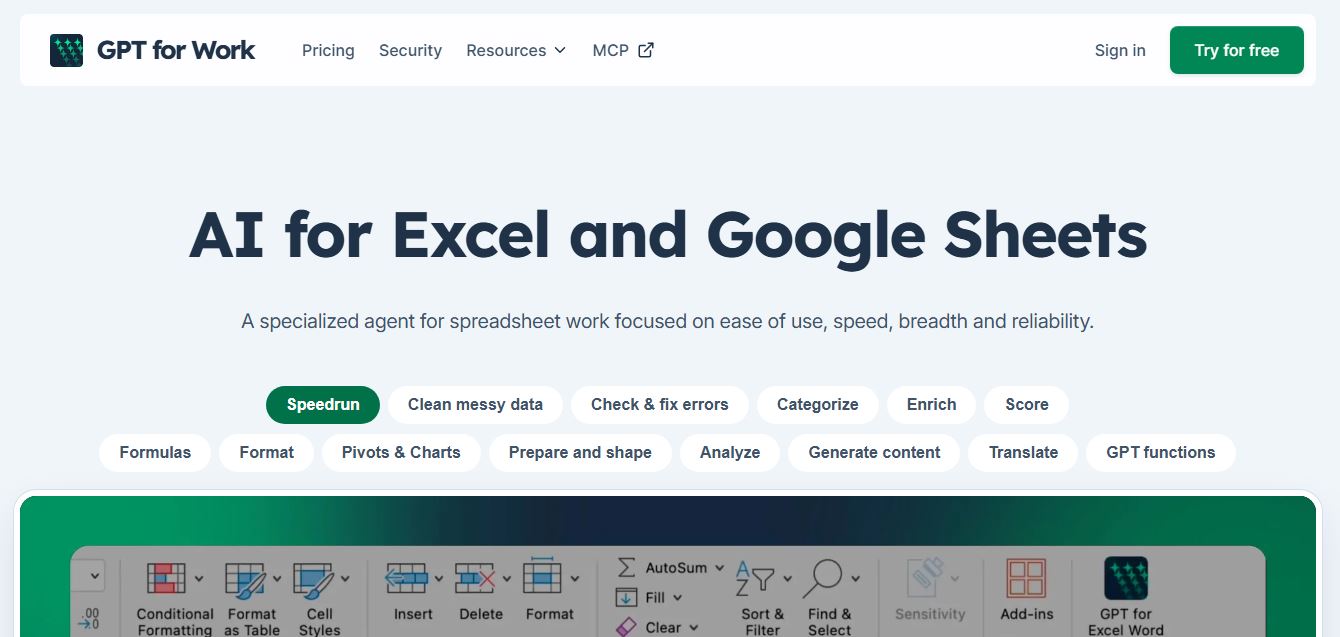
GPT for Work is an AI-powered spreadsheet assistant that helps users automate tasks in Excel and Google Sheets using natural language. It writes formulas, cleans data, generates content, and processes thousands of rows in bulk, enabling faster analysis, workflow automation, and data-driven decision-making.