
Remaker AI
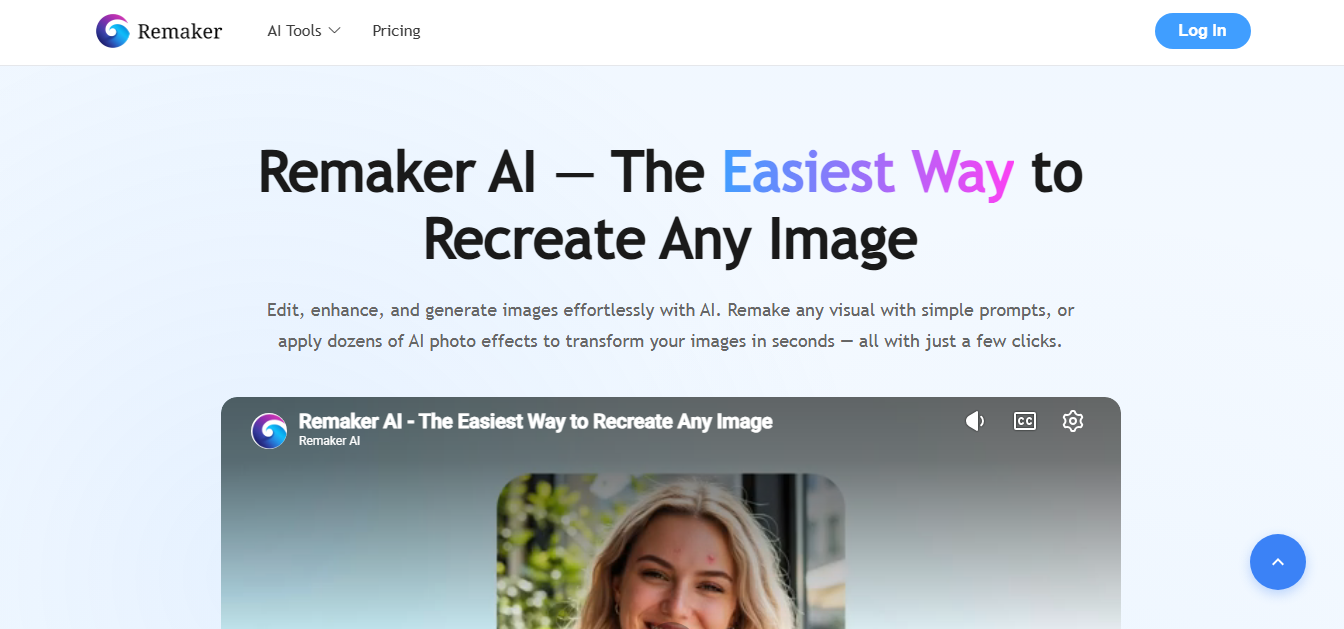
Remaker AI is an all-in-one AI image and video editing platform that helps creators generate, enhance, and transform visual content. It offers AI face swapping for photos and videos, image generation, background removal, image upscaling, object erasing, portrait creation, and creative video templates for social media content.
What is Remaker AI?
Remaker AI is an AI-powered creative platform that helps users generate, edit, and transform images and videos without advanced design or editing skills. It offers tools for AI face swapping, image generation, background removal, photo enhancement, image expansion, and video editing. Users can create realistic visual effects, modify existing photos, and produce engaging content for social media, marketing, and personal projects. Remaker AI is useful for content creators, designers, marketers, and anyone looking for accessible AI tools to simplify visual content creation.
Popular across millions of creators worldwide for viral social media content and personal branding, Remaker AI operates on a flexible, non-recurring credit structure. Instead of locking creators into monthly software commitments, the platform provides 20+ specialized creative AI tools—including single photo face swap, multi-face group swapping, video face swapping, AI professional headshot generation, image upscaling, object erasers, and background removers.
- Core Focus / Category: AI Face Swapping, Video Face Replacement, Creative Photo Manipulation, and AI Headshot Studio
- Platform Architecture: Cloud-rendered web platform utilizing deep learning facial alignment, neural texture blending, and automated computer vision recognition models
- Key Specialization: High-precision facial landmark mapping, natural skin tone preservation, multi-person group photo swaps, and pay-as-you-go credit flexibility
Use Cases:
- Swapping single or multiple faces in group photos, festive party shots, and team pictures with accurate facial alignment
- Creating viral short-form video memes, parody content, and reaction clips for TikTok, Instagram Reels, and YouTube Shorts
- Generating studio-quality business headshots for LinkedIn profiles and resumes from casual uploaded selfies
- Restoring, upscaling, and cleaning background clutter or photobombers from digital portraits
Technology:
- Neural Facial Geometry Blending maintaining lighting coherence, gaze direction, and subtle expression lines
- Multi-Face Detection Algorithms identifying individual people within crowded group scenes to allow custom face mapping for each subject
- Frame-by-frame video face tracking renders smooth video face swaps without noticeable boundary jitter or flickering
Target Users:
- Digital creators, meme curators, and entertainment influencers producing engaging social content
- Freelancers and professionals seeking cost-effective AI headshots without scheduling studio photography sessions
- Creative agencies and video editors using image tools to prototype visual concepts and character placements
- Casual consumers and families making fun photo edits, festive holiday cards, and personalized digital avatars
Corporate Entity: Operates as Remaker AI (remaker.ai / Cloud Web Platform)

Key features of Remaker AI
Remaker AI's key features are
- Single Photo Face Swap: Seamlessly replaces a face in any photograph with authentic skin tones, natural lighting, and original facial expression retention.
- Multiple Face Swap: Automatically detects every distinct face in a group shot, allowing users to map specific replacement identities to each individual.
- Video & GIF Face Swap: Tracks facial movement across motion video files and animated GIFs with continuous temporal alignment and minimal frame jitter.
- AI Professional Headshots: Transforms everyday selfies into polished business portraits with tailored outfits, lighting, and corporate backgrounds.
- AI Object & Watermark Remover: Magic eraser brush utility that removes unwanted background objects, people, and visual blemishes in one click.
- AI Image Upscaler & Unblur: Sharpens low-resolution images, enhances facial textures, and restores compressed photography for web and print.
- AI Generator Suite: Built-in generative utilities for text-to-image synthesis, baby face predictors, anime style transfers, and custom stickers.
Remaker AI Pricing
Remaker AI utilizes a non-recurring, one-time credit pack system rather than auto-renewing monthly subscriptions. Purchased credits do not expire, and buying any credit pack confers permanent VIP account status.
Free Tier:
- $0 / Free test access
- New registered accounts receive initial trial credits to test single-photo swaps and basic AI editing tools
One-Time Credit Packs (Pay-As-You-Go):
- 200 Credits: ~$5.99 one-time payment
- 530 Credits (Popular): ~$9.99 one-time payment
- 1,100 Credits: ~$19.99 one-time payment
- 3,000 Credits: ~$49.99 one-time payment
- 20,000 Credits: ~$299.00 one-time payment
Disclaimer: Credit usage varies by tool (e.g., photo face swaps typically consume 1 to 4 credits, video swaps consume ~1 to 2 credits per second, and headshot packages consume 8+ credits). Check remaker.ai/pricing for the latest active terms.
Who is using Remaker AI?
Remaker AI is designed for visual creators, marketers, and individuals, including
- Social Media Content Creators: Producing trending face-swap videos, character parodies, and comedic skits for TikTok and Reels
- Job Seekers & Freelancers: Creating clean, high-resolution corporate headshots for LinkedIn profiles without paying photographer fees
- Creative Ad Agencies: Mocking up visual storyboards, creative ad concepts, and localized talent testing without re-shooting original assets
- Digital Artists & Graphic Designers: Combining image upscaling, object removal, and face swapping into mixed-media creative assets
- Friends & Event Planners: Designing humorous custom event invitations, holiday greeting cards, and family photo compilations
Best Remaker AI Alternatives
Some of the strongest Remaker AI alternatives include
- Reface
- FaceMagic
- DeepSwap
- Vmodel.ai
- PhotoRoom
- Magic Hour
Pros and Cons of Remaker AI
Pros
- No recurring subscription fees; pay-as-you-go credit packs never expire
- Accurate multi-face detection allows independent face swapping in group photos
- Video face-swapping delivers smooth frame tracking and natural facial tone blending
- Extensive suite of 20+ additional photo editing tools including headshots and upscaling
- Accessible in-browser experience on both desktop and mobile without heavy local GPU requirements
Cons
- Payment options on the main portal have historically emphasized crypto and web checkout rails
- Extreme head turns or heavily obstructed faces can produce occasional blending artifacts
- Video processing queues can slow down during peak server traffic windows
- Higher-resolution video face swaps consume credit balances rapidly
Why Choose Remaker AI?
Remaker AI is an ideal option for users who want fast, high-quality face-swapping and AI portrait editing without committing to another recurring monthly bill.
- Swap single or group faces across photos, GIFs, and videos in seconds
- Buy one-time credit packs from $5.99 that never expire
- Generate business-ready LinkedIn headshots without expensive photoshoot costs
- Retouch existing photography with integrated object erasers and AI upscaling
- Produce viral social content directly within modern desktop and mobile browsers
Remaker AI vs. Competitors
The main difference between Remaker AI, Reface, DeepSwap, and Magic Hour is that Remaker AI relies on a flexible, non-expiring one-time credit model rather than lock-in subscription tiers. While Reface focuses primarily on mobile entertainment templates, DeepSwap provides high-speed cloud video swapping on monthly plans, and Magic Hour offers a full generative video production suite, Remaker AI provides a versatile browser-first toolbox spanning face swapping, photo restoration, upscaling, and headshot creation at low pay-per-use costs.
| Feature / Platform | Remaker AI (remaker.ai) | Reface | DeepSwap | Magic Hour |
|---|---|---|---|---|
| Pricing Model | One-time credit packs (No recurring sub) | Weekly / Annual subscription | Monthly / Annual subscription | Monthly credit subscription |
| Multi-Face Swap | Yes (Individual mapping in group shots) | Limited template swapping | Yes (Multi-face support) | Yes (Video-to-video workflow) |
| Video & GIF Swapping | Yes (Frame-by-frame neural tracking) | Yes (Extensive template catalog) | Yes (Custom video uploads) | Yes (Comprehensive video AI) |
| Additional AI Tools | Headshots, Upscaler, Eraser, Generators | Avatars, Photo filters, Restyle | Background removal, Enhancer | Lip sync, Video-to-video, Animation |
| Starting Price | Free credits / Packs from $5.99 | Free tier / Subscriptions from ~$6.99/wk | From ~$9.99/mo (promotional) | Free trial / Plans from ~$10.00/mo |
| Best For | Occasional Users & Multi-Tool Face Swapping | Mobile Creators Wanting Viral Presets | High-Frequency Custom Video Swappers | Creators Needing Complete Generative Video |
How do we rate Remaker AI?
| Parameter | Rating (out of 5) |
|---|---|
| Face Swap Realism & Expression Blending | 4.7 |
| Multi-Face & Group Photo Accuracy | 4.8 |
| Tool Variety (Headshots, Upscaler, Eraser) | 4.8 |
| Pricing Structure (Non-Expiring Credits) | 4.9 |
| Value for Money | 4.7 |
| Overall Score | 4.78 |
Remaker AI Review
Remaker AI has established itself as one of the most accessible and widely utilized platforms for AI-powered face swapping. Its ability to accurately blend facial landmarks while preserving natural lighting and underlying skin textures makes both single-person and complex group edits look convincing. The addition of practical utilities like AI headshots, background removal, and photo upscaling transforms it from a single-feature novelty into a useful creative suite. For creators who want fast results without signing up for expensive, recurring monthly software contracts, Remaker AI's non-expiring credit packs offer genuine convenience.
Conclusion
Remaker AI is an all-in-one AI visual editing and face-swapping platform that combines realistic facial replacement with versatile photo enhancement tools. By offering single and multi-face swapping for photos and videos, professional headshot generation, and non-expiring credit packs starting at $5.99, it provides an economical, user-friendly creative solution. For digital creators, marketers, and casual users seeking quick, realistic AI image manipulation, Remaker AI is a dependable web platform.
FAQ
What can you do with Remaker AI?
With Remaker AI, users can generate AI images, edit photos using text prompts, remove unwanted objects, erase image backgrounds, upscale low-resolution pictures, create AI portraits, and apply creative effects and video templates.
Is Remaker AI free to use?
Remaker AI provides access to certain AI tools with free credits for eligible users. Users can purchase additional credits to access more generations and advanced features. Pricing and available credits may vary depending on the tool.
How does Remaker AI image generation work?
Remaker AI uses artificial intelligence models to generate images from text prompts or existing visual references. Users provide a description or upload an image, select the appropriate AI tool, and generate a transformed visual.
Can Remaker AI remove backgrounds from images?
Yes. Remaker AI includes an AI background remover that automatically detects the main subject and separates it from the background. This is useful for product photography, marketing graphics, profile pictures, and e-commerce images.
Does Remaker AI offer an AI image upscaler?
Yes. Remaker AI offers an AI image upscaler that enhances image resolution and improves visual clarity. It can help users enlarge low-resolution photos while preserving important image details.
Does Remaker AI support AI face swappin
Remaker AI provides face-swap functionality through its AI creative tools, allowing users to create face-swapped visual content. Users should only upload images or videos they own or have permission to edit.
User Reviews
No reviews yet for Remaker AI.
Featured Tools
Featured AI tools from TechShark
Klap
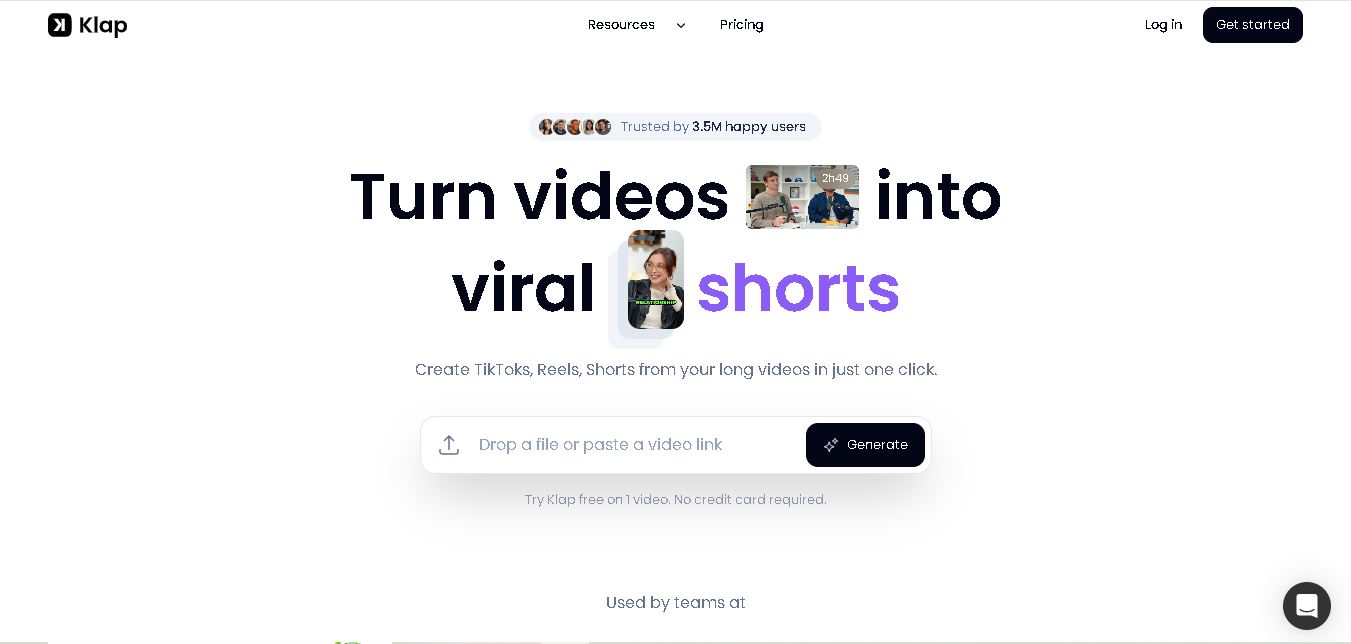
Klap is an AI-powered video editing tool that turns long videos into engaging short clips for TikTok, Instagram Reels, and YouTube Shorts. It automatically finds the best moments, adds captions, and resizes videos, helping creators save time and create more content with less effort.
Free
Melody Genie
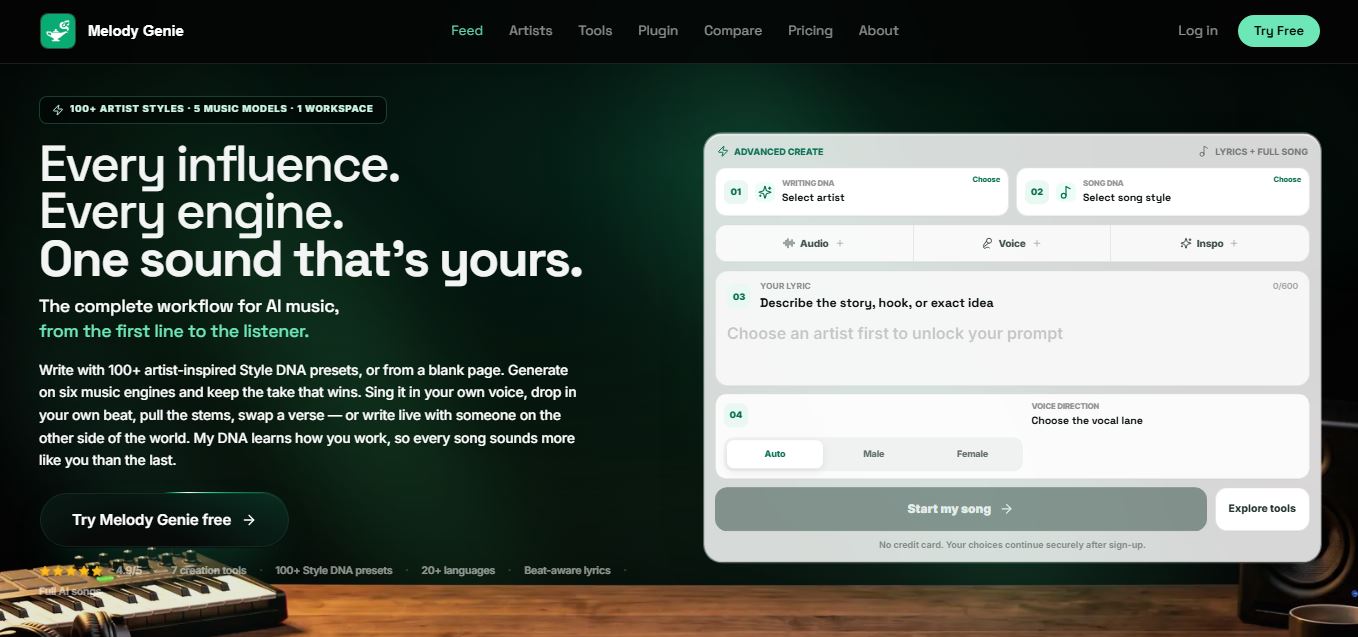
MelodyGenie is an AI-powered music generator that creates original songs from simple text prompts. Users can choose styles, moods, and genres, then instantly generate melodies and full tracks, making it easy for creators, marketers, and hobbyists to produce custom music without musical expertise.
Freemium
Fashion Diffusion AI
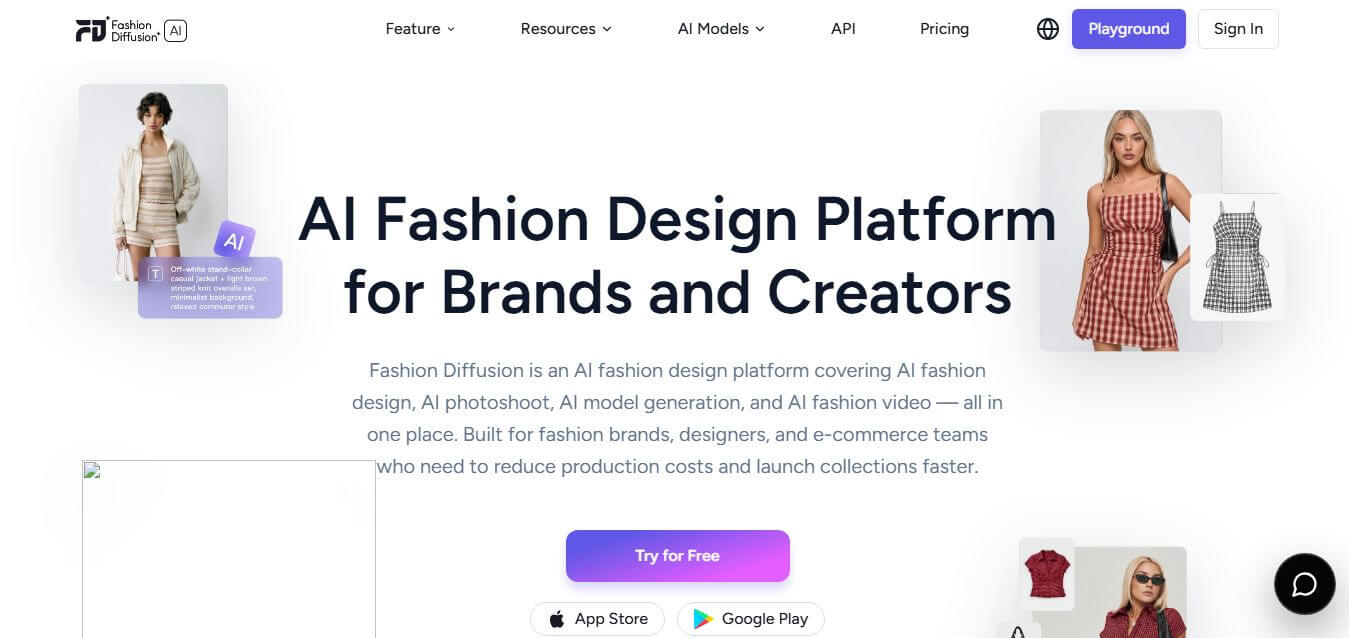
Fashion Diffusion is an AI-powered fashion design platform that helps brands and designers create clothing designs, virtual try-ons, AI models, product photos, and marketing visuals faster and cost-effectively.
Paid
Veo 4
Veo 4 AI is an AI video creation platform that generates dramatic videos from text, images, audio, and video prompts using realistic motion and synchronized sound.
Paid
Alternatives
Alternatives to Remaker AI
The best Remaker AI alternatives include Reface, DeepSwap, FaceMagic, Vmodel.ai, PhotoRoom, and Magic Hour. These platforms offer AI face swapping, video manipulation, and automated portrait editing. While Remaker AI specializes in single and multi-face swapping across photos and videos with non-expiring one-time credit packs starting from $5.99, alternatives like Reface focus on mobile-first preset templates, DeepSwap provides fast subscription-based cloud video swapping, and PhotoRoom excels at e-commerce product staging. Choosing the right tool depends on whether you prefer flexible pay-as-you-go credit packs or recurring unlimited mobile apps.
 4.7
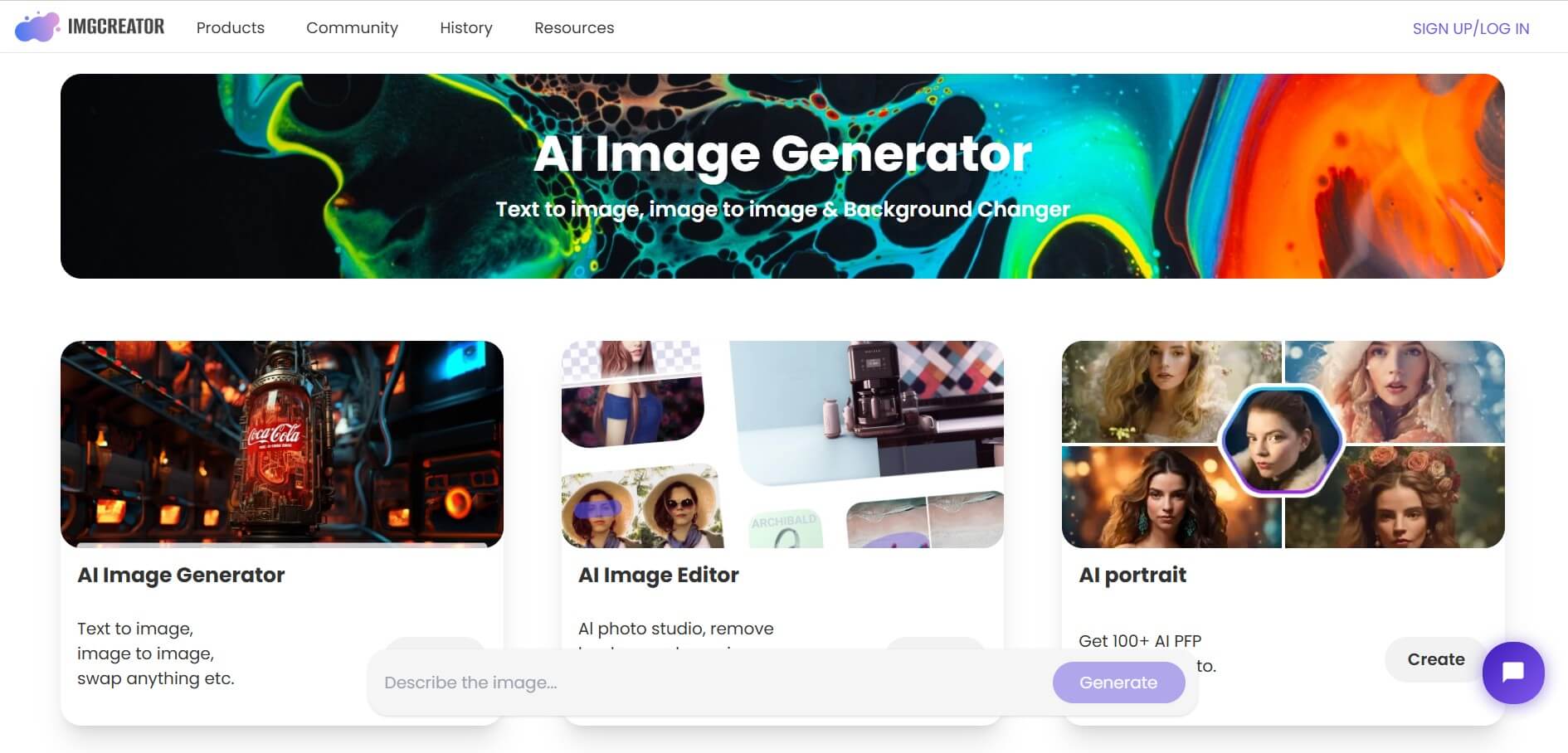
ImgCreator AI
Image
ImgCreator AI is an AI-powered image generation tool that helps users create visuals from text prompts and reference images. It supports creative artwork, realistic portraits, product visuals, and image editing, making it useful for designers, marketers, content creators, and businesses seeking faster visual content production.
Neural.love
AI Image Enhancer
Neural.love is an AI-powered creative platform for generating images, editing photos, enhancing videos, restoring old media, and animating pictures. It combines multiple AI tools in a browser-based workspace, helping content creators, marketers, photographers, designers, and businesses improve visual content without relying entirely on traditional editing software.
 4.8
Prisma AI
Image
Prisma AI turns everyday photos into artistic images with stylized filters and creative effects. It offers hundreds of art and portrait styles inspired by famous artists, allowing beginners to create distinctive visuals quickly. Users can capture or upload photos, apply a chosen style, and save or share the finished result.
 4.9
Bria AI
Image
Bria helps businesses and teams generate and edit visual content using controllable generative AI. Its capabilities cover image generation, product visuals, background editing, video workflows, and developer integrations. With licensed training data, attribution, provenance, and enterprise deployment options, Bria is positioned for businesses that need scalable, commercially focused visual AI.
 4.7
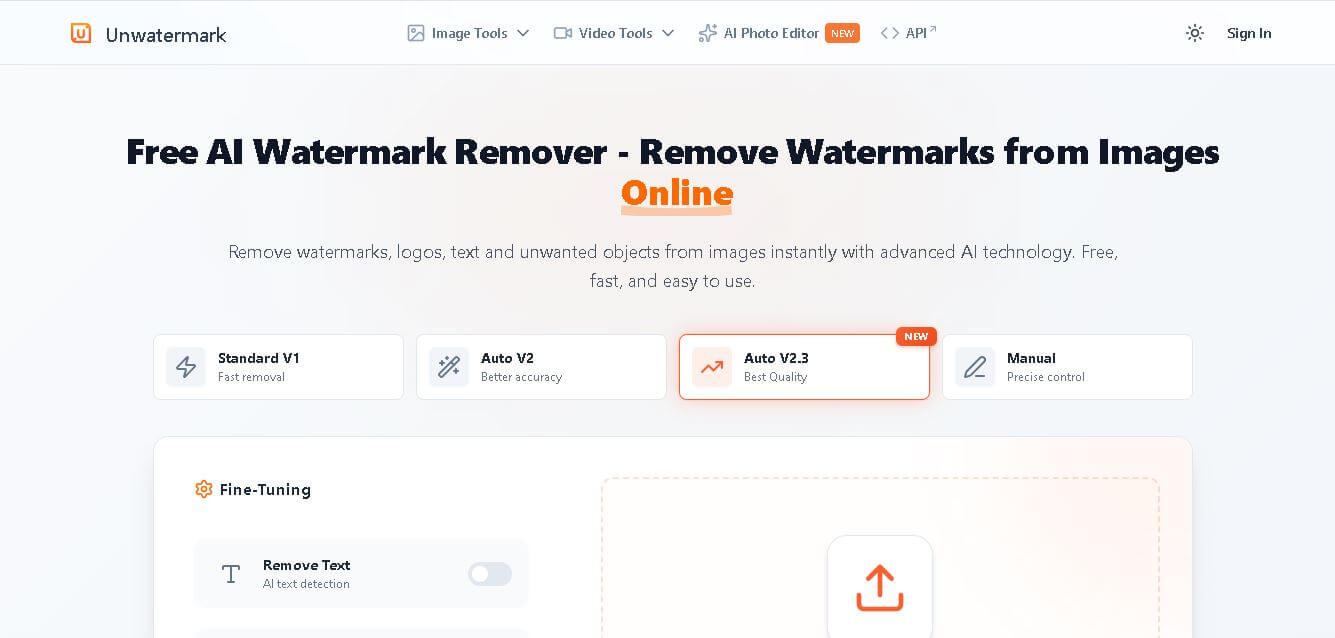
Unwatermark
Image
Unwatermark.ai helps creators, marketers, photographers, and businesses remove watermarks, logos, text, people, and unwanted objects from images and videos. Its automatic detection handles quick edits, while the manual brush provides precise control over difficult areas. With browser-based processing, format support, previews, and free usage, it simplifies everyday visual cleanup.
 4.9
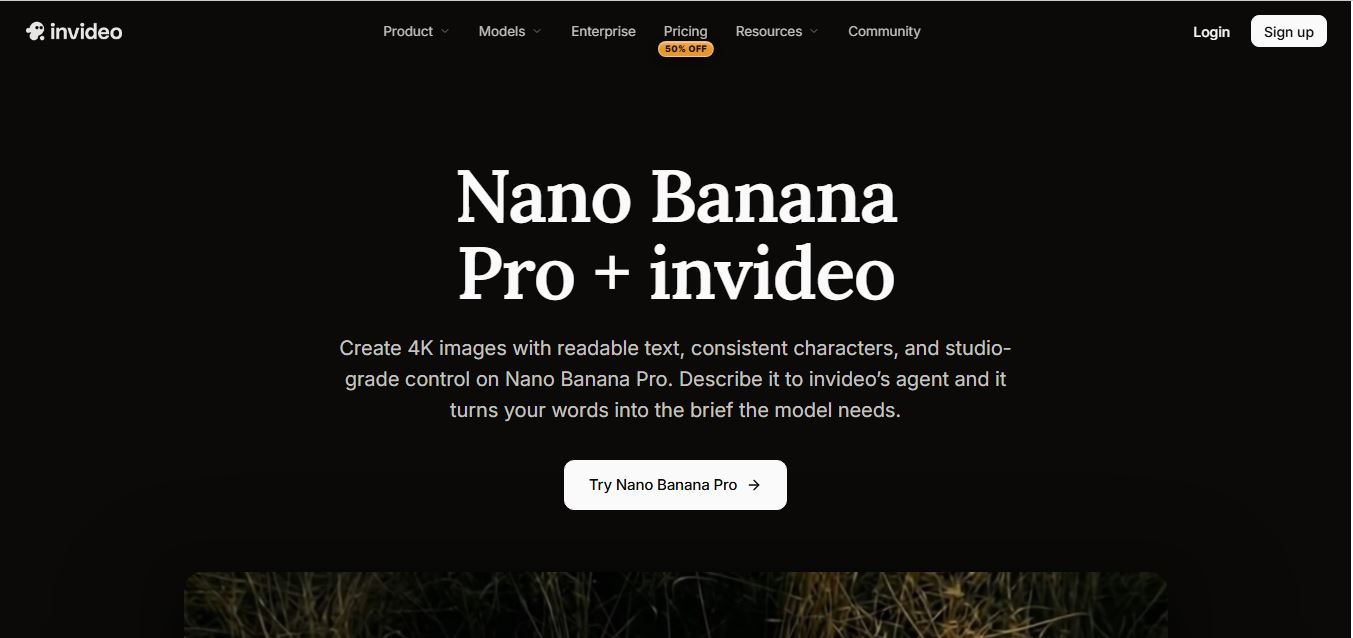
invideo Nano Banana
Image
Nano Banana is an AI image generation and editing model by Google (Gemini family) that helps users create, modify, and refine visuals using natural language prompts. It supports 4K outputs, consistent characters, accurate text rendering, and real-time editing, enabling fast, production-ready creative workflows.
 4.8
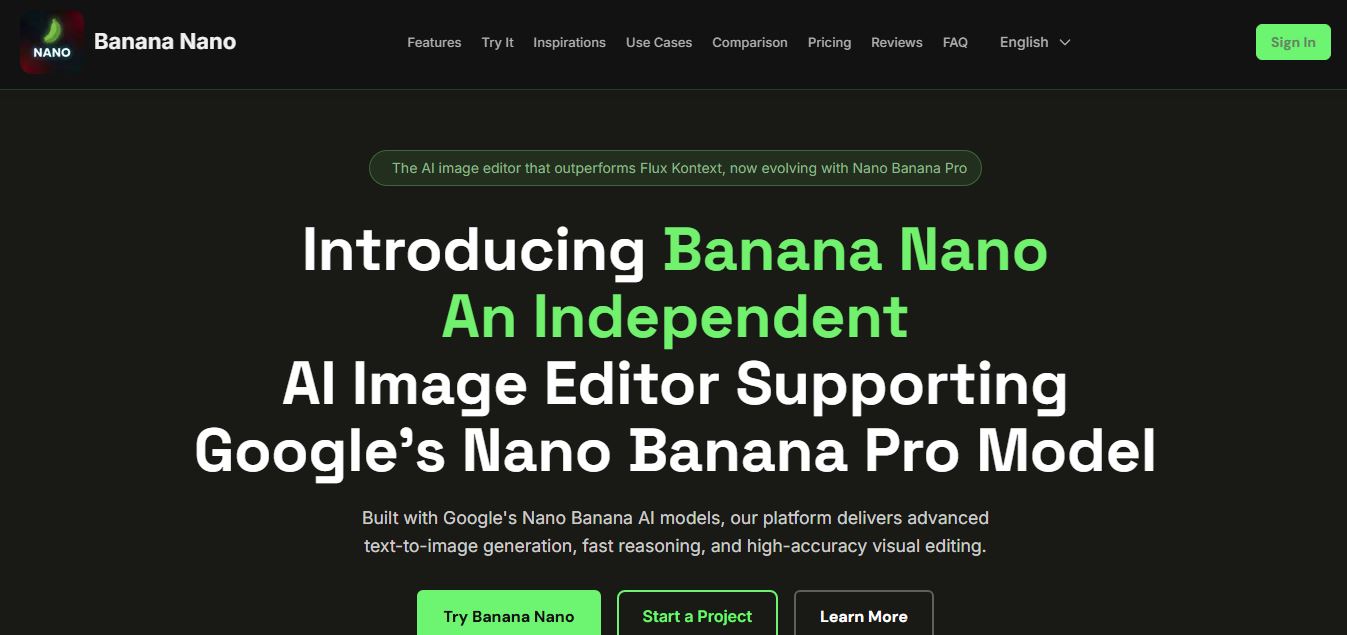
Banana Nano
Image
BananaNano (Nano Banana AI) is an AI-powered image generation and editing platform that lets users create visuals from text or edit photos using natural language. It supports multi-image fusion, character consistency, and up to 4K output, enabling fast, flexible visual creation without complex design tools.
 4.8
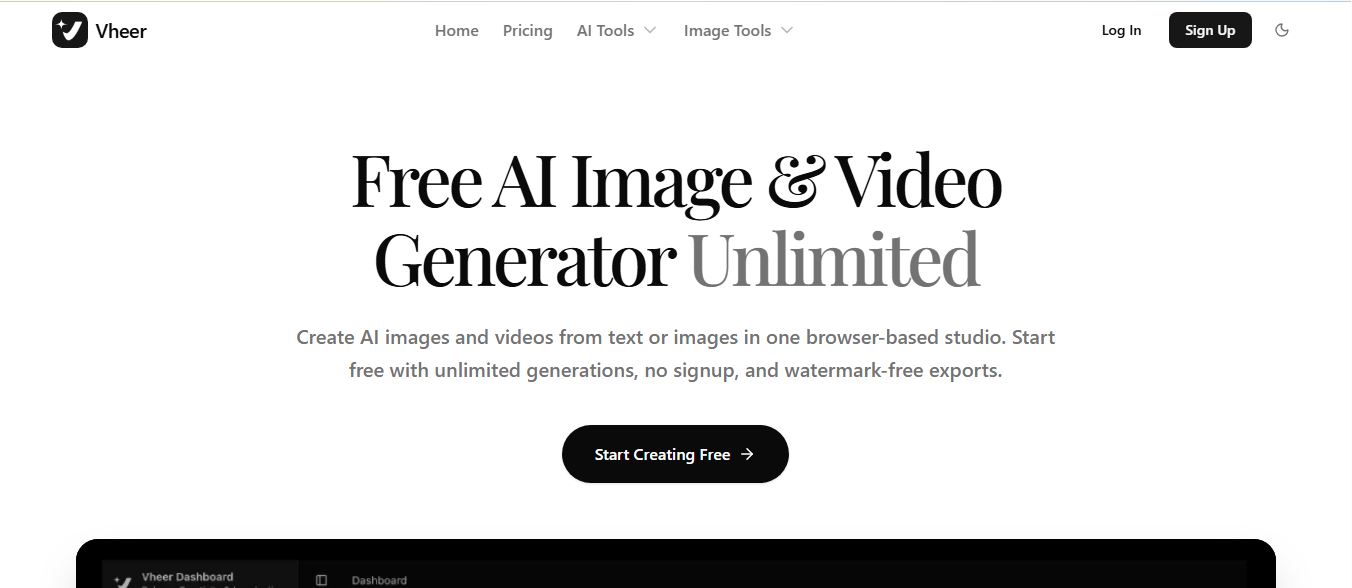
Vheer
Image
Vheer is a free AI image and video generator that helps users create visuals from text or photos instantly. It includes tools for image editing, background removal, and image-to-video conversion, offering unlimited generations without signup, making it ideal for quick, creative content production.
 4.9
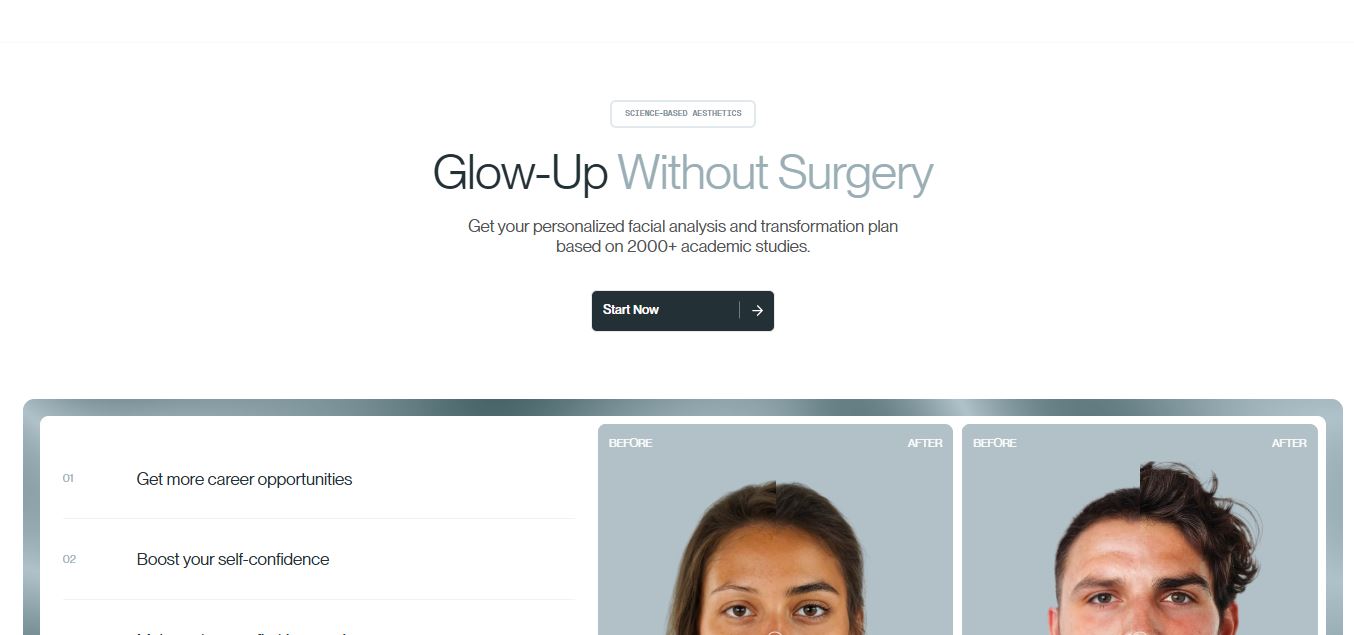
QOVES
Image
QOVES is an AI-powered facial analysis and beauty consulting platform that helps users understand their facial features and improve appearance through personalized, science-backed recommendations. It analyzes hundreds of facial markers and provides a non-surgical transformation plan, enabling informed decisions about aesthetics, skincare, and overall self-improvement.