
Unwatermark
Unwatermark.ai helps creators, marketers, photographers, and businesses remove watermarks, logos, text, people, and unwanted objects from images and videos. Its automatic detection handles quick edits, while the manual brush provides precise control over difficult areas. With browser-based processing, format support, previews, and free usage, it simplifies everyday visual cleanup.

What is Unwatermark?
Unwatermark.ai is a browser-based image and video editing tool designed to remove watermarks, logos, text, captions, people, and other unwanted elements from visual content. It combines automatic detection with manual brush controls, allowing users to choose between speed and precision. The service supports common image and video formats, provides previews before downloading, and offers free usage alongside subscription or credit-based paid plans.
Unwatermark.ai reports a 4.8+ user rating, more than 5 million generated results, and trust from 100+ organizations. The platform supports image and video editing, including automatic watermark detection, manual brush removal, object cleanup, and frame-by-frame video processing. Its free plan currently includes 3 automatic removals daily, 20 manual removals daily, and 6 video removals weekly, while paid plans add credit-based capacity for heavier workflows. No complex software installation is required.
- Platform Role: AI Watermark Remover & Object Erasing Platform
- Developer & Organization: Unwatermark AI
- Cross-Platform Access: Web Browser (Desktop & Mobile), Chrome Extension, and API
Use Cases:
- Removing stock watermarks, copyright logos, and semi-transparent text from preview images
- Erasing date stamps, captions, and unwanted background objects from personal photos
- Cleaning up video watermarks and TikTok/Reels overlays for content re-editing
- Restoring old photos by eliminating scratches, blemishes, and camera timestamp markings
- Preparing product images for e-commerce store listings by removing distributor logos and tags
Technology:
- Deep learning computer vision models specialized in edge detection and texture synthesis
- Context-aware AI image and video inpainting engine that fills erased areas seamlessly
- High-speed cloud rendering platform processing high-resolution media exports without quality degradation
Target Users:
- Content creators, video editors, and graphic designers needing clean visual assets
- E-commerce sellers and marketers preparing product images for online storefronts
- Casual users looking to clean personal photos and videos quickly without complex editing software
Acquisition: Web-based app access with free trial credits and premium subscription options at unwatermark.ai.

What are the key features of Unwatermark?
Unwatermark's key platform features are
- Automatic Watermark Detection: One-click AI identification and removal of watermarks without manual selection.
- Manual Brush & Erase Tool: Precision brush controls to target complex background elements, logos, or specific objects.
- Video Watermark Removal: Frame-by-frame AI object removal to erase moving or static logos from video footage.
- Batch Processing: Upload and clean multiple images simultaneously to save time during large editing tasks.
- HD Quality Retention: Reconstruct erased regions while retaining original image resolution, color accuracy, and sharpness.
- Multi-Format Support: Full compatibility with popular image formats (PNG, JPG, WEBP) and video formats (MP4, MOV).
How much does Unwatermark cost?
Unwatermark provides a freemium pricing structure with credit-based flexible plans for higher volume users.
Pricing Plans:
- Free Tier: Free trial credits for standard-resolution image watermark removal.
- Pro / Premium Subscription: Monthly or annual plans offering unlimited HD exports, batch processing, and video watermark removal capabilities.
- Pay-As-You-Go Credit Packs: One-time credit packages for occasional high-resolution processing needs.
Disclaimer: Pricing details and feature limits are subject to change. Visit unwatermark.ai for current subscription terms and credit packages.
Who should use Unwatermark?
Unwatermark is designed for visual creators and media professionals, including
- Social Media Managers: Creators cleaning background distractions and watermark tags for multi-channel posts.
- E-Commerce Retailers: Merchants standardizing product catalogs by removing supplier branding.
- Photographers & Video Editors: Professionals making quick touch-ups on media assets before final processing.
What are the best alternatives to Unwatermark?
Some of the strongest Unwatermark alternatives include
- WatermarkRemover.io
- Cleanup.pictures
- Photoroom
- Inpaint
- Magic Studio
What are the pros and cons of Unwatermark?
What are the pros of Unwatermark?
- Supports both image and video watermark removal within a single platform
- Fast automatic detection requiring minimal manual brushwork
- Preserves original image resolution and fine background details without heavy blurring
- In-browser convenience with no heavy software installation required
What are the cons of Unwatermark?
- High-definition exports and video processing require a paid subscription or credits
- Complex, highly detailed patterned backgrounds behind watermarks may require manual adjustment
- Processing speed depends on internet connection and source file size
Why should you choose Unwatermark?
Manual watermark and object removal using traditional photo editing software like Photoshop can take significant time and technical expertise. Unwatermark automates this process using context-aware AI inpainting, allowing users to achieve clean, high-resolution visual results in seconds with minimal manual effort.
How does Unwatermark compare to competitors?
While many competitors only specialize in static image editing, Unwatermark offers dedicated tools for both image and video watermark removal, combining fast automatic detection with manual precision controls.
| Feature / Platform | Unwatermark | WatermarkRemover.io | Cleanup.pictures | Photoroom |
|---|---|---|---|---|
| Video Watermark Support | Yes | No (Image Only) | No (Image Only) | Limited |
| Auto AI Detection | Yes | Yes | Manual Brush Primary | Yes |
| Batch Processing | Yes (Pro Tiers) | Yes | Pro Tier Only | Yes |
| HD Export Quality | Yes | Yes | Yes (Paid Plan) | Yes |
How do we rate Unwatermark?
| Parameter | Rating (out of 5) |
|---|---|
| Watermark & Object Removal Quality | 4.8 |
| Processing Speed & AI Detection | 4.7 |
| Video Editing Capabilities | 4.6 |
| Ease of Use & Interface | 4.9 |
| Value for Money | 4.7 |
| Overall Score | 4.74 |
What is our review and verdict on Unwatermark?
Unwatermark is a highly capable and efficient AI tool for cleaning up images and videos. Its ability to automatically detect watermarks and reconstruct background details without noticeable quality loss makes it an invaluable utility for marketers, social media creators, and e-commerce professionals alike.
Conclusion
Unwatermark.ai is worth considering if you regularly need fast, browser-based cleanup for images or videos. Its automatic detection reduces manual work, while the brush tool helps with challenging edits. Free usage makes it easy to test before paying, and credit-based plans support larger workloads. As always, remove watermarks only from content you own or are authorized to edit.
FAQ
How does Unwatermark.ai work?
Unwatermark.ai is useful when you need to clean a photo or video without opening complex editing software. Upload your file, choose automatic detection or the manual brush, let the system process it, preview the result, and download the cleaned version. It supports watermark, logo, text, and object removal.
What file formats does Unwatermark.ai support?
Unwatermark.ai supports common image formats, including JPG, PNG, and WEBP, plus video formats such as MP4, M4V, and MOV. This makes it practical for social media assets, product images, screenshots, and video clips. You can upload your content directly online without installing traditional desktop editing software first.
Does Unwatermark.ai offer automatic and manual watermark removal?
Unwatermark.ai provides both automatic and manual removal options. Automatic detection identifies watermarks, logos, and other unwanted elements for faster editing. The manual brush gives you more control over difficult or faint areas. If an automatic result needs adjustment, selecting the specific region manually can help improve the final result.
Can Unwatermark.ai remove watermarks from videos?
Yes, Unwatermark.ai is designed to process video watermarks as well as images. Its AI Video Cleaner analyzes video frames and removes unwanted watermarks without requiring traditional editing skills. Supported video formats include MP4, M4V, and MOV. This can be useful for creators who need quick cleanup before publishing or repurposing content.
Is Unwatermark.ai free to use?
Unwatermark.ai offers a free option, but usage limits apply. Its current pricing page lists free automatic removal at 3 times daily, manual removal at 20 times daily, and video removal at 6 times weekly. Paid subscriptions and one-time credit packs are available when your editing volume exceeds the free allowance.
What else can Unwatermark.ai remove besides watermarks?
Unwatermark.ai supports more than watermark cleanup. Its Magic Eraser can remove logos, text, date stamps, people, and other unwanted objects from images. The tool uses AI to reconstruct the affected background, making it useful for creators, photographers, bloggers, marketers, and ecommerce teams preparing cleaner visual assets.
User Reviews
No reviews yet for Unwatermark.
Featured Tools
Featured AI tools from TechShark

Melody Genie
MelodyGenie is an AI-powered music generator that creates original songs from simple text prompts. Users can choose styles, moods, and genres, then instantly generate melodies and full tracks, making it easy for creators, marketers, and hobbyists to produce custom music without musical expertise.
Freemium

Kimi AI
Kimi AI is an advanced AI assistant developed by Moonshot AI that helps you chat, research, write, code, and automate tasks in one place. It supports web search, file analysis, and multimodal inputs, and can even run autonomous “agent” workflows to complete complex tasks end-to-end.
Freemium

Fashion Diffusion AI
Fashion Diffusion is an AI-powered fashion design platform that helps brands and designers create clothing designs, virtual try-ons, AI models, product photos, and marketing visuals faster and cost-effectively.
Paid

Veo 4
Veo 4 AI is an AI video creation platform that generates dramatic videos from text, images, audio, and video prompts using realistic motion and synchronized sound.
Paid
Alternatives
Alternatives to Unwatermark
The best Unwatermark alternatives include WatermarkRemover.io, Cleanup.pictures, Photoroom, and Inpaint. While Cleanup.pictures excels at general photo object removal, Unwatermark offers dedicated AI tools for both image and video watermark erasing.
 4.7
4.7ImgCreator AI
Image
ImgCreator AI is an AI-powered image generation tool that helps users create visuals from text prompts and reference images. It supports creative artwork, realistic portraits, product visuals, and image editing, making it useful for designers, marketers, content creators, and businesses seeking faster visual content production.
Neural.love
AI Image Enhancer
Neural.love is an AI-powered creative platform for generating images, editing photos, enhancing videos, restoring old media, and animating pictures. It combines multiple AI tools in a browser-based workspace, helping content creators, marketers, photographers, designers, and businesses improve visual content without relying entirely on traditional editing software.
 4.8
4.8Prisma AI
Image
Prisma AI turns everyday photos into artistic images with stylized filters and creative effects. It offers hundreds of art and portrait styles inspired by famous artists, allowing beginners to create distinctive visuals quickly. Users can capture or upload photos, apply a chosen style, and save or share the finished result.
 4.9
4.9Bria AI
Image
Bria helps businesses and teams generate and edit visual content using controllable generative AI. Its capabilities cover image generation, product visuals, background editing, video workflows, and developer integrations. With licensed training data, attribution, provenance, and enterprise deployment options, Bria is positioned for businesses that need scalable, commercially focused visual AI.
 4.9
4.9invideo Nano Banana
Image
Nano Banana is an AI image generation and editing model by Google (Gemini family) that helps users create, modify, and refine visuals using natural language prompts. It supports 4K outputs, consistent characters, accurate text rendering, and real-time editing, enabling fast, production-ready creative workflows.
 4.8
4.8Banana Nano
Image
BananaNano (Nano Banana AI) is an AI-powered image generation and editing platform that lets users create visuals from text or edit photos using natural language. It supports multi-image fusion, character consistency, and up to 4K output, enabling fast, flexible visual creation without complex design tools.
 4.8
4.8Vheer
Image
Vheer is a free AI image and video generator that helps users create visuals from text or photos instantly. It includes tools for image editing, background removal, and image-to-video conversion, offering unlimited generations without signup, making it ideal for quick, creative content production.
 4.9
4.9QOVES
Image
QOVES is an AI-powered facial analysis and beauty consulting platform that helps users understand their facial features and improve appearance through personalized, science-backed recommendations. It analyzes hundreds of facial markers and provides a non-surgical transformation plan, enabling informed decisions about aesthetics, skincare, and overall self-improvement.
 4.8
4.8Airbrush AI
Image
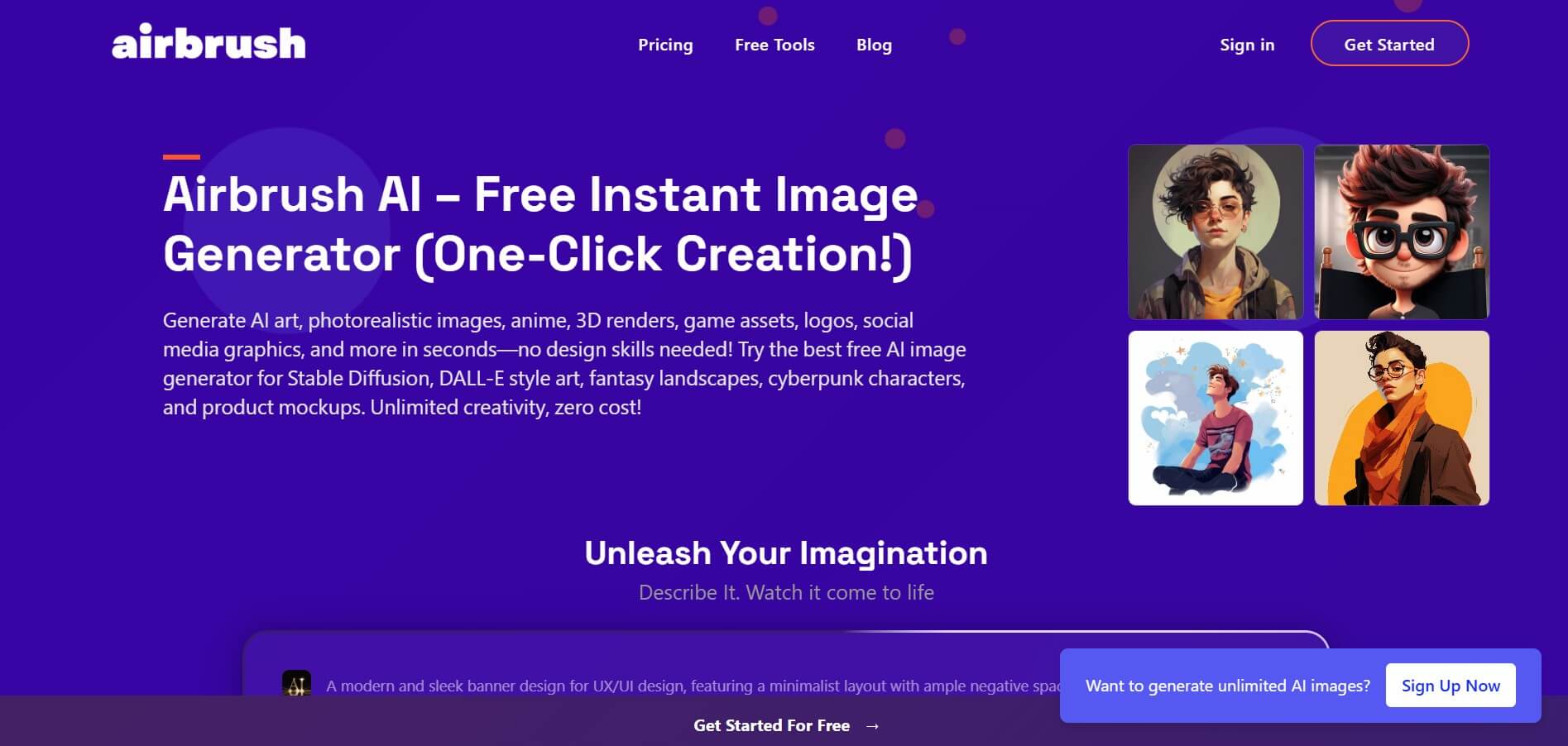
Airbrush is an AI-powered image generation and editing platform that helps users create, enhance, and customize visuals from simple text prompts. It supports multiple AI models and styles, enabling creators to generate artwork, marketing assets, and realistic images quickly without advanced design skills.