
Xpression camera
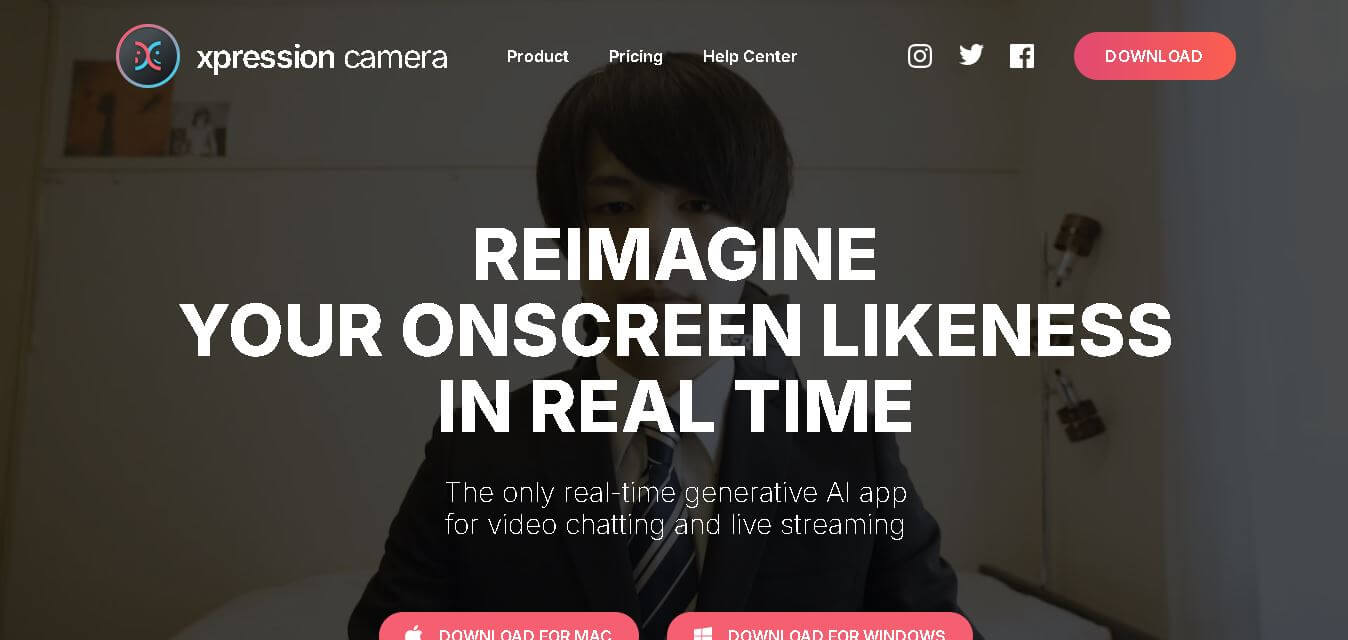
Xpression camera is an AI-powered real-time virtual camera app that allows users to instantly transform their face into any person, character, picture, or artwork using a single photo during live video calls, streaming, and content recording.
What is the Xpression camera?
xpression camera is an award-winning generative AI virtual camera application developed by EmbodyMe. It allows creators, streamers, and remote professionals to transform their visual identity in real-time during live video chats and broadcasts. By uploading a single photo—whether a headshot, historical painting, animated character, or pet—xpression camera tracks the user's facial movements, expressions, and speech, mapping them seamlessly onto the chosen image live on screen.
xpression camera operates directly as a virtual camera driver compatible with major platforms including Zoom, Microsoft Teams, Google Meet, OBS Studio, and Twitch. Processing video feeds locally on desktop devices to protect privacy, xpression camera enables creators to produce high-definition live avatars and video content up to 10x faster without requiring post-production face rendering.
- Developer: EmbodyMe, Inc.
- Launch Year: 2020
Use Cases:
- Maintaining visual privacy or appearing camera-ready during video meetings
- Live streaming on Twitch or YouTube using custom interactive avatars
- Creating engaging short-form video content, GIFs, and memes from static photos
- Voice-only video generation where avatars move dynamically to spoken audio
Technology:
- Real-time neural face tracking and expression cloning models
- Local hardware-accelerated processing engine for low-latency live streaming
- Virtual camera driver architecture compatible with macOS and Windows desktop systems
Target Users:
- Live streamers, VTubers, and video content creators
- Remote employees and camera-shy professionals attending virtual calls
- Digital marketers, meme creators, and online educators
Ecosystem: Desktop application featuring built-in character libraries, AI effect generators, voice-only mode, and custom image importation tools.

Key features of the Xpression camera
Xpression camera's key features are
- Real-Time Face Swap & Animation: Maps your facial expressions, eye blinks, and head movement onto any target face image live during video calls or streams.
- Universal Virtual Camera Integration: Selectable as a camera input in video applications including Zoom, Microsoft Teams, Google Meet, Twitch, and OBS Studio.
- Voice-Only Animation Mode: Animates face avatars automatically based solely on your voice input when you do not wish to turn on your physical webcam.
- Custom Image Importation: Upload any front-facing photo—such as artwork, custom 3D renders, or personal portraits—to use as your live avatar.
- AI Style Effects: Transform imported images into anime, CG, or painted styles directly within the application.
- Local On-Device Processing: Processes facial tracking data locally on your computer to maintain privacy and reduce network lag.
Xpression camera Pricing
The Xpression Camera operates on a freemium model with affordable personal and commercial subscription tiers.
Basic Plan (Free):
- $0/month
- Access to default face images, default backgrounds, and basic virtual camera functionality (includes output watermark)
Pro Plan:
- ~$12/month (or $129/year / $399 lifetime)
- Removes watermarks, enables local custom image imports, video recording, AI effect transformations, voice-only mode, and higher-resolution output
Premium Plan (Commercial):
- ~$49/month (or $499/year / $1499 lifetime)
- Includes full commercial usage licensing, high-resolution enhancement, unlimited AI faces, and priority processing
Disclaimer: For the latest and most accurate pricing information, please visit the official Xpression AI website.
Is Xpression camera worth it?
The Xpression Camera is highly worth it for live streamers, remote workers, and video creators who want a lightweight, real-time solution to transform their visual persona on screen. Unlike post-production animation tools that require hours of rendering, Xpression Camera works live during meetings and streams, saving massive amounts of time while offering privacy and creative flexibility.
Real-World Use Cases
- Interactive VTubing & Live Streaming: Streamers on Twitch swap their faces with anime or custom 3D avatars in real time.
- Work-from-Home Meetings: Remote professionals maintain visual privacy during early morning conference calls without dressing up or clearing backdrops.
- Social Media Content Creation: Creators make historical figures or cartoon images deliver speeches and commentary for TikTok and YouTube Shorts.
- Privacy Protection: Online educators and presenters hide their real identity while presenting interactive video tutorials.
Who is using the Xpression camera?
Xpression Camera is designed for a wide range of creators and professionals, including
- Twitch & YouTube Streamers: Content creators using dynamic avatars to entertain audiences during live broadcasts
- Remote Workers & Professionals: Meeting participants seeking visual privacy or casual meeting avatars
- Meme Creators & Social Marketers: Digital storytellers animating static artwork and photos for short-form video clips
- Privacy-Conscious Speakers: Presenters delivering webinars without revealing their personal live video feed
Best Xpression Camera Alternatives
Some of the strongest Xpression camera alternatives include
- Reface
- DeepFaceLive
- Vidnoz AI
- HeyGen
- LiveReacting AI
Pros and Cons of Xpression Camera
Pros
- Real-time performance directly integrates into Zoom, Teams, and OBS as a virtual camera
- Single-photo requirement simplifies avatar setup without needing multi-angle scans
- Voice-only mode animates faces when webcam input is disabled
- Local processing keeps raw facial video feeds on your computer for improved privacy
- Flexible subscription pricing, including a lifetime access purchase option
Cons
- The free basic plan output contains a visible watermark
- Requires a modern graphics card for optimal low-latency tracking
- Extreme head turns or rapid lighting changes may occasionally distort real-time tracking
Why Choose the Xpression Camera?
Xpression camera stands out by delivering true real-time face tracking and avatar transformation across existing video conferencing and streaming software. Rather than limiting users to pre-rendered avatars or post-production video editing, it operates natively as a live webcam feed powered by local AI hardware acceleration.
- Transforms your face live on camera with a single target photo
- Works seamlessly across major communication apps like Zoom, Teams, and Twitch
- Protects user privacy through local on-device video processing
- Allows voice-driven face animation when video camera feeds are turned off
How xpression camera Works
- 1. Install Desktop App: Download and launch the xpression camera software on your Windows or Mac computer.
- 2. Select or Import Avatar: Choose a pre-loaded avatar template or upload your own front-facing image.
- 3. Choose Virtual Camera Input: Open Zoom, Teams, or OBS, and select "xpression camera" as your video camera source.
- 4. Stream Live: Speak and move naturally while your chosen avatar reflects your facial expressions in real time.
Xpression camera vs. competitors
The primary difference between the Xpression Camera, DeepFaceLive, and HeyGen is that the Xpression Camera provides lightweight, single-photo real-time virtual camera integration designed for standard consumer hardware. While DeepFaceLive is an open-source tool requiring a dedicated deep learning setup and heavy GPU power, and HeyGen focuses on non-real-time pre-rendered corporate avatars, xpression camera offers instant live face-swapping with zero post-processing wait time.
| Feature | Xpression camera | DeepFaceLive | HeyGen |
|---|---|---|---|
| Primary Focus | Real-Time Live Virtual Camera | Open-Source Live Stream Swap | Pre-Rendered Talking Avatars |
| Source Requirement | Single Photo | Pre-Trained Face Model Dataset | Text Prompt / Photo / Video Script |
| Real-Time Live Streaming | Yes (Native Driver) | Yes (high GPU required) | No (rendered output) |
| Voice-Only Animation | Yes | No | Yes (Text-to-Speech) |
| Starting Price | Free / ~$12 per month | Free (Open-Source) | Free / $29 per month |
How do we rate Xpression Camera?
| Parameter | Rating (out of 5) |
|---|---|
| Ease of Use | 4.7 |
| Real-Time Tracking | 4.5 |
| Feature Set | 4.4 |
| Value for Money | 4.5 |
| Privacy & Integration | 4.6 |
| Overall Score | 4.5 |
Xpression Camera Review
The Xpression camera brings a fun, innovative approach to real-time face animation and virtual camera tools. By mapping expressions live from a single portrait image without complex setup, it eliminates camera shyness and enhances content creation. Its compatibility with virtual meetings and live streaming platforms makes it a flexible tool for streamers and remote workers alike.
Conclusion
Xpression Camera is an essential virtual camera application for anyone seeking instant avatar transformation during live video calls or streams. Its ability to turn static images into real-time expressive avatars using a single photo—paired with voice-only animation features—makes it a standout software for content creators, streamers, and privacy-conscious professionals.
FAQ
Is xpression camera free to use?
Yes, you can start using the Xpression camera for free with its Basic plan. It includes a personal license, a 7-day Pro trial, default face images, backgrounds, and animations. If you only want to experiment with real-time face transformation before paying, the Basic plan gives you a practical way to get started.
How much does xpression camera Pro cost?
The Xpression Camera Pro costs $12 per month, $129 per year, or $399 for lifetime access. The Pro plan adds useful features such as watermark-free output, local image importing, image searching, video recording, Voice Only Mode, and expanded AI creation capabilities, making it suitable for regular personal creators.
How much does xpression camera Premium cost?
The Premium plan costs $49 per month, $499 per year, or $1,499 for lifetime access. It includes everything in Pro Plus, a commercial license, high-resolution enhancement, AI Avatar, unlimited AI faces and backgrounds, unlimited AI effects, unlimited AI chat, and unlimited video creation.
Which xpression camera plan is best for beginners?
If you are entirely new to AI-powered virtual cameras, the Basic plan is the easiest starting point because it is free and includes a 7-day Pro trial. Once you understand the workflow and want more creative control, upgrading to Pro can provide significantly more features without immediately committing to Premium.
Is xpression camera Pro worth paying for?
For regular content creators, Pro can be worthwhile because it removes watermarks and provides image importing, image searching, recording, Voice Only Mode, and access to broader creative assets. You also receive limited AI creation features, making Pro a practical middle option if you do not need commercial licensing.
Does xpression camera offer a lifetime plan?
Yes, the Xpression camera offers lifetime purchases for both Pro and Premium. Pro lifetime access costs $399, while Premium lifetime access costs $1,499. This option may appeal to frequent users who expect to use the platform for several years and prefer paying once instead of maintaining a recurring monthly or annual subscription.
User Reviews
No reviews yet for Xpression camera.
Featured Tools
Featured AI tools from TechShark

Melody Genie
MelodyGenie is an AI-powered music generator that creates original songs from simple text prompts. Users can choose styles, moods, and genres, then instantly generate melodies and full tracks, making it easy for creators, marketers, and hobbyists to produce custom music without musical expertise.
Freemium

Kimi AI
Kimi AI is an advanced AI assistant developed by Moonshot AI that helps you chat, research, write, code, and automate tasks in one place. It supports web search, file analysis, and multimodal inputs, and can even run autonomous “agent” workflows to complete complex tasks end-to-end.
Freemium

Fashion Diffusion AI
Fashion Diffusion is an AI-powered fashion design platform that helps brands and designers create clothing designs, virtual try-ons, AI models, product photos, and marketing visuals faster and cost-effectively.
Paid

Veo 4
Veo 4 AI is an AI video creation platform that generates dramatic videos from text, images, audio, and video prompts using realistic motion and synchronized sound.
Paid
Alternatives
Alternatives to Xpression camera
The best Xpression camera alternatives include Reface, DeepFaceLive, Vidnoz AI, HeyGen, and LiveReacting AI. Reface offers consumer-friendly photo and video face swapping. DeepFaceLive provides a free open-source alternative for real-time live streaming face swap. Vidnoz AI and HeyGen specialize in AI talking avatars for presentations and marketing videos.
 4.7
4.7Kaiber
Video Generator
Kaiber is an AI-powered creative suite for generating videos, images, and audio. It helps musicians, content creators, and marketers turn text prompts, images, and music into engaging visuals. Its tools support image animation, beat-synced video creation, lip-sync, visual restyling, and timeline editing for social media and music videos.
 4.8
4.8VideoDubber
Video Enhancer
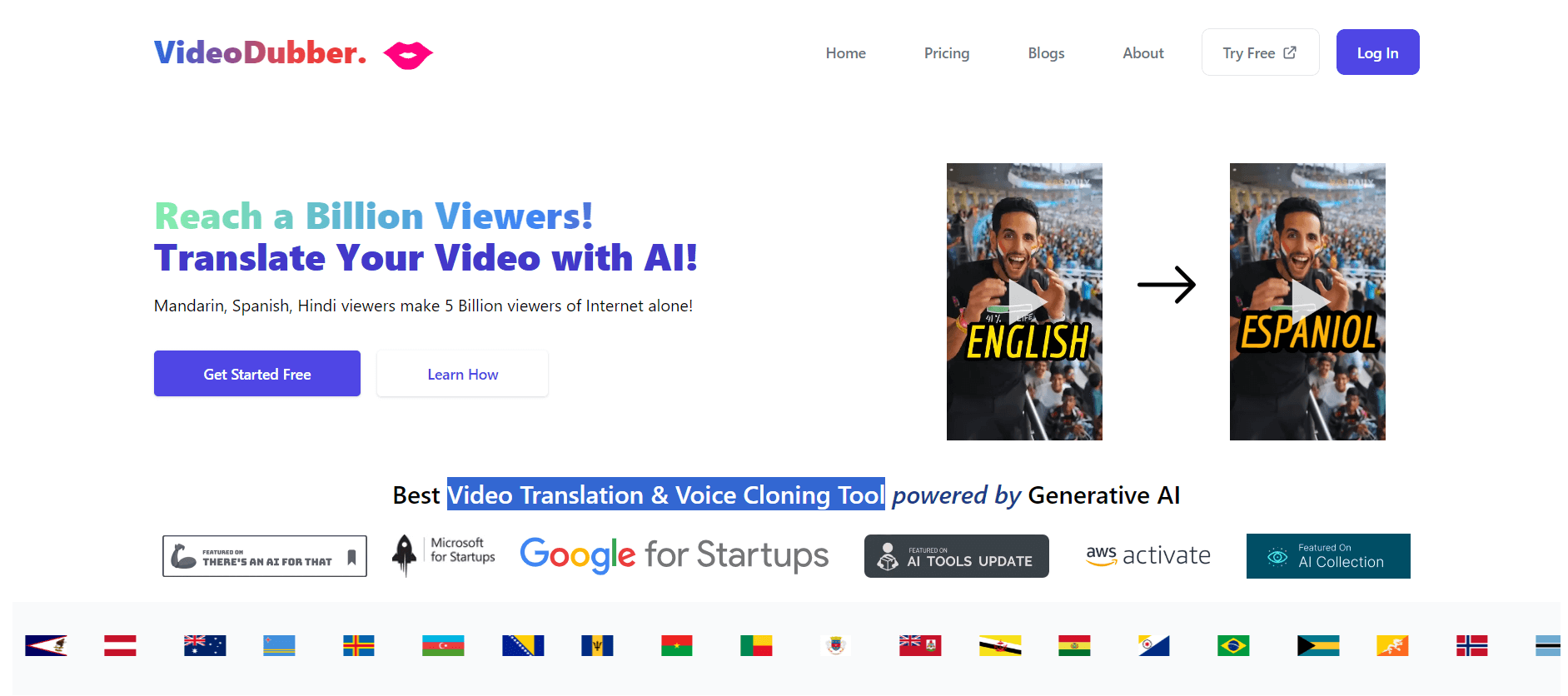
VideoDubber is an AI-powered video translation and dubbing platform that helps creators, businesses, and educators reach global audiences. It translates videos into 150+ languages, clones voices, synchronizes lip movements, generates subtitles, and preserves background audio. Users can edit translations and export localized videos for multiple platforms.
 4.9
4.9Clipchamp
Video Generator
Clipchamp is an AI-powered online video editor by Microsoft that helps users record, edit, and share videos directly from the browser. It offers templates, stock media, and AI tools like subtitles, voiceovers, and noise removal, enabling fast, professional video creation without advanced editing skills.
 4.9
4.9CapCut
Video Editing
CapCut is a popular video editing tool that helps creators produce engaging videos with effects, transitions, filters, templates, subtitles, and AI-powered features. Available on multiple platforms, CapCut makes it easy to edit videos for TikTok, Instagram Reels, YouTube Shorts, and other social media channels.
 4.9
4.9Pika
Video Generator
Pika is an AI video generation and creative effects platform that transforms text prompts, still images, and video clips into cinematic video sequences, meme animations, and viral visual effects using its proprietary generative video models.
 4.7
4.7Hotshot AI
Video Generator
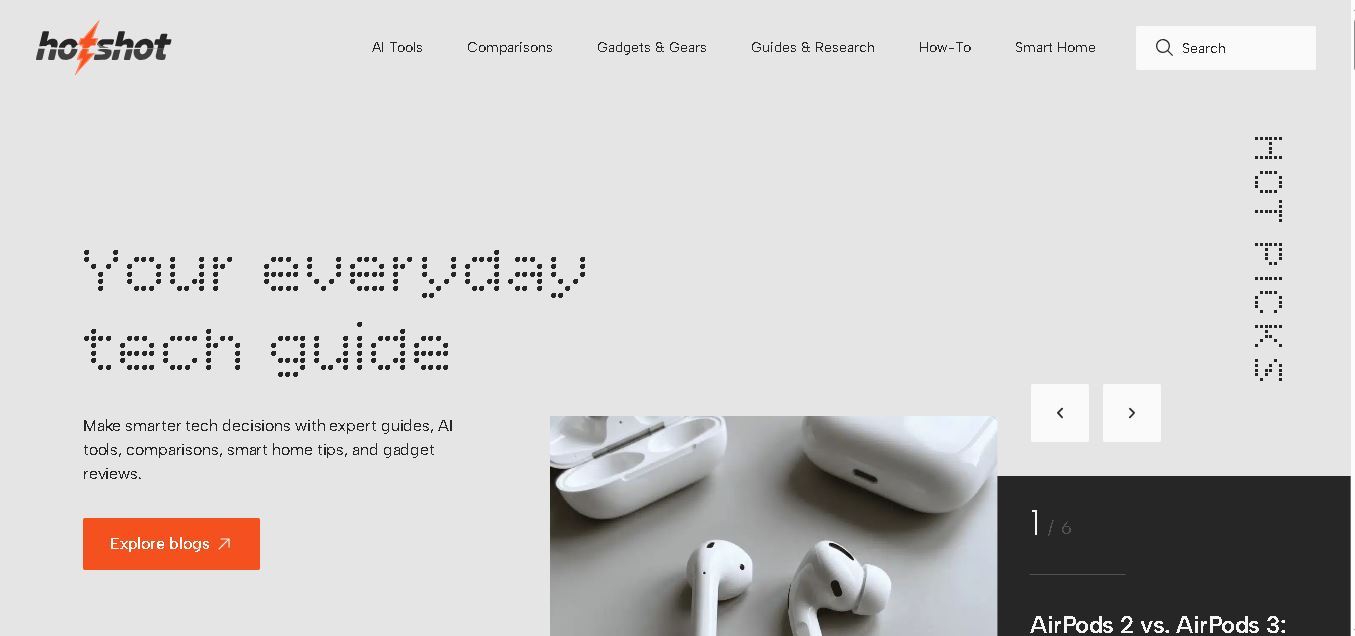
Hotshot is an everyday technology publication covering AI tools, gadgets, smart home technology, comparisons, research, and practical how-to guides. It helps readers understand products, evaluate software, compare options, and solve common technology problems through accessible articles created for people who want clearer information before making technology-related decisions online with confidence.
 4.7
4.7VideoPlus AI
Video Generator
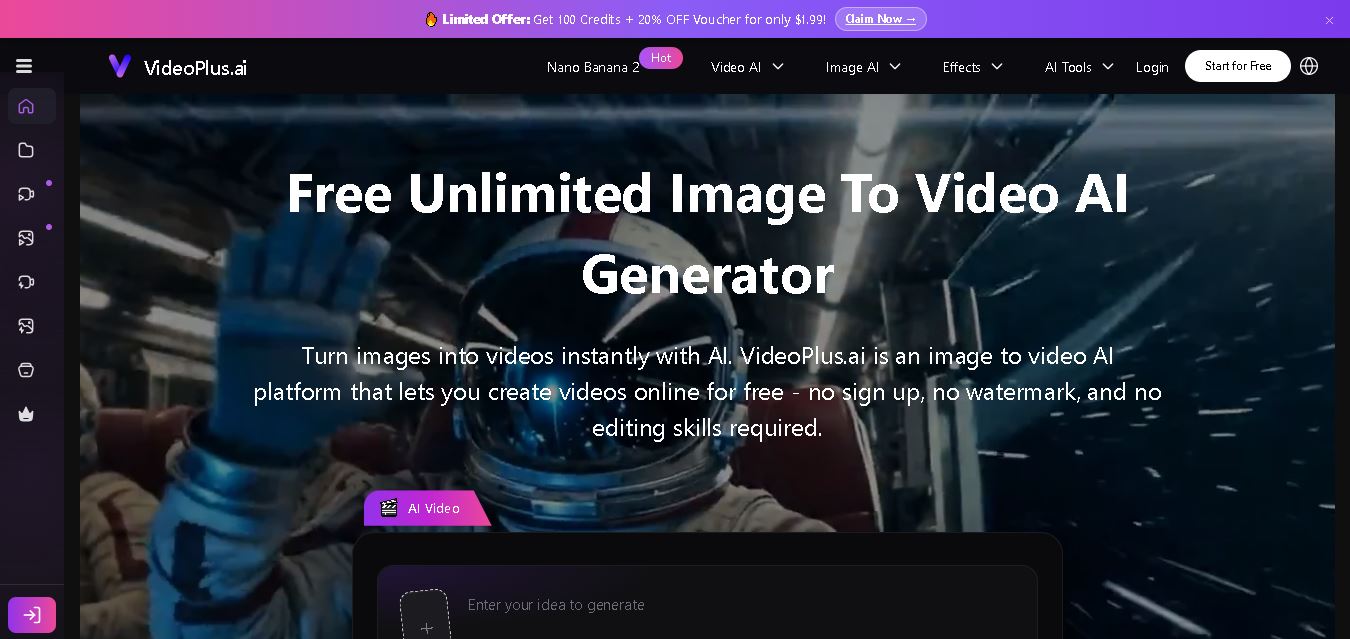
VideoPlus.ai is a versatile AI creation platform for generating and transforming videos and images. It supports text-to-video, image-to-video, reference-to-video, video-to-video, animation, image generation, enhancement, lip syncing, and creative effects. Multiple AI video models are available, making it useful for creators, marketers, designers, and businesses.
 4.7
4.7VideoTube
Video Generator
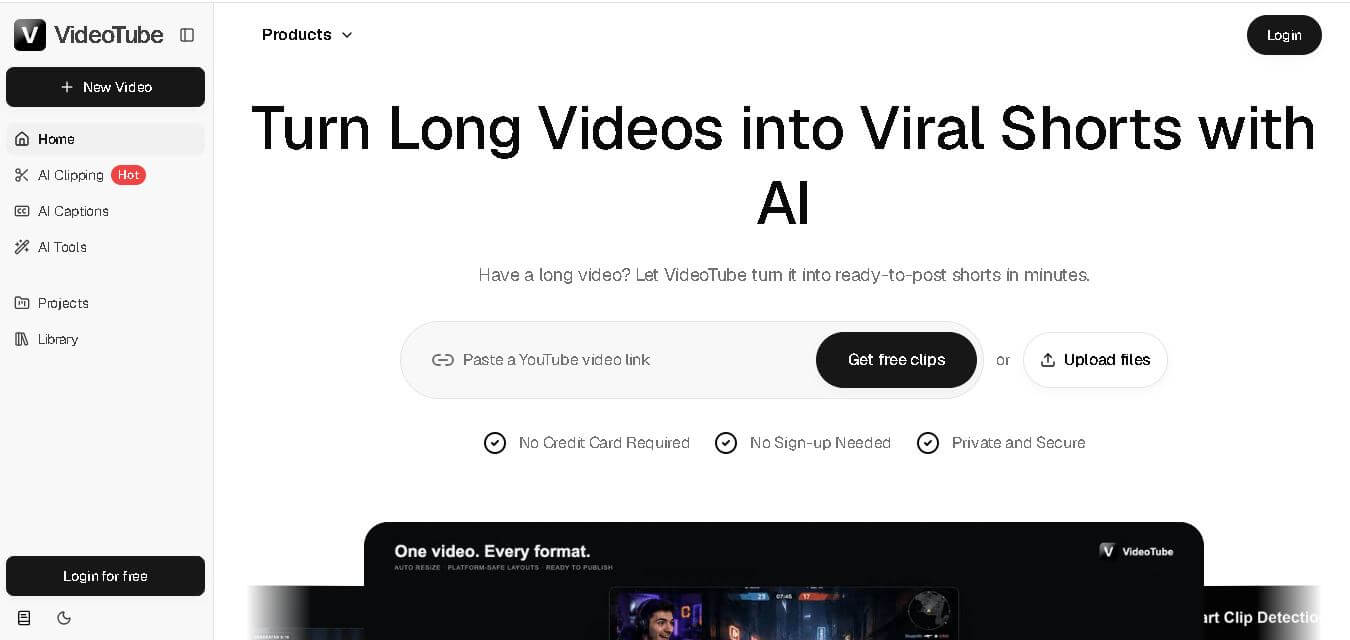
VideoTube helps creators transform long videos into short, social-ready content with AI. It can detect engaging moments, generate captions, remove filler, add B-roll, and automatically reframe videos for vertical platforms. Podcasters, YouTubers, educators, marketers, and agencies can repurpose existing content faster without relying on complicated video editing workflows.
 4.7
4.7TYPPO
Video Generator
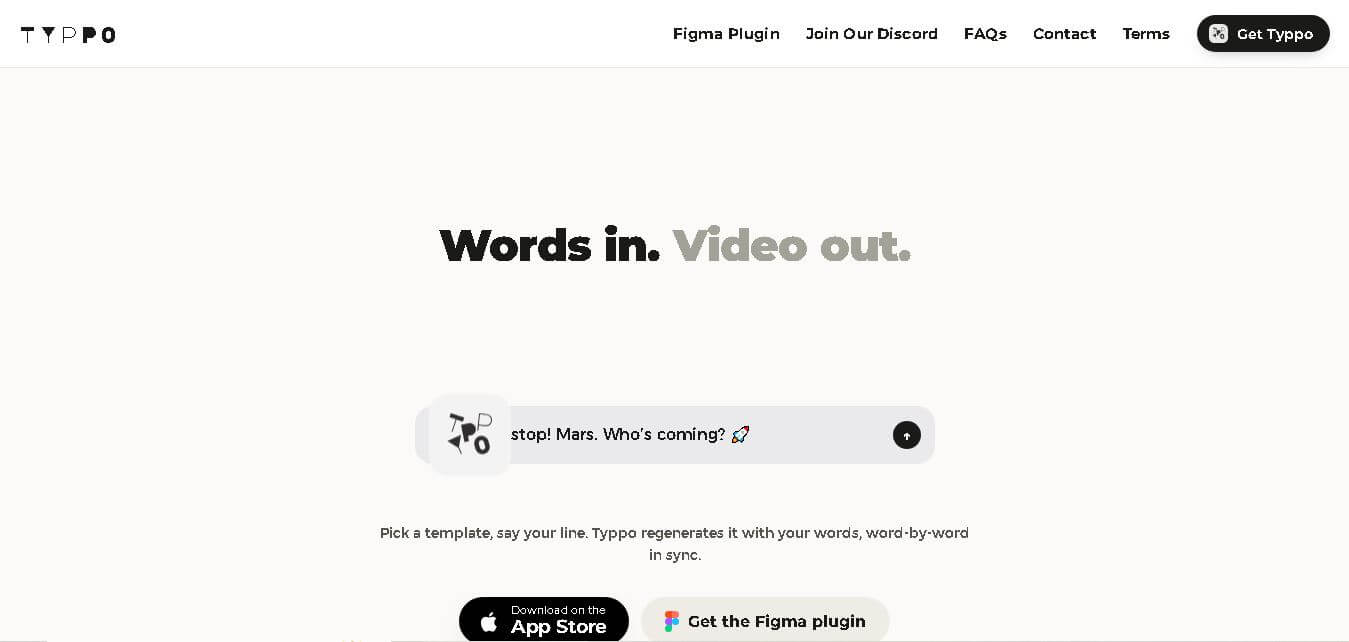
Typpo turns spoken words into animated videos without requiring design skills. Record a message, let the app transform your voice into motion graphics, and share the result on mobile-focused social channels. It supports multiple languages and offers a simple workflow for creators, marketers, communicators, and anyone wanting faster visual content creation.