
TTSReader
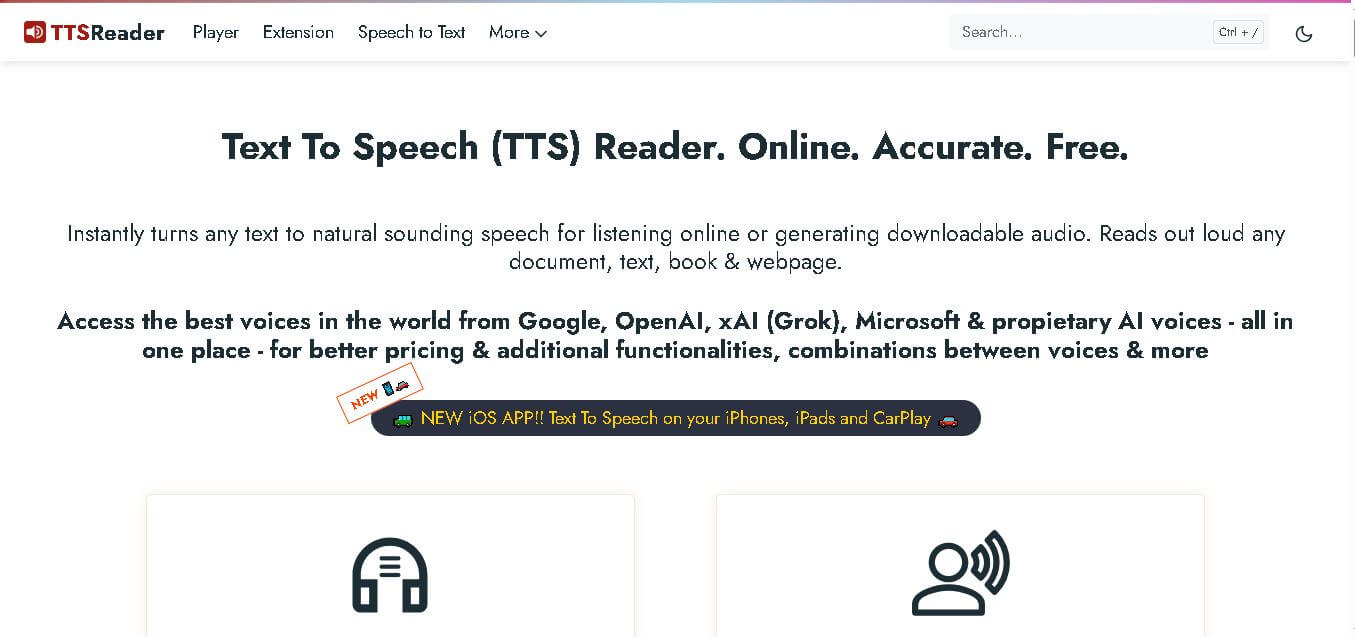
TTSReader is a browser-based text-to-speech reader for listening to articles, documents, books, and webpages. It offers languages, voices, speed controls, text highlighting, and audio export. Its free tier supports unlimited use of non-premium voices, while premium plans add AI voices, exporting, sharing, and commercial capabilities. It suits students, writers, accessibility.
What is TTSReader?
TTSReader is an online text-to-speech tool that converts written content into natural-sounding speech for listening, proofreading, learning, and audio creation. It can read text, webpages, PDFs, DOCX files, EPUBs, and other formats, while offering different voices, languages, accents, and playback speeds. Users can also export audio files. It works without requiring a separate desktop installation. It is suitable for everyday listening and content accessibility.
TTSReader has supported text-to-speech use since 2015 and is developed by WellSource Ltd. The service works across modern browsers and supports PDF, DOCX, EPUB, TXT, and CSV files. It offers unlimited free non-premium voices, while premium AI voices have usage limits. Premium currently includes 1 million characters monthly, with paid credits available for additional usage. TTSReader also supports MP3 export and multiple voices, languages, speeds, and pauses. The player can remember text, playback position, and preferences, helping users resume listening.
- Platform Role: Online Text-to-Speech Reader, Document Narrator & Audio Export Tool
- Developer & Organization: WellSource Ltd. (Ronen Rabinovici)
- Cross-Platform Access: Web Browser (Chrome, Safari, Firefox, Edge), Mobile Web Apps, iOS App, and Chrome Extension
Use Cases:
- Listening to long-form articles, news stories, and blog posts while commuting, exercising, or working
- Proofreading written copy, essays, and manuscripts by listening to text read aloud to catch awkward phrasing and grammatical errors
- Converting EPUB books and complex PDF documents into portable audiobook alternatives
- Generating professional commercial-ready voice-overs, video narrations, and telephony audio by exporting synthesized speech to MP3
- Aiding students, language learners, and individuals with dyslexia or visual impairments through synchronized text highlighting and read-along features
Technology:
- Integration with world-class neural and generative AI voice models from OpenAI, Microsoft, Google, and xAI
- Native web SpeechSynthesis API support alongside advanced cloud-rendered AI voice packs
- Real-time text scrolling and sentence synchronization engine for visual tracking
- Local storage caching ensures caret position, user settings, and reading lists persist even if the browser closes
Target Users:
- Students, researchers, and avid readers consuming large volumes of online and document-based information
- Writers, bloggers, and editors looking for reliable proofreading tools to audit text flow
- Content creators, educators, and marketers needing fast text-to-audio export for video production
- Individuals with accessibility needs, reading difficulties, or language-learning objectives
Acquisition: Cloud SaaS platform developed and maintained by WellSource Ltd. (ttsreader.com)

What are the key features of TTSReader?
TTSReader's key platform features are
- Zero-Install Web Access: Works instantly on any modern browser or device without requiring bulky software downloads or complex plugins.
- Advanced AI Voice Library: Access to cutting-edge natural voices from OpenAI, Microsoft, Google, and Grok with adjustable speeds and accents.
- Multi-Voice & Multi-Language Support: Mix different voices, accents, and languages within a single project to build dialogues and dynamic narrations.
- Document & Webpage Parsing: Directly upload PDF, TXT, CSV, or EPUB files, or paste any website URL to have content read automatically.
- Instant MP3 Audio Export: Render and download synthesized speech as downloadable MP3 files for offline listening or commercial media use.
- Smart Position Memory: Automatically remembers your exact spot, scroll position, and preferences even after closing the browser tab.
- Synchronized Read-Along Highlighting: Highlights sentences in real time as they are spoken to boost reading comprehension and speed.
- WikiTTS Integration: Free pre-synthesized audio library covering over 100,000 Wikipedia articles ready to listen to or download.
How much does TTSReader cost?
TTSReader offers a generous free tier utilizing standard browser speech synthesis alongside flexible freemium options and premium plans for advanced AI voices and audio exports.
Pricing Tiers:
- Free Consumer Tier ($0 / Unlimited): Provides unlimited free usage with standard WebSpeech-API voices, basic text playback, bookmark persistence, and web reading.
- Premium / Paid Tiers: Unlocks advanced studio-grade expressive AI voices (OpenAI, Microsoft, Google, xAI), higher character quotas, and single-click MP3 audio file downloads.
Disclaimer: All standard browser voices are 100% free with no usage caps. Advanced neural AI voices and offline MP3 file exports require premium plan access.
Who should use TTSReader?
TTSReader is designed for diverse listeners and creators, including
- Knowledge Workers & Students: People who prefer absorbing long articles, textbook chapters, and PDF reports through audio while multitasking.
- Writers & Proofreaders: Authors checking sentence rhythm and grammar by hearing their drafted text read aloud.
- Content Creators & Educators: Teachers and creators producing clear voice-overs for video lessons or sharing audio resources with students.
- Accessibility & Language Learners: Users needing assisted reading support, pronunciation practice, or language comprehension tools.
What are the best alternatives to TTSReader?
Some of the strongest TTSReader alternatives include
- NaturalReader
- Speechify
- ElevenLabs
- Murf.ai
- Play.ht
- Amazon Polly
What are the pros and cons of TTSReader?
What are the pros of TTSReader?
- Zero-install, browser-first platform that is instantly accessible on desktop and mobile
- Remembers precise playback position across sessions even if the browser is closed
- Generous free access to standard browser speech engines with no ads or clutter
- Supports direct document uploads (PDF, EPUB, TXT) and web URL parsing
- Allows multi-voice mixing and single-click MP3 audio file exports
What are the cons of TTSReader?
- Advanced generative AI voice rendering and MP3 downloads require a paid subscription
- Advanced audio editing features are more streamlined compared to dedicated DAW voice generators like ElevenLabs
- Relies on internet connectivity for cloud-hosted premium AI voice generation
Why should you choose TTSReader?
Consuming textual knowledge often requires sitting in front of a screen for hours. TTSReader transforms your digital reading experience by converting articles, books, and documents into clear spoken audio. With its persistent bookmarking, multi-format file support, and access to the world's leading AI voices, TTSReader provides a seamless bridge between written content and mobile listening.
How does TTSReader compare to competitors?
The primary distinction between TTSReader, NaturalReader, Speechify, and ElevenLabs lies in interface simplicity, pricing structure, and target application. While Speechify focuses heavily on mobile reading overlays and ElevenLabs targets professional voice acting, TTSReader delivers a clean, ad-free, browser-native text reader with robust document support and affordable pricing.
| Feature / Platform | TTSReader | NaturalReader | Speechify | ElevenLabs |
|---|---|---|---|---|
| Core Focus | Browser-First Text & Document Reader | Desktop & Cloud PDF/Text Reader | Mobile-First OCR & Speed Reading | Ultra-Realistic AI Voice Cloning & Studio |
| Installation Barrier | None (100% browser-based) | Web app / Desktop client | Mobile apps / Browser extensions | Web studio platform |
| Free Tier Access | Unlimited free standard browser voices | Limited daily AI voice minutes | Limited trial of premium voices | Monthly character limits on free tier |
| Document & EPUB Support | PDF, TXT, CSV, EPUB & URL parsing | PDF, Word, TXT, EPUB | PDF, Webpages, Images (OCR), EPUB | Text input / Script uploads |
| Best For | Clean, fast web reading and document listening | Students reading heavy PDF textbooks | On-the-go mobile reading and accessibility | Professional voice actors, gaming, and cloning |
How do we rate TTSReader?
| Parameter | Rating (out of 5) |
|---|---|
| Ease of Use & Browser Performance | 4.9 |
| Voice Quality & AI Variety | 4.7 |
| Document Compatibility & Web Parsing | 4.8 |
| Persistence & Read-Along Sync | 4.8 |
| Value for Money | 4.9 |
| Overall Score | 4.82 |
What is our review and verdict on TTSReader?
TTSReader stands out as an exceptionally user-friendly, ad-free text-to-speech tool that excels in everyday document reading, article listening, and proofreading. By combining browser-native accessibility with advanced AI voices from industry leaders like OpenAI and Microsoft, it offers high-quality audio conversion without steep software learning curves.
Conclusion
TTSReader brings reading, accessibility, proofreading, learning, and voice generation into one browser-based experience. Its support for webpages and multiple document formats makes everyday listening convenient, while voice and speed controls provide flexibility. The free tier suits personal listening, while premium options add advanced voices, exports, sharing, and commercial usage rights for broader content-creation needs. This combination can serve both casual listeners and professional creators.
FAQ
Is TTSReader free to use?
Yes, TTSReader has a free plan for personal use and testing. It provides unlimited access to non-premium voices, so you can listen to text without paying. Premium AI voices have separate character limits. Commercial, business, publishing, and other professional uses require an appropriate paid plan under TTSReader’s licensing terms.
What file formats does TTSReader support?
TTSReader can read several common formats, including PDF, DOCX, EPUB, TXT, and CSV files. You can also paste text directly into the reader or import a webpage URL. This makes it useful for listening to articles, books, documents, study materials, and other written content without installing separate reading software online.
What voices are available in TTSReader?
TTSReader offers multiple voice options, languages, accents, and playback speeds. Its current service combines device-based speech voices with AI voices from providers and technologies including Microsoft, OpenAI, Google, ElevenLabs, Kokoro, and xAI. Availability can vary by plan, device, and voice type, so check the player for the current options available.
Can TTSReader export text as audio?
Yes, TTSReader supports audio export. Its premium functionality allows users to generate downloadable audio, including MP3 export, for supported content. Free users can listen to non-premium voices, but publishing or commercially using generated audio requires the appropriate paid license. Always review the current licensing terms before distributing recordings when needed.
Can TTSReader help with proofreading?
TTSReader is useful for proofreading because hearing your writing can reveal awkward wording, missing words, repetition, and other issues that may be overlooked during silent reading. You can edit text while listening, adjust the reading speed, and follow highlighted text, making the workflow practical for writers, editors, students, and creators.
Is TTSReader useful for students and accessibility?
TTSReader is designed for accessibility and learning as well as general listening. Its website identifies students, learners, authors, editors, people with dyslexia, and users with hearing-related accessibility needs among its solution areas. Listening can help users consume written information differently, when reading long articles, books, or study materials becomes tiring.
User Reviews
No reviews yet for TTSReader.
Featured Tools
Featured AI tools from TechShark

Melody Genie
MelodyGenie is an AI-powered music generator that creates original songs from simple text prompts. Users can choose styles, moods, and genres, then instantly generate melodies and full tracks, making it easy for creators, marketers, and hobbyists to produce custom music without musical expertise.
Freemium

Kimi AI
Kimi AI is an advanced AI assistant developed by Moonshot AI that helps you chat, research, write, code, and automate tasks in one place. It supports web search, file analysis, and multimodal inputs, and can even run autonomous “agent” workflows to complete complex tasks end-to-end.
Freemium

Fashion Diffusion AI
Fashion Diffusion is an AI-powered fashion design platform that helps brands and designers create clothing designs, virtual try-ons, AI models, product photos, and marketing visuals faster and cost-effectively.
Paid

Veo 4
Veo 4 AI is an AI video creation platform that generates dramatic videos from text, images, audio, and video prompts using realistic motion and synchronized sound.
Paid
Alternatives
Alternatives to TTSReader
The best TTSReader alternatives include NaturalReader, Speechify, ElevenLabs, and Murf.ai. While TTSReader provides a clean, zero-install browser text reader with document support and instant MP3 exports, alternatives like Speechify specialize in mobile OCR reading apps and ElevenLabs focuses on hyper-realistic AI voice synthesis.
 4.9
4.9KittenTTS Web
Text-to-Speech
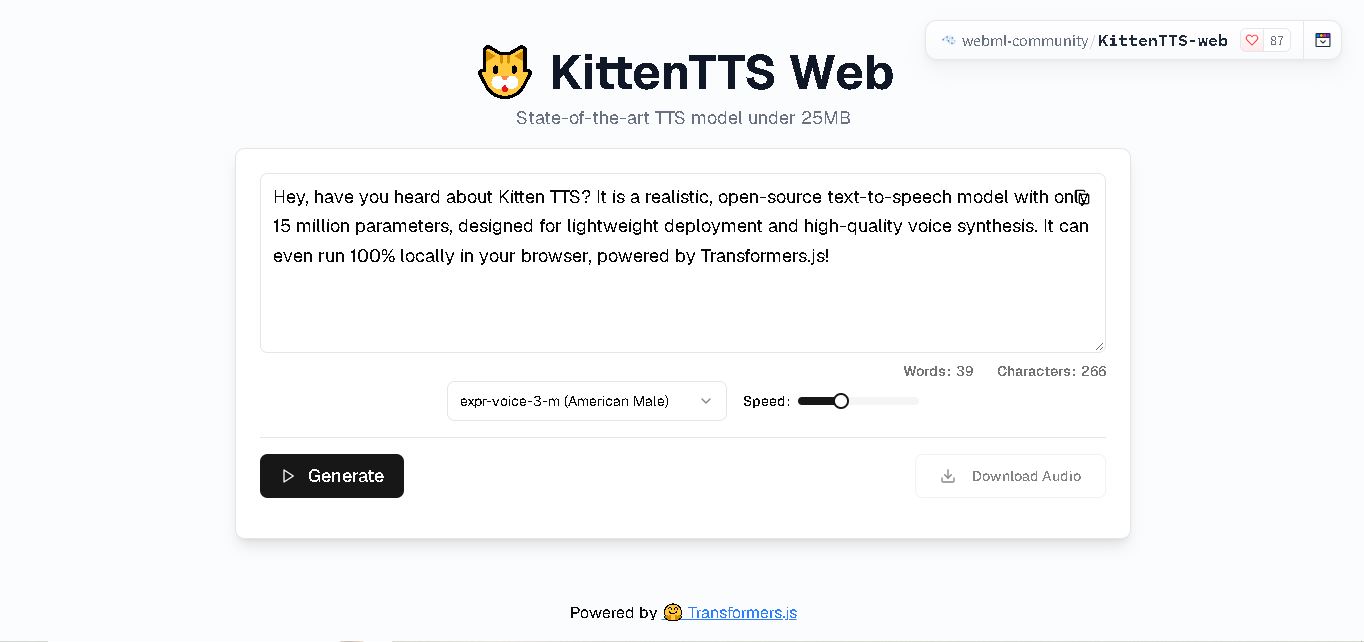
KittenTTS Web is a lightweight text-to-speech demo hosted on Hugging Face Spaces. It helps users explore how written text can be transformed into spoken audio using neural voice synthesis. The project is particularly relevant to developers, content creators, and accessibility-focused users interested in experimenting with compact speech generation technology directly through a web browser.
 4.9
4.9Parler-TTS
Text-to-Speech
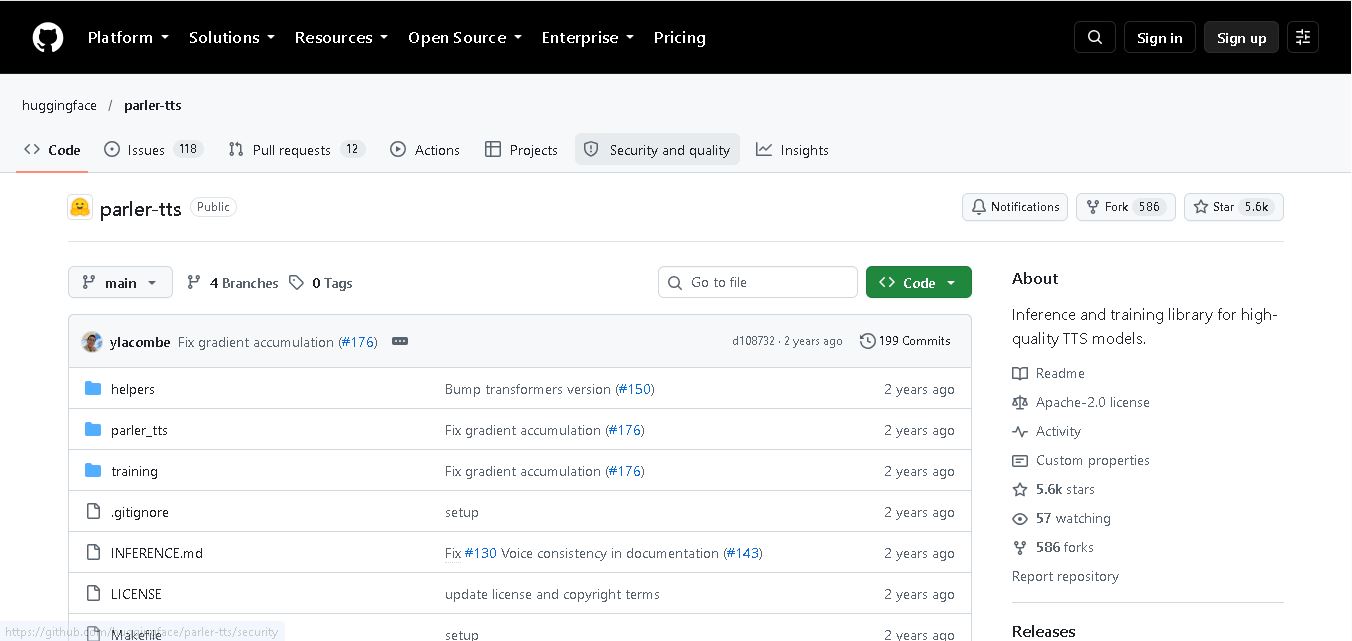
Parler-TTS is an open-source text-to-speech tool that transforms written content into natural-sounding audio. It lets developers describe voice characteristics using natural language, including pitch, speaking speed, and recording quality. With publicly available model weights, training resources, and customizable checkpoints, it supports experimentation, research, and tailored speech-generation applications across projects.
 4.9
4.9IMS Toucan
Text-to-Speech
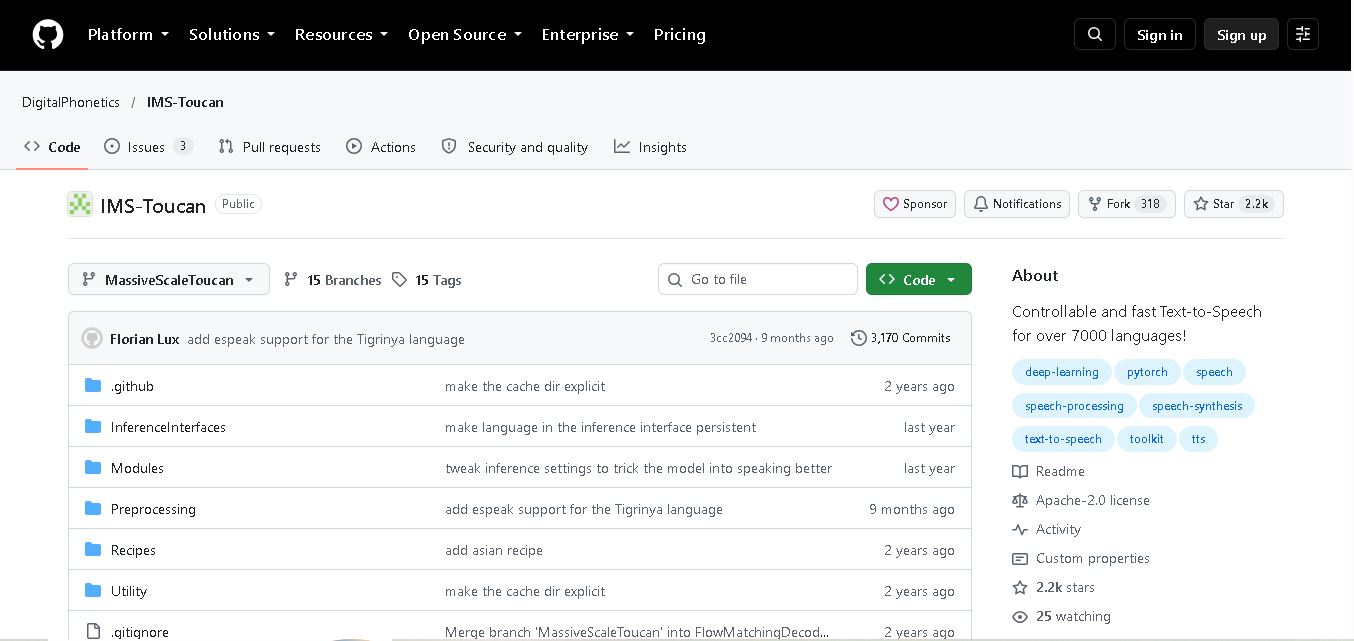
IMS Toucan is an open-source text-to-speech toolkit from the University of Stuttgart designed for multilingual speech generation. It converts text into audio and provides tools for inference, voice and prosody control, and model training. Supporting more than 7,000 languages, it serves developers and researchers exploring technology across linguistic contexts.
 4.8
4.8Verbatik
Text-to-Speech
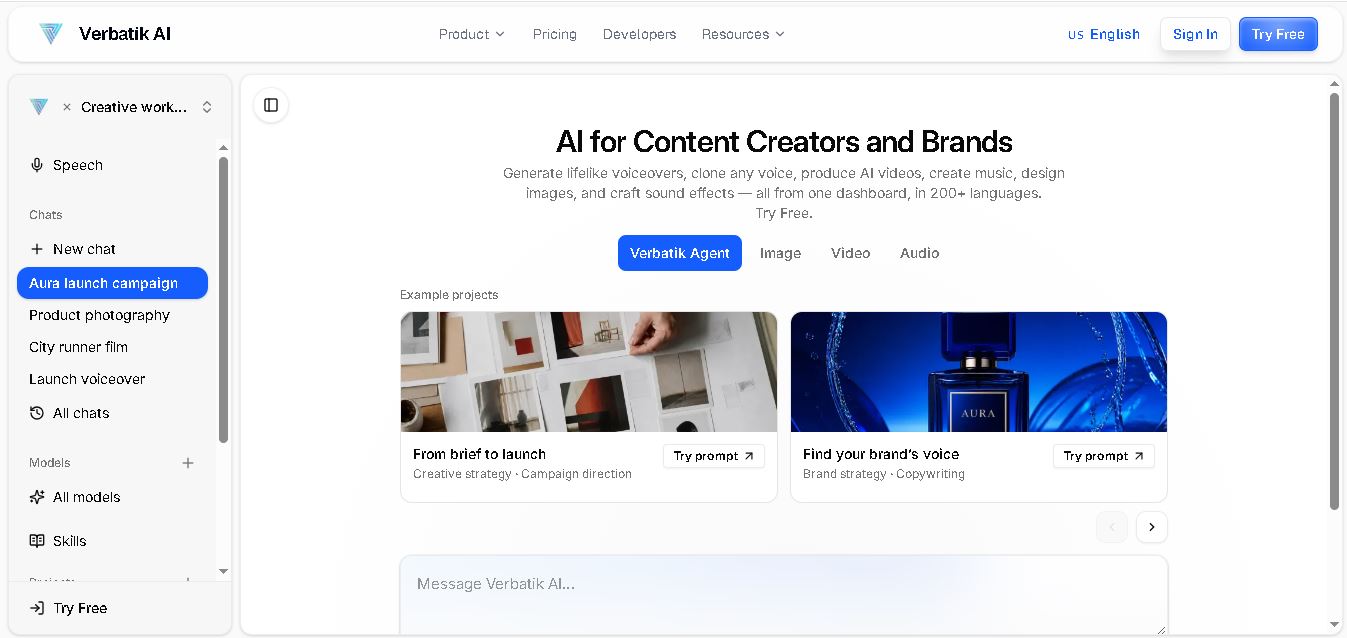
Verbatik AI helps users create realistic voiceovers, clone voices, generate music, and produce multimedia content using artificial intelligence. With multilingual speech, customizable voice settings, and developer APIs, it supports content creators, marketers, educators, and businesses. The platform simplifies audio production, video creation, and content localization from one workspace.
 4.8
4.8Narration Box
Text-to-Speech
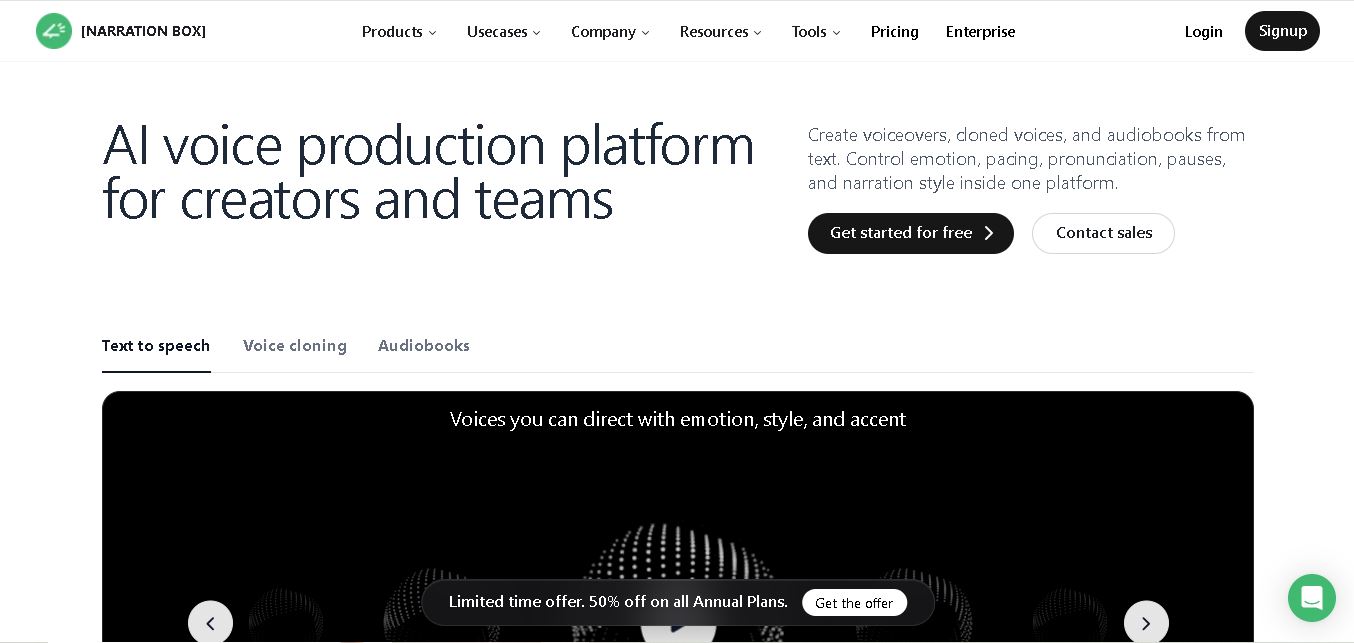
Narration Box is an AI voice generator for creating realistic voiceovers, audiobooks, podcasts, and educational audio from text. It offers over 1,500 AI narrators, 80+ languages and accents, voice cloning, and customizable emotional delivery. Its editing tools help creators produce consistent, multilingual audio content for personal and professional projects.
 4.7
4.7AudioBot
Text-to-Speech
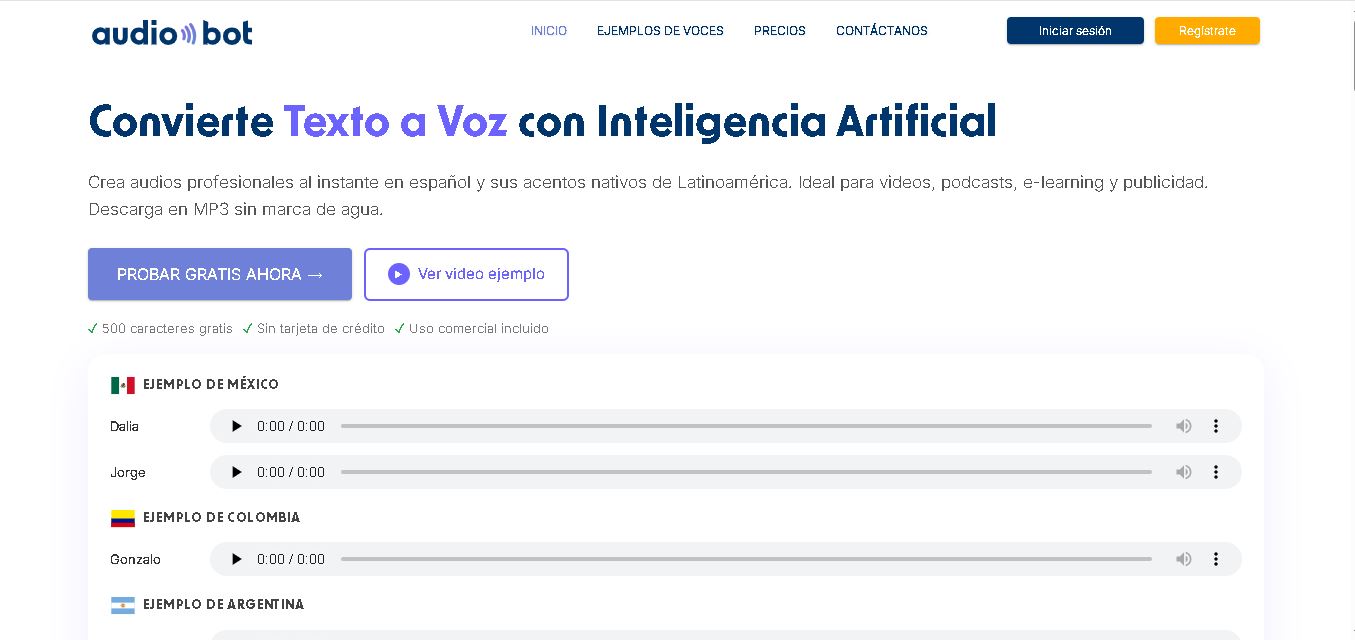
AudioBot converts written text into natural-sounding speech using AI-generated voices. It supports multiple languages and regional accents, making it useful for video voiceovers, presentations, educational materials, and audio content. Users can generate and download audio files, helping simplify narration workflows without requiring traditional recording equipment or voice talent.
 4.7
4.7Audie AI
Text-to-Speech
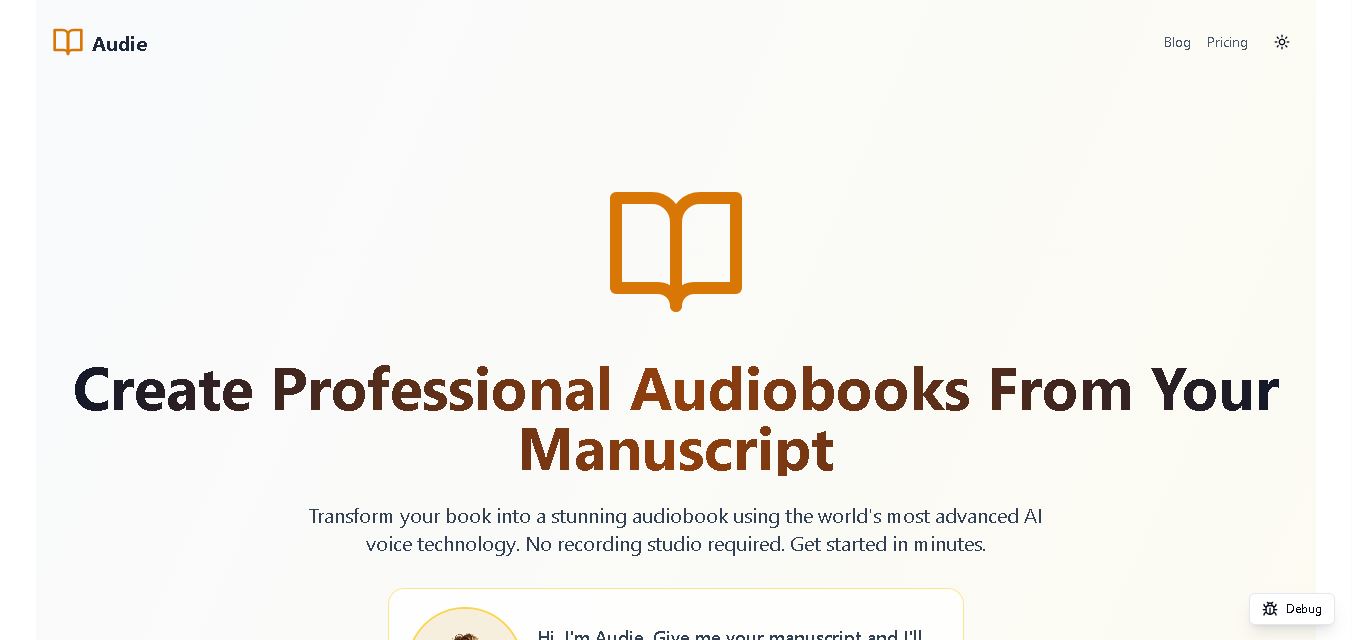
Audie AI is an audiobook creation tool that converts written manuscripts into narrated audio using AI-generated voices. It helps authors and publishers simplify production, explore different narration styles, and reduce reliance on traditional recording studios. With voice selection, advertised voice cloning, and downloadable audio, it supports more accessible audiobook creation for independent creators.
 4.6
4.6Speechelo
Text-to-Speech
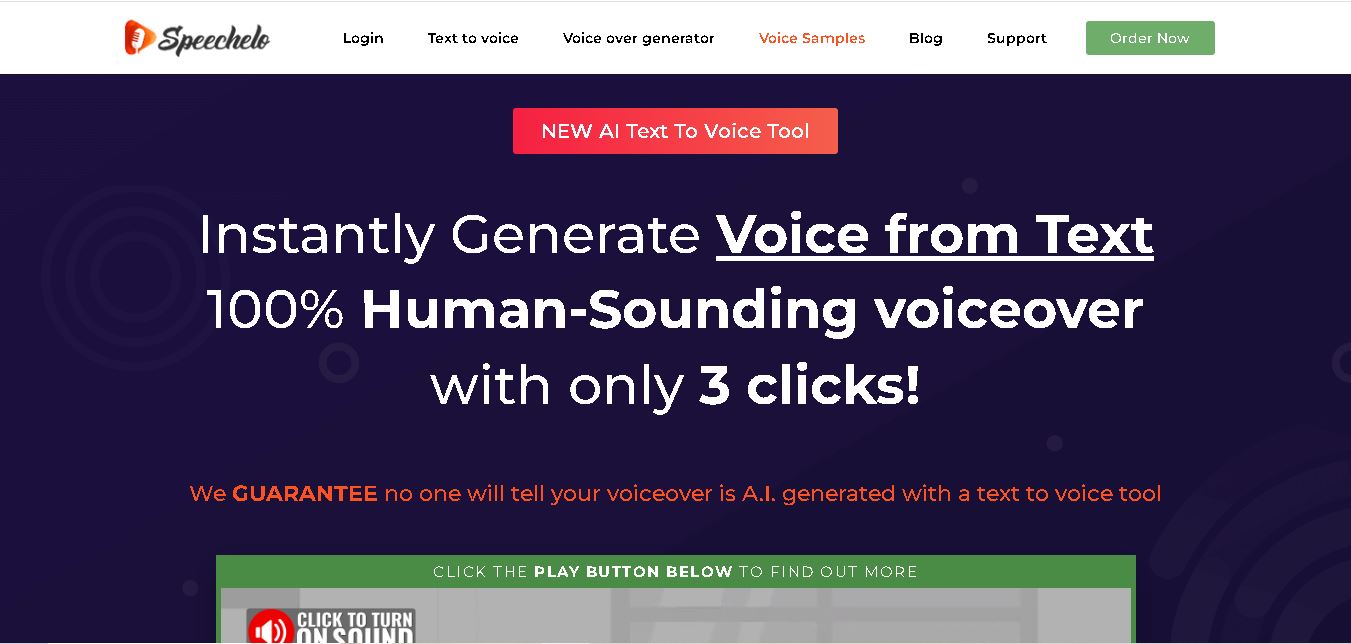
Speechelo is a text-to-speech tool designed to help creators turn written scripts into voiceovers. It offers different voices, languages, tones, and audio adjustments for creating narration. Video creators, educators, marketers, and content teams can use it to produce audio for tutorials, presentations, promotional videos, and other digital content projects.
 4.7
4.7Leelo AI
Text-to-Speech
Leelo AI helps you turn written content into natural-sounding speech without recording your own voice. You can choose from 800+ voices across 142 languages and accents, adjust available voice settings, generate audio, store files in the cloud, export recordings, and use generated speech commercially for different content and communication needs.