
TTSLabs
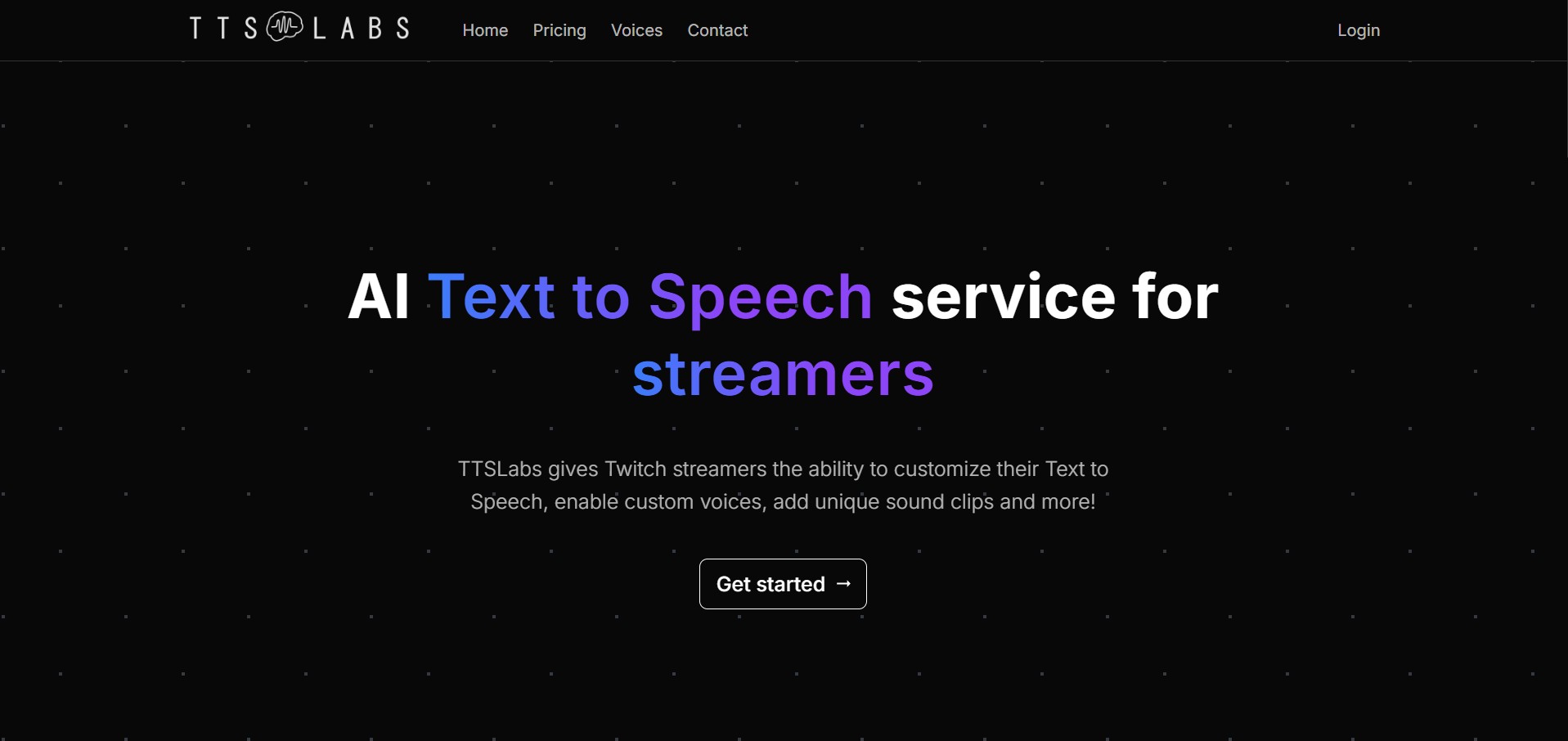
TTSLabs is an AI-powered text-to-speech platform built specifically for live streamers and content creators. It integrates directly with streaming dashboards like Streamlabs and StreamElements to give Twitch and YouTube streamers advanced customization over donation alerts, custom AI voices (including streamer and pop-culture character profiles), sound clips, and profanity filtering.
What is TTSLabs?
TTSLabs is an AI-powered text-to-speech platform built mainly for Twitch streamers to make their streams more interactive using custom voice alerts. It allows creators to convert viewer messages or donations into realistic speech with unique voices, sound effects, and customizable settings. The tool includes a desktop app for managing alerts, integrates with platforms like Streamlabs, and processes audio faster than real time. It also offers features like profanity filters, viewer guides, and a wide voice library, helping streamers engage their audience in a more dynamic and entertaining way.
TTSLabs is an AI-powered text-to-speech platform for Twitch streamers that enables real-time voice alerts, custom voices, and interactive audio experiences during live streams. It offers 80+ custom voices (including community and classic options), generates 20 seconds of audio in under 3 seconds, and integrates seamlessly with tools like Streamlabs and StreamElements. Streamers can add custom sound clips, profanity filters, and viewer-controlled alerts, while a dedicated desktop app manages playback and customization, helping boost engagement and create more dynamic, personalized streaming experiences.
- Platform Type: AI Text-to-Speech & Streamer Monetization Utility
- Core Tech: Real-Time Generative Speech Synthesis + Streaming Dashboard Integration
Use Cases:
- Allowing viewers to trigger custom AI voice clips and sound effects during live Twitch or YouTube streams via donations
- Syncing text-to-speech alerts effortlessly with Streamlabs and StreamElements dashboards
- Protecting live broadcasts using robust automated profanity filters and custom blocklists
Technology:
- Ultra-fast speech generation engine (processes 20 seconds of audio in under 3 seconds)
- Dedicated streamer desktop app for seamless playback management
- Live public viewer guide pages displaying enabled voices, minimum donation thresholds, and sound clips
Target Users:
- Twitch & YouTube Live Streamers
- Content Creators & Community Managers
- Stream Viewers & Donors
Acquisition: Freemium Streamer Software Platform
Key features of TTSLabs
TTSLabs's key features are
- Custom AI Voice Profiles: Access to a wide library of recognizable AI voices mimicking popular streamers, fictional characters, and unique archetypes (e.g., Kratos, GLaDOS, ASMR whisper).
- Dedicated Desktop App: Provides local playback management, quick volume adjustments, and live alert toggling.
- Streamlabs & StreamElements Sync: Direct integration with existing donation infrastructure for seamless setup.
- Advanced Profanity Filtering: Preset safety levels and custom banned-word lists to prevent toxic or unwanted audio from going live.
- Custom Sound Clips & Viewer Guide: Lets viewers check active voice options and minimum donation requirements through an interactive overlay guide.
TTSLabs Pricing
TTSLabs operates on a freemium streamer model with standard feature tiers.
Access Model:
- Free access to core alert tools and basic voices.
- Premium features, expanded custom voice libraries, and priority processing available via creator tiers.
Who is using TTSLabs?
TTSLabs is utilized by live broadcasting communities, including
- Twitch & YouTube Partners: Boosting viewer engagement and donation interaction during live broadcasts
- Community Moderators: Automatically filtering out abusive or inappropriate text-to-speech messages
- Viewers: Engaging with creators using personalized voice options and funny audio clips
Best TTSLabs Alternatives
Some alternative text-to-speech and stream alert platforms include
- Streamlabs Native TTS Alerts
- StreamElements TTS
- ElevenLabs Custom API Integrations
- Blerp (Audio Soundboard Alerts)
Pros and Cons of TTSLabs
Pros
- Lightning-fast audio generation speed preventing stream delay bottlenecks
- Extensive library of popular streamer and fictional character voice profiles
- Robust built-in moderation and profanity filters for live broadcast safety
Cons
- Requires active connection with streaming platforms like Streamlabs or StreamElements
- Advanced custom voices or priority queues may require paid creator access
Why Choose TTSLabs?
TTSLabs revolutionizes live stream engagement by turning text-to-speech donations into entertaining experiences. With faster-than-real-time generation, dedicated desktop controls, and robust safety tools, it is a must-have utility for modern broadcasters.
- Enhance stream monetization and viewer engagement through custom AI voices
- Maintain total control over broadcast safety with advanced profanity filters
- Sync smoothly with your existing Streamlabs or StreamElements dashboard
How do we rate TTSLabs?
| Parameter | Rating (out of 5) |
|---|---|
| Streamer Utility & Features | 4.8 |
| Voice Variety & Quality | 4.6 |
| Integration & Performance | 4.7 |
| Moderation & Safety Controls | 4.8 |
| Overall Score | 4.72 |
Conclusion
TTSLabs makes voice creation more flexible by turning text into natural-sounding speech with customizable AI voices. Instead of relying on basic text-to-speech tools, users can generate expressive audio tailored to their needs. This is especially useful for streamers, creators, and content producers. Overall, TTSLabs simplifies audio production, helping users create high-quality voice content quickly while maintaining control over tone, style, and delivery.
FAQ
What is TTSLabs?
TTSLabs is an AI text-to-speech platform designed specifically for Twitch streamers. It lets creators customize donation alerts with different voices, sound clips, and playback settings, helping make viewer interactions more entertaining and personalized during live streams.
How does TTSLabs work for streamers?
TTSLabs uses a dedicated desktop app to manage and play text-to-speech donations. Streamers can configure voices, sound clips, pricing, and profanity settings, then connect the service with Streamlabs or StreamElements to manage donation-based TTS alerts.
What voices are available on TTSLabs?
TTSLabs provides a large voice library divided into Official, Community, and Classic categories. Its public voice directory currently lists 125 voices, including options such as Alinity, Hasan, Knut, Goku, Kratos, Spongebob, and many classic voices.
Can TTSLabs use custom sound clips?
Yes. TTSLabs allows streamers to add unique sound clips that can be triggered alongside text-to-speech messages. This gives creators more control over donation alerts and can add recognizable audio effects or humorous moments to viewer interactions.
Does TTSLabs work with Streamlabs and StreamElements?
Yes. TTSLabs includes a Sync feature that connects its desktop application with Streamlabs or StreamElements. This allows streamers to manage text-to-speech donations through their existing streaming dashboards while using TTSLabs voices and customization options.
Can streamers control profanity in TTSLabs?
Yes. TTSLabs provides preset profanity levels as well as custom profanity filters. Streamers can use these controls to determine which viewer donations are allowed to be converted into speech, helping them manage the type of language heard during their broadcasts.
How fast does TTSLabs generate speech?
TTSLabs states that its system can generate 20 seconds of audio in less than three seconds. This faster-than-real-time processing is designed to reduce delays between a viewer's donation message and the corresponding text-to-speech audio during a live stream.
User Reviews
No reviews yet for TTSLabs.
Featured Tools
Featured AI tools from TechShark

Melody Genie
MelodyGenie is an AI-powered music generator that creates original songs from simple text prompts. Users can choose styles, moods, and genres, then instantly generate melodies and full tracks, making it easy for creators, marketers, and hobbyists to produce custom music without musical expertise.
Freemium

Kimi AI
Kimi AI is an advanced AI assistant developed by Moonshot AI that helps you chat, research, write, code, and automate tasks in one place. It supports web search, file analysis, and multimodal inputs, and can even run autonomous “agent” workflows to complete complex tasks end-to-end.
Freemium

Fashion Diffusion AI
Fashion Diffusion is an AI-powered fashion design platform that helps brands and designers create clothing designs, virtual try-ons, AI models, product photos, and marketing visuals faster and cost-effectively.
Paid

Veo 4
Veo 4 AI is an AI video creation platform that generates dramatic videos from text, images, audio, and video prompts using realistic motion and synchronized sound.
Paid
Alternatives
Alternatives to TTSLabs
The best TTSLabs alternatives include ElevenLabs, PlayHT, and Murf AI. While TTSLabs focuses on AI-powered text-to-speech for streamers with custom voices, sound clips, and donation alerts integrated into platforms like Streamlabs, alternatives like ElevenLabs and PlayHT specialize in ultra-realistic voice generation, voice cloning, and multi-use content creation. These tools are better suited for creators, marketers, and developers who want high-quality voiceovers, broader use cases, and more advanced speech customization beyond streaming interactions.
 4.9
4.9KittenTTS Web
Text-to-Speech
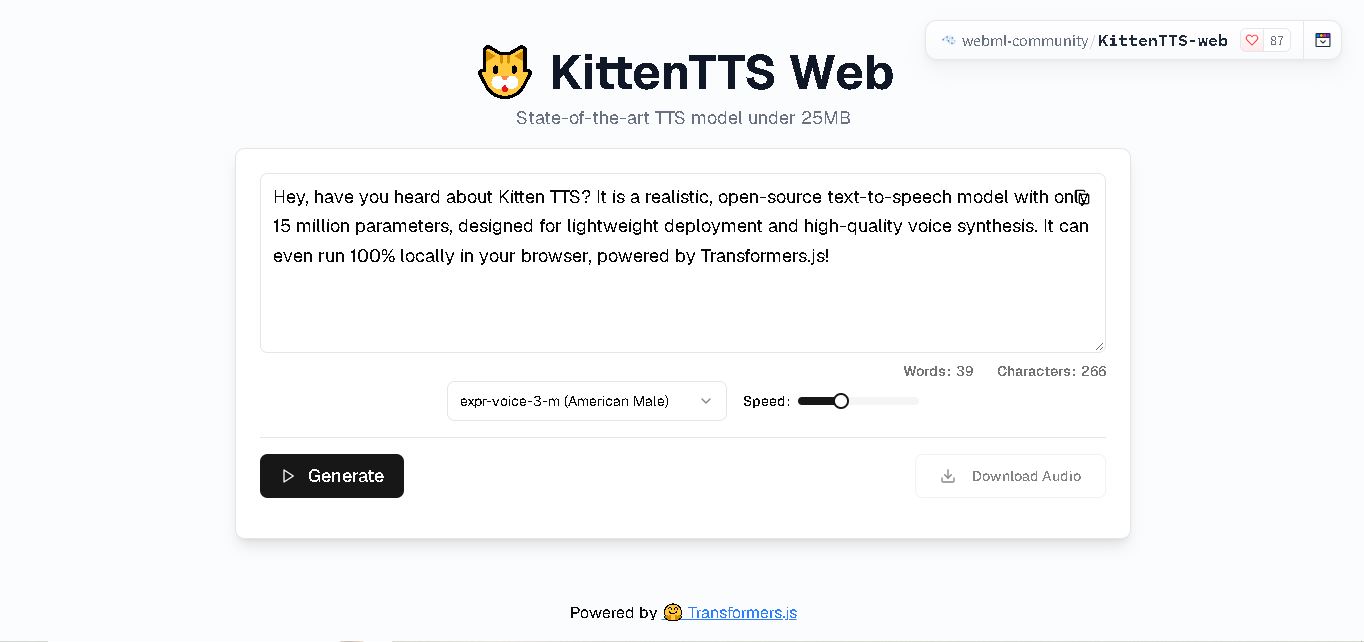
KittenTTS Web is a lightweight text-to-speech demo hosted on Hugging Face Spaces. It helps users explore how written text can be transformed into spoken audio using neural voice synthesis. The project is particularly relevant to developers, content creators, and accessibility-focused users interested in experimenting with compact speech generation technology directly through a web browser.
 4.9
4.9Parler-TTS
Text-to-Speech
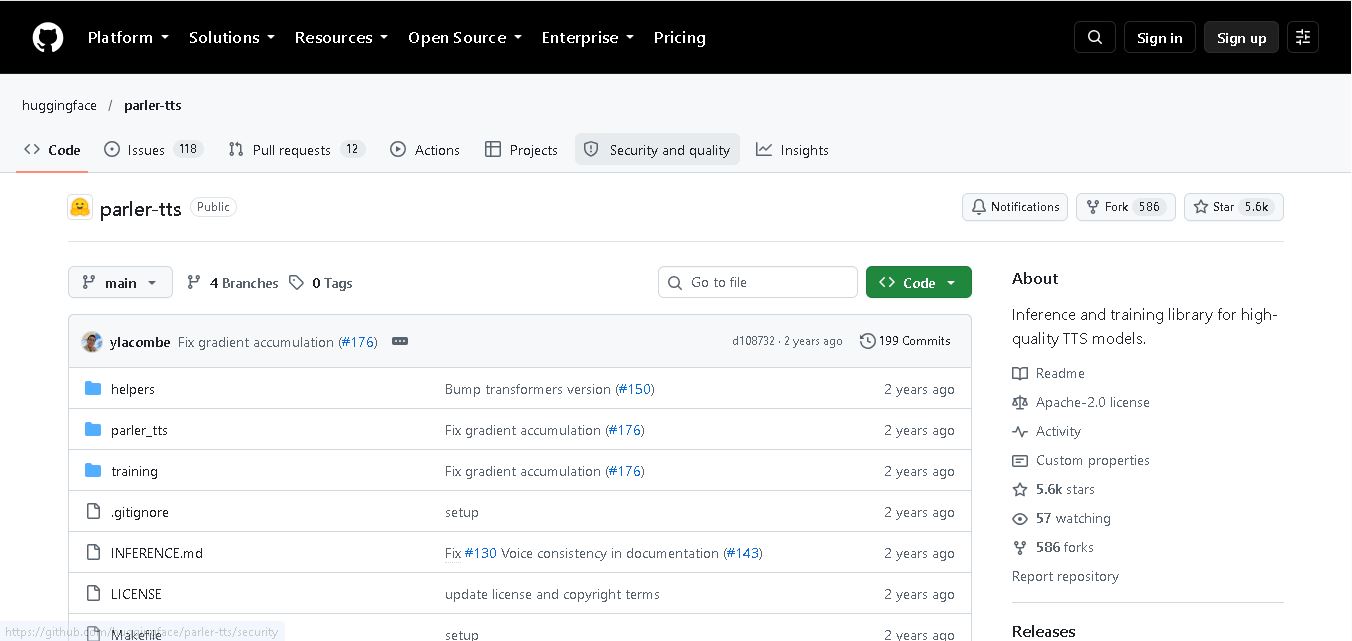
Parler-TTS is an open-source text-to-speech tool that transforms written content into natural-sounding audio. It lets developers describe voice characteristics using natural language, including pitch, speaking speed, and recording quality. With publicly available model weights, training resources, and customizable checkpoints, it supports experimentation, research, and tailored speech-generation applications across projects.
 4.9
4.9IMS Toucan
Text-to-Speech
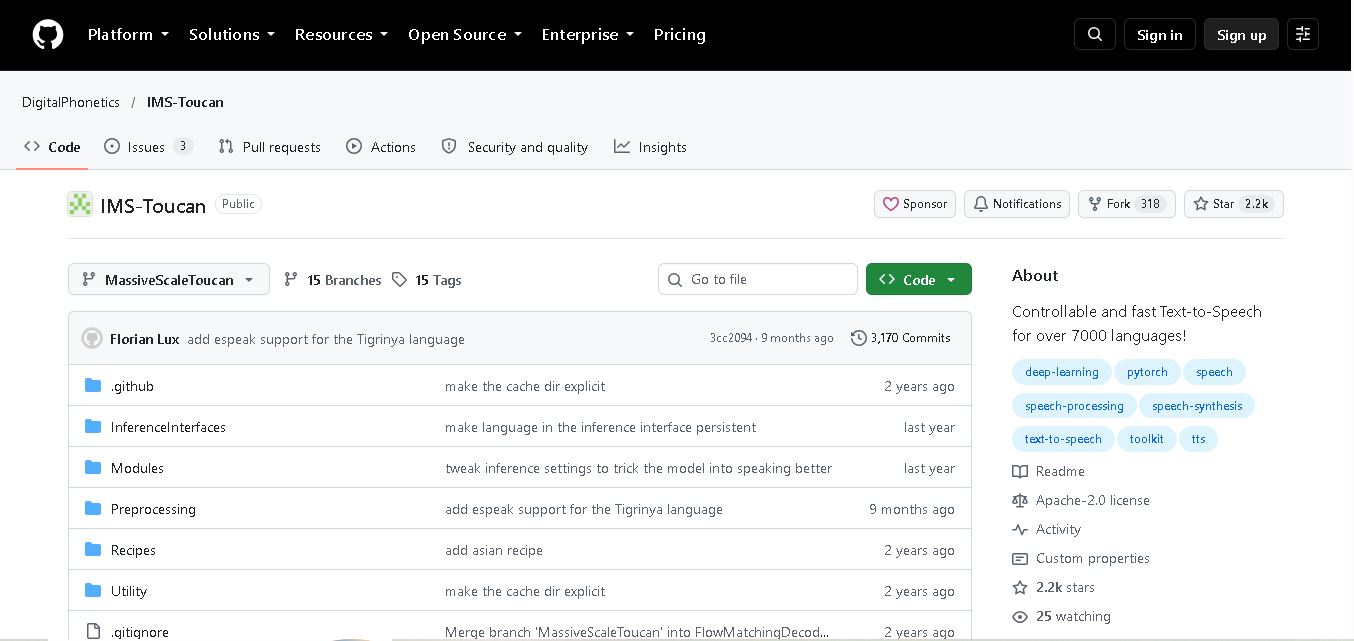
IMS Toucan is an open-source text-to-speech toolkit from the University of Stuttgart designed for multilingual speech generation. It converts text into audio and provides tools for inference, voice and prosody control, and model training. Supporting more than 7,000 languages, it serves developers and researchers exploring technology across linguistic contexts.
 4.8
4.8Verbatik
Text-to-Speech
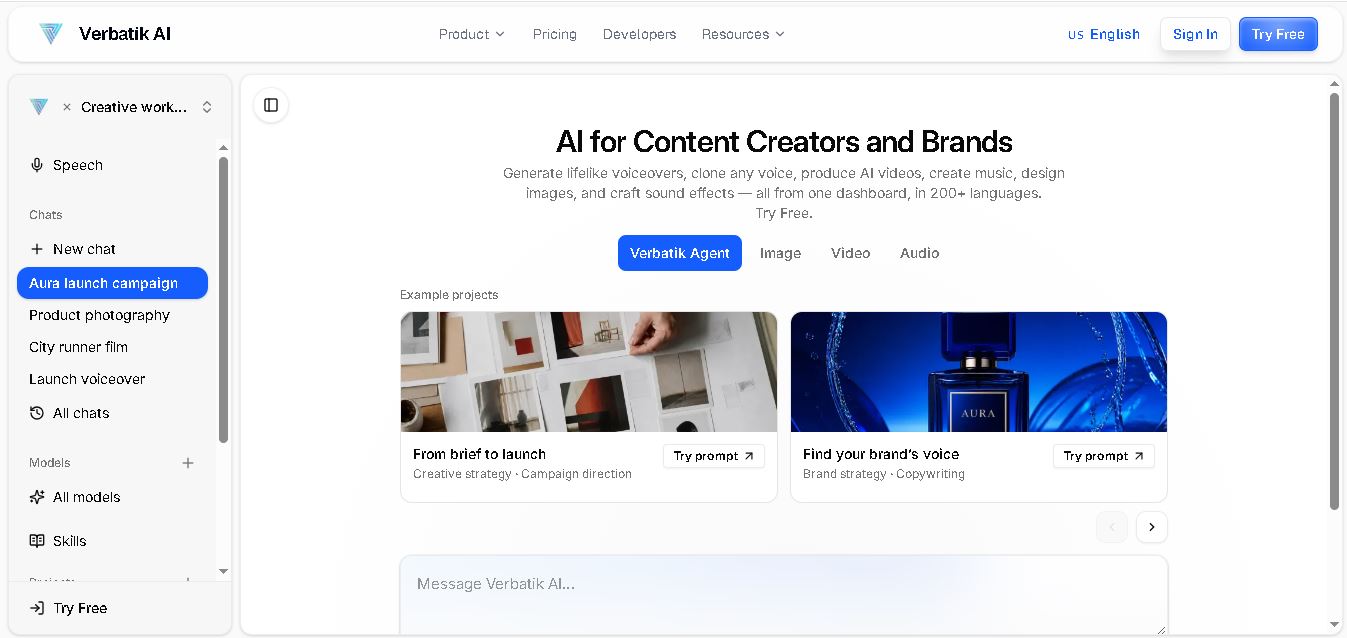
Verbatik AI helps users create realistic voiceovers, clone voices, generate music, and produce multimedia content using artificial intelligence. With multilingual speech, customizable voice settings, and developer APIs, it supports content creators, marketers, educators, and businesses. The platform simplifies audio production, video creation, and content localization from one workspace.
 4.8
4.8Narration Box
Text-to-Speech
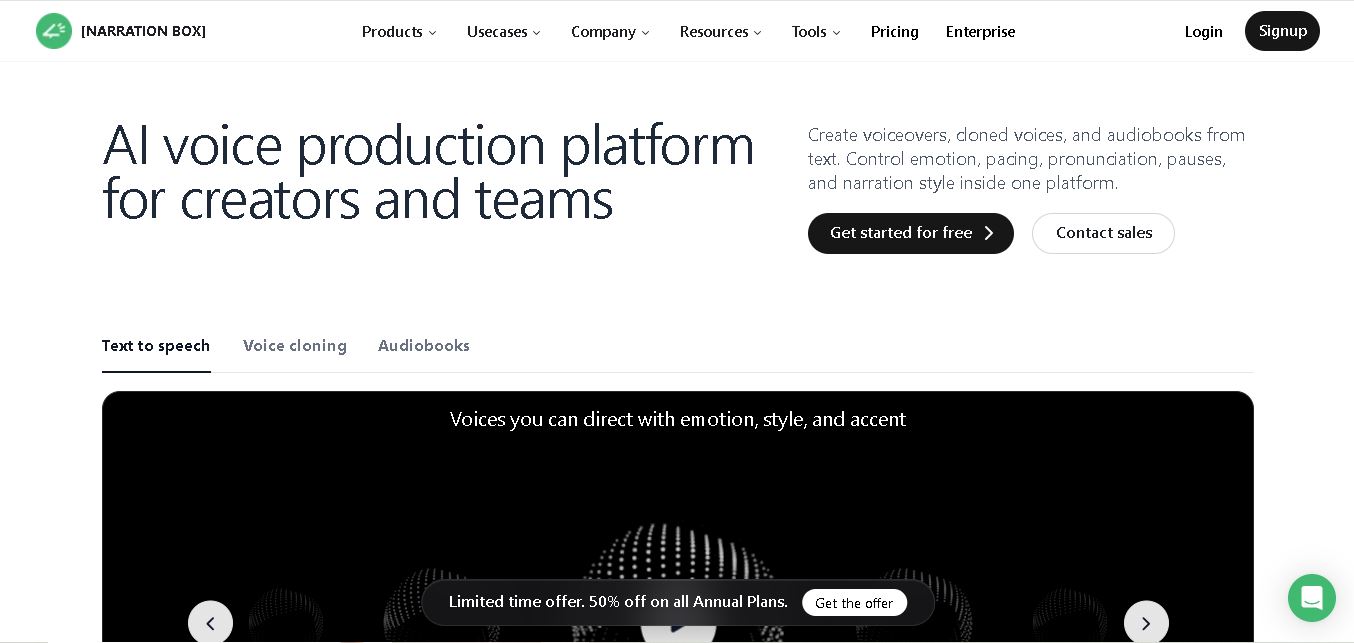
Narration Box is an AI voice generator for creating realistic voiceovers, audiobooks, podcasts, and educational audio from text. It offers over 1,500 AI narrators, 80+ languages and accents, voice cloning, and customizable emotional delivery. Its editing tools help creators produce consistent, multilingual audio content for personal and professional projects.
 4.7
4.7AudioBot
Text-to-Speech
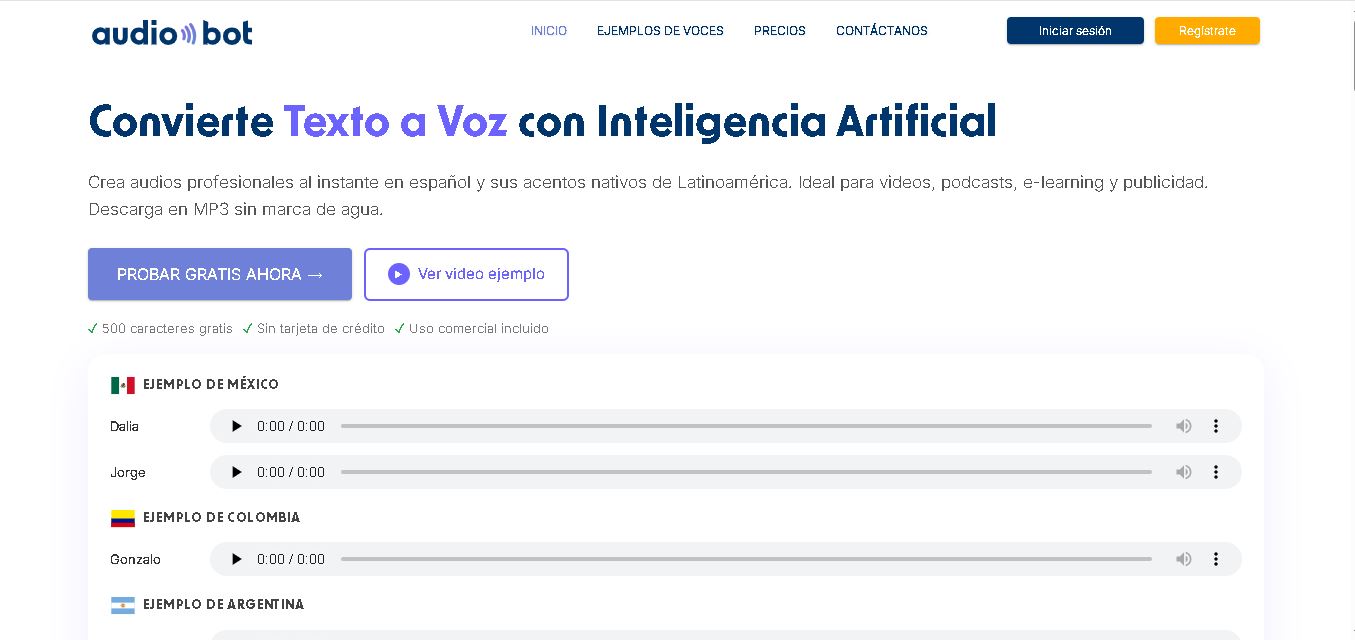
AudioBot converts written text into natural-sounding speech using AI-generated voices. It supports multiple languages and regional accents, making it useful for video voiceovers, presentations, educational materials, and audio content. Users can generate and download audio files, helping simplify narration workflows without requiring traditional recording equipment or voice talent.
 4.7
4.7Audie AI
Text-to-Speech
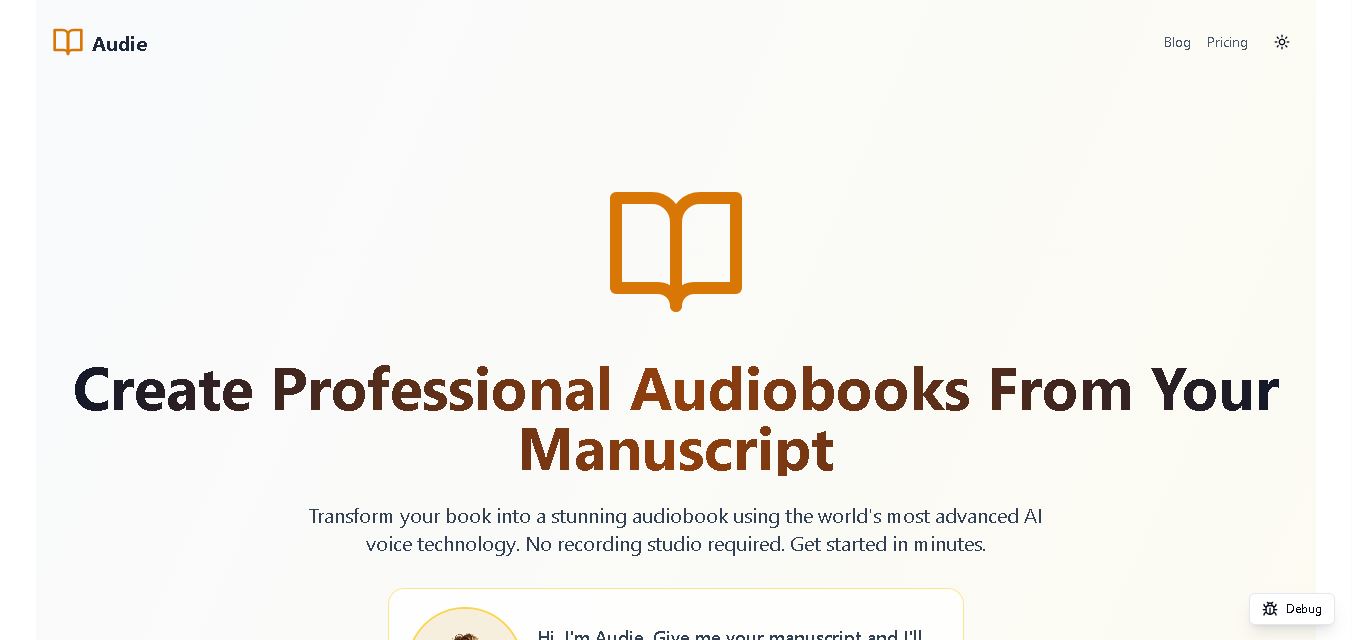
Audie AI is an audiobook creation tool that converts written manuscripts into narrated audio using AI-generated voices. It helps authors and publishers simplify production, explore different narration styles, and reduce reliance on traditional recording studios. With voice selection, advertised voice cloning, and downloadable audio, it supports more accessible audiobook creation for independent creators.
 4.6
4.6Speechelo
Text-to-Speech
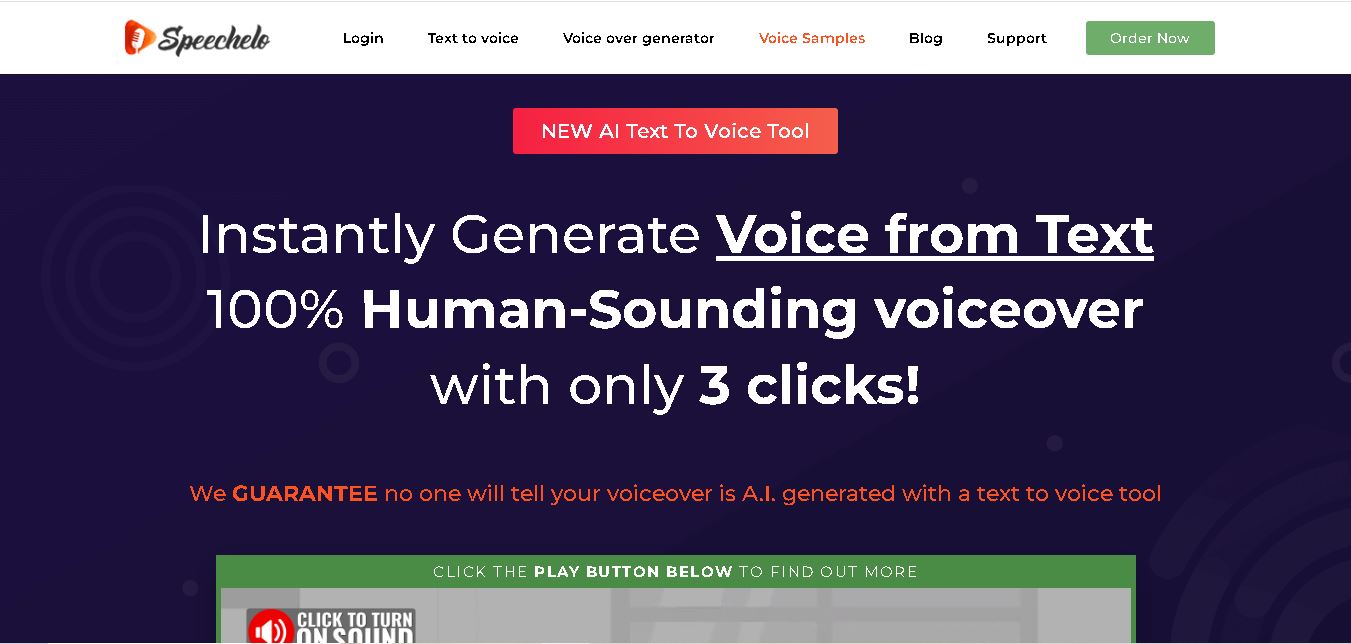
Speechelo is a text-to-speech tool designed to help creators turn written scripts into voiceovers. It offers different voices, languages, tones, and audio adjustments for creating narration. Video creators, educators, marketers, and content teams can use it to produce audio for tutorials, presentations, promotional videos, and other digital content projects.
 4.7
4.7Leelo AI
Text-to-Speech
Leelo AI helps you turn written content into natural-sounding speech without recording your own voice. You can choose from 800+ voices across 142 languages and accents, adjust available voice settings, generate audio, store files in the cloud, export recordings, and use generated speech commercially for different content and communication needs.