
TopView AI Motion Studio
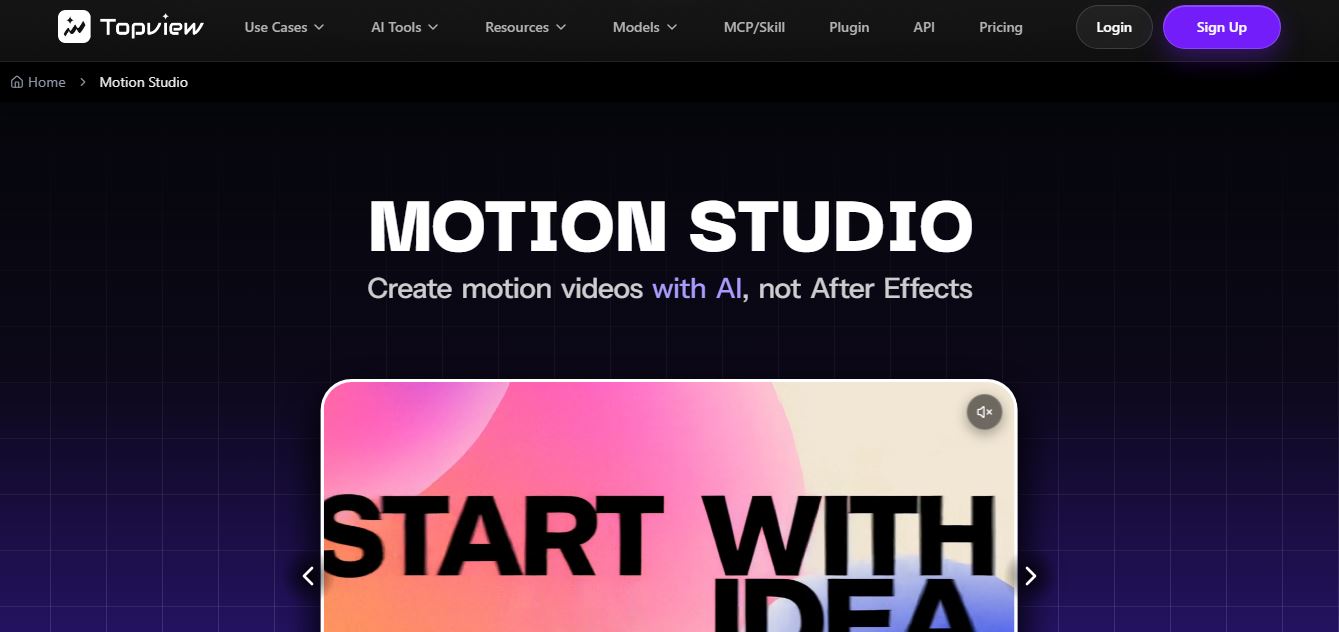
Topview Motion Studio is an AI-powered video creation tool that turns a simple product brief into a complete, multi-scene launch video with motion graphics, storytelling, and visuals. You just describe your idea, upload references, and choose style, duration, and format—then AI generates a polished video automatically.
What is TopView AI Motion Studio?
Topview Motion Studio is an AI-powered video creation workspace designed to help you turn a simple product idea or brief into a polished launch video without using complex tools like After Effects. Instead of manually editing, you just describe your product, upload reference images, and choose a style, duration, and format, and the AI builds a complete video with structured storytelling, visuals, motion, and even audio. It focuses specifically on product marketing—handling things like pacing, typography, and scene flow—so the final output looks like a professionally produced launch video rather than random clips. Overall, it simplifies video production by combining multiple AI models and motion design workflows into one system, making high-quality product videos faster, cheaper, and accessible to non-designers.
Built around the mission to “Turn a product brief and reference assets into a connected 4–60 second launch video with a guided AI workflow,” Motion Studio integrates multi-model video generation engines—including Kling motion control, custom AI avatars, and advanced text-to-video diffusion. The platform supports six diverse aspect ratios (21:9, 16:9, 4:3, 1:1, 3:4, and 9:16) for multi-platform optimization across TikTok, Instagram Reels, YouTube Shorts, and cinematic widescreen displays. TopView offers a Free plan with starter credits (watermarked previews) alongside tiered paid subscription plans starting from approximately $16 to $29 per month (billed annually).
- Platform Role: AI Product Launch Video Maker, Motion Studio & Multi-Shot Commercial Generator
- Supported Aspect Ratios: 21:9, 16:9, 4:3, 1:1, 3:4, and 9:16 (6 formats)
- Video Length Range: 4 seconds to 60 seconds per generated sequence
Use Cases:
- Generating high-converting product launch videos, cinematic product teasers, and brand showreels from simple text prompts and product images
- Producing short-form vertical ads (9:16) and square social posts (1:1) inspired by top-performing viral video patterns in the TikTok Ad Library
- Creating multi-shot promotional clips without needing manual keyframing or complex After Effects timeline editing
- Adapting single campaign assets into six different aspect ratios simultaneously for omnichannel distribution
- Synthesizing professional AI avatar presenters and voiceovers to accompany product demonstrations
Technology:
- Multi-model generation pipeline integrating Kling motion control and advanced video diffusion architectures
- Guided AI scriptwriting and asset analysis parsing product briefs to sequence coherent multi-shot edits
- Cloud-accelerated rendering cluster delivering 1080p and 4K MP4 exports with water-mark-free commercial licenses on paid tiers
Target Users:
- Direct-to-consumer (DTC) e-commerce merchants and Shopify brands scaling paid social video ads
- Growth marketing agencies and performance media buyers testing rapid creative variations
- Indie hackers and startup founders creating professional product launch videos on tight deadlines
- Social media content creators looking for automated b-roll and cinematic motion clips
Acquisition: Proprietary AI video platform operated by TopView AI

What are the key features of TopView AI Motion Studio?
TopView AI Motion Studio's key platform features are
- Guided AI Brief-to-Video Workflow: Input a product brief, upload reference images, and let AI script, sequence, and render connected video shots autonomously.
- Flexible Video Durations: Generate short 4-second hook clips or extended multi-shot promotional films up to 60 seconds in length.
- Six Aspect Ratios: Instantly format outputs across 21:9 cinematic, 16:9 widescreen, 4:3 standard, 1:1 square, 3:4 portrait, and 9:16 vertical feeds.
- Advanced Motion Control Integration: Harness Kling and advanced diffusion engines for precise camera movements, pans, and subject choreography.
- AI Avatar & Voiceover Suite: Combine generated motion footage with hyper-realistic AI presenters and multi-language voice cloning.
- TikTok Ad Library Intelligence: Analyze successful organic and paid ad structures to inform high-converting hooks and pacing.
- High-Resolution Watermark-Free Exports: Render clean 1080p or 4K MP4 video files ready for professional commercial deployment.
How much does TopView AI Motion Studio cost?
TopView AI operates on a freemium model with starter trial credits, supported by tiered monthly and annual subscription plans.
Free Evaluation:
- Free Plan ($0): Includes a one-time trial grant (approx. 10 to 15 starter credits), basic AI video generation, public share links, and watermarked preview exports (no credit card required)
Paid Subscription Plans (Billed Annually):
- Pro Plan: $16.00 / month (list price ~$29/mo) | Includes ~960 credits yearly, 15s to 60s video generation capability, watermark-free 1080p/4K exports, 50GB cloud storage, and commercial license
- Business Plan: $40.00 / month (list price ~$75/mo) | Includes ~3,000 credits yearly, priority processing, 300GB storage, custom avatar tools, and advanced workflow controls
- Ultra Plan: $150.00 / month (list price tier) | Designed for high-volume agencies requiring maximum credit allowances, dedicated support, and enterprise rendering priority
Disclaimer: Credit consumption scales based on video length, resolution (1080p vs 4K), and underlying model complexity (e.g., Kling motion control). For current promotional discounts and regional pricing, visit topview.ai/pricing.
Who should use TopView AI Motion Studio?
TopView AI Motion Studio is designed for marketers, founders, and creators, including
- E-Commerce Brand Owners: Creating professional product launch trailers and social ad variations without hiring video production crews
- Performance Media Buyers: Rapidly iterating on video ad hooks to test across TikTok, Instagram, and YouTube ad managers
- Startup Founders: Assembling polished pitch and landing page product videos from scratch in minutes
- Creative & Social Agencies: Scaling client video output across multiple aspect ratios simultaneously
What are the best alternatives to TopView AI Motion Studio?
Some of the strongest TopView AI alternatives include
- InVideo AI
- Fliki
- HeyGen
- Runway Gen-3
- CapCut
- Motionflare
What are the pros and cons of TopView AI Motion Studio?
What are the pros of TopView AI Motion Studio?
- Automates complex multi-shot video assembly from simple text briefs and product images
- Supports six diverse aspect ratios (from 21:9 cinematic to 9:16 vertical) for total cross-platform reach
- Integrates cutting-edge motion control engines like Kling for smooth camera movements
- Draws inspiration from proven ad patterns in the TikTok Ad Library for high-converting marketing content
- Eliminates the steep learning curve and timeline friction of traditional NLE software
What are the cons of TopView AI Motion Studio?
- Free trial credits are limited and produce watermarked exports
- Does not provide fine-grained, manual timeline editing or editable project file exports for NLE suites
- Heavy generation in 4K or using advanced motion models consumes monthly credits quickly
Why should you choose TopView AI Motion Studio?
Producing high-converting product launch videos and social ads typically requires expensive agency retainers or hours of tedious timeline clipping in professional video editors. TopView AI Motion Studio changes this dynamic by letting creators orchestrate professional video campaigns through guided AI workflows.
- Transform product briefs and reference photos into connected commercial videos in minutes
- Optimize content instantly across six distinct aspect ratios for every social platform
- Leverage advanced motion control models to produce dynamic camera sweeps and product animations
- Scale your ad creative output without expanding production overhead
How does TopView AI Motion Studio compare to competitors?
The main difference between TopView AI Motion Studio, InVideo AI, Fliki, and Runway lies in e-commerce focus, multi-shot commercial generation, and aspect ratio versatility. While InVideo and Fliki focus primarily on text-to-video script narration for general educational and marketing explainers, and Runway specializes in raw artistic foundation model video generation, TopView AI Motion Studio is purpose-built for e-commerce product launches, leveraging TikTok ad intelligence, six aspect ratio outputs, and automated multi-shot sequencing to drive sales conversions.
| Feature / Platform | TopView AI Motion Studio | InVideo AI | Fliki | Runway Gen-3 |
|---|---|---|---|---|
| Core Focus | E-Commerce Product Launch & Ad Videos | Text-to-Video Script Explainer & YouTube Videos | Text-to-Video & Voiceover Narration | Cinematic Foundation Model Video Generation |
| Aspect Ratios Supported | 6 Ratios (21:9, 16:9, 4:3, 1:1, 3:4, 9:16) | Standard social formats (16:9, 9:16, 1:1) | Standard social formats | Custom canvas & standard ratios |
| Ad Library Integration | Yes (Informed by TikTok Ad Library trends) | Stock library focused | Stock media library | Prompt-driven generative focus |
| Video Length Capacity | 4 to 60 seconds per sequence | Long-form YouTube videos | Multi-minute audio/video scripts | 5 to 10-second base clips |
| Starting Price | Free trial / Pro from $16/mo (annual) | Free tier / Paid from $28/mo | Free tier / Paid from $17/mo | Free tier / Standard from $15/mo |
| Best For | DTC e-commerce brands & paid social media ads | Faceless YouTube channels & social explainers | Quick voiceover and article-to-video generation | Filmmakers & artists needing precise motion control |
How do we rate TopView AI Motion Studio?
| Parameter | Rating (out of 5) |
|---|---|
| Product Launch & Commercial Quality | 4.9 |
| Aspect Ratio Flexibility (6 Formats) | 5.0 |
| Motion Control & Video Diffusion Quality | 4.8 |
| Workflow Speed & Ease of Use | 4.9 |
| Value for Money | 4.7 |
| Overall Score | 4.86 |
What is our review and verdict on TopView AI Motion Studio?
TopView AI Motion Studio delivers a focused, high-performance solution for e-commerce merchants and performance marketers who need to produce professional product launch videos rapidly. By combining guided AI workflows with advanced motion control engines, multi-shot sequencing, and six versatile aspect ratios, it removes the production bottlenecks of traditional NLE timelines. While free exports are watermarked and heavy users will want to monitor credit consumption across 4K renders, Motion Studio stands out as an effective tool for scaling commercial video advertising.
Conclusion
TopView AI Motion Studio streamlines commercial video creation by transforming brief notes and product assets into connected, multi-shot marketing films. With its support for six aspect ratios, 4 to 60-second generation lengths, ad library insights, and automated motion controls, Motion Studio gives brands and agencies an efficient platform to produce viral-ready video content.
FAQ
What is Topview Motion Studio and what does it actually do?
Topview Motion Studio is an AI-powered video creation tool designed specifically for building product launch and marketing videos from a simple brief. Instead of manually editing timelines like in traditional tools, you describe your product, upload reference images, choose a style, and the AI generates a complete multi-scene motion video with storytelling, transitions, and visuals already structured.
How is Motion Studio different from typical AI video generators?
Most AI video tools generate short clips or individual scenes from prompts, but Motion Studio focuses on connected storytelling. It organizes your product message, scenes, typography, pacing, and visuals into a full launch narrative rather than isolated shots, making it more suitable for real marketing videos instead of experimental clips.
Do I need video editing skills or After Effects experience?
No, Motion Studio is built for non-designers and teams who don’t want to learn complex tools like After Effects. The platform removes the need to build timelines, keyframes, or animations manually, allowing users to focus on the message and product story while the AI handles the motion design and production process.
What inputs are required to generate a video?
To create a video, you typically provide a product brief (what the product is, target audience, and key message), upload reference assets like screenshots or logos, and select creative options such as motion style, duration, and aspect ratio. The AI then uses these inputs to generate a complete launch-ready video.
What types of videos can you create with Motion Studio?
Motion Studio is mainly built for product launches, SaaS explainers, app demos, and brand campaigns. It can create cinematic product reveals, feature walkthroughs, UI-based demos, and marketing videos for software, AI tools, and hardware products, making it highly focused on business and startup use cases.
Does Motion Studio include audio like music or voiceover?
Yes, Motion Studio can automatically include audio elements such as music and sound effects in generated videos. This means users don’t always need to add audio separately, making the output closer to a ready-to-publish marketing video.
User Reviews
No reviews yet for TopView AI Motion Studio.
Featured Tools
Featured AI tools from TechShark

Melody Genie
MelodyGenie is an AI-powered music generator that creates original songs from simple text prompts. Users can choose styles, moods, and genres, then instantly generate melodies and full tracks, making it easy for creators, marketers, and hobbyists to produce custom music without musical expertise.
Freemium

Kimi AI
Kimi AI is an advanced AI assistant developed by Moonshot AI that helps you chat, research, write, code, and automate tasks in one place. It supports web search, file analysis, and multimodal inputs, and can even run autonomous “agent” workflows to complete complex tasks end-to-end.
Freemium

Fashion Diffusion AI
Fashion Diffusion is an AI-powered fashion design platform that helps brands and designers create clothing designs, virtual try-ons, AI models, product photos, and marketing visuals faster and cost-effectively.
Paid

Veo 4
Veo 4 AI is an AI video creation platform that generates dramatic videos from text, images, audio, and video prompts using realistic motion and synchronized sound.
Paid
Alternatives
Alternatives to TopView AI Motion Studio
The best TopView AI Motion Studio alternatives include InVideo AI, Fliki, HeyGen, Runway Gen-3, CapCut, and Motionflare. These AI video generation and editing platforms provide text-to-video synthesis, voiceovers, and promotional templates. While TopView AI Motion Studio specializes in automated e-commerce product launch videos driven by TikTok ad library trends, six multi-platform aspect ratios (ranging from 21:9 cinematic to 9:16 vertical), and guided multi-shot sequencing, alternatives like InVideo AI focus on script-to-video explainers for YouTube, and Runway Gen-3 caters to cinematic motion control and visual artistry.
 4.7
4.7Kaiber
Video Generator
Kaiber is an AI-powered creative suite for generating videos, images, and audio. It helps musicians, content creators, and marketers turn text prompts, images, and music into engaging visuals. Its tools support image animation, beat-synced video creation, lip-sync, visual restyling, and timeline editing for social media and music videos.
 4.8
4.8VideoDubber
Video Enhancer
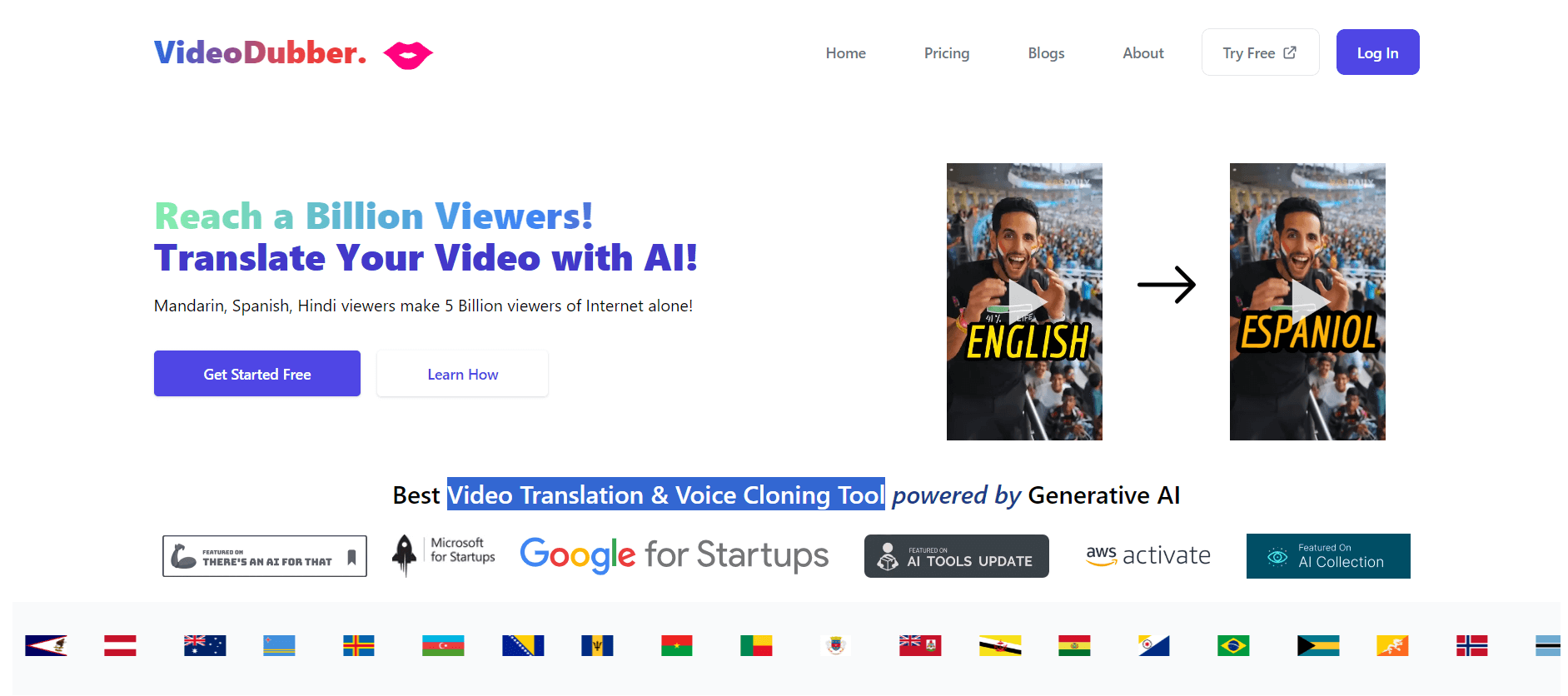
VideoDubber is an AI-powered video translation and dubbing platform that helps creators, businesses, and educators reach global audiences. It translates videos into 150+ languages, clones voices, synchronizes lip movements, generates subtitles, and preserves background audio. Users can edit translations and export localized videos for multiple platforms.
 4.9
4.9Clipchamp
Video Generator
Clipchamp is an AI-powered online video editor by Microsoft that helps users record, edit, and share videos directly from the browser. It offers templates, stock media, and AI tools like subtitles, voiceovers, and noise removal, enabling fast, professional video creation without advanced editing skills.
 4.9
4.9CapCut
Video Editing
CapCut is a popular video editing tool that helps creators produce engaging videos with effects, transitions, filters, templates, subtitles, and AI-powered features. Available on multiple platforms, CapCut makes it easy to edit videos for TikTok, Instagram Reels, YouTube Shorts, and other social media channels.
 4.9
4.9Pika
Video Generator
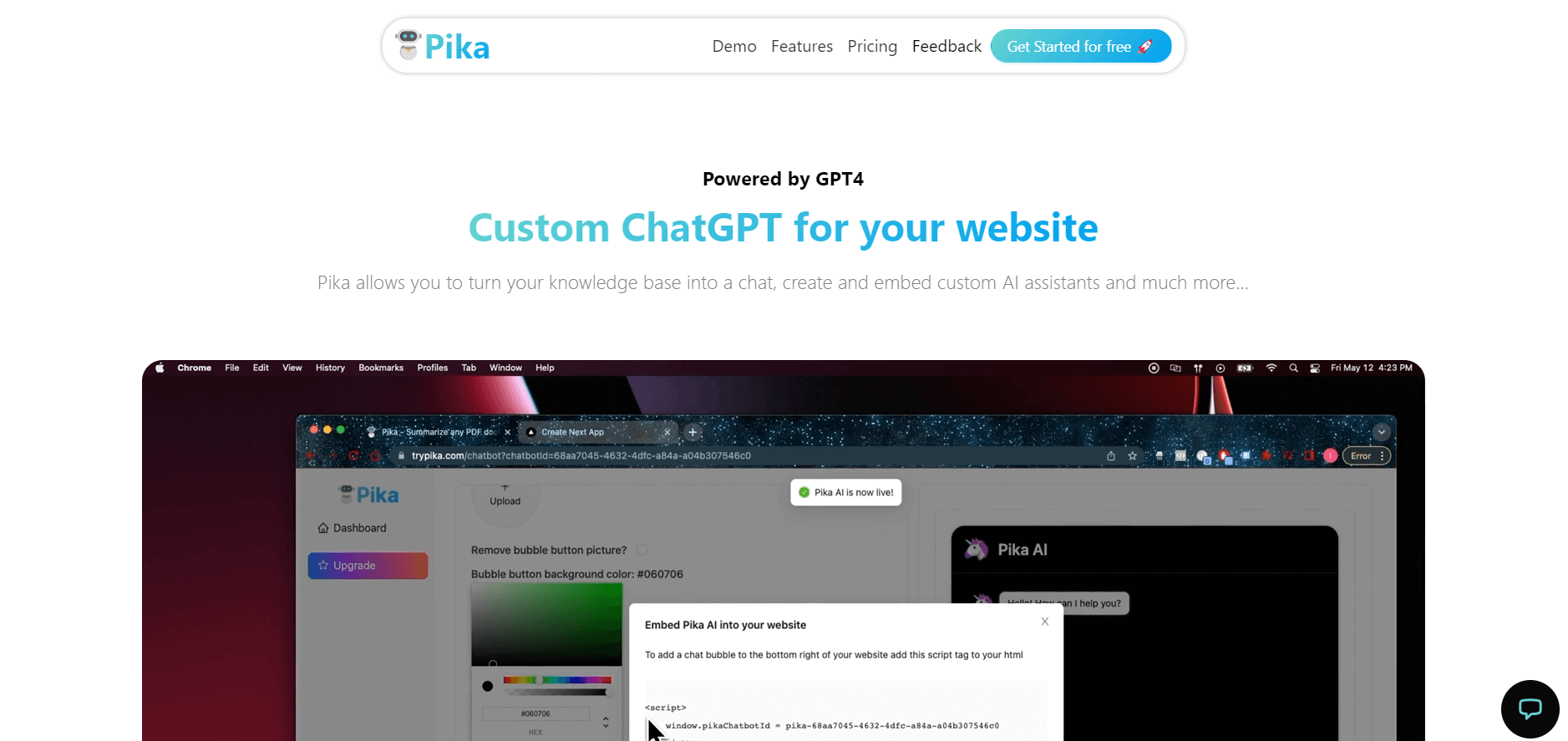
Pika is an AI video generation and creative effects platform that transforms text prompts, still images, and video clips into cinematic video sequences, meme animations, and viral visual effects using its proprietary generative video models.
 4.7
4.7Hotshot AI
Video Generator
Hotshot is an everyday technology publication covering AI tools, gadgets, smart home technology, comparisons, research, and practical how-to guides. It helps readers understand products, evaluate software, compare options, and solve common technology problems through accessible articles created for people who want clearer information before making technology-related decisions online with confidence.
 4.7
4.7VideoPlus AI
Video Generator
VideoPlus.ai is a versatile AI creation platform for generating and transforming videos and images. It supports text-to-video, image-to-video, reference-to-video, video-to-video, animation, image generation, enhancement, lip syncing, and creative effects. Multiple AI video models are available, making it useful for creators, marketers, designers, and businesses.
 4.7
4.7VideoTube
Video Generator
VideoTube helps creators transform long videos into short, social-ready content with AI. It can detect engaging moments, generate captions, remove filler, add B-roll, and automatically reframe videos for vertical platforms. Podcasters, YouTubers, educators, marketers, and agencies can repurpose existing content faster without relying on complicated video editing workflows.
 4.7
4.7TYPPO
Video Generator
Typpo turns spoken words into animated videos without requiring design skills. Record a message, let the app transform your voice into motion graphics, and share the result on mobile-focused social channels. It supports multiple languages and offers a simple workflow for creators, marketers, communicators, and anyone wanting faster visual content creation.