
OpenRouter
OpenRouter simplifies AI access by connecting multiple models through a single interface, helping developers and businesses manage performance, cost, and scalability efficiently.
What is OpenRouter?
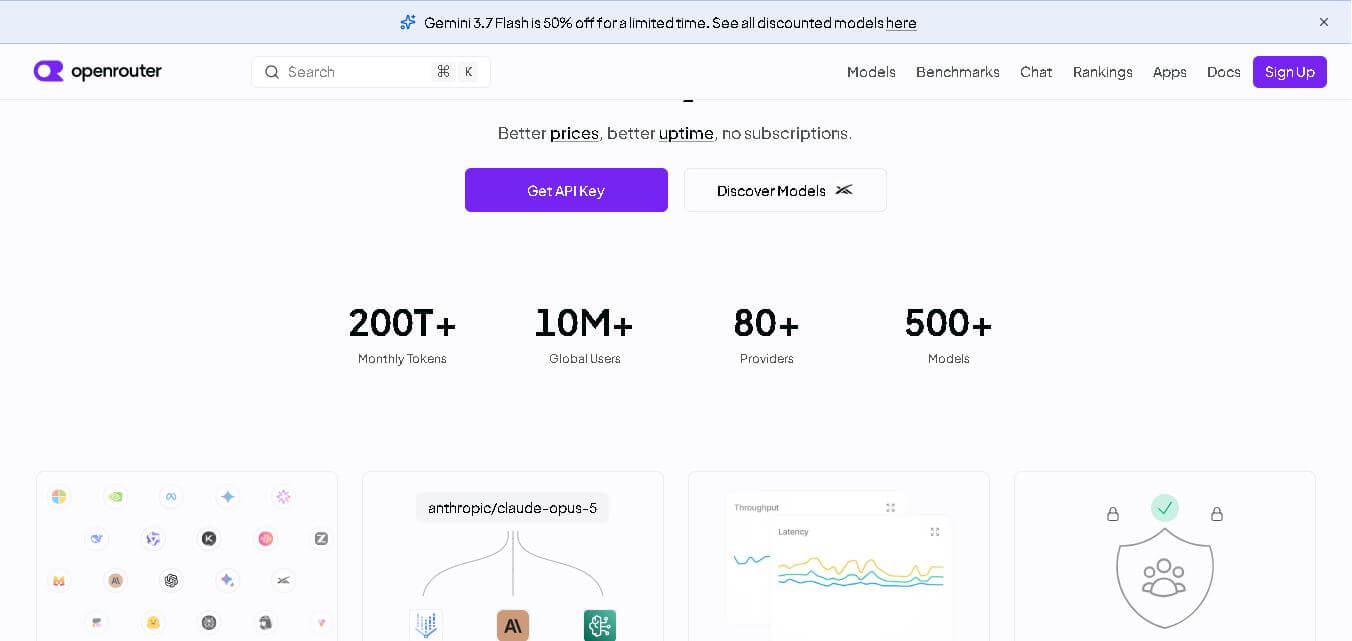
OpenRouter is a unified interface that connects multiple AI models, providers, and modalities into a single access point for developers and organizations. It enables users to generate text, images, videos, and audio using one API key while routing requests across different providers for better pricing, uptime, and performance. The platform is designed to simplify model integration by removing the need to manage multiple APIs separately. It also offers compatibility with existing APIs, making it easier to switch or scale across models. OpenRouter ensures flexibility, efficiency, and control when working with modern AI systems across various use cases and industries.
OpenRouter processes over 200T+ monthly tokens and serves 10M+ global users across its ecosystem. It integrates with 80+ AI providers and supports more than 500+ models, making it one of the largest unified AI platforms. The platform powers over 250k+ applications, serving 4.2M+ users globally. These numbers highlight its scalability, reliability, and growing adoption among developers and enterprises looking for a centralized AI infrastructure.
- Founder: Not explicitly mentioned in the official document
- Launch: Not specified
- Use Cases: AI app development, automation, content generation, multimodal AI integration
- Technology: Unified API, distributed infrastructure, edge computing, OpenAI-compatible API
- Target Users: Developers, startups, enterprises, AI researchers
- Acquisition: No acquisition data available

Key Features of OpenRouter AI
OpenRouter AI key features are
- Color Palette Control: Customize and fine-tune color schemes in generated images to match branding, mood, or artistic requirements with precision.
- Entity Control: Manage and control specific elements within an image, allowing users to define objects, subjects, and their attributes for more accurate outputs.
- Style Transfer: Apply different artistic styles to images, enabling transformation into various visual aesthetics such as paintings, illustrations, or modern designs.
- Spatial Control: Adjust positioning and layout of elements inside generated visuals, giving users better composition control.
- Inpainting: Edit specific parts of an image by replacing or refining selected areas without affecting the entire design.
- Outpainting: Extend images beyond their original boundaries, generating additional content seamlessly to expand visuals.
- Face Swap: Replace faces in images with realistic results, useful for creative projects, entertainment, or design experimentation.
- Diverse AI Models: Access multiple exclusive models, including LoRA and FLUX-based systems, for different creative styles like photography, illustration, and product design.
- Infinite Canvas: Create and edit designs on an extended workspace, allowing complex and layered visual compositions.
- Integrated AI Tools: Includes tools like Shakker Generator, A1111 WebUI, ComfyUI, and training modules for flexible workflows across skill levels.
OpenRouter Pricing
-
Free Access (Likely Entry Level):
Users can explore the platform, test models, and use basic tools like AI generators and face swaps.
- Membership Plan (Core Model):
- Access to premium AI models (FLUX, LoRA, XL variants)
- Use of advanced tools like WebUI, ComfyUI, and training modules
- Priority access to new models and features
-
Credit / Usage-Based Elements:
- AI generation (images, edits, training) may consume internal credits or usage limits
- More complex outputs (like high-resolution or advanced styles) likely require more resources
-
Creator Ecosystem Access:
- Creators can publish models and gain exposure
- The platform may include monetization or support features for creators
Disclaimer: For the latest and most accurate pricing information, please visit the official OpenRouter AI website.
Who is using OpenRouter?
OpenRouter AI is designed for a broad range of presentation-heavy users, including
- AI Creators & Digital Artists: Individuals creating illustrations, concept art, and experimental visuals using diverse AI models and styles
- Graphic Designers: Professionals working on branding, logo design, and product visuals using tools like style transfer and color palette control
- Photographers & Visual Creators: Users generating realistic portrait photography and artistic imagery with AI-powered enhancements
- Architects & Product Designers: Creators using AI for architecture concepts, product design, and visual prototyping
- AI Model Developers: Users building and sharing custom models (LoRA, FLUX) within the Shakker ecosystem
- Creative Community Members: Active contributors and creators showcasing work, sharing models, and collaborating within the platform community
- Beginner to Advanced Users: The platform supports all skill levels with tools like WebUI, ComfyUI, and training modules
Best OpenRouter Alternatives
Some of the strongest OpenRouter AI alternatives include
- OpenAI API
- Anthropic Claude API
- Google Vertex AI
- AWS SageMaker
- Replicate
- Midjourney
- Stable Diffusion
Pros and Cons
Pros
- Access to 500+ models in one place
- Cost-efficient routing
- High uptime and reliability
- Multimodal capabilities
- Easy API integration
Cons
- Founder and company details limited
- Requires technical knowledge
- Pricing varies by model usage
Why Choose OpenRouter?
Shakker AI stands out as a complete generative design platform that combines powerful AI models with advanced creative tools, making it ideal for both beginners and professional designers. Instead of offering just basic image generation, it provides deep control over design elements, styles, and outputs, enabling users to create highly customized visuals across multiple categories like photography, illustration, architecture, and product design.
- All-in-One Creative Platform: Combines multiple AI tools like style transfer, inpainting, outpainting, and face swap in one place, reducing the need for external software.
- Advanced Creative Control: Features like spatial control and color palette management allow for precise visuals, making outputs more professional and brand-ready.
- Diverse AI Models: Offers exclusive models, including FLUX and LoRA variants, for different creative styles such as photography, illustrations, and concept art.
- Infinite Canvas Workflow: Enables users to design freely without layout limitations, supporting complex and large-scale creative projects.
- Beginner to Pro Friendly: Includes tools like WebUI, ComfyUI, and training modules, making it accessible for both beginners and advanced users.
- Multi-Category Design Support: Covers a wide range of use cases, including logo design, architecture, anime, photography, and product design, from a single platform.
OpenRouter vs Competitors
The main difference between Shakker AI, Midjourney, DALL·E, and Stable Diffusion is that Shakker AI combines diverse models with advanced editing and control tools in one platform. While Midjourney focuses on artistic generation and DALL·E simplifies image creation, Stable Diffusion offers flexibility through open-source customization. Shakker stands out by providing features like spatial control, inpainting, and multiple UI tools, making it more suitable for complete design workflows.
| Feature | Shakker AI | Midjourney | DALL·E | Stable Diffusion |
|---|---|---|---|---|
| Model Variety | Multiple (FLUX, LoRA, SDXL) | Limited | Limited | High (open-source) |
| Editing Tools | Advanced (inpainting, face swap, spatial control) | Minimal | Basic | Advanced |
| Customization | High (entity + style control) | Medium | Medium | High |
| UI & Tools | WebUI, ComfyUI, training tools | Discord-based | Simple UI | Technical setup |
| Use Cases | Design, art, product, architecture | Art-focused | General use | Flexible dev + design |
| Ease of Use | Medium | Easy | Easy | Medium–Hard |
How Do We Rate OpenRouter
| Parameter | Rating (Out of 5) |
|---|---|
| Features | 5 |
| Ease of Use | 4 |
| Pricing | 3.5 |
| Performance | 4.5 |
| Support | 4 |
OpenRouter Review
OpenRouter stands out as a powerful solution for developers seeking flexibility in AI integration. Its ability to connect multiple providers through one API reduces complexity and enhances efficiency. The platform’s focus on cost optimization and uptime makes it highly practical for production environments. While it may require some technical expertise, its benefits outweigh the learning curve. Overall, OpenRouter is a strong choice for modern AI development.
Conclusion
OpenRouter offers a scalable and efficient way to access multiple AI models through a single platform. Its unified interface, cost optimization, and high availability make it a valuable tool for developers and businesses. With support for multimodal AI and flexible pricing, it simplifies complex integrations and enhances performance. Although it requires technical knowledge, the platform’s benefits in terms of flexibility, reliability, and scalability make it a strong contender in the AI infrastructure space.
FAQ
What is OpenRouter used for?
OpenRouter is used to access multiple AI models through a single API for building applications, automation, and analytics.
Is OpenRouter free?
No, it uses a credit-based pricing system without subscriptions.
How many models does OpenRouter support?
It supports over 500 AI models from more than 80 providers.
Does OpenRouter support multimodal AI?
Yes, it supports text, image, video, and audio generation.
Is OpenRouter OpenAI compatible?
Yes, it is fully compatible with OpenAI-style APIs.
User Reviews
No reviews yet for OpenRouter.
Featured Tools
Featured AI tools from TechShark

Melody Genie
MelodyGenie is an AI-powered music generator that creates original songs from simple text prompts. Users can choose styles, moods, and genres, then instantly generate melodies and full tracks, making it easy for creators, marketers, and hobbyists to produce custom music without musical expertise.
Freemium

Kimi AI
Kimi AI is an advanced AI assistant developed by Moonshot AI that helps you chat, research, write, code, and automate tasks in one place. It supports web search, file analysis, and multimodal inputs, and can even run autonomous “agent” workflows to complete complex tasks end-to-end.
Freemium

Fashion Diffusion AI
Fashion Diffusion is an AI-powered fashion design platform that helps brands and designers create clothing designs, virtual try-ons, AI models, product photos, and marketing visuals faster and cost-effectively.
Paid

Veo 4
Veo 4 AI is an AI video creation platform that generates dramatic videos from text, images, audio, and video prompts using realistic motion and synchronized sound.
Paid
Alternatives
Alternatives to OpenRouter
The best OpenRouter alternatives include OpenAI API, Anthropic Claude, Google Vertex AI, AWS SageMaker, and Replicate. These platforms offer powerful AI capabilities but differ in flexibility and pricing. While OpenAI and Anthropic focus on their own models, Vertex AI and SageMaker provide cloud-based AI infrastructure. Replicate offers model deployment and hosting. However, OpenRouter stands out by combining multiple providers into one interface, giving users greater control and efficiency.
 4.9
4.9KittenTTS Web
Text-to-Speech
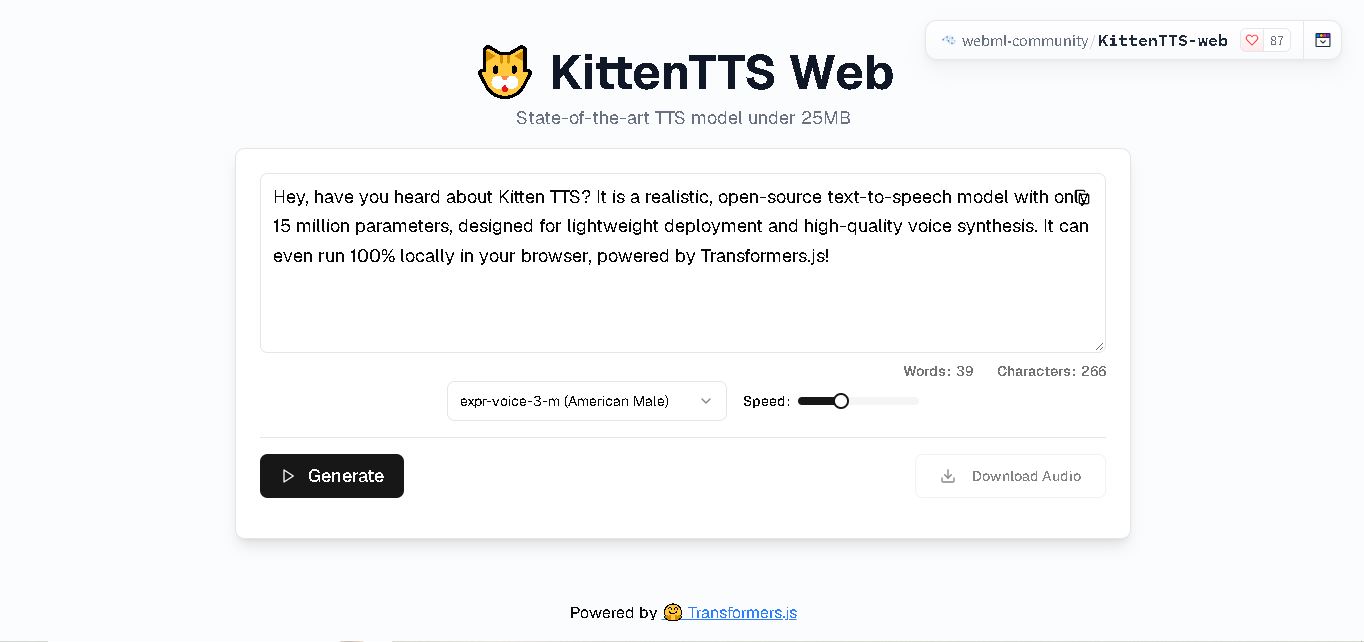
KittenTTS Web is a lightweight text-to-speech demo hosted on Hugging Face Spaces. It helps users explore how written text can be transformed into spoken audio using neural voice synthesis. The project is particularly relevant to developers, content creators, and accessibility-focused users interested in experimenting with compact speech generation technology directly through a web browser.
 4.9
4.9Parler-TTS
Text-to-Speech
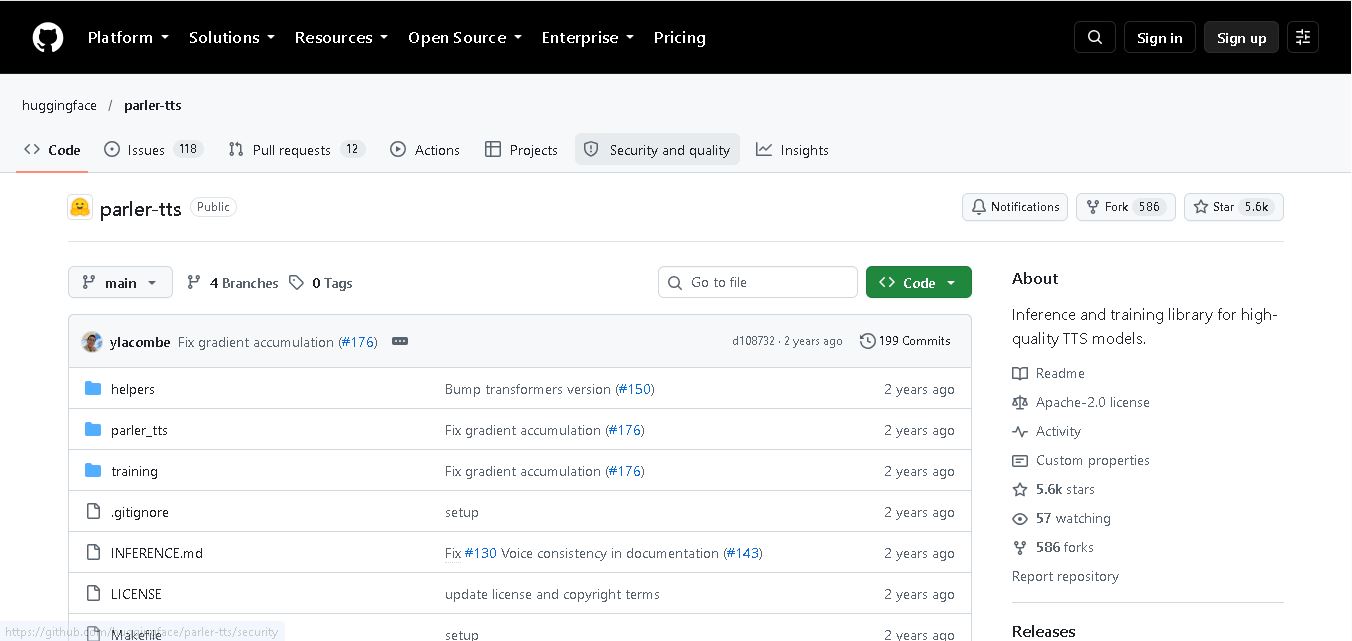
Parler-TTS is an open-source text-to-speech tool that transforms written content into natural-sounding audio. It lets developers describe voice characteristics using natural language, including pitch, speaking speed, and recording quality. With publicly available model weights, training resources, and customizable checkpoints, it supports experimentation, research, and tailored speech-generation applications across projects.
 4.9
4.9IMS Toucan
Text-to-Speech
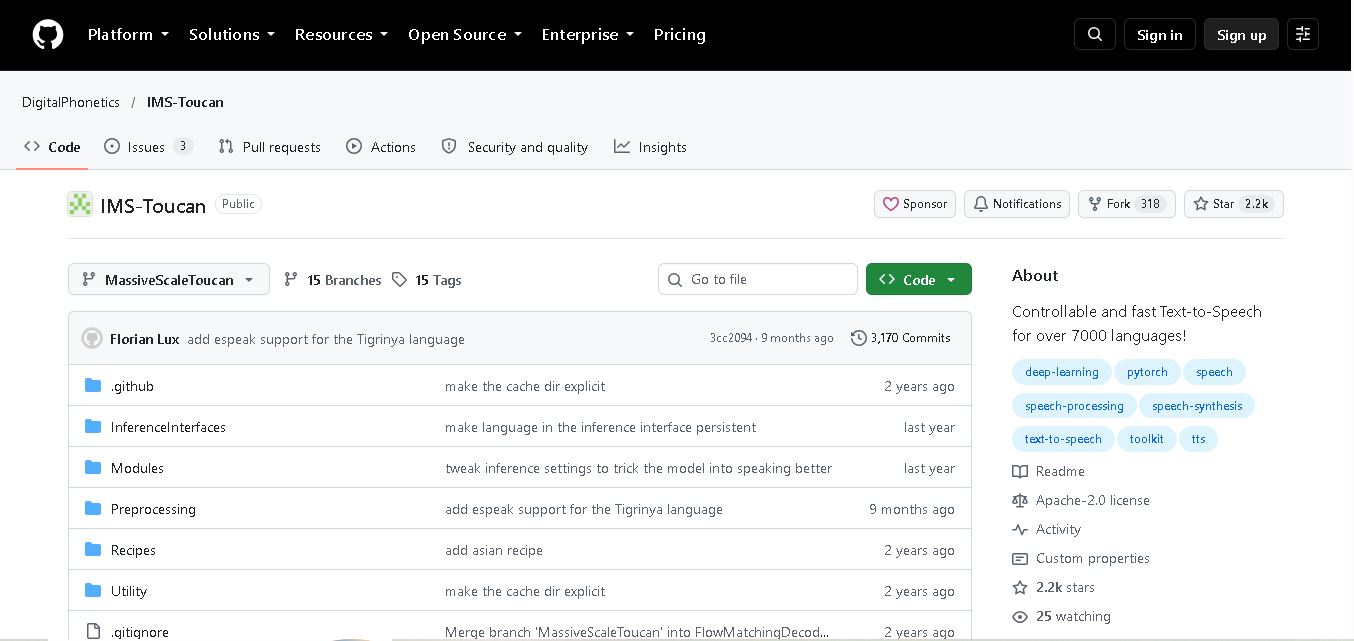
IMS Toucan is an open-source text-to-speech toolkit from the University of Stuttgart designed for multilingual speech generation. It converts text into audio and provides tools for inference, voice and prosody control, and model training. Supporting more than 7,000 languages, it serves developers and researchers exploring technology across linguistic contexts.
 4.8
4.8Verbatik
Text-to-Speech
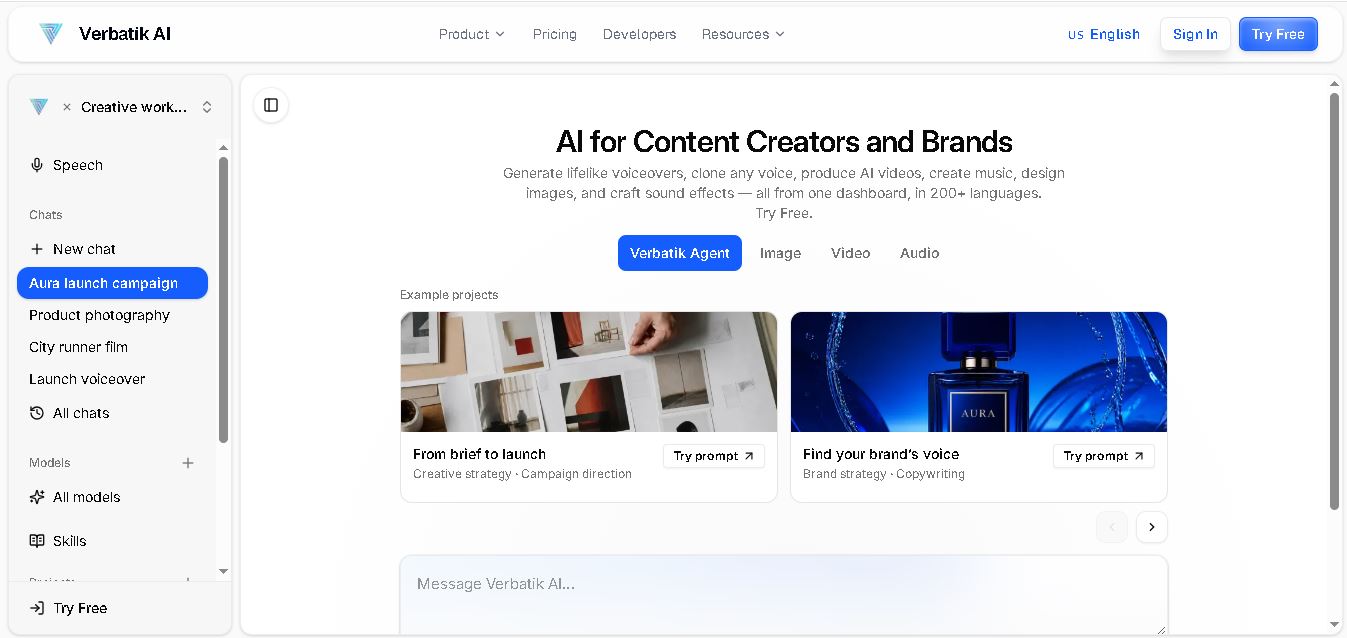
Verbatik AI helps users create realistic voiceovers, clone voices, generate music, and produce multimedia content using artificial intelligence. With multilingual speech, customizable voice settings, and developer APIs, it supports content creators, marketers, educators, and businesses. The platform simplifies audio production, video creation, and content localization from one workspace.
 4.8
4.8Narration Box
Text-to-Speech
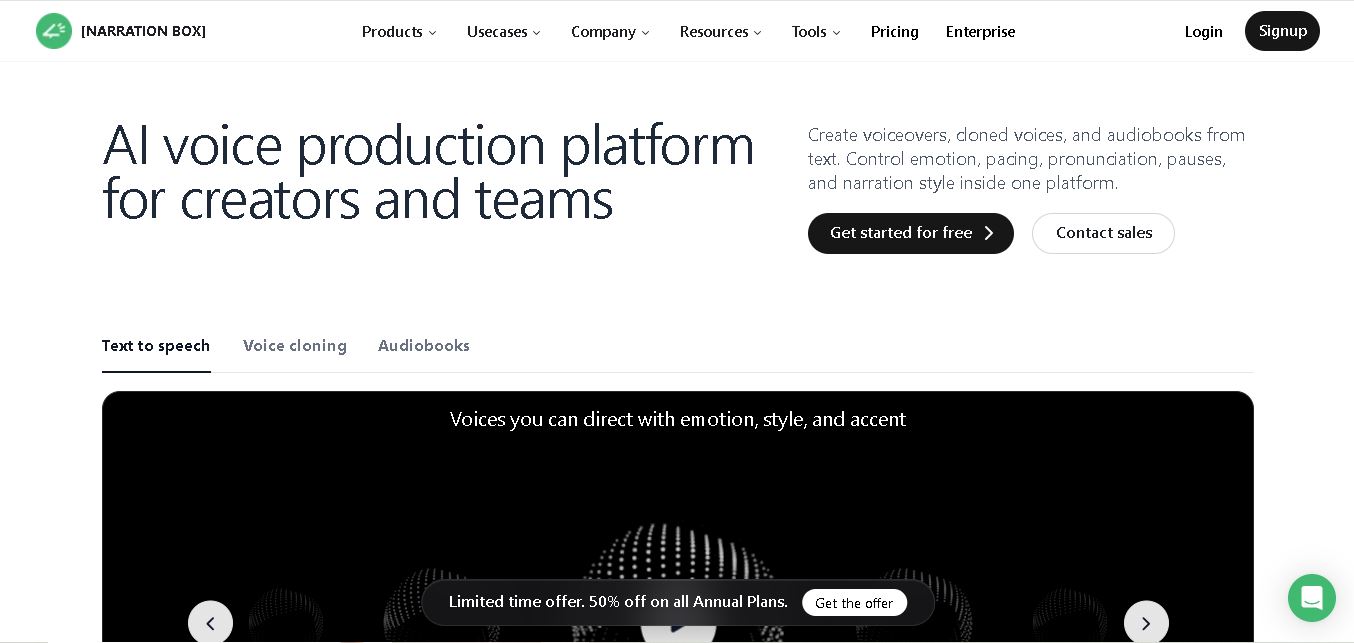
Narration Box is an AI voice generator for creating realistic voiceovers, audiobooks, podcasts, and educational audio from text. It offers over 1,500 AI narrators, 80+ languages and accents, voice cloning, and customizable emotional delivery. Its editing tools help creators produce consistent, multilingual audio content for personal and professional projects.
 4.7
4.7AudioBot
Text-to-Speech
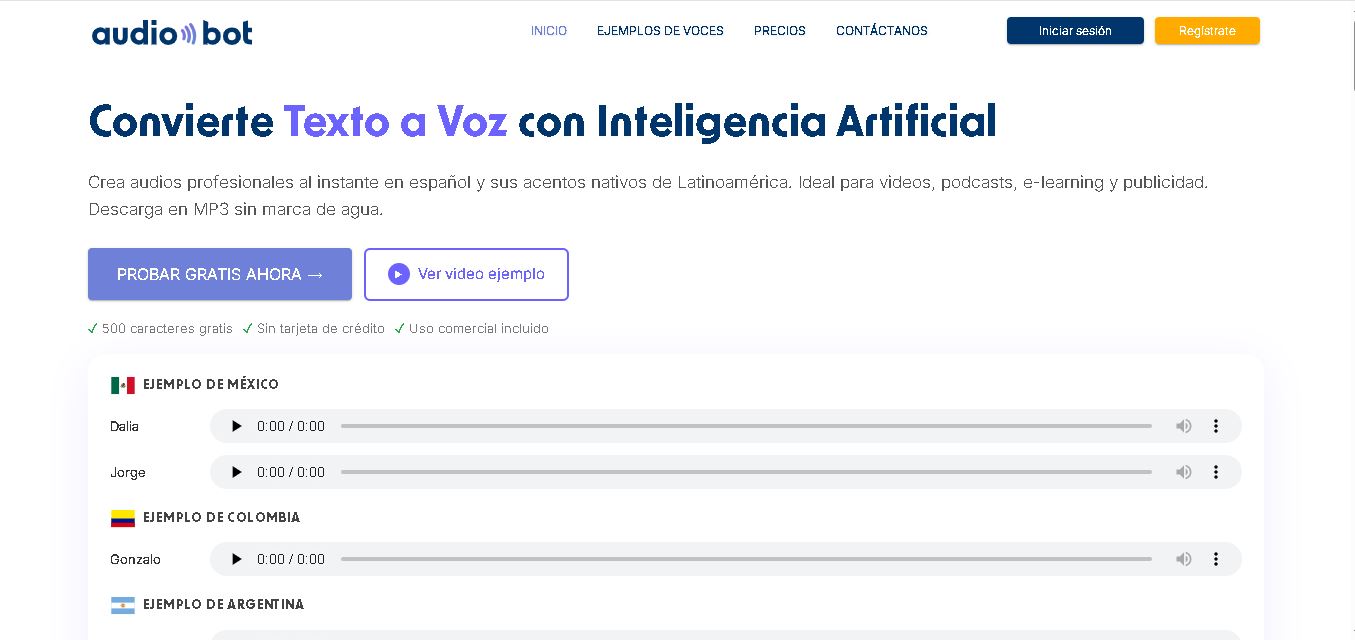
AudioBot converts written text into natural-sounding speech using AI-generated voices. It supports multiple languages and regional accents, making it useful for video voiceovers, presentations, educational materials, and audio content. Users can generate and download audio files, helping simplify narration workflows without requiring traditional recording equipment or voice talent.
 4.7
4.7Audie AI
Text-to-Speech
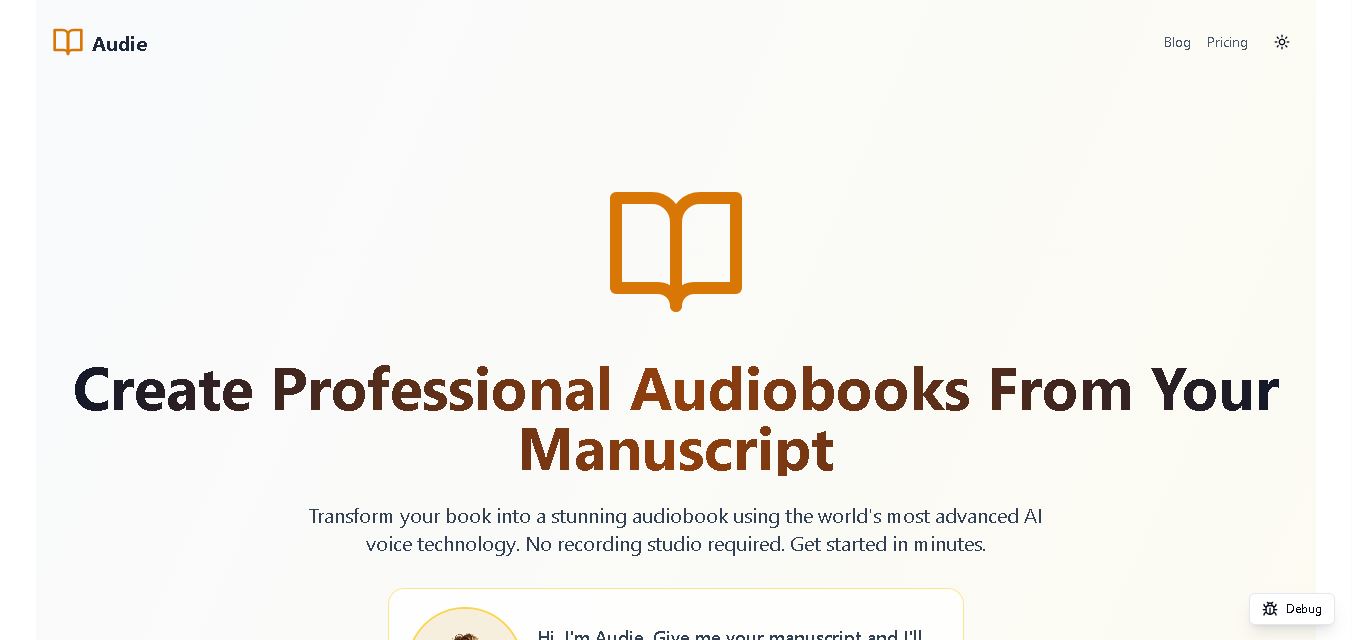
Audie AI is an audiobook creation tool that converts written manuscripts into narrated audio using AI-generated voices. It helps authors and publishers simplify production, explore different narration styles, and reduce reliance on traditional recording studios. With voice selection, advertised voice cloning, and downloadable audio, it supports more accessible audiobook creation for independent creators.
 4.6
4.6Speechelo
Text-to-Speech
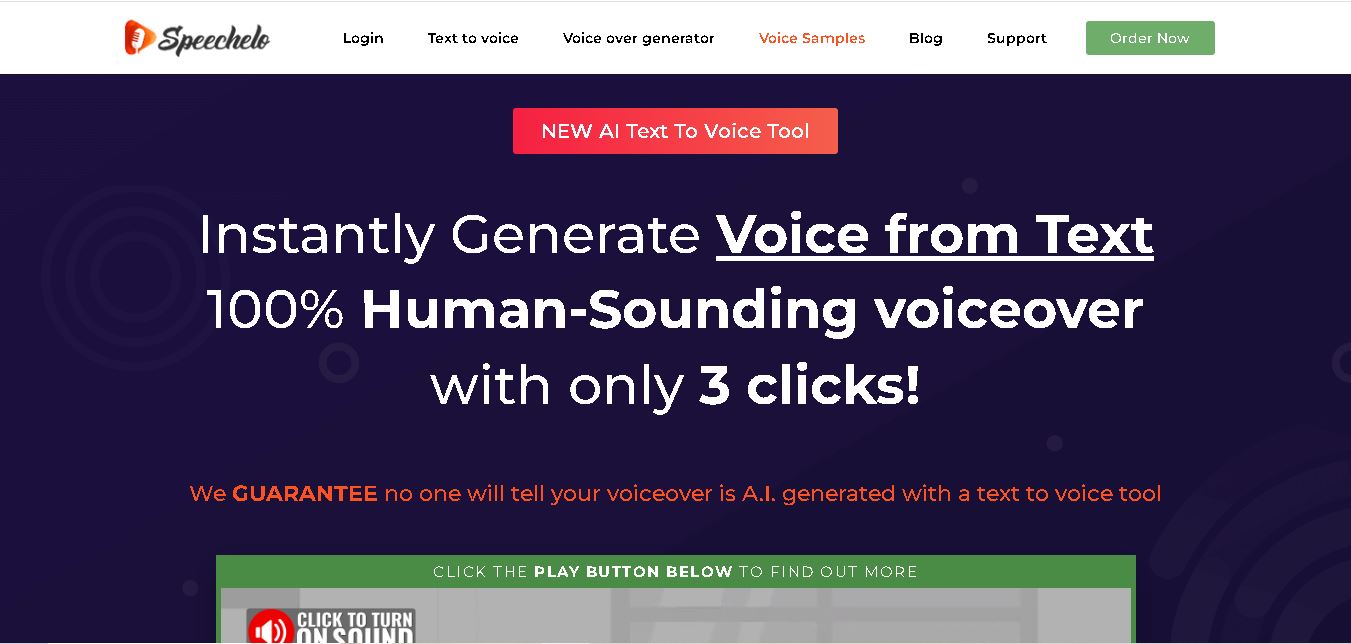
Speechelo is a text-to-speech tool designed to help creators turn written scripts into voiceovers. It offers different voices, languages, tones, and audio adjustments for creating narration. Video creators, educators, marketers, and content teams can use it to produce audio for tutorials, presentations, promotional videos, and other digital content projects.
 4.7
4.7Leelo AI
Text-to-Speech
Leelo AI helps you turn written content into natural-sounding speech without recording your own voice. You can choose from 800+ voices across 142 languages and accents, adjust available voice settings, generate audio, store files in the cloud, export recordings, and use generated speech commercially for different content and communication needs.