
Microsoft Designer
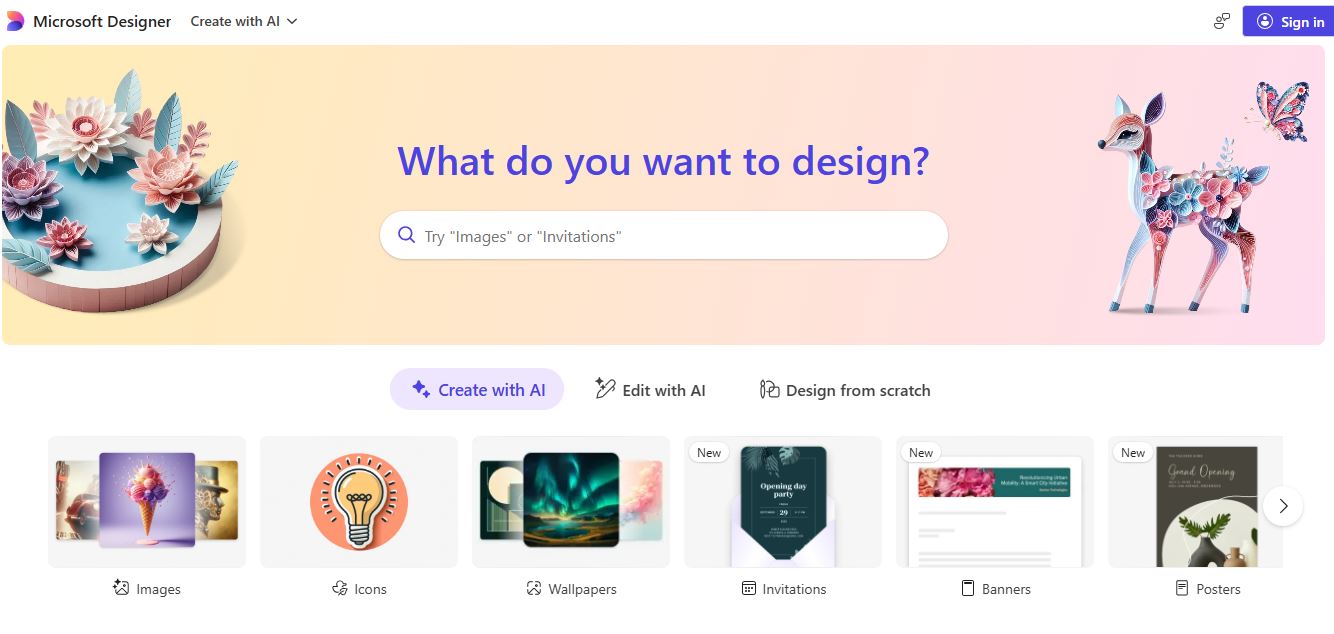
Microsoft Designer is an AI-powered design platform that helps users effortlessly create stunning visuals, social posts, and marketing content using intelligent design suggestions and image generation.
What is Microsoft Designer?
- Founders: Developed by Microsoft Corporation
- Launch Year: 2022
- Use Cases:
- Creating social media graphics
- Designing marketing materials and ads
- Generating AI-powered visuals and artwork
- Branding and content creation for small businesses
- Technology: Built using Microsoft’s AI framework and OpenAI’s DALL·E for text-to-image generation
Microsoft Designer is an AI-powered graphic design tool that helps users easily create professional visuals, social media posts, presentations, and marketing materials. It uses generative AI to suggest layouts, images, and text based on your input. With templates and smart editing features, Designer makes creative content creation fast, accessible, and visually appealing for everyone. Microsoft Designer is now integrated with Microsoft Copilot and DALL·E image generation so that anyone, regardless of experience, can create a professional design easily. Now you can save time, be more creative, and maintain consistency across platforms.
Microsoft Designer Video/Demo
Key Features
Microsoft Designer key features are
- AI-generated templates and layouts
- Microsoft 365 and Copilot integration
- DALL·E text-to-image generation
- Templates for social media and brands with customizations
- Suggested designs and layouts automatically
- Real-time collaboration and cloud savings
- Drag-and-drop design tool
Pricing
Microsoft Designer is included in Microsoft 365 subscriptions, and early users can utilize a preview before deciding to purchase a plan with premium features, templates, and AI image credits for professional use.
Disclaimer: For the latest and most accurate pricing information, please visit the official Microsoft Designer website.
Who is using Microsoft Designer?
A diverse range of users and organizations utilize Microsoft Designer
- Content creators
- Marketers
- Small businesses
- Educators
Microsoft Designer Alternatives
Some Microsoft Designer alternatives are
- Canva
- Adobe Express
- VistaCreate
- Fotor
- Crello
Conclusion
Microsoft Designer transforms digital creativity by incorporating design intelligence powered by artificial intelligence. Within minutes, Designer allows users to turn almost any elementary idea into a beautiful visual. As a visual content creation platform enriched with intuitive tools, smart integrations, and powered by AI, Designer is helping shape the future of visual content creation.
People are also reading:
FAQ
Is Microsoft Designer free to use?
Yes, Microsoft Designer offers a free preview version, with premium features available under Microsoft 365 plans.
Does Microsoft Designer use AI for image generation?
Yes, it integrates OpenAI’s DALL·E for generating unique, high-quality images from text prompts.
Can I use Microsoft Designer without design experience?
Absolutely. Designer is built for all skill levels and provides AI suggestions to simplify the creative process.
Does Microsoft Designer work with other Microsoft tools?
Yes, it seamlessly integrates with Microsoft 365, Copilot, and OneDrive for collaboration and storage.
What makes Microsoft Designer different from Canva?
Unlike Canva, Microsoft Designer offers advanced AI-powered suggestions and text-to-image creation, providing a more automated and intelligent design experience.
User Reviews
No reviews yet for Microsoft Designer.
Featured Tools
Featured AI tools from TechShark

Melody Genie
MelodyGenie is an AI-powered music generator that creates original songs from simple text prompts. Users can choose styles, moods, and genres, then instantly generate melodies and full tracks, making it easy for creators, marketers, and hobbyists to produce custom music without musical expertise.
Freemium

Kimi AI
Kimi AI is an advanced AI assistant developed by Moonshot AI that helps you chat, research, write, code, and automate tasks in one place. It supports web search, file analysis, and multimodal inputs, and can even run autonomous “agent” workflows to complete complex tasks end-to-end.
Freemium

Fashion Diffusion AI
Fashion Diffusion is an AI-powered fashion design platform that helps brands and designers create clothing designs, virtual try-ons, AI models, product photos, and marketing visuals faster and cost-effectively.
Paid

Veo 4
Veo 4 AI is an AI video creation platform that generates dramatic videos from text, images, audio, and video prompts using realistic motion and synchronized sound.
Paid
Alternatives
Alternatives to Microsoft Designer
Microsoft Designer is an AI powered design generation platform that enables users to craft professional-grade visuals and social media graphics instantly. It uses generative AI to simplify content creation for marketers, creators, and businesses.
 4.7
4.7ImgCreator AI
Image
ImgCreator AI is an AI-powered image generation tool that helps users create visuals from text prompts and reference images. It supports creative artwork, realistic portraits, product visuals, and image editing, making it useful for designers, marketers, content creators, and businesses seeking faster visual content production.
 4.8
4.8PitchBob
Presentation
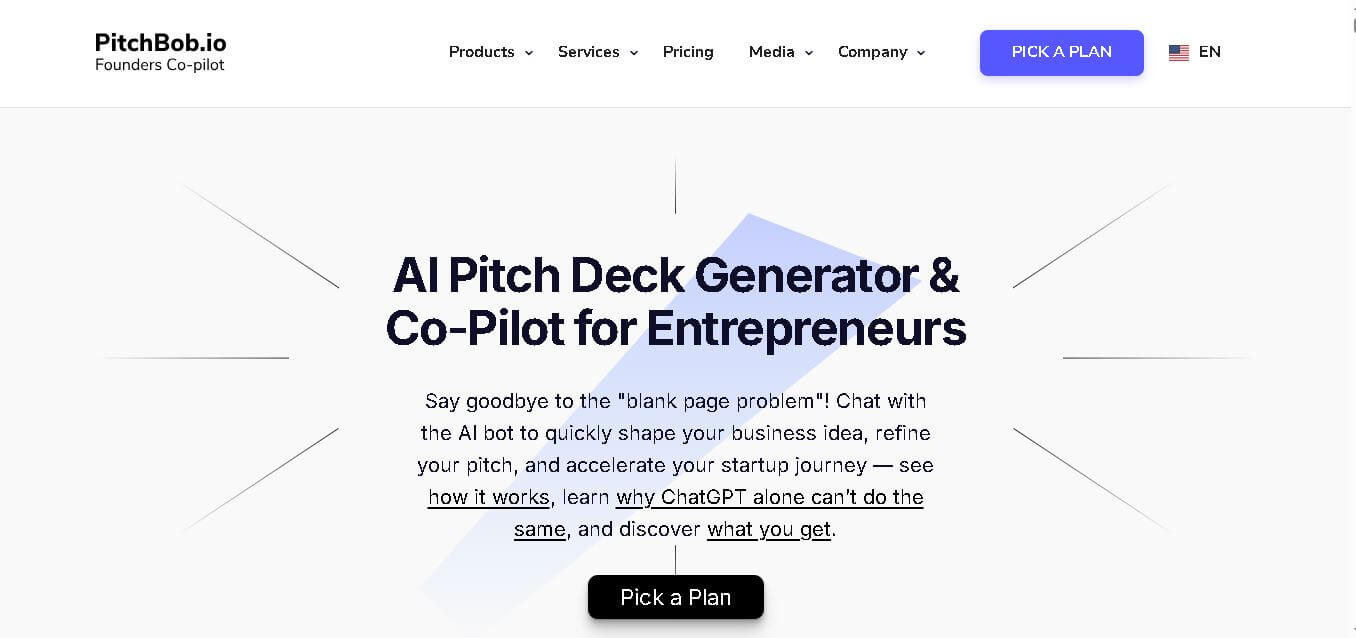
PitchBob.io helps entrepreneurs develop startup ideas and create pitch decks, investor letters, business plans, and executive summaries. Through guided AI conversations, it organizes business information, offers pitch feedback, and supports fundraising preparation. It is useful for founders who want structured startup documents without starting from a blank page.
Neural.love
AI Image Enhancer
Neural.love is an AI-powered creative platform for generating images, editing photos, enhancing videos, restoring old media, and animating pictures. It combines multiple AI tools in a browser-based workspace, helping content creators, marketers, photographers, designers, and businesses improve visual content without relying entirely on traditional editing software.
 4.9
4.9Bria AI
Image
Bria helps businesses and teams generate and edit visual content using controllable generative AI. Its capabilities cover image generation, product visuals, background editing, video workflows, and developer integrations. With licensed training data, attribution, provenance, and enterprise deployment options, Bria is positioned for businesses that need scalable, commercially focused visual AI.
 4.8
4.8Prisma AI
Image
Prisma AI turns everyday photos into artistic images with stylized filters and creative effects. It offers hundreds of art and portrait styles inspired by famous artists, allowing beginners to create distinctive visuals quickly. Users can capture or upload photos, apply a chosen style, and save or share the finished result.
 4.7
4.7Unwatermark
Image
Unwatermark.ai helps creators, marketers, photographers, and businesses remove watermarks, logos, text, people, and unwanted objects from images and videos. Its automatic detection handles quick edits, while the manual brush provides precise control over difficult areas. With browser-based processing, format support, previews, and free usage, it simplifies everyday visual cleanup.
 4.9
4.9invideo Nano Banana
Image
Nano Banana is an AI image generation and editing model by Google (Gemini family) that helps users create, modify, and refine visuals using natural language prompts. It supports 4K outputs, consistent characters, accurate text rendering, and real-time editing, enabling fast, production-ready creative workflows.
 4.8
4.8Banana Nano
Image
BananaNano (Nano Banana AI) is an AI-powered image generation and editing platform that lets users create visuals from text or edit photos using natural language. It supports multi-image fusion, character consistency, and up to 4K output, enabling fast, flexible visual creation without complex design tools.
 4.6
4.6Xavier AI
Presentation
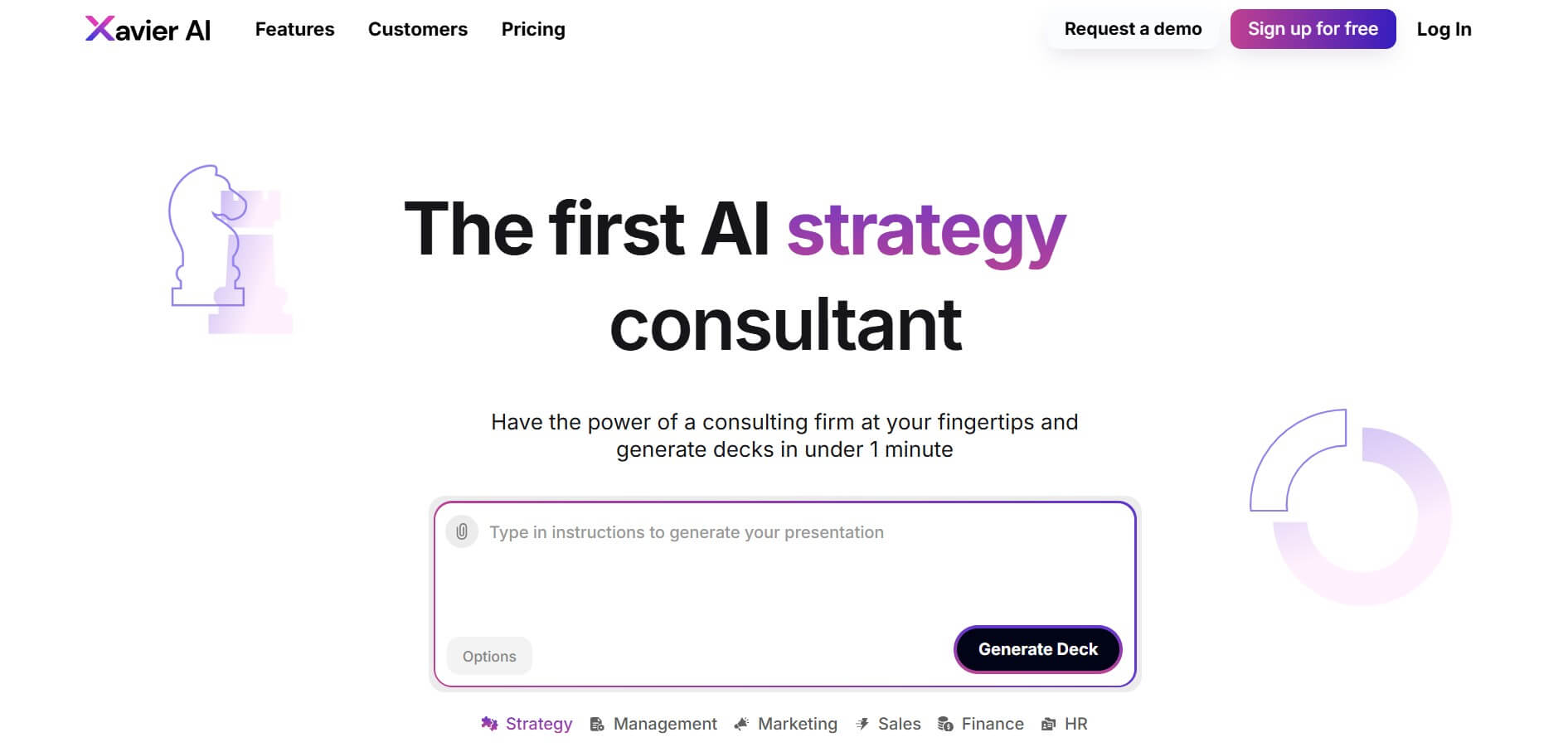
Xavier AI is a strategy-focused presentation tool designed to help professionals create consulting-style business decks quickly. It can transform prompts or uploaded documents into structured presentations, support market and competitive analysis, and provide sourced information. Users can also customize presentations to company branding and export finished decks to PowerPoint files.