
insMind
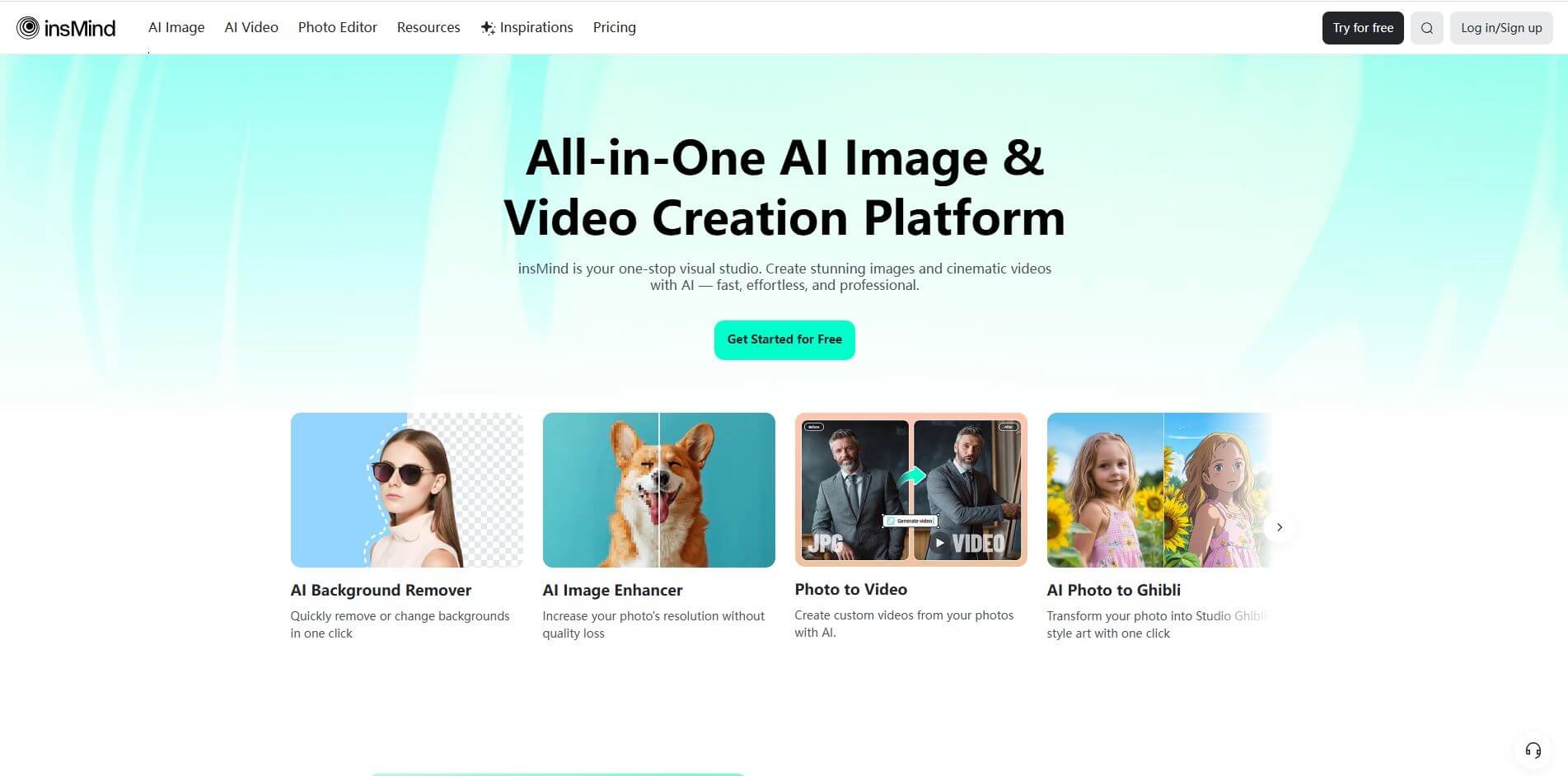
insMind is an all-in-one AI platform for image & video creation, editing, and enhancement using powerful tools that make visual content fast, simple, and professional.
What is insMind?
- Founder: Not publicly disclosed
- Launch: The exact launch date isn’t prominently provided on the site.
- Use Cases: Creating high-quality visuals for e-commerce product photos, generating images and videos for social media and marketing content, enhancing and retouching both personal and professional photos, and producing professional-looking images and videos without the need to hire designers.
- Technology: insMind uses AI/ML-based image generation and video generation models, along with algorithms for super-resolution, object removal, background removal/changing, style transforms, and template-based video/video from text/image workflows.
insMind is an AI-powered image editing platform that combines a complete visual studio online, where people can simply generate and edit images and videos with AI. Whether you choose to start with a text prompt, upload a photo, or reference an existing image, insMind can help you create images such as professional headshots, promotional graphics, cinematic short videos, or stylized art in just minutes! The core features of the platform include one-click integration to remove or replace backgrounds, upscale image resolution without losing quality, expand or create backgrounds for images ("outpainting"), remove unwanted objects, and use artistic styles or templates! Their video tools allow you to animate photos, generate video content from text and images, and have available templates to speed up production! The platform prides itself on speed, user-friendliness, and quality—and intends to deliver results close to a professional design tool while eliminating the learning curve! Because of that, insMind is used by beginners and professionals who want to produce unique, professional-esque visuals affordably and efficiently!
People are also reading
FAQ
Is inMind easy to use for someone with no design experience?
Yes. The interface is intuitive, and many tools are one-click or template-based, so you can create polished visuals without knowing complex design software.
What do I need to start using insMind?
You need a web browser (or use their app if available), an internet connection, and optionally images or text prompts. You don’t need advanced editing skills.
Can I generate videos from images or text prompts?
Yes. insMind supports the generation of videos from text or from still images, using templates and AI models to animate or produce video content.
Are there tools for retouching, removing backgrounds, or upscaling images?
Absolutely. Features include background removal, magic eraser, image enhancer (super-resolution), expanding image canvas, and more.
Is inMind suitable for commercial or business-use projects?
Yes. It’s useful for business owners, content creators, and marketing professionals to produce visuals for e-commerce, promotion, social media, branding, etc., saving time and cost compared to traditional design workflows.
User Reviews
No reviews yet for insMind.
Featured Tools
Featured AI tools from TechShark

Melody Genie
MelodyGenie is an AI-powered music generator that creates original songs from simple text prompts. Users can choose styles, moods, and genres, then instantly generate melodies and full tracks, making it easy for creators, marketers, and hobbyists to produce custom music without musical expertise.
Freemium

Kimi AI
Kimi AI is an advanced AI assistant developed by Moonshot AI that helps you chat, research, write, code, and automate tasks in one place. It supports web search, file analysis, and multimodal inputs, and can even run autonomous “agent” workflows to complete complex tasks end-to-end.
Freemium

Fashion Diffusion AI
Fashion Diffusion is an AI-powered fashion design platform that helps brands and designers create clothing designs, virtual try-ons, AI models, product photos, and marketing visuals faster and cost-effectively.
Paid

Veo 4
Veo 4 AI is an AI video creation platform that generates dramatic videos from text, images, audio, and video prompts using realistic motion and synchronized sound.
Paid
Alternatives
Alternatives to insMind
insMind is an AI-powered design platform that lets anyone transform photos, text prompts, or simple reference images into polished visuals—images, videos, backgrounds, headshots—with tools to upscale, remove backgrounds, erase objects, expand canvas, and more, without needing advanced editing skills.
 4.7
4.7ImgCreator AI
Image
ImgCreator AI is an AI-powered image generation tool that helps users create visuals from text prompts and reference images. It supports creative artwork, realistic portraits, product visuals, and image editing, making it useful for designers, marketers, content creators, and businesses seeking faster visual content production.
Neural.love
AI Image Enhancer
Neural.love is an AI-powered creative platform for generating images, editing photos, enhancing videos, restoring old media, and animating pictures. It combines multiple AI tools in a browser-based workspace, helping content creators, marketers, photographers, designers, and businesses improve visual content without relying entirely on traditional editing software.
 4.9
4.9Bria AI
Image
Bria helps businesses and teams generate and edit visual content using controllable generative AI. Its capabilities cover image generation, product visuals, background editing, video workflows, and developer integrations. With licensed training data, attribution, provenance, and enterprise deployment options, Bria is positioned for businesses that need scalable, commercially focused visual AI.
 4.8
4.8Prisma AI
Image
Prisma AI turns everyday photos into artistic images with stylized filters and creative effects. It offers hundreds of art and portrait styles inspired by famous artists, allowing beginners to create distinctive visuals quickly. Users can capture or upload photos, apply a chosen style, and save or share the finished result.
 4.7
4.7Unwatermark
Image
Unwatermark.ai helps creators, marketers, photographers, and businesses remove watermarks, logos, text, people, and unwanted objects from images and videos. Its automatic detection handles quick edits, while the manual brush provides precise control over difficult areas. With browser-based processing, format support, previews, and free usage, it simplifies everyday visual cleanup.
 4.9
4.9invideo Nano Banana
Image
Nano Banana is an AI image generation and editing model by Google (Gemini family) that helps users create, modify, and refine visuals using natural language prompts. It supports 4K outputs, consistent characters, accurate text rendering, and real-time editing, enabling fast, production-ready creative workflows.
 4.8
4.8Banana Nano
Image
BananaNano (Nano Banana AI) is an AI-powered image generation and editing platform that lets users create visuals from text or edit photos using natural language. It supports multi-image fusion, character consistency, and up to 4K output, enabling fast, flexible visual creation without complex design tools.
 4.9
4.9Elasticsearch
E-commerce
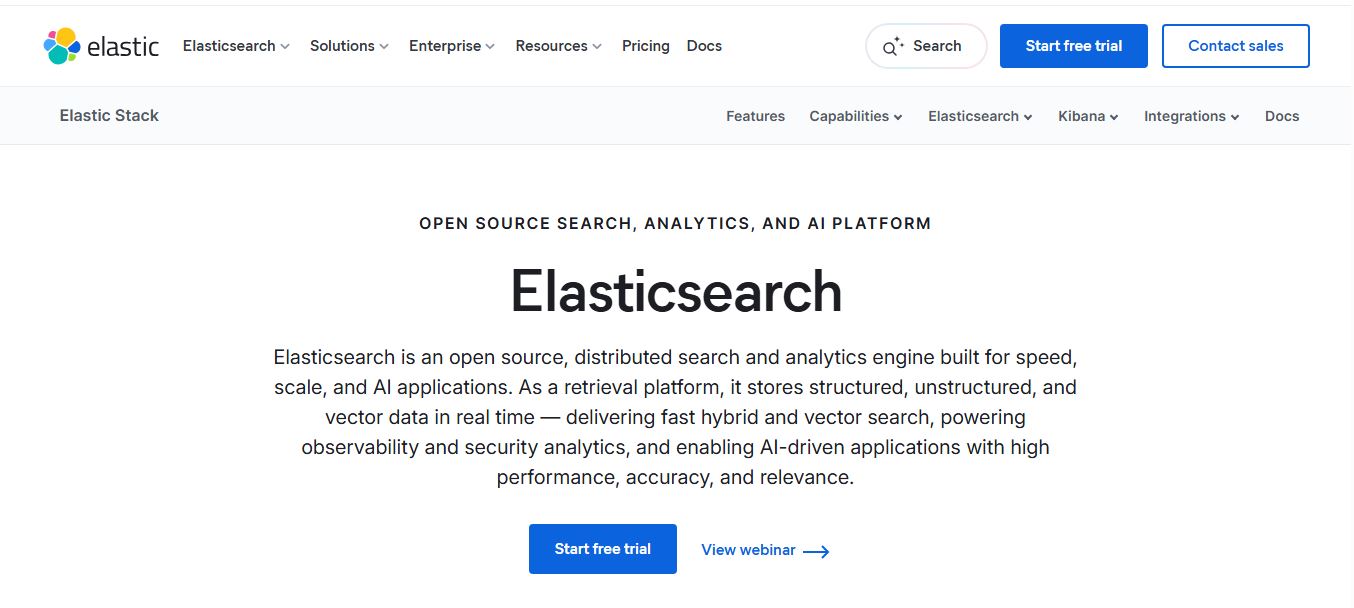
Elasticsearch is an open-source, distributed search and analytics engine that helps teams store, search, and analyze structured, unstructured, and vector data in real time. It powers full-text search, AI-driven applications, and large-scale analytics with high speed, relevance, and scalability across cloud or on-prem environments.
 4.9
4.9Bloomreach
E-commerce
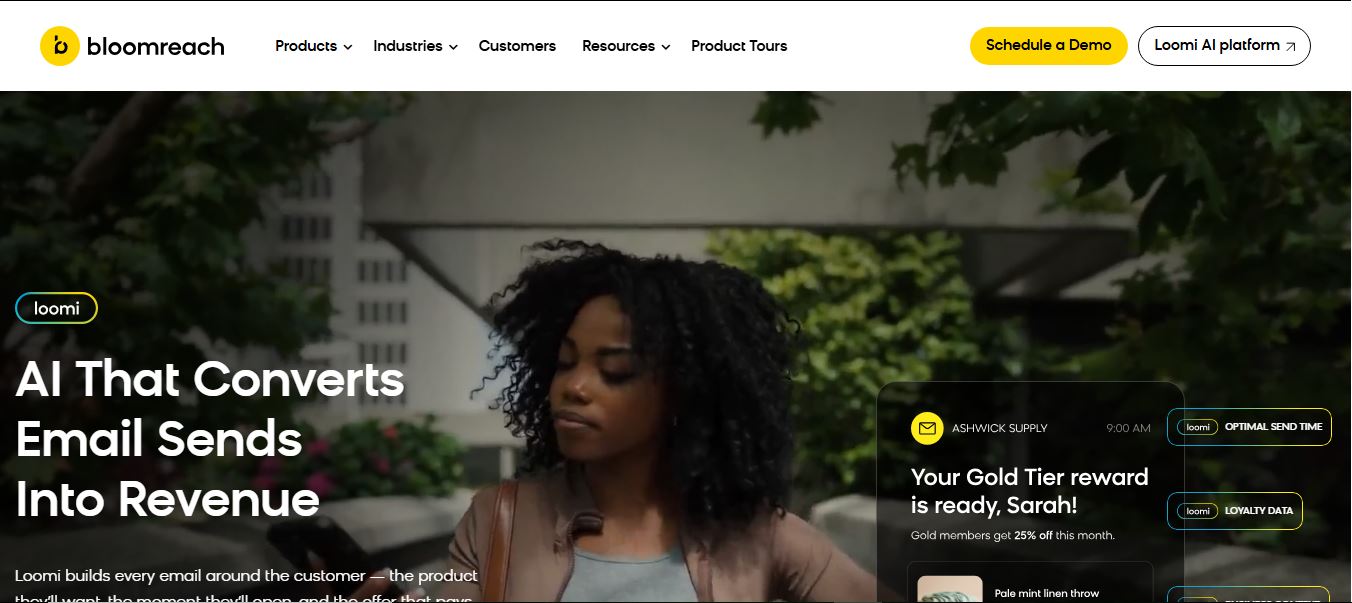
Bloomreach is an AI-powered ecommerce experience platform that helps businesses deliver personalized marketing, search, and shopping experiences across channels. It unifies customer and product data, uses Loomi AI for real-time decisioning, and automates campaigns, enabling brands to increase conversions, engagement, and revenue.