
Mapify
Mapify is an AI-powered mind mapping tool that turns documents, videos, and audio into clear, visual mind maps for easier understanding.
What is Mapify?
- Launch Year: 2024
- Formerly Known As: ChatMind
- Core Functionality: AI-powered mind mapping
- Pricing Plans: Free, $9.99/month
- Recent Enhancements: Integration with GPT-4 and Claude 3.5 for advanced AI capabilities; real-time collaboration; and customizable templates.
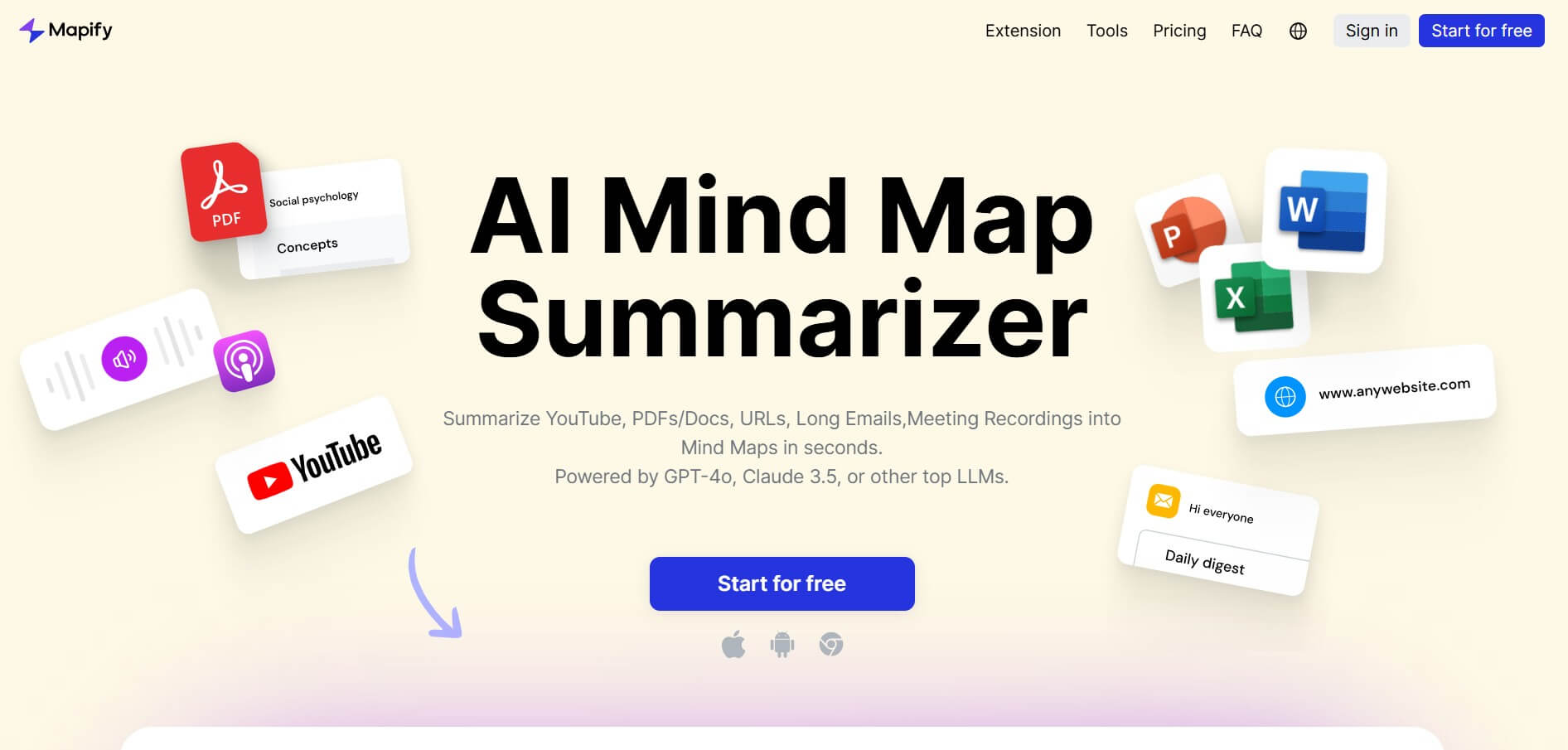
Mapify is an AI-powered mind mapping tool that generates organized, visual mind maps from various kinds of content, including Word documents, PDFs, PowerPoint presentations, YouTube videos, audio recordings, and web pages. Previously known to as ChatMind, Mapify uses cutting-edge AI models like GPT-4 and Claude 3.5 to gather important insights from complex things, enabling effective information processing and understanding. Real-time collaboration, support for more than 30 languages, customizable templates, and the ability to turn mind maps into presentation slides are a few of the main features. Mapify, designed for professionals, students, and content manufacturers, increases productivity by streamlining the learning, project planning, and brainstorming processes.
Mapify Video/Demo
Mapify Key Features
Mapify's key features are
- AI-Powered Summarization: Mapify easily condenses complex content into concise mind maps.
- Multi-Format Support: Mapify handles documents, websites, audio files, videos, and images with ease.
- Interactive Chat: Mapify uses a human-like chat interface to interact with mind maps.
- Export Options: Mapify saves mind maps in various formats for sharing and collaboration.
- Text-to-Image Generation: Mapify transforms text descriptions into eye-catching visuals to improve mind maps' visual appeal.
Pricing
Mapify offers both free and paid plans
Basic Plan:
- The plan starts at $5.99 per month
- Offers instant models for quick mind maps
- Offers summarize PDFs/documents
- Allows for summarizing YouTube videos
- Allows export to PDF, Markdown, or SVG formats
Pro Plan:
- The plan starts at $11.99 per month
- Offers instant models for quick mind maps
- Offers summarize PDFs/documents
- Allows for summarizing YouTube videos
- Allows export to PDF, Markdown, or SVG formats
- Offers a model for deeper analysis
- Allows summarizing audio files or voice recordings
- Allows summarizing content from images
Disclaimer: For the latest and most accurate pricing information, please visit the official Mapify website.
Who Is Using Mapify?
A diverse range of users and organizations utilize Mapify
- Students
- Educators
- Researchers
- Business
- Content Creators
- Project Managers
Mapify Alternatives
Some Mapify alternatives are
- Mindmap AI
- ConceptMap AI
- MyMap.AI
- GitMind
- Xmind AI
Conclusion
Mapify is a powerful AI-powered mind map tool for generating mind maps that are easy to understand and visually represent complex information. As it can handle a wide range of content forms, including PDFs, videos, music, and web pages, it is an important tool for professionals, students, and content creators who want to better organize and understand information. Mapify allows better communication and decision-making while increasing productivity with features including real-time collaboration, multilingual support, and simple export options. Whether used for project planning, brainstorming, or learning, Mapify simplifies cognitive processes and provides a more intelligent, visual method of interacting with information in the modern, information-rich environment.
Also Check:
User Reviews
No reviews yet for Mapify.
Featured Tools
Featured AI tools from TechShark

Melody Genie
MelodyGenie is an AI-powered music generator that creates original songs from simple text prompts. Users can choose styles, moods, and genres, then instantly generate melodies and full tracks, making it easy for creators, marketers, and hobbyists to produce custom music without musical expertise.
Freemium

Kimi AI
Kimi AI is an advanced AI assistant developed by Moonshot AI that helps you chat, research, write, code, and automate tasks in one place. It supports web search, file analysis, and multimodal inputs, and can even run autonomous “agent” workflows to complete complex tasks end-to-end.
Freemium

Fashion Diffusion AI
Fashion Diffusion is an AI-powered fashion design platform that helps brands and designers create clothing designs, virtual try-ons, AI models, product photos, and marketing visuals faster and cost-effectively.
Paid

Veo 4
Veo 4 AI is an AI video creation platform that generates dramatic videos from text, images, audio, and video prompts using realistic motion and synchronized sound.
Paid
Alternatives
Alternatives to Mapify
Mapify is an AI-powered mapping and travel planning platform that helps users create, explore, and share personalized travel maps and itineraries. It offers route optimization, location tagging, and social sharing. Top alternatives include Google Maps, Roadtrippers, TripIt, Wanderlog, and Mapstr for trip planning and route management.
 4.7
4.7Quinvio AI
Productivity
Quinvio AI helps you turn ideas, scripts, blogs, or web content into polished video presentations. You can refine messaging, choose branded templates, add AI avatars and voiceovers, and produce shareable visual content without traditional recording or editing workflows. It is especially useful for marketers, educators, trainers, creators, and business teams.
 4.9
4.9HubSpot
Marketing
HubSpot is an AI-powered customer platform that helps businesses manage marketing, sales, customer service, and content in one place. It offers a free CRM, automation tools, analytics, and AI features, enabling teams to attract leads, close deals, and deliver better customer experiences at scale.
 4.9
4.9TestSprite
Testing
TestSprite is an AI-powered software testing agent that helps developers automatically generate, run, and fix end-to-end tests for web apps. It simulates real user behavior, detects issues, and provides root-cause insights with suggested fixes, enabling faster releases and more reliable software without manual QA effort.
 4.8
4.8Microsoft Copilot
Productivity
Microsoft Copilot is an AI-powered assistant that helps users write, research, analyze data, and automate tasks across apps like Word, Excel, Outlook, and Teams. It combines large language models with real-time data to generate content, answer questions, and improve productivity across personal and professional workflows.
 4.9
4.9Casablanca AI
Productivity
Casablanca AI is an AI-powered virtual camera that corrects your gaze in real time during video calls, making it appear like you’re maintaining natural eye contact. It works with tools like Zoom and Teams, improving trust, engagement, and communication without needing extra hardware.
 4.9
4.9Granola
Productivity
Granola is an AI-powered meeting assistant that helps you capture, organize, and act on conversations without losing focus. It listens to meetings, turns notes into structured summaries, and generates action items and follow-ups automatically—so you stay present while everything important is documented and ready to use.
 4.8
4.8AI Perfect Assistant
Productivity
AI Perfect Assistant brings AI assistance directly into everyday work applications. It helps users write emails, improve documents, summarize content, translate text, create presentations, generate SEO content, explain Excel formulas, and handle repetitive tasks through 60+ specialized tools and multiple integrations for everyday professional and business workflows with less effort.
 4.8
4.8AI Submit
Productivity
AI Submit is an automated directory submission and SEO distribution platform that allows AI startup founders and developers to submit their artificial intelligence tools to dozens of top AI directories simultaneously for backlink building and traffic growth.
 4.9
4.9Kroolo
Project Management
Kroolo is an AI-powered productivity and project management platform that helps teams plan tasks, track progress, and collaborate in one place. It combines project tracking, document management, and AI assistance to streamline workflows, automate routine work, and improve team efficiency across projects.