Noteey
Noteey is a visual knowledge and note-taking workspace built around an infinite canvas. You can combine notes, images, PDFs, videos, audio, mind maps, sketches, and web links in one place. Its offline-first approach makes it useful for research, brainstorming, second-brain building, creative writing, visual learning, presentations, and organizing complex information.
What is Noteey?
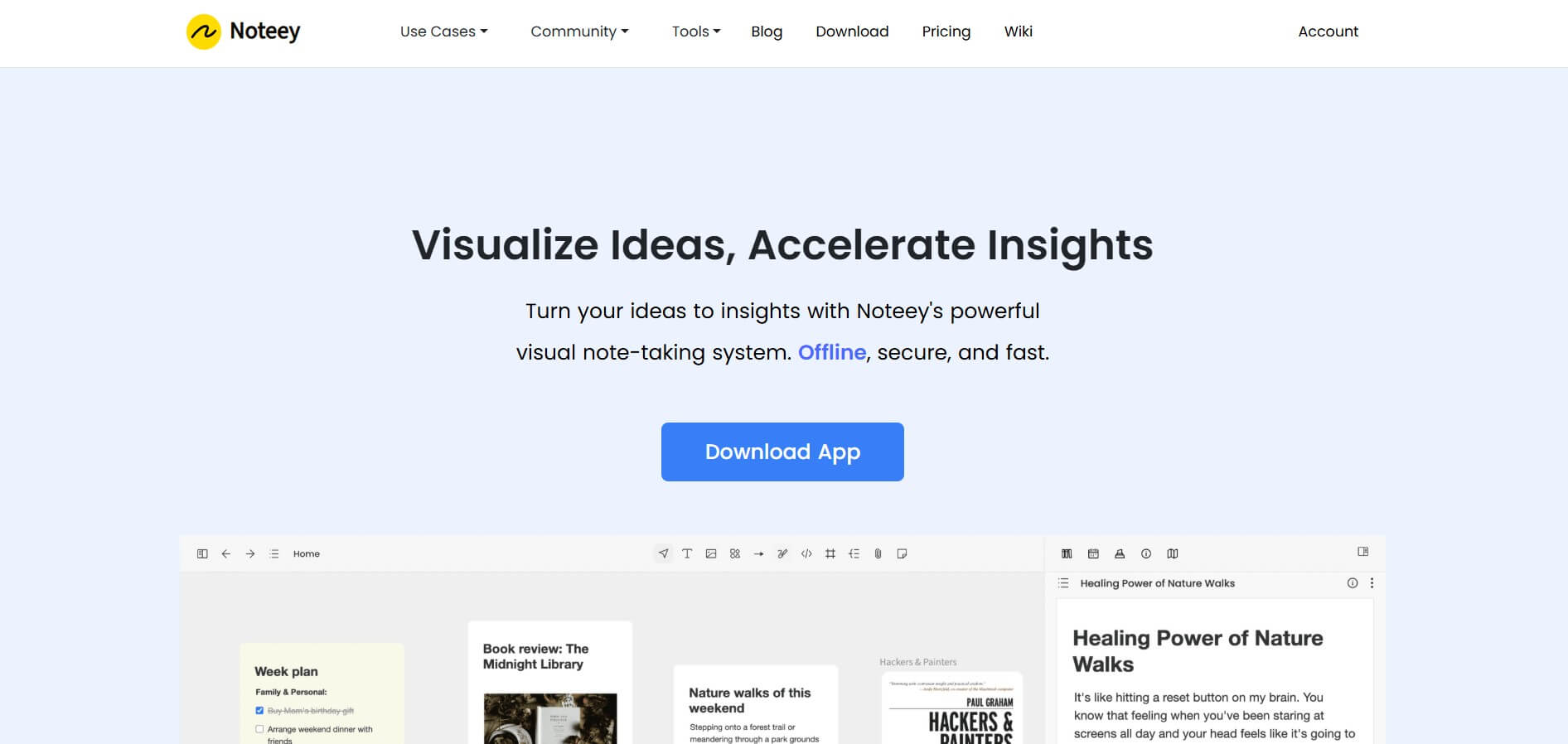
Noteey is a visual note-taking and knowledge management tool that combines an infinite canvas with cards, PDFs, images, videos, audio, mind maps, drawings, and web content. It helps users connect information visually, annotate research, capture time-stamped media notes, build knowledge bases, and organize complex ideas. Noteey also supports offline-first work.
Noteey offers a free plan with up to 3 projects and 100 cards, plus annotation for 3 PDFs and 3 videos or audio files. Desktop Pro costs $99 as a lifetime license for up to 4 devices, while Pro Plus costs $159 for 8 devices. Premium plans start at $10 monthly or $90 yearly. Noteey supports offline storage, PDF annotation, OCR, video notes, deep linking, presentations, and third-party syncing. No account is required for the free core experience for everyone.
- Platform Role: Visual Note-Taking, Infinite Canvas Workspace & Personal Knowledge Base
- Developer & Organization: Noteey
- Cross-Platform Access: Desktop App (macOS & Windows), Web App, and Offline File Export
Use Cases:
- Creating interactive visual study guides, mind maps, and concept diagrams for complex academic subjects
- Annotating PDFs, audio files, and YouTube videos with time-stamped notes side-by-side on a visual board
- Building reusable card libraries and interconnected knowledge networks across multiple whiteboards
- Drafting research outlines, project visual boards, and presentation slides in a flexible canvas space
- Maintaining a private, offline-first personal database of ideas, web clips, and visual notes
Technology:
- Infinite Canvas rendering engine supporting nested boards, floating annotation windows, and drag-and-drop objects
- Local-first storage architecture, keeping all files and project databases securely stored on the device
- Built-in OCR (Image to Text) engine and automated YouTube transcript extraction tools
- Card library system allowing visual elements, cards, and media assets to be reused across boards
Target Users:
- Students, researchers, and academics conducting deep research and visual note-taking
- Visual thinkers, writers, and strategists seeking an alternative to rigid text-based note apps
- Privacy-conscious creators who prefer local, offline-first software without mandatory cloud lock-in
Acquisition: Free app download, Desktop Pro licenses, and cloud subscription options available at noteey.com.

What are the key features of Noteey?
Noteey's key platform features are
- Infinite Visual Canvas: Organize text, sticky notes, web links, sketches, mind maps, and media files without canvas boundaries.
- Floating Media & PDF Annotator: Open and annotate multiple PDFs, audio tracks, and videos simultaneously using floating windows.
- Time-Stamped Video & Audio Notes: Take contextual notes linked to exact playback timestamps across video and audio recordings.
- Card Library & Reuse: Maintain a central library of notes, quotes, and research cards that can be embedded into multiple boards.
- Local & Offline-First Security: Store all project files locally on your computer with full control over data privacy.
- Built-in AI & OCR Tools: Built-in optical character recognition (OCR) for images and AI text summarization tools.
How much does Noteey cost?
Noteey provides a free tier alongside one-time lifetime license purchases for desktop applications and optional subscription tiers.
Free Edition:
- Free Plan ($0): Includes up to 3 projects, 100 cards, PDF/media annotations (up to 3 files), and offline features without sign-up.
Desktop One-Time Licenses:
- Desktop Pro ($99 one-time): Includes 4 device seats (macOS/Windows), unlimited local projects, local import/export, OCR, and laser pointer.
- Desktop Pro Plus ($159 one-time): Designed for power users, offering 8 device seats, unlimited local projects, custom fonts, OCR, and team license sharing.
Premium Cloud Plans:
- Monthly / Yearly Premium ($10/mo or $90/yr): Adds unlimited web publishing, unlimited YouTube transcripts, and priority support.
Disclaimer: Plan structures, lifetime licenses, and pricing options are subject to change. Visit noteey.com/pricing for current details.
Who should use Noteey?
Noteey is designed for visual learners and researchers, including
- Students & Academics: Users digesting dense PDF textbooks, lecture recordings, and complex research papers.
- Visual Thinkers & Designers: Creators who struggle with rigid linear document structures and prefer canvas organization.
- Privacy-Conscious Researchers: Professionals who want local control over their personal notes without requiring cloud connections.
What are the best alternatives to Noteey?
Some of the strongest Noteey alternatives include
- Obsidian
- Milanote
- Miro
- Heptabase
- AFFiNE
What are the pros and cons of Noteey?
What are the pros of Noteey?
- Offline-first, local file storage ensures fast performance and data privacy
- Seamless time-stamped video and PDF annotation inside a unified visual workspace
- Card Library enables reusing elements across multiple canvas boards
- Affordable one-time lifetime license option for desktop users
What are the cons of Noteey?
- Free plan limits project counts and card creation threshold
- Real-time cloud multi-user collaboration is less developed compared to cloud-first platforms like Miro
- Advanced web publishing features require a cloud plan upgrade
Why should you choose Noteey?
Traditional note-taking tools often force ideas into rigid linear text files, while cloud whiteboards like Miro can feel bloated and lack offline privacy. Noteey bridges this gap by offering a personal, offline-first visual knowledge workspace. With floating PDF and video annotation windows, cross-board card reuse, and local data ownership, Noteey provides an ideal canvas for visual research.
How does Noteey compare to competitors?
While Milanote and Miro rely heavily on active cloud subscriptions and continuous web connections, Noteey emphasizes offline privacy, lifetime ownership licenses, and specialized PDF/video research annotation features.
| Feature / Platform | Noteey | Milanote | Obsidian Canvas | Miro |
|---|---|---|---|---|
| Primary Storage Model | Offline-First Local Files | Cloud SaaS | Local Markdown Files | Cloud SaaS |
| Video/PDF Annotation | Time-Stamped Floating Windows | Basic Embeds | Community Plugins | Basic File Views |
| Card Library Reuse | Native Central Library | Board Level Only | Internal Links | Board Level Only |
| Lifetime License Option | Yes (Desktop License) | No (Subscription) | Free Core App | No (Subscription) |
How do we rate Noteey?
| Parameter | Rating (out of 5) |
|---|---|
| Visual Canvas & UX Design | 4.8 |
| PDF & Video Annotation Capabilities | 4.9 |
| Offline Performance & Privacy | 4.9 |
| Knowledge Management & Card Reuse | 4.7 |
| Value for Money | 4.8 |
| Overall Score | 4.82 |
What is our review and verdict on Noteey?
Noteey is an impressive visual research tool for students, researchers, and visual thinkers. By offering offline-first privacy, flexible floating annotation windows, and a reusable card system, it delivers a powerful personal canvas that makes organizing complex knowledge enjoyable and intuitive.
Conclusion
Noteey is a strong choice if you prefer visual thinking over traditional linear note-taking. Its infinite canvas, offline-first workflow, PDF annotation, media notes, mind maps, and knowledge-base features make it useful for research and creative projects. The free plan is a practical starting point, while paid licenses add greater capacity and productivity features. Consider Noteey when privacy, local data storage, and flexible visual organization matter to your workflow.
FAQ
What can I use Noteey for?
Noteey is designed for visual note-taking, research, brainstorming, second-brain building, creative writing, mood boards, flowcharts, mind maps, and PDF annotation. You can place text, images, links, documents, videos, audio, and drawings on one infinite canvas, then connect ideas visually instead of keeping information separated across multiple applications regularly across projects.
Is Noteey free to use?
Yes. Noteey has a free plan that supports up to 3 projects, 100 cards, annotation for up to 3 PDFs, and annotation for up to 3 videos or audios. The core experience is available without an account or signup, making it easy to test before deciding whether paid features are required.
Is my data secure with Noteey?
Noteey uses an offline-first approach, storing your data on your device for core usage. The company states that it cannot access locally stored data. If you use web publishing, published notes are stored on AWS servers. This distinction makes Noteey relevant when local control and offline access matter for researchers.
Can I annotate PDF files with Noteey?
Noteey supports PDF annotation by letting you search PDFs, highlight text, mark areas, and break information into visual cards or notes. This can help you collect evidence, connect important passages, and organize research findings. It is useful when your research involves multiple documents and you want their insights together efficiently.
How much does Noteey cost?
Noteey offers Desktop Pro for $99 and Desktop Pro Plus for $159 as lifetime licenses. Pro supports up to 4 devices, while Pro Plus supports up to 8 devices. Cloud plans start at $10 monthly or $90 per year and add web publishing, YouTube transcripts, AI summarization, and priority support.
Who should use Noteey?
Noteey can be useful for students, researchers, writers, designers, creators, knowledge workers, and anyone who prefers visual organization. Its use cases include research, second-brain systems, mood boards, flowcharts, presentations, video highlighting, PDF annotation, and creative writing. The flexible canvas also helps when ideas need to connect across different media types.
User Reviews
No reviews yet for Noteey.
Featured Tools
Featured AI tools from TechShark

Melody Genie
MelodyGenie is an AI-powered music generator that creates original songs from simple text prompts. Users can choose styles, moods, and genres, then instantly generate melodies and full tracks, making it easy for creators, marketers, and hobbyists to produce custom music without musical expertise.
Freemium

Kimi AI
Kimi AI is an advanced AI assistant developed by Moonshot AI that helps you chat, research, write, code, and automate tasks in one place. It supports web search, file analysis, and multimodal inputs, and can even run autonomous “agent” workflows to complete complex tasks end-to-end.
Freemium

Fashion Diffusion AI
Fashion Diffusion is an AI-powered fashion design platform that helps brands and designers create clothing designs, virtual try-ons, AI models, product photos, and marketing visuals faster and cost-effectively.
Paid

Veo 4
Veo 4 AI is an AI video creation platform that generates dramatic videos from text, images, audio, and video prompts using realistic motion and synchronized sound.
Paid
Alternatives
Alternatives to Noteey
The best Noteey alternatives include Obsidian Canvas, Milanote, Heptabase, and Miro. While cloud tools like Miro focus on multi-user corporate whiteboards, Noteey emphasizes offline-first visual research, card libraries, and one-time desktop licensing.
 4.6
4.6Jigso
AI Business Tools
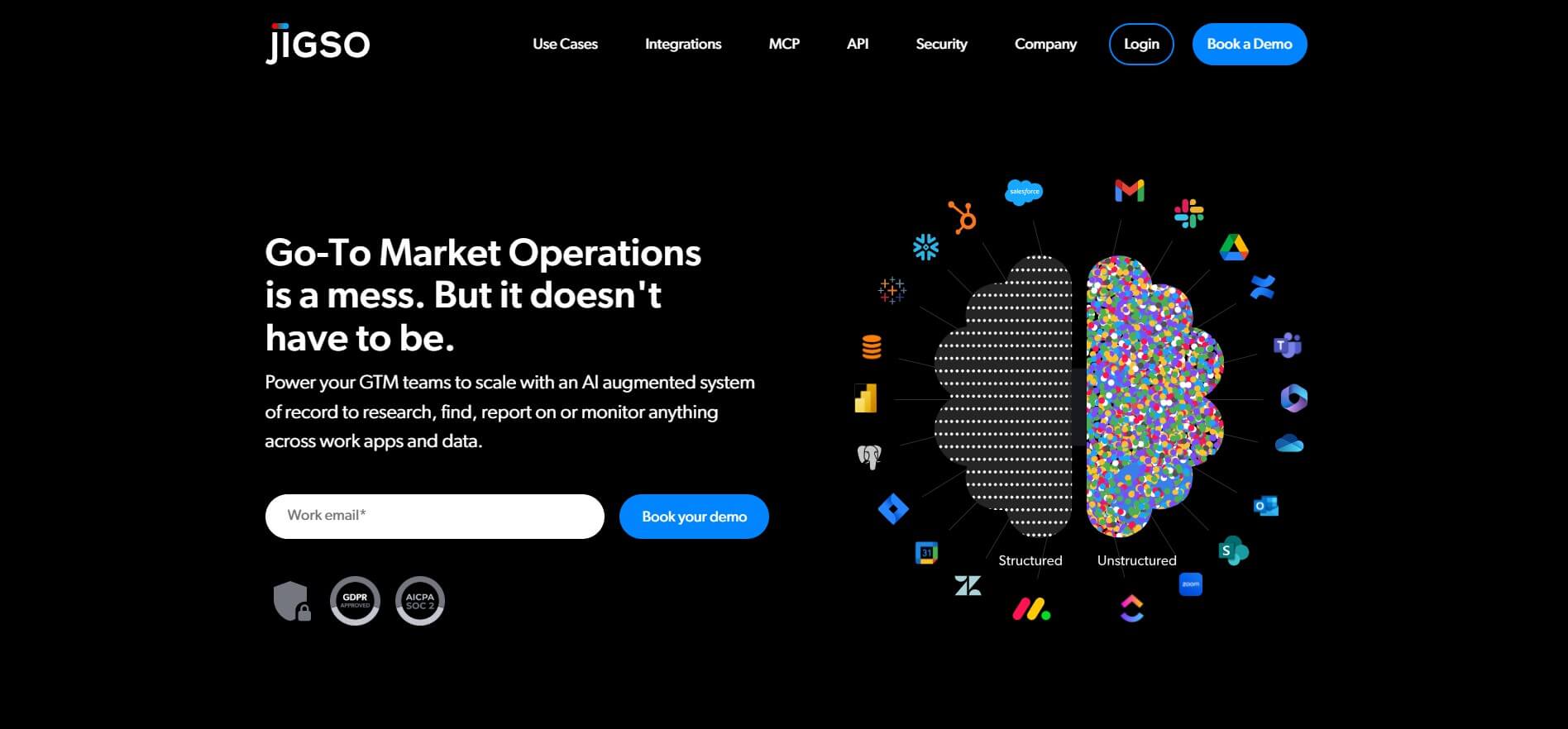
Jigso is a proactive AI work intelligence platform that connects business apps and data to surface risks, opportunities, research, and next actions. It supports sales, customer success, operations, marketing, and leadership teams by reducing manual information gathering and helping users monitor important business signals across their existing technology stack efficiently.
 4.8
4.8AI Palette
AI Business Tools
AI Palette (aipalette.com) is an AI-powered consumer intelligence and product innovation platform for CPG, food, beverage, and beauty brands, helping companies identify emerging consumer trends, forecast flavor and ingredient demands, and accelerate time-to-market.
 4.9
4.9Explee (AutoGTM)
AI Business Tools
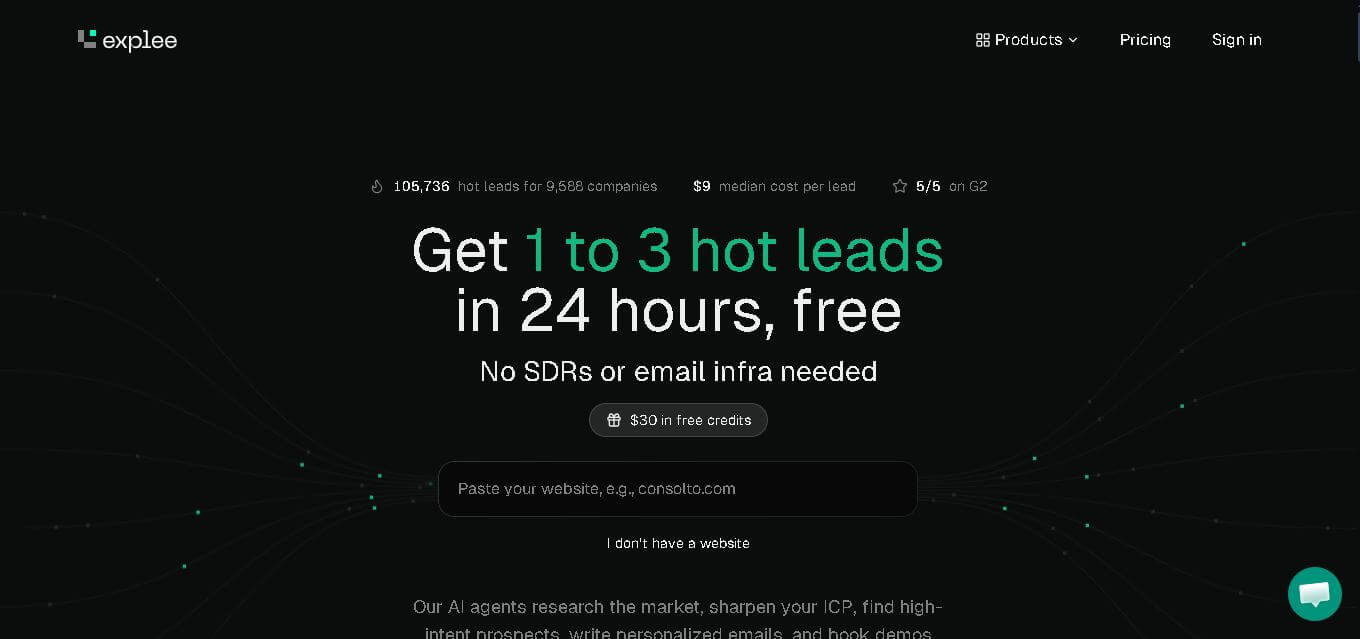
Explee helps businesses automate prospecting and outbound sales through AI agents. It researches target markets, identifies relevant prospects, creates personalized email campaigns, and supports meeting booking. Users can also search extensive company and people databases, apply AI-based criteria, enrich prospect information, and manage lead-generation workflows without building a traditional outbound infrastructure.
 4.8
4.8Upmetrics
AI Business Tools
Upmetrics is business planning software for creating professional business plans, financial forecasts, pitch decks, and strategic plans. It combines AI assistance, industry research, financial modeling, collaboration, and accounting integrations to help entrepreneurs move from an initial idea to funding, launch, and ongoing business growth.
 4.6
4.6Wati.io
AI Business Tools
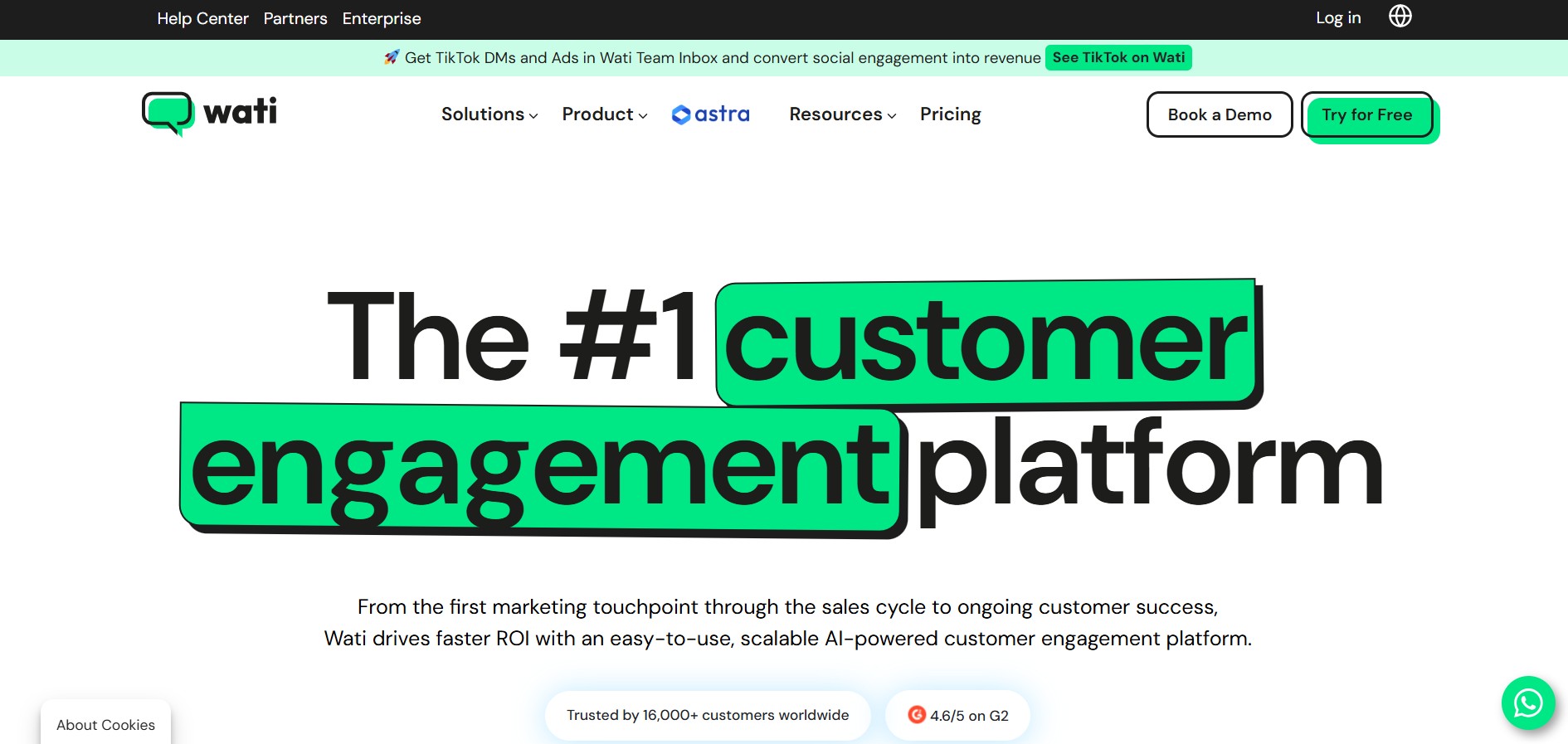
WATI is a customer engagement and WhatsApp communication platform for businesses. It helps teams manage WhatsApp conversations, marketing campaigns, lead generation, sales, customer support, chatbots, automation, and AI agents. WATI also supports channels such as Instagram, Facebook, website chat, SMS, and calling through a centralized communication experience.
 4.8
4.8Namify
AI Business Tools
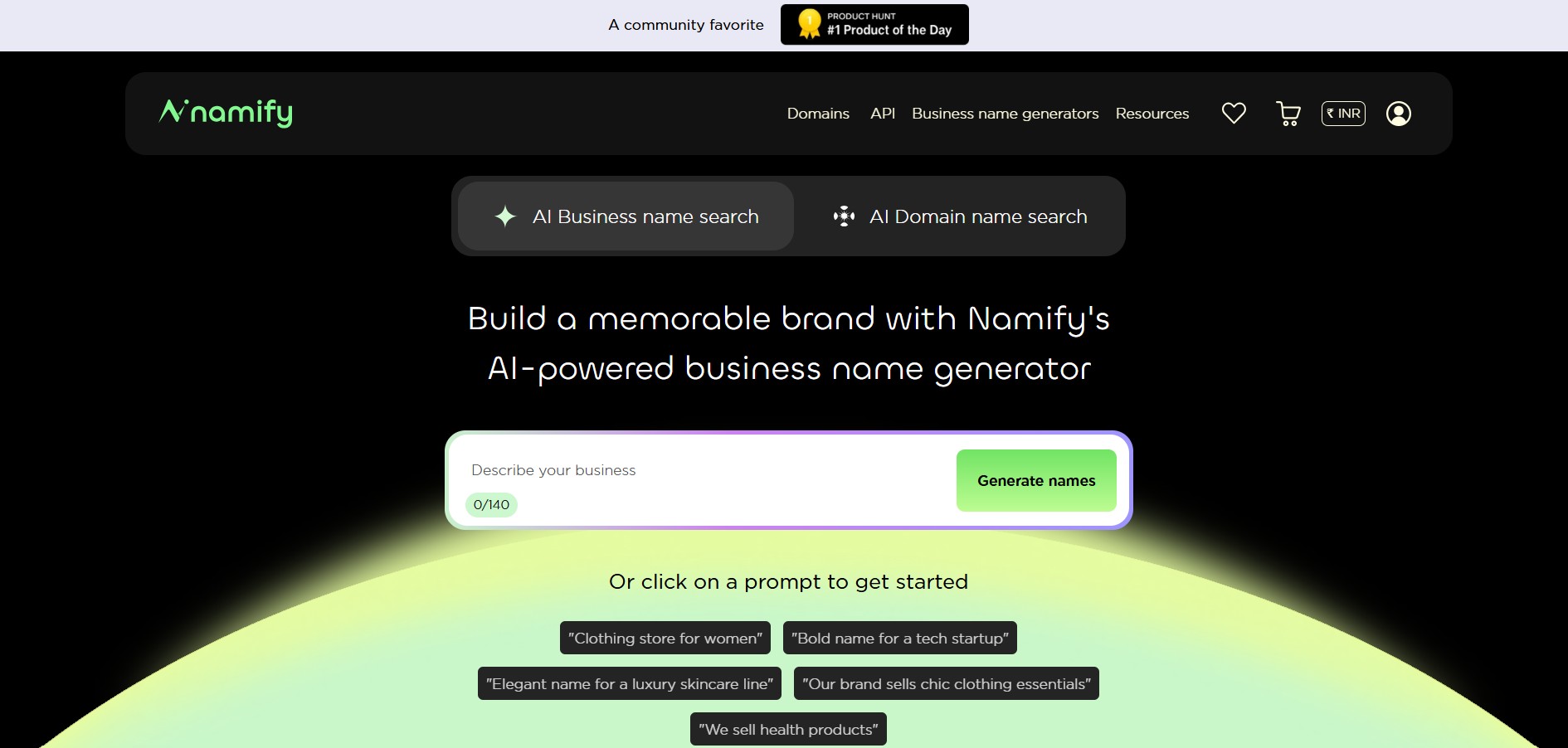
Namify helps you create memorable brand names without spending hours brainstorming. Describe your business, explore generated suggestions, check matching domains and usernames, and build your brand identity with a logo. It is useful for startups, entrepreneurs, agencies, creators, and businesses looking for a practical starting point for naming.
 4.7
4.7Pressmaster AI
AI Business Tools
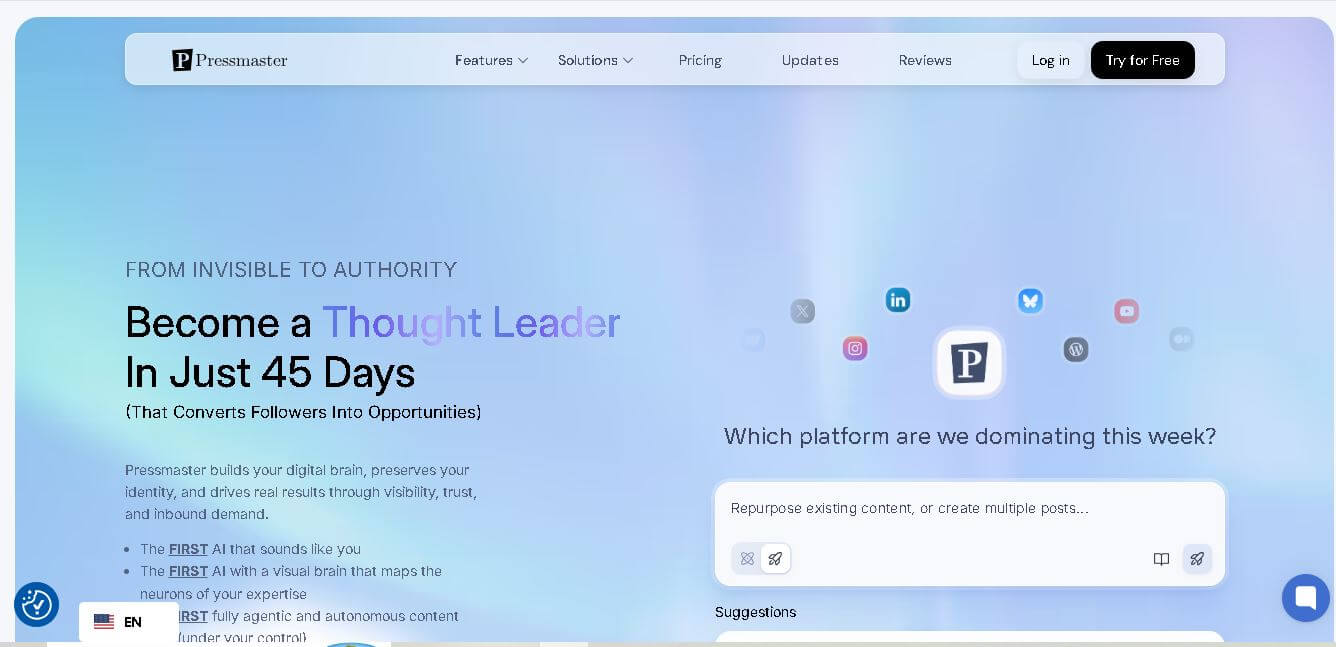
Pressmaster AI (pressmaster.ai) is an AI-powered content engine and PR automation platform designed to turn raw voice inputs, interviews, and brand ideas into authority-building articles, press releases, social posts, and multi-channel marketing campaigns.
 4.9
4.9Tally
AI Business Tools
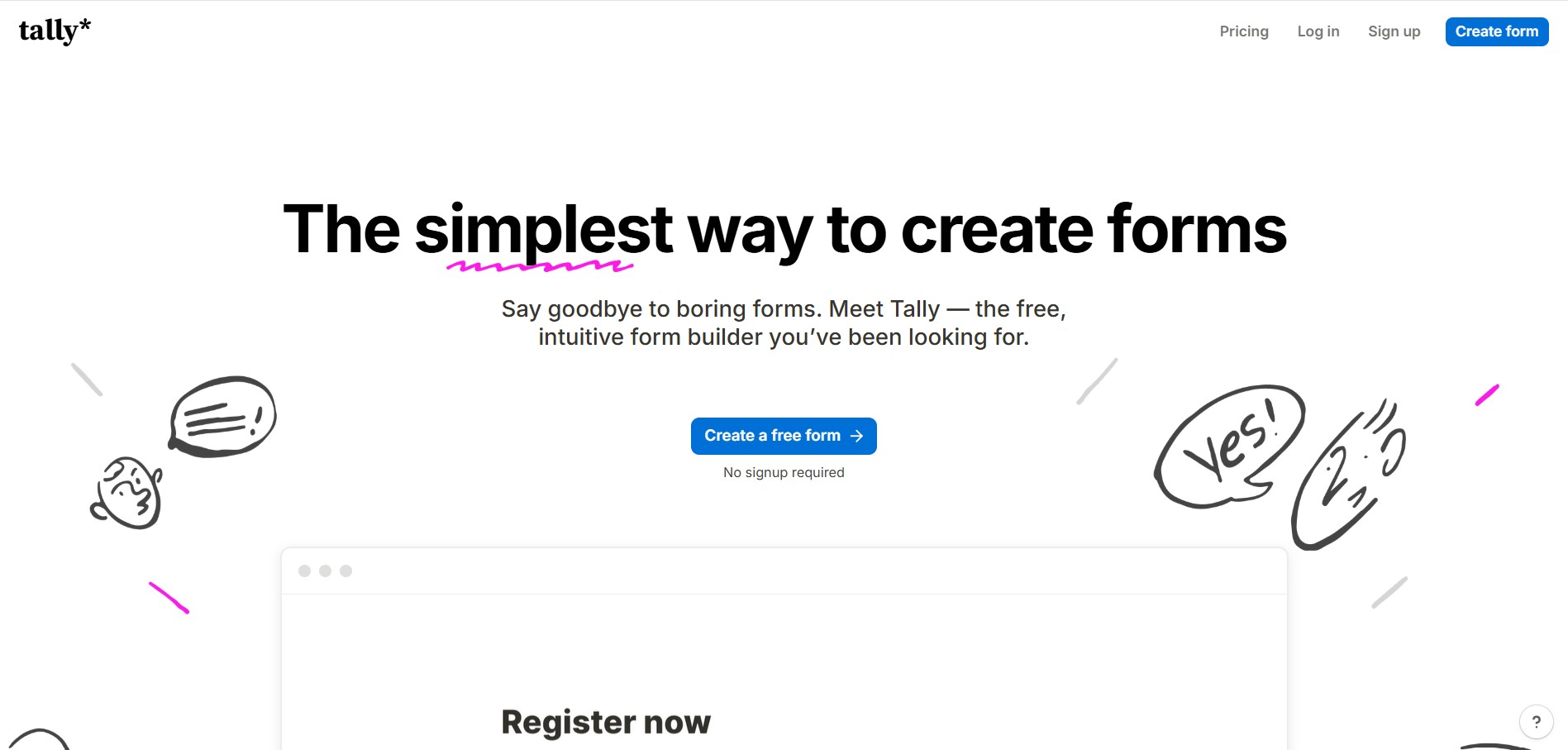
Tally is an intuitive, Notion-style form builder and data collection platform that enables creators, startups, and product teams to create forms, surveys, questionnaires, and payment checkouts by typing on a blank canvas with unlimited forms and submissions on its free tier.
 4.7
4.7Miro
AI Business Tools
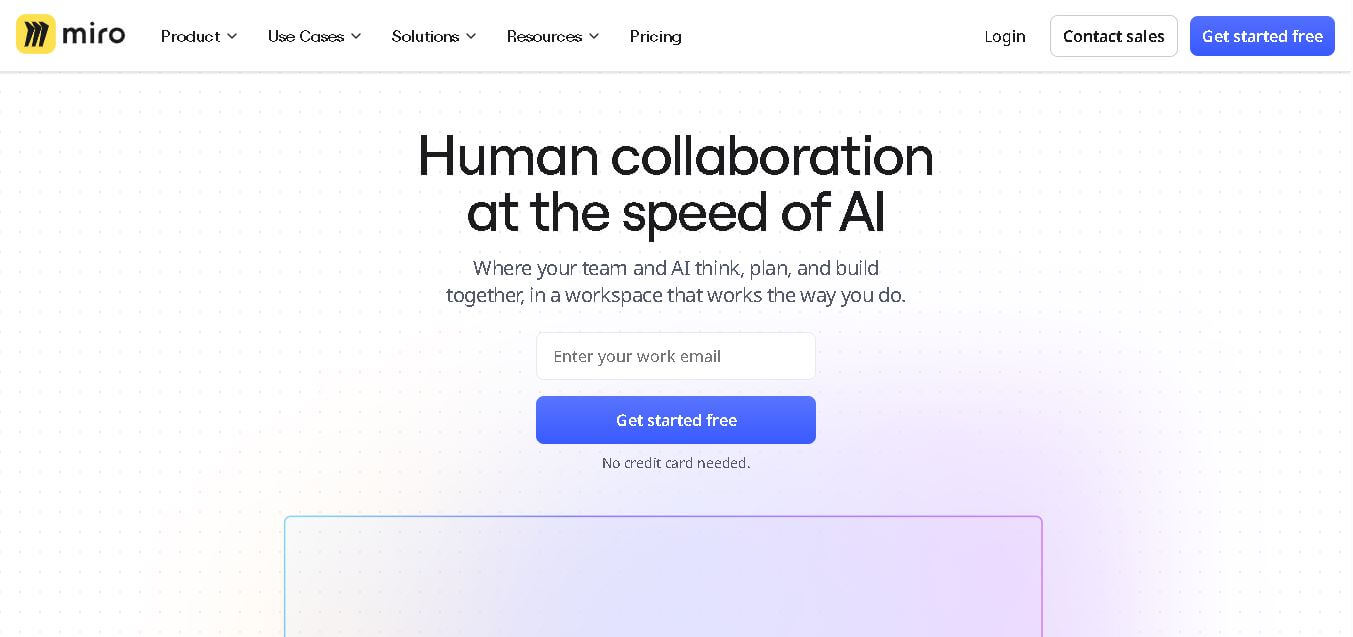
Miro is a collaborative online workspace that helps individuals and teams organize ideas, manage projects, design workflows, and brainstorm visually on an infinite canvas. It combines diagrams, templates, whiteboards, documents, AI features, and integrations into one platform, making collaboration easier for businesses, educators, designers, developers, and remote teams worldwide.