
Teachable Machine
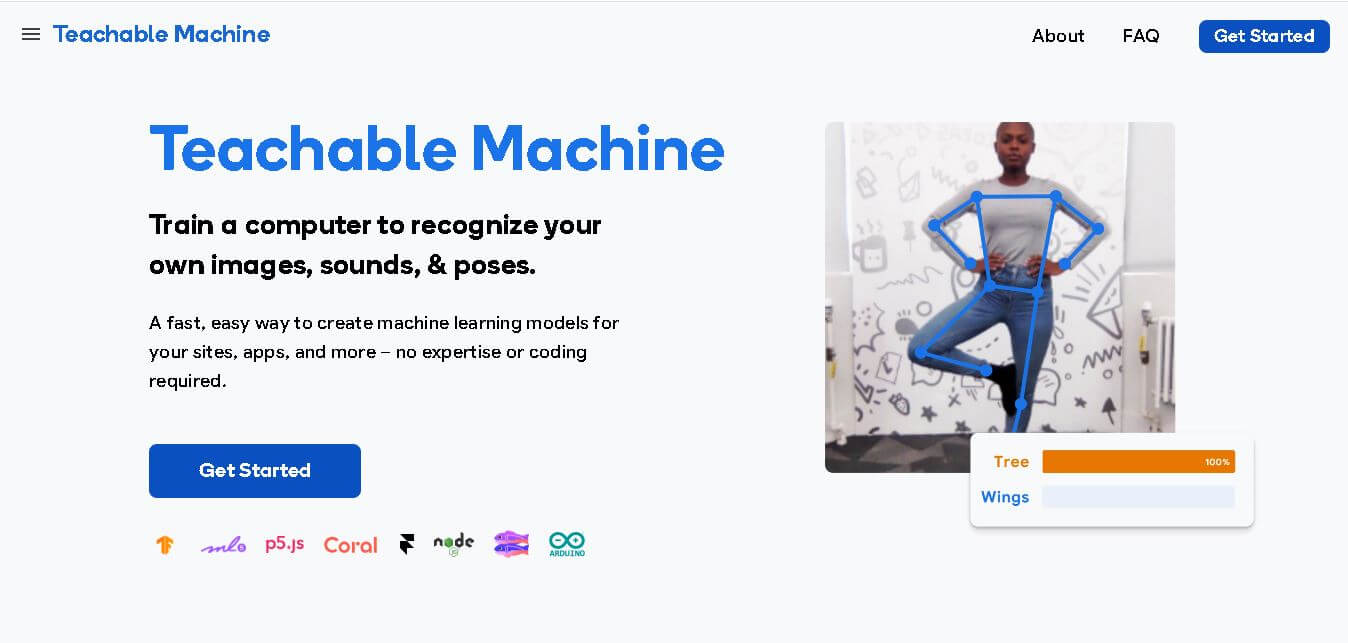
Teachable Machine is Google's browser-based tool for creating custom machine learning models without coding. You can train models to classify images, sounds, and poses using your own examples. After testing your model, you can export it for websites, apps, games, educational experiments, and physical computing projects powered by compatible machine learning technologies.
What is Teachable Machine?
Teachable Machine is a browser-based machine learning tool from Google that lets you create custom classification models without coding. You can train a model using your own images, sounds, or body poses, test how it recognizes new examples, and export the trained model for use in websites, apps, and interactive projects. Training can happen directly in the browser, making it approachable for students, educators, creators, and beginners exploring machine learning.
Teachable Machine supports 3 main input types: images, sounds, and poses, giving users several ways to build classification models. Its workflow has 3 core steps: Gather, Train, and Export. Image projects can use webcam captures or uploaded files, while sound projects can use microphone recordings. Models created by Teachable Machine are TensorFlow.js models and can work in JavaScript environments, with exports also available for platforms such as Coral and Arduino.
- Platform Role: Browser-Based Machine Learning Training & Prototyping Tool
- Creator: Google (Creative Lab and PAIR teams)
- Accessibility: 100% Free, web-based, and requires no software installation or prior programming experience.
Use Cases:
- Teaching students the fundamentals of machine learning, neural networks, and AI data bias
- Prototyping interactive art installations, physical computing projects, and custom game controllers
- Recognizing specific gestures, hand signs, postures, or physical objects using a webcam
- Training audio classifiers to distinguish between different sounds, words, or background noises
Technology:
- Client-side machine learning powered by TensorFlow.js running directly in the browser
- Local data processing ensuring that captured images and audio recordings never leave your device
- Exportable models compatible with TensorFlow, TensorFlow Lite, p5.js, Arduino, and web APIs
- Cloud export options for hosting trained models directly via Google Cloud
Target Users:
- K-12 and university educators introducing artificial intelligence concepts to students
- Makers, hobbyists, and creative coders prototyping hardware and interactive experiences
- Designers and product managers testing rapid AI concepts before committing engineering resources
Acquisition: Free public web tool accessible instantly via any modern desktop or mobile browser.
What are the key features of Teachable Machine?
Teachable Machine's core platform capabilities include
- Image Classification Project: Train models to categorize objects, facial expressions, or gestures using a webcam or uploaded photo folders.
- Audio Classification Project: Train models to recognize specific spoken words, musical notes, claps, or environmental sounds using microphone input.
- Pose Estimation Project: Train models using TensorFlow.js PoseNet to detect body movements, yoga poses, posture shifts, and exercise forms.
- Local Device Training: Trains models quickly in your browser using WebGL without needing expensive GPUs or cloud servers.
- Export & Share Flexibility: Download models for use in external code projects (p5.js, Python, Arduino) or share them via a public link.
How much does Teachable Machine cost?
Teachable Machine is completely free to use for educational, personal, and commercial prototyping purposes.
Pricing Structure:
- Free Public Tier: 100% free access with no subscription fees, hidden paywalls, or account creation requirements.
- Model Hosting: Free cloud storage for exportable model links provided directly by Google.
Disclaimer: Teachable Machine is an experimental open-web utility provided by Google without enterprise guarantees or paid professional support tiers.
Who should use Teachable Machine?
Teachable Machine is built for anyone exploring machine learning, including
- STEM Educators & Students: Classrooms looking for an engaging, hands-on visual aid to demonstrate how AI learns from training data.
- Creative Technologists & Artists: Makers wanting to integrate custom computer vision or motion tracking into physical computing and web projects.
- Developers & Innovators: Engineers seeking a fast, lightweight sandbox to test preliminary machine learning feasibility.
What are the best alternatives to Teachable Machine?
Some of the closest alternatives in the beginner-friendly AI and ML prototyping space include
- Roboflow Universe
- Lobe.ai
- Scratch AI extensions
- Hugging Face Spaces
What are the pros and cons of Teachable Machine?
What are the pros of Teachable Machine?
- Completely free to use with no installation or registration required
- Extremely intuitive interface designed for absolute beginners and students
- Processes data locally in the browser, ensuring high privacy and zero data leakage
- Seamless export options for JavaScript, TensorFlow, and hardware microcontroller projects
What are the cons of Teachable Machine?
- Limited to simple image, audio, and pose classification tasks (not suited for deep NLP or complex generative models)
- Browser training can struggle with extremely large datasets or high-resolution video feeds
- Lacks enterprise-grade security controls, SLAs, and dedicated technical support
Why should you choose Teachable Machine?
For anyone wanting to understand how artificial intelligence works without wading through complex Python libraries or mathematical formulas, Teachable Machine is the gold standard. By turning webcam feeds and microphone sounds into interactive datasets, Google has created an invaluable gateway for learning and rapid machine learning prototyping.
How does Teachable Machine compare to competitors?
Unlike professional machine learning platforms that require coding proficiency and cloud computing infrastructure, Teachable Machine operates entirely inside your web browser with zero setup friction, making it uniquely suited for education and rapid concept validation.
| Feature / Platform | Teachable Machine | Roboflow | Scratch (AI Blocks) | Hugging Face Spaces |
|---|---|---|---|---|
| Core Focus | No-code browser-based ML classification & prototyping | Advanced computer vision dataset & model pipelines | Block coding for K-12 students | Hosting and exploring open-source AI models |
| Coding Required | None | Low to Moderate (Python/API) | None (Visual blocks) | Moderate (Python/Gradio) |
| Data Processing | Local browser (WebGL / TensorFlow.js) | Cloud-hosted | Cloud / Browser | Cloud-hosted |
| Best For | Quick education, art projects, and simple web demos | Production computer vision engineering | Elementary and middle school classrooms | Sharing community AI applications |
How do we rate Teachable Machine?
| Parameter | Rating (out of 5) |
|---|---|
| Ease of Use & Accessibility | 5.0 |
| Educational Value & Design | 4.9 |
| Model Speed & Browser Performance | 4.7 |
| Privacy & Local Processing | 4.8 |
| Pricing & Value (Free Utility) | 5.0 |
| Overall Score | 4.88 |
What is our review and verdict on Teachable Machine?
Teachable Machine is a brilliant triumph of educational engineering. By making machine learning as simple as showing examples to a webcam, Google has demystified artificial intelligence for millions of students and creators worldwide. It is an indispensable tool for classrooms and creative tech prototyping.
Conclusion
Teachable Machine makes machine learning experimentation accessible by replacing complex model-building workflows with a simple Gather, Train, and Export process. Its support for images, sounds, and poses gives beginners multiple ways to explore classification and create interactive projects. Because models can be exported and used with technologies such as TensorFlow.js, the tool can also serve as a starting point for more advanced development.
FAQ
What is Teachable Machine used for?
Teachable Machine is used to build and train AI models that can recognize images, sounds, and poses—without writing any code.
Is Teachable Machine free to use?
Yes, Teachable Machine is completely free and accessible to everyone.
Do I need programming knowledge to use it?
No, Teachable Machine is designed for beginners and requires zero coding skills.
Can I export my trained models?
Yes, users can export models to integrate with apps, websites, or devices using TensorFlow.js.
What types of data can Teachable Machine recognize?
It supports image, sound, and pose data, allowing you to create models that react to visuals, audio, or movement.
User Reviews
No reviews yet for Teachable Machine.
Featured Tools
Featured AI tools from TechShark

Melody Genie
MelodyGenie is an AI-powered music generator that creates original songs from simple text prompts. Users can choose styles, moods, and genres, then instantly generate melodies and full tracks, making it easy for creators, marketers, and hobbyists to produce custom music without musical expertise.
Freemium

Kimi AI
Kimi AI is an advanced AI assistant developed by Moonshot AI that helps you chat, research, write, code, and automate tasks in one place. It supports web search, file analysis, and multimodal inputs, and can even run autonomous “agent” workflows to complete complex tasks end-to-end.
Freemium

Fashion Diffusion AI
Fashion Diffusion is an AI-powered fashion design platform that helps brands and designers create clothing designs, virtual try-ons, AI models, product photos, and marketing visuals faster and cost-effectively.
Paid

Veo 4
Veo 4 AI is an AI video creation platform that generates dramatic videos from text, images, audio, and video prompts using realistic motion and synchronized sound.
Paid
Alternatives
Alternatives to Teachable Machine
The best Teachable Machine alternatives include Roboflow, Lobe.ai, Scratch AI extensions, and Hugging Face Spaces. While Teachable Machine excels at instant browser-based classification for beginners, alternatives offer advanced computer vision workflows or Python-based flexibility.
 4.9
4.9Materiom
AI Agent
Materiom helps researchers, designers, and businesses discover and develop sustainable materials using renewable ingredients. Its resources include biomaterial recipes, material datasets, ingredient information, and AI-assisted research. By supporting experimentation and knowledge sharing, Materiom encourages innovation in bio-based packaging, textiles, and other products while helping users explore alternatives to conventional plastic materials.
 4.9
4.9Talkwalker
AI Agent
Talkwalker is a consumer intelligence and social listening solution that helps brands track online mentions, analyze audience sentiment, monitor competitors, and discover emerging trends. It combines social media analytics, media monitoring, customer feedback, and AI-powered insights to support marketing, public relations, reputation management, and data-driven business decisions across global markets.
 5.0
5.0AI4K12
AI Agent
AI4K12 is an educational initiative focused on bringing artificial intelligence into K–12 classrooms. It provides grade-level learning guidelines, curated teaching resources, and the Five Big Ideas framework. Designed for educators and curriculum developers, AI4K12 supports age-appropriate AI instruction and helps students understand how intelligent technologies work and affect society.
Kommunicate
AI Agent
Kommunicate (kommunicate.io) is an AI-powered customer service automation and live chat platform that unites no-code generative AI agents, Kompose chatbot builder, seamless human escalation, voice AI, and omnichannel messaging across WhatsApp, web, and mobile apps.
Text
AI Agent
Text is an AI-powered customer service platform that combines live chat, help desk ticketing, AI agents, and workflow automation. It helps businesses manage customer conversations, automate repetitive support tasks, answer questions, engage website visitors, and turn customer interactions into sales opportunities through a unified communication workspace.
DocsBot AI
AI Agent
DocsBot AI is an AI chatbot and agent platform that turns websites, documents, knowledge bases, and support tickets into conversational assistants. Businesses can use it to automate customer support, answer questions, share internal knowledge, connect workflows, and provide information through website widgets and supported integrations.
SiteGPT AI
AI Agent
SiteGPT is an AI chatbot platform that helps businesses automate customer support using their website content, documents, and knowledge sources. It answers visitor questions, supports lead generation, and integrates into websites, allowing teams to handle repetitive inquiries, improve customer experiences, and provide assistance around the clock.
 4.7
4.7Halcyon
AI Agent
Halcyon is an AI energy intelligence platform that helps professionals search regulatory filings, analyze energy-market information, monitor developments, and access structured datasets. It combines document search, natural-language queries, AI-powered alerts, and specialized data subscriptions to turn fragmented energy information into actionable intelligence for research, monitoring, planning, and faster decision-making.
 4.5
4.5Enhancv
AI Agent
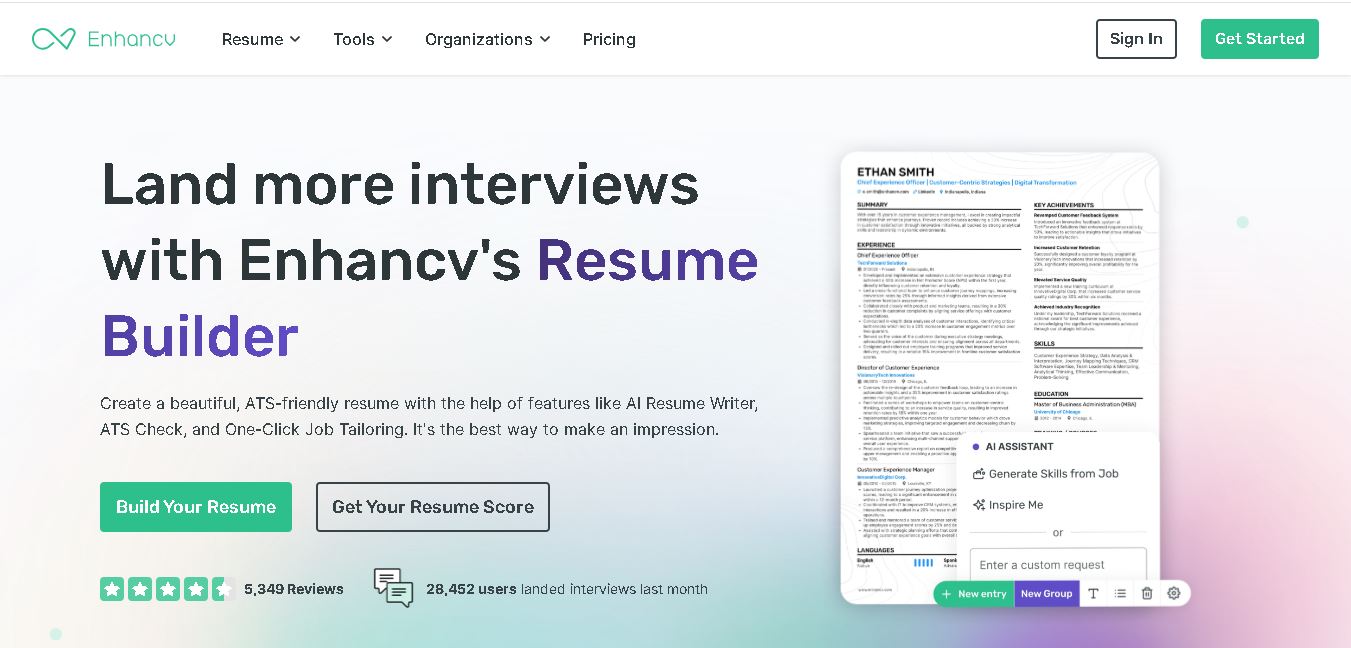
Enhancv helps job seekers build ATS-friendly resumes using customizable templates, AI writing assistance, resume checking, and job-specific tailoring. It also supports cover letters, application tracking, interview preparation, and resume translation. The platform is designed for candidates who want a polished application while keeping control over their experience, wording, and presentation.