Google Antigravity
Google Antigravity is an AI-powered development platform that lets developers use autonomous agents to plan, write, test, and manage code across the editor, terminal, and browser. It shifts coding from manual tasks to agent-driven workflows, helping build and ship software faster with less effort.
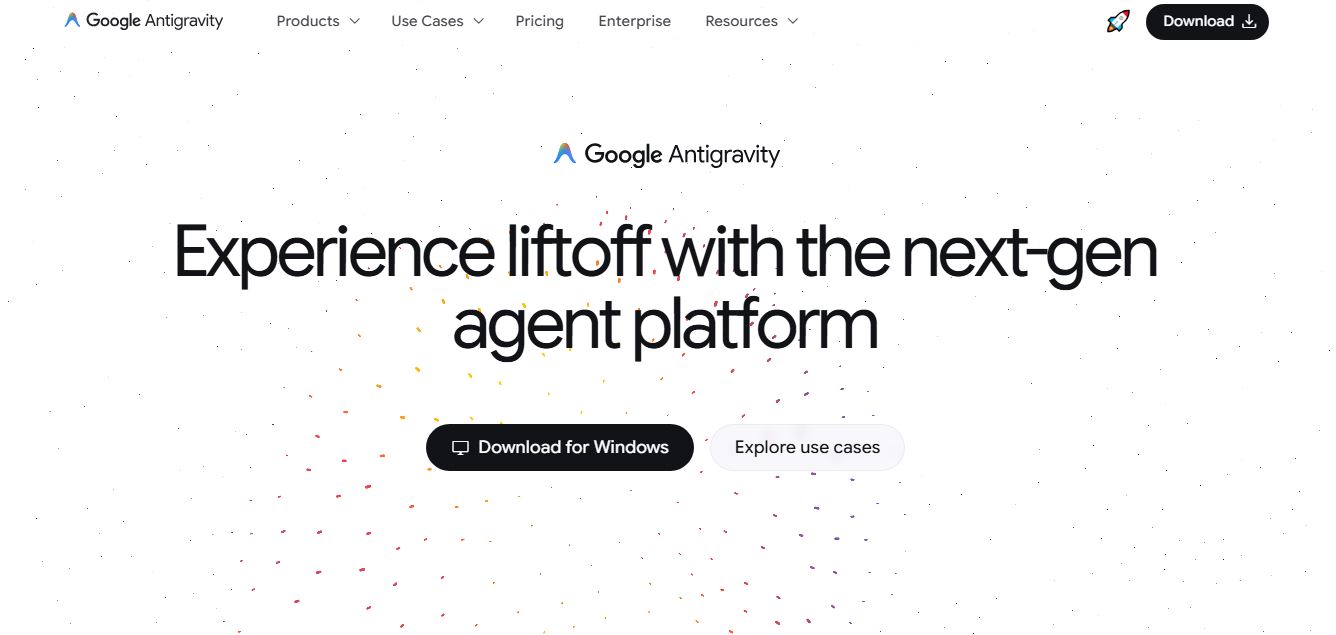
What is Google Antigravity?
Google Antigravity is an AI-powered development platform built by Google to fundamentally change how software is created. Instead of just assisting with code like traditional tools, it introduces an “agent-first” approach where autonomous AI agents can plan, write, test, and refine entire features on their own. At its core, Antigravity works like a next-generation IDE combined with a command center for multiple AI agents. Developers can assign complex tasks—like fixing bugs or building features—and let agents execute them across the editor, terminal, and browser while providing clear outputs like plans, code changes, and test results. It also supports parallel workflows, meaning multiple agents can work simultaneously in the background, speeding up development significantly.
Antigravity is designed to move coding from manual execution to high-level orchestration, helping developers build faster, reduce errors, and focus more on ideas than implementation.
Announced alongside Gemini 3, Google Antigravity was engineered to remove the heavy friction (“gravity”) of boilerplate coding, environment configuration, and repetitive debugging. Built on a modernized Visual Studio Code foundation, Antigravity introduces a bifurcated workflow featuring an Editor View for traditional hands-on coding and a Manager View for parallel multi-agent orchestration, available during its public preview completely free of charge for Windows, macOS, and Linux.
- Developer / Parent Company: Google
- Launch Year: 2025 / 2026
Use Cases:
- Orchestrating autonomous Gemini 3 agents to research, plan, and scaffold full-stack applications from high-level prompts or design mockups
- Running parallel agent workers to triage, debug, and write unit tests for multiple repository issues simultaneously
- Performing autonomous end-to-end QA and UI verification using the agent-actuated embedded browser with video and screenshot proof
- Conducting large-scale codebase refactoring, dependency upgrades, and framework migrations across complex repositories
- Reviewing structured implementation plans, diffs, and verifiable artifacts before committing automated code changes
Technology:
- Agentic orchestration architecture powered by Gemini 3.1 Pro, Gemini 3 Flash, and multi-model routing (including Claude Sonnet/Opus and open models)
- Re-engineered VS Code core featuring native terminal actuation, integrated browser automation, and workspace telemetry
- Verifiable Artifacts protocol generating transparent task lists, live code diffs, UI snapshots, and interaction recordings
Target Users:
- Full-stack software engineers and technical architects supervising multi-agent development pipelines
- Indie developers and startup founders looking to rapidly build and deploy production-ready MVPs
- DevOps and QA automation engineers wanting visual and functional browser testing on autopilot
- Open-source maintainers and large engineering squads managing extensive codebase maintenance and refactoring
Acquisition: Proprietary flagship developer platform created and operated by Google

Key features of Google Antigravity
Google Antigravity's key features are
- Dual Interface (Editor & Manager Views): Seamlessly switch between a full-featured VS Code-style editor for direct coding and a dedicated Manager View to coordinate multiple autonomous agents.
- Autonomous Agent Tooling: Equips AI agents with “hands” to navigate file trees, execute terminal commands, run test suites, and launch local web servers independently.
- Integrated Browser Actuation: Agents can open the built-in browser, interact with live UI elements (clicking buttons, filling forms), and record video or snapshot proof of successful feature implementation.
- Verifiable Artifacts & Implementation Plans: Before touching your code, agents produce structured task outlines, architectural plans, and color-coded diffs for human review and approval.
- Multi-Model Flexibility: Native support for Google's frontier Gemini 3.1 Pro and Flash models, with extended compatibility for Anthropic Claude and open-weights models.
- Parallel Multi-Agent Workspaces: Spawn distinct agents across different tasks or branches simultaneously, turning a single developer into an engineering manager of a virtual AI squad.
- Granular Terminal Execution Modes: Choose between strict manual confirmation (Off), intelligent prompt-based permission (Auto), or fully automated execution (Turbo) with custom allow/deny lists.
- Antigravity CLI & API Integration: Trigger autonomous tasks and manage workflows directly from terminal command lines or programmatically via the Gemini API.
Google Antigravity Pricing
Google Antigravity is currently accessible in Public Preview free of charge for developers worldwide.
Public Preview Tier (100% Free):
- $0 / month: Free download for Windows, macOS, and Linux
- Generous rate limits for Gemini 3.1 Pro and Gemini 3 Flash model queries
- Full access to Editor View, Manager View, integrated browser actuation, and CLI tools
- Sign-in using any standard Google account
Disclaimer: For upcoming commercial licensing announcements, enterprise cloud compute tiers, and changelog updates, please check the official Google Antigravity portal at antigravity.google.
Who is using Google Antigravity?
Google Antigravity is used by software developers and engineering teams globally, including
- Senior Software Architects: Delegating multi-file refactoring, database migrations, and boilerplate scaffolding to autonomous agents
- Startup Founders & Prototypers: Taking products from natural language specs to verified web applications in hours
- QA & Test Engineers: Utilizing browser-actuated agents to write, execute, and record automated visual regression tests
- Enterprise Development Teams: Streamlining bug resolution and repository maintenance across distributed developer hubs
Best Google Antigravity Alternatives
Some of the strongest Google Antigravity alternatives include
- Cursor
- Windsurf (Codeium)
- GitHub Copilot Workspace
- Claude Code (Anthropic CLI)
- Replit Agent
- Murmell
Pros and Cons of Google Antigravity
Pros
- Pioneers a genuine agent-first paradigm with dedicated Manager View orchestration and parallel agents
- Built-in browser actuation enables autonomous UI testing and visual verification recordings
- Generates transparent “Artifacts” (plans, diffs, screenshots) to build trust and prevent unwanted code changes
- Familiar VS Code foundation preserves keyboard shortcuts, themes, and developer muscle memory
- Currently completely free in public preview with high model request limits powered by Gemini 3
Cons
- Public preview status means occasional high-demand model queue latency or IDE performance spikes
- Complex autonomous terminal operations require vigilant folder-trust security configurations
- Multi-agent parallel workflows require disciplined project structuring to avoid conflicting git branches
Why Choose Google Antigravity?
Traditional AI coding tools only assist you while you type. Google Antigravity elevates developers from manual typists into strategic architects by providing autonomous digital coworkers capable of planning, coding, and testing complete features end-to-end.
- Removes the repetitive gravity of boilerplate setup, syntax lookup, and manual unit test writing
- Provides verifiable visual proof (screenshots and browser recordings) that your code actually works
- Supports multi-agent parallelization to tackle multiple feature branches at once
- Combines the power of Google's Gemini 3 models with the industry-standard VS Code interface
Google Antigravity vs. Competitors
The main difference between Google Antigravity, Cursor, Windsurf, and Claude Code lies in multi-agent orchestration and verification tooling. Cursor and Windsurf focus mainly on improving the in-editor copilot experience for individual files, while Claude Code works only in a terminal CLI. In contrast, Google Antigravity offers a dedicated Manager View dashboard, parallel multi-agent orchestration, and built-in browser actuation with verifiable video/snapshot artifacts.
| Feature / Tool | Google Antigravity (antigravity.google) | Cursor | Windsurf (Codeium) | Claude Code |
|---|---|---|---|---|
| Core Focus | Agent-First IDE & Mission Control | AI-Enhanced Desktop IDE | Agentic Flow AI Code Editor | Terminal CLI Autonomous Agent |
| Manager View (Multi-Agent) | Yes (Dedicated orchestration hub) | No (Single agent window) | No (Single cascade chat) | No (CLI terminal based) |
| Browser Actuation & QA | Yes (Integrated browser + recordings) | No | No | Limited (Headless tools) |
| Verifiable Artifacts | Yes (Plans, diffs, snapshots, logs) | Diff views | Cascade diff previews | Terminal output diffs |
| Pricing | Free (Public Preview) | Free / $20/mo (Pro) | Free / $15/mo (Pro) | API token usage pricing |
| Best For | Engineers orchestrating autonomous AI teams | Individual developers wanting fast AI editing | Developers wanting context-aware flow | Terminal & CLI power users |
How do we rate Google Antigravity?
| Parameter | Rating (out of 5) |
|---|---|
| Agent Autonomy & Task Planning | 4.9 |
| Browser Actuation & UI Verification | 4.9 |
| Multi-Agent Manager Orchestration | 5.0 |
| IDE Usability & VS Code Parity | 4.8 |
| Value for Money (Free Preview) | 5.0 |
| Overall Score | 4.92 |
Google Antigravity Review
Google Antigravity represents a landmark evolution in modern software engineering environments. By combining the familiar Visual Studio Code with the advanced reasoning of Gemini 3, Antigravity changes the game from simple code generation to fully autonomous task execution. Its ability to generate verifiable artifacts, operate local terminals, and actuate an integrated browser for live visual testing gives developers unprecedented leverage. For software engineers and technical teams looking to lead the agentic coding revolution, Google Antigravity is a definitive game-changer.
Conclusion
Google Antigravity is a bold step toward the future of software development, where AI agents take an active role in building, debugging, and managing code rather than just assisting. It introduces an “agent-first” environment where developers can delegate entire tasks—like fixing bugs or building features—to autonomous agents that plan, execute, and verify work on their own. Its biggest strength lies in orchestration. With a centralized command center, developers can run multiple agents in parallel, manage projects, and automate workflows across the editor, terminal, and browser—all from one platform. While it still requires oversight and is evolving, the productivity gains are significant. Antigravity represents a major shift from “AI as a helper” to AI as a collaborator, redefining how modern software is built in the agent-driven era.
FAQ
What is Google Antigravity?
Google Antigravity is an AI-powered development platform that lets you build software using autonomous AI agents. Instead of writing everything manually, you can assign tasks to agents that plan, code, test, and execute workflows for you.
How does Google Antigravity work?
Antigravity works by giving AI agents access to your codebase, terminal, and browser. You describe a task (like building a feature), and the agents handle it step by step—writing code, running it, fixing errors, and delivering results.
What can you do with Antigravity?
You can build full-stack apps, automate repetitive coding tasks, run background workflows, test code, and manage multiple AI agents working in parallel—all from one platform.
What makes Antigravity different from tools like Copilot?
Unlike traditional AI coding assistants that suggest code, Antigravity is “agent-first.” That means it doesn’t just assist—you can delegate entire tasks, and the AI completes them independently while you supervise.
What platforms does Antigravity support?
Antigravity is available for macOS, Windows, and Linux, making it accessible for most developers across different environments.
Is Google Antigravity free to use?
Yes, it is currently available for free during its public preview phase, with usage limits depending on the AI models and features.
User Reviews
No reviews yet for Google Antigravity.
Featured Tools
Featured AI tools from TechShark

Melody Genie
MelodyGenie is an AI-powered music generator that creates original songs from simple text prompts. Users can choose styles, moods, and genres, then instantly generate melodies and full tracks, making it easy for creators, marketers, and hobbyists to produce custom music without musical expertise.
Freemium

Kimi AI
Kimi AI is an advanced AI assistant developed by Moonshot AI that helps you chat, research, write, code, and automate tasks in one place. It supports web search, file analysis, and multimodal inputs, and can even run autonomous “agent” workflows to complete complex tasks end-to-end.
Freemium

Fashion Diffusion AI
Fashion Diffusion is an AI-powered fashion design platform that helps brands and designers create clothing designs, virtual try-ons, AI models, product photos, and marketing visuals faster and cost-effectively.
Paid

Veo 4
Veo 4 AI is an AI video creation platform that generates dramatic videos from text, images, audio, and video prompts using realistic motion and synchronized sound.
Paid
Alternatives
Alternatives to Google Antigravity
The best Google Antigravity alternatives include Cursor, Windsurf (Codeium), GitHub Copilot Workspace, Claude Code, Replit Agent, and Murmell. These platforms offer AI-assisted software development, coding copilot features, and agentic workflows. While Google Antigravity specializes in an agent-first IDE with a dedicated Manager View for parallel multi-agent orchestration, built-in browser actuation for live QA testing, and Gemini 3 model integration, alternatives like Cursor provide refined inline code editing, and Claude Code operates as an autonomous command-line interface tool.
 4.9
4.9Claudebin
Code Assistant
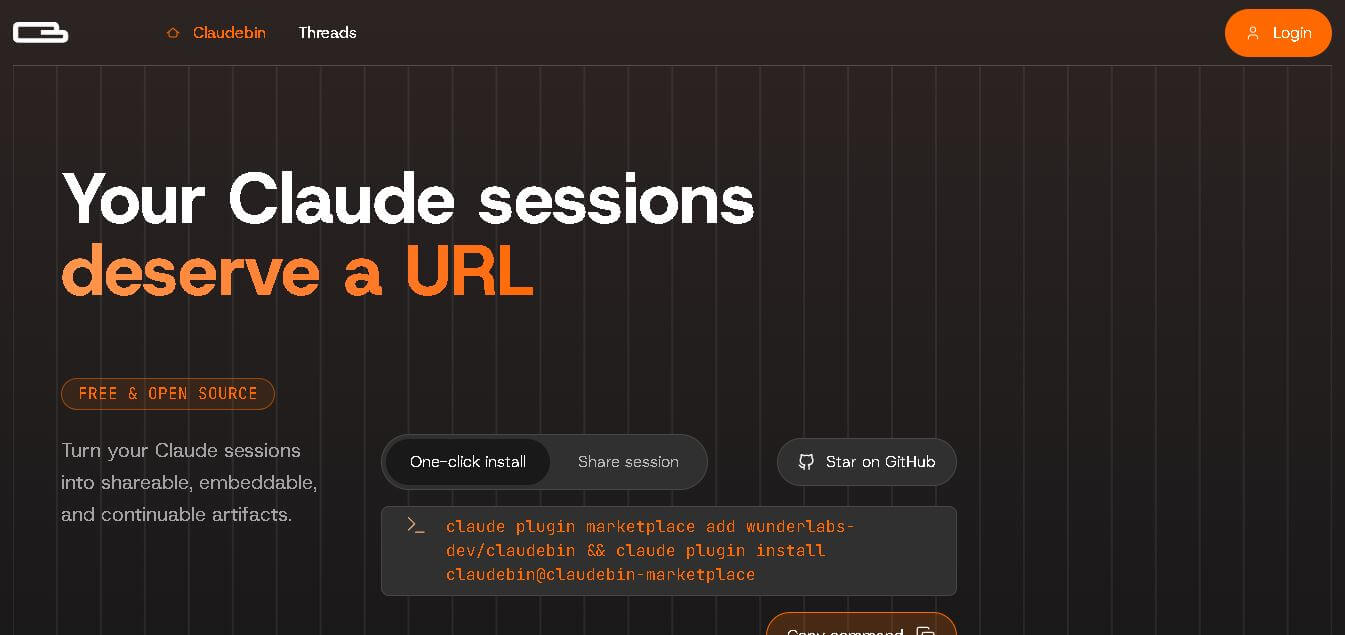
Claudebin is an open-source tool for sharing Claude Code sessions through structured, accessible web links. It captures conversations, file operations, terminal commands, and tool calls, helping developers explain their coding workflows. With session viewing and embedding capabilities, it simplifies technical documentation, collaboration, debugging discussions, and knowledge sharing across development projects.
 4.9
4.9GitFluence
Code Assistant
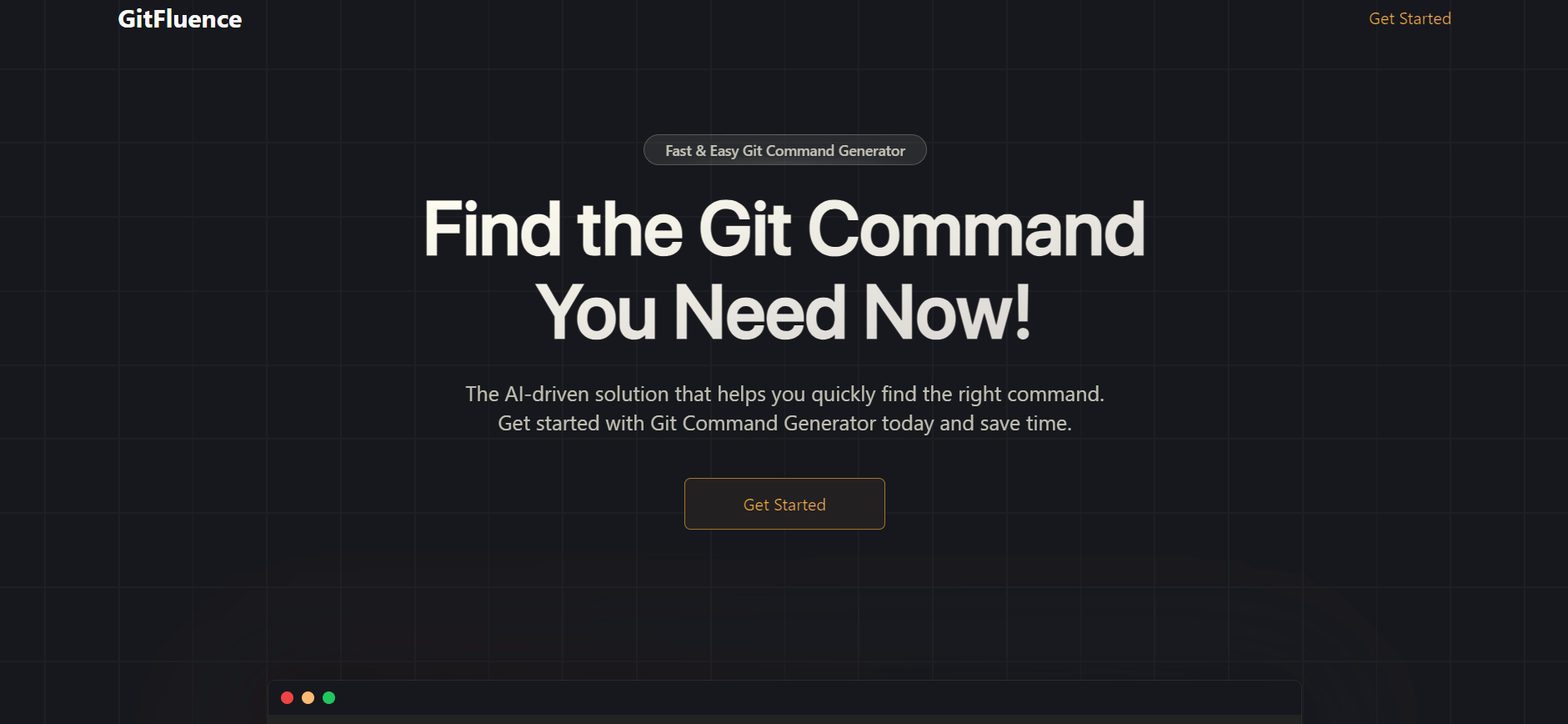
GitFluence is an AI-powered Git command generator that helps developers turn plain-English instructions into exact Git commands. It eliminates the need to memorize syntax, speeds up version control workflows, and lets users quickly copy accurate commands for tasks like branching, merging, and fixing commits.
 4.9
4.9Kiro
Vibe Coding
Kiro is an AI-powered developer platform that helps teams plan, build, and ship software using autonomous agents. It turns prompts into structured specs, writes and tests code, and automates workflows across IDE, CLI, and cloud, enabling faster, reliable development from prototype to production.
 4.8
4.8Emergent
Vibe Coding
Emergent is an AI-powered app builder that lets users create full-stack web and mobile applications by simply describing their idea. It uses autonomous agents to plan, code, test, and deploy apps, handling everything from backend to hosting without requiring traditional programming skills.
 4.7
4.7Amazon Q Developer
Code Assistant
Amazon Q Developer helps developers write, explain, test, refactor, secure, and troubleshoot code while working with AWS services. It provides conversational assistance, inline suggestions, agentic coding, and cloud guidance across supported IDEs, command-line environments, and AWS interfaces. Its goal is to reduce repetitive work and help teams move from ideas to deployable software.
 4.9
4.9GitLab
Code Assistant
GitLab is a DevOps platform that provides a complete suite for planning, coding, testing, and deploying software in one place. It combines version control, CI/CD, security, and collaboration tools, helping teams streamline development workflows and deliver software faster and more efficiently.
 4.9
4.9CodeRabbit
Code Assistant
CodeRabbit is an AI-powered code review assistant that helps developers catch bugs, improve code quality, and speed up pull requests. It analyzes code changes in real time, provides actionable feedback, and integrates with Git workflows to make reviews faster and more efficient.
 4.9
4.9Sourcery
Code Assistant
Sourcery is an AI-powered code refactoring tool that helps developers automatically improve Python code quality. It analyzes code, suggests cleaner and more efficient alternatives, and applies refactors instantly, making code more readable, maintainable, and aligned with best practices.
Tenki Cloud
Code Assistant
Tenki Cloud is a high-performance, cost-efficient cloud infrastructure platform offering disposable sandboxes for AI agents, self-hosted GitHub Actions runners, and automated AI code review.