
Flora ai
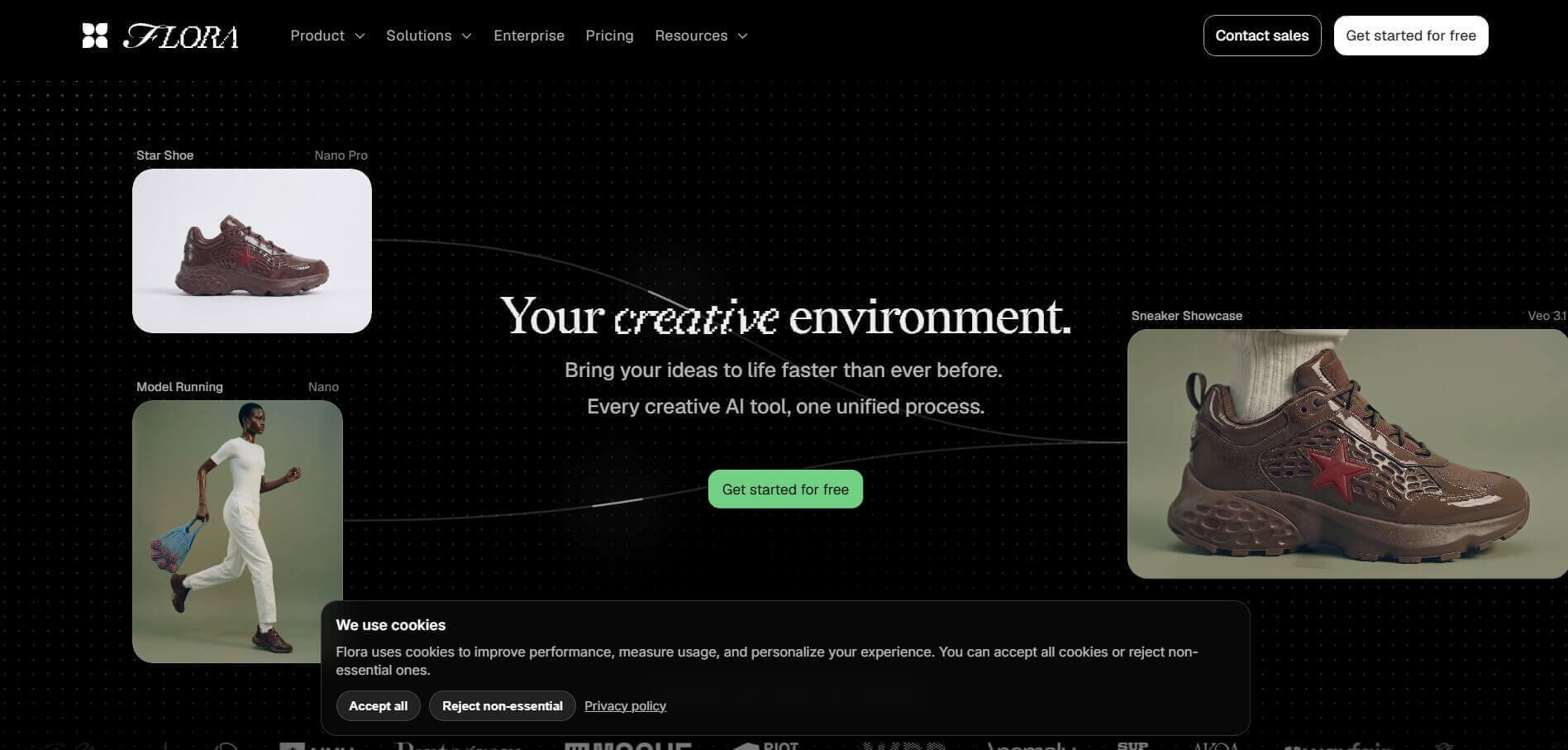
Flora AI is a creative AI platform designed to help teams and individuals turn ideas into high-quality visual content quickly. It combines multiple AI tools for text, image, and video generation into a single workspace, allowing users to ideate, iterate, and scale creative projects efficiently. With its intelligent canvas and built-in AI agent, Flora AI makes it easier to explore concepts, collaborate, and produce consistent, on-brand outputs without switching between tools.
What is Flora AI?
Flora AI is an AI-powered creative workspace designed for artists, designers, marketers, filmmakers, and creative teams. Instead of switching between different AI tools for images, videos, audio, and text, Flora brings multiple models onto one visual, infinite canvas. Users can connect different AI models and creative actions into workflows, experiment with variations, edit outputs, and collaborate with team members. The platform also includes FAUNA, its creative AI agent, which can help users explore ideas and build creative workflows. Flora supports models from providers such as Google, OpenAI, Anthropic, Runway, Kling, and others, making it a centralized environment for generative creative work.
Flora was founded in 2024 and launched publicly in March 2025. The company has raised $52 million in total funding, including a $42 million Series A announced in January 2026. Flora says its canvas has produced more than 20 million generations, 17 million nodes, and 5 million exported assets. Its current public site also reports more than 1 million users and teams, 28 million assets generated, and 30+ models available on its creative canvas.
- Founder: Flora was founded by Weber Wong, who serves as founder and CEO. Alex Li is also listed as co-founder.
- Launch: Flora's alpha version launched in 2024, and its public product launch took place in March 2025.
- Use Cases: AI image generation, video generation, audio creation, concept development, advertising, branding, motion design, visual effects, storyboarding, product visualization, moodboards, and large-scale creative production.
- Technology: Flora combines generative AI models, node-based workflows, an infinite canvas, image and video generation, audio generation, AI agents, reusable elements, batch generation, editing actions, and API/MCP integrations.
- Target Users: Designers, artists, filmmakers, creative agencies, marketers, brand teams, creative technologists, and enterprise creative teams.
- Acquisition: No verified acquisition of Flora AI was identified in the available public information.

Key Features of Flora AI
Key features are:
- Infinite AI Canvas: Flora provides a visual canvas where users can connect text, image, video, and audio nodes to create complex creative workflows.
- Multi-Model AI Workspace: Users can access multiple leading AI models from one platform instead of maintaining separate tools for different creative tasks.
- AI Image Generation: Flora supports text-to-image and image-generation workflows for concepts, product visuals, advertising, branding, and other creative projects.
- AI Video Generation: Users can create and edit videos from text or image inputs using multiple video-generation models.
- AI Audio Generation: Flora can generate speech, sound effects, and music as part of its creative workflows.
- FAUNA Creative Agent: FAUNA is Flora's built-in creative agent that helps users brainstorm, generate variations, and build creative workflows from natural-language instructions.
- Techniques: Techniques are reusable creative workflows that allow users to turn proven processes into repeatable generation systems.
- Reusable Elements: Elements allow users to preserve subjects, styles, or assets so they can remain consistent across multiple generations.
- Batch Generation: Batch nodes can run the same workflow across many variations, helping teams create large quantities of assets from one setup.
- Layer Editor: Users can composite, mask, refine, and edit generated content directly inside the Flora canvas.
- In-Canvas Video Editor: Flora includes a timeline editor that lets users trim, arrange, and render videos without leaving the project.
- Real-Time Collaboration: Creative teams can work together, share projects, comment, and iterate on ideas in the same workspace.
- API and MCP Access: Paid plans provide API and MCP access, allowing teams to connect Flora workflows with external systems and development environments.
- PDF Import and Export: Users can bring creative briefs and PDF documents into the canvas and export finished projects to digital asset management systems.
- Live Web Search: Flora's text-generation nodes can use web search to bring current information into creative workflows.
Flora AI Pricing
Flora currently offers Free, Starter, Pro, Max, and Enterprise options. The Free plan is designed for exploring the canvas, while paid plans provide higher usage, collaboration, additional models, and team features. The current public pricing page lists Starter at $18 per seat/month, Pro at $50 per seat/month, and Max at $200 per seat/month.
| Plan | Price | Main Information |
|---|---|---|
| Free | $0/month | 1 seat, 3 active projects, text and image models, canvas editor |
| Starter | $18/seat/month | Up to 8 seats, text/image/video models, unlimited projects, API and MCP |
| Pro | $50/seat/month | Everything in Starter, shared assets, collaboration, analytics |
| Max | $200/seat/month | Everything in Pro plus custom voices |
| Enterprise | Custom | Enterprise-level creative infrastructure and support |
Flora says its paid plans include usage pools and access to published model pricing. Starter, Pro, and Max can support up to 8 seats, while Enterprise is designed for larger organizations.
Who is Using Flora AI?
A wide range of users use Flora AI:
- Creative agencies
- Graphic designers
- Visual artists
- Filmmakers
- Marketing teams
- Advertising agencies
- Brand teams
- Creative directors
- Product designers
- Motion designers
- Creative technologists
- Enterprise creative teams
- Pentagram
- Lionsgate
- MSCHF
- AKQA
- Red Antler
What are the Best Flora AI Alternatives?
Some Flora AI alternatives are:
- Runway
- Adobe Firefly
- Midjourney
- Krea
- Freepik AI
- Leonardo AI
- Ideogram
- Canva
- ComfyUI
- OpenAI Sora
Pros and Cons of Flora AI
Pros
- Multiple AI models in one platform
- Infinite visual canvas
- Image generation
- Video generation
- Audio generation
- AI creative agent
- Node-based workflows
- Reusable creative workflows
- Batch generation
- Layer editing
- Real-time collaboration
- API and MCP access
- Supports professional creative workflows
- Useful for agencies and teams
- Free plan available
- Multiple pricing options
- Regular feature updates
- Can reduce the need for multiple AI subscriptions
Cons
- Advanced plans can become expensive
- AI generation still consumes usage
- Large creative workflows can require significant computing resources
- Beginners may need time to understand the node-based canvas
- Best value is for users who regularly create AI media
- Some advanced collaboration features are restricted to paid plans
- AI output quality can vary depending on the selected model
- Users may still need external software for highly specialized professional editing
Why Choose Flora AI?
- Flora brings multiple creative AI models into one workspace.
- Users can move from an idea to a finished creative workflow without constantly switching platforms.
- The infinite canvas provides more control than a basic prompt-and-output interface.
- FAUNA can help users explore ideas and build creative workflows.
- Reusable Elements help maintain consistency across generated assets.
- Batch generation makes large-scale content production easier.
- Teams can collaborate on creative projects in real time.
- The platform supports images, videos, audio, and text.
- Users can access different AI models without managing multiple separate subscriptions.
- API and MCP access make Flora more useful for technical creative teams.
- The platform is designed for both experimentation and repeatable production workflows.
Flora AI vs Competitors
The main difference between Flora AI, Runway, Adobe Firefly, Midjourney, Krea, and Canva is that Flora focuses on connecting multiple AI models and creative steps inside one visual canvas. Runway is particularly strong for AI video, Midjourney is known for image generation, Firefly integrates deeply with Adobe's ecosystem, and Canva focuses on accessible design. Flora is better suited to users who want flexible, connected generative workflows across multiple media types.
| Tool | Main Focus | Best For |
| Flora AI | Multi-model creative canvas | Connected AI workflows |
| Runway | AI video and creative tools | Filmmakers and video creators |
| Adobe Firefly | Generative creative AI | Adobe users |
| Midjourney | AI image generation | Artistic image creation |
| Krea | Real-time AI creation | Designers and creators |
| Canva | Design and AI tools | General content creation |
| Leonardo AI | Image and creative generation | Digital artists |
| ComfyUI | Node-based AI workflows | Advanced AI users |
How Do We Rate Flora AI?
| Category | Rating Out of 5 |
| Features | 4.9 |
| Image Generation | 4.8 |
| Video Generation | 4.8 |
| Audio Generation | 4.6 |
| Creative Workflows | 4.9 |
| Ease of Use | 4.5 |
| Collaboration | 4.8 |
| AI Model Variety | 4.9 |
| Pricing Value | 4.5 |
| Overall Performance | 4.8 |
Flora AI Review
Flora AI is one of the more interesting approaches to generative AI because it does not position itself as just another image or video generator. Instead, it tries to become a complete creative environment where different AI models and creative actions can work together. Its core idea is the infinite canvas. Users can place text, images, videos, audio, and other nodes on the canvas and connect them into workflows. This makes the platform useful for projects where the creative process involves multiple stages rather than a single prompt.
For example, a designer can start with a product image, generate different environments, create multiple visual directions, turn selected concepts into video, and continue editing the results without leaving the same project. The biggest advantage is model variety. Flora brings models such as GPT, Claude, Gemini, Veo, Nano Banana, Seedance, Kling, Runway, and other creative models into one environment. This reduces the need to open multiple websites and manually move assets between them.
FAUNA makes the platform even more interesting. It works as a creative agent that can help users explore ideas and build workflows from natural-language instructions. Flora emphasizes that the creative process remains visible on the canvas, so users can inspect and modify the steps rather than receiving only a final AI result. The Techniques system is another useful feature. Creators can build reusable workflows that can be run repeatedly. This is particularly valuable for agencies and brands that need to produce many assets while maintaining a consistent visual style. Elements also help solve the consistency problem. A subject, character, style, or asset can be saved and reused across generations, making Flora more suitable for larger creative projects than tools that generate isolated images.
Video creation has also become a stronger part of the platform. Flora now includes an in-canvas timeline editor that allows users to trim, arrange, and render video directly inside a project. For professional teams, collaboration is another major benefit. Paid plans support shared assets, shared elements, real-time collaboration, usage analytics, and other team-oriented features. Flora is therefore positioned as more than an individual creator tool. The company's growth is also notable. Flora raised $6.5 million in seed funding in 2025 and later raised $42 million in Series A funding led by Redpoint Ventures in January 2026, bringing total funding to $52 million. The biggest drawback is complexity. Users who only want to generate a quick image may find Flora's canvas and workflow system more complicated than a straightforward image generator. The platform becomes more valuable as the project becomes more complex.
Pricing is another consideration. The free plan is useful for experimentation, but serious users may quickly move to paid plans because image, video, and audio generation consume usage. Starter currently costs $18 per seat/month, Pro costs $50, and Max costs $200. Overall, Flora AI is a strong choice for creative professionals who want to combine multiple AI models into structured workflows. It is particularly compelling for agencies, designers, marketers, filmmakers, and creative teams that need to generate many variations while maintaining creative control.
Conclusion
Flora AI is a powerful creative platform that brings image, video, audio, and text AI models into one visual canvas. Its combination of multi-model generation, reusable workflows, FAUNA, Elements, batch generation, collaboration, and in-canvas editing makes it more than a basic AI generator. The platform is especially useful for professional creators and teams working on complex projects or large volumes of content. While its workflow-based approach may take time to learn, Flora is a strong option for users seeking control, flexibility, and scalable AI-assisted creative production.
FAQ
What is Flora AI?
Flora AI is a generative AI creative workspace that combines image, video, audio, and text models on an infinite visual canvas.
What can Flora AI do?
Flora can generate and edit images, create videos, generate audio, produce text, build creative workflows, and help teams collaborate on AI-powered projects.
Is Flora AI free?
Yes. Flora has a Free plan with limited usage, one seat, three active projects, and access to its canvas and selected models.
How much does Flora AI cost?
The current paid plans start at $18 per seat/month for Starter, $50 per seat/month for Pro, and $200 per seat/month for Max.
Does Flora AI generate videos?
Yes. Flora supports AI video generation from text and image inputs and also provides an in-canvas video timeline editor.
Does Flora AI generate images?
Yes. Flora provides AI image-generation and image-editing workflows through multiple models.
What is FAUNA in Flora AI?
FAUNA is Flora's built-in creative AI agent that helps users brainstorm ideas, generate creative directions, and build workflows using natural-language instructions.
User Reviews
No reviews yet for Flora ai.
Featured Tools
Featured AI tools from TechShark

Melody Genie
MelodyGenie is an AI-powered music generator that creates original songs from simple text prompts. Users can choose styles, moods, and genres, then instantly generate melodies and full tracks, making it easy for creators, marketers, and hobbyists to produce custom music without musical expertise.
Freemium

Kimi AI
Kimi AI is an advanced AI assistant developed by Moonshot AI that helps you chat, research, write, code, and automate tasks in one place. It supports web search, file analysis, and multimodal inputs, and can even run autonomous “agent” workflows to complete complex tasks end-to-end.
Freemium

Fashion Diffusion AI
Fashion Diffusion is an AI-powered fashion design platform that helps brands and designers create clothing designs, virtual try-ons, AI models, product photos, and marketing visuals faster and cost-effectively.
Paid

Veo 4
Veo 4 AI is an AI video creation platform that generates dramatic videos from text, images, audio, and video prompts using realistic motion and synchronized sound.
Paid
Alternatives
Alternatives to Flora ai
The best Flora AI alternatives include Runway, Adobe Firefly, Midjourney, Krea, Leonardo AI, Canva, Leonardo AI, ComfyUI, and Freepik AI. Runway is a strong choice for AI video, while Midjourney is popular for artistic image generation. Adobe Firefly works well for users already using Adobe Creative Cloud. Krea offers real-time creative generation, and ComfyUI provides advanced node-based workflows. Flora stands out by combining multiple AI models, media types, reusable workflows, and collaboration in one creative canvas.
 4.9
4.9iPic Ai
Image
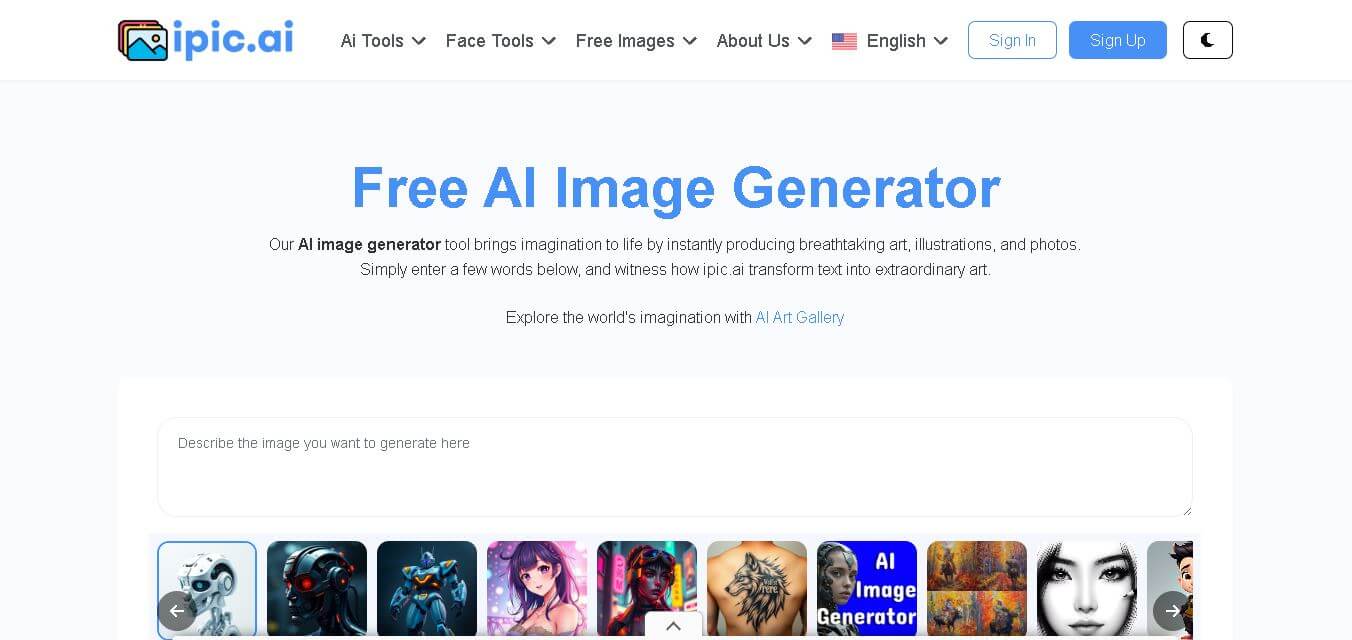
iPic is an AI-powered image generation and editing platform that lets users create visuals from text prompts and enhance photos with tools like background removal, upscaling, and style filters. It’s designed for quick, creative image creation for marketing, social media, and design needs.
 4.8
4.8Funy AI
Art
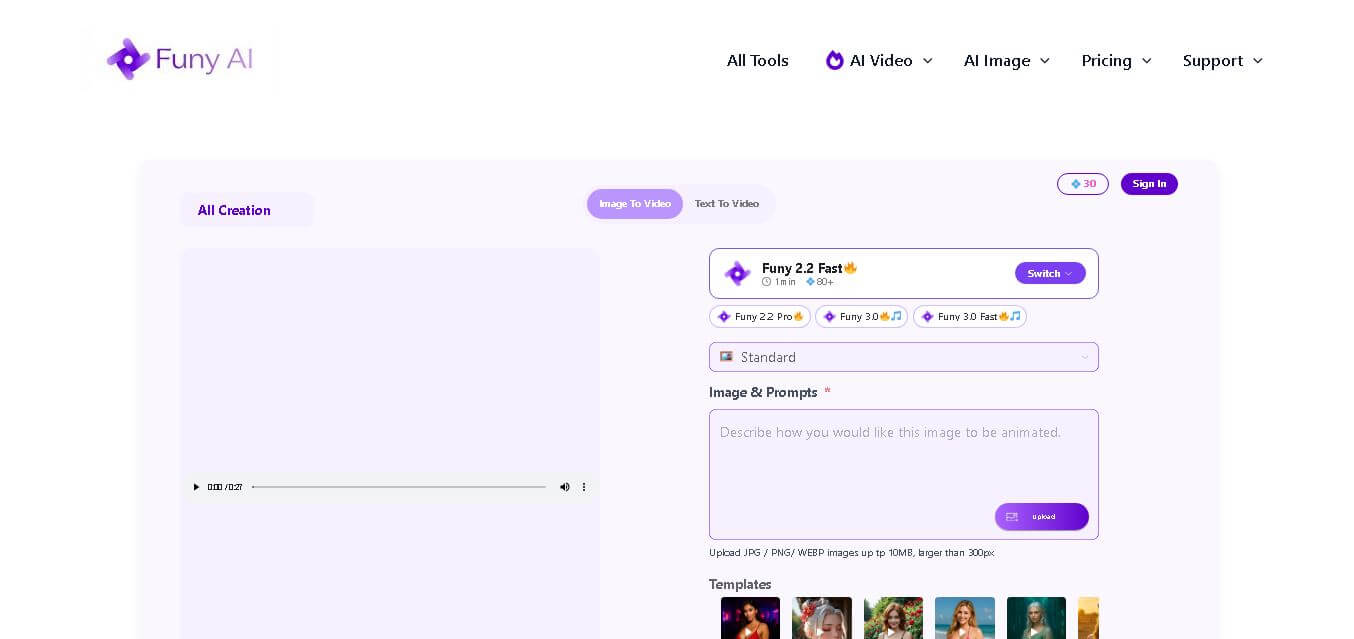
Funy AI brings multiple creative tools into one place for generating, editing, enhancing, and transforming visual content. Users can create videos from text or images, generate artwork, improve photo quality, remove backgrounds, and experiment with creative effects. Its simple interface and no-sign-up access make experimentation convenient for beginners and creators.
 4.7
4.7Illusion Diffusion (AP123)
Art
IllusionDiffusion helps creators turn patterns, shapes, and illusion images into visually striking artwork. Users provide an input illusion and text prompt, then adjust controls such as illusion strength and seed to influence the result. It is particularly useful for experimental AI art, social media graphics, creative concepts, and visual design projects.
 4.5
4.5Neural Love
Art
Neural.love helps creators improve, generate, restore, and transform visual content with AI. You can upscale images, enhance videos, restore old photographs, generate AI art, animate images, and edit visuals online. Its browser-based tools make advanced image and video processing accessible without requiring complex editing software or technical expertise.
 4.9
4.9Leonardo AI
Design
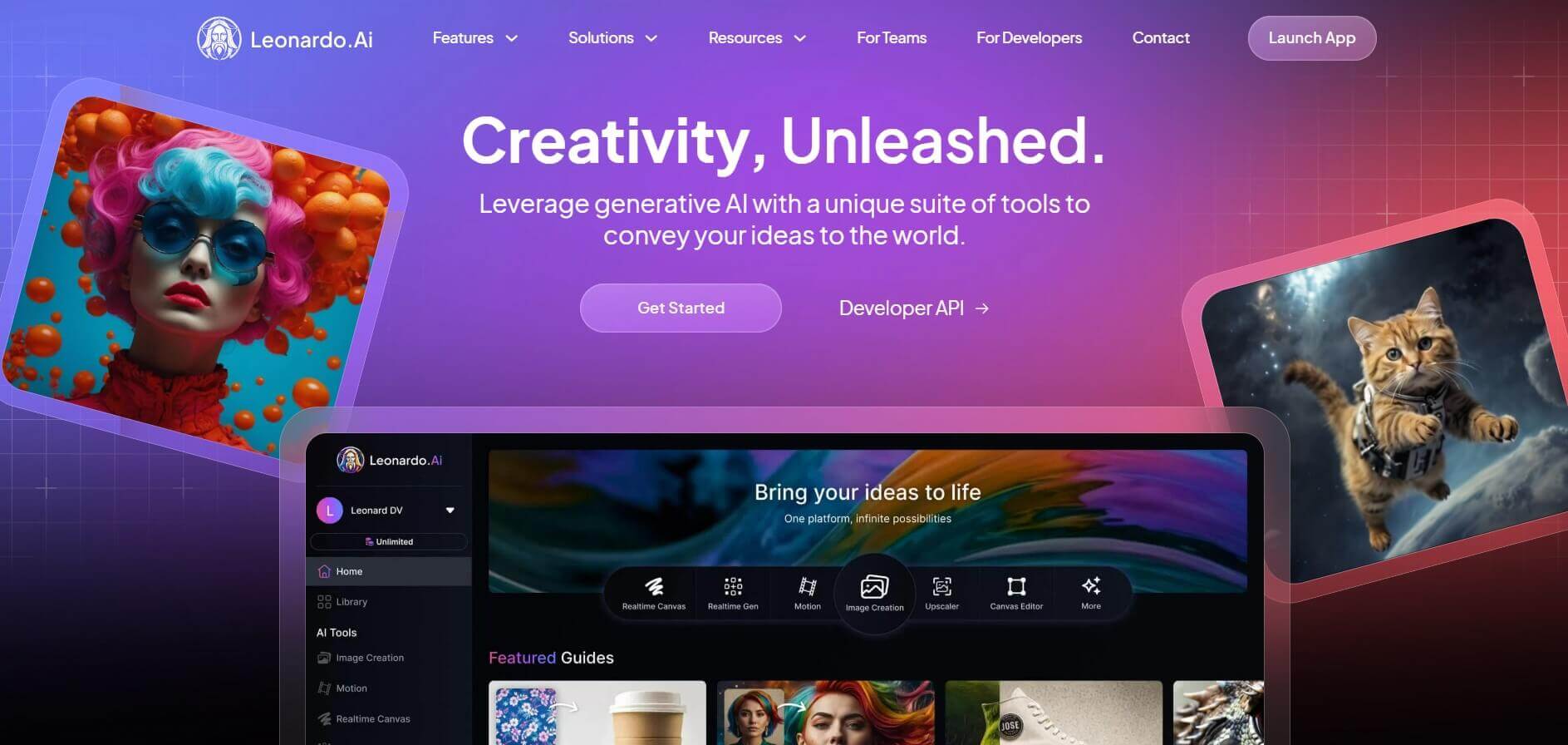
Leonardo is an advanced generative AI platform for image and video creation, featuring custom model fine-tuning (LoRA training), Real-Time Canvas, Real-Time Generation, and multi-model support across proprietary Phoenix, Lucid, and FLUX architectures.
 4.8
4.8Coool.ai
Art
Coool.ai is a comprehensive web-based platform that aggregates over 15 leading AI image and video generation models—including Midjourney, Flux, Kling, and Veo—into a single interface with a community prompt gallery.
 4.6
4.6KrispCall
Art
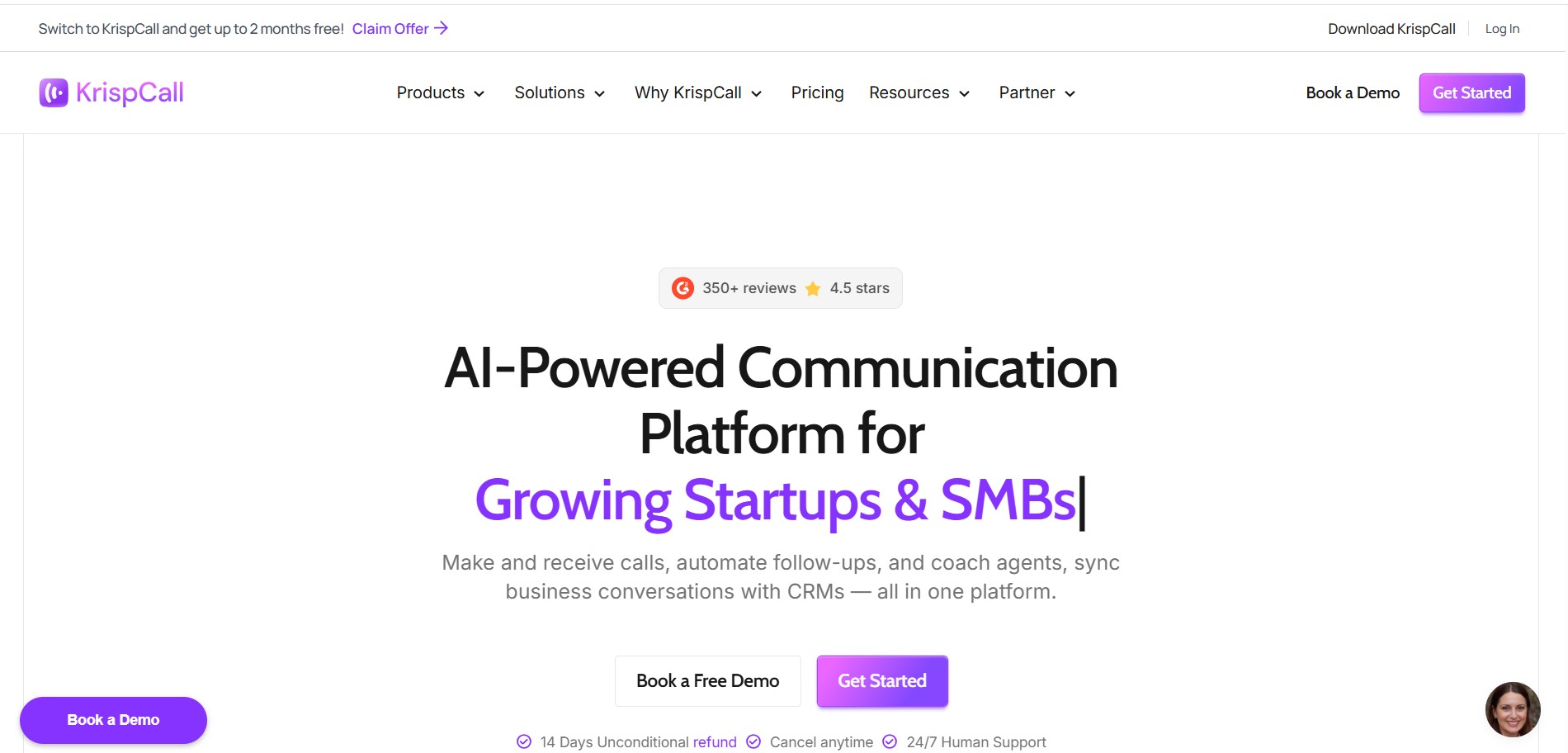
KrispCall is an AI-driven cloud telephony service that integrates business calling, texting, and analytics directly into CRM and help desk workflows. It offers AI Copilot, global virtual numbers, and over 100 integrations to modernize sales and support team communications.
 4.7
4.7QuickSearchPlus
Art
QuickSearchPlus is a unified calendar and meeting command centre that syncs Google, Outlook, Zoom, and team calendars into a single view. It provides AI-powered agendas, live meeting guidance, automatic summaries, paid or free booking links, and social chat booking for Instagram and Facebook.
 4.5
4.5QuickQR Art
Art
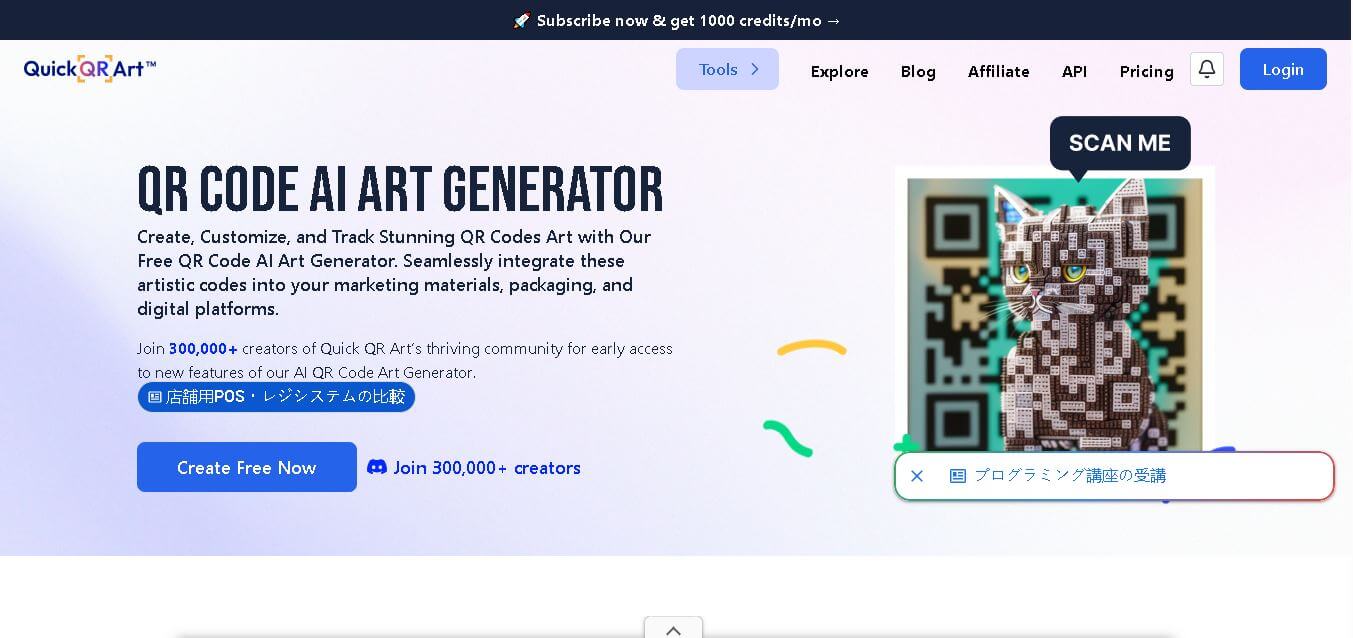
Quick QR Art is a creative QR code generation tool that transforms ordinary QR codes into visually appealing artwork while keeping them scannable. It helps individuals, marketers, designers, and businesses create branded QR experiences with customization, analytics, dynamic QR codes, and AI-generated designs that improve engagement across digital and print campaigns.