
Epilude
pilude is a voice-first productivity tool for Mac that turns your speech into clean, well-formatted text across any app. It removes filler words, fixes grammar, and adapts tone automatically, while also offering meeting transcription and private on-device processing for secure, faster writing.
What is Epilude?
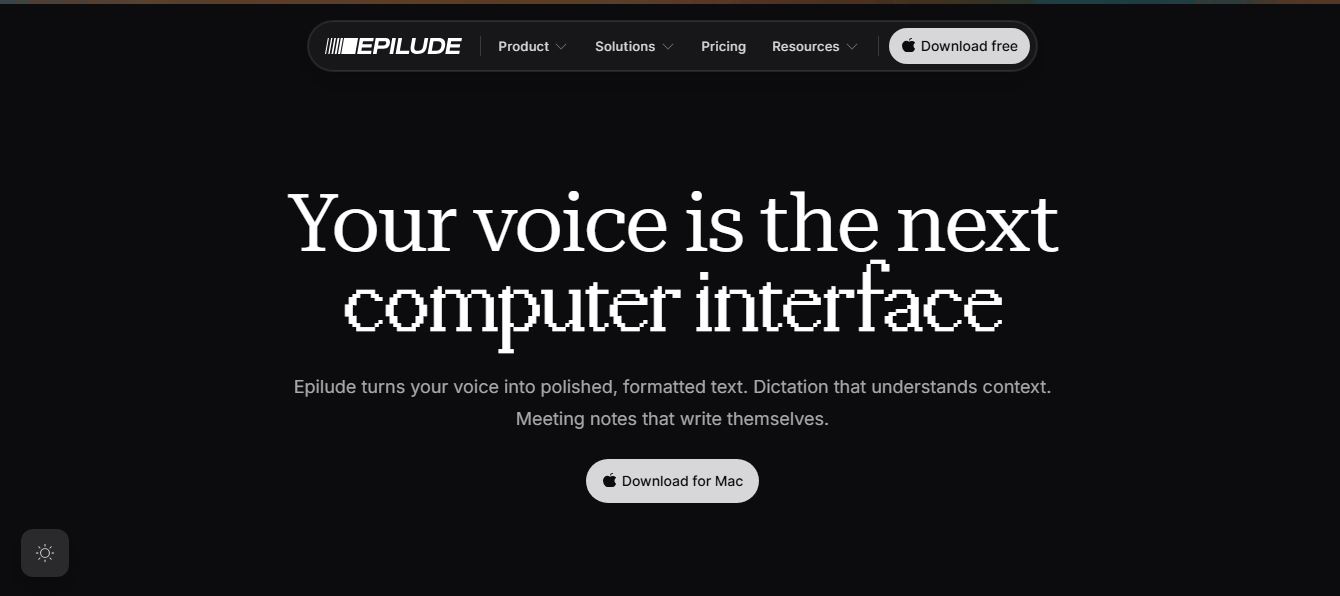
Epilude is a voice-first productivity app for Mac that turns natural speech into clean, ready-to-use text across any application. Instead of typing emails, messages, or documents, you simply press a key, speak, and the platform instantly transcribes, edits, and formats your words so they read like polished writing. What makes it stand out is its context awareness—it adjusts tone automatically depending on where you’re writing, whether it’s a formal email or a casual message. It also includes a built-in meeting notetaker that records conversations locally and generates transcripts, summaries, and action items without joining calls. With a strong focus on privacy, Epilude can run entirely on-device, ensuring your voice data never leaves your Mac.
Launched in 2026, Epilude re-imagines voice as the primary computer interface. By combining instant AI editing that cleans up filler words, false starts, and grammar with Tone Match (automatically tailoring tone from formal in email to casual in Slack), bot-free meeting recording, and a 100% on-device Local Mode where audio never leaves your Mac, Epilude offers a free trial (1,000 words and 10 meeting notes) alongside a $12/month Pro subscription and a $59 Pay Once lifetime local license.
- Platform Model: Native macOS Voice Dictation, Contextual AI Cleanup & Bot-Free Meeting Notetaker
- Launch Year: 2026
Use Cases:
- Dictating emails, Slack messages, and project tasks at the speed of speech without typing or correcting typos
- Drafting long-form essays, Substack newsletters, and documentation while pacing around without staring at a blank screen
- Recording in-person and video meetings (Zoom, Meet, Teams) locally without invasive bot joiners to produce Markdown summaries and action items
- Dictating proprietary code comments, legal briefs, and confidential executive memos completely offline via Local Mode
- Seamlessly switching between 30+ languages inside a single sentence for multilingual professionals and bilingual creators
Technology:
- Dual-engine architecture: Fast Cloud Mode supporting 35+ languages and 100% on-device Apple Silicon Neural Engine Local Mode
- Context-aware Tone Match pipeline reading active application metadata to adjust vocabulary, brevity, and tone automatically
- Bot-free system audio capture saving local Markdown notes with timestamped transcripts and assigned action items
Target Users:
- Startup founders, executives, and team leads managing high-volume email and Slack inboxes
- Content creators, newsletter writers, and authors looking to bypass typing friction on first drafts
- Software engineers and developers dictating code reviews, issue descriptions, and PR notes
- Lawyers, consultants, and clinicians requiring strict on-device data privacy and zero cloud retention
Acquisition: Operates as an independent Mac software studio (Epilude)

Key features of Epilude
Epilude's key features are
- Hold-to-Dictate Cursor Insertion: Press your hotkey, speak naturally, and release to drop cleaned, formatted text straight into whatever text field your cursor is focused on.
- AI Smart Edits & Cleanup: Automatically strips filler words ("umms", "likes", false starts) and corrects grammar without stripping away your natural writing voice.
- Contextual Tone Match: Automatically formats your output to fit the destination—formal for Gmail, conversational for Slack, concise for iMessage, and structured for Linear.
- Bot-Free Meeting Notetaker: Captures audio directly from your Mac hardware during Zoom, Teams, or Google Meet calls without inviting an awkward recording bot to the meeting.
- Markdown Files You Own: Saves meeting transcripts, summaries, and action items locally as standard Markdown files that you can search or edit in Obsidian, Notion, or VS Code.
- 100% Offline Local Mode: Runs speech recognition and AI cleanup entirely on your Mac's Apple Silicon chip with zero internet connectivity or cloud tracking.
- Custom Vocabulary & Shorthand: Learns your specialized industry jargon, team member names, acronyms, and product terminology.
- Multilingual Switching (30+ Languages): Seamlessly detects and transcribes multiple languages even when switched mid-sentence.
Epilude Pricing
Epilude provides a no-credit-card free trial alongside both a recurring Pro subscription and a perpetual one-time purchase option.
Free Trial:
- $0 / No Credit Card Required: First 1,000 dictated words and first 10 meeting notes
- Full access to both Cloud Mode and Local Mode, Vocabulary, Shortcuts, and Tone Match with no time limit
Pro Plan:
- $12.00 / month billed annually ($144/year) or $18.00 billed monthly
- Unlimited dictated words and unlimited meeting recordings
- Full access to Cloud Mode (35+ languages), Local Mode, Notetaker with summaries and action items, and priority support
Pay Once (Lifetime Local License):
- $59.00 one-time payment: No recurring subscription
- Permanent access to Local Mode on Apple Silicon Macs, on-device AI cleanup, custom vocabulary, and 1 full year of app and model updates
Disclaimer: For the latest macOS compatibility requirements, team seat packages, and feature updates, please check the official Epilude website at epilude.com.
Who is using Epilude?
Epilude is used by professionals and creators across macOS, including
- Startup Founders & Leaders: Triaging hundreds of daily emails and Slack messages in a fraction of the usual typing time
- Content Creators & Authors: Speaking messy first drafts out loud directly into Substack, Medium, Ghost, and Ulysses
- Software Developers: Writing detailed bug descriptions, PR comments, and Slack updates without leaving their code editors
- Lawyers & Legal Teams: Dictating confidential case notes securely with zero client data transmitted over cloud networks
Best Epilude Alternatives
Some of the strongest Epilude alternatives include
- Wispr Flow
- Superwhisper
- MacWhisper
- Granola
- Apple Dictation
- AudioPen
Pros and Cons of Epilude
Pros
- Drops polished text directly at the cursor in any Mac application with zero copy-pasting
- Context-aware Tone Match automatically adapts styling for emails, chat apps, and issue trackers
- Bot-free meeting recording captures Zoom/Teams calls locally and outputs clean Markdown files you own
- Offers a genuine $59 Pay Once purchase option for 100% on-device, offline Local Mode
- Intelligent AI cleanup removes filler words and false starts while preserving your unique writing voice
Cons
- Exclusively built for macOS; does not support Windows, Linux, or Android devices
- Focused primarily on live dictation and real-time meeting notes rather than batch audio file transcription (like MacWhisper)
- Pay Once license includes one year of model/app updates; future major upgrades require renewal
Why Choose Epilude?
Most voice tools either force you to talk into an isolated recording box or send an invasive bot into your video calls. Epilude integrates invisibly into your native Mac workflow.
- Eliminates the typing barrier so you can draft emails, posts, and tickets 3x faster
- Understands context to ensure what you say sounds appropriately professional or casual
- Saves all meeting notes locally in future-proof Markdown format under your total control
- Provides absolute data privacy with on-device Apple Silicon processing
Epilude vs. Competitors
The main difference between Epilude, Wispr Flow, Superwhisper, and MacWhisper lies in workflow versatility, privacy architecture, and pricing models. While Wispr Flow relies entirely on cloud servers and subscription fees, and MacWhisper specializes in transcribing pre-recorded audio files, Epilude combines real-time cursor dictation, context-aware Tone Match, bot-free meeting notes, and a subscription-free Pay Once option.
| Feature / Tool | Epilude (epilude.com) | Wispr Flow | Superwhisper | MacWhisper |
|---|---|---|---|---|
| Core Focus | Voice Dictation & Bot-Free Meeting Notes | Cloud AI Voice Dictation | Configurable On-Device Dictation | Audio File & Subtitle Transcription |
| Tone Match per Application | Yes (Auto-adapts to Gmail, Slack, Linear) | Style prompt presets | Custom mode prompts | No |
| Built-in Bot-Free Meeting Notetaker | Yes (Local Markdown outputs) | No | No | No (File-based) |
| 100% Offline Local Mode | Yes (Apple Silicon optimized) | No (Cloud required) | Yes (Local models) | Yes (Local Whisper) |
| Pricing | Free Trial / $12/mo / $59 One-time | Free / $10/mo | Free / $8.49/mo / $249.99 Life | Free / €64 One-time |
| Best For | Mac users wanting dictation + meeting notes | Cross-platform cloud voice typing | Power users needing custom LLM modes | Transcribing recorded podcasts & video files |
How do we rate Epilude?
| Parameter | Rating (out of 5) |
|---|---|
| Dictation Speed & Cursor Insertion | 4.9 |
| AI Smart Cleanup & Tone Match | 4.9 |
| Bot-Free Meeting Notetaker | 4.8 |
| Local Privacy & Offline Performance | 5.0 |
| Value for Money | 4.9 |
| Overall Score | 4.90 |
Epilude Review
Epilude delivers one of the most cohesive and delightful voice experiences available on the Mac. By bypassing clunky web dashboards and embedding directly into the native macOS workflow, it transforms speaking into a superpower. Its ability to intelligently rewrite rambling thoughts into crisp, app-appropriate sentences—paired with bot-free local meeting recording and a transparent $59 one-time purchase option—makes Epilude a standout productivity tool for knowledge workers, writers, and executives alike.
Conclusion
Epilude is a powerful voice-first productivity tool that redefines how writing gets done on a Mac. Instead of typing, users can simply speak and instantly get clean, formatted, and context-aware text inserted into any app—whether it’s email, Slack, documents, or code editors. Its biggest strength lies in intelligent dictation + real-time editing. It doesn’t just transcribe speech—it removes filler words, fixes grammar, applies formatting, and even adapts tone based on the context, making outputs feel like polished writing rather than raw transcripts. The option to run everything locally also adds a strong privacy advantage, especially for sensitive work. While it’s currently limited to macOS and may require some adjustment for new users, the productivity gains are clear. Epilude represents the future of writing—faster, more natural, and voice-driven, where speaking replaces typing as the primary interface.
FAQ
What is Epilude AI?
Epilude is a voice productivity app for macOS that turns your speech into polished, formatted text in real time. You just speak, and it writes for you—cleaning up grammar, removing filler words, and matching your tone automatically.
How does Epilude work?
Epilude works with a simple flow: press a hotkey, speak naturally, and release. It transcribes your voice, edits the text using AI, and inserts it wherever your cursor is—inside any app like email, Slack, or docs.
What can you do with Epilude?
You can dictate emails, messages, documents, and even code. It also lets you edit text using voice commands, generate meeting notes, and automatically format your writing based on context.
Does Epilude work in all apps?
Yes, Epilude works anywhere you can type on your Mac. Whether it’s Gmail, Notion, Slack, or a code editor, it inserts polished text directly into your workflow.
Can Epilude run offline?
Yes, with its Local Mode, Epilude runs fully on your device. Your audio never leaves your Mac, and you can dictate even without an internet connection.
Does Epilude support multiple languages?
Yes, it supports 30+ languages and can even switch between them naturally while dictating, making it useful for multilingual users.
Is Epilude free to use?
Epilude offers a free trial (around 14 days or limited word usage). After that, you can choose a subscription plan or a one-time purchase for local-only features.
Who should use Epilude AI?
Epilude is ideal for professionals, writers, developers, students, and anyone who wants to write faster using voice instead of typing—especially on Mac.
User Reviews
No reviews yet for Epilude.
Featured Tools
Featured AI tools from TechShark

Melody Genie
MelodyGenie is an AI-powered music generator that creates original songs from simple text prompts. Users can choose styles, moods, and genres, then instantly generate melodies and full tracks, making it easy for creators, marketers, and hobbyists to produce custom music without musical expertise.
Freemium

Kimi AI
Kimi AI is an advanced AI assistant developed by Moonshot AI that helps you chat, research, write, code, and automate tasks in one place. It supports web search, file analysis, and multimodal inputs, and can even run autonomous “agent” workflows to complete complex tasks end-to-end.
Freemium

Fashion Diffusion AI
Fashion Diffusion is an AI-powered fashion design platform that helps brands and designers create clothing designs, virtual try-ons, AI models, product photos, and marketing visuals faster and cost-effectively.
Paid

Veo 4
Veo 4 AI is an AI video creation platform that generates dramatic videos from text, images, audio, and video prompts using realistic motion and synchronized sound.
Paid
Alternatives
Alternatives to Epilude
The best Epilude alternatives include Wispr Flow, Superwhisper, MacWhisper, Granola, Apple Dictation, and AudioPen. These platforms provide speech-to-text transcription, AI cleanup, and voice typing. While Epilude specializes in real-time cursor insertion across Mac apps with context-aware Tone Match, bot-free meeting notes exported to Markdown, and a $59 Pay Once lifetime Local Mode, alternatives like Wispr Flow focus on cloud-first cross-platform dictation, and MacWhisper excels in transcribing recorded audio files and subtitle exports.
 4.9
4.9KittenTTS Web
Text-to-Speech
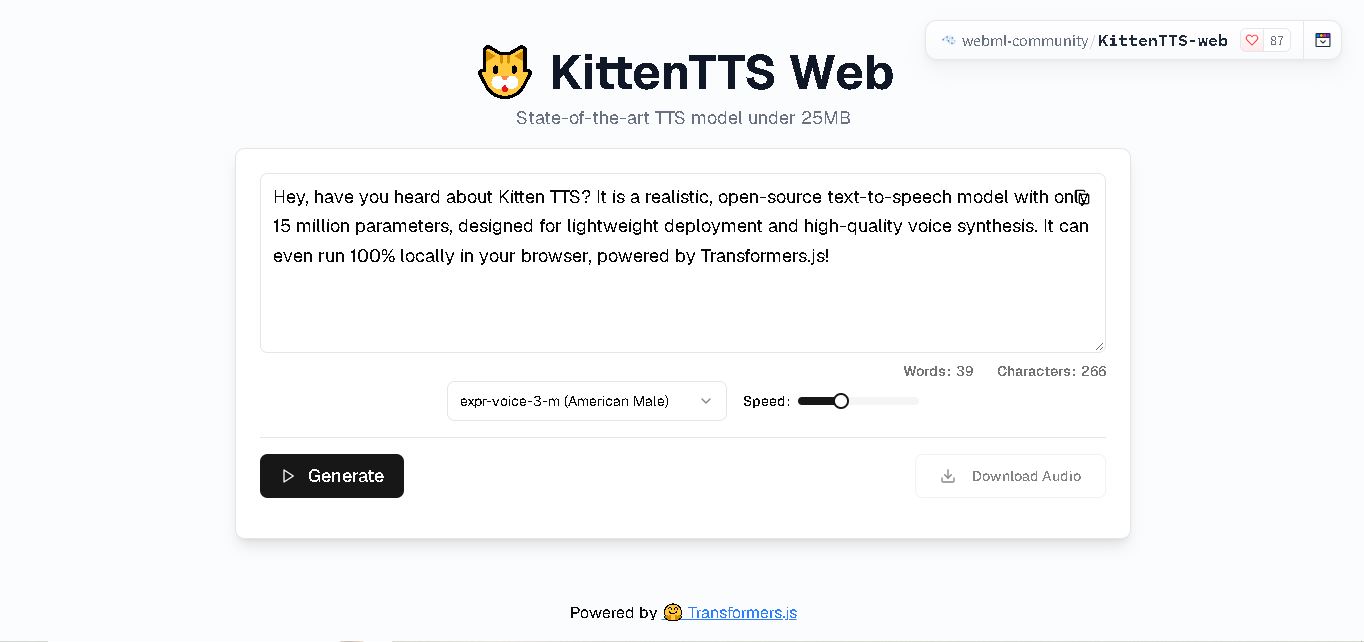
KittenTTS Web is a lightweight text-to-speech demo hosted on Hugging Face Spaces. It helps users explore how written text can be transformed into spoken audio using neural voice synthesis. The project is particularly relevant to developers, content creators, and accessibility-focused users interested in experimenting with compact speech generation technology directly through a web browser.
 4.9
4.9Parler-TTS
Text-to-Speech
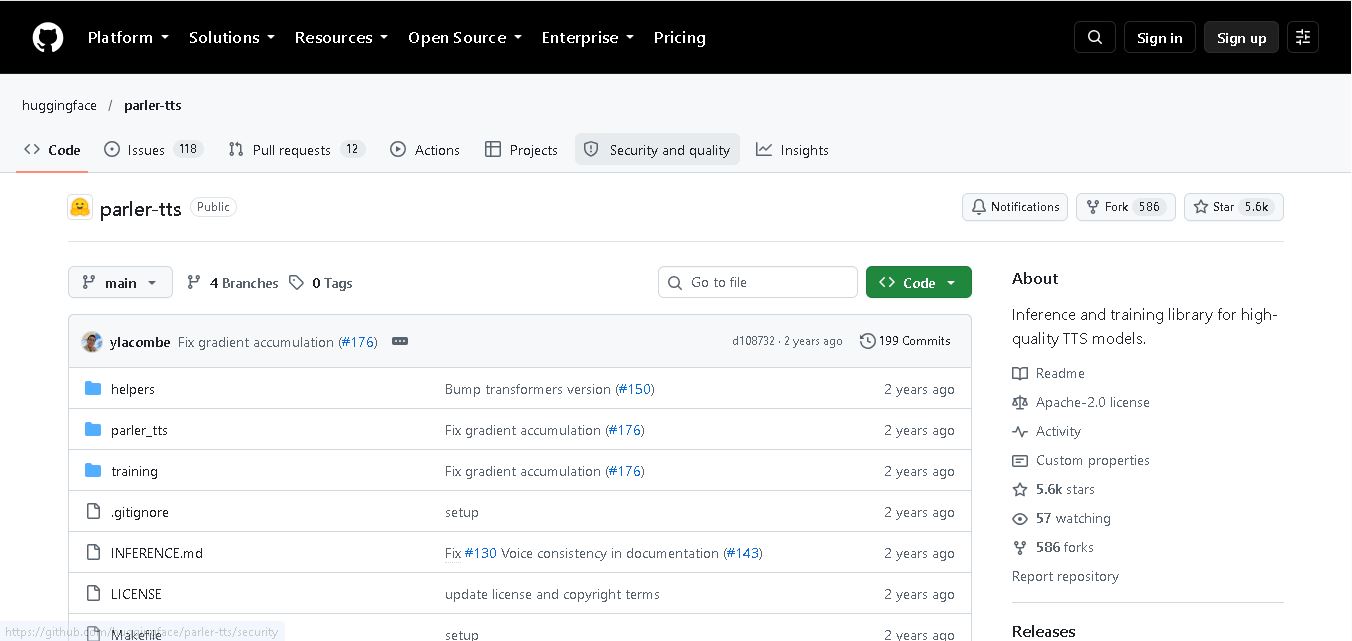
Parler-TTS is an open-source text-to-speech tool that transforms written content into natural-sounding audio. It lets developers describe voice characteristics using natural language, including pitch, speaking speed, and recording quality. With publicly available model weights, training resources, and customizable checkpoints, it supports experimentation, research, and tailored speech-generation applications across projects.
 4.9
4.9IMS Toucan
Text-to-Speech
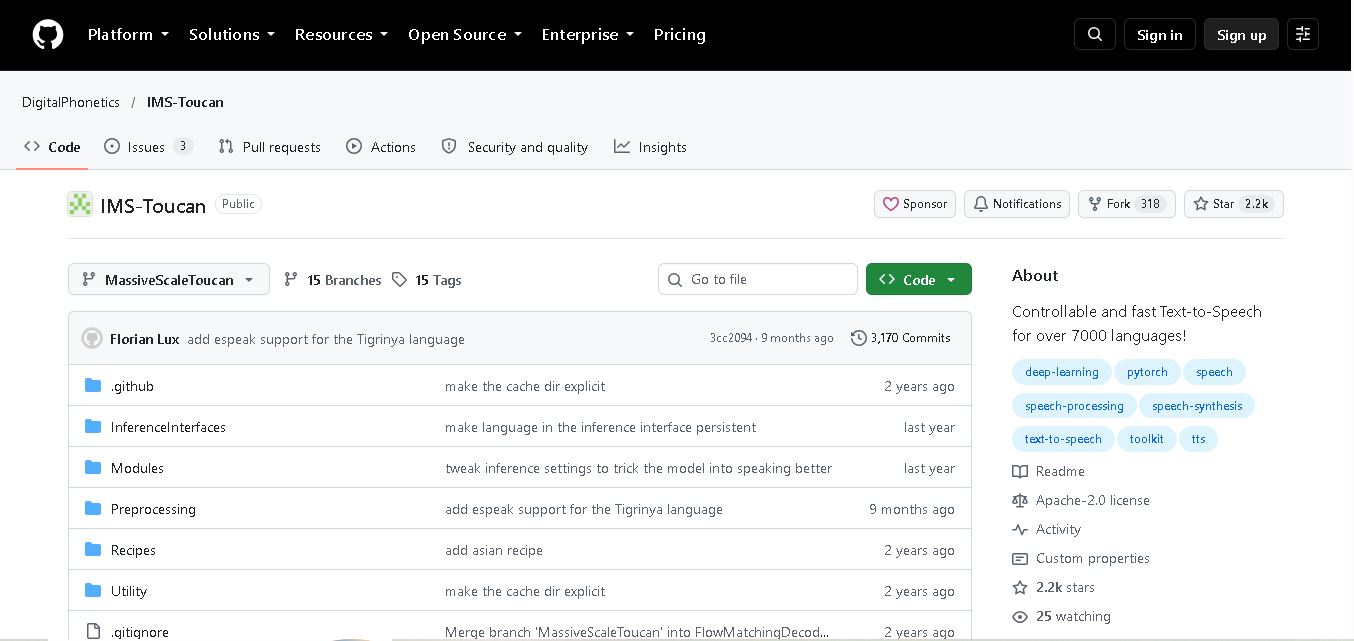
IMS Toucan is an open-source text-to-speech toolkit from the University of Stuttgart designed for multilingual speech generation. It converts text into audio and provides tools for inference, voice and prosody control, and model training. Supporting more than 7,000 languages, it serves developers and researchers exploring technology across linguistic contexts.
 4.8
4.8Verbatik
Text-to-Speech
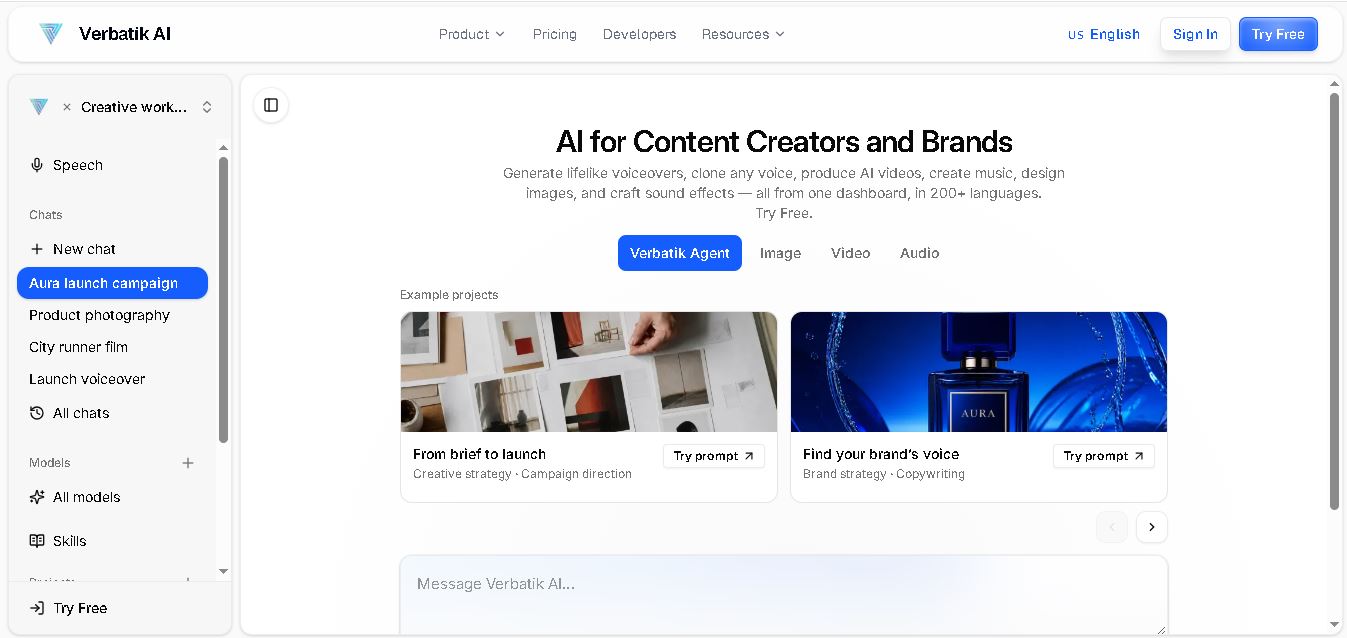
Verbatik AI helps users create realistic voiceovers, clone voices, generate music, and produce multimedia content using artificial intelligence. With multilingual speech, customizable voice settings, and developer APIs, it supports content creators, marketers, educators, and businesses. The platform simplifies audio production, video creation, and content localization from one workspace.
 4.8
4.8Narration Box
Text-to-Speech
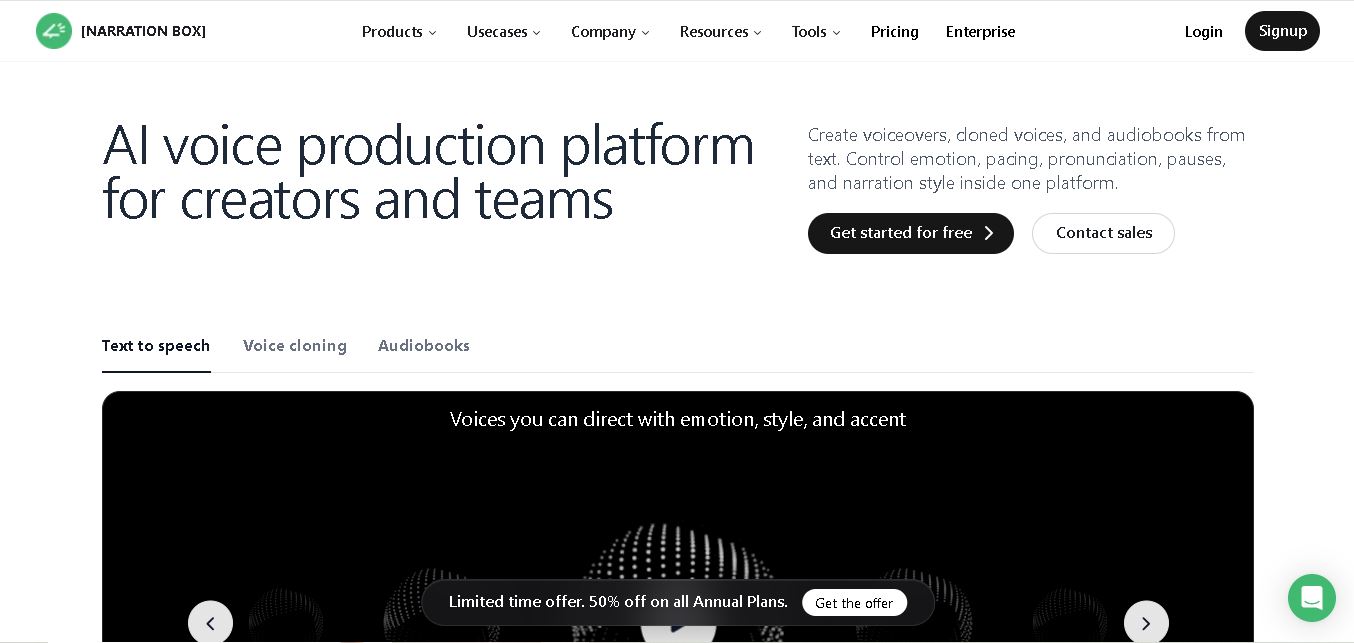
Narration Box is an AI voice generator for creating realistic voiceovers, audiobooks, podcasts, and educational audio from text. It offers over 1,500 AI narrators, 80+ languages and accents, voice cloning, and customizable emotional delivery. Its editing tools help creators produce consistent, multilingual audio content for personal and professional projects.
 4.7
4.7AudioBot
Text-to-Speech
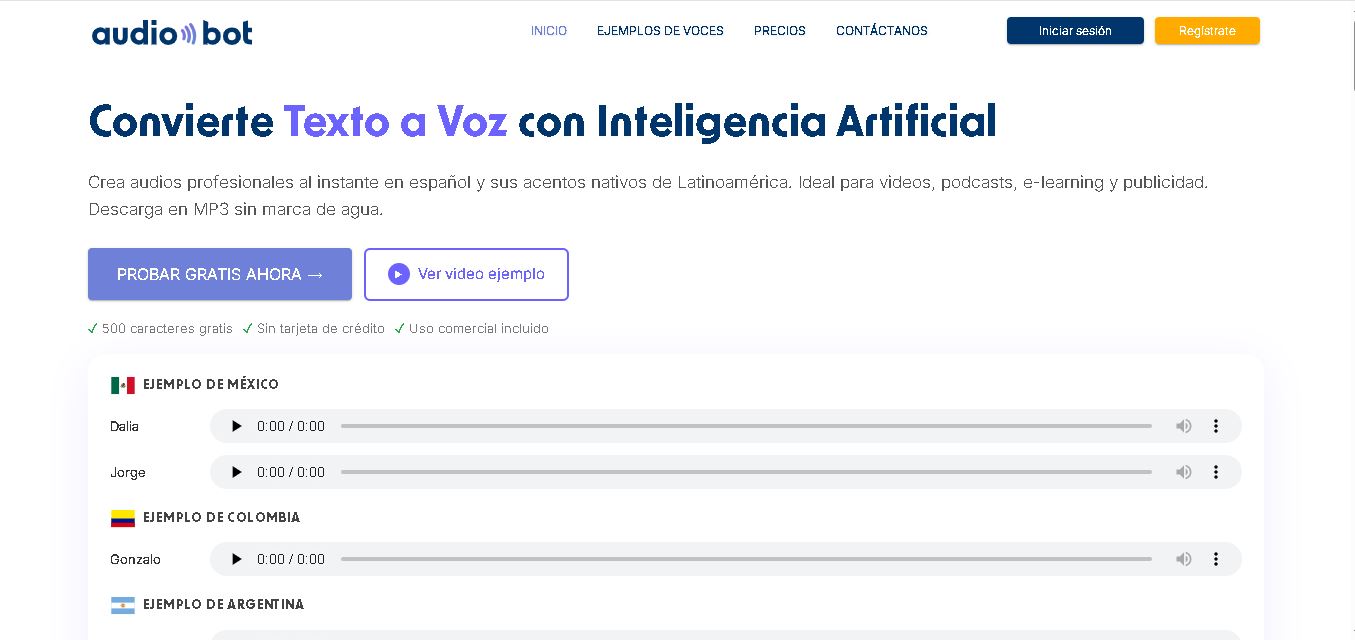
AudioBot converts written text into natural-sounding speech using AI-generated voices. It supports multiple languages and regional accents, making it useful for video voiceovers, presentations, educational materials, and audio content. Users can generate and download audio files, helping simplify narration workflows without requiring traditional recording equipment or voice talent.
 4.7
4.7Audie AI
Text-to-Speech
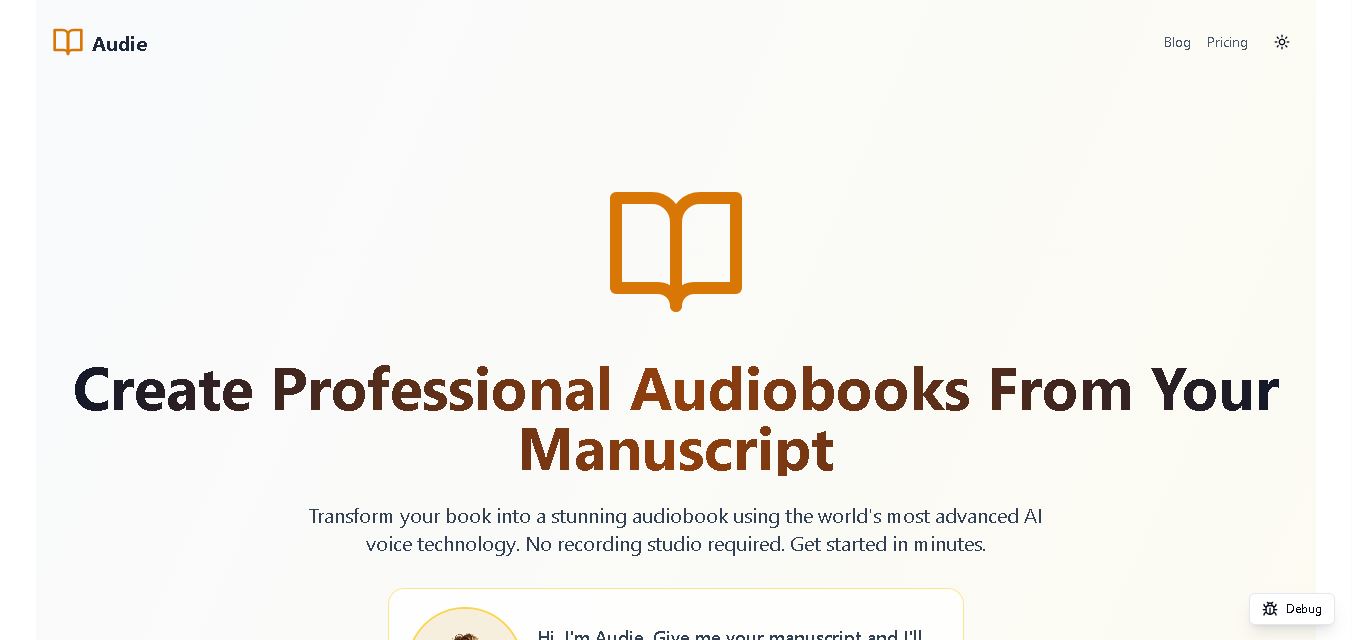
Audie AI is an audiobook creation tool that converts written manuscripts into narrated audio using AI-generated voices. It helps authors and publishers simplify production, explore different narration styles, and reduce reliance on traditional recording studios. With voice selection, advertised voice cloning, and downloadable audio, it supports more accessible audiobook creation for independent creators.
 4.6
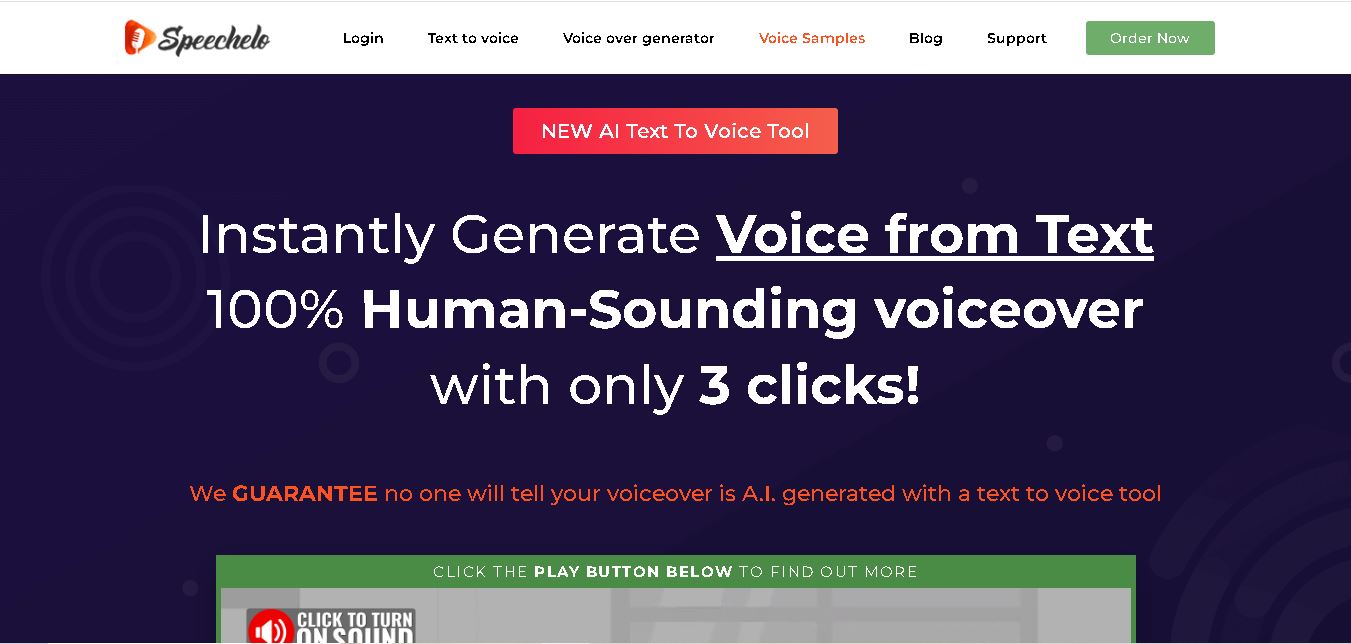
4.6Speechelo
Text-to-Speech
Speechelo is a text-to-speech tool designed to help creators turn written scripts into voiceovers. It offers different voices, languages, tones, and audio adjustments for creating narration. Video creators, educators, marketers, and content teams can use it to produce audio for tutorials, presentations, promotional videos, and other digital content projects.
 4.7
4.7Leelo AI
Text-to-Speech
Leelo AI helps you turn written content into natural-sounding speech without recording your own voice. You can choose from 800+ voices across 142 languages and accents, adjust available voice settings, generate audio, store files in the cloud, export recordings, and use generated speech commercially for different content and communication needs.