
Casper AI
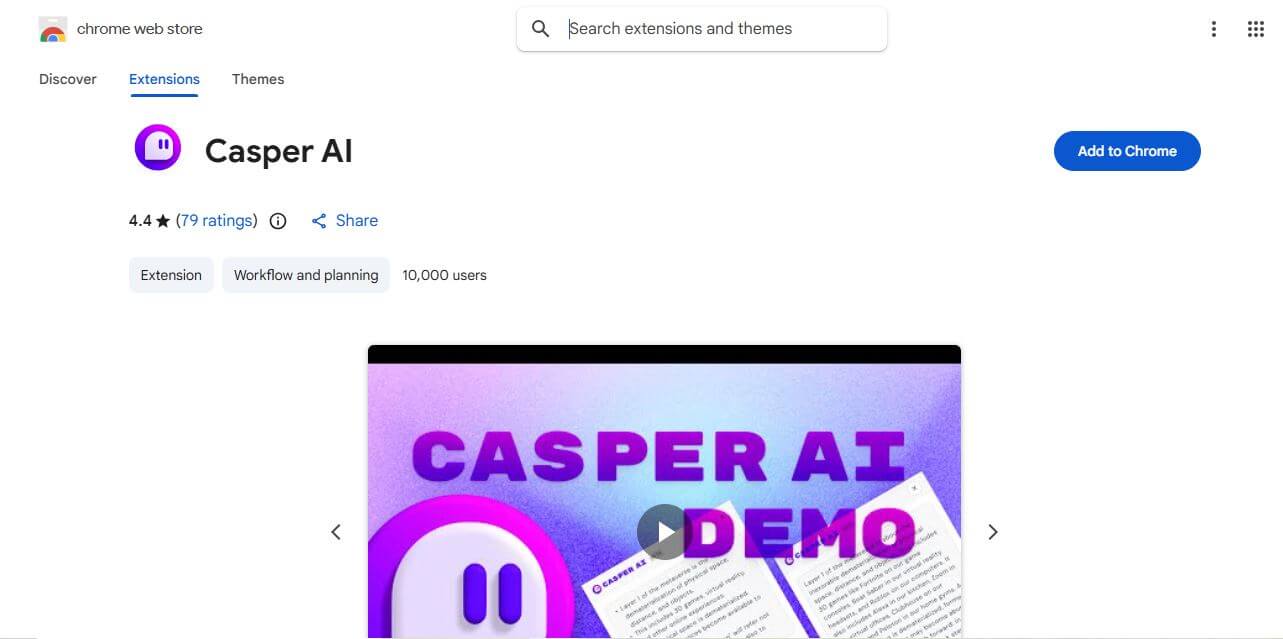
Casper AI is a Chrome extension that helps you summarize web pages and PDFs, create content, and share research insights. Built for information-heavy workflows, it helps analysts, strategists, researchers, policymakers, and business professionals quickly identify important information without manually reading every source from beginning to end. It fits into browsing.
What is Casper AI?
Casper AI is a Chrome extension for understanding web pages and PDFs, creating content, and sharing useful insights with stakeholders. It uses AI to summarize information and highlight relevant details, helping professionals spend less time on repetitive reading. The tool is positioned for research-heavy workflows, including business analysis, investment research, policy monitoring, exams, and industry news. It works directly inside Chrome, making it convenient for browsing.
Casper AI’s Chrome Web Store listing reports 10,000 users and a 4.4 out of 5 rating from 76 ratings in the captured listing. The extension is categorized under Workflow and Planning and lists version 0.4.2. It was updated September 13, 2024, according to the listing. Casper AI supports English and has in-app purchases. No physical delivery is required because it is a digital Chrome extension. The listing also describes website content handling for the extension and stakeholder communication workflows.
- Platform Role: AI Web Page Summarizer, Research Assistant & Content Creation Chrome Extension
- Developer & Organization: Casper Studios / Casper AI
- Cross-Platform Access: Google Chrome Browser Extension (compatible with Chromium-based browsers like Edge, Brave, and Opera)
Use Cases:
- Instantly summarizing long articles, news pieces, and blog posts into concise bullet points
- Analyzing dense PDFs, financial disclosures, legal filings, and market research reports
- Drafting professional emails, stakeholder updates, and social media posts derived from web research
- Asking natural-language questions about any open web page to locate specific data points instantly
- Streamlining study workflows and exam preparations for students managing heavy reading loads
Technology:
- State-of-the-art Large Language Model (LLM) integration optimized for real-time contextual text processing
- Custom intelligence commands enabling users to “dig deeper” into specific document sections
- Format control parameters allowing users to match outputs to desired audience levels or professional styles
- Lightweight extension architecture ensuring minimal browser footprint and fast response speeds
Target Users:
- Business analysts, corporate strategists, and policymakers tracking industry trends
- Legal professionals and researchers summarizing complex case laws and papers
- Content creators, marketers, and founders needing quick research-to-content pipelines
- Students and academics managing heavy reference material
Acquisition: Freemium browser extension available directly via the Google Chrome Web Store with optional paid upgrade tiers.
What are the key features of Casper AI?
Casper AI's key extension features are
- One-Click Web Summaries: Generates clean, structured executive summaries of entire web pages or documents instantly.
- Natural Language Q&A: Lets users ask specific questions about active web pages and receive precise, context-aware answers.
- Custom Intelligence Commands: Offers specialized prompts to dig deeper into complex sections or reformat explanations.
- Instant Content Repurposing: Converts raw research insights into professional email drafts, meeting notes, or social media updates.
- Audience Tone Control: Adjusts output formats, simplification levels, and citation styles to match specific professional standards.
- Seamless Browser Integration: Sits directly in the Chrome toolbar for fast, frictionless access across any tab.
How much does Casper AI cost?
Casper AI utilizes a freemium pricing model, offering free baseline summarization utility alongside premium tiers for heavy power users.
Pricing Structure:
- Free Tier ($0): Provides core access to standard web page summaries and basic AI commands within daily limits.
- Premium / Pro Tiers: Paid monthly or annual subscription plans designed for professionals, unlocking advanced document processing, higher query limits, and priority AI response speeds.
Disclaimer: While casual users can utilize the extension for free with standard limitations, heavy research workloads and advanced analytics features require upgrading to a paid subscription plan.
Who should use Casper AI?
Casper AI is designed for information-driven professionals, including
- Market Analysts & Consultants: Individuals who process dozens of reports daily and need rapid executive breakdowns.
- Content Creators & Writers: Professionals looking to accelerate background research and draft summaries efficiently.
- Students & Lifelong Learners: Anyone tackling long academic papers, articles, or documentation who wants to retain key learnings faster.
What are the best alternatives to Casper AI?
Some of the strongest Casper AI alternatives include
What are the pros and cons of Casper AI?
What are the pros of Casper AI?
- Drastically reduces reading time by transforming long web pages into concise briefs
- Intuitive Chrome extension popup interface requires zero setup complexity
- Combines reading comprehension with active content creation and sharing tools
- Interactive chat allows targeted questions rather than passive reading
What are the cons of Casper AI?
- Dependent on active internet connectivity and browser stability
- The free tier includes usage restrictions that may limit intensive professional research
- Like all LLM-powered tools, complex summaries occasionally require human fact-checking
Why should you choose Casper AI?
Information overload is one of the biggest bottlenecks for modern professionals, students, and analysts. Spending hours combing through bloated web articles and financial filings slows down decision-making. Casper AI solves this by embedding an intelligent research partner directly into your browser, delivering instant summaries, interactive Q&A, and shareable insights with a single click.
How does Casper AI compare to competitors?
The primary distinction between Casper AI, Sider, and Monica lies in its specialized focus on research transformation and stakeholder sharing. While general sidebars treat chat as an open-ended playground, Casper AI is tailored specifically to distill lengthy web documents into professional briefings and ready-to-publish content.
| Feature / Platform | Casper AI | Sider AI | Monica AI | Harpa AI |
|---|---|---|---|---|
| Core Focus | Web Summarization & Research Sharing | Multi-Model Sidebar Chat Assistant | All-in-One AI Copilot & Writer | Web Automation & Page Monitoring |
| Interface Type | Chrome Browser Extension | Browser Sidebar | Browser Sidebar & Floating Ball | Automation Dashboard & Sidebar |
| Content Sharing Output | One-click emails & social posts | Direct chat copying | Document export tools | Data scraping & tables |
| Best For | Professionals needing fast research briefs | Chatting with multiple frontier LLMs | General writing and translation | Tracking website changes and prices |
How do we rate Casper AI?
| Parameter | Rating (out of 5) |
|---|---|
| Summarization Speed & Accuracy | 4.7 |
| Ease of Use & UI Integration | 4.8 |
| Research & Q&A Capabilities | 4.6 |
| Content Repurposing & Sharing Tools | 4.7 |
| Pricing & Value for Money | 4.5 |
| Overall Score | 4.66 |
What is our review and verdict on Casper AI?
Casper AI is an exceptionally useful tool for anyone drowning in web research, reports, and long-form articles. By providing lightning-fast summaries, intuitive Q&A commands, and instant content formatting straight from the Chrome toolbar, it significantly cuts down administrative drag. For knowledge workers looking to streamline their daily information intake, Casper AI is a worthy addition to the browser.
Conclusion
Casper AI can make research and information review more manageable by bringing webpage and PDF summarization into Chrome. Its focus on extracting insights, creating content, and supporting professional workflows makes it relevant for users handling large volumes of information. Still, AI-generated summaries should be checked against original sources before important decisions, publications, or stakeholder communications. This keeps the tool useful while reducing avoidable errors.
FAQ
What is Casper AI used for?
Casper AI is used to summarize web pages, PDFs, and videos and answer contextual questions quickly.
Is Casper AI free to use?
Yes, it offers a free plan with limited features and paid plans for advanced usage.
Does Casper AI work on videos?
Yes, it can summarize video content and highlight key points.
Who should use Casper AI?
Students, professionals, researchers, and anyone who wants faster content understanding can benefit.
Is Casper AI easy to install?
Yes, it installs as a Chrome extension and works directly inside the browser.
User Reviews
No reviews yet for Casper AI.
Featured Tools
Featured AI tools from TechShark

Melody Genie
MelodyGenie is an AI-powered music generator that creates original songs from simple text prompts. Users can choose styles, moods, and genres, then instantly generate melodies and full tracks, making it easy for creators, marketers, and hobbyists to produce custom music without musical expertise.
Freemium

Kimi AI
Kimi AI is an advanced AI assistant developed by Moonshot AI that helps you chat, research, write, code, and automate tasks in one place. It supports web search, file analysis, and multimodal inputs, and can even run autonomous “agent” workflows to complete complex tasks end-to-end.
Freemium

Fashion Diffusion AI
Fashion Diffusion is an AI-powered fashion design platform that helps brands and designers create clothing designs, virtual try-ons, AI models, product photos, and marketing visuals faster and cost-effectively.
Paid

Veo 4
Veo 4 AI is an AI video creation platform that generates dramatic videos from text, images, audio, and video prompts using realistic motion and synchronized sound.
Paid
Alternatives
Alternatives to Casper AI
The best Casper AI alternatives include Harpa AI, Sider AI, Monica AI, and Perplexity Companion. While Casper AI specializes in fast web page summarization and turning research into shareable professional content via a dedicated Chrome extension, alternatives like Sider AI offer a multi-model sidebar chat experience.
 4.8
4.8ChatTube
Chrome Extension
ChatTube helps you understand YouTube videos faster by allowing you to ask questions directly about their content. You can generate summaries, transcripts, translations, mind maps, and locate relevant timestamps without watching an entire video. It is useful for students, researchers, educators, marketers, developers, creators, and professionals working with video content.
 4.8
4.8Glarity
Chrome Extension
Glarity is a browser extension that helps you summarize, translate, analyze, and interact with online content. You can use it for YouTube videos, webpages, PDFs, searches, emails, and social media. Its AI tools also support writing, research, Q&A, and multilingual reading, helping reduce the time required to process information.
 4.8
4.8ChatHop
Chrome Extension
ChatHop is a browser extension and AI workflow utility that lets users transfer ongoing conversations across leading AI assistants (like ChatGPT, Claude, and Gemini) with full context preserved in one click, alongside Markdown export and chat backup tools.
 4.8
4.8AI Toolbox
Chrome Extension
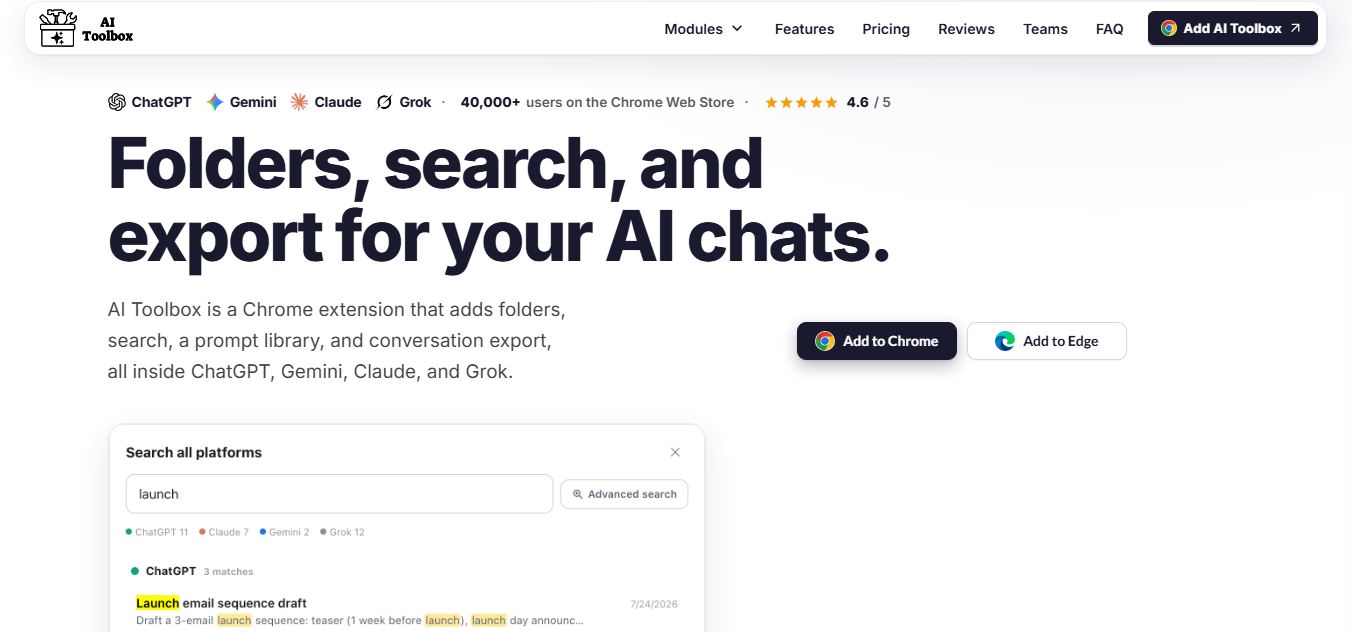
AI Toolbox is a Chrome extension that enhances tools like ChatGPT, Claude, and Gemini with folders, search, prompt libraries, and export features, helping users organize, reuse, and manage AI conversations more efficiently.
 4.8
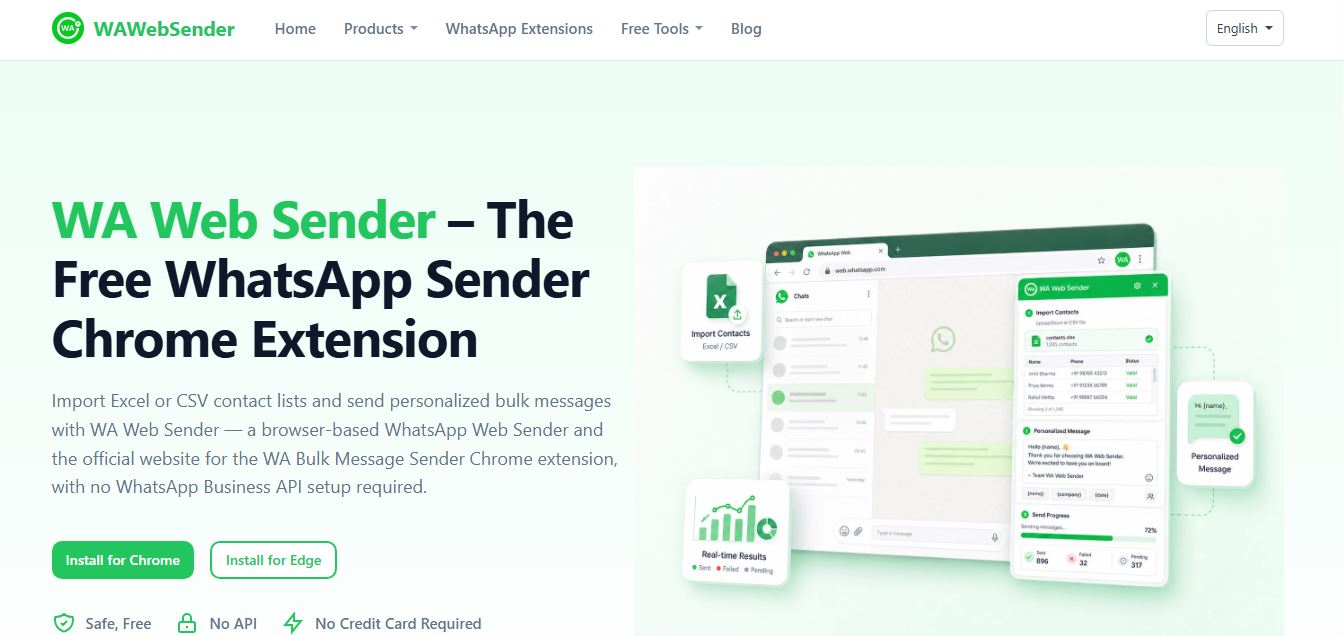
4.8WhatsApp Web Sender
Chrome Extension
WAWebSender is a browser-based bulk WhatsApp messaging Chrome and Edge extension that enables businesses, marketers, and sales teams to import Excel/CSV contact lists, personalize messages with dynamic variables, attach media, and dispatch paced outbound campaigns directly through WhatsApp Web without requiring the WhatsApp Business API.
 4.9
4.9DeepEye by deepidv
Chrome Extension
DeepEye (by DeepIDV) is an AI-powered deepfake detection tool that scans images, text, and voice in real time to identify whether content is human-made or AI-generated. It works across Chrome, mobile, and messaging apps, helping users verify authenticity instantly.