
Glarity
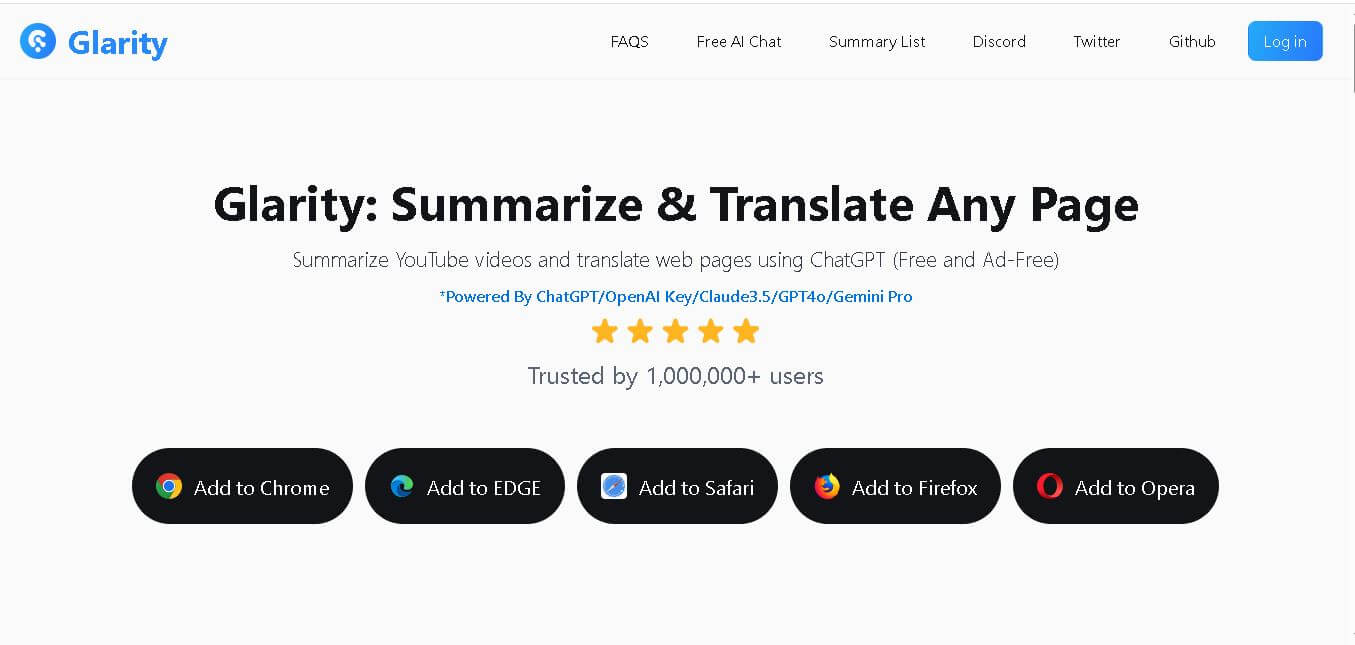
Glarity is a browser extension that helps you summarize, translate, analyze, and interact with online content. You can use it for YouTube videos, webpages, PDFs, searches, emails, and social media. Its AI tools also support writing, research, Q&A, and multilingual reading, helping reduce the time required to process information.
What is Glarity?
Glarity is a browser-based reading, writing, translation, and research assistant designed to help users understand online content faster. It can summarize YouTube videos, webpages, PDFs, Google searches, emails, and social media content while also supporting translation and AI-powered Q&A. Glarity works across popular browsers and provides features such as AI chat, PDF analysis, side-by-side translation, email assistance, and customizable summaries. Its core extension is available for free, making it useful for students, researchers, professionals, creators, and anyone who regularly consumes large amounts of online information.
Glarity combines AI summarization, translation, search, and writing assistance in one browser extension. According to its official information, it has 1,000,000+ users, supports 12+ languages for YouTube summaries, works across 5 browsers, and provides 10+ AI models with a 200K context window in its AI Chat. Its translation capabilities include 4 engines: LLM, DeepL, Google, and Microsoft. The core extension is available at $0, while premium plans add advanced AI services and higher usage limits.
- Platform Role: AI Browser Extension, YouTube Summarizer, Web/PDF Reader & Translation Tool
- Developer & Organization: Felo Inc.
- Cross-Platform Access: Web Browser Extensions (Google Chrome, Microsoft Edge, Safari, Firefox, Opera)
Use Cases:
- Generating timestamped summaries and FAQs for long-form YouTube videos across multiple languages
- Performing side-by-side and immersive full-page translations for foreign-language web articles and research papers
- Interacting directly with PDFs and web pages using AI chat to extract specific insights or custom data points
- Accelerating content creation, professional email replies, and social media responses with an integrated AI writer
- Summarizing Google search engine results and social media threads on platforms like X (Twitter)
Technology:
- Multi-model AI architecture integrating OpenAI ChatGPT/GPT-4o, Anthropic Claude 3.5, and Google Gemini Pro
- Advanced web content parsing and transcript extraction engines for real-time video and document analysis
- Lightweight browser extension framework optimized for fast rendering and minimal system latency
- Secure API routing and flexible options for personal API key integration
Target Users:
- Students, researchers, and lifelong learners processing academic papers, books, and educational videos
- Professionals, analysts, and content creators consuming large volumes of news reports, articles, and webinars
- Global internet users requiring real-time translation and cross-language communication support
- Everyday internet users looking for ad-free, quick AI summaries of web pages and search queries
Acquisition: Open-source browser extension developed by Felo Inc. (glarity.app)

What are the key features of Glarity?
Glarity's key platform features are
- YouTube Video Summarizer: Generates concise summaries, timestamped highlights, and FAQ lists for YouTube videos in over a dozen languages.
- Immersive Web Translation: Offers real-time full-page translations, text-selection translation, and image translation across multiple languages.
- AI Reader for PDFs & Web Pages: Analyzes, summarizes, and allows interactive chat with PDF documents and complex web content.
- Google Search & Social AI Summary: Integrates AI-generated overviews directly into Google search results and Twitter/X feeds.
- AI Writing Assistant: Enhances content creation for articles, emails, and social media responses up to 20 times faster with human-like quality.
- Multi-Model AI Chat: Supports a 200k context window and access to 10+ state-of-the-art language models with unlimited image generation.
- Gmail Quick Reply: Streamlines email communication by generating instant, contextual draft responses inside Gmail.
- Open-Source Transparency: An open-source codebase that allows community inspection and contributions via GitHub.
How much does Glarity cost?
Glarity offers a robust free tier with core summarization and translation capabilities, alongside premium subscription plans or API key options for advanced multi-model access.
Pricing Tiers:
- Free Plan ($0): Includes essential YouTube summaries, web page translations, standard web article summaries, and basic browser extension access.
- Pro / Advanced Tiers: Unlocks higher usage limits, advanced AI models (Claude 3.5, GPT-4o), larger context windows for long documents, and priority support.
- Bring Your Own Key (BYOK): Option to use personal OpenAI or Anthropic API keys for direct model access.
Disclaimer: Core YouTube summaries and standard webpage translations are available for free, while high-volume usage and premium LLM integrations may require a paid plan or custom API configuration.
Who should use Glarity?
Glarity is designed for web researchers, students, and professionals, including
- Researchers & Academics: Users who regularly read dense PDFs and extensive online articles and need rapid multi-language summaries.
- Content Consumers & Students: Individuals watching extensive educational YouTube videos who want to review timestamped notes without watching full clips.
- Global Professionals: Workers dealing with cross-border communication, foreign-language web research, and rapid email correspondence.
- Writers & Marketers: Professionals seeking an integrated AI writing copilot for drafting, translating, and summarizing web text on the fly.
What are the best alternatives to Glarity?
Some of the strongest Glarity alternatives include
- Language Reactor
- Monica AI
- Sider.ai
- Immersive Translate
- Summarize.tech
- YouTube Summary with ChatGPT by Glasp
What are the pros and cons of Glarity?
What are the pros of Glarity?
- Multi-model support allows switching between top AI engines like ChatGPT, Claude, and Gemini
- Extremely versatile tool combining YouTube summaries, PDF reading, web translation, and email writing
- Open-source foundation provides transparency and strong community backing
- Cross-browser compatibility supporting Chrome, Edge, Safari, Firefox, and Opera
- Generous free tier for casual web summarization and translation needs
What are the cons of Glarity?
- Relying heavily on browser extensions can occasionally impact browser resource usage
- Advanced model features and heavy document analysis require upgrading to paid tiers
- Quality of video summaries depends heavily on the accuracy of underlying video transcripts
Why should you choose Glarity?
Sifting through hour-long video tutorials, dense research PDFs, and foreign-language web pages can consume hours of valuable time. Glarity solves this information bottleneck by bringing multi-model artificial intelligence directly into your browser workflow. Whether you need a 2-minute timestamped breakdown of a YouTube lecture, an instant side-by-side translation of an overseas article, or a conversational partner for a complex PDF, Glarity provides a fast, open-source solution.
How does Glarity compare to competitors?
The primary distinction between Glarity, Monica AI, Sider, and Glasp lies in ecosystem breadth and model flexibility. While tools like Glasp focus strictly on YouTube transcripts and Immersive Translate focuses on language conversion, Glarity delivers an all-in-one open-source copilot that merges video summaries, PDF chat, full-page translation, and multi-model AI access into a single browser extension.
| Feature / Platform | Glarity | Monica AI | Sider.ai | Glasp YouTube Summary |
|---|---|---|---|---|
| Core Focus | Open-Source YouTube Summaries & Web Translation | All-in-One AI Copilot & Chat Sidebar | ChatGPT Sidebar & Multi-Model Reader | YouTube Video Transcripts & Highlights |
| Model Support | ChatGPT, Claude 3.5, Gemini Pro | GPT-4o, Claude 3.5, Gemini, Copilot | GPT-4o, Claude 3.5, Gemini | OpenAI ChatGPT integration |
| Browser Availability | Chrome, Edge, Safari, Firefox, Opera | Chrome, Edge, Safari, Firefox | Chrome, Edge, Safari, iOS/Android | Chrome, Safari, Edge (Extension) |
| Specialized Tools | PDF AI Reader, Gmail Quick Reply, Search Summary | AI Search, Painting, Writing, Coding | Chat, Read, Write, Art Generation | Web Highlighting & YouTube Notes |
| Best For | Users wanting open-source YouTube summaries and cross-language web reading | Power users wanting a comprehensive AI sidebar toolset | Multitasking professionals needing an active sidebar AI copilot | Students saving and sharing clean YouTube video notes |
How do we rate Glarity?
| Parameter | Rating (out of 5) |
|---|---|
| YouTube Summarization & Timestamps | 4.9 |
| Translation & Multi-Language Support | 4.8 |
| Multi-Model AI Integration | 4.7 |
| Ease of Use & Browser Performance | 4.8 |
| Value for Money & Free Tier | 4.9 |
| Overall Score | 4.82 |
What is our review and verdict on Glarity?
Glarity stands out as one of the most versatile and accessible AI browser extensions for content consumption. By combining instant YouTube video breakdowns, immersive web translations, and interactive PDF analysis into a unified tool backed by top-tier language models, it effectively tackles information overload. Its open-source transparency and robust free tier make it an essential utility for students, researchers, and global web users.
Conclusion
Glarity brings summarization, translation, AI chat, research assistance, and writing tools directly into the browser. Its ability to work with YouTube videos, webpages, PDFs, searches, emails, and multilingual content makes it useful for everyday information processing. With a free core extension, multiple AI models, several translation engines, and paid options for higher usage, Glarity provides a flexible way to reduce reading time and interact with online information more efficiently.
FAQ
What can Glarity summarize?
Glarity can summarize several types of online content, including YouTube videos, webpages, PDFs, Google searches, articles, emails, and social media content. You can use it when you want the important information without reading or watching everything manually. It can also answer questions about the content and extract specific information based on your prompts.
Can Glarity summarize YouTube videos?
Yes, Glarity can summarize YouTube videos and provide key information from their content. It can also generate transcripts, identify decisive moments, support video Q&A, and create customizable summaries. The official website states that YouTube summaries are available in more than 12 languages, making the feature useful for learning, research, and content discovery.
Can I use Glarity to summarize PDFs?
Yes, Glarity includes a PDF reading assistant that lets you summarize documents and ask questions about their contents. It can work with different PDF types, including research papers, books, manuals, and other documents. This can help students, researchers, and professionals quickly identify important information before reading the complete document.
Does Glarity support webpage translation?
Yes, Glarity provides webpage translation features for multilingual reading. You can translate complete webpages, selected text, PDFs, and images. Its current product information lists multiple translation engines, including LLM, DeepL, Google, and Microsoft. This allows users to choose different translation approaches depending on the content and their reading requirements.
Can Glarity answer questions about webpages?
Yes, Glarity can interact with webpage content through its reading assistant and Q&A capabilities. After processing a webpage, you can ask questions, extract particular information, or request a customized summary. This is especially helpful when you are researching a long article and want answers related specifically to the information available on that page.
Is Glarity free to use?
Glarity offers a free version that does not require registration or a credit card for its basic translation functionality, while its core browser extension is presented as free and ad-free. Paid plans provide additional AI capabilities and higher usage limits. Current official pricing lists Glarity Pro at $12.49/month when billed monthly and Glarity Plus at $24.99/month.
User Reviews
No reviews yet for Glarity.
Featured Tools
Featured AI tools from TechShark

Melody Genie
MelodyGenie is an AI-powered music generator that creates original songs from simple text prompts. Users can choose styles, moods, and genres, then instantly generate melodies and full tracks, making it easy for creators, marketers, and hobbyists to produce custom music without musical expertise.
Freemium

Kimi AI
Kimi AI is an advanced AI assistant developed by Moonshot AI that helps you chat, research, write, code, and automate tasks in one place. It supports web search, file analysis, and multimodal inputs, and can even run autonomous “agent” workflows to complete complex tasks end-to-end.
Freemium

Fashion Diffusion AI
Fashion Diffusion is an AI-powered fashion design platform that helps brands and designers create clothing designs, virtual try-ons, AI models, product photos, and marketing visuals faster and cost-effectively.
Paid

Veo 4
Veo 4 AI is an AI video creation platform that generates dramatic videos from text, images, audio, and video prompts using realistic motion and synchronized sound.
Paid
Alternatives
Alternatives to Glarity
The best Glarity alternatives include Monica AI, Sider.ai, Immersive Translate, and Glasp YouTube Summary. While Glarity specializes in open-source YouTube video summarization, multi-model AI chat, and immersive web translation across multiple browsers, alternatives like Monica AI offer heavier all-in-one AI writing and assistant suites.
 4.8
4.8ChatTube
Chrome Extension
ChatTube helps you understand YouTube videos faster by allowing you to ask questions directly about their content. You can generate summaries, transcripts, translations, mind maps, and locate relevant timestamps without watching an entire video. It is useful for students, researchers, educators, marketers, developers, creators, and professionals working with video content.
 4.7
4.7Casper AI
Chrome Extension
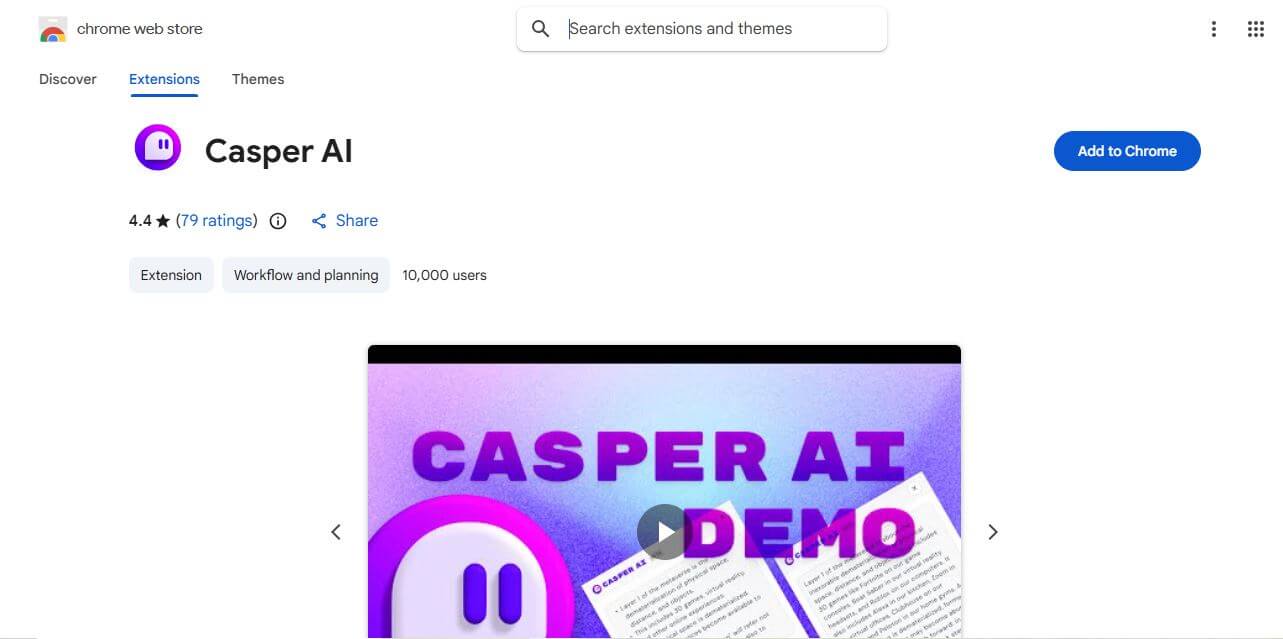
Casper AI is a Chrome extension that helps you summarize web pages and PDFs, create content, and share research insights. Built for information-heavy workflows, it helps analysts, strategists, researchers, policymakers, and business professionals quickly identify important information without manually reading every source from beginning to end. It fits into browsing.
 4.8
4.8ChatHop
Chrome Extension
ChatHop is a browser extension and AI workflow utility that lets users transfer ongoing conversations across leading AI assistants (like ChatGPT, Claude, and Gemini) with full context preserved in one click, alongside Markdown export and chat backup tools.
 4.8
4.8AI Toolbox
Chrome Extension
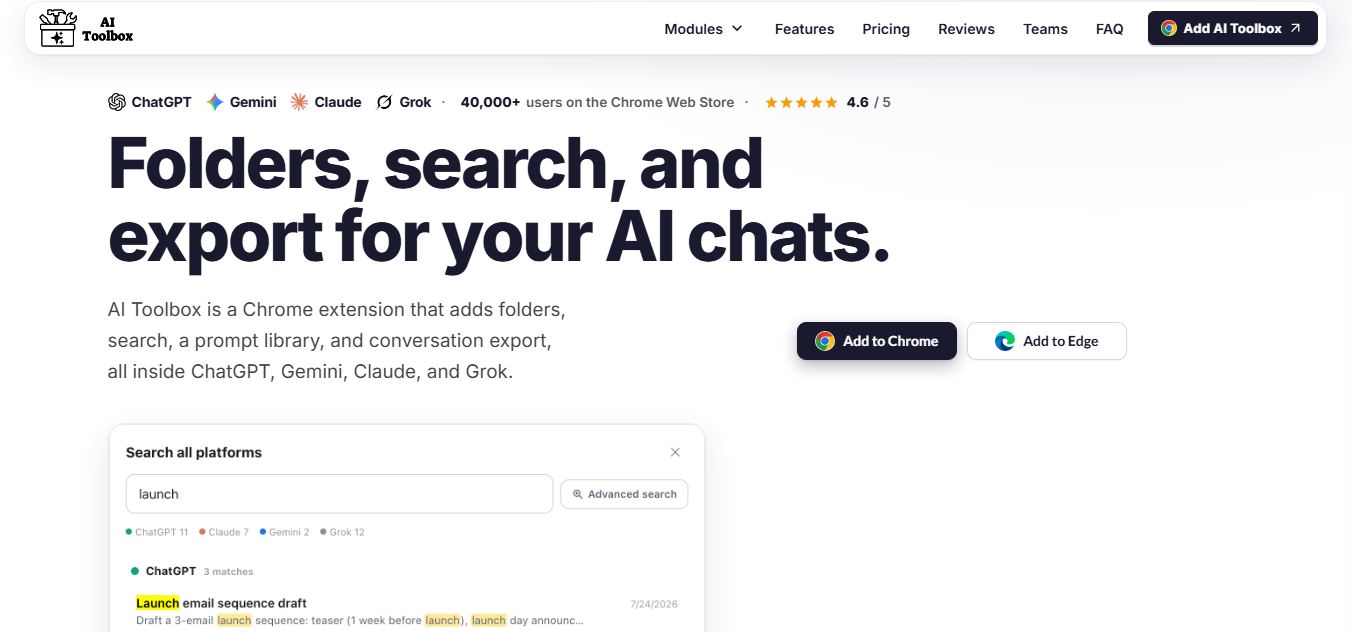
AI Toolbox is a Chrome extension that enhances tools like ChatGPT, Claude, and Gemini with folders, search, prompt libraries, and export features, helping users organize, reuse, and manage AI conversations more efficiently.
 4.8
4.8WhatsApp Web Sender
Chrome Extension
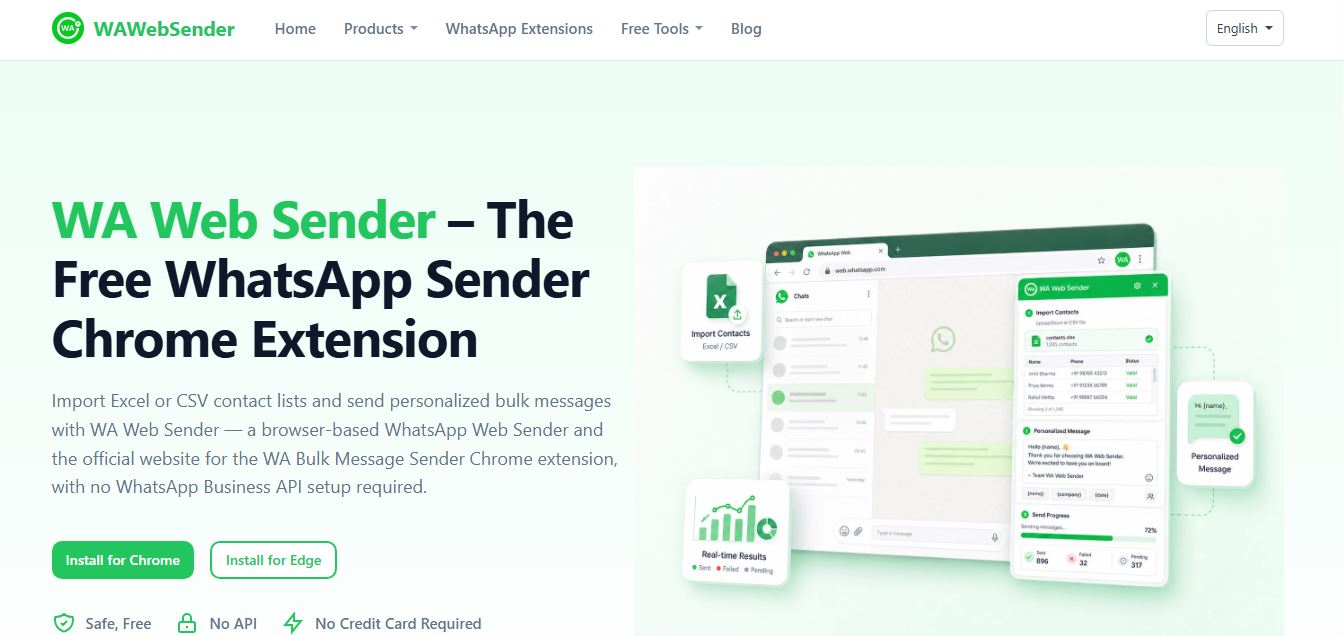
WAWebSender is a browser-based bulk WhatsApp messaging Chrome and Edge extension that enables businesses, marketers, and sales teams to import Excel/CSV contact lists, personalize messages with dynamic variables, attach media, and dispatch paced outbound campaigns directly through WhatsApp Web without requiring the WhatsApp Business API.
 4.9
4.9DeepEye by deepidv
Chrome Extension
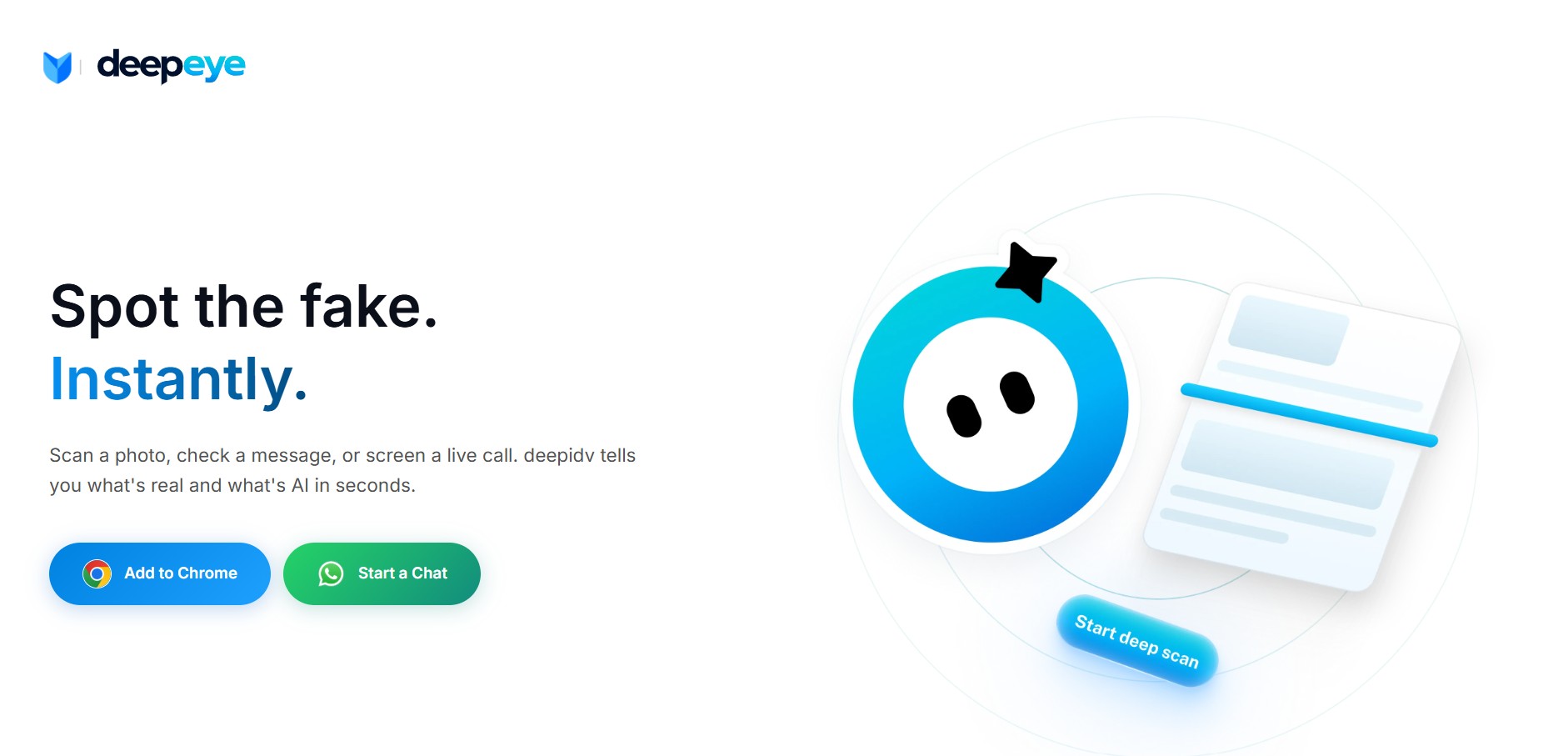
DeepEye (by DeepIDV) is an AI-powered deepfake detection tool that scans images, text, and voice in real time to identify whether content is human-made or AI-generated. It works across Chrome, mobile, and messaging apps, helping users verify authenticity instantly.