
AI Video Cut
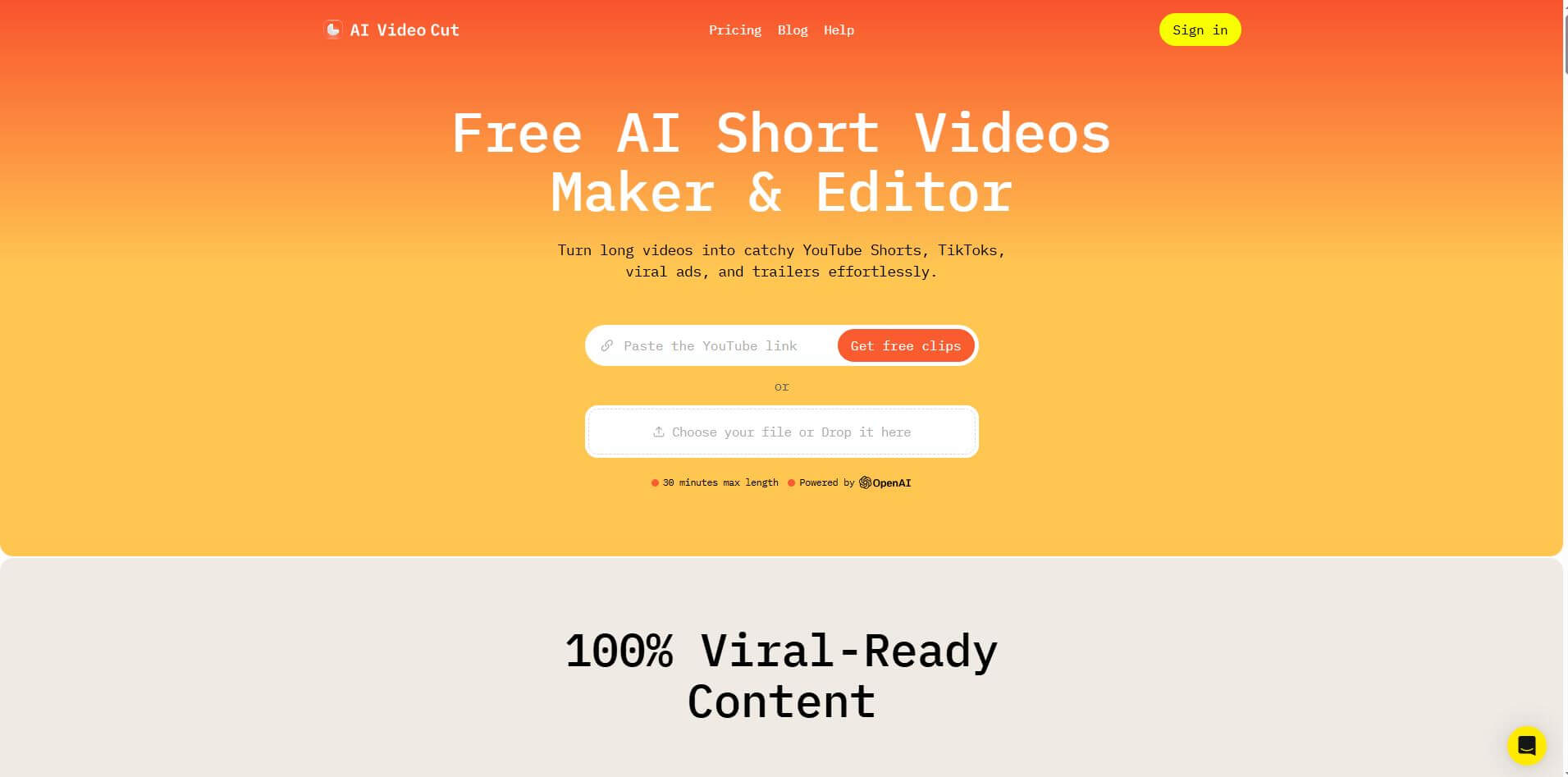
AI Video Cut is an AI-powered video tool that transforms long videos into viral-ready Shorts, TikToks, and ads using smart prompts, face detection, multilingual captions, adjustable length/ratio, and optional monthly plans.
What is AI Video Cut?
- Founder: Omnisale GmbH (Team based in Zug, Switzerland)
- Launch: 2024
- Use Cases: Social media creators, podcasters, marketers, e-commerce sellers, event planners, educators, and businesses repurposing long videos into bite-sized engaging clips.
- Technology: OpenAI-powered speech recognition, multilingual transcription, smart face detection, caption generation, and auto metadata creation.
AI Video Cut is an AI-powered video editing platform designed to help creators, marketers, and businesses take long-form video and turn it into short, engaging clips for social media platforms such as TikTok, YouTube Shorts, and Instagram Reels. Powered by advanced AI technology, the application helps you generate video clips in a fraction of the time it would take to do manually since it can detect highlights, key moments, and faces to generate the most useful parts of a video. You can choose the length of the video clip, aspect ratios, and captions. The platform supports multiple languages and helps you follow best practices for captions—which is helpful if you want to stretch your reach into communities that might speak different languages. The biggest differentiator with AI Video Cut is that it reduces the time it takes to produce professional-looking content, saving you hours of work for the ordinary or new-to-video creator. It works perfectly to make a bite-sized, social-friendly clip from a podcast or long-form video, a webinar, an interview or promotional video, or live social video that people will be able to engage with and enjoy quickly. The platform offers a free version with essential capabilities and paid plans designed for creators seeking more options based on their tolerance, skill, and available time. It also provides the opportunity to explore AI improvements—features that some may view as advanced but are actually ideal for beginners who prefer not to feel overwhelmed by too many choices when starting out.
AI Video Cut Video/Demo
People are also reading
FAQ
What types of videos work best with AI Video Cut?
Videos with spoken content, such as interviews, tutorials, webinars, podcasts, and product demos, work best for generating engaging clips.
Which languages are supported?
The tool supports multiple languages for transcription and captions, making it suitable for global creators.
Can I control clip length and format?
Yes, you can set clip length, choose aspect ratios like 9:16 or 1:1, and edit captions before exporting.
What kinds of prompts are available?
It offers prompts such as Trailer, Viral Clips, Memorable Phrases, Instructions, Testimonials, Product Features, and more.
Does AI Video Cut help with metadata for posting?
Yes, it automatically generates titles, descriptions, and hashtags to make publishing faster and more efficient.
User Reviews
No reviews yet for AI Video Cut.
Featured Tools
Featured AI tools from TechShark

Melody Genie
MelodyGenie is an AI-powered music generator that creates original songs from simple text prompts. Users can choose styles, moods, and genres, then instantly generate melodies and full tracks, making it easy for creators, marketers, and hobbyists to produce custom music without musical expertise.
Freemium

Kimi AI
Kimi AI is an advanced AI assistant developed by Moonshot AI that helps you chat, research, write, code, and automate tasks in one place. It supports web search, file analysis, and multimodal inputs, and can even run autonomous “agent” workflows to complete complex tasks end-to-end.
Freemium

Fashion Diffusion AI
Fashion Diffusion is an AI-powered fashion design platform that helps brands and designers create clothing designs, virtual try-ons, AI models, product photos, and marketing visuals faster and cost-effectively.
Paid

Veo 4
Veo 4 AI is an AI video creation platform that generates dramatic videos from text, images, audio, and video prompts using realistic motion and synchronized sound.
Paid
Alternatives
Alternatives to AI Video Cut
AI Video Cut is an AI video editing tool that helps creators transform long videos into short, shareable clips for TikTok, YouTube Shorts, and Reels. Its AI detects highlights, adds captions, supports multiple languages, and offers free and paid plans for professionals.
 4.9
4.9Media.io
Video Editing
Media.io is an AI-powered creative platform that helps users generate, edit, and enhance videos, images, audio, and ads from simple prompts or assets. It combines AI generation, editing, and workflows in one place, enabling creators to turn ideas into polished content quickly without switching tools.
 4.9
4.9Artlist
Image
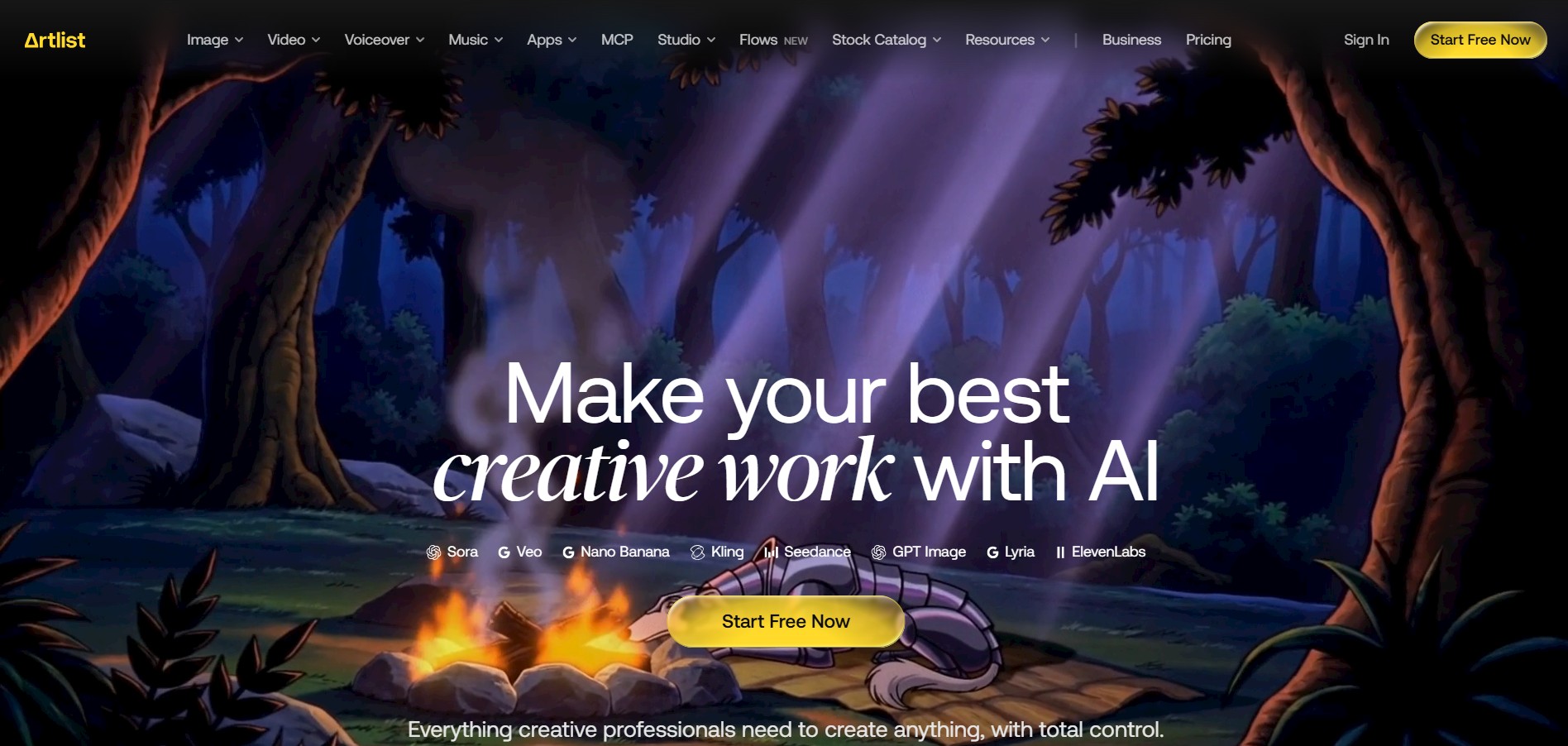
Artlist is a subscription-based platform that provides high-quality royalty-free music, sound effects, and video assets for creators. It helps filmmakers, YouTubers, and marketers access unlimited creative resources, making it easy to produce professional content without worrying about licensing issues.
 4.8
4.8Loqua
Text-to-Video
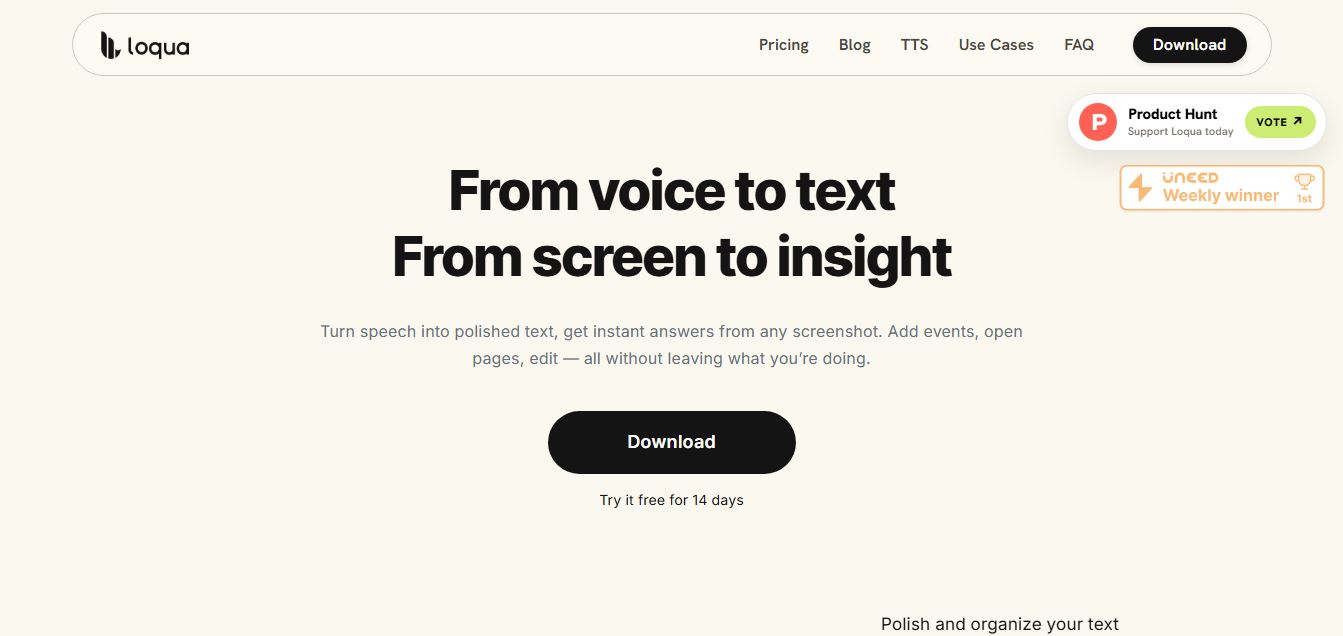
Loqua is an AI-powered voice typing, multimodal desktop agent, and intelligent dictation software for macOS and Windows that turns natural speech into structured, filler-free text across any app at 220 WPM, paired with Capture to Ask visual screen queries, speak-to-edit rewriting, and voice-triggered desktop automations.
 4.8
4.8InVideo
Text-to-Video
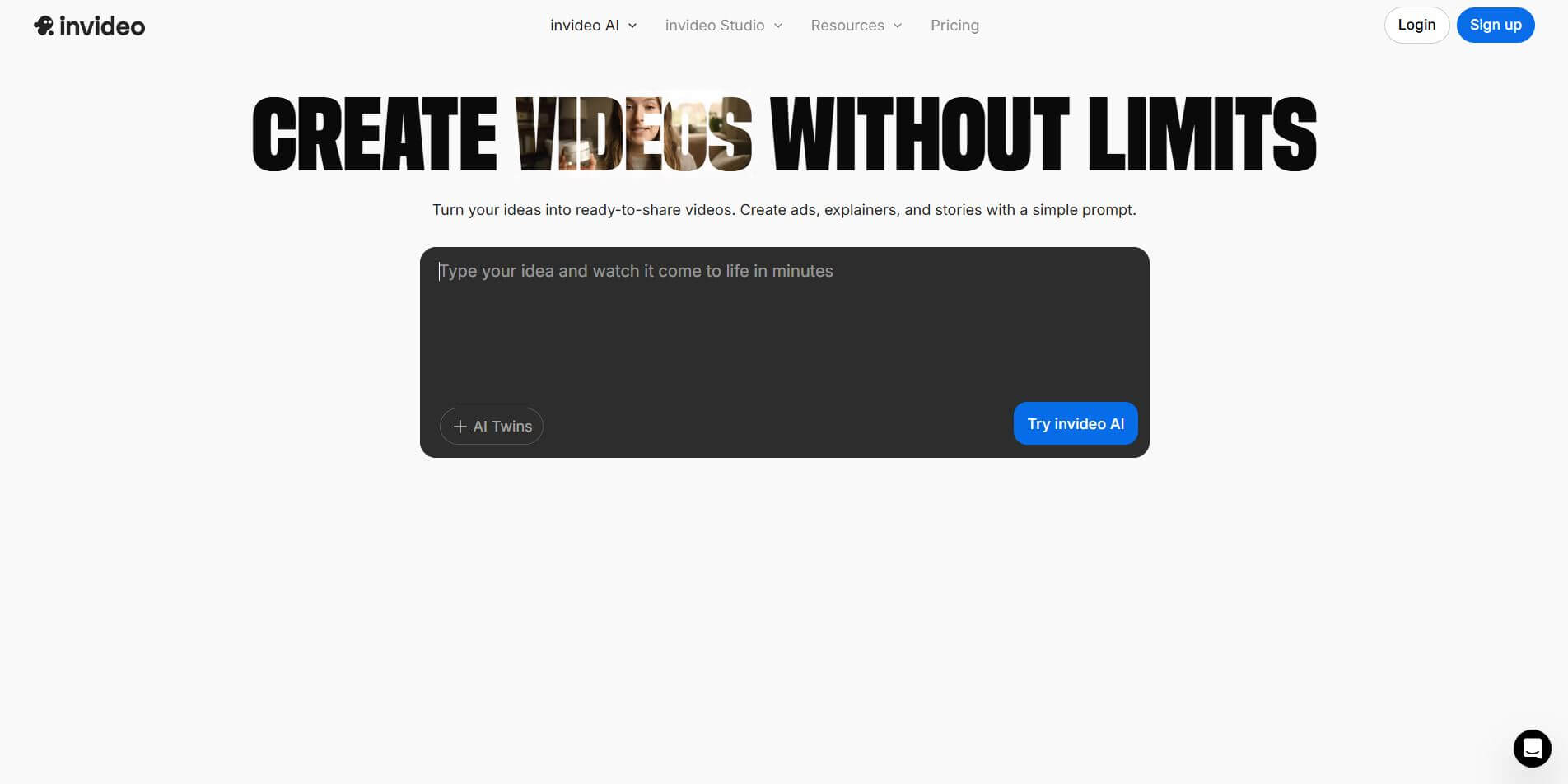
InVideo (invideo.io) is an AI-native video creation and production platform featuring InVideo AI, which turns text prompts, topics, and scripts into fully produced, narrated, and stock-matched videos with automated voiceovers, subtitles, and conversational editing.
 4.9
4.9Kling AI
Text-to-Video
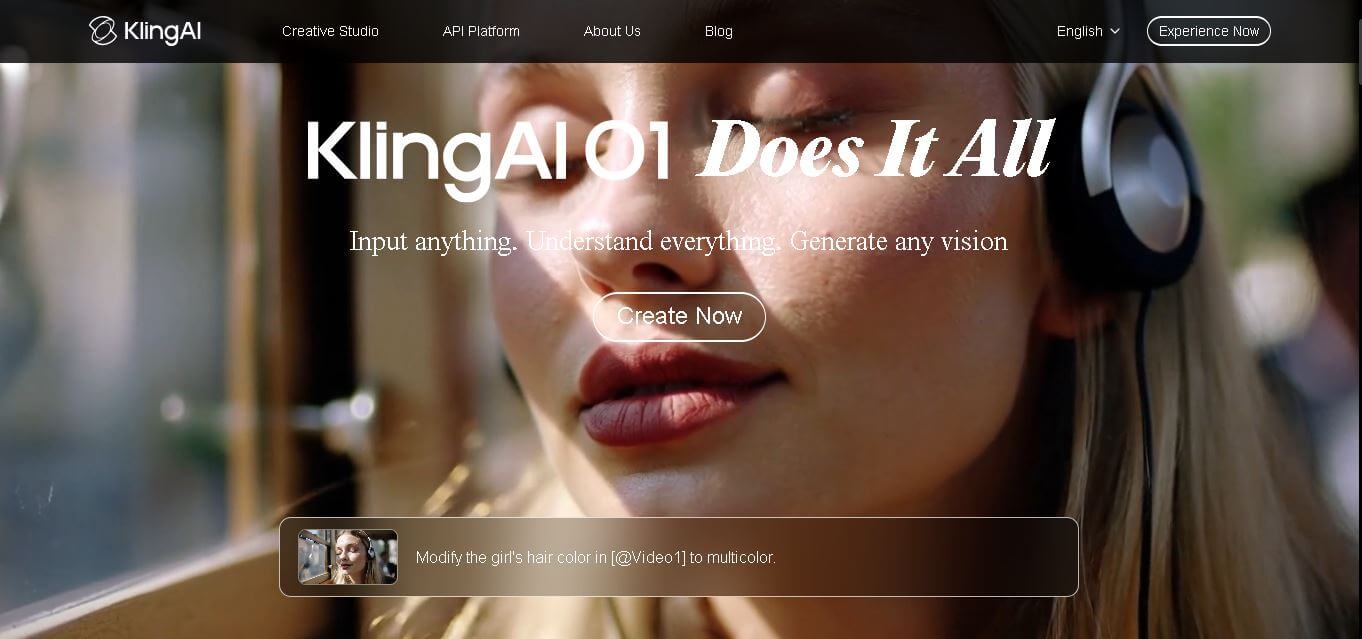
Kling AI is a flagship text-to-video and image-to-video creative studio developed by Kuaishou Technology, renowned for realistic physical motion, up to 4K cinematic video generation, native audio and lip-sync, start/end frame control, and 3D spatio-temporal camera direction.
 4.7
4.7Emu Video
Text-to-Video
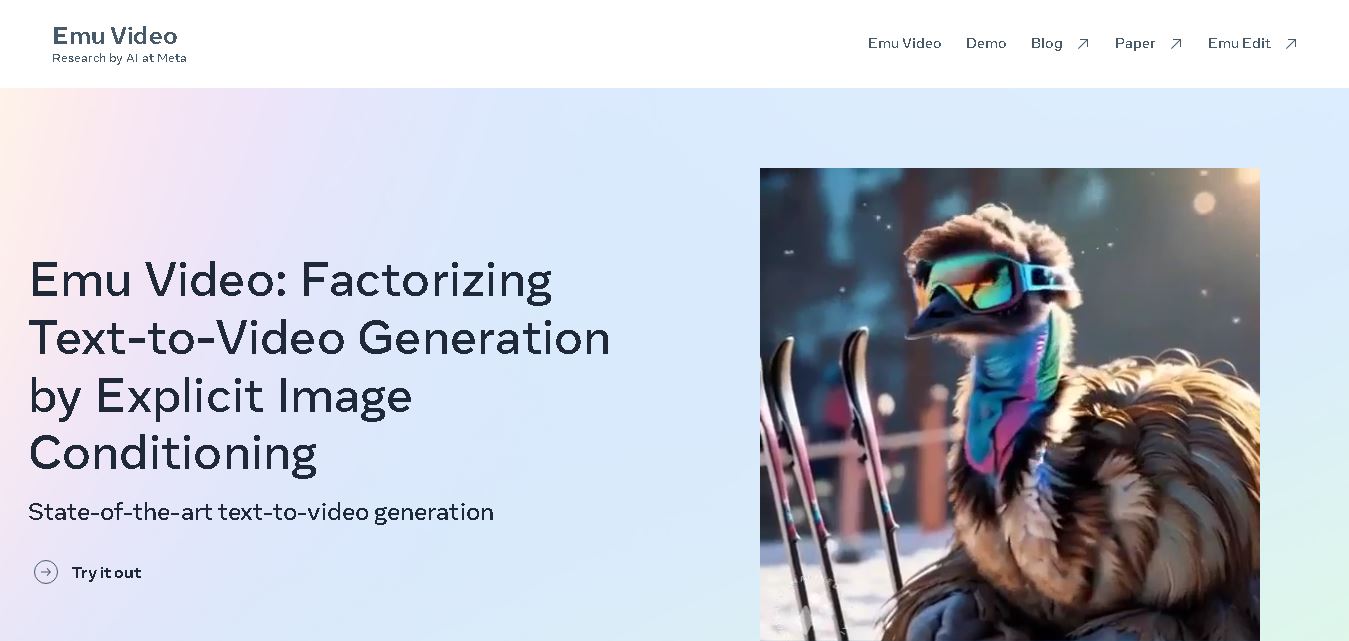
Emu Video is a text-to-video generation model developed by Meta that transforms written prompts into short, high-quality videos. It follows a two-step generation process to improve visual consistency, motion quality, and realism. The model also supports image-guided animation, making it suitable for creative storytelling, research, and multimedia content generation.
 4.9
4.9Stivio
Video Generator
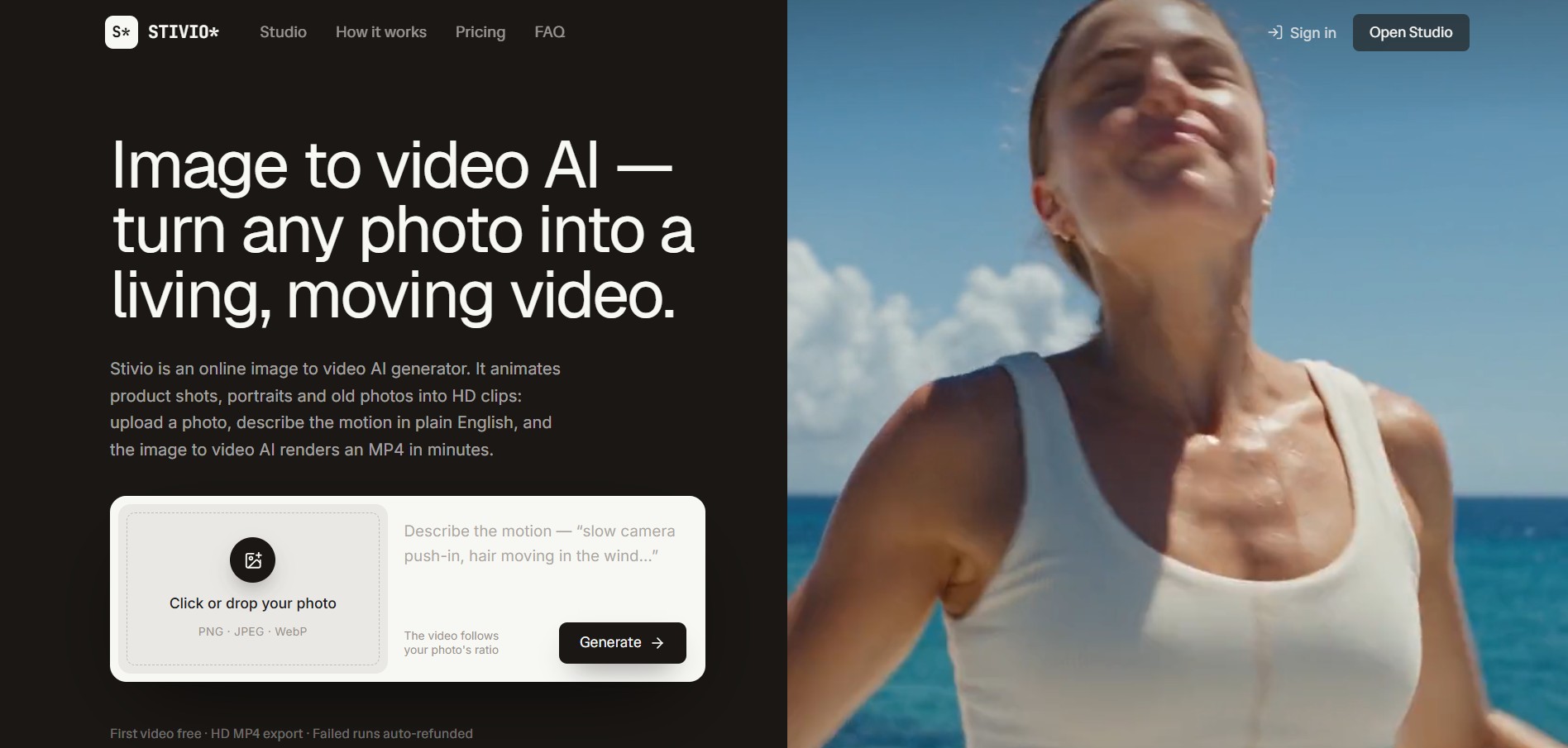
Stivio is an online image-to-video AI generator and multi-model animation studio that turns static product shots, portraits, and vintage photos into 3- to 30-second HD MP4 video clips using plain-English motion prompts across six foundation engines including Kling, Wan, MiniMax, and Seedance.
 4.8
4.8GeniLoop AI
Text-to-Video
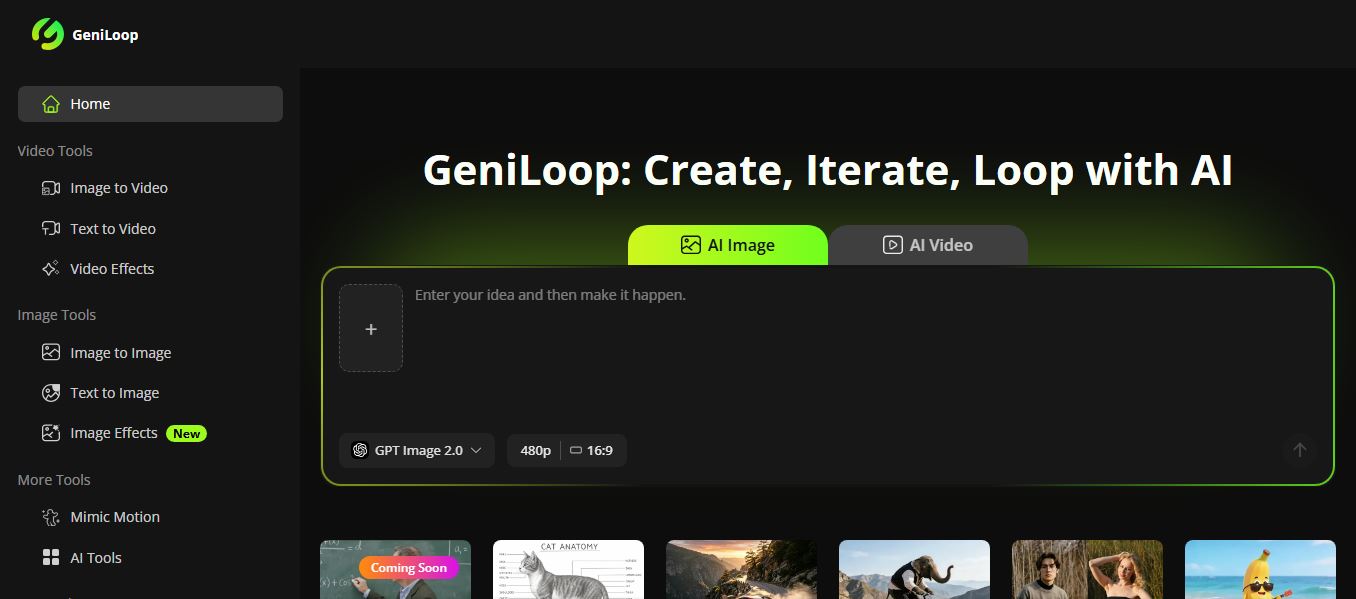
GeniLoop AI is an all-in-one AI studio that lets you create images, videos, and visual content from simple prompts. It supports tools like text-to-video, image-to-video, and hundreds of effects, helping creators generate high-quality visuals quickly without editing skills.
 4.7
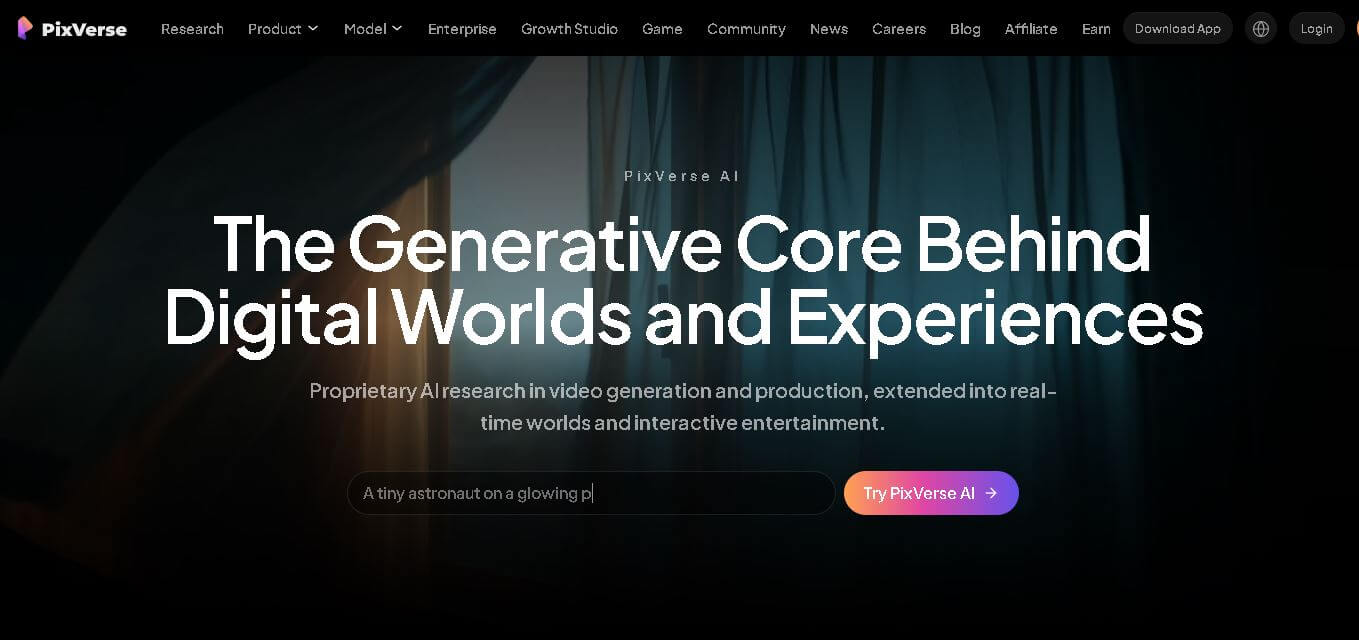
4.7PixVerse AI
Text-to-Video
PixVerse is a generative video creation tool that transforms text prompts, images, and reference media into high-quality videos. It enables individuals, creators, marketers, and businesses to produce cinematic clips, social media content, advertisements, and animations with customizable styles, motion controls, templates, lip-sync, and AI-assisted editing in just a few steps.