Zotero
Zotero is a free, open-source reference management tool designed to simplify research and academic writing. It helps users save online sources, organize references, annotate PDFs, and generate citations in thousands of styles. With browser integration, word processor support, and collaborative libraries, Zotero makes managing research materials easier for students and professionals.
What is Zotero?
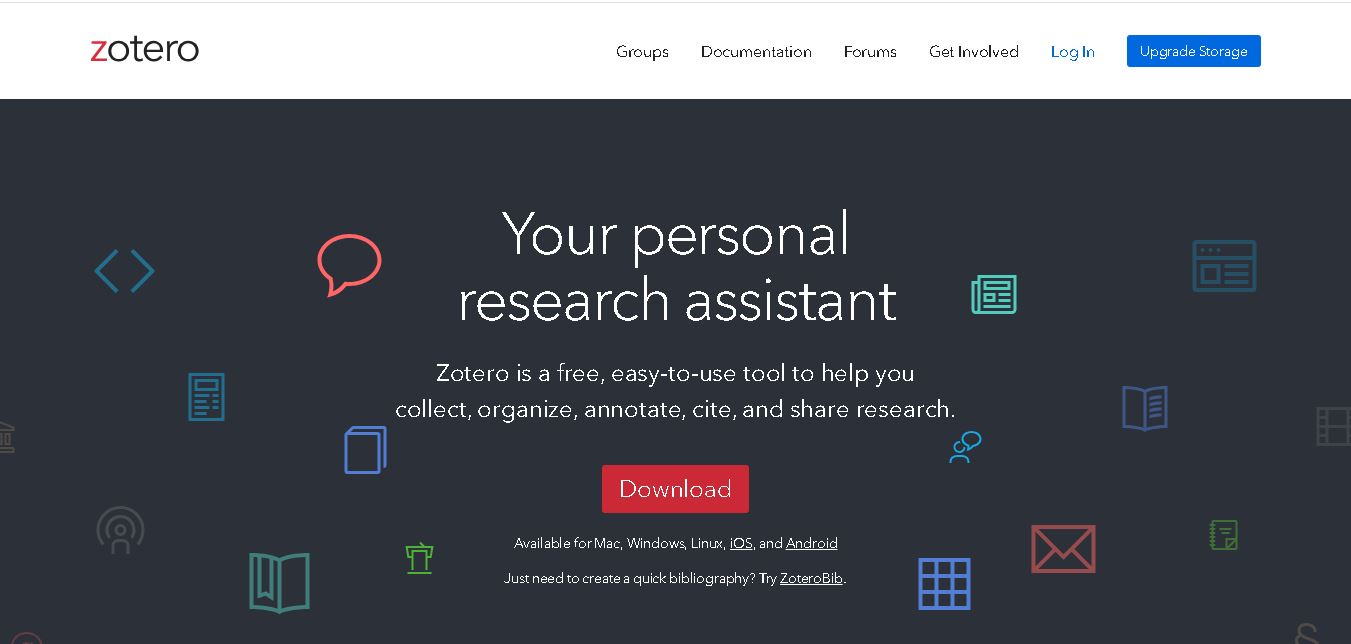
Zotero is a reference management tool that helps students, researchers, educators, and academic writers collect, organize, annotate, and cite information from books, journal articles, websites, and other sources. It automatically captures bibliographic details through its browser connector and integrates with Microsoft Word, Google Docs, and LibreOffice to generate citations and bibliographies. Zotero also supports PDF annotations, research libraries, and collaboration, making academic writing and literature management easier.
Zotero was developed by the Corporation for Digital Scholarship, an independent nonprofit organization. It is free, open-source software available for Windows, macOS, Linux, iOS, and Android. Zotero supports more than 9,000 citation styles and integrates with Microsoft Word, Google Docs, and LibreOffice. Users can collect references, annotate PDFs, organize sources, and collaborate through shared libraries. No account is required for basic local use. Optional cloud storage plans support file synchronization across devices, while the core application remains free for academic and personal research.
- Platform Focus: Open-source reference management, bibliography generation, PDF annotation, browser citation capture, and team collaboration
- Developer / Entity: Corporation for Digital Scholarship (Non-Profit)
- Launch Year: 2006
Use Cases:
- Capturing bibliographic citations, DOIs, books, and journal PDFs instantly from web databases (Google Scholar, PubMed, JSTOR) via browser extensions
- r
- Inserting inline citations and generating automated reference lists inside Microsoft Word, Google Docs, and LaTeX/LibreOffice
- Reading, highlighting, and annotating research PDFs directly within Zotero's built-in PDF reader and note-taking workspace
- Creating shared group libraries for collaborative research teams, lab groups, and university seminars
- Syncing libraries across multiple devices and cloud backup platforms
Technology:
- Cross-platform desktop application built on open-source architecture (Windows, macOS, Linux, iOS)
- Browser connector plugins (Chrome, Firefox, Safari, Edge) utilizing translators to extract metadata from thousands of academic sites
- CSL (Citation Style Language) formatting engine supporting over 10,000 bibliographic styles
- WebDAV and encrypted cloud sync protocols for personal and group libraries
Target Users:
- Academic researchers, professors, and PhD scholars managing extensive literature libraries
- Undergraduate and graduate students writing theses, research papers, and dissertations
- University librarians, institutional research groups, and collaborative writing teams
Corporate Entity: Operates as Corporation for Digital Scholarship / zotero.org

Key features of Zotero
Zotero's key features are
- One-Click Browser Capture: Automatically detects and saves bibliographic metadata, abstracts, and PDFs from journal sites and databases.
- Word Processor Integration: Seamlessly inserts citations and builds dynamic bibliographies in Microsoft Word, Google Docs, and LibreOffice.
- Built-in PDF Reader & Annotator: Read, highlight, extract notes, and link PDF annotations directly to bibliographic citation records.
- 10,000+ Citation Styles: Format references instantly using standard academic styles (APA, MLA, Chicago, IEEE) or custom CSL templates.
- Collaborative Group Libraries: Share references, notes, and PDFs publicly or privately with research collaborators and lab groups.
- Open-Source & Privacy-First: Free, open-source software ensuring user research libraries remain private and free from commercial lock-in.
Zotero Pricing
Zotero is 100% free and open-source software for local use, with optional cloud storage subscription tiers to cover expanded file sync capacities.
Free Tier:
- $0 / Completely Free
- Includes full desktop software, browser extensions, word processor plugins, unlimited local library size, and 300 MB of cloud storage for PDFs/files
Cloud Storage Subscription Tiers:
- 2 GB Storage: ~$20 / year
- Unlimited Storage: ~$120 / year (or ~$60/year for institutional storage plans)
- Enables syncing large PDF collections across multiple computers and mobile devices
Who is using Zotero?
Zotero is used by scholars and students across all academic disciplines, including
- University Faculty & Researchers: Managing thousands of publication references and collaborating on joint manuscripts
- Graduate & Undergraduate Students: Organizing term papers, thesis bibliographies, and course citations
- Information Professionals & Librarians: Teaching institutional citation management standards
Best Zotero Alternatives
Some of the strongest Zotero alternatives include
- Mendeley
- EndNote
- Citavi
- JabRef
- Paperpile
- ReadCube Papers
Pros and Cons of Zotero
Pros
- 100% free and open-source with no mandatory software purchase or commercial lock-in
- Unmatched browser connector reliability for scraping metadata from diverse academic databases
- Excellent built-in PDF reader with annotation extraction and note-taking workflows
- Supports over 10,000 citation styles with instant word processor integration
Cons
- Free cloud storage limit (300 MB) requires upgrading to paid storage plans for heavy PDF sync usage
- Lacks native AI paper discovery feeds or automated systematic review active-learning screening (though external plugins exist)
- Mobile app ecosystem (iOS/Android) is primarily designed for reading and reviewing rather than full library curation
Why Choose Zotero?
Zotero is the gold-standard open-source reference manager for students and researchers who want a reliable, private, and feature-rich tool to collect citations, annotate PDFs, and format bibliographies effortlessly.
- Completely free and open-source software backed by a trusted non-profit organization
- Captures citations in one click from thousands of academic websites and databases
- Integrates seamlessly with Word, Google Docs, and LibreOffice for instant citation formatting
- Provides powerful PDF annotation extraction and collaborative group libraries
Zotero vs. Competitors
The main difference between Zotero, Mendeley, and EndNote is that Zotero is a 100% free, open-source reference manager prized for its privacy, browser scraping, and open ecosystem, whereas Mendeley is an Elsevier-backed commercial platform offering social academic networking, and EndNote is a robust, paid desktop software designed for enterprise institutional users. Zotero stands out for its open-source transparency and frictionless browser capture.
| Feature / Tool | Zotero (zotero.org) | Mendeley | EndNote | Paperpile |
|---|---|---|---|---|
| Core Focus | Open-Source Reference Management & Citation Formatting | Academic Social Network & Reference Manager | Enterprise Desktop Reference & Bibliography Suite | Cloud-Based Google Docs Reference Manager |
| Open-Source & Privacy | Yes (Open Source & Non-Profit) | No (Elsevier Commercial) | No (Clarivate Commercial) | No (Commercial SaaS) |
| Browser Metadata Scraping | Industry-Leading One-Click Translators | Good (Mendeley Web Importer) | Plugin & Direct Search | Excellent Google Workspace Integration |
| Pricing Model | Free (Optional Cloud Storage ~$20-$120/yr) | Free tier / Paid storage (~$55+/yr) | Paid Perpetual / Upgrade ($115-$260+) | Paid Subscription (~$35-$99/yr) |
| Best For | All Researchers Seeking Free, Reliable Reference Management | Students wanting social networking and PDF sharing | Complex enterprise libraries & large scientific projects | Google Workspace-centric academic workflows |
How do we rate Zotero?
| Parameter | Rating (out of 5) |
|---|---|
| Citation Capture & Browser Reliability | 5.0 |
| Word Processor & CSL Integration | 4.9 |
| PDF Reader & Annotation Workspace | 4.8 |
| Open-Source Transparency & Ethics | 5.0 |
| Value for Money | 5.0 |
| Overall Score | 4.94 |
Zotero Review
Zotero is the undisputed champion of reference management software. By combining lightning-fast one-click browser citation capture, robust integration with Microsoft Word and Google Docs, a built-in PDF reader, and support for over 10,000 citation styles into a free, open-source platform, it provides everything a researcher needs. Its non-profit mission and privacy-first design make it an essential tool for every academic scholar.
Conclusion
Zotero is a reliable reference management solution for students, researchers, educators, and academic writers who want to organize sources and simplify citations. Its free, open-source software, browser connector, PDF annotation features, and integration with popular word processors make research workflows more manageable. Although learning advanced features and managing cloud storage may require attention, Zotero remains a strong choice for academic projects. Explore the official website to determine whether its features match your research and citation requirements.
FAQ
Is Zotero free to use?
Yes, Zotero is free to download and use, making it a valuable choice for students and researchers working with limited budgets. You can organize references, create citations, and manage research materials without purchasing a subscription. Optional paid storage is available when you need additional cloud space for syncing PDFs and other attachments.
How does Zotero help with academic writing?
Zotero simplifies academic writing by storing your references and inserting citations directly into supported word processors. As you write an essay, dissertation, or research paper, you can select sources and generate a bibliography automatically. You can also change citation styles throughout your document, reducing repetitive formatting and helping maintain consistent referencing.
Can Zotero automatically generate citations and bibliographies?
Yes, Zotero can generate in-text citations, footnotes, endnotes, and bibliographies using your saved references. It supports thousands of citation styles, including APA, MLA, Chicago, and Vancouver. When you add or remove cited sources, Zotero can update your bibliography through its word processor integration. Always verify formatting against your institution's guidelines.
Does Zotero work with Microsoft Word and Google Docs?
Yes, Zotero integrates with Microsoft Word, Google Docs, and LibreOffice, allowing you to insert citations while writing. This is particularly helpful when preparing assignments, journal submissions, or dissertations. The integration connects your document to your reference library, helping you manage citations and automatically generate bibliographies without repeatedly copying and formatting references manually.
Can Zotero save research articles and PDFs?
Yes, Zotero's browser connector can save research articles, books, web pages, and other sources to your library. It can capture bibliographic information and retrieve PDFs when available. You can also attach existing documents, annotate PDFs, highlight important passages, and create notes, making it easier to review literature and prepare research summaries.
Is Zotero suitable for beginners and students?
Zotero is suitable for beginners who need a straightforward way to organize sources and prepare properly referenced assignments. You can create collections for different subjects, save articles while browsing, and insert citations into documents. Although some advanced features require practice, its free desktop application and documentation make it a practical starting point for academic research.
User Reviews
No reviews yet for Zotero.
Featured Tools
Featured AI tools from TechShark
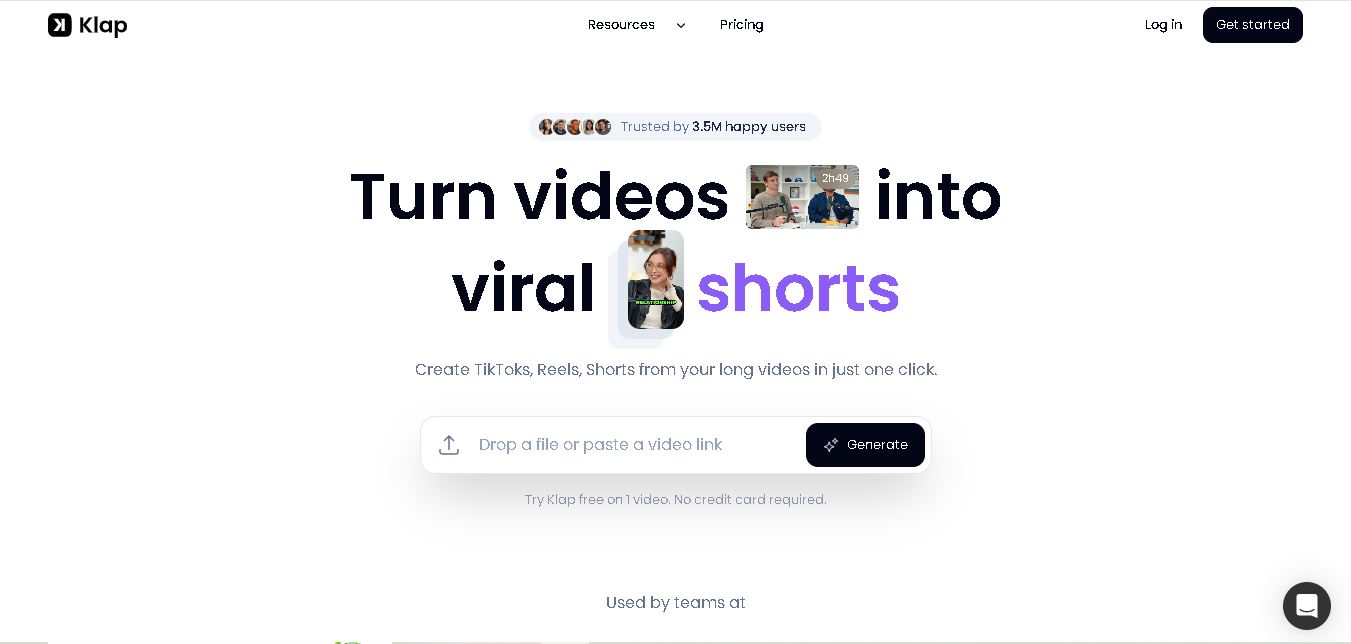
Klap
Klap is an AI-powered video editing tool that turns long videos into engaging short clips for TikTok, Instagram Reels, and YouTube Shorts. It automatically finds the best moments, adds captions, and resizes videos, helping creators save time and create more content with less effort.
Free
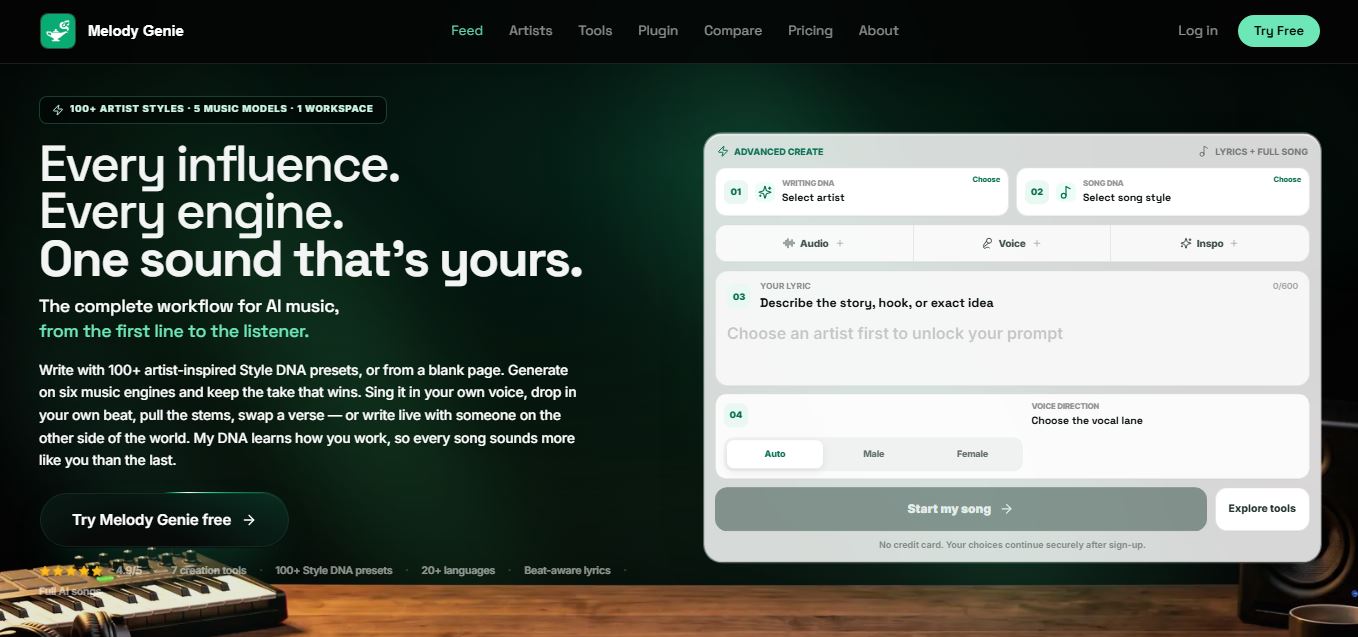
Melody Genie
MelodyGenie is an AI-powered music generator that creates original songs from simple text prompts. Users can choose styles, moods, and genres, then instantly generate melodies and full tracks, making it easy for creators, marketers, and hobbyists to produce custom music without musical expertise.
Freemium

Fashion Diffusion AI
Fashion Diffusion is an AI-powered fashion design platform that helps brands and designers create clothing designs, virtual try-ons, AI models, product photos, and marketing visuals faster and cost-effectively.
Paid
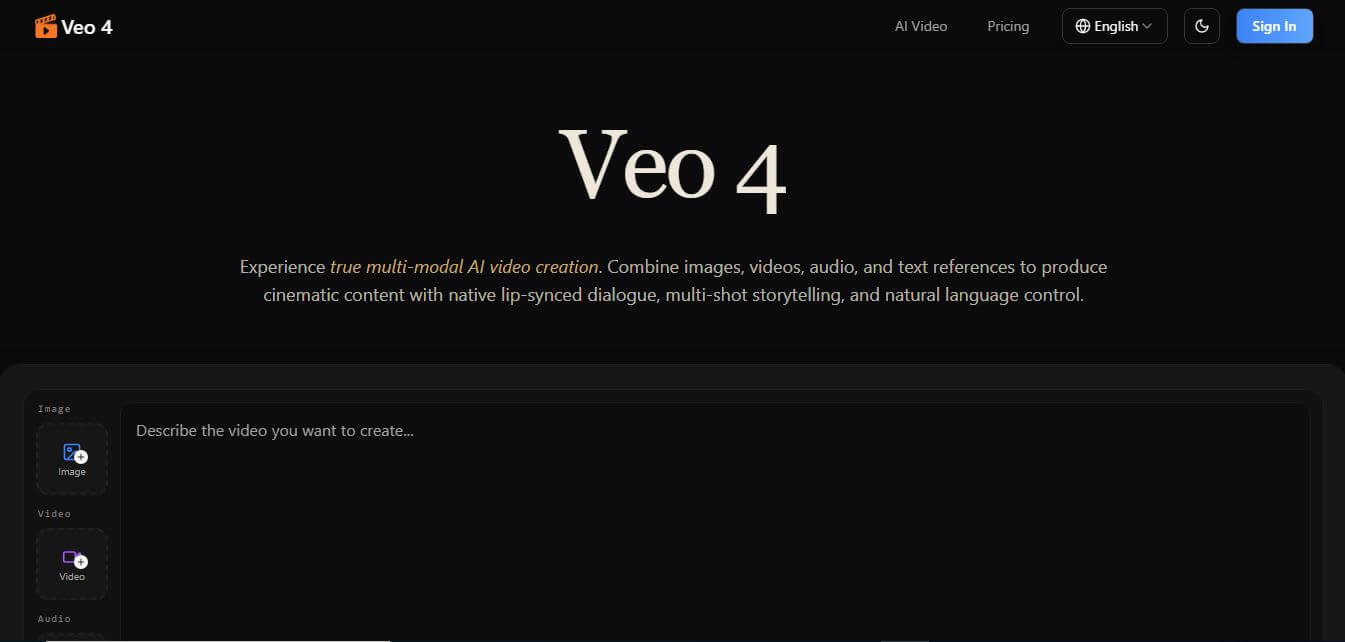
Veo 4
Veo 4 AI is an AI video creation platform that generates dramatic videos from text, images, audio, and video prompts using realistic motion and synchronized sound.
Paid
Alternatives
Alternatives to Zotero
The best Zotero alternatives include Mendeley, EndNote, Citavi, JabRef, Paperpile, and ReadCube Papers. These platforms offer reference management, citation formatting, and PDF library organization. While Zotero stands out as a 100% free, open-source tool with industry-leading browser capture and privacy standards, alternatives like Mendeley offer social academic features and EndNote provides heavy enterprise desktop functionality.
 4.8
Summate.it
Research
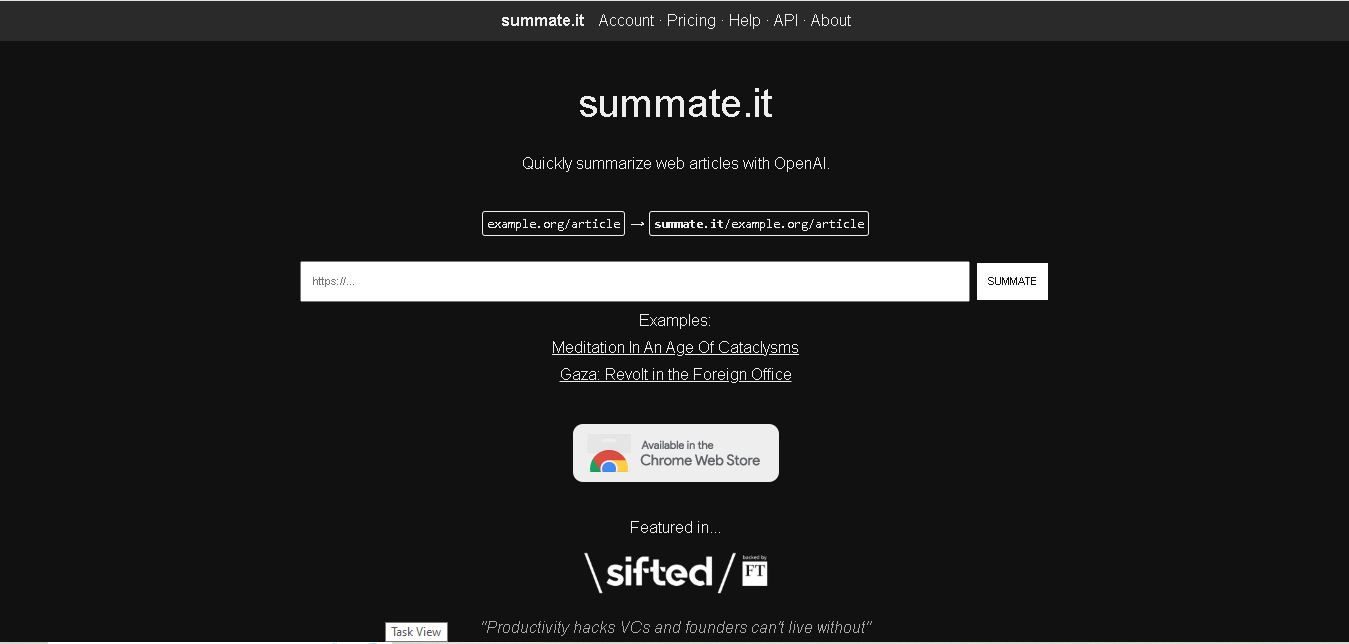
Summate.it is a web-based AI article summarizer that helps users understand lengthy online content quickly. It extracts article text and uses OpenAI to generate concise summaries highlighting essential information. Students, researchers, marketers, and professionals can use it to review online articles efficiently, save reading time, and simplify everyday information gathering.
 4.9
Cradle
Research
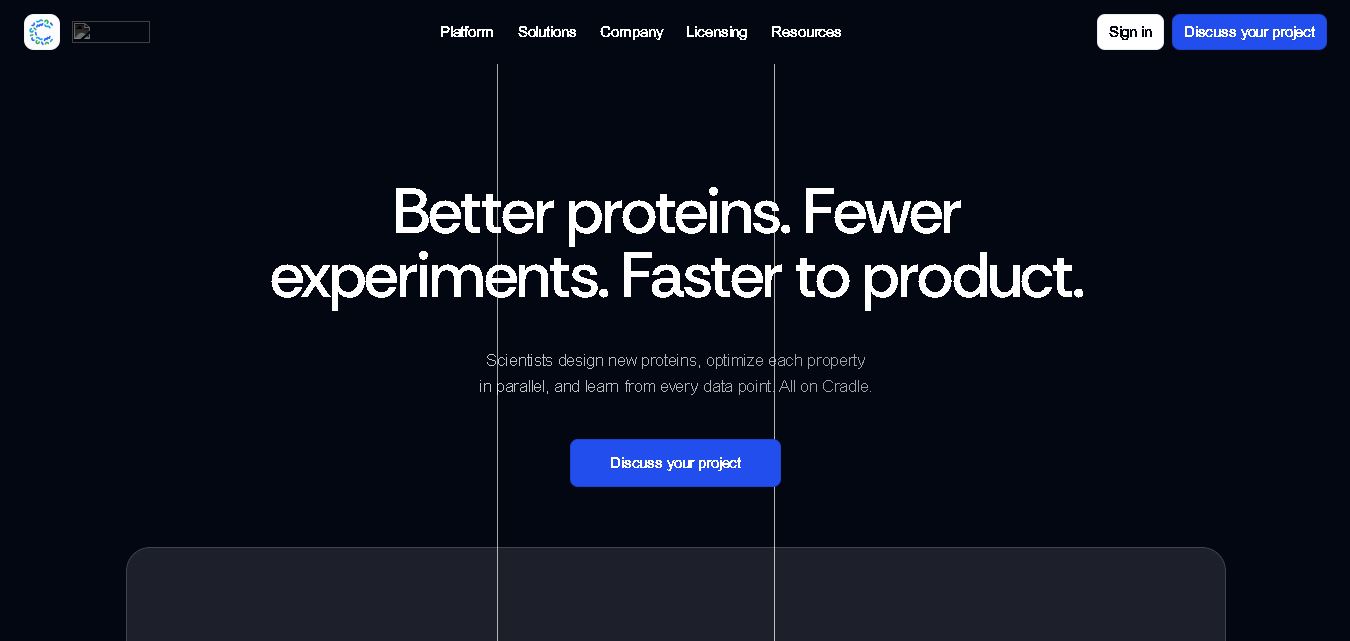
Cradle helps biotechnology researchers design, engineer, and optimize proteins using artificial intelligence and laboratory data. Its capabilities include protein sequence generation, multi-property optimization, candidate scoring, and experimental learning. The platform supports pharmaceutical, agricultural, and industrial biotechnology research, helping scientific teams explore promising molecules while reducing unnecessary experimental cycles and improving research workflows.
 4.9
Iris.ai
Research
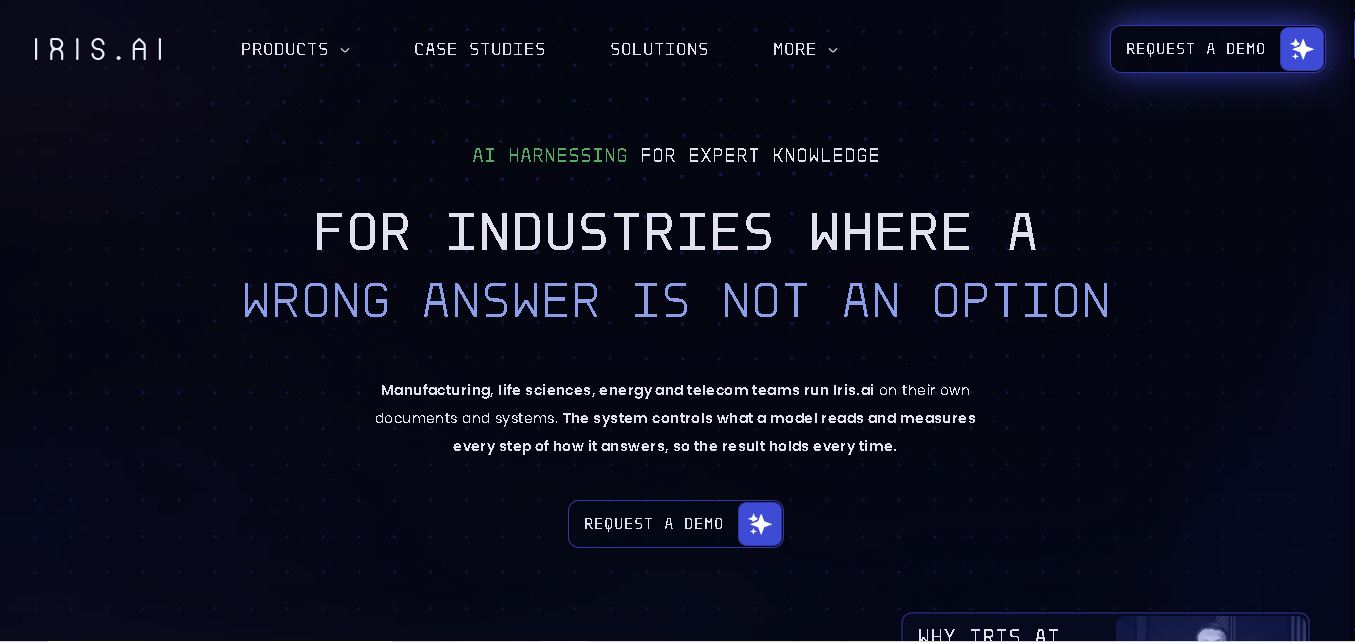
Iris.ai helps enterprises and research teams organize complex information, analyze scientific literature, and build AI workflows using organizational knowledge. Its solutions support document extraction, contextual search, data processing, and AI response evaluation. The platform is particularly relevant to research-intensive businesses seeking better information retrieval, reliable answers, and controlled enterprise AI applications.
 4.8
Lightmatter
Research
Lightmatter develops photonic computing technologies that help AI data centers connect processors and transfer information more efficiently. Its products include Passage optical interconnects, Guide light engines, and Envise photonic AI computing technology. The company aims to address bandwidth and power constraints affecting large-scale AI training, inference, and high-performance computing infrastructure.
 4.8
FigEditor
Research
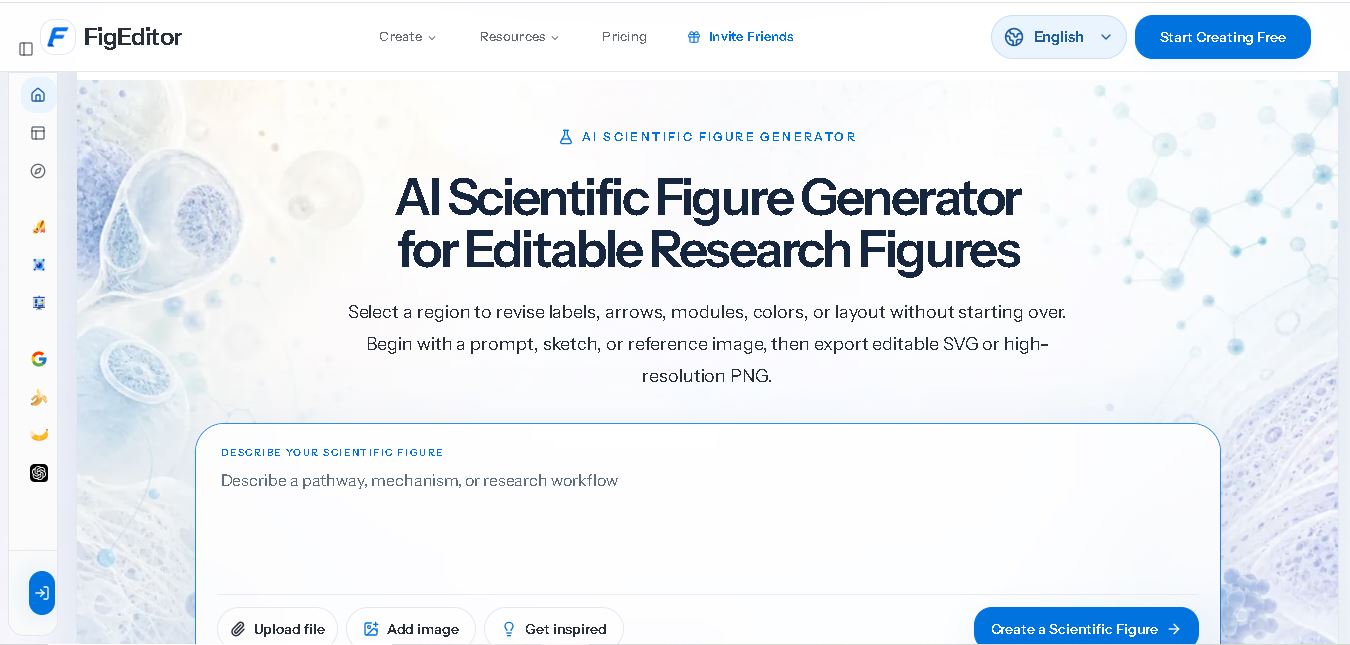
FigEditor AI helps researchers create scientific illustrations, flowcharts, graphical abstracts, and academic diagrams from text prompts, sketches, or reference images. Its editing and vectorization features simplify visual revisions, while SVG and high-resolution PNG exports support different research workflows. It is useful for students, scientists, educators, and research professionals preparing visual materials.
 4.8
GoMim
Research
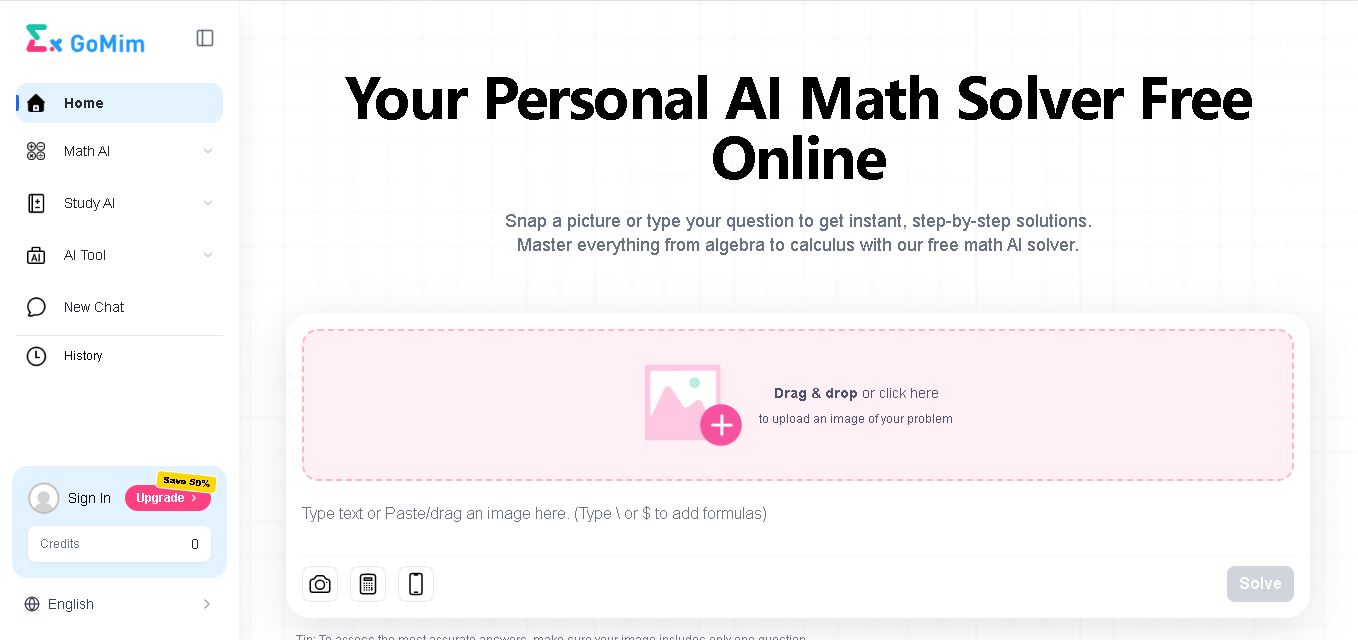
GoMim is an AI math solver that helps students understand mathematical concepts through step-by-step solutions. It supports typed questions, image uploads, and subjects including algebra, geometry, and calculus. With an interactive AI tutor, question history, and free and paid plans, GoMim makes homework assistance and independent study more accessible.
 4.8
AlphaResearch
Research
AlphaResearch helps investors, financial analysts, and corporate strategists research companies using financial documents, earnings transcripts, market data, and sentiment analysis. Its features include document search, filing alerts, stock screening, institutional ownership tracking, and research notes. The platform simplifies financial information discovery, helping users investigate companies and support informed investment research decisions.
 4.8
Gatsbi
Research
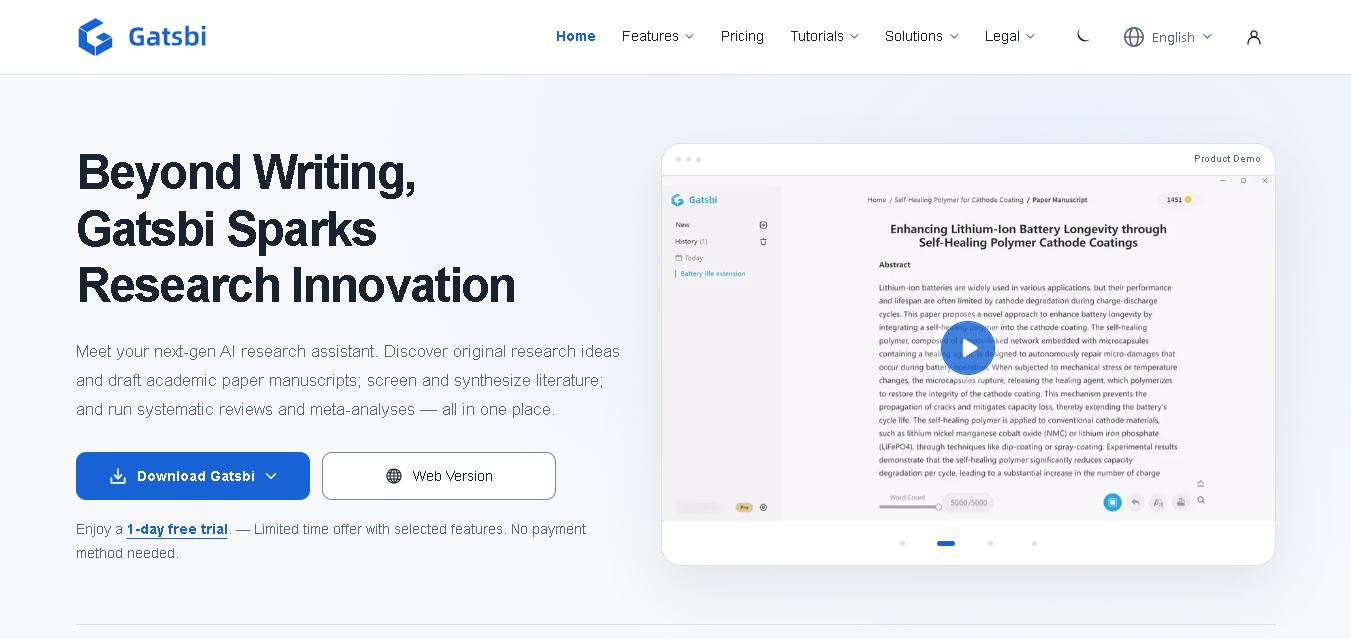
Gatsbi is an AI research assistant that helps researchers discover ideas, draft academic papers, review scientific literature, and prepare patent disclosures. It combines research discovery, manuscript generation, and evidence synthesis in one workflow. The tool is useful for academics, scientists, engineers, and innovation teams seeking to streamline complex research tasks.
 4.9
Metagene-1
Research
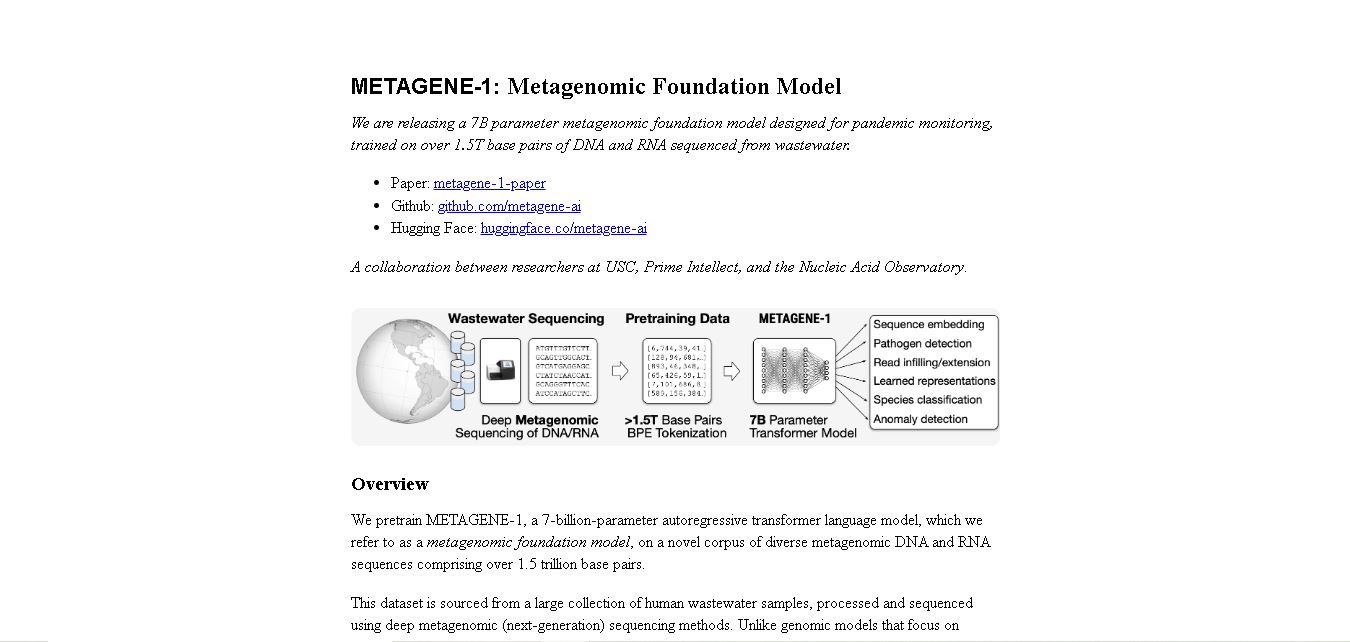
METAGENE-1 is a metagenomic foundation model designed to help researchers analyze DNA and RNA sequences. Trained on extensive wastewater sequencing data, it supports genomic embedding, pathogen detection research, biosurveillance, and pandemic monitoring. The model provides researchers with an AI-based approach to studying microbial diversity and identifying patterns in complex metagenomic datasets.