
VisualizeAI
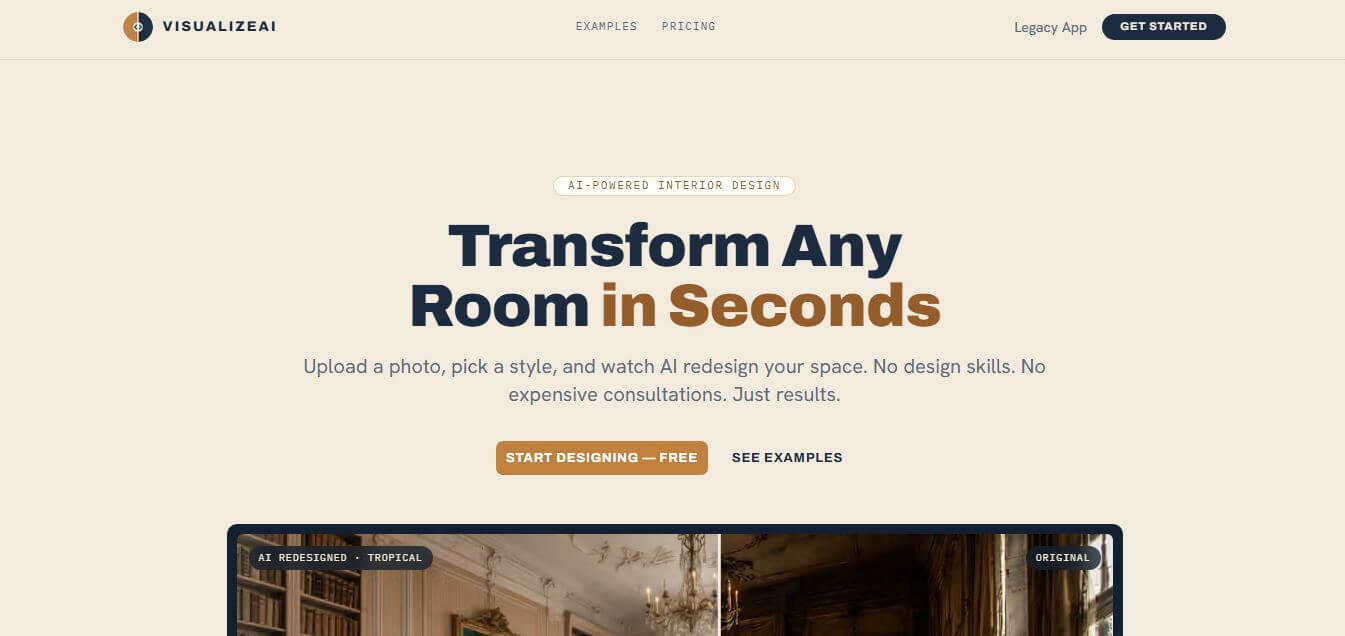
VisualizeAI is an AI-powered architectural rendering and design platform that instantly transforms 2D floor plans, rough hand-drawn sketches, CAD line drawings, and 3D wireframes into photorealistic interior and exterior visual renders in seconds.
What is VisualizeAI?
VisualizeAI is an AI-driven architectural visualization and rendering tool designed for architects, interior designers, real estate agents, and 3D visualizers. It transforms hand-drawn sketches, 2D floor plans, CAD elevations, and basic 3D model screenshots into photorealistic interior and exterior renders. With customizable style presets, texture controls, lighting adjustments, and localized inpainting, VisualizeAI allows designers to explore diverse architectural aesthetics and produce presentation-ready visual concepts in seconds without complex 3D rendering pipelines.
VisualizeAI renders high-resolution architectural concepts in under 15 seconds from raw sketches and floor plans. The platform helps architectural studios and interior design teams reduce early-stage rendering turnaround times by up to 80 percent. Supporting over 40 curated interior and exterior design presets, designers generate dozens of aesthetic variations per project without rebuilding 3D scenes. Real estate professionals using VisualizeAI report accelerating client sign-offs and property pre-sale marketing velocity by up to 3 times.
- Founder: Developed by the VisualizeAI engineering and architectural visualization team
- Launch Year: 2023
- Use Cases:
- Sketch-to-render photorealistic architectural concept generation
- 2D floor plan, 3D staging, and furnished spatial visualization
- Exterior building facade redesigns, lighting studies, and landscaping
- Interior remodeling mood boards and client presentation rendering
- Technology:
- ControlNet structural line and depth-conditioned diffusion models
- Computer vision geometric edge detection and segmentation engines
- Cloud-based high-resolution neural rendering and upscaling pipelines
- Target Users:
- Architects, architectural assistants, and urban planners
- Interior designers, home stagers, and decor consultants
- Real estate agents, property developers, and marketing agencies
- 3D visualization artists and landscape architects
- Acquisition: Operates as an independent creative AI software company

Key features of VisualizeAI
VisualizeAI's key features are
- Sketch to Photorealism: Converts rough hand-drawn pencil sketches and digital drawings into fully textured, realistic architectural renders.
- 2D Floor Plan 3D Staging: Transforms flat architectural floor plans into furnished, realistic 3D interior top-down and perspective layouts.
- Structural Geometry Preservation: Uses advanced edge detection and depth mapping to maintain original wall dimensions, structural columns, and perspective angles.
- Curated Architectural Style Presets: Features over 40 pre-built styles covering minimalist, Japandi, industrial, Bohemian, modern farmhouse, and Art Deco.
- Exterior & Landscape Visualization: Generates environmental surroundings, natural sunlight, sky conditions, and vegetation for exterior building concepts.
- Interactive Inpainting Brush: Selectively redesigns specific furniture pieces, wall materials, flooring, or lighting fixtures without altering the rest of the room.
- High-Resolution 4K Export: Upscales and renders crisp, high-definition images optimized for client presentation boards and marketing brochures.
- Multi-Room Batch Processing: Generates cohesive design styles across multiple rooms and building angles in a unified project workspace.
VisualizeAI Pricing
VisualizeAI offers a flexible credit-based system alongside monthly subscription plans designed for independent designers and agencies.
Free Trial / Starter:
- $0
- Initial free rendering credits to test sketch conversions and floor plans
- Access to core style presets and standard resolution exports
Pro Plan:
- Starts at approximately $19/month
- Higher monthly render allowances and high-resolution downloads
- Commercial usage rights and full style preset access
Studio / Business Plan:
- Approximately $49/month
- Expanded generation credits, 4K upscaling, and priority cloud rendering
- Batch multi-image processing
Enterprise Tier:
- Custom pricing
- Custom style model fine-tuning, multi-seat licensing, and API integration
Disclaimer: For the latest and most accurate pricing information, please visit the official VisualizeAI website.
Who is using VisualizeAI?
VisualizeAI is designed for a broad range of architectural and spatial design professionals, including
- Architects: Creating rapid conceptual visual renders for initial client meetings and design competitions
- Interior Designers: Generating photorealistic furniture staging and material palettes from rough floor plans
- Real Estate Agents: Virtually staging unfinished or vacant properties for sales listings and marketing campaigns
- 3D Artists: Speeding up early ideation drafts before committing to final V-Ray or Lumion production
- Content Creators: Using writing tools to document architectural design briefs and client proposals
- Landscape Planners: Visualizing outdoor living spaces, building facades, and patio environments
Best VisualizeAI Alternatives
Some of the strongest VisualizeAI alternatives include
- Archicad AI Visualizer
- PromeAI
- Midjourney
- LookX AI
- Interior AI
- Rendair AI
Pros and Cons of VisualizeAI
Pros
- Converts simple sketches and floor plans into photorealistic images in seconds
- Maintains structural accuracy and perspective lines without geometric distortion
- Wide selection of curated architectural and interior design styles
- Interactive inpainting brush allows selective modification of specific design elements
- Intuitive browser-based interface requiring no heavy 3D rendering hardware
Cons
- Fine-tuning minute architectural construction details still requires standard CAD software
- Free tier provides limited rendering credits for testing
- High-resolution 4K upscaling is reserved for higher-tier subscription plans
- Output accuracy depends on the clarity of the initial sketch or wireframe lines
Why Choose VisualizeAI?
VisualizeAI is the ideal choice for architects, interior designers, and real estate professionals who want to produce stunning conceptual renders quickly without hours of 3D modeling and light baking.
- Turns rough sketches and CAD plans into photorealistic concepts in under 15 seconds
- Preserves your exact structural walls, room geometry, and window layouts
- Explores dozens of design styles and material finishes with a single click
- Saves thousands of dollars on third-party 3D rendering outsourcing
- Easy-to-use web interface that works on any laptop without heavy graphics hardware
VisualizeAI vs. Competitors
The main difference between VisualizeAI, PromeAI, Interior AI, and Midjourney is that VisualizeAI is specifically designed for architectural geometry retention and floor plan conversion with dedicated ControlNet workflows, while Midjourney generates artistic imagery without dimensional accuracy, Interior AI focuses strictly on room restyling, and PromeAI caters to broader general design and product visualization. VisualizeAI stands out for its structural precision and dedicated architectural presets.
| Feature / Tool | VisualizeAI | PromeAI | Interior AI | Midjourney |
|---|---|---|---|---|
| Core Focus | Architectural & Interior AI | General Design & Concept AI | Interior Restyling | General Generative Art |
| Sketch-to-Render | Yes (High Control) | Yes | Limited | Prompt-Only |
| Floor Plan 3D Staging | Yes | Yes | Limited | No |
| Geometric Accuracy | High (Preserves Lines) | High | Medium | Low (Creative Hallucination) |
| Inpainting Brush | Yes | Yes | Limited | Yes (Vary Region) |
| Best For | Architects & Interior Designers | Product & Concept Designers | Real Estate Home Stagers | Digital Artists & Moodboards |
How do we rate VisualizeAI?
| Parameter | Rating (out of 5) |
|---|---|
| Structural Accuracy & Control | 4.9 |
| Photorealism & Material Quality | 4.8 |
| Ease of Use & UI Design | 4.9 |
| Rendering Speed | 4.8 |
| Value for Money | 4.7 |
| Overall Score | 4.82 |
VisualizeAI Review
VisualizeAI delivers an exceptional, time-saving solution for the early phases of architectural and interior design. By combining edge-detection ControlNet models with specialized architectural styling, it effectively connects quick hand drawings with photorealistic client presentations. The ability to upload a basic 2D floor plan or rough massing model and receive multiple atmospheric lighting and material variations in seconds eliminates hours of tedious 3D setup. For design studios, solo architects, and real estate marketers looking to accelerate visual workflows, VisualizeAI is a highly valuable asset.
Conclusion
VisualizeAI stands out as a practical and innovative tool for quickly turning ideas into realistic visual designs. By allowing users to upload a photo or sketch and instantly generate multiple styled versions, it removes the time and complexity of traditional rendering workflows. Its biggest strength lies in speed and ease of use, making it ideal for architects, interior designers, and even homeowners exploring design ideas. While it may not fully replace detailed 3D design software for final execution, it works exceptionally well for brainstorming, presentations, and early-stage planning. VisualizeAI is a smart solution that enhances creativity, saves time, and helps users visualize possibilities with clarity and confidence.
FAQ
What is Visualize AI and how can Visualize AI help me?
Visualize AI is an AI-powered interior design and visualization tool that helps you transform photos of rooms into redesigned versions instantly. Visualize AI allows you to upload a picture of any space—like a bedroom, kitchen, or office—and generate a photorealistic redesign in different styles. Visualize AI is especially helpful if you want to experiment with ideas before actually renovating or decorating your space.
How does Visualize AI actually work?
Visualize AI follows a simple three-step process. First, you upload a photo of your room or space. Then, Visualize AI lets you choose from multiple design styles such as modern, boho, or Scandinavian. Finally, Visualize AI generates a redesigned version of your space within seconds, showing how it could look after changes.
What kind of designs can Visualize AI create?
Visualize AI can create a wide variety of interior styles, including modern, japandi, farmhouse, minimalist, industrial, and more. Visualize AI supports over 30 design styles, allowing you to explore different aesthetics without hiring a designer or creating manual mockups.
Can Visualize AI work with sketches or only photos?
Visualize AI can work with both photos and design inputs like sketches or floor plans. Visualize AI is commonly used by architects and designers to turn rough concepts into realistic visualizations, making it easier to present ideas to clients or experiment with designs.
Is Visualize AI beginner-friendly?
Yes, Visualize AI is designed for beginners as well as professionals. Visualize AI does not require design skills—anyone can upload a photo, pick a style, and get results instantly. This makes Visualize AI accessible for homeowners, students, and hobbyists.
Does Visualize AI offer a free plan?
Visualize AI offers a free starting option with limited credits so you can test the platform. After that, Visualize AI uses a credit-based system where you pay for additional design renders instead of a mandatory subscription.
Who should use Visualize AI?
Visualize AI is ideal for homeowners, interior designers, architects, real estate agents, and even product designers. Visualize AI helps anyone who wants to visualize changes before making real-world decisions, saving time and cost.
User Reviews
No reviews yet for VisualizeAI.
Featured Tools
Featured AI tools from TechShark

Melody Genie
MelodyGenie is an AI-powered music generator that creates original songs from simple text prompts. Users can choose styles, moods, and genres, then instantly generate melodies and full tracks, making it easy for creators, marketers, and hobbyists to produce custom music without musical expertise.
Freemium

Kimi AI
Kimi AI is an advanced AI assistant developed by Moonshot AI that helps you chat, research, write, code, and automate tasks in one place. It supports web search, file analysis, and multimodal inputs, and can even run autonomous “agent” workflows to complete complex tasks end-to-end.
Freemium

Fashion Diffusion AI
Fashion Diffusion is an AI-powered fashion design platform that helps brands and designers create clothing designs, virtual try-ons, AI models, product photos, and marketing visuals faster and cost-effectively.
Paid

Veo 4
Veo 4 AI is an AI video creation platform that generates dramatic videos from text, images, audio, and video prompts using realistic motion and synchronized sound.
Paid
Alternatives
Alternatives to VisualizeAI
The best VisualizeAI alternatives includes PromeAI, Archicad AI Visualizer, LookX AI, Interior AI, Rendair AI, and Midjourney. These platforms provide AI rendering, architectural concept generation, and interior staging tools. While VisualizeAI specializes in precise sketch-to-render workflows, floor plan 3D staging, and structural geometry preservation, alternatives like Interior AI focus on simple room restyling, and Midjourney generates general artistic concepts. Choosing the right tool depends on whether you require precise architectural structure preservation or freeform creative brainstorming.
 4.9
4.9iPic Ai
Image
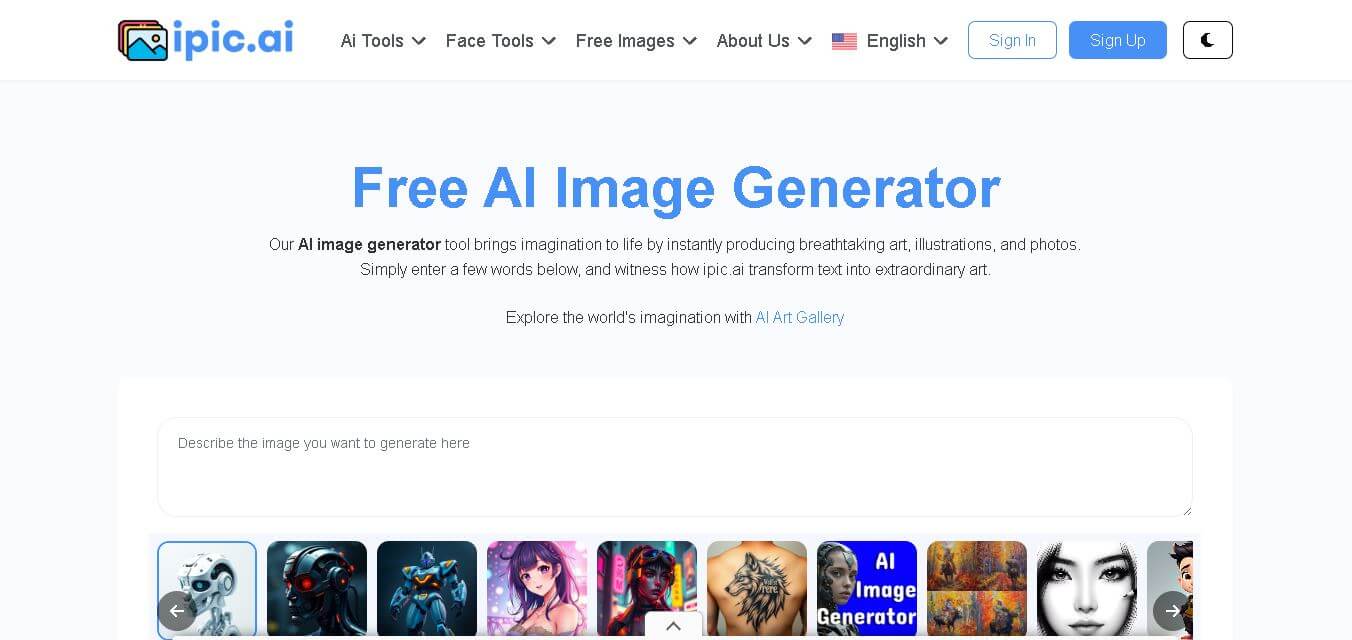
iPic is an AI-powered image generation and editing platform that lets users create visuals from text prompts and enhance photos with tools like background removal, upscaling, and style filters. It’s designed for quick, creative image creation for marketing, social media, and design needs.
 4.8
4.8Funy AI
Art
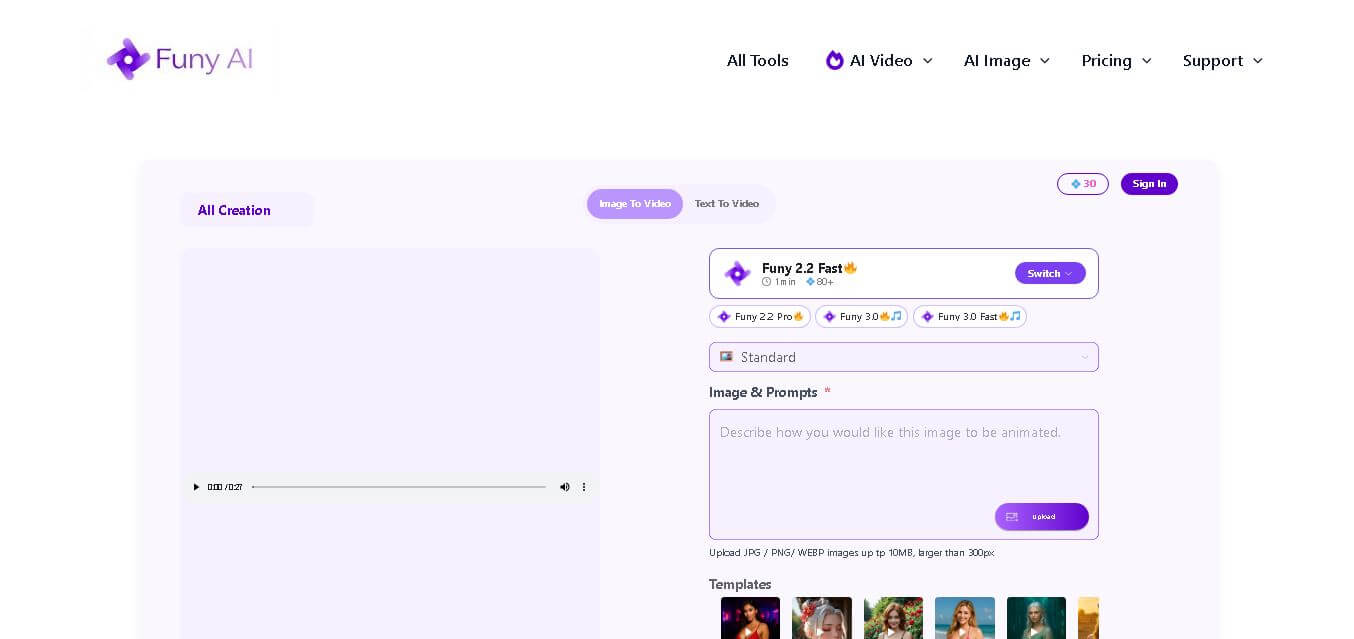
Funy AI brings multiple creative tools into one place for generating, editing, enhancing, and transforming visual content. Users can create videos from text or images, generate artwork, improve photo quality, remove backgrounds, and experiment with creative effects. Its simple interface and no-sign-up access make experimentation convenient for beginners and creators.
 4.7
4.7Illusion Diffusion (AP123)
Art
IllusionDiffusion helps creators turn patterns, shapes, and illusion images into visually striking artwork. Users provide an input illusion and text prompt, then adjust controls such as illusion strength and seed to influence the result. It is particularly useful for experimental AI art, social media graphics, creative concepts, and visual design projects.
 4.5
4.5Neural Love
Art
Neural.love helps creators improve, generate, restore, and transform visual content with AI. You can upscale images, enhance videos, restore old photographs, generate AI art, animate images, and edit visuals online. Its browser-based tools make advanced image and video processing accessible without requiring complex editing software or technical expertise.
 4.9
4.9Leonardo AI
Design
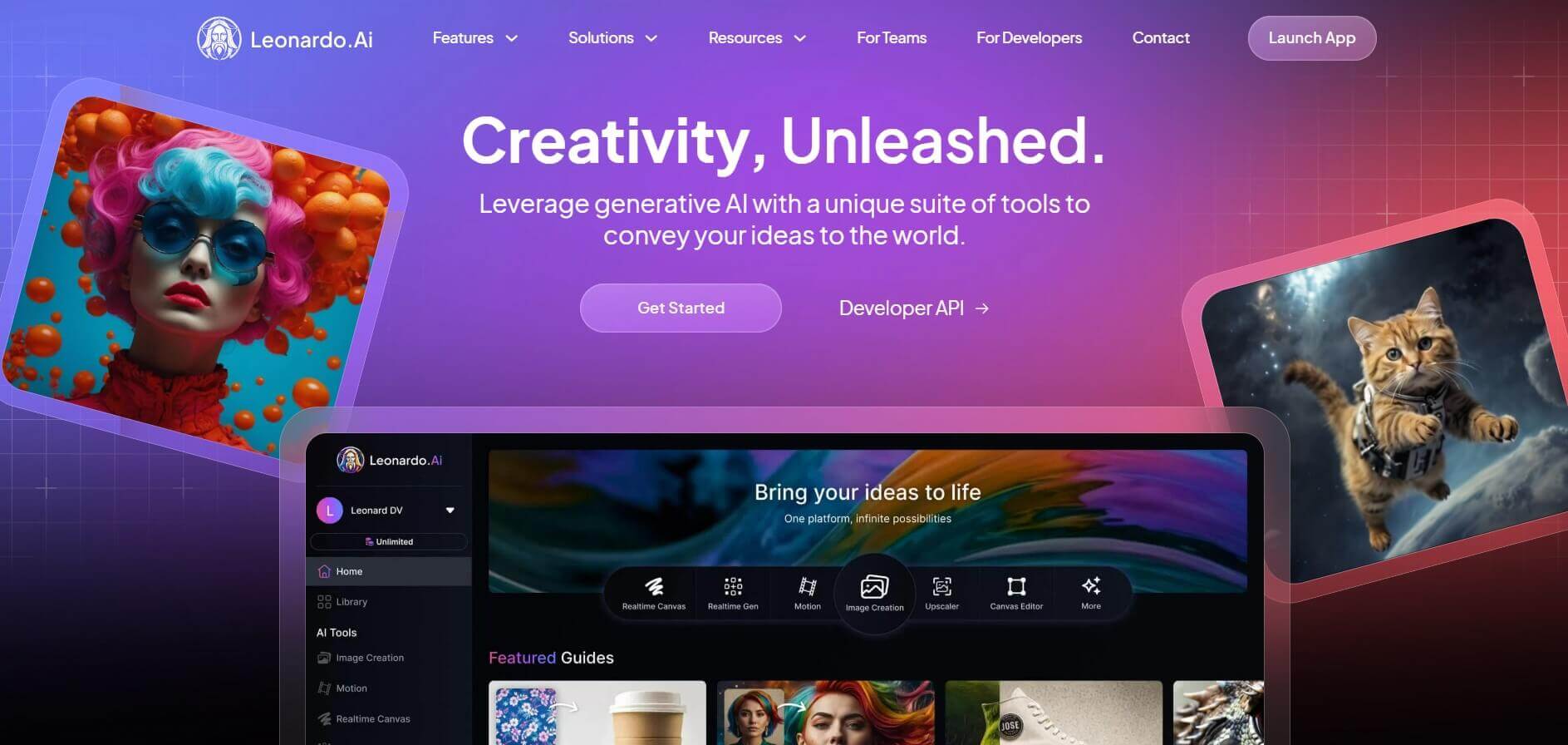
Leonardo is an advanced generative AI platform for image and video creation, featuring custom model fine-tuning (LoRA training), Real-Time Canvas, Real-Time Generation, and multi-model support across proprietary Phoenix, Lucid, and FLUX architectures.
 4.8
4.8Coool.ai
Art
Coool.ai is a comprehensive web-based platform that aggregates over 15 leading AI image and video generation models—including Midjourney, Flux, Kling, and Veo—into a single interface with a community prompt gallery.
 4.6
4.6KrispCall
Art
KrispCall is an AI-driven cloud telephony service that integrates business calling, texting, and analytics directly into CRM and help desk workflows. It offers AI Copilot, global virtual numbers, and over 100 integrations to modernize sales and support team communications.
 4.7
4.7QuickSearchPlus
Art
QuickSearchPlus is a unified calendar and meeting command centre that syncs Google, Outlook, Zoom, and team calendars into a single view. It provides AI-powered agendas, live meeting guidance, automatic summaries, paid or free booking links, and social chat booking for Instagram and Facebook.
 4.5
4.5QuickQR Art
Art
Quick QR Art is a creative QR code generation tool that transforms ordinary QR codes into visually appealing artwork while keeping them scannable. It helps individuals, marketers, designers, and businesses create branded QR experiences with customization, analytics, dynamic QR codes, and AI-generated designs that improve engagement across digital and print campaigns.