Best 3D AI Tools & Software for 2027
Explore powerful 3D AI tools and software to create, design, and animate stunning 3D models with ease. Perfect for artists, developers, and creators.
PA
4.1Promethean AI
3D AI Tools
Promethean AI (prometheanai.com) is an AI creative assistant and world-building platform—founded by Andrew Maximov and trusted by studios like PlayStation Studios—that indexes a team's existing 3D models, images, videos, and reference libraries in place to automate environment assembly, scene dressing, and asset management inside Unreal Engine and 3D pipelines.
FreemiumView tool
EU
3.9Everything Universe
3D AI Tools
Everything Universe (everythinguniver.se)—formerly operating as Anything World and led by CEO Gordon—is an AI 3D model generation, automated rigging, and animation platform featuring Generate Anything, Animate Anything, a 3D model library, Blender add-on, REST API, Python/CLI tools, and game-engine SDKs for creators, game developers, and studios.
FreemiumView tool
 4.1
KIRI Engine
3D AI Tools
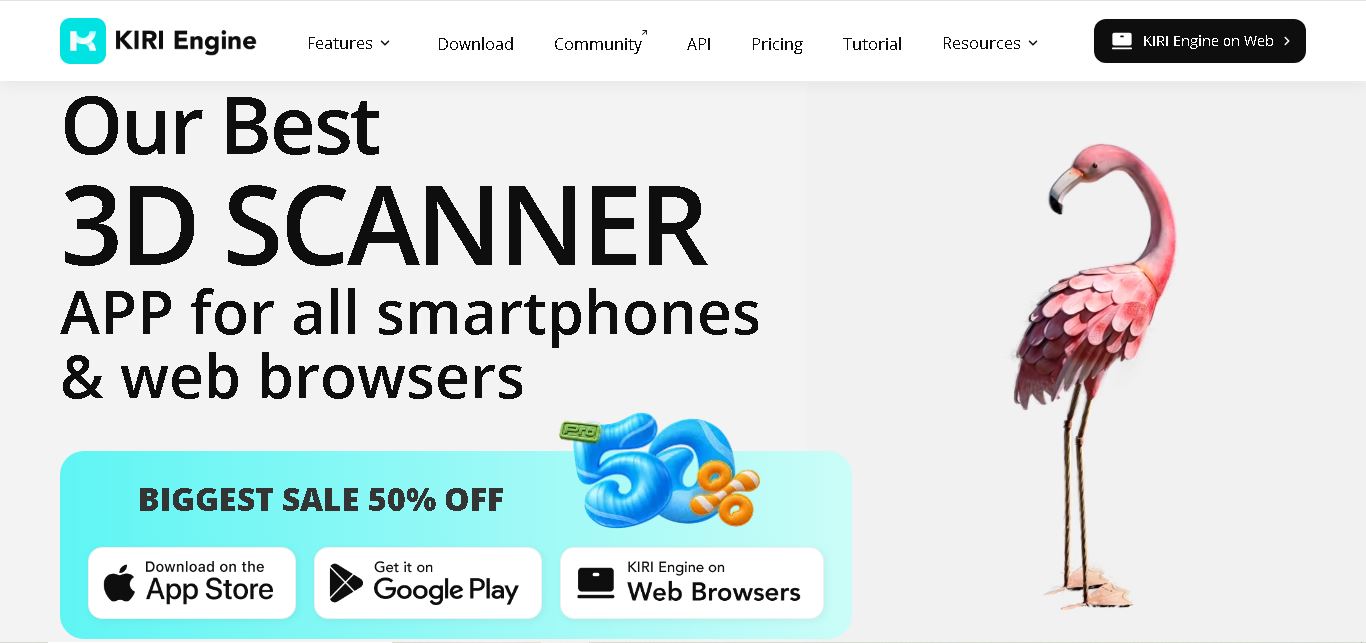
KIRI Engine is a 3D scanning application that converts photographs, videos, and LiDAR data into realistic digital models. It offers photogrammetry, Gaussian Splatting, object scanning, and advanced editing capabilities. With multiple export formats and free scanning options, it supports 3D printing, gaming, animation, architecture, and product visualization projects.
FreemiumView tool
 3.9
Krikey AI
3D AI Tools
Krikey AI is a 3D animation maker that transforms text prompts, images, and videos into animated character content. It offers custom avatar creation, motion capture, AI voiceovers, lip synchronization, and video editing. Creators can produce engaging animations for education, marketing, gaming, presentations, and social media without advanced technical skills.
FreemiumView tool
 4.0
Blockade Labs
3D AI Tools
Blockade Labs is the creator of Skybox AI, a tool for generating immersive 360-degree environments from text prompts and images. It offers panorama creation, scene editing, style remixing, and multiple export formats. Game developers, designers, and VR creators can use it to build engaging virtual environments efficiently.
PaidView tool
 3.9
Backflip AI
3D AI Tools
Backflip AI is an intelligent CAD design tool that transforms 3D scans, photographs, and engineering drawings into editable parametric models. It offers automated geometry reconstruction, feature trees, sketch constraints, and CAD integration. Engineers, designers, and manufacturers can use it to simplify reverse engineering and accelerate product development workflows.
FreemiumView tool
 4.0
Neural4D
3D AI Tools
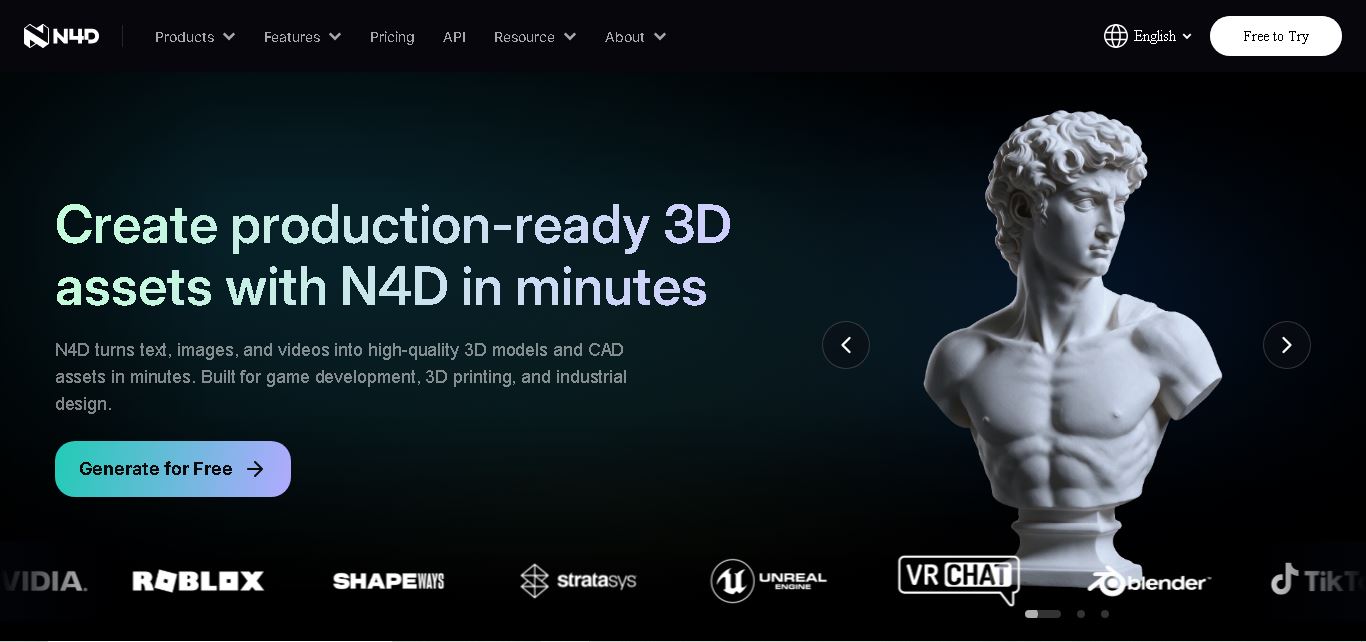
Neural4D is a 3D content creation tool that converts text prompts and images into detailed 3D models. It offers AI texturing, animation, image generation, video creation, and model refinement. With multiple export formats and 3D printing capabilities, Neural4D helps designers, developers, and creators simplify digital asset production.
FreemiumView tool
What Are AI 3D Tools?
AI 3D tools are platforms that use artificial intelligence to simplify different parts of the 3D creation process—such as modeling, texturing, rendering, and visualization. Instead of building everything manually in traditional software, you can generate 3D objects from text prompts, images, sketches, or real-world captures.
On TechShark, these tools are organized according to real-world use cases, including game development, product design, architecture, and content creation. Rather than replacing tools like Blender or Unreal Engine, AI 3D tools act as a powerful layer that speeds up early-stage creation, prototyping, and asset generation. For example, a designer can quickly generate multiple 3D concepts, while a game developer can create ready-to-use assets without spending hours modeling from scratch.
Quick Comparison: Top 3D AI Tools
| Tool | Best For | Input Type | Output Quality | Free Plan | Export Support |
|---|---|---|---|---|---|
| Meshy AI | Text-to-3D generation | Text, Image | High | Yes | Yes |
| Luma AI | Real-world capture | Video, Images | Very High | Yes | Yes |
| Kaedim | Game assets | Images | High | No | Yes |
| Spline AI | Browser-based design | Text | Medium-High | Yes | Limited |
| Masterpiece Studio | VR 3D creation | Manual + AI | High | Limited | Yes |
Benefits of AI 3D Tools
AI 3D tools are built for speed, experimentation, and accessibility—especially for teams that need to move fast.
Key advantages include:
- Rapid prototyping: Generate 3D models from text or images in seconds, making it easy to test ideas quickly.
- Time efficiency: Automate complex tasks like UV mapping, retopology, and texture generation.
- Scalable creativity: Explore multiple variations of the same concept without extra manual effort.
- Beginner-friendly workflows: Reduce the learning curve for users with little or no 3D experience.
- Realistic outputs: AI-generated textures, lighting, and materials improve visual quality instantly.
These benefits make AI 3D tools ideal for both professionals and beginners who want faster results without compromising creativity.
What Can You Do With AI 3D Tools?
AI 3D tools are not limited to one workflow—they support multiple creative and technical use cases depending on the platform.
You can use them to:
- Create 3D models and assets for games and apps
- Generate product visualizations for eCommerce and marketing
- Convert floor plans into 3D property walkthroughs
- Build 3D scenes, environments, and characters
- Produce concept art and design prototypes
- Turn images or sketches into 3D objects
On TechShark, each tool page highlights its primary capabilities so you can quickly identify whether it’s better suited for asset generation, visualization, or creative design.
How to Choose the Best AI 3D Tool
Not every AI 3D tool is built for the same purpose. Choosing the right one depends on your output requirements and workflow.
When comparing tools on TechShark, consider:
- Use case fit: Is the tool designed for gaming, architecture, product design, or general 3D creation?
- Input type: Does it support text-to-3D, image-to-3D, or real-world capture?
- Output quality: Are the results suitable for concept work or production-ready assets?
- Ease of use: Is it beginner-friendly or designed for advanced users?
- Export compatibility: Can you use outputs in Blender, Unity, or Unreal Engine?
- Pricing model: Does it offer free credits, subscriptions, or pay-per-use?
- Commercial rights: Are you allowed to use generated assets in client or commercial projects?
TechShark makes this easier by organizing tools with filters, categories, and clear descriptions.
Who Should Use AI 3D Tools?
AI 3D tools are used across multiple industries where visual creation is important:
- Game Developers: For assets, characters, environments, and prototypes
- 3D Designers & Artists: For faster workflows and concept exploration
- Architects & Interior Designers: For space planning and 3D visualization
- Real Estate Professionals: For property showcases and virtual walkthroughs
- Product Designers: For prototypes and 3D mockups
- Marketers: For high-quality product visuals and campaigns
- Content Creators: For 3D-style graphics, animations, and scenes
- Students & Beginners: For learning and experimenting with 3D tools
If your workflow involves visual storytelling or design, AI 3D tools can significantly reduce production time.
Free vs Paid AI 3D Tools
Many AI 3D tools offer free plans, but they often come with limitations such as restricted generations, lower-quality exports, or fewer features.
- Free tools: Best for testing, learning, and small projects
- Freemium tools: Offer limited credits with optional upgrades
- Paid tools: Provide higher quality outputs, faster processing, and advanced features
On TechShark, you can filter tools based on pricing to quickly find options that match your budget.
Popular Types of AI 3D Tools
To simplify discovery, TechShark organizes 3D AI tools into key categories:
- AI 3D Modeling Tools: Generate and edit 3D objects and assets
- Text-to-3D Tools: Create models using simple prompts
- Image-to-3D Tools: Convert images or sketches into 3D structures
- Game Asset Generators: Build characters, environments, and props
- 3D Design Tools: Create creative visuals and concept designs
- Property Visualization Tools: Turn floor plans into 3D experiences
This structure helps you quickly find tools that match your specific needs instead of browsing irrelevant options.
How TechShark Curates 3D AI Tools
TechShark focuses on use-case-driven discovery, helping you find tools based on what you want to build—not just generic features.
Each tool listed in this category includes:
- A clear overview of what it does
- Use cases and supported workflows
- Pricing information (free, freemium, paid)
- Relevant categories for better filtering
The directory is continuously updated with new tools, ensuring you always discover the latest AI-powered 3D solutions.
Explore the Best 3D AI Tools on TechShark
Browse the full list of 3D AI tools above to compare features, pricing, and use cases. Whether you’re building game assets, designing products, or creating visual content, TechShark helps you find the right tool faster.
FAQs About 3D AI Tools
Q: What are the best AI 3D tools available right now?
The best AI 3D tools depend on your use case. For example, tools focused on text-to-3D generation are ideal for quick concept creation, while others are better suited for game-ready assets or architectural visualization. On TechShark, you can compare tools based on features, pricing, and output quality to find the best option for your specific workflow.
Q: Can AI generate complete 3D models from text prompts?
Yes, many modern AI 3D tools support text-to-3D generation, allowing you to create models by simply describing what you want. However, while these models are useful for prototyping and concepts, they may still require manual refinement for production-level use.
Q: Are AI-generated 3D models ready for professional use?
AI-generated 3D models can be used professionally in some cases, especially for marketing visuals, concept art, or early-stage prototypes. For high-end production—such as games or films—designers often refine or optimize the models further to meet technical standards.
Q: What is the difference between text-to-3D and image-to-3D tools?
Text-to-3D tools create models from written prompts, making them ideal for brainstorming and concept generation. Image-to-3D tools, on the other hand, convert existing photos or sketches into 3D objects, which is useful when you already have a visual reference.
Q: Which AI 3D tools are best for game development?
Game developers typically look for tools that can generate optimized assets, including characters, environments, and props. The best tools for gaming are those that support clean topology, export compatibility with engines like Unity or Unreal, and consistent asset styles.
Q: Can beginners use AI 3D tools without prior experience?
Yes, most AI 3D tools are designed to be beginner-friendly. Many platforms use simple interfaces and prompt-based workflows, allowing users to create 3D content without deep knowledge of traditional 3D modeling software.
Q: Are there free AI 3D tools available?
Many AI 3D tools offer free or freemium plans with limited features or usage credits. These are useful for testing and small projects. Paid plans generally unlock higher-quality outputs, faster processing, and additional export options.
Q: How accurate are AI-generated 3D models?
Accuracy depends on the tool and input quality. While AI can produce visually impressive results, models may not always be technically perfect. For precise applications like engineering or detailed animation, manual adjustments are often required.
Q: Can I use AI 3D models for commercial projects?
In most cases, yes—but it depends on the tool’s licensing terms. Some platforms allow full commercial use, while others may have restrictions. Always review usage rights before using AI-generated assets in client work or products.
Q: What industries use AI 3D tools the most?
AI 3D tools are widely used in industries like gaming, architecture, real estate, eCommerce, product design, and digital marketing. They are especially valuable wherever visual content and rapid prototyping are required.
Q: Do AI 3D tools replace traditional 3D software like Blender?
No, AI 3D tools are not a complete replacement. Instead, they complement traditional software by speeding up early-stage workflows like concept creation and asset generation. Many professionals use AI tools alongside platforms like Blender or Maya.
Q: What should I look for when choosing an AI 3D tool?
You should consider factors like your use case, input type (text or image), output quality, ease of use, export options, pricing, and commercial licensing. TechShark makes this easier by organizing tools based on these criteria.