Visual Studio Code (VS Code)
Visual Studio Code (VS Code) is Microsoft's free, open-source-based code editor and development environment featuring IntelliSense autocompletion, built-in Git version control, interactive debugging, remote development (SSH, WSL, Dev Containers), and an ecosystem of 50,000+ extensions and AI pair-programming tools.
What is Visual Studio Code (VS Code)?
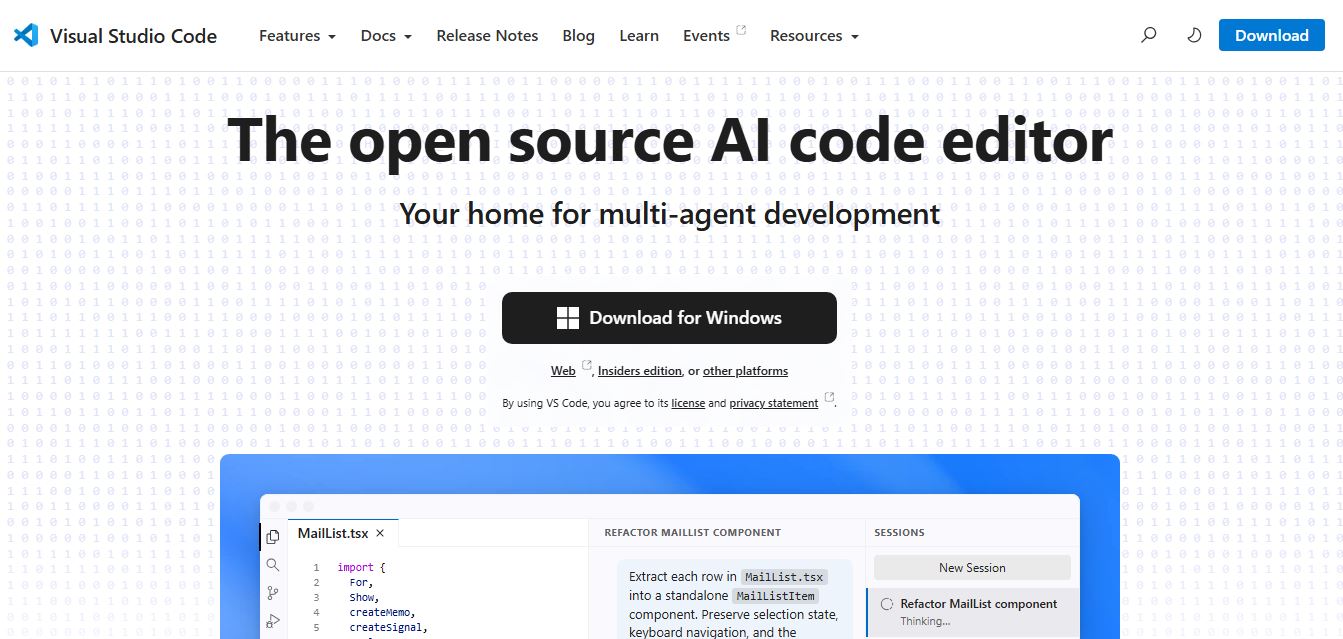
Visual Studio Code (commonly known as VS Code) is a lightweight, cross-platform code editor and integrated development environment developed by Microsoft. Built on the Electron framework with the Monaco editor engine at its core, VS Code bridges the gap between minimalist text editors and monolithic IDEs, providing developers with rapid startup times, deep syntax parsing, and comprehensive language support across Windows, macOS, Linux, and web browsers (via vscode.dev).
Engineered around modularity, language agnosticism, and extensible developer workflows, VS Code avoids bloated default installations by keeping its core editor lean while allowing engineers to customize their environment through the Visual Studio Code Marketplace. From smart syntax completion and multi-process debugging to remote server container tunneling and AI coding assistants like GitHub Copilot, VS Code serves as the primary development hub for tens of millions of software engineers worldwide.
- Platform Role: Cross-Platform Source Code Editor, Integrated Development Environment & Remote Engineering Hub
- Developer & Maintainer: Microsoft Corporation (Open-source core licensed under MIT as Code - OSS)
- Supported Environments: Windows, macOS (Intel / Apple Silicon), Linux (Debian, Ubuntu, Red Hat, Fedora, SUSE), and Browser (vscode.dev & github.dev)
Use Cases:
- Writing, refactoring, and formatting code across hundreds of languages including TypeScript, JavaScript, Python, Rust, Go, C++, and Java
- Stepping through code, setting conditional breakpoints, and evaluating variable states using integrated runtime debuggers
- Managing Git version control workflows, reviewing visual diffs, resolving merge conflicts, and staging commits without terminal context-switching
- Developing inside isolated environments using Docker containers, remote Linux virtual machines via SSH, or Windows Subsystem for Linux (WSL)
- Collaborating in real time with teammates on the same live codebase, terminal, and local debug servers using Visual Studio Live Share
Technology:
- Electron desktop architecture powered by Node.js and Chromium for fast UI rendering and native OS integration
- Language Server Protocol (LSP) and Debug Adapter Protocol (DAP) decoupling language intelligence and execution runtimes from the UI
- IntelliSense semantic analysis delivering context-aware type hints, function signatures, and automatic import management
- Deep integration with generative AI developer tools including native GitHub Copilot Chat, workspace agents, and custom MCP plugins
Target Users:
- Frontend, backend, and full-stack software engineers working on modern web, cloud, and mobile architectures
- Data scientists and machine learning researchers executing interactive Jupyter Notebooks and training scripts
- DevOps and infrastructure engineers managing Dockerfiles, Kubernetes manifests, and Terraform scripts
- Students, hobbyists, and educators learning to program with beginner-friendly extensions and built-in tutorials
Acquisition: Open download and web editor
What are the key features of Visual Studio Code?
Visual Studio Code's key platform features are
- IntelliSense Code Intelligence: Delivers intelligent completions based on variable types, function definitions, and imported libraries rather than simple text matching.
- Interactive Run & Debug: Inspect variables, examine call stacks, evaluate expressions in the interactive debug console, and attach directly to live running processes.
- Built-In Git Version Control: Review staged changes, make commits, pull/push remotes, compare side-by-side branch diffs, and handle merge conflicts visually.
- VS Code Marketplace: Browse over 50,000 community and official extensions spanning linters, themes, debuggers, language packs, and cloud deployment tools.
- Remote Development Suite: Seamlessly open any folder in WSL, a Docker container, or a remote cloud server over SSH while preserving full local editor responsiveness.
- Integrated Terminal Multiplexer: Run multiple terminal instances, split panels, and toggle between PowerShell, Bash, Zsh, and command prompts without leaving your files.
- Native AI Pair Programming: Direct support for GitHub Copilot Chat, inline code completions, automated test generation, and pull request reviews.
How much does Visual Studio Code cost?
Visual Studio Code is a completely free code editor distributed by Microsoft, with optional paid ecosystem add-ons like cloud compute environments and AI subscriptions.
Pricing Plans:
- VS Code Core ($0 / month): 100% free for commercial and personal development on desktop and web, including full access to marketplace extensions, debugging, and terminal tools.
- GitHub Copilot Add-On (Optional, Free tier / Paid from $10 / month): Optional AI companion integration providing predictive multi-line autocomplete, inline refactoring, and conversational chat directly inside the VS Code editor.
- GitHub Codespaces (Optional Cloud Compute): Pay-as-you-go cloud virtual environments accessible via browser or desktop VS Code, including 60 free monthly core-hours for standard personal accounts.
Disclaimer: Visual Studio Code desktop binaries are free under Microsoft's software license, and the underlying source code (Code - OSS) is open source under the MIT license. Review code.visualstudio.com for official documentation and terms.
Who should use Visual Studio Code?
Visual Studio Code is designed for developers of all disciplines, including
- Web & JavaScript Developers: Building modern React, Next.js, Vue, Node.js, and TypeScript applications with first-class tooling.
- Python & Data Engineers: Running interactive Jupyter Notebooks, writing automated data pipelines, and debugging Python scripts.
- Cloud & Systems Engineers: Developing microservices, deploying Kubernetes configurations, and managing cloud infrastructure through remote containers.
- Computer Science Students: Setting up clean, standardized development environments for programming coursework and collaborative group projects.

What are the best alternatives to Visual Studio Code?
Some of the strongest Visual Studio Code alternatives include
What are the pros and cons of Visual Studio Code?
What are the pros of Visual Studio Code?
- 100% free for both commercial and personal use with no licensing fees
- Unmatched extension ecosystem with thousands of integrations, language servers, and custom themes
- Exceptional remote development architecture (SSH, Docker containers, WSL) without lag
- Cross-platform consistency across Windows, macOS, Linux, and web browsers
- Highly responsive debugging suite and terminal integration eliminate the need for third-party tools
What are the cons of Visual Studio Code?
- Electron Foundation consumes more RAM and battery power compared to native editors like Zed or Sublime Text
- Heavy extension loads can cause slower startup times and occasional editor slowdowns on older machines
- Out-of-the-box experience requires users to install extensions to configure complete language toolchains
Why should you choose Visual Studio Code?
Traditional full-featured IDEs are often heavy, expensive, and tied to specific programming languages, while basic text editors lack the integrated debugging and version control necessary for production software development. Visual Studio Code represents the ideal balance. By combining lightning-fast editing with the power of the Language Server Protocol, integrated debugging, remote workspace tunneling, and thousands of community extensions, VS Code provides a versatile, cost-free development workspace that scales with your projects.
- Develop in any language with intelligent code completion and automated refactoring
- Debug applications seamlessly with breakpoints, variable inspection, and interactive consoles
- Connect to remote servers, Docker containers, and cloud environments effortlessly
- Customize your entire workflow with 50,000+ free marketplace extensions and themes
How does Visual Studio Code compare to competitors?
While Cursor is a VS Code fork optimized from the ground up for generative AI agent workflows, and JetBrains offers language-specific, out-of-the-box IDE intelligence at a paid annual subscription, VS Code remains the flexible, open, and free industry standard that developers can mold to any tech stack.
| Feature / Platform | Visual Studio Code | Cursor | JetBrains (IntelliJ / PyCharm) | Zed |
|---|---|---|---|---|
| Core Architecture | Electron (TypeScript / Monaco) | Electron (VS Code fork) | JVM / Native desktop runtime | High-performance Rust (GPU-rendered) |
| AI Integration | Extensible (Copilot, Claude, Continue) | Native AI Composer & multi-file agent | JetBrains AI Assistant (Add-on) | Integrated AI assistant & custom keys |
| Remote Dev (SSH/Containers) | Best-in-class Remote Suite | Inherited VS Code remote support | JetBrains Gateway / Remote Client | Basic SSH & collaborative remoting |
| Extension Ecosystem | 50,000+ Marketplace extensions | Compatible with VS Code marketplace | Extensive JetBrains Plugin Hub | Curated growing extension library |
| Pricing Structure | 100% Free | Free tier / Pro $20/month | Free Community / Commercial ~$89-$599/yr | 100% Free & Open Source |
| Best For | Universal, customizable programming | AI-native coding & autonomous agent tasks | Deep enterprise Java, Kotlin & Python IDEs | Ultra-fast, lightweight native editing |
How do we rate Visual Studio Code?
| Parameter | Rating (out of 5) |
|---|---|
| Code Editing & IntelliSense | 4.9 |
| Ecosystem & Extension Marketplace | 5.0 |
| Debugging & Git Integration | 4.9 |
| Remote & Container Development | 5.0 |
| Value for Money (Free) | 5.0 |
| Overall Score | 4.96 |
What is our review and verdict on Visual Studio Code?
Visual Studio Code remains the gold standard of modern software engineering tools. By combining a fast, modular editor core with an unrivaled extension marketplace, industry-leading remote container tunneling, and frictionless Git integration, Microsoft has created an indispensable, accessible hub for developers of all skill levels. While dedicated AI forks like Cursor provide tighter generative agent workflows, VS Code's adaptability, stability, zero cost, and massive community make it the most versatile code editor in the software industry.
Conclusion
Visual Studio Code stands out as a flexible and powerful code editor that adapts to almost any development workflow. With its vast extension ecosystem, built-in debugging, and seamless integration with modern tools, it supports everything from simple scripts to complex applications. Its balance of performance and customization makes it a favorite among developers. Overall, VS Code streamlines coding, improves productivity, and provides a reliable environment for building and managing projects efficiently.
User Reviews
No reviews yet for Visual Studio Code (VS Code).
Featured Tools
Featured AI tools from TechShark

Melody Genie
MelodyGenie is an AI-powered music generator that creates original songs from simple text prompts. Users can choose styles, moods, and genres, then instantly generate melodies and full tracks, making it easy for creators, marketers, and hobbyists to produce custom music without musical expertise.
Freemium

Kimi AI
Kimi AI is an advanced AI assistant developed by Moonshot AI that helps you chat, research, write, code, and automate tasks in one place. It supports web search, file analysis, and multimodal inputs, and can even run autonomous “agent” workflows to complete complex tasks end-to-end.
Freemium

Fashion Diffusion AI
Fashion Diffusion is an AI-powered fashion design platform that helps brands and designers create clothing designs, virtual try-ons, AI models, product photos, and marketing visuals faster and cost-effectively.
Paid

Veo 4
Veo 4 AI is an AI video creation platform that generates dramatic videos from text, images, audio, and video prompts using realistic motion and synchronized sound.
Paid
Alternatives
Alternatives to Visual Studio Code (VS Code)
The best Visual Studio Code alternatives include Cursor, JetBrains IDEs (IntelliJ IDEA, WebStorm, PyCharm), Zed, and Sublime Text. While Visual Studio Code is a free, extensible code editor with over 50,000 marketplace extensions, integrated debugging, and remote development support, alternatives like Cursor provide deep native AI multi-file editing, JetBrains provides dedicated language-specific IDE intelligence, and Zed offers ultra-fast GPU-rendered native speed.
 4.9
4.9Claudebin
Code Assistant
Claudebin is an open-source tool for sharing Claude Code sessions through structured, accessible web links. It captures conversations, file operations, terminal commands, and tool calls, helping developers explain their coding workflows. With session viewing and embedding capabilities, it simplifies technical documentation, collaboration, debugging discussions, and knowledge sharing across development projects.
 4.9
4.9GitFluence
Code Assistant
GitFluence is an AI-powered Git command generator that helps developers turn plain-English instructions into exact Git commands. It eliminates the need to memorize syntax, speeds up version control workflows, and lets users quickly copy accurate commands for tasks like branching, merging, and fixing commits.
 4.9
4.9Kiro
Vibe Coding
Kiro is an AI-powered developer platform that helps teams plan, build, and ship software using autonomous agents. It turns prompts into structured specs, writes and tests code, and automates workflows across IDE, CLI, and cloud, enabling faster, reliable development from prototype to production.
 4.8
4.8Emergent
Vibe Coding
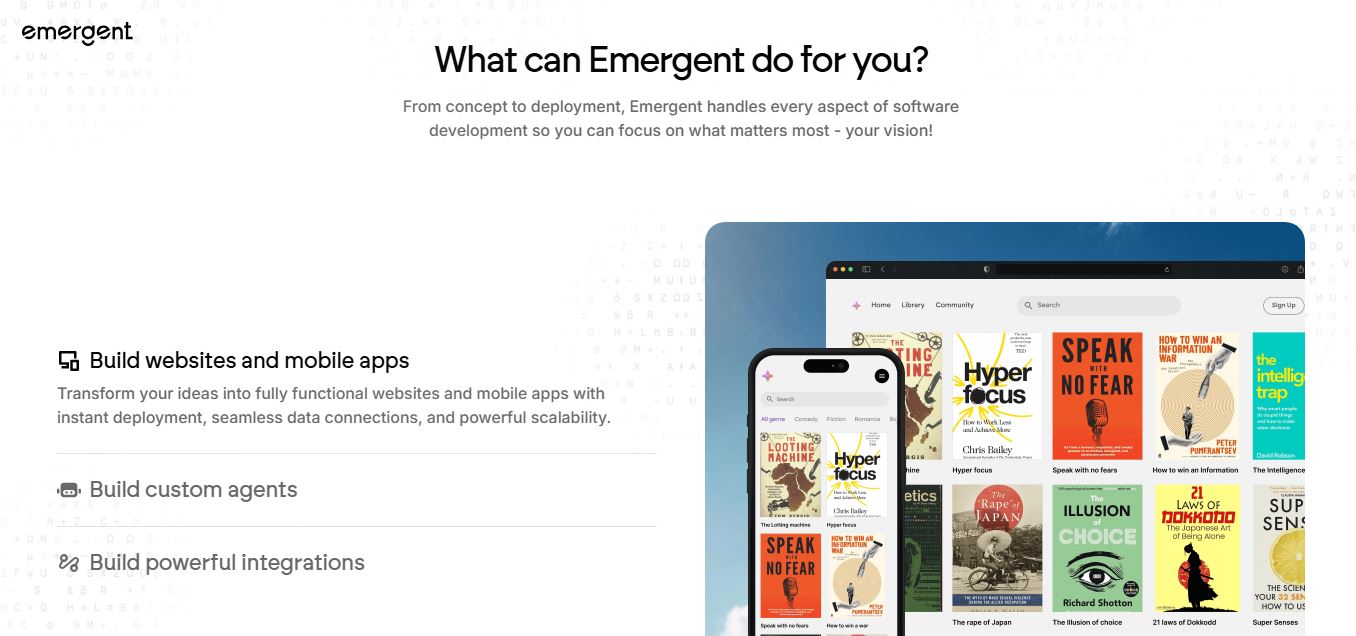
Emergent is an AI-powered app builder that lets users create full-stack web and mobile applications by simply describing their idea. It uses autonomous agents to plan, code, test, and deploy apps, handling everything from backend to hosting without requiring traditional programming skills.
 4.7
4.7Amazon Q Developer
Code Assistant
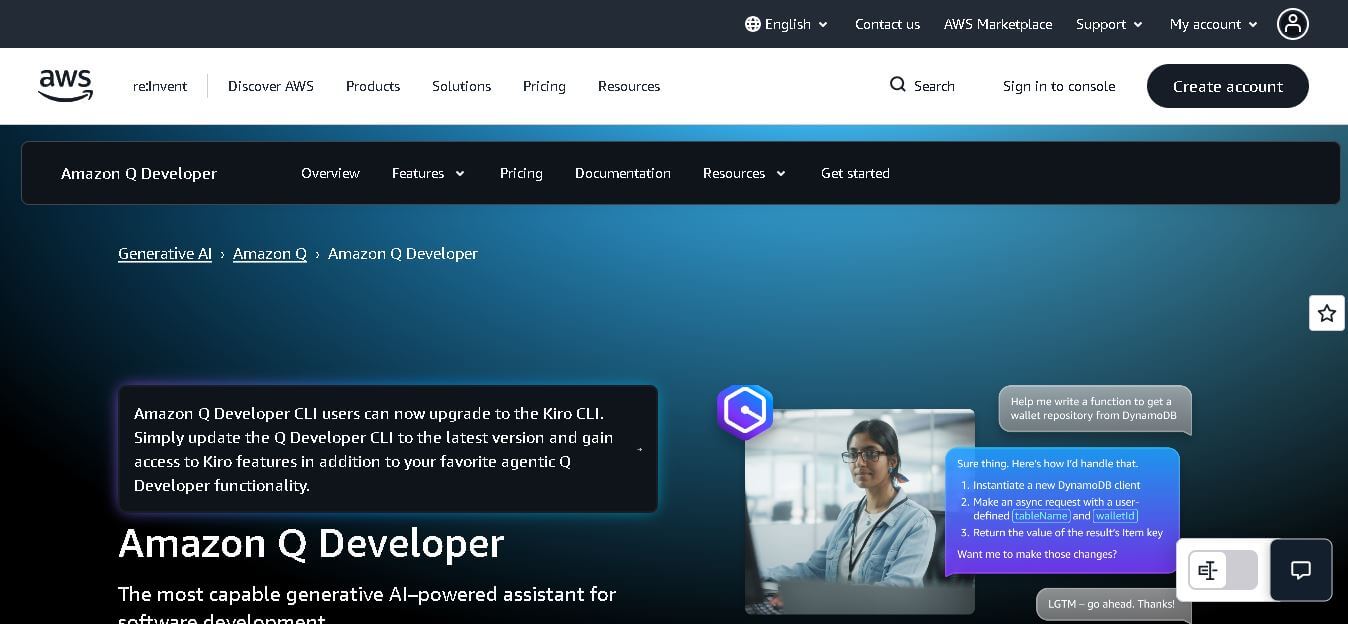
Amazon Q Developer helps developers write, explain, test, refactor, secure, and troubleshoot code while working with AWS services. It provides conversational assistance, inline suggestions, agentic coding, and cloud guidance across supported IDEs, command-line environments, and AWS interfaces. Its goal is to reduce repetitive work and help teams move from ideas to deployable software.
 4.9
4.9GitLab
Code Assistant
GitLab is a DevOps platform that provides a complete suite for planning, coding, testing, and deploying software in one place. It combines version control, CI/CD, security, and collaboration tools, helping teams streamline development workflows and deliver software faster and more efficiently.
 4.9
4.9CodeRabbit
Code Assistant
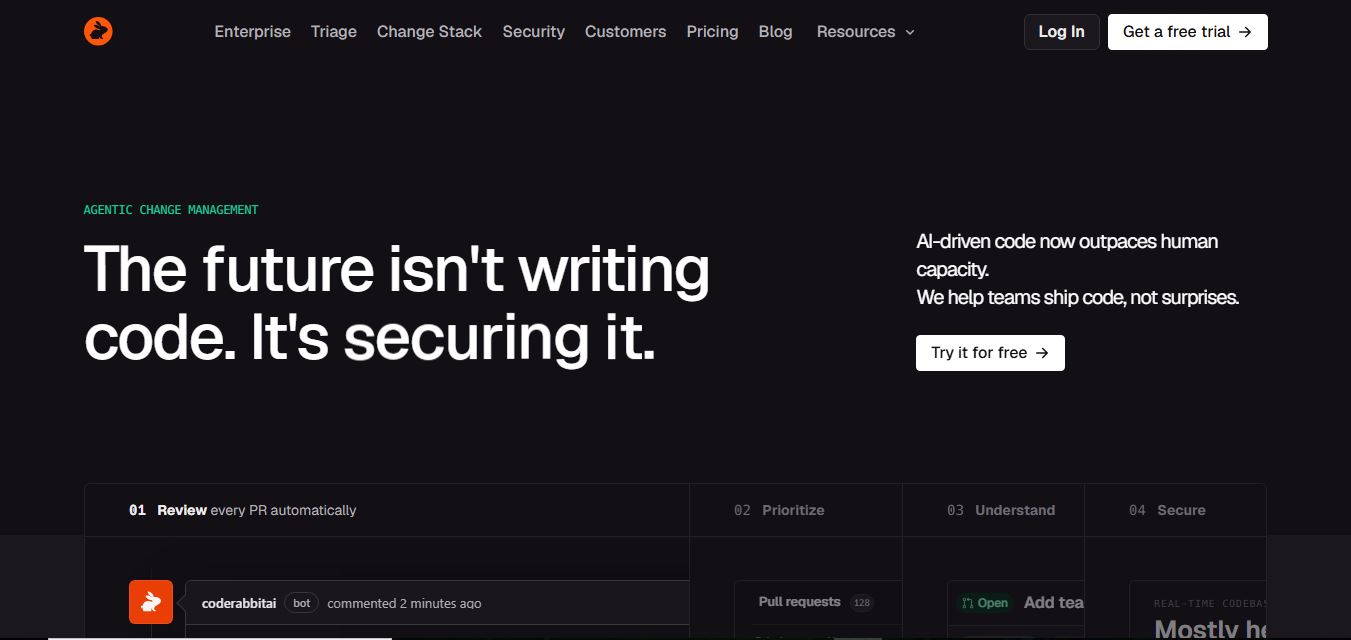
CodeRabbit is an AI-powered code review assistant that helps developers catch bugs, improve code quality, and speed up pull requests. It analyzes code changes in real time, provides actionable feedback, and integrates with Git workflows to make reviews faster and more efficient.
 4.9
4.9Sourcery
Code Assistant
Sourcery is an AI-powered code refactoring tool that helps developers automatically improve Python code quality. It analyzes code, suggests cleaner and more efficient alternatives, and applies refactors instantly, making code more readable, maintainable, and aligned with best practices.
Tenki Cloud
Code Assistant
Tenki Cloud is a high-performance, cost-efficient cloud infrastructure platform offering disposable sandboxes for AI agents, self-hosted GitHub Actions runners, and automated AI code review.