
Trainn
Trainn helps SaaS teams create, deliver, and measure customer training content from one place. It can turn product workflows into training videos, interactive guides, and step-by-step documentation, then distribute them through in-app tutorials, knowledge hubs, or branded academies. Its AI features also support voiceovers, editing, translation, and faster content updates.

What is Trainn?
Trainn is a customer education and training platform designed for SaaS businesses that need to teach customers how to use their products. It lets teams capture a workflow once and transform it into videos, interactive guides, and step-by-step documentation. Trainn also supports in-app tutorials, searchable knowledge hubs, LMS-based academies, analytics, AI voiceovers, and multilingual content, helping customer-facing teams reduce repetitive training and improve product adoption.
Trainn reports several measurable outcomes for teams using its platform. Customers have created 100+ training videos in 45 days, while ServiceNow teams reportedly produce 15–20 videos weekly and reduced video production time by 50%. Trainn also highlights an average 10-minute training-video creation time, 91% faster support-video creation, knowledge-base setup in under 1 week, and in-app embedding in about 20 seconds. Its Scale plan supports 250 videos and guides.
- Core Focus: AI Customer Onboarding, Video Documentation, and Interactive Product Guides
- Launch Year: 2021
Use Cases:
- Creating interactive product walkthroughs and step-by-step user onboarding guides
- Generating high-definition video tutorials with lifelike AI voiceovers
- Building branded customer academies and self-serve knowledge base centers
- Publishing localized product documentation in over 30 languages
Technology:
- Automated screen capture engine with dynamic auto-zoom and cursor smoothing
- Generative AI text-to-speech engine with multi-language voice cloning
- Embedded analytics tracking user engagement, completion rates, and guide drop-offs
Target Users:
- Customer Success and SaaS onboarding teams
- Product Managers and Technical Documentation Writers
- Sales Enablement and Customer Support Operations
Ecosystem: Seamlessly embeds into major web apps, LMS platforms, Zendesk, Salesforce, and custom customer portals.

Key features of Trainn
Trainn's key features are
- Auto-Generated Product Videos: Automatically turns screen recordings into professional video tutorials with smooth zooms, callouts, and clean transitions.
- AI Voiceovers & Localization: Generates human-sounding voiceovers across 30+ languages and accents, making content instantly accessible to global users.
- Interactive Click-Through Guides: Simultaneously produces clickable step-by-step guides and text documentation from a single screen recording.
- Branded Customer Academies: Hosting and organizing videos, guides, and courses within a white-labeled customer education portal.
- In-App Widgets & Embeds: Embeds walkthroughs and video guides directly inside SaaS products so users learn without leaving the app.
- Analytics & Engagement Insights: Tracks viewer drop-offs, guide completions, and content performance to optimize user onboarding.
Trainn Pricing
Trainn operates on tiered SaaS subscription plans with a free trial available for new users.
Free Trial:
- 14-Day Free Trial
- Full access to video generation, AI voiceover features, and interactive guide creation
Paid Subscription Plans:
- Starter / Pro Plans: Starting from ~$49 - $99 per month
- Includes high-definition video exports, unlimited guide generation, AI translation, and custom branding
- Enterprise Plan: Custom pricing for dedicated success managers, SSO, advanced integrations, and custom security SLAs
Disclaimer: For the latest and most accurate pricing information, please visit the official Trainn website.
Is Trainn Worth It?
Trainn is well worth the investment for growing SaaS companies that want to scale customer onboarding without hiring full video production teams. By generating both interactive click-through guides and narrated video tutorials from a single recording, it saves immense time while improving customer retention and self-serve support capabilities.
Real-World Use Cases
- SaaS User Onboarding: Customer success managers deploy interactive product tours to guide new sign-ups through core features.
- Self-Serve Help Centers: Support teams replace static text articles with auto-updated video guides to deflect common tickets.
- Sales & Demo Collateral: Account executives share localized product video overviews tailored to international prospects.
- Internal Staff Training: Operations teams record software workflows to onboard new employees quickly.
Who is using Trainn?
Trainn is designed for modern B2B SaaS teams, including
- Customer Success Managers: Professionals accelerating customer activation and driving platform adoption
- Product & Technical Writers: Teams maintaining up-to-date user documentation across fast release cycles
- Support Leaders: Teams aiming to reduce ticket volumes through interactive self-serve training
- Sales & Marketing Operations: Teams creating engaging product marketing videos without huge video production budgets
Best Trainn Alternatives
Some of the strongest Trainn alternatives include
Pros and Cons of Trainn
Pros
- Generates both video tutorials and step-by-step written documentation simultaneously
- Lifelike AI voiceovers in 30+ languages eliminate the need for manual recording
- Auto-zoom and dynamic video editing deliver clean, professional-looking clips
- Supports hosting custom branded customer academies and in-app widgets
- Detailed viewer analytics highlight drop-offs and feature engagement
Cons
- Advanced AI voice customizations may require initial fine-tuning
- Video editing controls are focused on documentation rather than complex post-production
- Full white-label branding features are reserved for higher pricing tiers
Why Choose Trainn?
Trainn provides a comprehensive, dual-purpose platform that handles both video generation and interactive documentation in one place. Unlike simple screen recorders, Trainn uses AI to automate video editing, voice narration, and localization, ensuring product training stays current with minimal upkeep.
- Creates narrated HD video and step-by-step articles in a single screen capture
- Reduces onboarding time and drives faster customer time-to-value
- Translates training content into 30+ languages with synthetic AI voices
- Hosts complete customer academies with integrated user tracking
How Trainn Works
- Record Your Screen: Capture your software workflow using the Trainn Chrome extension or desktop recorder.
- AI Processing: Trainn automatically adds smooth zooms, cursor focus, and AI voiceovers and generates step-by-step text.
- Edit & Localize: Tweak the AI voiceover, adjust callout text, or translate into target languages with one click.
- Publish & Embed: Share via a direct link, embed in your app/knowledge base, or host inside your custom Trainn academy.
Trainn vs. Competitors
The main difference between Trainn, Loom, and Scribe is that Trainn bridges the gap between AI video creation and interactive step-by-step documentation. While Loom provides basic screen recording without automated editing or AI voiceovers, and Scribe creates static visual step-by-step guides without native video output, Trainn delivers both video tutorials and interactive guides from a single workflow capture.
| Feature | Trainn | Loom | Scribe |
|---|---|---|---|
| Primary Output | AI Videos & Interactive Guides | Screen Recording Videos | Static Step-by-Step Screenshots |
| AI Voiceover Generation | Yes (30+ Languages) | No (Human Voice Only) | No |
| Automated Zoom & Editing | Yes | No | N/A (Static Screenshots) |
| Customer Academy Hosting | Yes | Basic Video Folders | Document Hub |
| Starting Price | 14-Day Free Trial / Pro Tier | Free tier available | Free plan available |
How do we rate Trainn?
| Parameter | Rating (out of 5) |
|---|---|
| Ease of Use | 4.8 |
| AI Voice & Video Quality | 4.7 |
| Feature Completeness | 4.7 |
| Value for Money | 4.6 |
| Customer Support | 4.8 |
| Overall Score | 4.7 |
Trainn Review
Trainn stands out as a powerful platform for customer onboarding and training video generation. By automating post-production, zoom effects, and text-to-speech voiceovers, Trainn allows SaaS teams to produce professional video guides in a fraction of the time. Its dual capability of producing both high-quality video walkthroughs and step-by-step visual documentation makes it an ideal choice for scaling customer education.
Conclusion
Trainn is a strong option for SaaS companies that want to move beyond traditional product documentation and repetitive customer training. Its combination of AI-assisted video creation, interactive guides, multilingual voiceovers, in-app tutorials, Knowledge Hub, LMS, and analytics makes it suitable for customer education at scale. If your team spends considerable time answering the same product questions or producing training materials manually, Trainn can help turn those workflows into reusable, self-service learning experiences.
FAQ
What is Trainn mainly used for?
Trainn is mainly used to create and deliver customer training content for SaaS products. Teams can record product workflows and turn them into videos, interactive guides, and step-by-step documentation. It is particularly useful for customer success, support, documentation, enablement, and education teams that want customers to learn independently instead of relying heavily on repeated one-to-one training.
How does Trainn help create training videos?
Trainn lets you capture a product workflow through screen recording and automatically assists with the editing process. Its AI can add zooms, spotlights, voiceovers, titles, and descriptions, reducing manual production work. You can then refine the video, add annotations or other elements, and publish it as shareable or embedded training content.
Can Trainn create guides from videos?
Yes. Trainn can transform recorded training content into interactive guides and step-by-step documentation. This is useful when different learners prefer different formats. Instead of recreating the same tutorial manually as a video and written guide, your team can reuse the workflow and create multiple training formats from the same source content.
Does Trainn support AI voiceovers?
Yes. Trainn supports AI voiceovers that can be generated from scripts or AI-created narration. Its website also highlights voiceovers and translation across 30+ languages, allowing teams to create multilingual training without recording every language separately. This can be particularly useful for SaaS businesses serving customers across multiple geographic markets.
Can Trainn translate training videos?
Yes. Trainn supports one-click translation for training content, with its current website highlighting 30+ languages. This allows teams to create the original training content once and adapt it for international audiences. Multilingual content can help SaaS companies provide more accessible onboarding, product education, and customer support across different markets.
Does Trainn offer an LMS?
Yes. Training includes an LMS or academy capability on its higher-tier plans. Teams can create structured courses, quizzes, and certification experiences for learners. The Scale plan includes an LMS with 100 monthly active users, while Enterprise increases that allowance to 250 monthly active users, making the feature more suitable for structured customer education programs.
Can Trainn be embedded inside a product?
Yes. Trainn supports in-app tutorials that allow companies to place videos and guides directly inside their products. According to Trainn, these experiences can be embedded without engineering work. This makes Trainn useful when you want customers to receive contextual assistance while using a feature rather than leaving the application to search through external documentation.
User Reviews
No reviews yet for Trainn.
Featured Tools
Featured AI tools from TechShark

Melody Genie
MelodyGenie is an AI-powered music generator that creates original songs from simple text prompts. Users can choose styles, moods, and genres, then instantly generate melodies and full tracks, making it easy for creators, marketers, and hobbyists to produce custom music without musical expertise.
Freemium

Kimi AI
Kimi AI is an advanced AI assistant developed by Moonshot AI that helps you chat, research, write, code, and automate tasks in one place. It supports web search, file analysis, and multimodal inputs, and can even run autonomous “agent” workflows to complete complex tasks end-to-end.
Freemium

Fashion Diffusion AI
Fashion Diffusion is an AI-powered fashion design platform that helps brands and designers create clothing designs, virtual try-ons, AI models, product photos, and marketing visuals faster and cost-effectively.
Paid

Veo 4
Veo 4 AI is an AI video creation platform that generates dramatic videos from text, images, audio, and video prompts using realistic motion and synchronized sound.
Paid
Alternatives
Alternatives to Trainn
The best Trainn alternatives include Scribe, Loom, Guidde, Tango, and Arcade. Scribe and Tango specialize in auto-generating step-by-step screenshot walkthroughs. Loom provides straightforward video recording and sharing. Guidde offers AI video generation for documentation, while Arcade focuses on building interactive product demos for sales and marketing teams.
 4.9
4.9Edubrain AI
Education
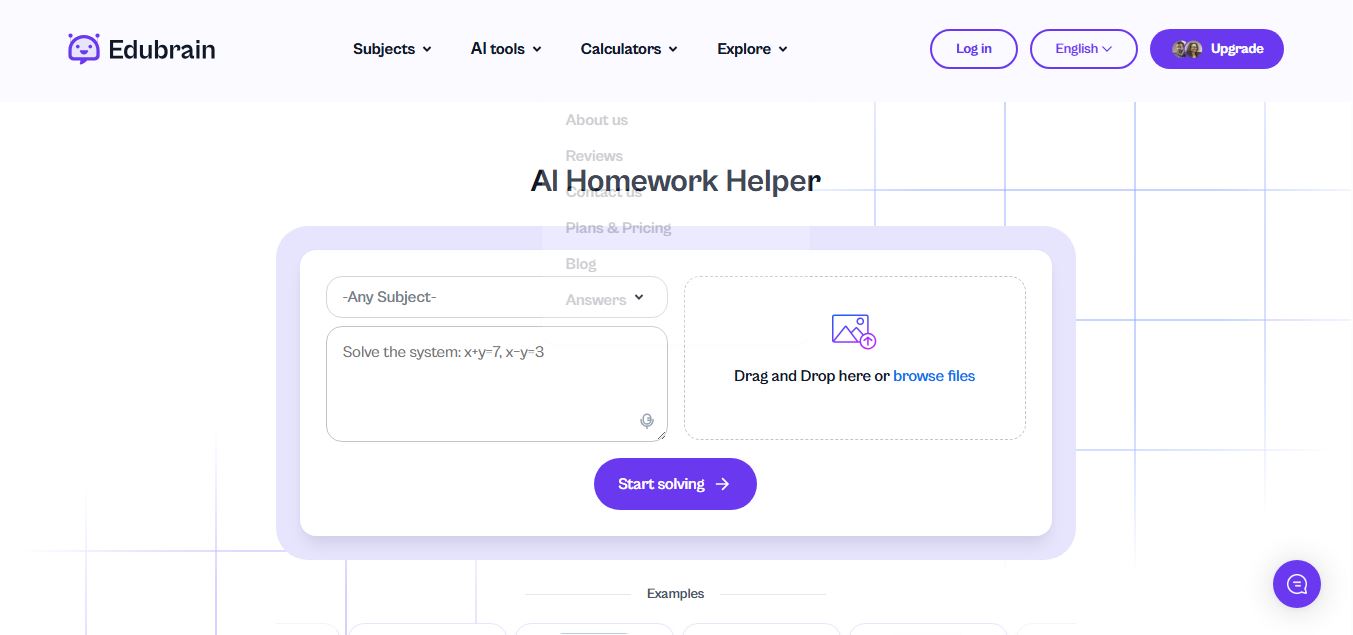
Edubrain is an AI-powered homework assistant that helps students solve questions across 90+ subjects using text, images, PDFs, or audio. It provides step-by-step explanations, adapts to learning styles, and works without sign-up, enabling faster understanding, exam prep, and personalized study support.
 4.8
4.8Math AI
Education
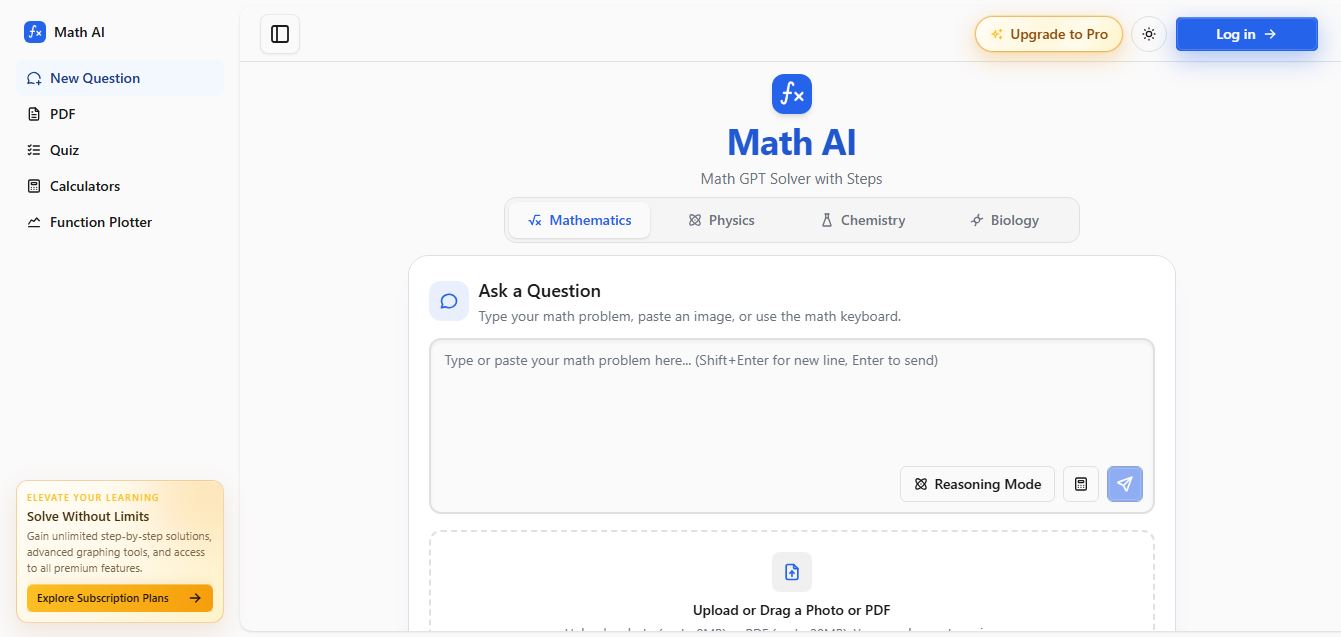
Math AI is an AI-powered math learning platform that helps users solve problems using text or images with step-by-step explanations. It supports algebra, calculus, and more, offering quizzes, graphs, and personalized tutoring to improve understanding and make studying, homework, and exam preparation easier.
 4.9
4.9ThetaWise
Education
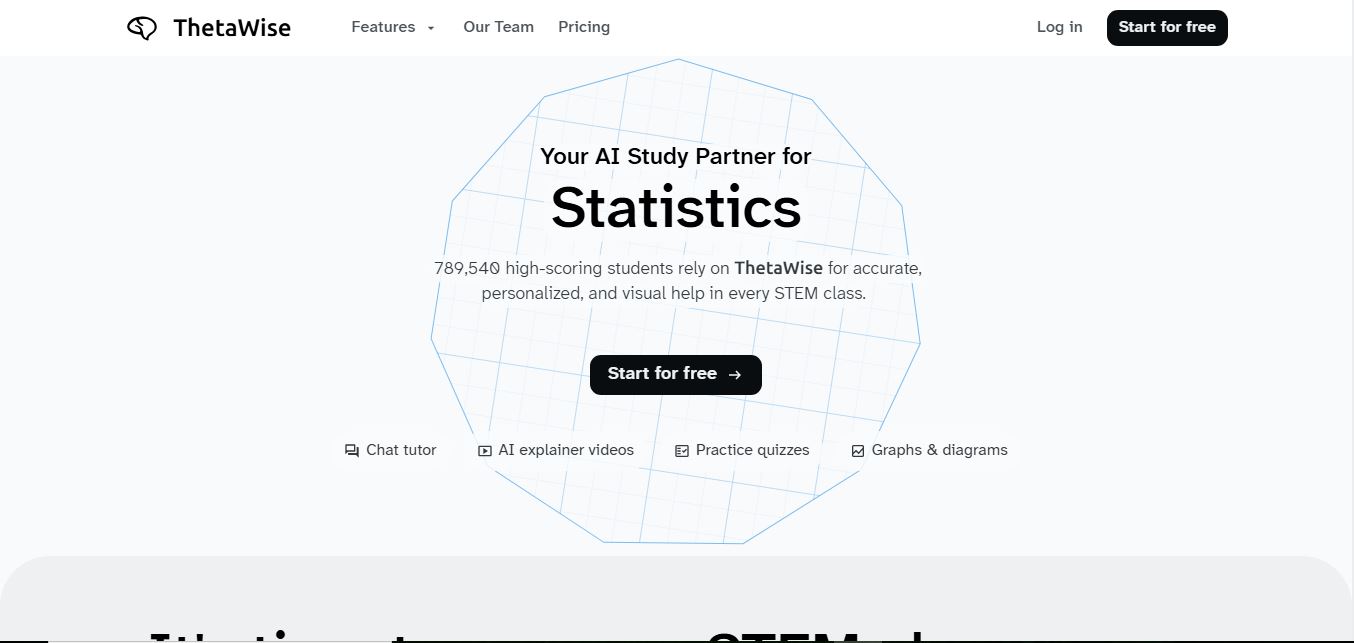
ThetaWise is an AI-powered STEM learning platform that helps students solve math and science problems with step-by-step explanations, video lessons, and practice quizzes. It acts like a 24/7 tutor, adapting to learning styles and improving understanding, test performance, and concept mastery.
 4.9
4.9Mathos AI
Education
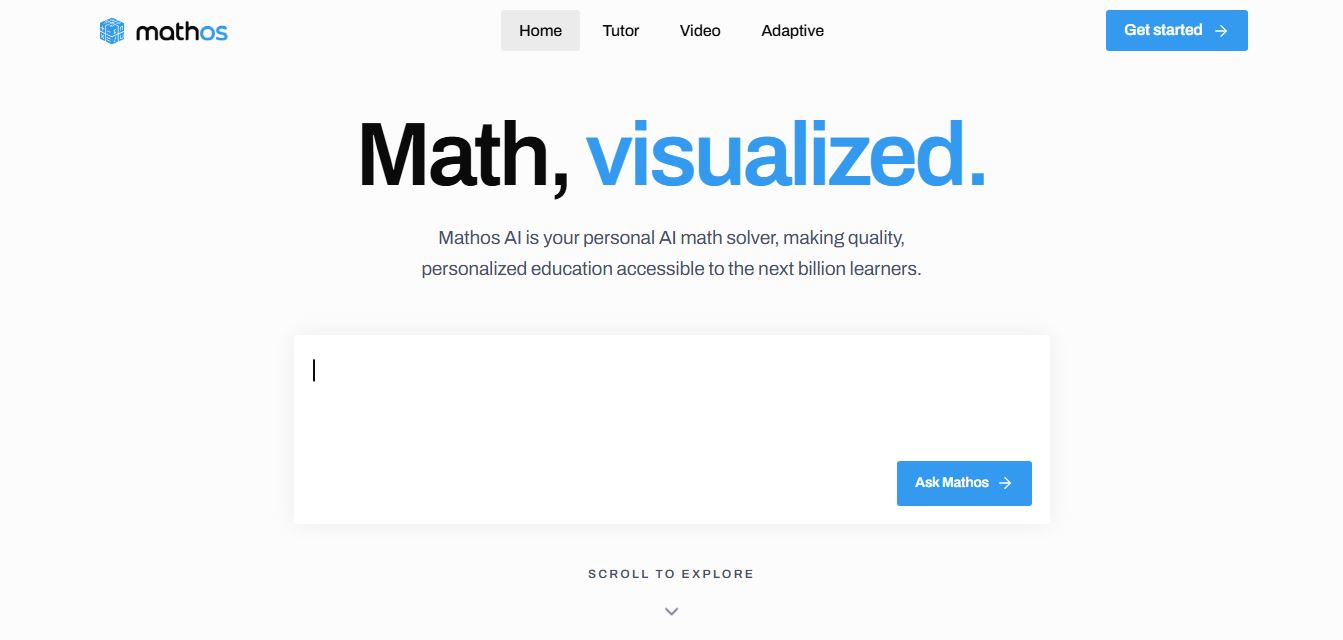
Mathos AI is an AI-powered math solver and tutor that helps students solve problems with step-by-step explanations and personalized guidance. It turns questions into lessons, generates quizzes, flashcards, and videos, and adapts to mistakes, enabling deeper understanding instead of just providing answers.
 4.8
4.8Brainly
Education
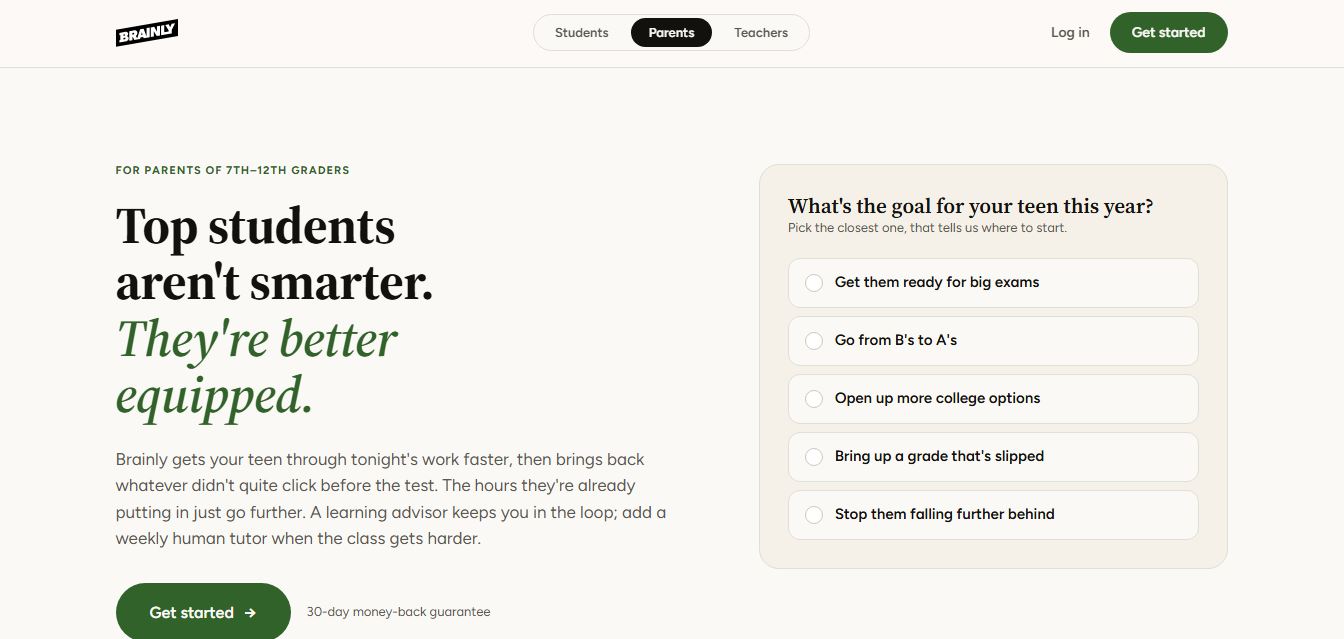
Brainly is an AI-powered learning platform that helps students solve homework, study concepts, and prepare for exams with step-by-step explanations. It combines AI guidance with a global community of experts, turning questions into personalized learning and helping students understand—not just complete—their schoolwork.
 4.8
4.8Gauth
Education
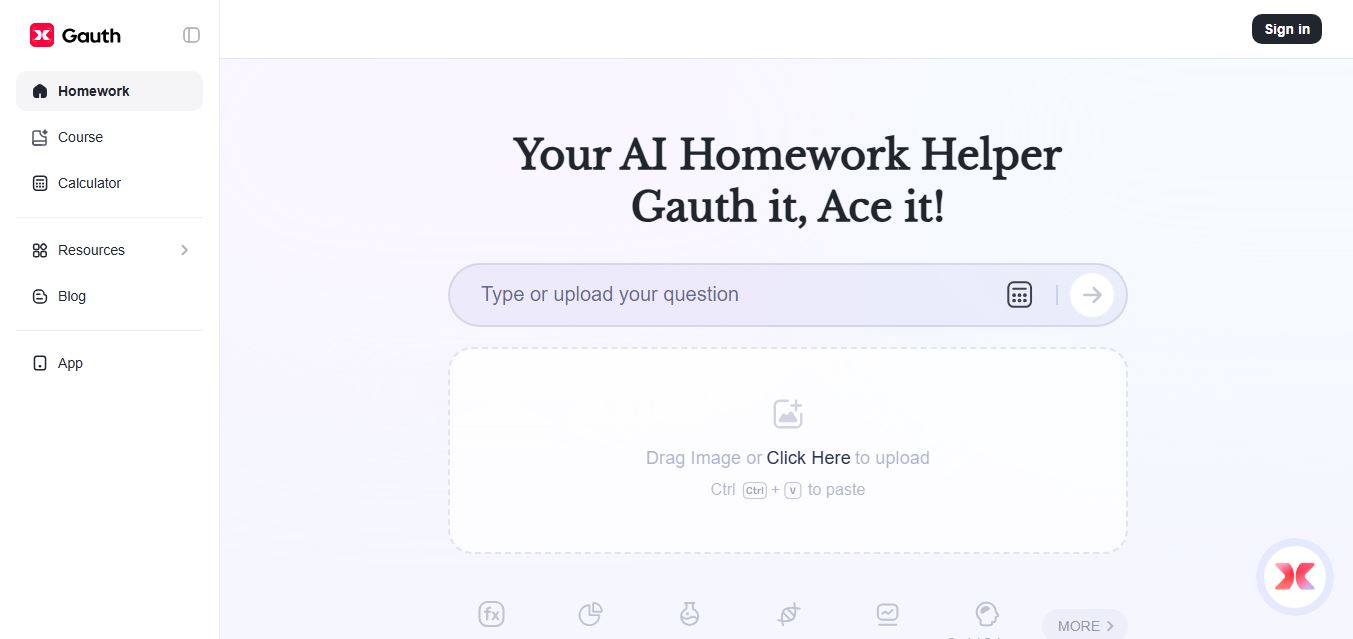
Gauth (formerly Gauthmath) is an AI-powered homework helper that lets students solve problems by typing or snapping a photo. It delivers step-by-step explanations across math and other subjects, combines AI with live tutor support, and helps users understand concepts, complete homework, and prepare for exams.
 4.7
4.7AI Math Solver
Education
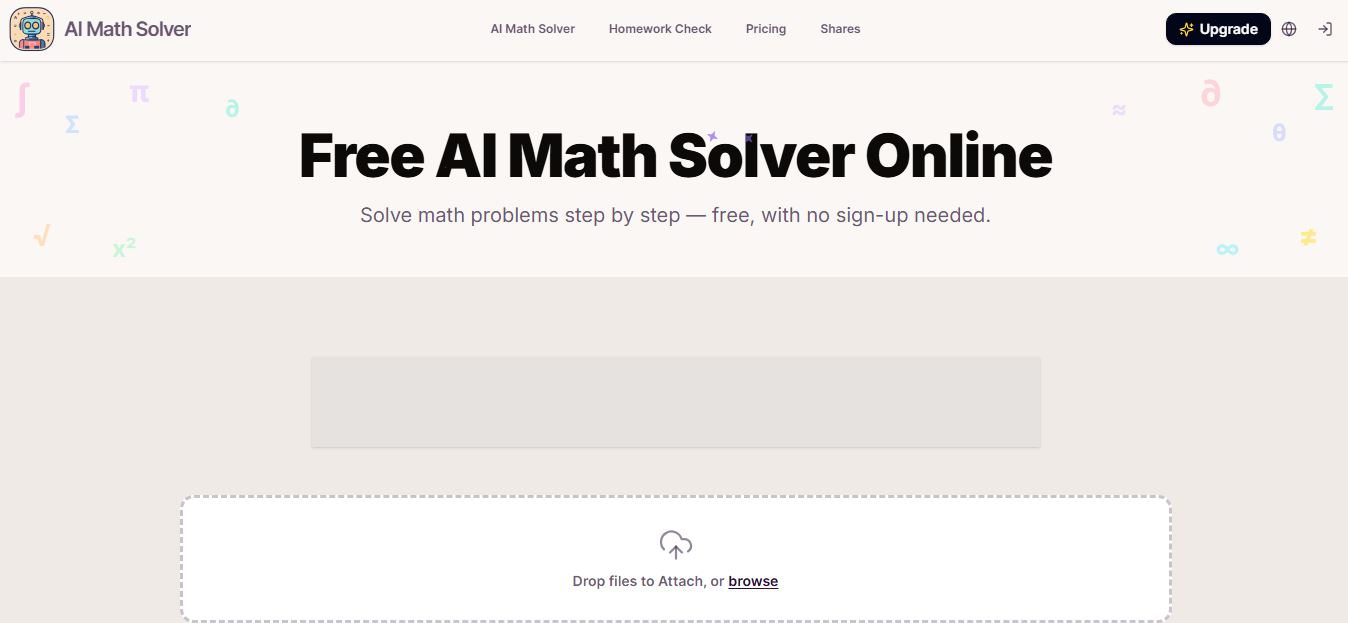
AIMathSolve is an AI-powered math solver that helps users solve problems across algebra, calculus, geometry, and more using text or image input. It generates step-by-step explanations, recognizes handwritten equations, and improves understanding, making it useful for homework, learning, and exam preparation.
 4.9
4.9Brilliant
Education
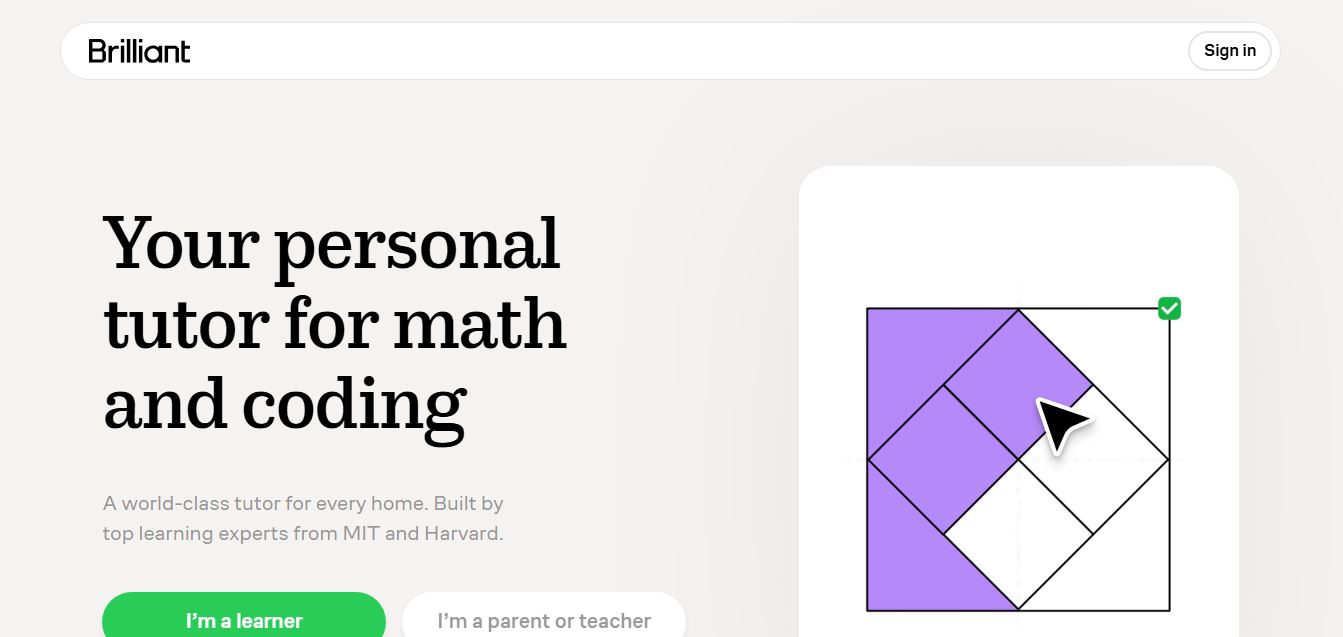
Brilliant is an interactive online learning platform that helps users build math, coding, and problem-solving skills through hands-on lessons. It uses visual explanations, real-time feedback, and a personal AI tutor to guide learning, enabling deeper understanding compared to passive video-based courses.
 5.0
5.0Desmos
Education
Desmos is an interactive math platform that helps students and teachers visualize concepts through graphing calculators, activities, and classroom tools. It enables real-time exploration of equations, functions, and data, making math more intuitive, engaging, and accessible across algebra, geometry, and advanced topics.