
Desmos
Desmos is an interactive math platform that helps students and teachers visualize concepts through graphing calculators, activities, and classroom tools. It enables real-time exploration of equations, functions, and data, making math more intuitive, engaging, and accessible across algebra, geometry, and advanced topics.
What is Desmos?
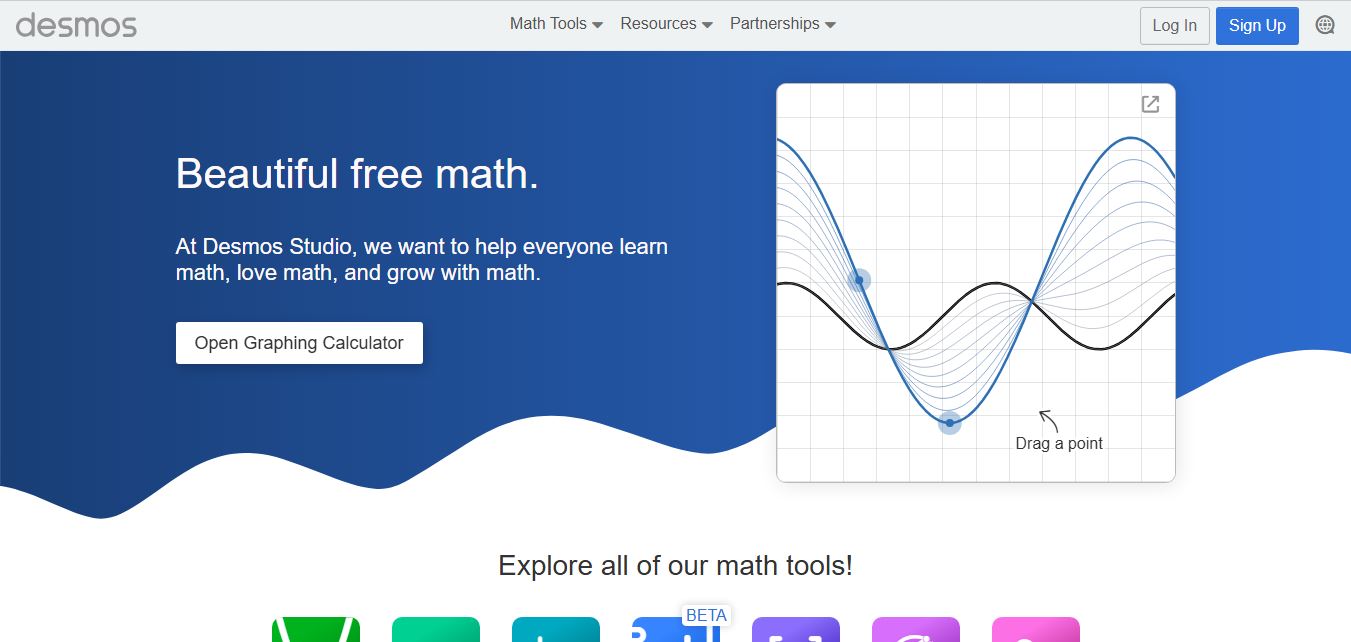
Desmos is an interactive math platform best known for its powerful graphing calculator that helps users visualize equations and mathematical concepts in real time. It allows students and teachers to plot functions, explore graphs, and understand relationships between variables through an intuitive interface. In addition to the calculator, Desmos offers classroom activities, lessons, and teaching tools that support engaging, hands-on learning. Designed for students, educators, and self-learners, it makes math more visual, interactive, and easier to understand.
Founded in 2011 by Eli Luberoff in San Francisco, California, Desmos has grown into one of the most widely utilized computational tools in global education, serving over 75 million students and teachers annually across more than 100 countries. In 2022, the company split its commercial curriculum division (acquired by Amplify as Desmos Classroom) from its core technology arm, establishing Desmos Studio PBC as an independent Public Benefit Corporation committed to keeping its suite of digital calculators permanently free, universally accessible, and ad-free. The suite includes the flagship 2D Graphing Calculator, Scientific Calculator, 3D Calculator, Four-Function Calculator, Geometry tool, and official digital testing calculators embedded in standardized assessments including the digital SAT (College Board), ACT, AP exams, and state-level NWEA/SBAC tests.
- Founder / Leadership: Eli Luberoff (Founder & CEO); operated by Desmos Studio PBC (San Francisco, CA, USA; founded in 2011)
- Governance & Charter: Desmos Studio Public Benefit Corporation (PBC), legally dedicated to expanding global mathematical access, WCAG 2.1 AA accessibility, and equity in STEM education
- Evolution / Launch: Evolved from an early browser-based 2D graphing utility into a full-spectrum digital math suite featuring the Desmos 3D Calculator, real-time audio trace sonification for screen readers, braille support, and standardized assessment test-mode embeds through 2024–2026
Use Cases:
- Plotting Cartesian, polar, parametric, and implicit functions to explore transformations, asymptotes, and derivatives dynamically
- Visualizing multivariable surfaces, 3D vectors, curves, and spatial intersections using the Desmos 3D Calculator
- Preparing for standardized digital exams (digital SAT, ACT, AP Precalculus, AP Calculus) using the exact calculator interface embedded in testing environments
- Creating interactive math art, animated physics simulations, and generative visual designs using piecewise functions and sliders
Technology:
- High-performance proprietary JavaScript math engine rendering thousands of coordinate points and complex curves at 60 FPS
- Industry-standard accessibility layer featuring audio trace graph sonification, WCAG contrast compliance, and full refreshable braille display support
- Secure locked-down testing API integrated into major digital assessment delivery platforms (Bluebook, TestNav, Cambium)
Target Users:
- Middle school, high school, and university students learning algebra, trigonometry, single/multivariable calculus, and statistics
- Math teachers, college professors, and curriculum designers creating visual demonstrations and interactive assignments
- Visually impaired learners and accessibility advocates requiring sonified and braille-compatible mathematical tools
- Content creators using writing tools to draft educational math explainers, STEM lesson plans, and standardized test prep guides
Corporate Entity: Operates as Desmos Studio PBC (San Francisco, CA, USA & Global)

Key features of Desmos
Desmos' key features are
- Interactive 2D Graphing Calculator: Plot linear, polynomial, trigonometric, exponential, parametric, and polar functions with instant coordinate rendering.
- Desmos 3D Calculator: Graph spatial mathematical surfaces, multivariable equations, vectors, curves, and parametric geometries in an interactive 3D canvas.
- Dynamic Sliders & Animations: Adjust variable coefficients with fluid sliders to visualize function transformations, periods, and phase shifts.
- Data Tables & Regression Modeling: Input data points to generate scatter plots and automatically calculate linear, quadratic, exponential, or custom regression models.
- Calculus & Statistical Analysis: Compute numerical derivatives, definite integrals, summations, standard deviations, distributions, and hypothesis tests.
- Official Digital Testing Modes: Replicates the exact locked calculator tools embedded inside official exams like the College Board digital SAT and state assessments.
- Industry-Leading Accessibility & Audio Trace: Listen to graphs via audio pitch sonification, navigate via screen readers, and connect refreshable braille displays (Nemeth and UEB).
- Zero Advertisements & Free Cloud Sync: Save, organize, and share interactive graph URLs freely with permanent cloud storage and zero commercial ads.
Desmos Pricing
Desmos Studio operates as a Public Benefit Corporation (PBC), providing all digital calculators and core learning tools 100% free of charge to students, teachers, and institutions worldwide.
Student & Public Access:
- $0 / Free forever
- Includes unlimited access to Graphing Calculator, 3D Calculator, Scientific Calculator, Geometry tool, mobile apps (iOS & Android), cloud saving, and export tools with zero advertisements
State & Standardized Testing Partnerships:
- Free embedded testing instances for testing organizations, school districts, and educational platforms delivering statewide assessments (SAT, ACT, NWEA MAP, Smarter Balanced)
Disclaimer: All Desmos Studio calculators are free public benefit tools. Paid classroom management curricula are separately developed and licensed by Amplify under the Desmos Classroom brand. Visit desmos.com for calculators and community graphs.
Who is using Desmos?
Desmos is designed for students, educators, and STEM creators, including
- Standardized Test Takers (SAT/ACT/AP): Practicing directly on the official calculator engine embedded in the digital SAT (Bluebook) and state tests
- Algebra, Geometry & Precalculus Students: Interactively discovering how altering equation constants shifts, stretches, and rotates geometric shapes
- Calculus & STEM Undergraduates: Evaluating definite integrals, graphing 3D surfaces, and visualizing multivariable equations
- Mathematics Teachers & Professors: Projecting live dynamic models during classroom lectures and designing interactive visual demonstrations
- Content Creators: Using writing tools to draft educational math explainers, STEM lesson plans, and standardized test prep guides
- Math Artists & Animators: Constructing intricate digital artwork and animated physics simulations entirely out of mathematical equations
Best Desmos Alternatives
Some of the strongest Desmos alternatives include
Pros and Cons of Desmos
Pros
- 100% free forever with zero advertisements, paywalls, or mandatory subscription upgrades
- Exceptionally fast, responsive rendering engine capable of plotting high-complexity curves and sliders smoothly
- Integrated as the official calculator for major standardized exams like the digital SAT, ensuring identical test practice
- Pioneering accessibility features including audio pitch sonification and full braille display compatibility
- Powerful 3D graphing calculator expands visualization into spatial calculus and vector geometry
Cons
- Does not provide symbolic step-by-step homework derivations like specialized solvers (e.g., Symbolab or Cymath)
- Lacks a native photo/camera OCR equation scanner on mobile devices
- Calculus tools compute numerical approximations rather than exact symbolic algebraic transformations
- Focuses strictly on plotting, graphing, and numerical computation rather than natural language word problem solving
Why Choose Desmos?
Desmos is the premier choice for students, educators, and math enthusiasts who want an accessible, high-performance graphing suite that delivers dynamic 2D/3D visualizations, interactive parameter sliders, and official standardized test alignment with zero cost and no ads.
- Plot and manipulate complex 2D and 3D mathematical functions in real time
- Master the exact calculator embedded in the official digital SAT, ACT, and AP exams
- Explore variable relationships intuitively with interactive animated sliders
- Enjoy permanent, 100% free access without commercial ads or subscriptions
- Leverage world-class accessibility features including audio graph sonification and braille support
Desmos vs. Competitors
The main difference between Desmos, GeoGebra, Symbolab, and Texas Instruments is that Desmos is a permanently free, ad-free interactive graphing suite embedded directly into official standardized exams like the digital SAT, whereas GeoGebra emphasizes dynamic geometric constructions and physics modeling, Symbolab focuses on providing line-by-line step-by-step homework algebra/calculus derivations for $29.99/yr, and Texas Instruments requires purchasing physical hardware costing upwards of $100–$150. Desmos stands out for its unmatched speed, visual slider responsiveness, test-mode ubiquity, and mission as a Public Benefit Corporation.
| Feature / Tool | Desmos (desmos.com) | GeoGebra | Symbolab | Texas Instruments (TI-84) |
|---|---|---|---|---|
| Primary Focus | Interactive 2D/3D Graphing & Exam Calculators | Interactive Geometry, Algebra & STEM Tools | Step-by-Step STEM Solver & AI Tutor | Physical Handheld Graphing Hardware |
| Digital SAT / Exam Integration | Yes (Official Embedded Digital Testing Engine) | Selected European exam modes | No testing integration | Approved physical handheld calculator |
| Step-by-Step Derivations | No (Visual Graphing & Numerical Solutions) | No (Interactive Constructions) | Yes (Comprehensive Line-by-Line Steps) | No (Numerical Display Only) |
| Audio Graph Sonification | Yes (Industry-Leading Audio Trace) | Basic accessibility features | No audio sonification | No audio sonification |
| Starting Price | 100% Free Public Benefit (No Ads) | Free for non-commercial education | Free basic / Pro $2.50/mo ($29.99/yr) | Hardware purchase ($100–$150 one-time) |
| Best For | Dynamic Visual Math, SAT Prep & Fast Graphing | Geometric Proofs & Classroom STEM Labs | Homework Step-by-Step Derivations | In-Person Classroom Exams Requiring Hardware |
How do we rate Desmos?
| Parameter | Rating (out of 5) |
|---|---|
| Graphing Performance & Real-Time Fluidity | 5.0 |
| Standardized Test (SAT/ACT) Fidelity | 5.0 |
| Mathematical Accessibility & Sonification | 5.0 |
| UI Simplicity & Sliders Ergonomics | 5.0 |
| Value for Money (100% Free PBC) | 5.0 |
| Overall Score | 5.00 |
Desmos Review
Desmos has revolutionized mathematical pedagogy by dismantling the historical hardware paywall associated with high-level mathematics. For decades, students were required to purchase specialized handheld graphing calculators that featured small monochromatic screens and awkward button layouts. Desmos replaced this paradigm with an elegant, responsive digital canvas that runs seamlessly on any modern web browser or smartphone. Its implementation of real-time sliders enables students to grasp mathematical concepts visually within seconds. Furthermore, its inclusion as the official embedded testing calculator in the digital SAT and numerous state examinations has made it an essential standard in modern secondary and collegiate education.
Conclusion
Desmos is an exceptional interactive mathematical suite that sets the gold standard for digital graphing and educational visualization. By combining 2D and 3D graphing calculators, responsive slider mechanics, regression analysis, and industry-leading accessibility features within a permanently free, ad-free Public Benefit Corporation structure, it democratizes mathematical learning worldwide. While students seeking line-by-line algebraic homework derivations will complement it with step-by-step solvers like Symbolab or Cymath, Desmos’s unmatched visual fluidity, speed, and official testing status make it an indispensable STEM tool.
User Reviews
No reviews yet for Desmos.
Featured Tools
Featured AI tools from TechShark

Melody Genie
MelodyGenie is an AI-powered music generator that creates original songs from simple text prompts. Users can choose styles, moods, and genres, then instantly generate melodies and full tracks, making it easy for creators, marketers, and hobbyists to produce custom music without musical expertise.
Freemium

Kimi AI
Kimi AI is an advanced AI assistant developed by Moonshot AI that helps you chat, research, write, code, and automate tasks in one place. It supports web search, file analysis, and multimodal inputs, and can even run autonomous “agent” workflows to complete complex tasks end-to-end.
Freemium

Fashion Diffusion AI
Fashion Diffusion is an AI-powered fashion design platform that helps brands and designers create clothing designs, virtual try-ons, AI models, product photos, and marketing visuals faster and cost-effectively.
Paid

Veo 4
Veo 4 AI is an AI video creation platform that generates dramatic videos from text, images, audio, and video prompts using realistic motion and synchronized sound.
Paid
Alternatives
Alternatives to Desmos
The best Desmos alternatives include GeoGebra, Symbolab (Learneo), Wolfram|Alpha, Mathway (Chegg), Cymath, and Texas Instruments handheld calculators (TI-84 Plus CE). These platforms provide mathematical problem solving, graphing calculations, and STEM learning assistance. While Desmos specializes in a 100% free, ad-free interactive 2D and 3D graphing calculator suite officially embedded in standardized exams like the digital SAT, alternatives like GeoGebra focus on dynamic geometric construction tools and physics simulations, Symbolab provides line-by-line step-by-step homework derivations for $29.99/year, and Texas Instruments offers traditional standalone classroom hardware. Choosing the right tool depends on whether you require fast interactive visual graphing and SAT test preparation, geometric proofs, or step-by-step homework solutions.
 4.9
4.9Edubrain AI
Education
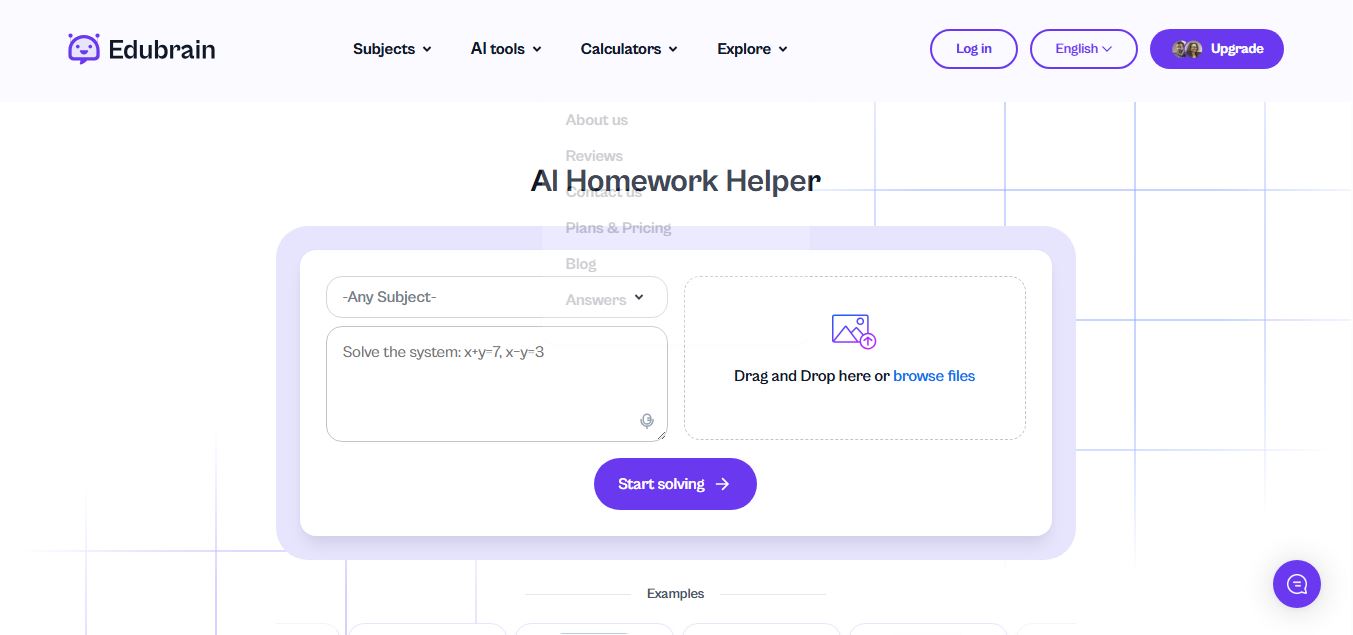
Edubrain is an AI-powered homework assistant that helps students solve questions across 90+ subjects using text, images, PDFs, or audio. It provides step-by-step explanations, adapts to learning styles, and works without sign-up, enabling faster understanding, exam prep, and personalized study support.
 4.8
4.8Math AI
Education
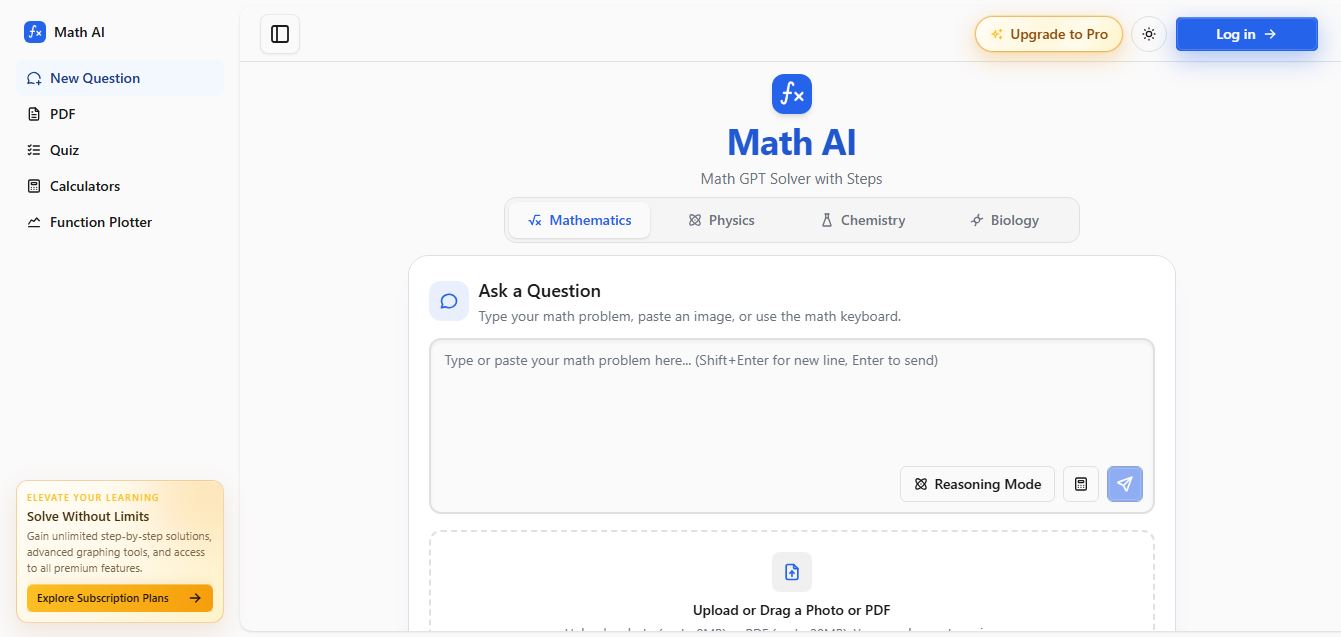
Math AI is an AI-powered math learning platform that helps users solve problems using text or images with step-by-step explanations. It supports algebra, calculus, and more, offering quizzes, graphs, and personalized tutoring to improve understanding and make studying, homework, and exam preparation easier.
 4.9
4.9ThetaWise
Education
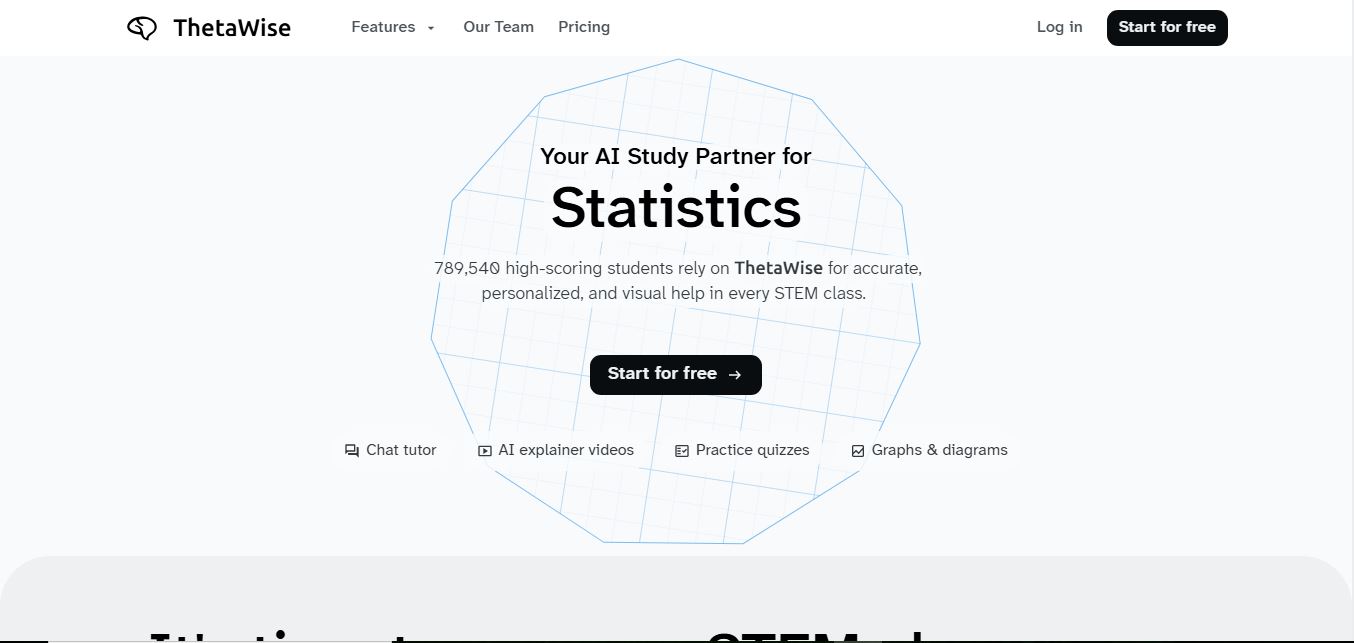
ThetaWise is an AI-powered STEM learning platform that helps students solve math and science problems with step-by-step explanations, video lessons, and practice quizzes. It acts like a 24/7 tutor, adapting to learning styles and improving understanding, test performance, and concept mastery.
 4.9
4.9Mathos AI
Education
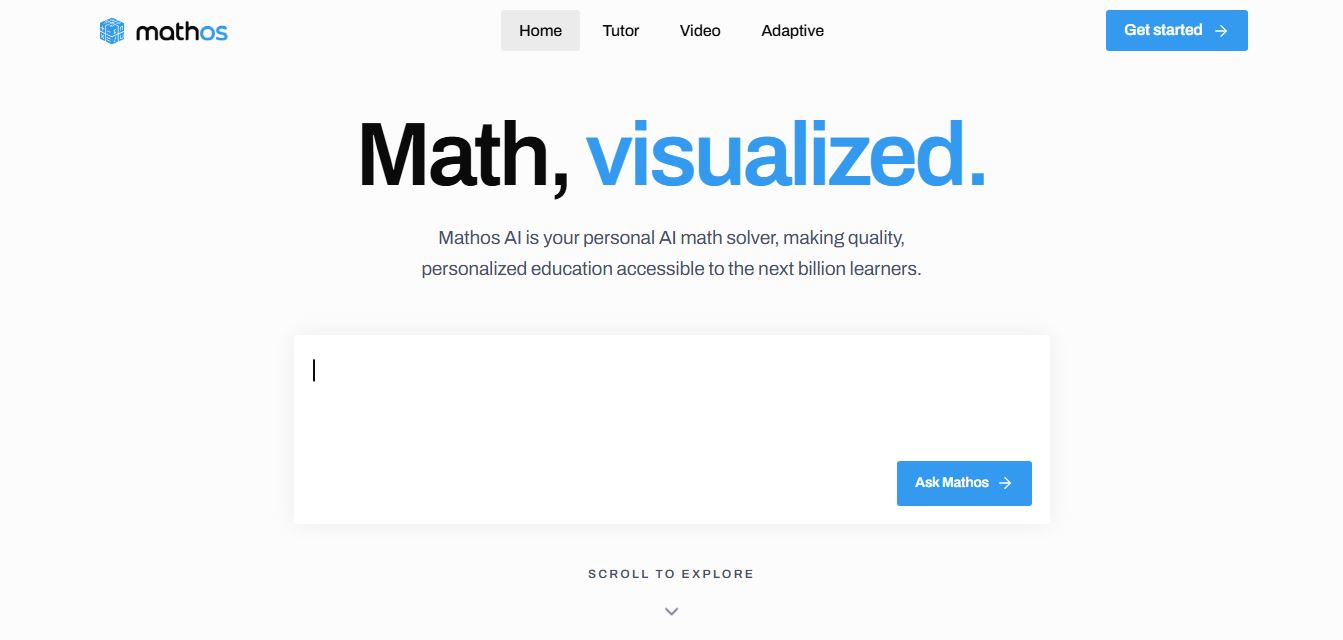
Mathos AI is an AI-powered math solver and tutor that helps students solve problems with step-by-step explanations and personalized guidance. It turns questions into lessons, generates quizzes, flashcards, and videos, and adapts to mistakes, enabling deeper understanding instead of just providing answers.
 4.8
4.8Brainly
Education
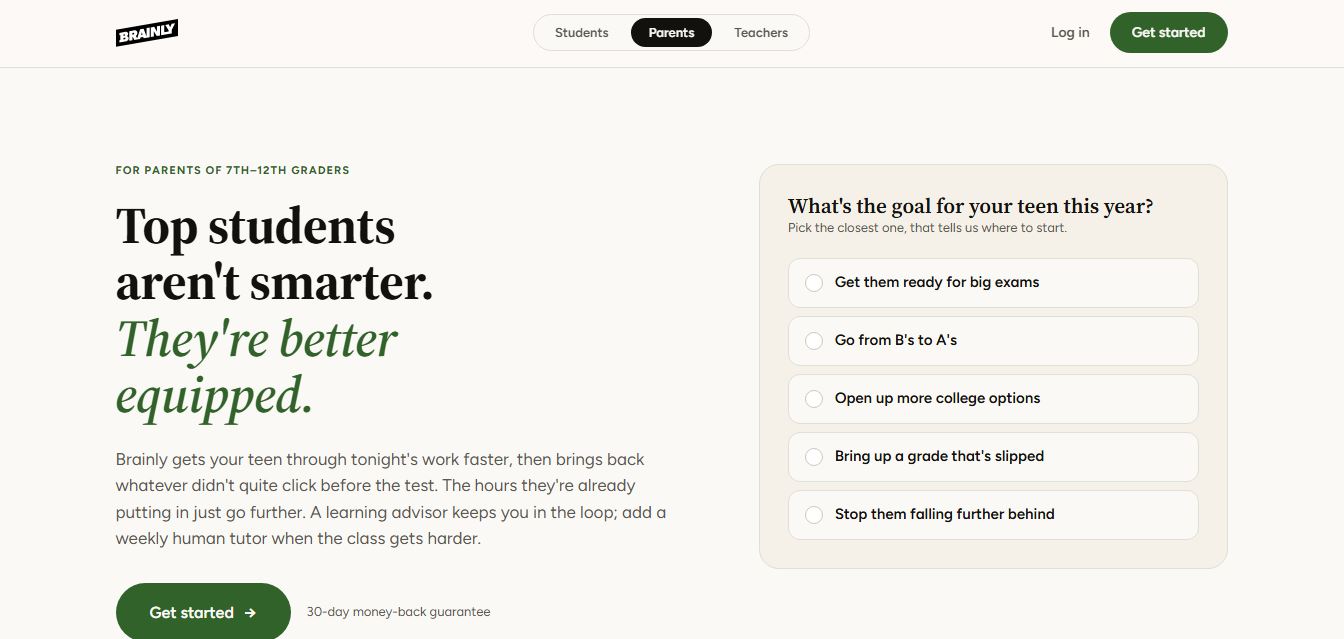
Brainly is an AI-powered learning platform that helps students solve homework, study concepts, and prepare for exams with step-by-step explanations. It combines AI guidance with a global community of experts, turning questions into personalized learning and helping students understand—not just complete—their schoolwork.
 4.8
4.8Gauth
Education
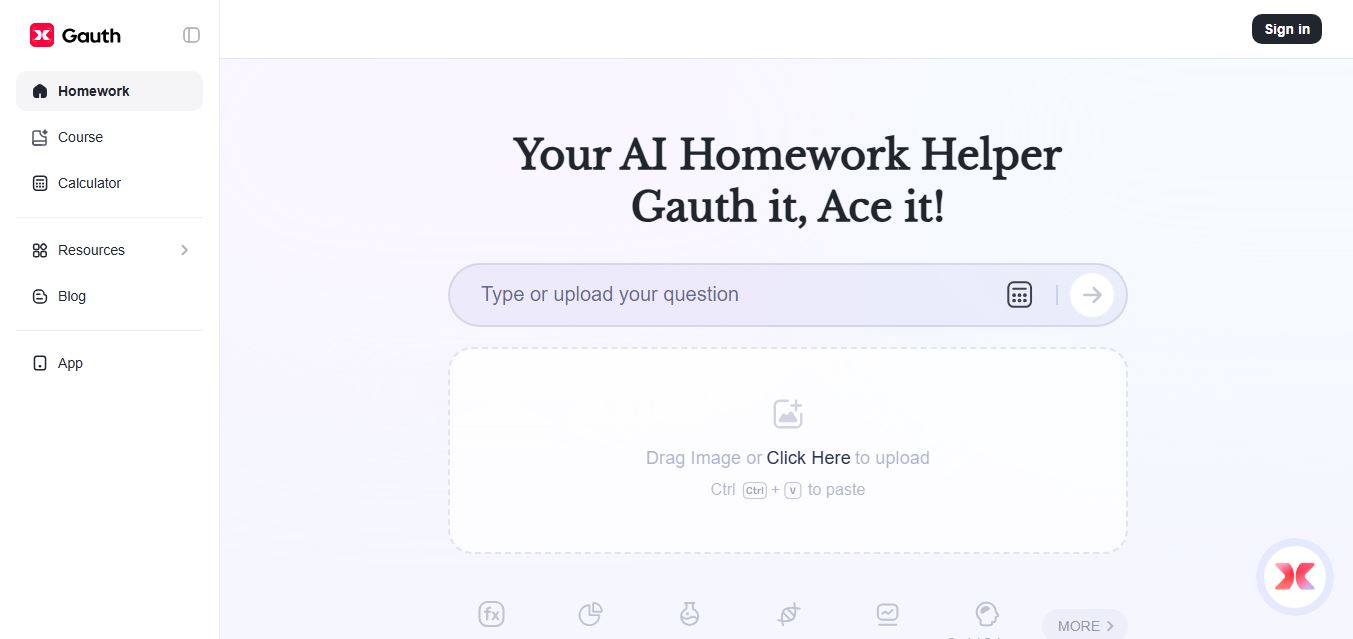
Gauth (formerly Gauthmath) is an AI-powered homework helper that lets students solve problems by typing or snapping a photo. It delivers step-by-step explanations across math and other subjects, combines AI with live tutor support, and helps users understand concepts, complete homework, and prepare for exams.
 4.7
4.7AI Math Solver
Education
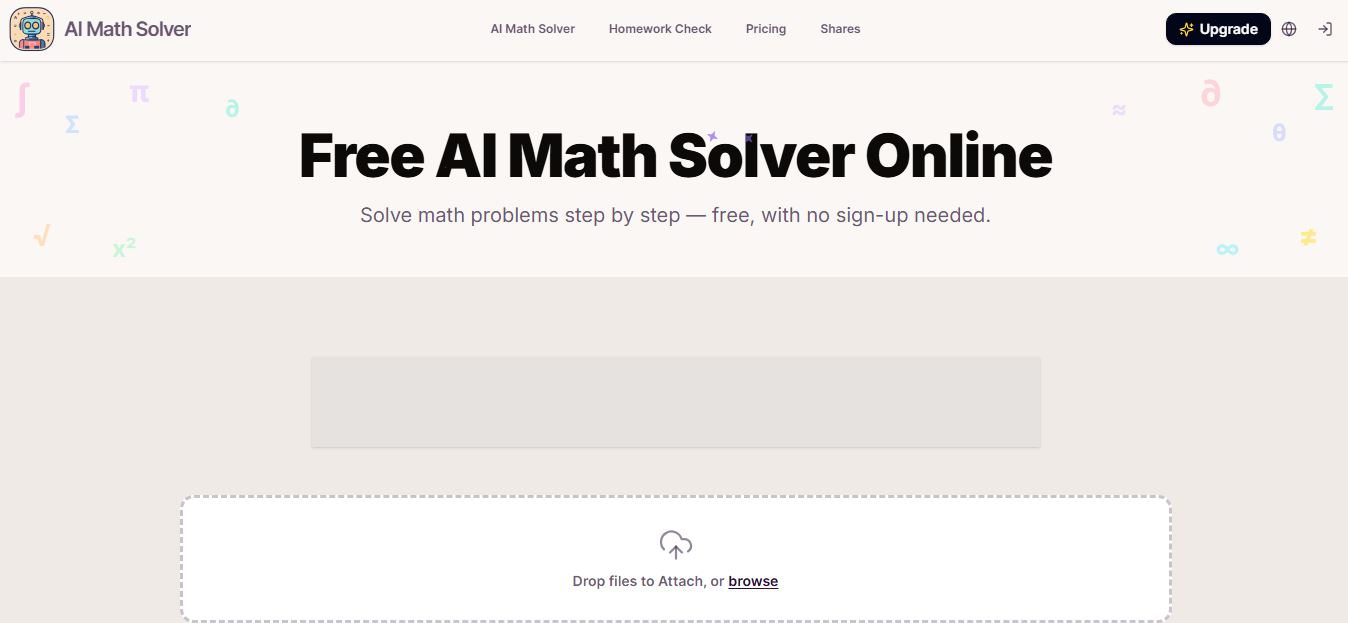
AIMathSolve is an AI-powered math solver that helps users solve problems across algebra, calculus, geometry, and more using text or image input. It generates step-by-step explanations, recognizes handwritten equations, and improves understanding, making it useful for homework, learning, and exam preparation.
 4.9
4.9Brilliant
Education
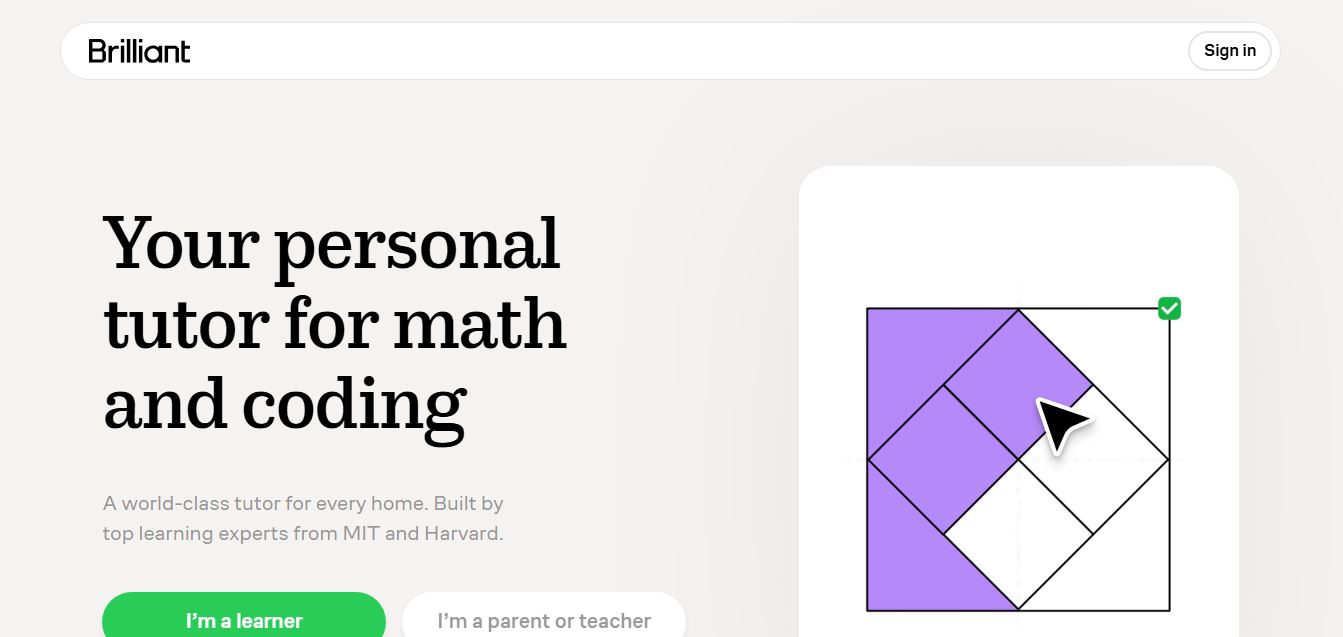
Brilliant is an interactive online learning platform that helps users build math, coding, and problem-solving skills through hands-on lessons. It uses visual explanations, real-time feedback, and a personal AI tutor to guide learning, enabling deeper understanding compared to passive video-based courses.
 4.9
4.9Mathway
Education
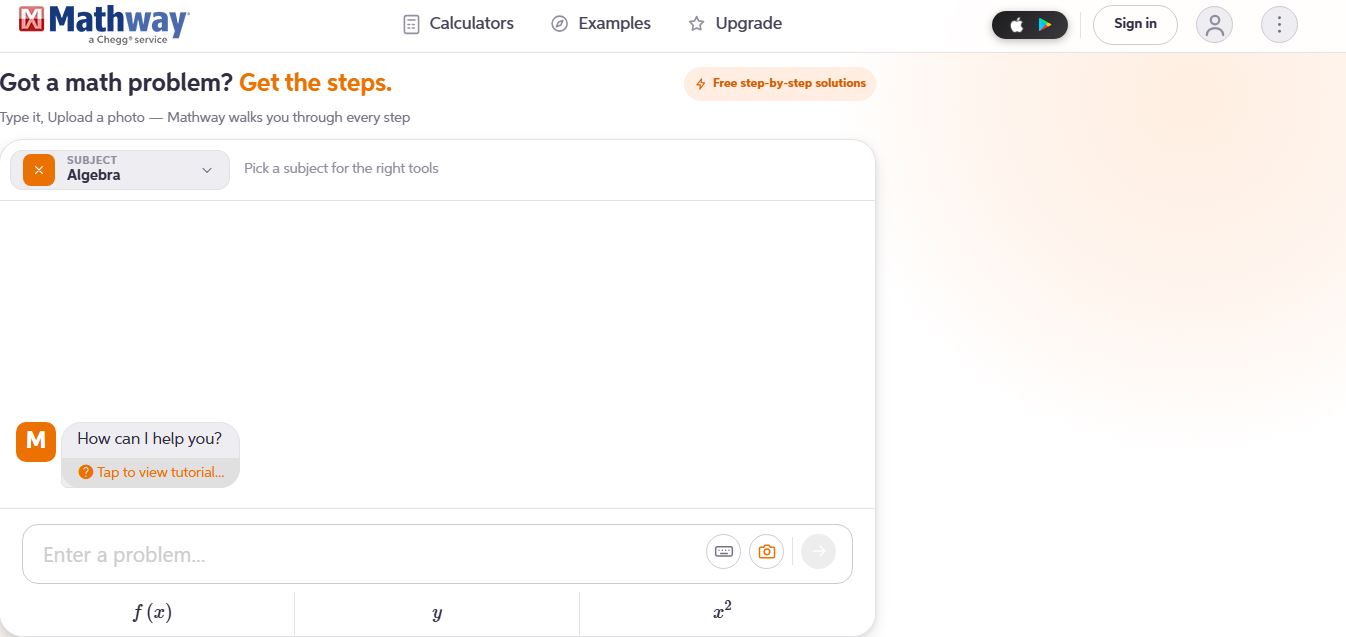
Mathway is an AI-powered math solver that helps students solve problems across algebra, calculus, statistics, and more using text or photo input. It provides instant answers and step-by-step explanations, enabling users to understand concepts, check work, and complete homework faster.