
Topaz Labs
Topaz Labs is an AI-powered image and video enhancement platform that improves quality through upscaling, denoising, sharpening, and restoration. It helps photographers, creators, and professionals produce high-resolution visuals with advanced AI technology.
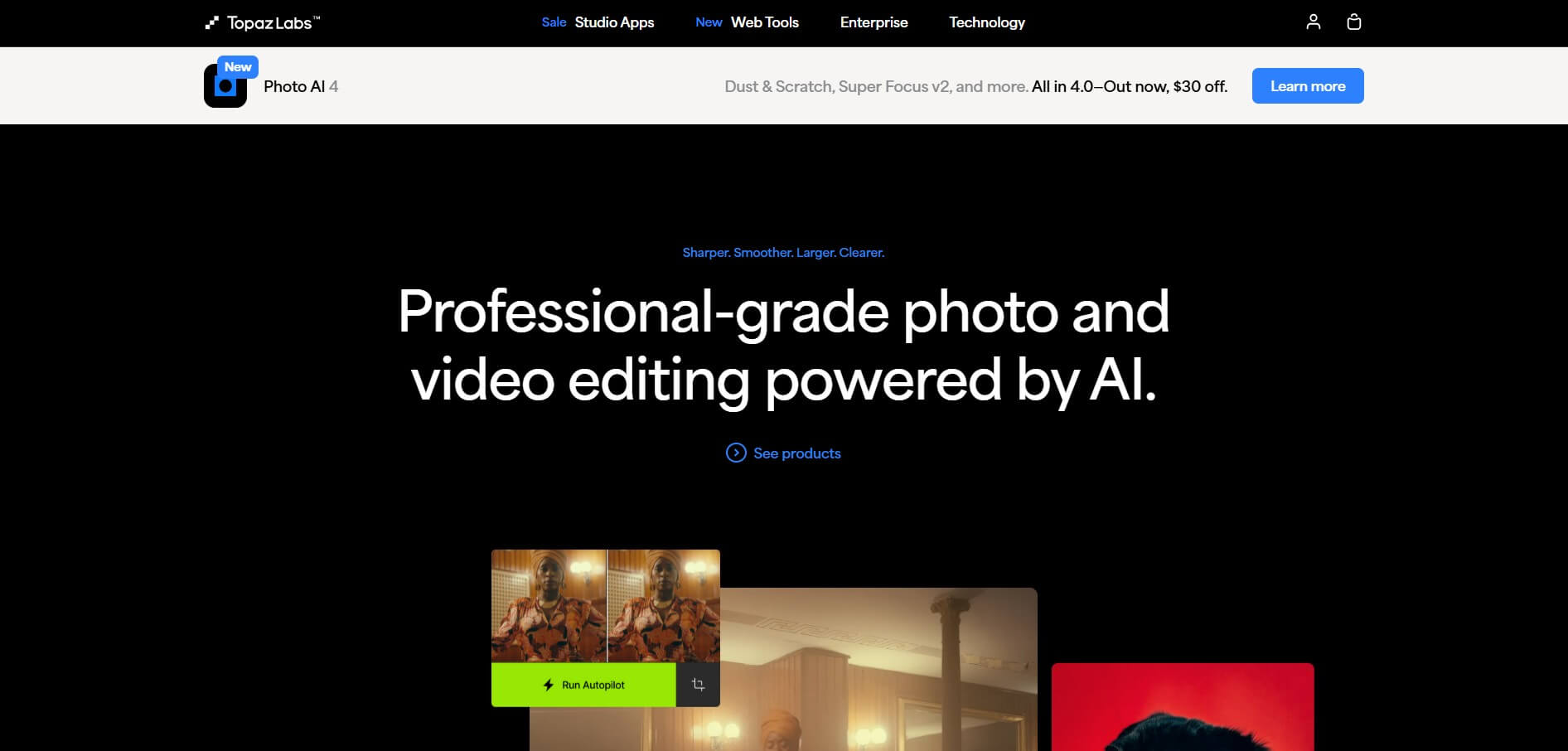
What is Topaz Labs?
Topaz Labs is an AI-powered platform for enhancing images and videos that develops tools for improving photo and video quality. Its applications use AI models to perform tasks such as upscaling, sharpening, denoising, face recovery, deblurring, stabilization, restoration, and video enhancement. Topaz Labs is best known for products such as Topaz Video, Topaz Photo, and Topaz Gigapixel. These tools are designed for photographers, videographers, filmmakers, content creators, designers, and professionals who want to improve the quality of existing media without manually performing every editing step.
The company's software can run local AI processing on a user's computer, while some newer Topaz products also provide cloud-based workflows. The current Topaz ecosystem includes desktop and web applications for image and video enhancement.
Topaz Labs, founded in 2005, is an AI-powered image and video enhancement company with 3+ million customers worldwide. Its technology supports image upscaling, sharpening, denoising, restoration, face enhancement, and video enhancement up to 4K. Its NeuroStream technology can reduce VRAM usage by up to 95%, while NeuroStream 2 delivers 2×–4× faster image processing. Topaz Labs has also received a 2025 Emmy Award for its AI-based video enhancement technology
- Founder: Topaz Labs was founded by Albert (Feng) Yang, who started the company to develop advanced technology for the photography market.
- Launch/Founded: 2005. Topaz Labs initially focused on image-enhancement software and later expanded into AI-powered image and video enhancement.
- Use Cases: Photo restoration, image upscaling, sharpening, denoising, face enhancement, video enhancement, 4K upscaling, frame interpolation, and improving low-quality or degraded footage.
- Technology: Uses AI and deep-learning models for image and video enhancement. Its NeuroStream technology can reduce VRAM usage by up to 95%, enabling complex AI models to run locally on consumer GPUs.
- Target Users: Photographers, videographers, filmmakers, designers, AI creators, content creators, media and entertainment companies, and other creative professionals.

Topaz Labs Key Features
Topaz Labs' key features are
- AI Image Upscaling: Topaz Labs uses AI to increase image resolution while reconstructing details that may not exist clearly in the original file. This is useful for photographs, artwork, product images, graphics, and images intended for large-format printing.
- AI Video Upscaling: Topaz Video can upscale footage to higher resolutions while attempting to preserve natural detail and reduce artifacts.
- Noise Reduction: Topaz AI can analyze image and video noise and reduce unwanted grain while maintaining important visual details.
- Sharpening: AI sharpening helps improve images that appear soft or slightly out of foc
- Face Recovery: Topaz Photo and Gigapixel include AI-based face recovery capabilities designed to improve facial detail in lower-quality images.
- Photo Restoration: Topaz Photo can help restore older or damaged photographs using AI-based restoration features.
- Batch Processing: Topaz applications can be incorporated into professional workflows where users need to process large numbers of images or videos.
Topaz Labs Pricing
Topaz Labs offers various pricing plans.
- Starts at $249 per month
- It provides cinematic superpowers.
Photo AI:
- Starts at $169 per month
- Offers image enhancement
Gigapixel:
- Starts at $99 per month
- Gigapixel offers Super Scale, which allows you to scale any image using AI.
Disclaimer: For the latest and most accurate pricing information, please visit the official Topaz Labs website.
Topaz Labs AI Products
Topaz Labs currently offers several specialized AI applications rather than one single product called "Topaz AI."
Topaz Video AI
Topaz Video, formerly commonly referred to as Topaz Video AI, is designed for AI-powered video enhancement.
It can improve video quality through capabilities such as:
- Video upscaling
- Denoising
- Sharpening
- Stabilization
- Frame interpolation
- Slow-motion creation
- HDR workflows
- Detail recovery
The current Topaz Video lineup includes models such as Starlight, Proteus, Iris, Nyx, Rhea, Artemis, Gaia, Theia, Apollo, Chronos, and others.
Who Should Use Topaz Video?
Topaz Video is particularly useful for:
- Filmmakers
- YouTubers
- Videographers
- Video editors
- Restoration professionals
- Content creators
- Production studios
- Businesses with archived footage
It can be particularly valuable when working with old footage, compressed videos, low-resolution recordings, or footage that needs to be prepared for modern displays.
Topaz Video Enhancer AI
Topaz Video Enhancer AI is a common search term for Topaz's video enhancement technology. The current product is branded Topaz Video. The software uses AI models to analyze video frames and improve areas such as resolution, noise, sharpness, motion, and detail.
For example, a creator could use Topaz Video to upscale older footage for a higher-resolution production or improve noisy video captured in difficult lighting.
Topaz Gigapixel AI
Topaz Gigapixel, historically known as Topaz Gigapixel AI, specializes in AI-powered image upscaling.
It can increase image resolution while attempting to preserve and reconstruct important details. Current Gigapixel models include options such as Wonder, Standard, High Fidelity, Low Res, Text & Shapes, Art & CG, Recover, Redefine, and Face Recovery.
Topaz Gigapixel is useful for:
- Printing large photographs
- Enlarging old images
- Improving low-resolution photos
- Upscaling artwork
- Preparing images for advertising
- Enlarging product photography
- Enhancing AI-generated artwork
Is Topaz Gigapixel AI Good for Upscaling?
Yes. Gigapixel is specifically designed around image enlargement and enhancement. It is particularly useful when an original image does not have enough resolution for a larger print or high-resolution display.
Topaz Photo AI
Topaz Photo, previously known as Topaz Photo AI, combines several AI photo enhancement capabilities in one application.
Its current feature set includes models and tools for:
- Denoising
- Sharpening
- Upscaling
- Face recovery
- Image restoration
- Dust and scratch removal
- Super Focus
- Lighting adjustment
- Color balancing
- Healing
- Background removal
- Text preservation
Topaz Photo is designed for photographers who want to improve image quality without manually adjusting every aspect of a photograph.
Who is using Topaz Labs?
A diverse range of users and organizations utilize Topaz Labs:
- Professional Photographers
- Videographers
- Filmmakers
- Content Creators
- Photo Restoration Experts
- Print and Advertising Agencies
Topaz Labs Alternatives
Some Topaz Labs alternatives are
- Adobe Lightroom
- Remini
- ON1 Photo RAW
- Luminar Neo
- Let's Enhance
Pros and Cons of Topaz Labs
Pros
- Powerful AI enhancement technology
- Excellent image upscaling
- Strong video enhancement capabilities
- AI denoising and sharpening
- Face recovery
- Photo restoration
- Video stabilization
- Frame interpolation
- Specialized products for different workflows
- Local rendering available
- Web and mobile options
- Suitable for professionals and creators
Cons
- Some plans can be expensive for casual users
- Subscription pricing varies by product
- Advanced features can require powerful hardware
- AI enhancement is not guaranteed to perfectly reconstruct missing details
- Different products are designed for different workflows
- Professional features may be unnecessary for basic photo editing
Topaz Labs Video
Why Choose Topaz Labs?
Topaz Labs is a strong choice if your main goal is to improve the quality of existing photos or videos using AI.
Unlike generative AI platforms that primarily create new content, Topaz focuses heavily on enhancement and restoration.
Choose Topaz Labs if you need:
- AI image upscaling
- AI video enhancement
- Photo restoration
- Noise reduction
- Sharpening
- Face recovery
- Video stabilization
- Frame interpolation
- Low-resolution image enhancement
- Professional media restoration
Topaz Labs vs Competitors
Topaz Labs stands apart from general-purpose photo editors because its AI tools focus heavily on enhancement, restoration, and upscaling.
| Feature | Topaz Labs | Adobe Lightroom | Remini | ON1 Photo RAW | Luminar Neo |
|---|---|---|---|---|---|
| AI Upscaling | Excellent | Yes | Yes | Yes | Yes |
| AI Denoise | Yes | Yes | Yes | Yes | Yes |
| AI Sharpening | Yes | Yes | Yes | Yes | Yes |
| Face Recovery | Yes | Yes | Strong | Yes | Yes |
| Video Enhancement | Excellent | Limited | Limited | Limited | Limited |
| Video Upscaling | Yes | No | Limited | No | No |
| Photo Restoration | Yes | Yes | Yes | Yes | Yes |
| Full Photo Editor | Moderate | Excellent | Basic | Excellent | Excellent |
| Best For | AI enhancement | Professional editing | Quick enhancement | Photo workflow | Creative editing |
How Do We Rate Topaz Labs?
| Category | Rating |
| AI Enhancement | 4.9/5 |
| Image Upscaling | 4.9/5 |
| Video Enhancement | 4.9/5 |
| Image Quality | 4.8/5 |
| Ease of Use | 4.6/5 |
| Features | 4.8/5 |
| Performance | 4.7/5 |
| Professional Use | 4.9/5 |
| Value for Money | 4.4/5 |
| Overall Rating | 4.8/5 |
Topaz Labs Review
Topaz Labs is one of the strongest AI enhancement platforms for photographers, videographers, and content creators who want to improve existing media rather than simply generate new content. Its biggest advantage is specialization. Topaz Video focuses on video enhancement, Topaz Photo combines AI-powered photo correction and enhancement, while Topaz Gigapixel concentrates on image enlargement and resolution enhancement.
Topaz Video is particularly useful for users working with old, low-resolution, noisy, unstable, or compressed footage. Its collection of specialized AI models provides different approaches to video enhancement depending on the source material and desired result. Topaz Gigapixel is a particularly strong option when image enlargement is the primary requirement. It offers specialized models for photographs, low-resolution images, artwork, text and shapes, and face recovery.
Topaz Photo provides a broader image-enhancement workflow with tools for denoising, sharpening, upscaling, restoration, face recovery, lighting, color, and other corrections. The main drawback is pricing. Users who only need occasional image editing may find Topaz more expensive than general-purpose editors or simpler online AI enhancement tools. Hardware requirements can also matter when running demanding AI models locally.
Overall, Topaz Labs is best suited to users who prioritize image quality, AI upscaling, video enhancement, restoration, and professional media workflows.
Conclusion
Topaz Labs is a leading AI-powered media enhancement platform for improving photos and videos. Its specialized products—Topaz Video, Topaz Photo, and Topaz Gigapixel—cover some of the most common professional enhancement workflows, from video upscaling and stabilization to photo restoration and AI image enlargement.
If you are looking for Topaz AI, Topaz Video AI, Topaz Gigapixel AI, or Topaz Photo AI, the current product names are Topaz Video, Topaz Gigapixel, and Topaz Photo.
The platform is particularly valuable for photographers, filmmakers, content creators, and restoration professionals who need to extract better quality from existing media. Its main disadvantages are its cost and the hardware that demanding local AI processing may require.
People are also reading:
FAQ
What is Topaz Labs?
Topaz Labs is an AI software company that develops tools for enhancing photos and videos. Its major applications include Topaz Video, Topaz Photo, and Topaz Gigapixel.
What is Topaz AI?
Topaz AI is a commonly used term for Topaz Labs' AI-powered image and video enhancement technology. It includes capabilities such as upscaling, denoising, sharpening, restoration, and video enhancement.
What is Topaz Video AI?
Topaz Video AI is the former/common name for the company's AI video enhancement software. The current product is branded Topaz Video.
What is Topaz Gigapixel AI?
Topaz Gigapixel AI is the former/common name for Topaz Gigapixel, an AI-powered image upscaling application designed to enlarge images while preserving or reconstructing detail.
Is Topaz Labs free?
Topaz Labs primarily offers paid products and subscriptions, although pricing and product availability vary. Some products may offer trials or promotional offers. Check the official Topaz Labs pricing page for current options.
Where can I download Topaz AI?
For a Topaz AI download, use the official Topaz Labs website and select the specific product you need. Avoid downloading Topaz software from unofficial third-party websites.
What is the difference between Topaz Photo and Topaz Gigapixel?
Topaz Photo is a broader AI photo-enhancement application, while Topaz Gigapixel focuses primarily on enlarging and enhancing image resolution.
Is Topaz Labs better than Photoshop?
They serve different purposes. Photoshop provides a much broader professional editing environment, while Topaz specializes heavily in AI-based enhancement, restoration, sharpening, denoising, and upscaling. Many professionals use both tools together.
User Reviews
No reviews yet for Topaz Labs.
Featured Tools
Featured AI tools from TechShark

Melody Genie
MelodyGenie is an AI-powered music generator that creates original songs from simple text prompts. Users can choose styles, moods, and genres, then instantly generate melodies and full tracks, making it easy for creators, marketers, and hobbyists to produce custom music without musical expertise.
Freemium

Kimi AI
Kimi AI is an advanced AI assistant developed by Moonshot AI that helps you chat, research, write, code, and automate tasks in one place. It supports web search, file analysis, and multimodal inputs, and can even run autonomous “agent” workflows to complete complex tasks end-to-end.
Freemium

Fashion Diffusion AI
Fashion Diffusion is an AI-powered fashion design platform that helps brands and designers create clothing designs, virtual try-ons, AI models, product photos, and marketing visuals faster and cost-effectively.
Paid

Veo 4
Veo 4 AI is an AI video creation platform that generates dramatic videos from text, images, audio, and video prompts using realistic motion and synchronized sound.
Paid
Alternatives
Alternatives to Topaz Labs
Top Topaz Labs alternatives include Adobe Lightroom, Remini, ON1 Photo RAW, Luminar Neo, DxO PhotoLab, and Aiarty Image Enhancer. Lightroom offers professional editing, Remini provides quick AI enhancement, ON1 and Luminar deliver creative workflows, while DxO specializes in noise reduction. Aiarty is a strong choice for AI image upscaling.
Neural.love
AI Image Enhancer
Neural.love is an AI-powered creative platform for generating images, editing photos, enhancing videos, restoring old media, and animating pictures. It combines multiple AI tools in a browser-based workspace, helping content creators, marketers, photographers, designers, and businesses improve visual content without relying entirely on traditional editing software.
 4.8
4.8Shuffll
Video Editing
Shuffll goes beyond traditional video creation by connecting personalized video directly to enterprise data and workflows. Its API-first infrastructure, 40+ AI models, automated production, and built-in brand governance make it suitable for organizations that need video at scale. For businesses seeking higher engagement without building large production teams, Shuffll offers a practical way to turn existing data into personalized, on-brand video experiences.
 4.8
4.8Opus Clip (Opus Pro)
Video Editing
OpusClip helps creators transform long-form videos into short, social-ready clips. It can identify engaging moments, generate captions, reframe footage, add B-roll, enhance audio, and support publishing across major social platforms. It is designed for creators, marketers, podcasters, businesses, and teams that want to scale video content production.
 4.8
4.8Dubbah
Video Editing
Dubbah helps Mac users translate and dub videos into 14 languages while preserving a familiar speaker voice. The app processes media locally, supports editing translated lines, and works offline after setup. With no account, subscription, or per-minute fee, it offers a simple, straightforward option for creators producing multilingual video content.
 4.9
4.9Clipchamp
Video Generator
Clipchamp is an AI-powered online video editor by Microsoft that helps users record, edit, and share videos directly from the browser. It offers templates, stock media, and AI tools like subtitles, voiceovers, and noise removal, enabling fast, professional video creation without advanced editing skills.
 4.9
4.9CapCut
Video Editing
CapCut is a popular video editing tool that helps creators produce engaging videos with effects, transitions, filters, templates, subtitles, and AI-powered features. Available on multiple platforms, CapCut makes it easy to edit videos for TikTok, Instagram Reels, YouTube Shorts, and other social media channels.
 4.9
4.9Media.io
Video Editing
Media.io is an AI-powered creative platform that helps users generate, edit, and enhance videos, images, audio, and ads from simple prompts or assets. It combines AI generation, editing, and workflows in one place, enabling creators to turn ideas into polished content quickly without switching tools.
 4.9
4.9Video Candy
Video Editing
Video Candy is a free online video editing platform that helps users trim, merge, compress, convert, and enhance videos directly in the browser. It offers 70+ tools with a simple drag-and-drop interface, making video editing fast, accessible, and efficient without installing complex software.
 4.8
4.8Vheer
Image
Vheer is a free AI image and video generator that helps users create visuals from text or photos instantly. It includes tools for image editing, background removal, and image-to-video conversion, offering unlimited generations without signup, making it ideal for quick, creative content production.