
MyMap AI
MyMap AI is an AI-powered mapping tool that transforms raw geospatial data into interactive, easy-to-understand visual maps.
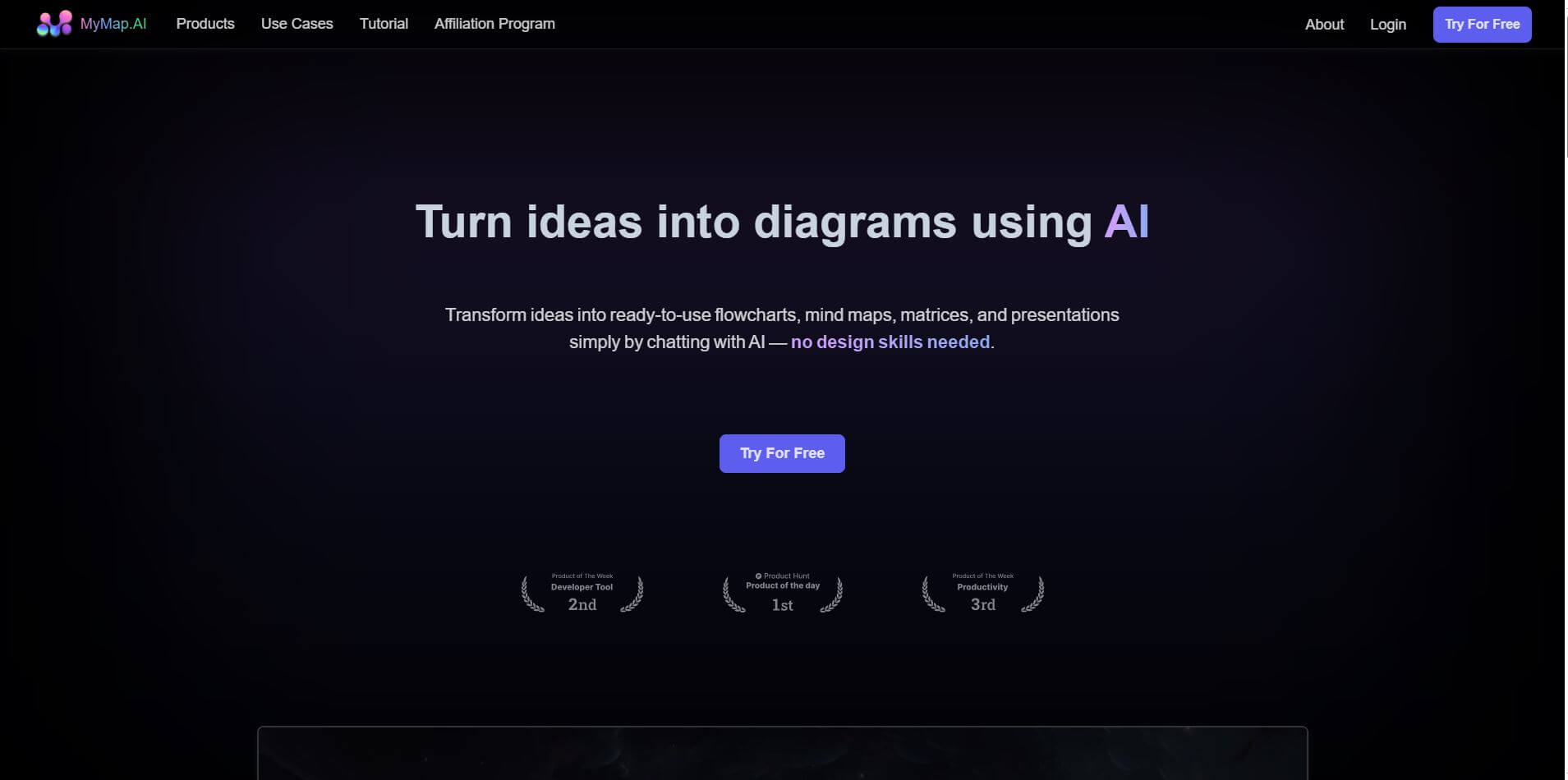
What is MyMap AI?
- Founder: Not publicly disclosed
- Launch: 2023
- Use Cases: Interactive data visualization, location analysis, business intelligence, educational mapping, urban planning, geospatial research
- Technology: Artificial intelligence, machine learning, geospatial data processing, cloud-based mapping
MyMap AI is an AI presentation tool that transforms geospatial data into engaging and insightful maps to support data-driven decision-making. Using advanced artificial intelligence, it enables users to create interactive maps from raw data, identifying patterns, trends, and insights that would not be found on standard maps. MyMap AI caters to businesses looking for market intelligence, educators aiming to visualize educational content, researchers wanting to visualize spatial data, and urban planners wishing to visualize a city plan. It uses machine learning algorithms to scrutinize datasets, identify correlations, extract insights, and formulate data visualizations.
MyMap AI offers a cloud-based presentation or sharing platform, as users can access the same files from any point of access, anywhere, easily share maps for various interactions, work collaboratively, or include them in a presentation. MyMap AI can handle datasets from numerous formats, so it is adaptable to working in various sectors, industries, or applications to visualize data. The platform allows users to convert complex data into actionable insights with innovative Artificial Intelligence capabilities and reliable processing times, which enable users to comprehend spatial relationships, make informed decisions, take meaningful action based upon a strategy, and share and communicate their data effectively.
MyMap AI Video/Demo
People are also reading
FAQ
How does MyMap AI work?
It uses AI to process geospatial data and create interactive, visual maps for better understanding and decision-making.
Who can use MyMap AI?
Businesses, researchers, educators, urban planners, and anyone needing advanced mapping and data visualization tools.
Can I import my own data?
Yes, it supports multiple data formats to generate customized interactive maps.
Is MyMap AI easy to use?
Yes, it features a simple, user-friendly interface while providing powerful AI-driven mapping capabilities.
Does MyMap AI allow collaboration?
Yes, maps can be shared and collaboratively edited for teams or educational projects.
User Reviews
No reviews yet for MyMap AI.
Featured Tools
Featured AI tools from TechShark

Melody Genie
MelodyGenie is an AI-powered music generator that creates original songs from simple text prompts. Users can choose styles, moods, and genres, then instantly generate melodies and full tracks, making it easy for creators, marketers, and hobbyists to produce custom music without musical expertise.
Freemium

Kimi AI
Kimi AI is an advanced AI assistant developed by Moonshot AI that helps you chat, research, write, code, and automate tasks in one place. It supports web search, file analysis, and multimodal inputs, and can even run autonomous “agent” workflows to complete complex tasks end-to-end.
Freemium

Fashion Diffusion AI
Fashion Diffusion is an AI-powered fashion design platform that helps brands and designers create clothing designs, virtual try-ons, AI models, product photos, and marketing visuals faster and cost-effectively.
Paid

Veo 4
Veo 4 AI is an AI video creation platform that generates dramatic videos from text, images, audio, and video prompts using realistic motion and synchronized sound.
Paid
Alternatives
Alternatives to MyMap AI
MyMap AI is an AI-powered presentation platform that enables users to create interactive maps from raw data using AI, simplifying location analysis, visualization, and insights for businesses, educators, researchers, and urban planners.
 4.9
4.9Edubrain AI
Education
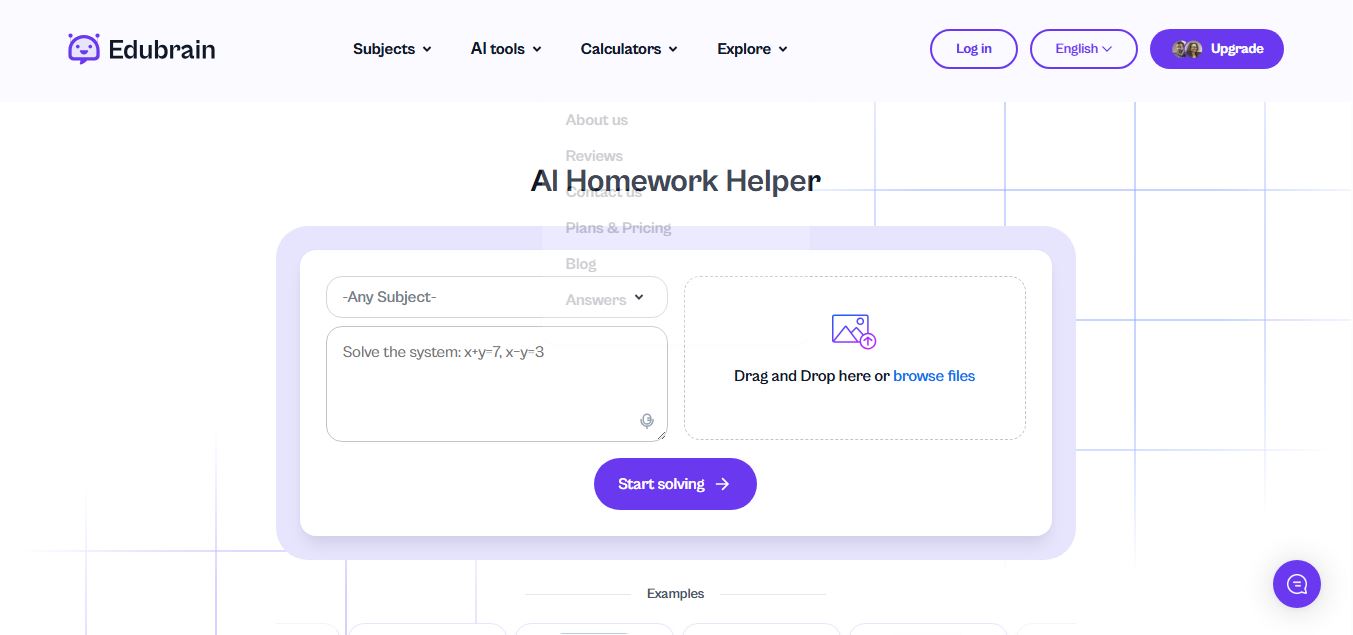
Edubrain is an AI-powered homework assistant that helps students solve questions across 90+ subjects using text, images, PDFs, or audio. It provides step-by-step explanations, adapts to learning styles, and works without sign-up, enabling faster understanding, exam prep, and personalized study support.
 4.8
4.8Math AI
Education
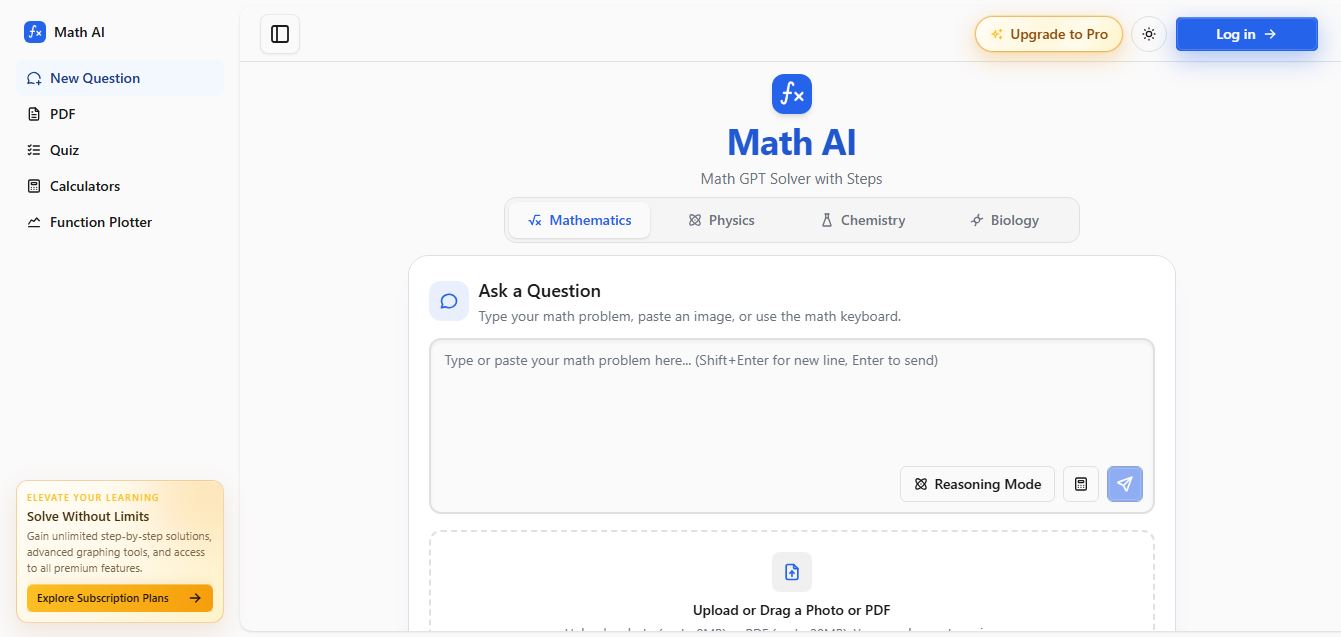
Math AI is an AI-powered math learning platform that helps users solve problems using text or images with step-by-step explanations. It supports algebra, calculus, and more, offering quizzes, graphs, and personalized tutoring to improve understanding and make studying, homework, and exam preparation easier.
 4.9
4.9ThetaWise
Education
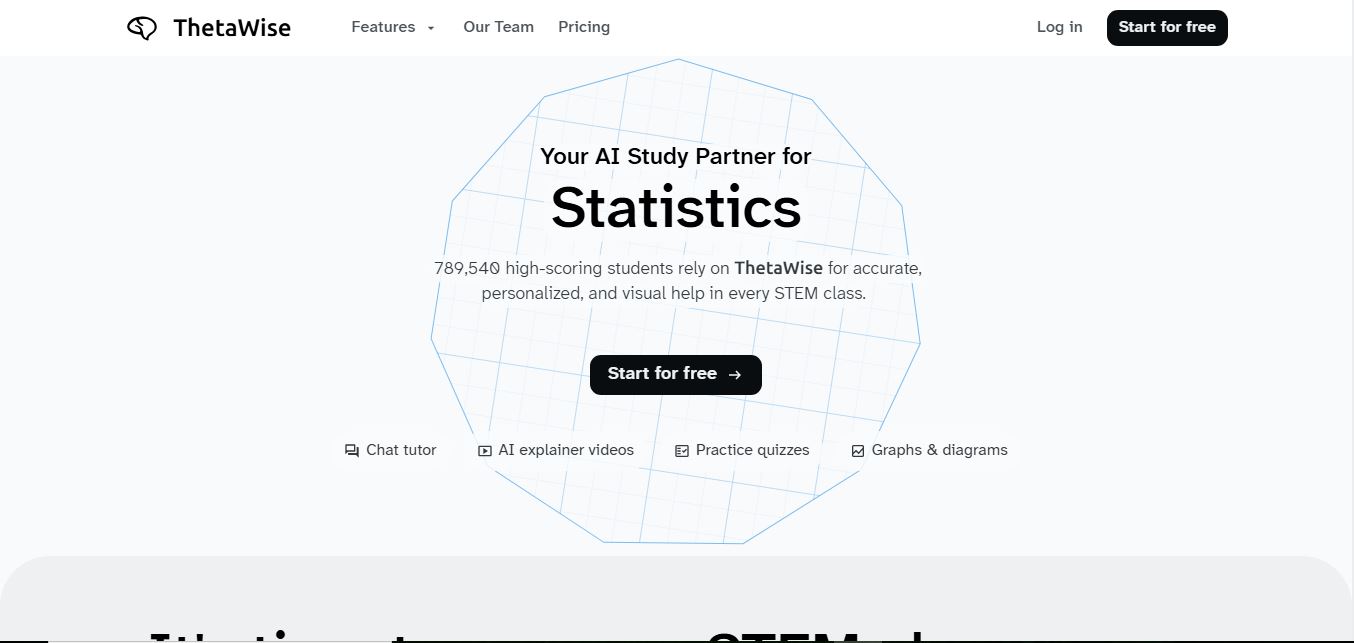
ThetaWise is an AI-powered STEM learning platform that helps students solve math and science problems with step-by-step explanations, video lessons, and practice quizzes. It acts like a 24/7 tutor, adapting to learning styles and improving understanding, test performance, and concept mastery.
 4.9
4.9Mathos AI
Education
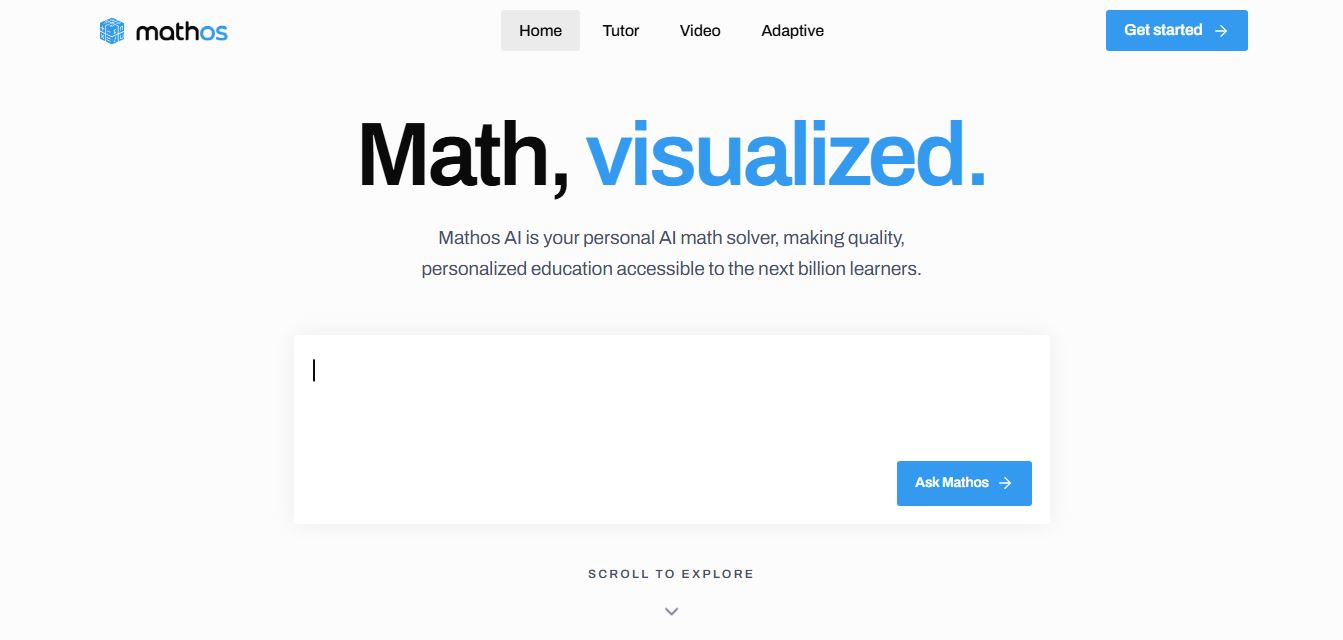
Mathos AI is an AI-powered math solver and tutor that helps students solve problems with step-by-step explanations and personalized guidance. It turns questions into lessons, generates quizzes, flashcards, and videos, and adapts to mistakes, enabling deeper understanding instead of just providing answers.
 4.8
4.8Brainly
Education
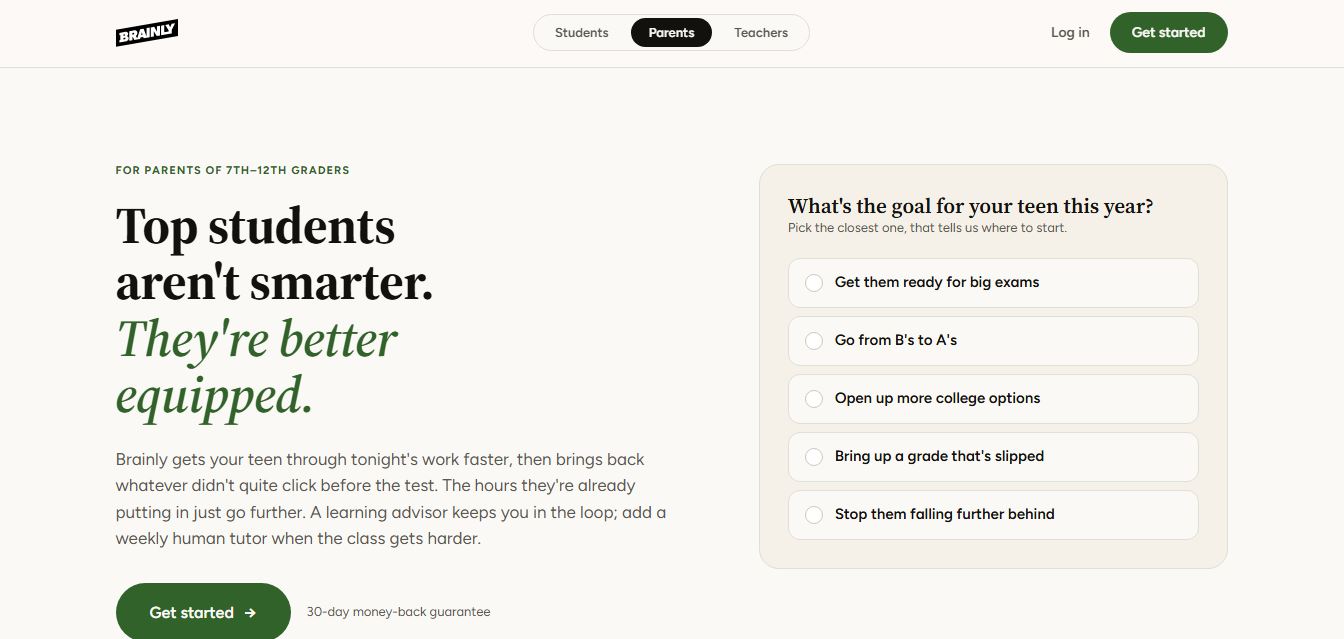
Brainly is an AI-powered learning platform that helps students solve homework, study concepts, and prepare for exams with step-by-step explanations. It combines AI guidance with a global community of experts, turning questions into personalized learning and helping students understand—not just complete—their schoolwork.
 4.8
4.8Gauth
Education
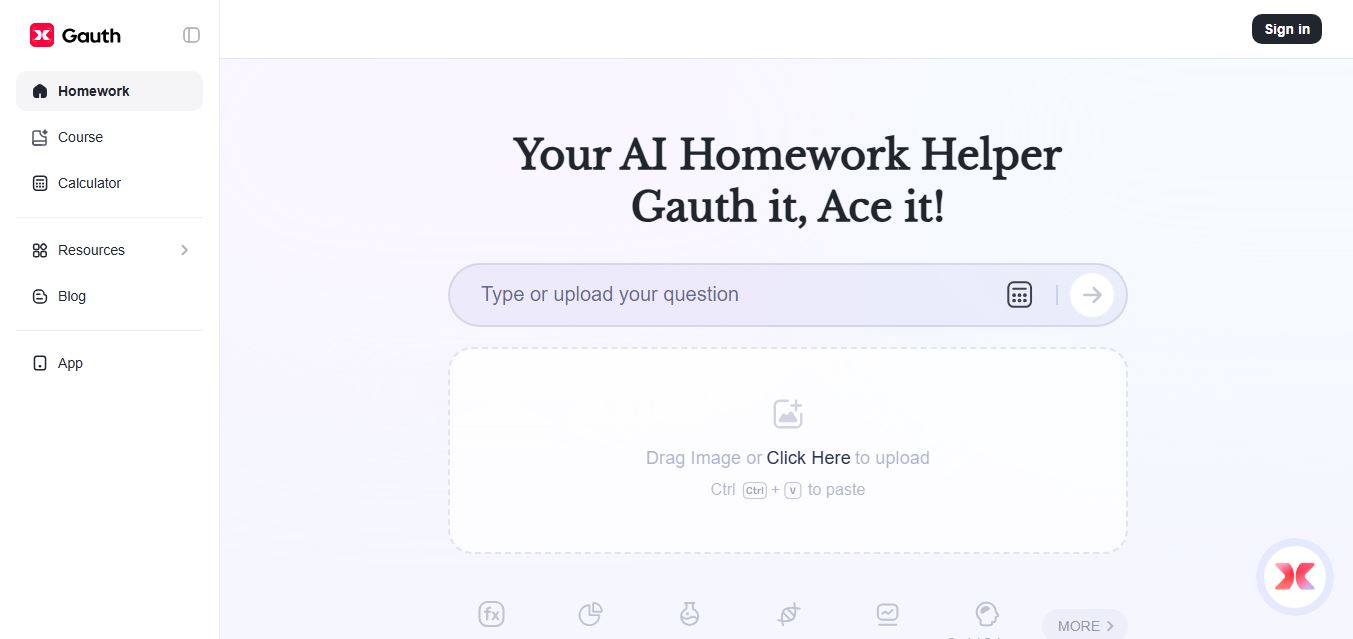
Gauth (formerly Gauthmath) is an AI-powered homework helper that lets students solve problems by typing or snapping a photo. It delivers step-by-step explanations across math and other subjects, combines AI with live tutor support, and helps users understand concepts, complete homework, and prepare for exams.
 4.7
4.7AI Math Solver
Education
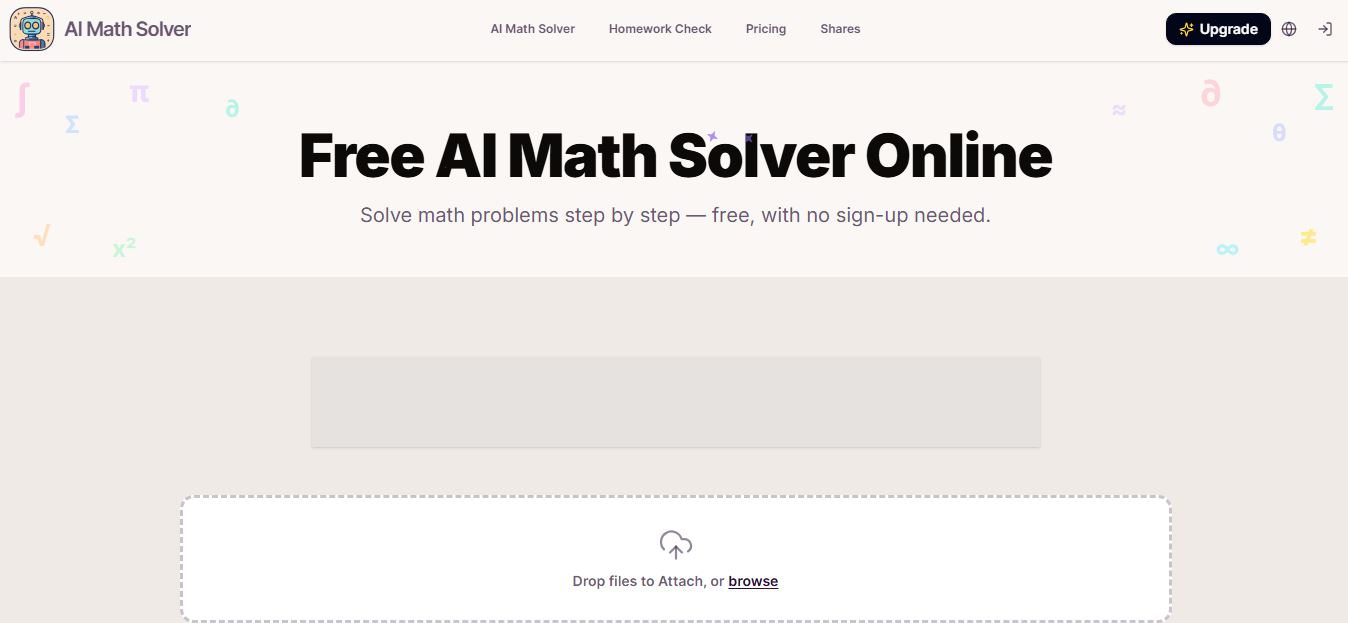
AIMathSolve is an AI-powered math solver that helps users solve problems across algebra, calculus, geometry, and more using text or image input. It generates step-by-step explanations, recognizes handwritten equations, and improves understanding, making it useful for homework, learning, and exam preparation.
 4.9
4.9Brilliant
Education
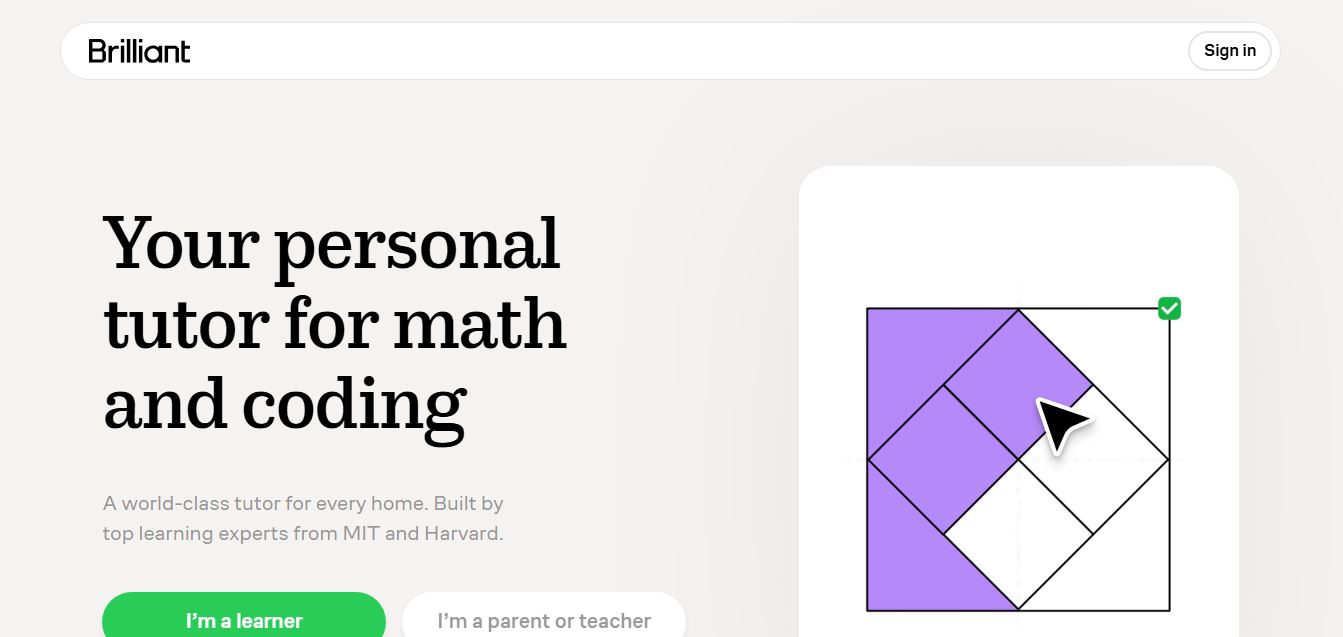
Brilliant is an interactive online learning platform that helps users build math, coding, and problem-solving skills through hands-on lessons. It uses visual explanations, real-time feedback, and a personal AI tutor to guide learning, enabling deeper understanding compared to passive video-based courses.
 5.0
5.0Desmos
Education
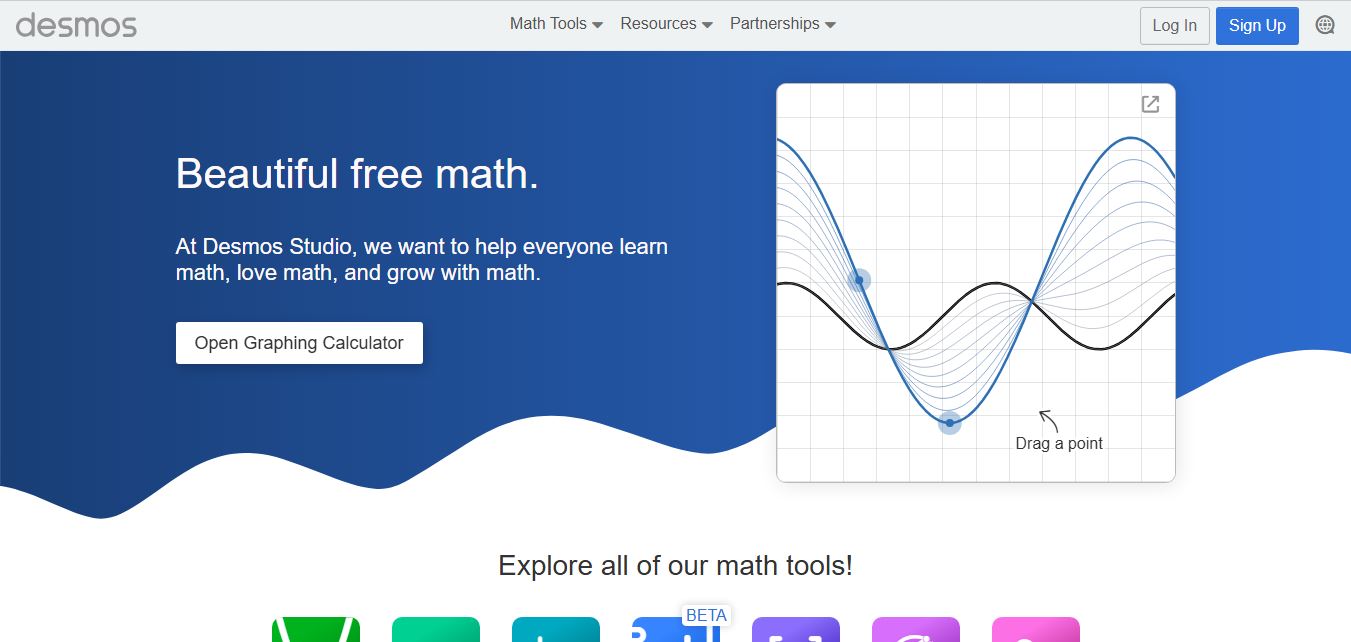
Desmos is an interactive math platform that helps students and teachers visualize concepts through graphing calculators, activities, and classroom tools. It enables real-time exploration of equations, functions, and data, making math more intuitive, engaging, and accessible across algebra, geometry, and advanced topics.