
Playwright
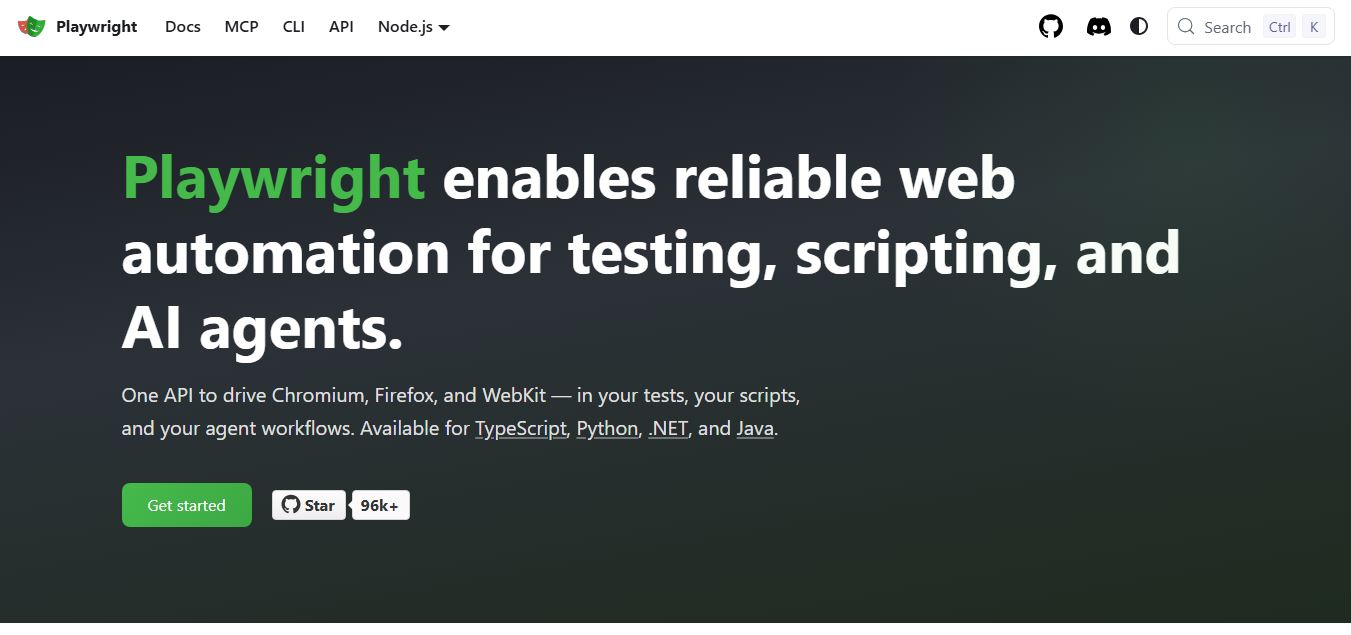
Playwright is an open-source web testing and automation framework by Microsoft that helps developers test web apps across Chromium, Firefox, and WebKit using a single API. It supports end-to-end testing, parallel execution, and auto-waiting, enabling reliable, fast, and scalable testing across modern browsers.
What is Playwright?
Playwright is an open-source end-to-end testing framework developed by Microsoft that allows developers to automate browser testing across Chromium, Firefox, and WebKit. It supports multiple programming languages like JavaScript, Python, Java, and .NET, enabling teams to write reliable tests for modern web applications. Playwright offers features like auto-waiting, network interception, parallel execution, and cross-browser testing, along with capabilities for UI testing, API testing, and performance validation. Designed for developers and QA teams, it helps ensure fast, stable, and scalable testing across different environments.
Maintained by Microsoft and originally developed by the creators behind Google Puppeteer, Playwright is trusted by hundreds of thousands of engineering organizations globally. The framework provides unified cross-browser automation across Chromium, Firefox, and WebKit (Safari engine) on Windows, Linux, and macOS. By communicating directly with modern browser debugging protocols rather than relying on external intermediary drivers, Playwright delivers automatic waiting, network traffic interception, native mobile browser emulation, component testing, and full-featured visual debugging with Playwright Trace Viewer and Codegen.
- Developer / Parent Company: Microsoft Corporation (Redmond, WA, USA; open-source Apache 2.0 license)
- Evolution / Launch: Released in 2020; expanded through 2024–2026 with native UI mode, visual trace inspection, component testing for React/Vue/Svelte, integrated accessibility testing, and multi-language client bindings (TypeScript, JavaScript, Python, .NET, Java)
Use Cases:
- Writing fast, reliable end-to-end regression suites for modern web applications across Chrome, Edge, Firefox, and Safari
- Automating complex multi-step user workflows (such as authentication, payment checkouts, and drag-and-drop file uploads)
- Mocking backend API responses, intercepting network requests, and testing edge cases without touching live production databases
- Executing headless browser automation for web data extraction, scheduled scraping, and automated PDF/screenshot generation
Technology:
- Direct browser process communication protocol executing commands directly over browser DevTools connections
- Isolated browser contexts simulating separate user profiles and storage instances in milliseconds without new browser processes
- Built-in smart actionability assertions automatically checking element visibility, clickability, and stability before firing events
Target Users:
- Full-stack software engineers and frontend developers building web applications with React, Next.js, Vue, and Angular
- Software Development Engineers in Test (SDETs) and QA engineers designing scalable, cross-browser regression test suites
- DevOps engineers orchestrating headless test execution matrices within GitHub Actions, GitLab CI, and Docker containers
- Content creators using writing tools to draft technical QA test documentation, product specs, and release roadmaps
Corporate Entity: Operates as Microsoft Corporation (Open Source / Global)

Key features of Playwright
Playwright's key features are
- Cross-Browser & Cross-Platform: Run tests across Chromium (Google Chrome, Microsoft Edge), Firefox, and WebKit (Apple Safari) on Windows, macOS, and Linux.
- Automatic Waiting (Zero Flakiness): Playwright automatically waits for elements to be actionable, visible, and stable before performing clicks or typing, eliminating arbitrary sleep timeouts.
- Multi-Language Bindings: Write tests in your preferred programming language including TypeScript, JavaScript, Python, .NET (C#), and Java.
- Fast Browser Context Isolation: Create clean, isolated browser contexts for each test in milliseconds, achieving complete test independence without browser restart overhead.
- Network Mocking & Interception: Intercept and modify HTTP/HTTPS network traffic, mock API responses, and simulate offline connection modes easily.
- Playwright Trace Viewer: Capture full execution traces with step-by-step DOM snapshots, live console logs, action screencasts, and network timelines for post-mortem debugging.
- Playwright Codegen (Test Recorder): Record user actions directly in the browser to auto-generate readable, production-grade test code in any supported language.
- Native Mobile Web Emulation: Emulate mobile viewports, touch gestures, geolocation coordinates, and device user agents for mobile responsive validation.
Playwright Pricing
Playwright is a completely free, open-source software project licensed under the Apache 2.0 license, with zero subscription fees or commercial licensing costs.
Open Source (Community & Enterprise):
- $0 / 100% Free and Open Source (Apache 2.0 License)
- Includes full framework access, all supported browser engines (Chromium, Firefox, WebKit), all programming language SDKs, Playwright Codegen recorder, Playwright Trace Viewer, unlimited local test runs, and unlimited parallel execution on your own CI/CD runners
Third-Party Cloud Execution (Optional):
- Organizations that choose to offload massive test suite execution to managed cloud grids can connect Playwright to third-party services (such as Microsoft Playwright Testing, BrowserStack, Sauce Labs, or LambdaTest), which charge separately based on compute minutes and parallel concurrency
Disclaimer: Playwright itself is 100% free with no commercial tiers. External costs only arise if you choose to deploy tests across paid third-party cloud testing providers. Visit playwright.dev for documentation and installation instructions.
Who is using Playwright?
Playwright is designed for software developers, QA engineers, and engineering organizations, including
- Frontend & Full-Stack Developers: Writing component and end-to-end integration tests directly in TypeScript or JavaScript alongside application code
- QA Automation Engineers & SDETs: Replacing legacy, slow Selenium grids with high-speed parallel browser test automation suites
- DevOps & Infrastructure Engineers: Running headless CI regression checks inside lightweight Docker containers on GitHub Actions and GitLab
- Web Scraping & Data Engineers: Automating data extraction from dynamic, JavaScript-rendered websites using headless browser instances
- Content Creators: Using writing tools to draft technical QA test documentation, product specs, and release roadmaps
- Open-Source Project Maintainers: Verifying cross-browser compatibility across Chrome, Safari, and Firefox with free GitHub Actions runners
Best Playwright Alternatives
Some of the strongest Playwright alternatives include
- Cypress
- Selenium (WebDriver)
- Puppeteer
- TestSprite
- mabl
- Testim (Tricentis)
Pros and Cons of Playwright
Pros
- Completely free and open-source under the Apache 2.0 license with no vendor lock-in or licensing fees
- Native cross-browser automation across Chromium, Firefox, and WebKit (Safari engine) out of the box
- Auto-waiting architecture eliminates flaky tests by ensuring elements are interactive before firing events
- Comprehensive developer tooling including the visual Trace Viewer, interactive UI mode, and Codegen test recorder
- Extremely fast test execution thanks to lightweight browser context isolation and parallel worker processes
Cons
- Requires programming proficiency in TypeScript, Python, C#, or Java; lacks a completely no-code SaaS interface for non-technical users
- Does not provide built-in cloud device grids out of the box; teams must configure their own CI runner infrastructure or pay for third-party cloud testing services
- Lacks autonomous agentic test generation and self-healing features found in AI-first tools like TestSprite or mabl
- Community plugins and legacy third-party ecosystem integrations are still smaller compared to decades-old Selenium
Why Choose Playwright?
Playwright is the premier choice for software engineers and QA teams who need a modern, high-speed, and reliable open-source test automation framework that provides true cross-browser execution, eliminates test flakiness, and offers first-class developer tooling.
- Automate tests across Chromium, Firefox, and WebKit with a single unified API
- Eliminate flaky test runs with built-in auto-waiting assertions
- Debug issues visually using the Playwright Trace Viewer and time-travel DOM snapshots
- Write tests in your favorite language (TypeScript, JavaScript, Python, C#, Java)
- Deploy free of charge with complete open-source flexibility and zero license costs
Playwright vs. Competitors
The main difference between Playwright, Cypress, Selenium, and TestSprite is that Playwright is a free open-source framework providing unified cross-browser testing across Chromium, Firefox, and WebKit via direct browser protocols with multi-language support (TypeScript, Python, Java, .NET), whereas Cypress runs in-browser primarily for JavaScript/TypeScript with limited multi-tab support, Selenium relies on slower WebDriver intermediaries, and TestSprite is an autonomous AI testing agent running in cloud sandboxes via MCP. Playwright stands out for its execution speed, true WebKit/Safari support, auto-waiting reliability, and open-source flexibility.
| Feature / Tool | Playwright (playwright.dev) | Cypress | Selenium (WebDriver) | TestSprite |
|---|---|---|---|---|
| Core Focus | Modern Cross-Browser Automation Framework | Frontend JavaScript Web Application Testing | Legacy Industry-Standard Browser Automation | Autonomous AI Testing Agent & MCP |
| Browser Support | Chromium, Firefox, WebKit (Safari) | Chrome, Firefox, Edge, Electron | All Browsers (via external WebDrivers) | Cloud Headless Browser Sandboxes |
| Language Support | TS, JS, Python, C#, Java | JavaScript & TypeScript Only | Java, Python, C#, Ruby, JS | Natural Language & Agent Loop |
| Multi-Tab & Multi-Context | Native Multi-Tab & Multi-Context | Single-Tab Architecture | Supported via Window Handles | Autonomous Agent Sessions |
| Starting Price | 100% Free Open Source | Free open-source / Cloud from $67/mo | 100% Free Open Source | Free tier (150 credits) / $19/mo |
| Best For | Engineers Needing Cross-Browser Speed | Frontend JS Devs Doing Component Testing | Legacy Enterprise Test Suites | AI-First Developers & Cursor Workflows |
How do we rate Playwright?
| Parameter | Rating (out of 5) |
|---|---|
| Cross-Browser Speed & Execution Performance | 5.0 |
| Test Stability & Auto-Waiting Architecture | 5.0 |
| Developer Tooling (Trace Viewer, Codegen) | 5.0 |
| Multi-Language Flexibility (TS, Python, C#, Java) | 4.9 |
| Value for Money (Open Source) | 5.0 |
| Overall Score | 4.98 |
Playwright Review
Playwright represents the gold standard for developer-first end-to-end web testing. For years, development teams had to navigate between Selenium—with its cumbersome driver setups and sluggish test execution—and Cypress, which suffered from single-tab constraints and limited Safari engine support. Playwright resolves these challenges by using direct browser process connections across Chromium, Firefox, and WebKit. Its auto-waiting mechanism largely eliminates the timing issues that cause flaky test runs, and the Playwright Trace Viewer provides full post-mortem diagnostics by letting developers step backward through DOM snapshots and network calls. Because it is completely open-source and supports multiple major programming languages, Playwright has earned widespread adoption across modern engineering stacks.
Conclusion
Playwright is a premier open-source test automation framework that has redefined modern end-to-end web testing. By combining unified cross-browser automation across Chromium, Firefox, and WebKit, auto-waiting assertions, isolated browser contexts, and visual debugging via the Trace Viewer into a free Apache 2.0-licensed framework, it delivers exceptional developer ergonomics and testing reliability. While non-technical teams and enterprise business testers may seek low-code commercial platforms like mabl or Testim, Playwright’s speed, robustness, and open-source power make it the essential automation framework.
FAQ
What is Playwright and how does Playwright work?
Playwright is an open-source end-to-end testing framework developed by Microsoft that enables developers to automate browser testing across Chromium, Firefox, and WebKit. It works by controlling browsers programmatically using APIs in languages like JavaScript, Python, Java, and .NET. Developers write test scripts that simulate real user interactions such as clicking, typing, and navigating, allowing them to validate application behavior automatically.
What problem does Playwright solve for users?
Playwright solves the problem of unreliable and inconsistent browser testing across different environments. Traditional tools often struggle with cross-browser compatibility and flaky tests, but Playwright ensures consistent results by running tests in multiple browsers with a single API, improving reliability and reducing debugging time.
What are the key features of Playwright?
Playwright offers features like cross-browser testing, auto-waiting for elements, parallel test execution, network interception, and built-in debugging tools. It also includes capabilities for visual testing, API testing, and mobile emulation, making it a comprehensive solution for modern web application testing.
Can Playwright handle cross-browser testing?
Yes, Playwright is designed specifically for cross-browser testing. It supports Chromium, Firefox, and WebKit, allowing developers to run the same tests across different browsers without rewriting code, ensuring consistent user experiences across platforms.
Does Playwright require coding or technical expertise?
Playwright requires programming knowledge, as tests are written using code. It is primarily aimed at developers and QA engineers who are comfortable with scripting and want full control over test logic and automation workflows.
Is Playwright free to use?
Yes, Playwright is completely free and open-source. There are no licensing costs, and users can integrate it into their projects without any subscription fees, making it a cost-effective solution for teams of all sizes.
Who should use Playwright?
Playwright is ideal for developers, QA engineers, and technical teams that need robust and scalable test automation. It is especially useful for projects requiring cross-browser testing, fast execution, and deep customization.
User Reviews
No reviews yet for Playwright.
Featured Tools
Featured AI tools from TechShark

Melody Genie
MelodyGenie is an AI-powered music generator that creates original songs from simple text prompts. Users can choose styles, moods, and genres, then instantly generate melodies and full tracks, making it easy for creators, marketers, and hobbyists to produce custom music without musical expertise.
Freemium

Kimi AI
Kimi AI is an advanced AI assistant developed by Moonshot AI that helps you chat, research, write, code, and automate tasks in one place. It supports web search, file analysis, and multimodal inputs, and can even run autonomous “agent” workflows to complete complex tasks end-to-end.
Freemium

Fashion Diffusion AI
Fashion Diffusion is an AI-powered fashion design platform that helps brands and designers create clothing designs, virtual try-ons, AI models, product photos, and marketing visuals faster and cost-effectively.
Paid

Veo 4
Veo 4 AI is an AI video creation platform that generates dramatic videos from text, images, audio, and video prompts using realistic motion and synchronized sound.
Paid
Alternatives
Alternatives to Playwright
The best Playwright alternatives include Cypress, Selenium (WebDriver), Puppeteer, TestSprite, mabl, and Testim (Tricentis). These platforms provide browser automation, end-to-end web testing, and quality engineering workflows. While Playwright specializes in a free open-source framework providing unified cross-browser testing across Chromium, Firefox, and WebKit with multi-language support (TypeScript, Python, C#, Java) and auto-waiting reliability, alternatives like Cypress run inside the browser for JavaScript/TypeScript, Selenium is the legacy multi-language automation standard relying on external WebDrivers, and TestSprite operates as an autonomous AI testing agent executing in cloud sandboxes via MCP. Choosing the right tool depends on whether you require a high-speed scriptable open-source framework, an autonomous AI test agent, or a commercial low-code testing platform.
 4.9
4.9Testomat.io
Testing
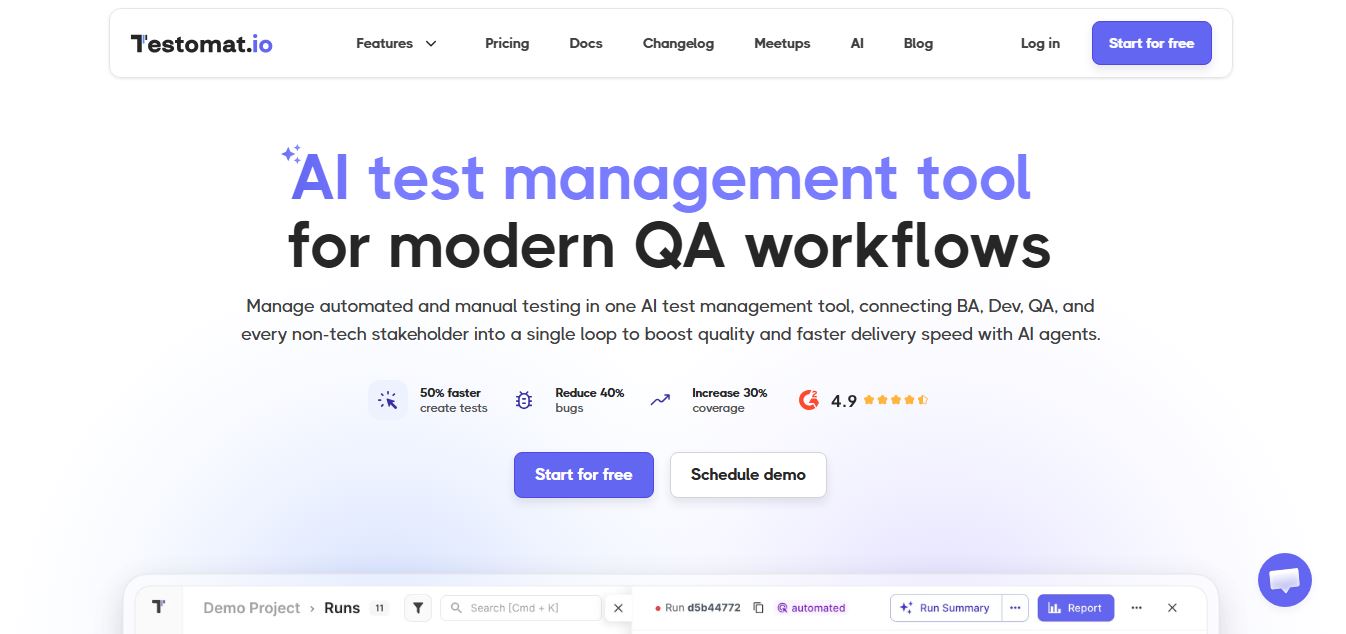
Testomat.io is an AI-powered test management platform that helps teams create, organize, and run manual and automated tests in one place. It uses AI agents to generate test cases, analyze failures, and provide real-time insights, enabling faster releases and more reliable software quality.
 4.9
4.9Momentic AI
Testing
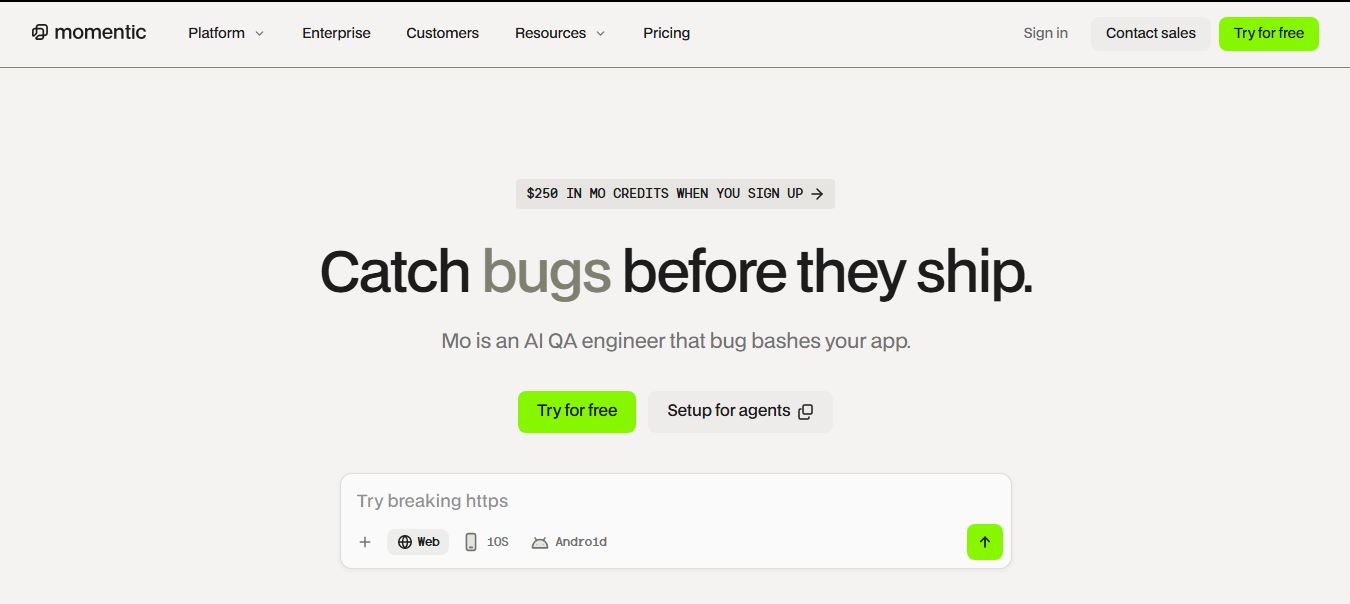
Momentic is an AI-powered test automation platform that helps teams create, run, and maintain end-to-end tests for web and mobile apps using plain English. Its AI agents simulate user behavior, auto-heal tests, and detect real bugs, enabling faster releases and more reliable software.
 4.9
4.9BrowserStack
Testing
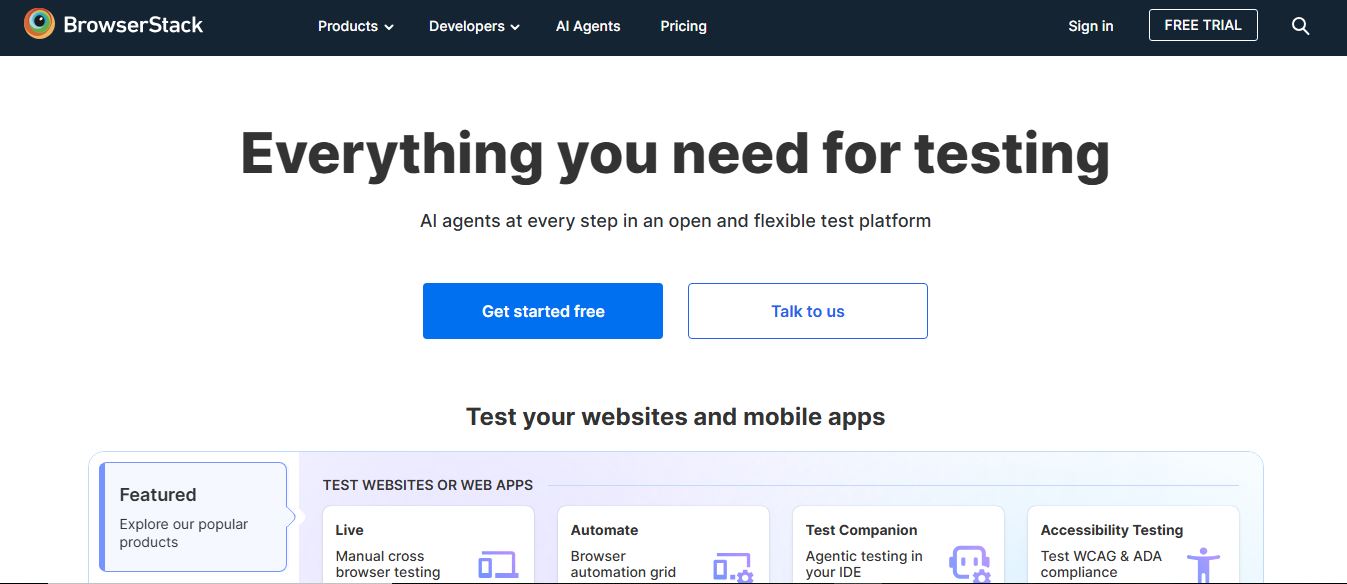
BrowserStack is a cloud-based testing platform that helps developers test websites and mobile apps across real devices, browsers, and operating systems. It offers manual and automated testing, real-time debugging, and AI-driven insights, enabling teams to release high-quality, bug-free software faster.
 4.9
4.9Katalon
Testing
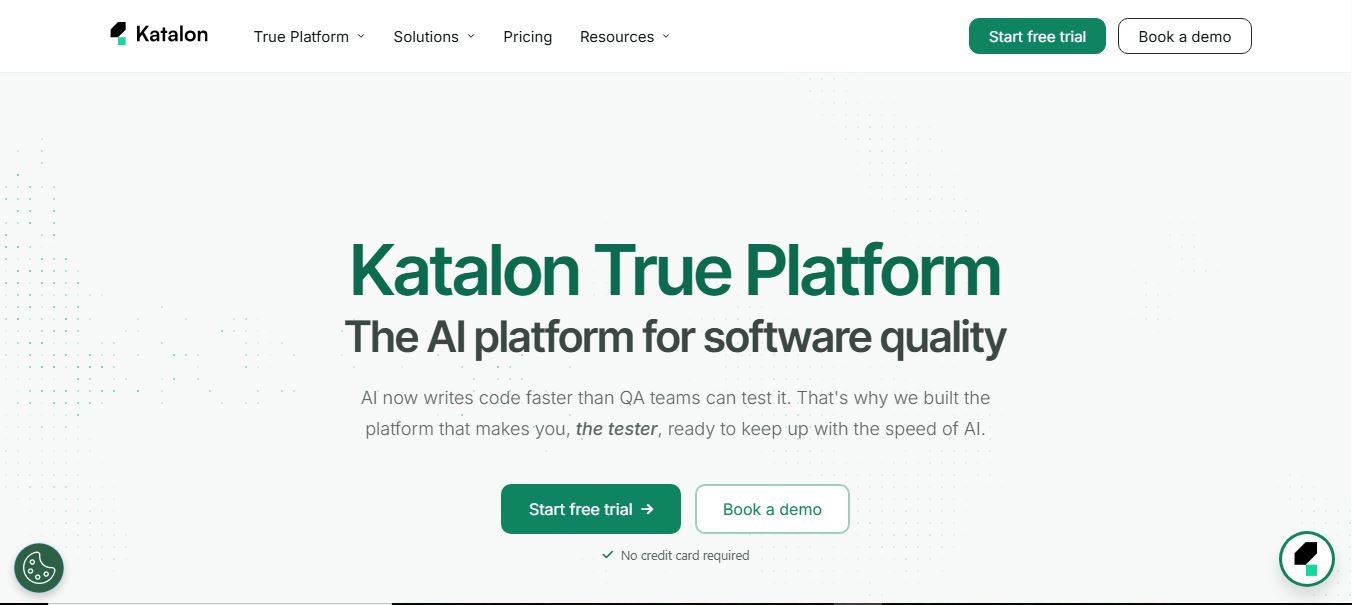
Katalon is an AI-powered software testing platform that helps teams create, run, and manage tests for web, mobile, API, and desktop applications. It unifies test automation, execution, and analytics in one system, using AI to generate tests, heal failures, and improve release quality.
 4.9
4.9Testsigma
Testing
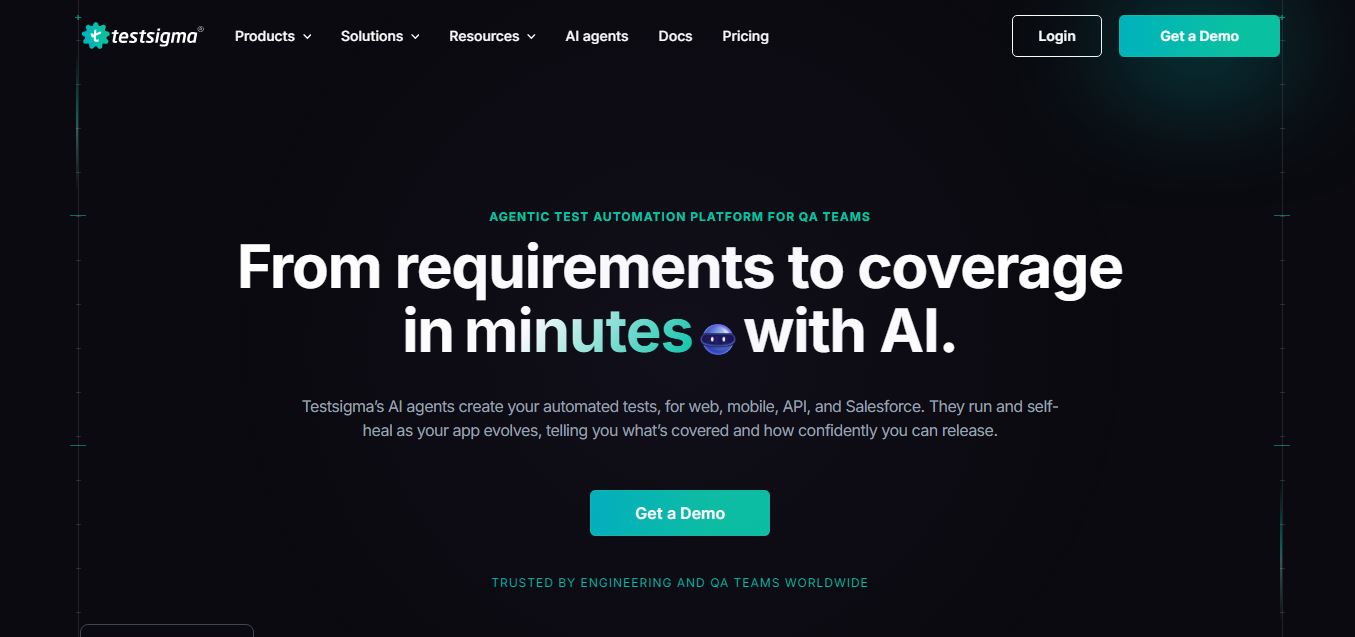
Testsigma is an AI-powered test automation platform that helps teams generate, run, and maintain end-to-end tests for web, mobile, APIs, and enterprise apps. It uses AI agents to create tests, self-heal failures, and analyze results, enabling faster releases and reliable software quality.
 4.9
4.9Cypress
Testing
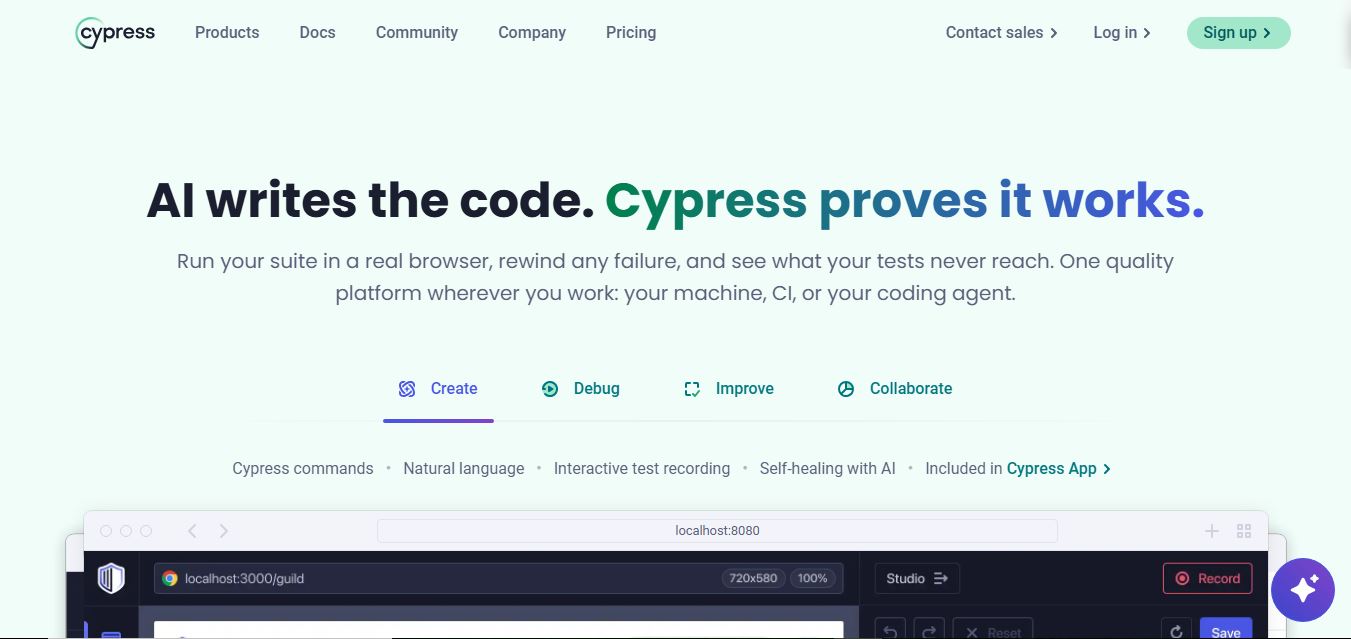
Cypress is an open-source end-to-end testing framework that helps developers test web applications directly in the browser. It enables writing, running, and debugging tests in real time, supports component testing, and integrates with CI pipelines, allowing teams to catch issues early and ship reliable software faster.
 4.9
4.9Testim
Testing
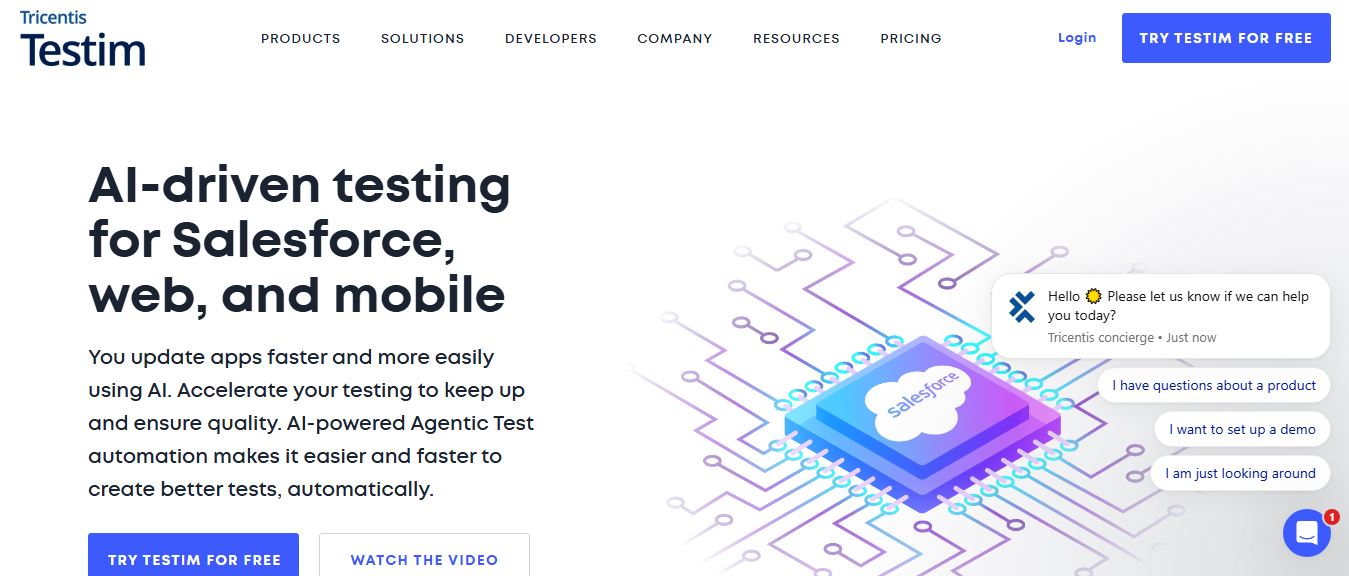
Testim is an AI-powered test automation platform that helps teams create, run, and maintain end-to-end tests for web, mobile, and Salesforce apps. It uses machine learning to generate stable tests, self-heal failures, and integrate with CI/CD, enabling faster releases and improved software quality.
 4.9
4.9mabl
Testing
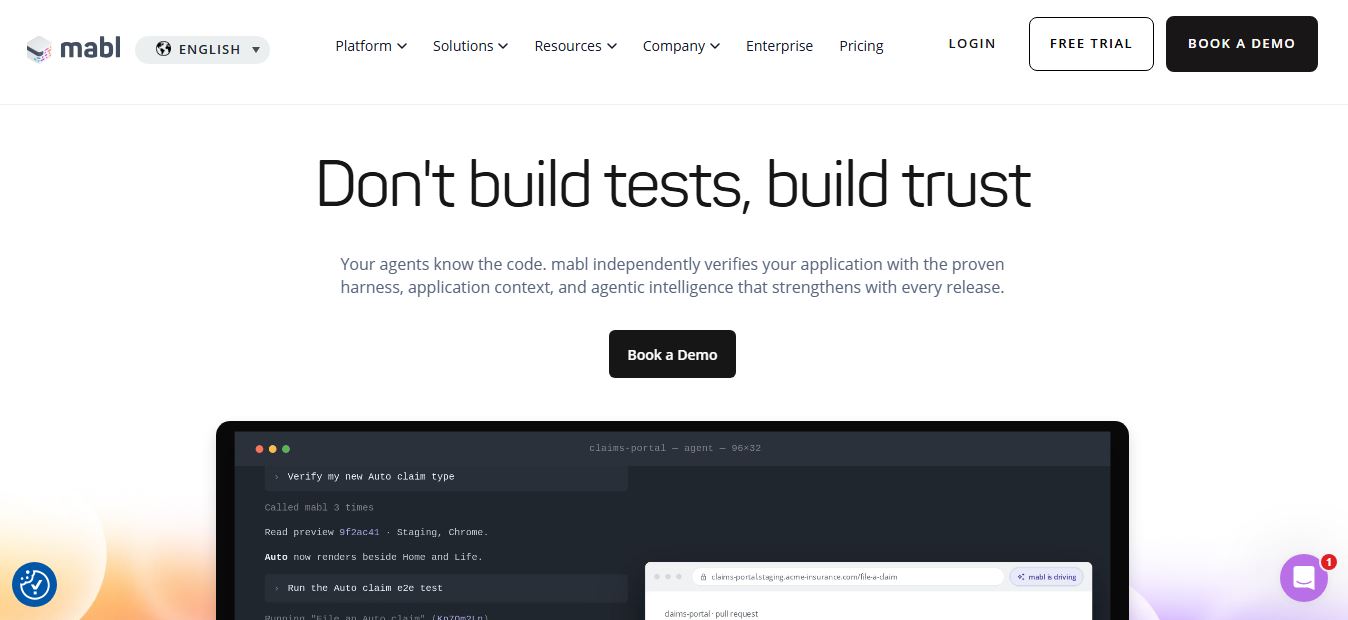
mabl is an AI-powered test automation platform that helps teams create, run, and maintain end-to-end tests for web, mobile, and APIs. It uses AI to generate tests, auto-heal failures, and analyze results, enabling faster releases and reliable software quality without heavy manual QA effort.
 4.9
4.9TestSprite
Testing
TestSprite is an AI-powered software testing agent that helps developers automatically generate, run, and fix end-to-end tests for web apps. It simulates real user behavior, detects issues, and provides root-cause insights with suggested fixes, enabling faster releases and more reliable software without manual QA effort.