
Mozilla Firefox
Mozilla Firefox is a free, open-source web browser backed by the non-profit Mozilla Foundation, powered by the independent Gecko engine and featuring Total Cookie Protection, container tabs, and user-governed AI tools like Smart Window.
What is Mozilla Firefox?
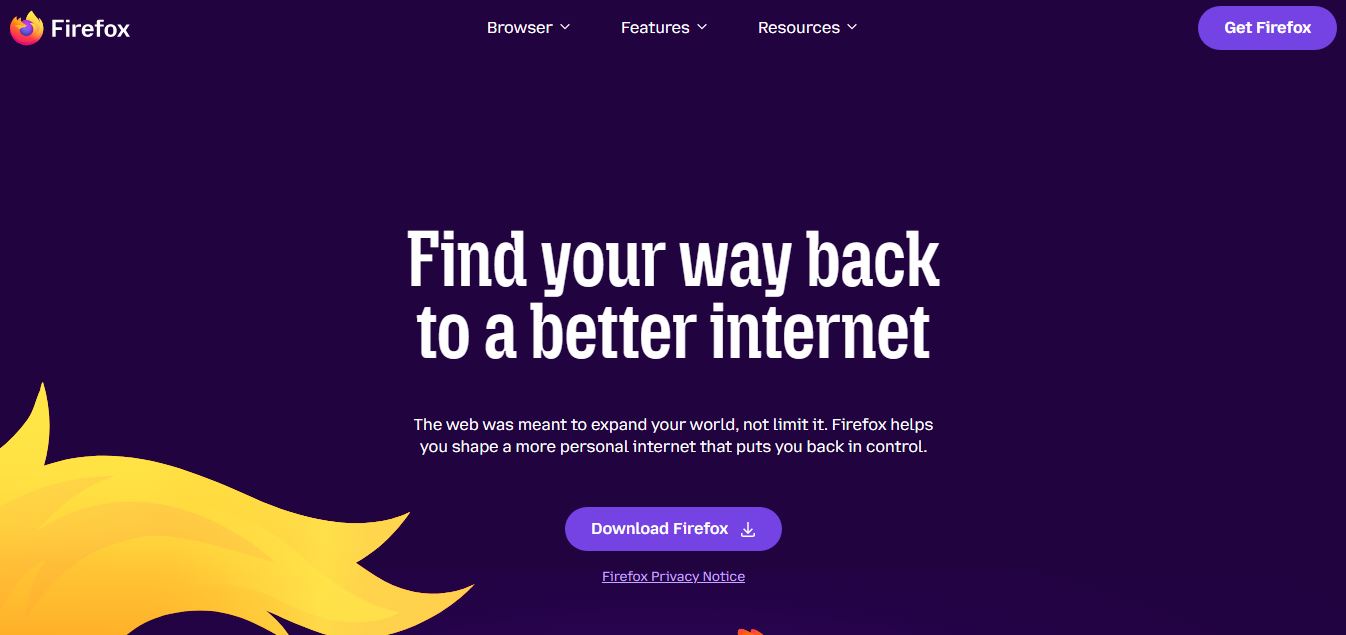
Mozilla Firefox is a free, open-source web browser developed by the Mozilla Foundation, focused on privacy, speed, and user control. It blocks trackers and third-party cookies by default, helping protect your data while browsing. Firefox offers features like enhanced tracking protection, customizable extensions, secure password management, and cross-device syncing. Unlike many browsers, a non-profit organization built it, emphasizing transparency and user rights. It provides a fast, secure, and customizable browsing experience across desktop and mobile devices.
Mozilla Firefox is a free, open-source web browser developed by Mozilla Foundation, used by ~200M+ monthly active users worldwide and available across Windows, macOS, Linux, Android, and iOS. First released in 2004, it emphasizes privacy with features like Enhanced Tracking Protection (blocks thousands of trackers by default), private browsing, and built-in password management. Firefox supports 10,000+ extensions, runs on the high-performance Quantum engine, and is available in 90+ languages, making it one of the most trusted privacy-focused alternatives to mainstream browsers.
- Platform Role: Open-Source Web Browser, Independent Web Engine & Privacy-First Browsing Platform
- Governing Entity: Mozilla Foundation & Mozilla Corporation (led by CEO Anthony Enzor-DeMeo)
- Supported Operating Systems: Windows, macOS, Linux, Android, and iOS
Use Cases:
- Browsing the web with automatic isolation of third-party tracking cookies, fingerprinting scripts, and cryptominers
- Managing separated personal, shopping, work, and banking sessions without logging in and out using Multi-Account Containers
- Reviewing and summarizing complex research, multi-tab topics, and documents using privacy-first AI sidebar assistants and Smart Window
- Viewing, filling out, signing, and annotating PDF documents directly inside the browser with local accessibility alt-text generators
- Customizing browser behavior, keyboard shortcuts, developer inspect tools, and CSS UI themes through deep configuration settings
Technology:
- Gecko rendering engine paired with SpiderMonkey JavaScript engine, written extensively in Rust and C++ for thread safety and speed
- Total Cookie Protection creating separate cookie jars for each website visited, preventing cross-site tracking
- Smart Window and sidebar AI integration supporting open and sovereign models (such as Mistral) with zero server data retention
- Granular privacy architecture featuring DNS-over-HTTPS (DoH), fingerprinting randomization, and dedicated AI control toggles
Target Users:
- Privacy-conscious internet users seeking an independent alternative to Google Chrome and Microsoft Edge
- Web developers and accessibility engineers utilizing Firefox Developer Tools for CSS Grid, flexbox, and layout testing
- Open-source advocates who prioritize open web standards over proprietary, single-engine browser ecosystems
- Multi-tasking professionals organizing complex projects across segregated containers and tab collections
Acquisition: Open-source desktop and mobile browser
What are the key features of Mozilla Firefox?
Mozilla Firefox's key platform features are
- Total Cookie Protection: Isolates cookies to the exact website where they were created, blocking trackers from assembling browsing histories.
- Multi-Account Containers: Keeps web sessions separated into color-coded containers, allowing concurrent logins across personal and work accounts.
- Smart Window (AI Browsing): Helps users resume interrupted research workflows, group related tabs, and cross-reference information with zero data retention.
- Comprehensive AI Controls: Provides a global toggle to disable all AI tools and sidebar assistants in a single click for an AI-free experience.
- Enhanced Tracking Protection (ETP): Automatically blocks social media trackers, cross-site cookies, fingerprinters, and cryptominers out of the box.
- Built-In PDF Editor: View, highlight, add text, draw signatures, and generate accessible AI alt-text locally on PDF documents.
- Customizable Interface: Offers extensive layout modifications, toolbar adjustments, native themes, and deeper custom CSS tweaking via userChrome.
How much does Mozilla Firefox cost?
Mozilla Firefox is 100% free and open-source software, supported by optional Mozilla privacy services.
Pricing Plans:
- Firefox Web Browser ($0): 100% free and open-source forever across all desktop (Windows, macOS, Linux) and mobile platforms (Android, iOS). Includes all privacy protections, Multi-Account Containers, Smart Window AI, and developer tools.
- Mozilla VPN (Optional Add-On - ~$4.99 - $9.99 / month): Device-level wireguard VPN coverage protecting up to 5 devices across 30+ countries.
- Firefox Relay (Optional Freemium Service): Free email masking aliases, with premium tiers for custom phone number and unlimited email masking.
Disclaimer: The Firefox browser has no licensing fees, paywalls, or hidden charges. Review mozilla.org for optional privacy subscription details.
Who should use Mozilla Firefox?
Mozilla Firefox is designed for everyday web users and technical professionals, including
- Privacy Advocates: Preventing tracking networks and Big Tech platforms from creating surveillance profiles of their web activity.
- Power Users & Multi-Taskers: Managing dozens of active sessions without browser profile switching using Multi-Account Containers.
- Software & Web Developers: Testing standards-compliant CSS Grid and HTML implementations against an independent Gecko engine.
- Minimalists & AI Skeptics: Browsing without forced AI bloat using Firefox's built-in global AI opt-out kill-switch.
What are the best alternatives to Mozilla Firefox?
Some of the strongest Mozilla Firefox alternatives include
- Brave Browser
- Google Chrome
- Microsoft Edge
- Apple Safari
- Vivaldi
- DuckDuckGo Privacy Browser
What are the pros and cons of Mozilla Firefox?
What are the pros of Mozilla Firefox?
- Independent Gecko engine prevents the web from becoming an uncontested Chromium monopoly
- Total Cookie Protection and Multi-Account Containers offer superior session isolation
- Transparent open-source codebase governed by a mission-driven non-profit organization
- Complete user sovereignty over AI features with simple global disable toggles
- Broad cross-platform availability and rich add-on extension ecosystem
What are the cons of Mozilla Firefox?
- Certain Google-specific web applications occasionally experience delayed optimization on Gecko
- Does not natively run Chrome Web Store extensions without porting or third-party wrappers
- Requires manual container setup to take full advantage of session isolation features
Why should you choose Mozilla Firefox?
As almost every competing browser consolidates around Google's underlying Chromium engine, the open web faces an engine monoculture that threatens web standards and privacy. Mozilla Firefox is the essential alternative. By pairing an independent, battle-tested Gecko rendering engine with pioneering privacy features like Total Cookie Protection and Multi-Account Containers, Firefox preserves open competition while ensuring your browsing data remains under your control.
- Preserve an open web by using an independent, non-Chromium browser engine
- Isolate third-party tracking cookies automatically across every website you visit
- Run separate work, personal, and banking identities simultaneously using Container Tabs
- Retain full control over browser features with the option to opt out of AI tools entirely
How does Mozilla Firefox compare to competitors?
While Google Chrome and Microsoft Edge track browsing telemetry to feed ad networks and ecosystem services, and Brave uses Chromium with built-in ad blocking, Mozilla Firefox is the only major open-source alternative running on an independent engine with native container tab isolation.
| Feature / Platform | Mozilla Firefox | Brave Browser | Google Chrome | Apple Safari |
|---|---|---|---|---|
| Underlying Engine | Gecko / SpiderMonkey (Independent) | Chromium / V8 | Chromium / Blink / V8 | WebKit / JavaScriptCore |
| Cookie Isolation | Total Cookie Protection | Shields Cookie Partitioning | Third-party cookie restrictions | Intelligent Tracking Prevention |
| Multi-Account Containers | Yes (Native container tabs) | No (Separate profiles only) | No (Separate profiles only) | Profiles (Basic separation) |
| AI User Governance | Smart Window + Global Kill Switch | Leo AI sidebar toggle | Built-in Gemini integration | Apple Intelligence integration |
| Pricing Structure | 100% Free & Open Source | 100% Free & Open Source | Free (Ad-funded model) | Free (Apple hardware default) |
| Best For | Non-Chromium independence & container tabs | Default ad-blocking & independent search | Google Workspace integration | Battery life on Apple devices |
How do we rate Mozilla Firefox?
| Parameter | Rating (out of 5) |
|---|---|
| Privacy & Tracking Protections | 4.9 |
| Container Tabs & Session Isolation | 5.0 |
| Engine Independence & Web Standards | 5.0 |
| AI Governance & User Choice | 4.8 |
| Value for Money (Open Source) | 5.0 |
| Overall Score | 4.94 |
What is our review and verdict on Mozilla Firefox?
Mozilla Firefox remains one of the most vital software projects on the internet. As a rare non-Chromium independent browser, it delivers exceptional privacy safeguards through Total Cookie Protection and Multi-Account Containers. With thoughtful, user-governed features like Smart Window and transparent opt-out controls, Firefox proves that browser innovation does not have to come at the expense of user choice or open web standards.
Conclusion
Mozilla Firefox offers a fast and reliable browsing experience with a strong focus on privacy and user control. Instead of tracking users for advertising, it includes built-in protections like enhanced tracking prevention and customizable security settings. Its open-source foundation and wide range of extensions make it highly flexible. Overall, Firefox provides a balanced browser experience, combining performance, transparency, and privacy to give users more control over how they navigate the web.
FAQ
What is Mozilla Firefox and how does it work?
Mozilla Firefox is a free, open-source web browser developed by Mozilla that focuses on privacy, speed, and customization. It allows users to browse the web, install extensions, manage tabs, and sync data across devices. Unlike many browsers, Firefox emphasizes user control and transparency, with features designed to reduce tracking and improve security without compromising performance.
How is Firefox different from Google Chrome?
Firefox differs from Chrome mainly in its approach to privacy and data collection. While Chrome is closely tied to Google’s advertising ecosystem, Firefox blocks many trackers by default and does not build user profiles for ads. It also offers more customization options and runs on its own Quantum engine rather than Chromium, giving users an alternative ecosystem focused on openness and privacy.
What is Enhanced Tracking Protection in Firefox?
Enhanced Tracking Protection (ETP) is a built-in privacy feature that blocks trackers, cookies, and scripts used to monitor user activity across websites. It runs by default in standard mode and can be customized to strict mode for stronger protection. This feature improves both privacy and page load speed by preventing unnecessary scripts from running.
What are Firefox extensions and add-ons?
Firefox extensions (also called add-ons) are small tools that enhance browser functionality. Users can install extensions for ad blocking, password management, SEO tools, developer tools, and productivity. Firefox supports thousands of extensions, allowing users to customize their browsing experience.
Is Firefox faster than other browsers?
Firefox is known for its speed, especially after the introduction of its Quantum engine. It optimizes memory usage and reduces background processes, making it efficient even with multiple tabs open. While performance can vary by use case, Firefox often performs competitively with Chrome and Edge.
Does Firefox support developer tools?
Yes, Firefox includes powerful built-in developer tools such as a debugger, CSS grid inspector, network monitor, and performance analyzer. These tools are widely used by web developers for debugging, testing, and optimizing websites.
Who are Firefox’s main competitors?
Firefox competes with browsers like Google Chrome, Microsoft Edge, Safari, and Brave. While Chrome dominates market share, Firefox stands out for its privacy-first approach and independence from large tech ecosystems.
Is Mozilla Firefox free to use?
Yes, Mozilla Firefox is completely free to download and use on desktop and mobile devices. As part of Mozilla’s mission, it remains open-source and accessible to everyone without requiring subscriptions or paid upgrades.
User Reviews
No reviews yet for Mozilla Firefox.
Featured Tools
Featured AI tools from TechShark

Melody Genie
MelodyGenie is an AI-powered music generator that creates original songs from simple text prompts. Users can choose styles, moods, and genres, then instantly generate melodies and full tracks, making it easy for creators, marketers, and hobbyists to produce custom music without musical expertise.
Freemium

Kimi AI
Kimi AI is an advanced AI assistant developed by Moonshot AI that helps you chat, research, write, code, and automate tasks in one place. It supports web search, file analysis, and multimodal inputs, and can even run autonomous “agent” workflows to complete complex tasks end-to-end.
Freemium

Fashion Diffusion AI
Fashion Diffusion is an AI-powered fashion design platform that helps brands and designers create clothing designs, virtual try-ons, AI models, product photos, and marketing visuals faster and cost-effectively.
Paid

Veo 4
Veo 4 AI is an AI video creation platform that generates dramatic videos from text, images, audio, and video prompts using realistic motion and synchronized sound.
Paid
Alternatives
Alternatives to Mozilla Firefox
The best Mozilla Firefox alternatives include Brave Browser, Google Chrome, Microsoft Edge, and Apple Safari. While Firefox runs on an independent open-source Gecko rendering engine featuring native Multi-Account Containers and Total Cookie Protection, alternatives like Google Chrome and Brave rely on the Chromium engine.
 4.9
4.9Brave
Browser
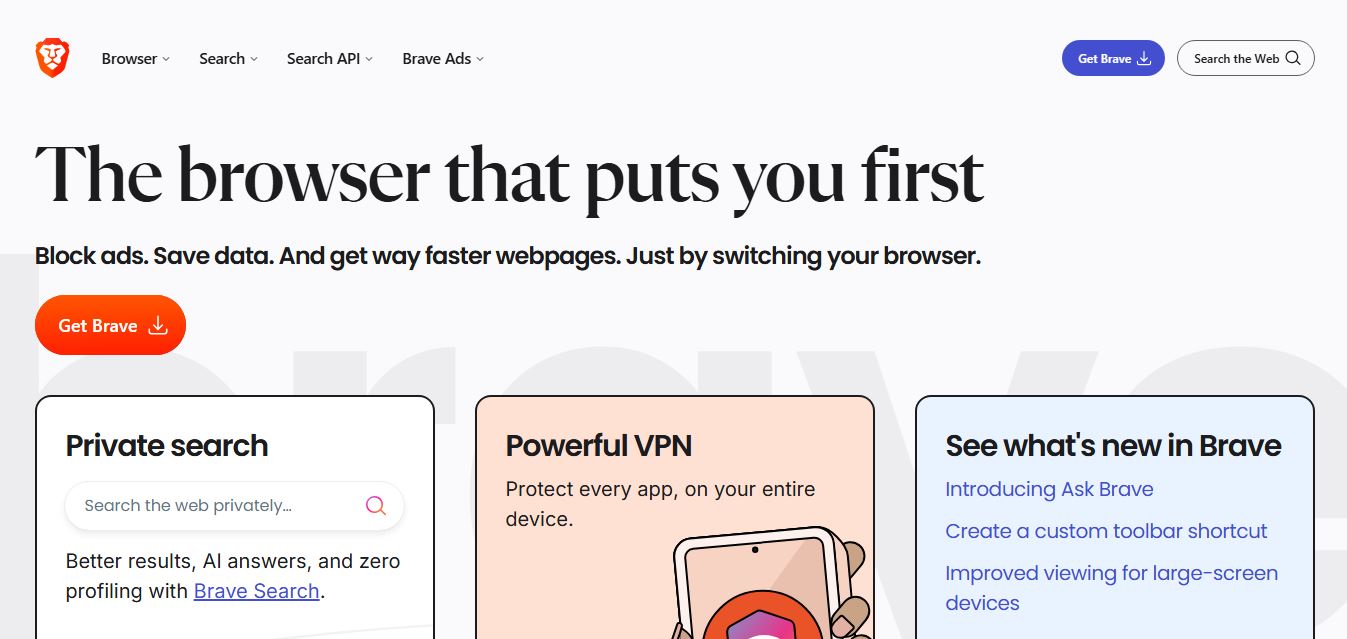
Brave is a privacy-first web browser and search ecosystem that blocks ads and cross-site trackers by default, integrates the Leo AI assistant, features an independent 35+ billion page search index, and provides built-in Web3 wallet, VPN, and developer Search API capabilities.
 4.8
4.8Opera AI
Browser
Opera AI (formerly Aria) is a built-in, native browser AI assistant integrated directly into the Opera and Opera GX browsers, offering real-time web access, page context summarization, multimedia and file analysis, image generation, and workflow automation without mandatory account lock-in.
 4.8
4.8Perplexity Comet
Browser
Perplexity Comet is an agentic, AI-first Chromium web browser developed by Perplexity AI, featuring a built-in reasoning assistant that performs multi-tab synthesis, automated web actions, deep research with citations, and proactive workflow execution.
 4.9
4.9Microsoft Edge
Browser
Microsoft Edge is a fast, secure web browser by Microsoft that integrates AI features, productivity tools, and built-in privacy controls. It helps users browse efficiently, manage tabs, use Copilot, and stay protected across devices easily.
 4.8
4.8Fellou AI
Browser
Fellou AI is an agentic AI web browser engineered for autonomous web actions, end-to-end task automation, multi-source deep research, system-level file handling, and transparent human-in-the-loop workflow execution.
 4.9
4.9Google Chrome
Browser
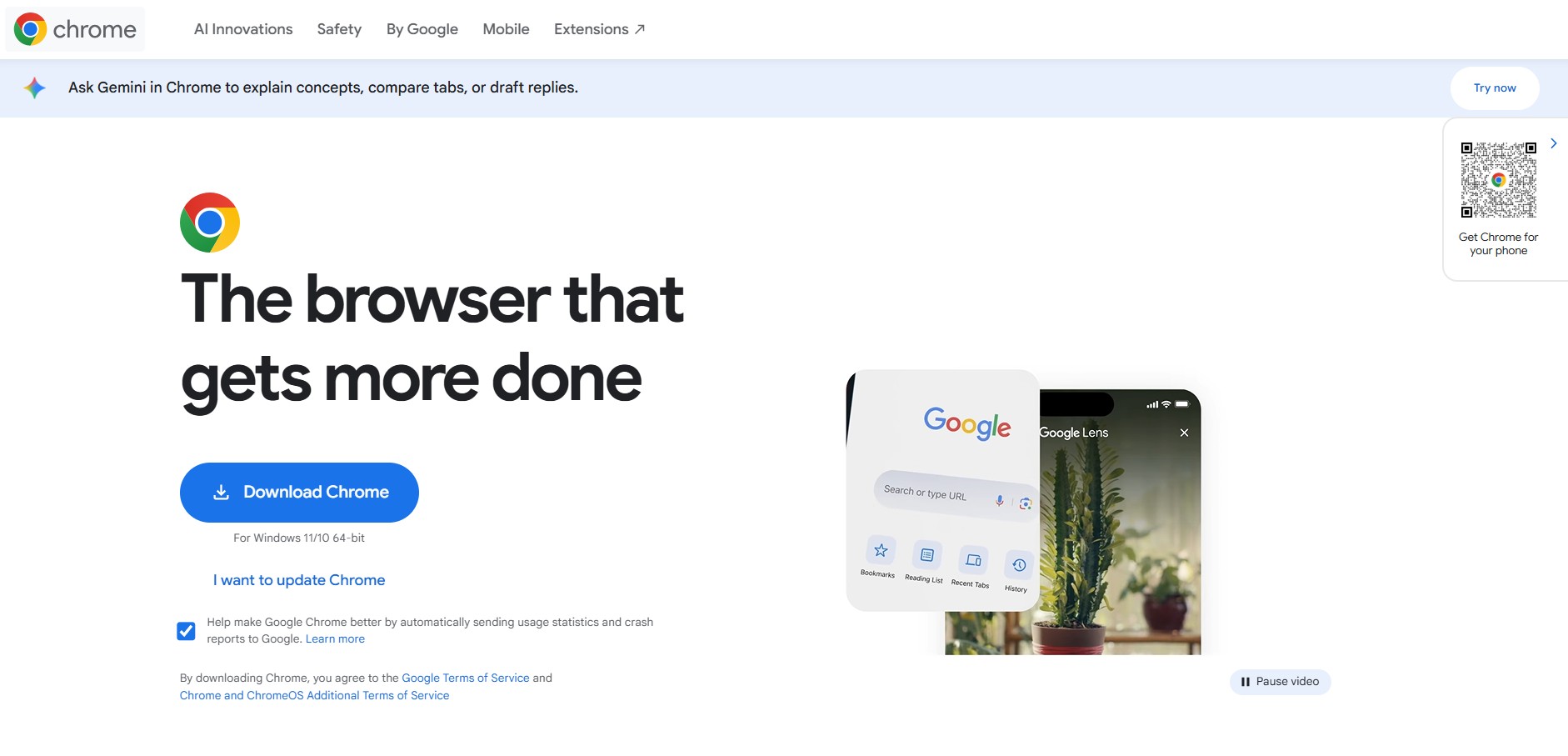
Google Chrome is the world's leading open-source-based web browser developed by Google, featuring high-speed Blink rendering, deep Google Account synchronization, native Gemini AI assistance, advanced DevTools, and the vast Chrome Web Store ecosystem.