PixMaker AI
PixMaker AI is an AI-driven image editing and product photography platform designed to generate professional-grade graphics, high-converting e-commerce product photos, marketing banners, and visual content with automated AI design tools.
What is PixMaker AI?
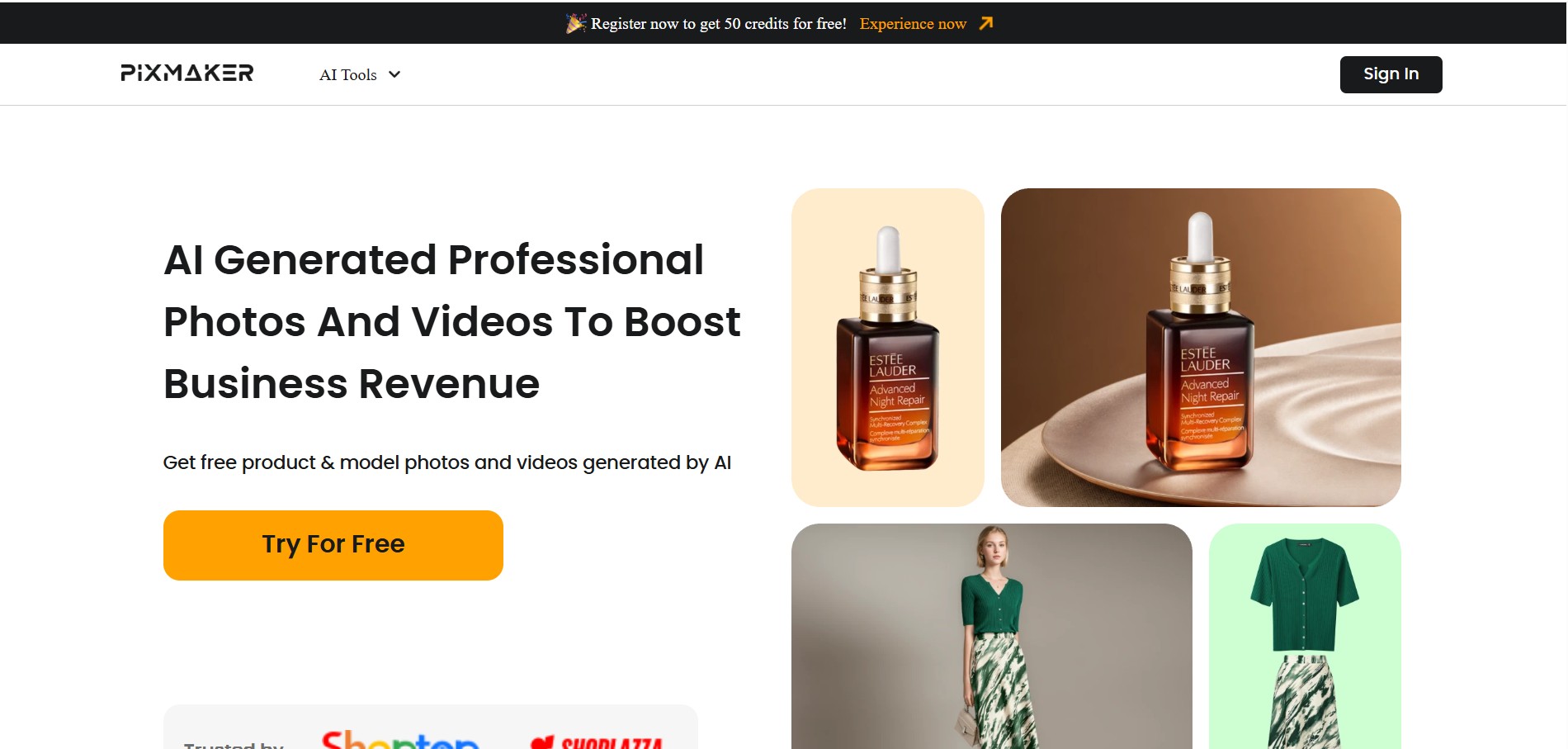
PixMaker AI (pixmaker.ai) is an advanced AI-powered design and image generation platform tailored for e-commerce brands, digital marketers, and graphic designers. The tool automates visual asset creation by converting raw product images, photos, and descriptive text prompts into studio-quality product mockups, lifestyle scenes, marketing banners, and social media content. By leveraging specialized AI models for background replacement, lighting adjustments, and visual enhancements, PixMaker AI allows businesses to eliminate the need for costly physical photoshoots.
Built to accelerate digital commerce workflows, PixMaker AI provides users with accessible creative automation that reduces time-to-market for visual campaigns. By replacing complex graphic design software with intuitive AI tools, sellers and creators can generate eye-catching visuals, background variations, and promotional graphics in minutes while maintaining professional aesthetic standards.
- Founder: Developed by the PixMaker engineering team
- Launch Year: 2024
Use Cases:
- Creating studio-grade product photos and lifestyle mockups for e-commerce stores
- Generating promotional banners, digital ad creative, and social media graphics
- Removing, replacing, and enhancing photo backgrounds automatically with AI
- Producing realistic virtual apparel model try-ons and product variations
Technology:
- Computer Vision and AI segmentation models for precise foreground/background separation
- Generative Diffusion models for contextual scene synthesis and realistic studio lighting
- AI image upscaling and sharpening algorithms for high-resolution visual exports
- Cloud-based rendering engine supporting rapid batch processing of photo catalogs
Target Users:
- E-Commerce Store Owners and Amazon Sellers needing clean, high-converting product media
- Digital Marketers and Advertisers producing visual ad creatives across multiple campaigns
- Social Media Managers needing rapid image generation and graphics editing
- Graphic Designers seeking to speed up client mockup and banner workflows
Acquisition: Operates as an independent platform

Key features of PixMaker AI
PixMaker AI's key features are
- AI Product Studio: Converts simple product photos into polished, studio-quality commercial shots with customizable backgrounds.
- Automated Background Remover: Instantly isolates subject products from complex backgrounds with edge-accurate segmentation.
- Lifestyle Scene Generation: Places products within natural, context-aware environments (e.g., kitchen counters, marble desks, outdoor settings).
- AI Model Photography: Generates realistic human model photos for apparel and accessory products.
- HD Image Enhancement: Upscales low-resolution images, adjusts shadows, and optimizes lighting for clear digital display.
- Template Banners & Marketing Layouts: Offers pre-designed canvas templates tailored for e-commerce listings and social media platforms.
PixMaker AI Pricing
PixMaker AI operates on a Freemium pricing model offering free credits for trial users alongside tier-based subscription packages for business generation needs.
Free Plan:
- $0 / month
- Starter credit allowance for standard image generation and background removal
- Access to core editing tools and basic export options
Pro Plan:
- ~$15 - $29 / month
- Expanded credit allocation for high-volume product generation
- High-definition water-mark-free exports, AI model try-ons, and priority processing
Business / Agency Plan:
- ~$49 - $99 / month
- Large token/credit pools for batch catalog processing and team collaboration features
- Dedicated customer support and commercial usage licensing
Disclaimer: For the latest and most accurate pricing information, please visit the official PixMaker AI website.
Who is using PixMaker AI?
PixMaker AI is designed for digital merchants and creative professionals, including
- Shopify & Amazon Sellers: Generating professional product imagery without expensive photoshoots
- Apparel & Fashion Retailers: Visualizing garments on realistic AI models
- Performance Marketers: Testing dozens of visual ad background variations quickly
- Content Creators: Editing photos, removing backgrounds, and making graphics for social channels
- Agencies: Managing visual assets for multiple e-commerce client brands efficiently
Best PixMaker AI Alternatives
Some of the top PixMaker AI alternatives include
Pros and Cons of PixMaker AI
Pros
- Reduces visual content production costs by replacing traditional studio photography
- User-friendly interface requiring no advanced photo-editing skills
- Fast generation speeds for product background placement and scene creation
- Multi-purpose tool covering product photos, banners, and image enhancement
- Offers free trial access for quick testing
Cons
- High-volume batch export requires upgrading to paid subscription tiers
- Complex reflective surfaces on products may occasionally require manual edge refinement
- Internet connectivity is required as models run in the cloud
Why Choose PixMaker AI?
PixMaker AI stands out because it focuses directly on solving visual commercial challenges for online sellers. Instead of broad digital art generation, PixMaker AI delivers targeted tools designed to make physical products look clean, appealing, and ready for purchase across e-commerce channels.
- Cuts studio photography expenses while producing professional sales assets
- Transforms simple phone snapshots of products into high-converting studio photos
- Accelerates ad testing by making it easy to create multiple scene variations
- Combines background removal, scene generation, and image editing in one workspace
- Helps brand owners maintain visual consistency across their catalog
PixMaker AI vs. Competitors
The primary difference between PixMaker AI, Photoroom, and Flair AI lies in targeted workflows. While Photoroom focuses heavily on mobile background removal and basic editing, and Flair AI focuses on 3D drag-and-drop scene staging, PixMaker AI provides an all-in-one studio platform combining AI product background synthesis, model try-ons, and marketing banner creation specifically optimized for commercial growth.
| Feature / Tool | PixMaker AI | Photoroom | Flair AI | Canva AI |
|---|---|---|---|---|
| Primary Focus | E-Commerce Product Studio | Mobile Photo Editing & Cutouts | 3D Drag-and-Drop Scene Staging | General Graphic Design |
| AI Model Photography | Yes | Limited | Yes | No |
| Background Scene Synthesis | Automated AI Contextual | Template & AI Prompt | Canvas Positioning | Standard AI Backgrounds |
| E-Commerce Optimized | High | High | High | Medium |
| Best For | Sellers & Marketers | Mobile Resellers & Quick Edits | Brand Concept Art & Staging | General Marketing Layouts |
How do we rate PixMaker AI?
| Parameter | Rating (out of 5) |
|---|---|
| Image Quality & Product Realism | 4.7 |
| Background Removal Accuracy | 4.8 |
| Ease of Use & UI | 4.8 |
| Generation Speed | 4.6 |
| Value for Money | 4.7 |
| Overall Score | 4.7 |
PixMaker AI Review
PixMaker AI delivers a comprehensive solution for digital merchants who need high-quality product assets without spending thousands on professional photographers. Its ability to seamlessly isolate product photos, place them into realistic lifestyle environments, and auto-generate marketing materials makes it a powerful asset for modern visual commerce. For online sellers and creators looking to level up their brand presence, PixMaker AI is an accessible, efficient tool.
Conclusion
PixMaker AI is an excellent platform for e-commerce sellers, marketers, and content creators looking to streamline visual asset creation. By combining background isolation, contextual scene generation, and custom marketing graphics in a single AI workspace, PixMaker AI helps turn simple product shots into high-converting visual media.
FAQ
What is PixMaker AI?
PixMaker AI is an AI-powered visual content creation tool designed primarily for e-commerce businesses. It helps users create professional product images, model photos, backgrounds, and promotional videos from existing product or model photos, reducing the need for traditional photography and manual editing.
What can PixMaker AI be used for?
PixMaker AI can be used to create product photos, AI-generated model images, marketing visuals, backgrounds, and product videos. Users can upload product images, remove backgrounds, select templates or describe scenes, and generate polished visuals for online stores and marketing campaigns.
Can PixMaker AI generate product images?
Yes. PixMaker AI can transform uploaded product photos into professional-looking product images. It can automatically remove backgrounds, place products into selected or AI-generated scenes, combine multiple products into one composition, and generate multiple variations of the same visual style.
Can PixMaker AI create AI model photos?
Yes. PixMaker AI can generate realistic model images from uploaded model or product photos. Users can select different AI-generated models, backgrounds, poses, and characteristics to create customized product presentations without arranging a traditional photoshoot. Generated model images can be downloaded at resolutions up to 4K.
Can PixMaker AI generate product videos?
Yes. PixMaker AI includes AI video-generation features that can turn product images into promotional videos. It can use different camera views and movements to highlight product details such as colors, materials, and designs, making the resulting content suitable for e-commerce websites and social media platforms.
Is PixMaker AI free to use?
PixMaker AI offers a free trial, allowing users to test its visual-generation features before purchasing a paid plan. Futurepedia currently lists a 14-day free trial and a Pro plan starting at $19.99 per month, although pricing and plan details may change.
Who should use PixMaker AI?
PixMaker AI is particularly useful for e-commerce brands, online sellers, marketers, photographers, designers, and content creators who need professional product visuals at scale. It can help reduce the time and cost associated with product photography, model shoots, background creation, and post-production editing.
User Reviews
No reviews yet for PixMaker AI.
Featured Tools
Featured AI tools from TechShark

Melody Genie
MelodyGenie is an AI-powered music generator that creates original songs from simple text prompts. Users can choose styles, moods, and genres, then instantly generate melodies and full tracks, making it easy for creators, marketers, and hobbyists to produce custom music without musical expertise.
Freemium

Kimi AI
Kimi AI is an advanced AI assistant developed by Moonshot AI that helps you chat, research, write, code, and automate tasks in one place. It supports web search, file analysis, and multimodal inputs, and can even run autonomous “agent” workflows to complete complex tasks end-to-end.
Freemium

Fashion Diffusion AI
Fashion Diffusion is an AI-powered fashion design platform that helps brands and designers create clothing designs, virtual try-ons, AI models, product photos, and marketing visuals faster and cost-effectively.
Paid

Veo 4
Veo 4 AI is an AI video creation platform that generates dramatic videos from text, images, audio, and video prompts using realistic motion and synchronized sound.
Paid
Alternatives
Alternatives to PixMaker AI
The best PixMaker AI alternatives include Photoroom, Flair AI, Pebblely, Canva AI, Claid.ai, and Pixelcut. These platforms offer AI background removal, product photo generation, and visual marketing assets. While PixMaker AI provides an all-in-one studio tailored specifically for e-commerce listings, model try-ons, and marketing banners, alternatives like Photoroom focus heavily on quick mobile photo editing.
 4.9
4.9Alpha3D
3D
Alpha3D is an AI-powered 3D content creation platform that turns text prompts, images, or multi-view inputs into production-ready 3D models. It handles the full pipeline—generation, retopology, UV unwrapping, texturing, rigging, and export—enabling creators to build game-ready assets quickly without advanced 3D skills.
 4.8
4.8sizeless
3D
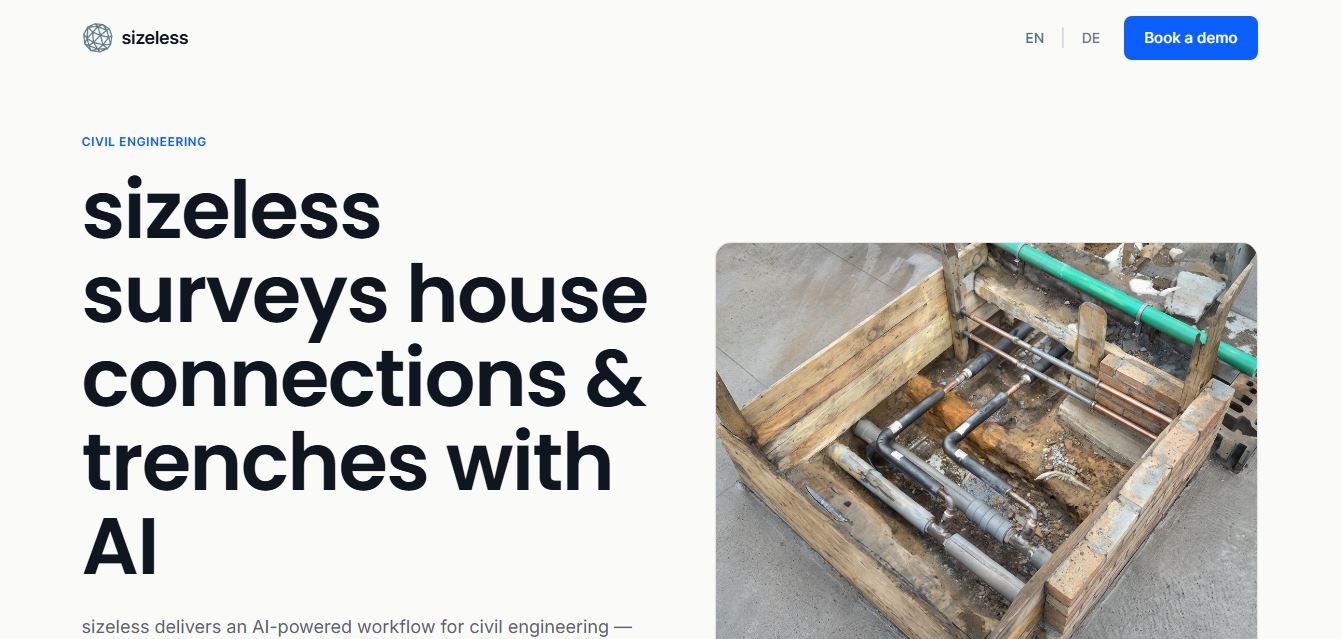
sizeless is an AI-powered 3D digital twin, surveying, and reality capture platform for civil engineering, district heating, and AEC infrastructure that transforms smartphone video of open trenches and house connections into centimetre-accurate 3D point clouds, BIM models, and CAD as-built plans (DWG/DXF).
Spline AI 3D Generation
3D
Spline AI 3D Generation is a cloud-based generative 3D creation studio that transforms natural language text prompts and 2D reference images into textured, production-ready 3D meshes with real PBR materials, multi-format exports, and real-time web interactivity.
 4.8
4.8Scenario
3D
Scenario is an AI-powered creative infrastructure and game asset generation platform that enables game developers, digital artists, and creative studios to train custom style-consistent AI models and produce 2D graphics, 3D meshes, textures, and video assets via web studio and production REST APIs.
 4.8
4.8Meshy AI
3D
Meshy AI is a generative 3D AI modeling platform that turns text prompts and 2D concept images into textured, production-ready, and 3D-printable models with automated PBR texturing, rigging, animation, and multi-format exports.
 4.7
4.7Fiddl.art
3D
Fiddl.art is a browser-based AI art studio and social platform that enables digital artists, creators, and hobbyists to generate AI images and videos, train custom models, remix prompts, and monetize digital assets through a creator-driven economy.
 4.8
4.8Dreamina AI
3D
Dreamina AI is an advanced multi-modal AI art and video generation platform developed by ByteDance (CapCut) that enables creators to transform text prompts and reference images into high-resolution visual artwork, motion graphics, and video clips.
 4.8
4.8QuickMagic
3D
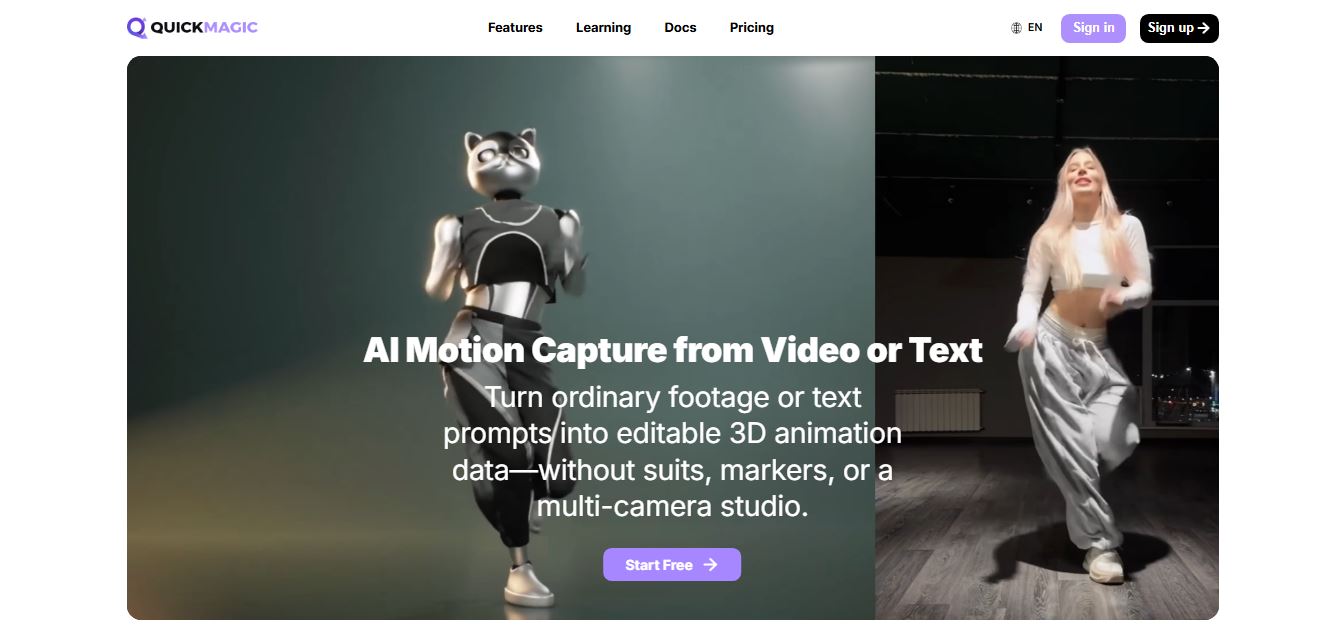
QuickMagic AI is an AI-powered motion capture tool that converts video footage and text prompts into editable 3D character animations. It helps animators, game developers, and content creators capture body, hand, and facial movements without specialized suits, markers, or expensive multi-camera studio setups.
 4.7
4.7Tripo3D.ai
3D
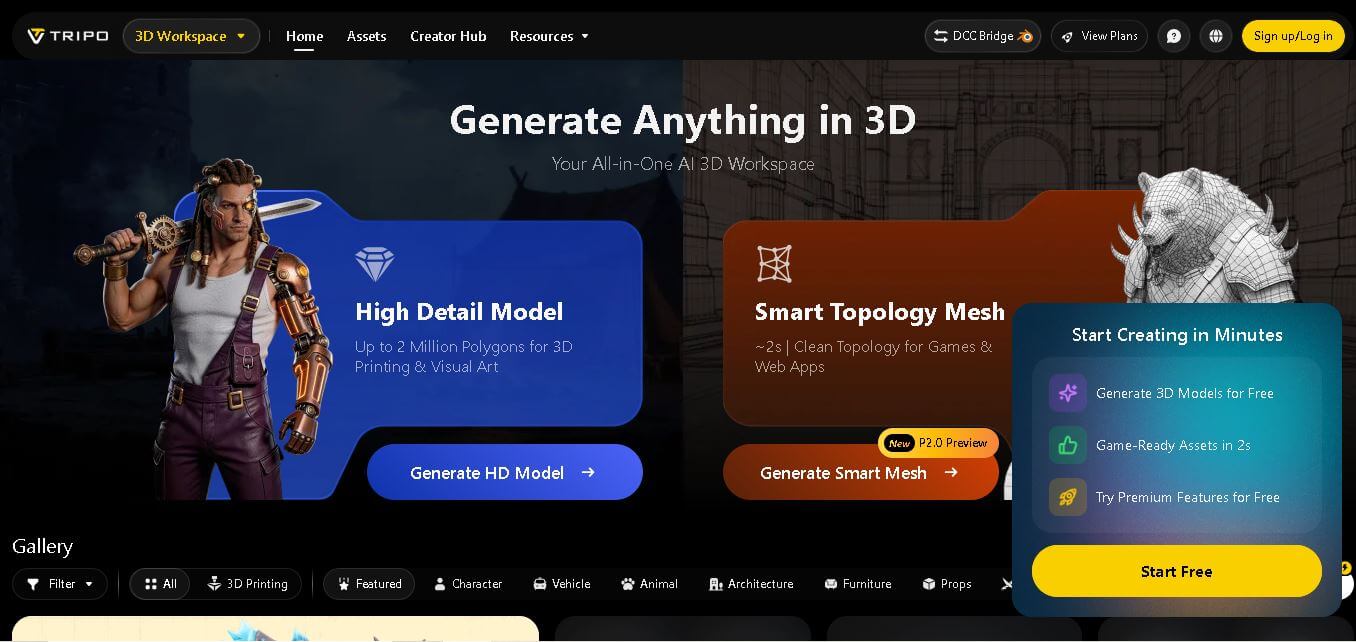
Tripo Studio is an AI-powered 3D workspace that converts text prompts, images, and sketches into high-quality 3D models. It supports texturing, segmentation, rigging, animation, and multiple export formats, making it suitable for game developers, 3D artists, product designers, educators, and creators who need fast, professional-quality assets.