
Tripo3D.ai
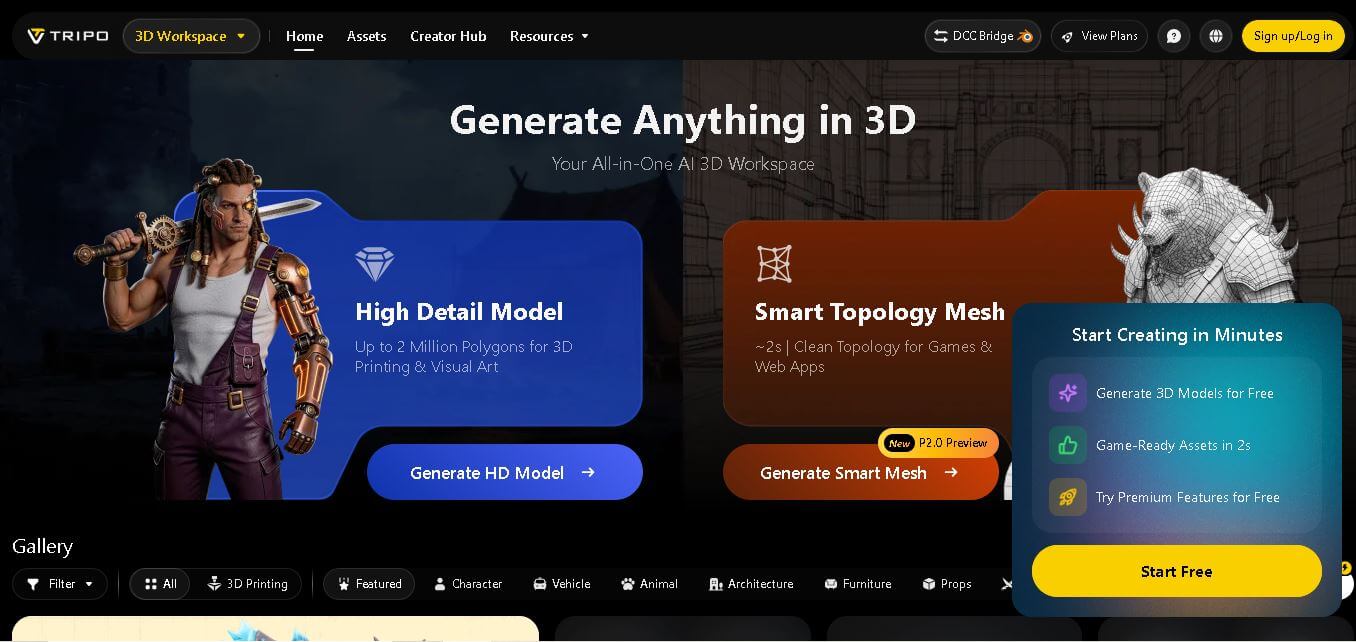
Tripo Studio is an AI-powered 3D workspace that converts text prompts, images, and sketches into high-quality 3D models. It supports texturing, segmentation, rigging, animation, and multiple export formats, making it suitable for game developers, 3D artists, product designers, educators, and creators who need fast, professional-quality assets.
What is Tripo3D AI?
Tripo3D Studio is a powerful AI-powered platform that makes 3D creation faster, easier, and far more accessible than traditional methods. Instead of spending hours modeling in complex software, you can simply upload an image or write a prompt, and the tool generates a complete 3D model within seconds. It brings everything into one place—model generation, texturing, segmentation, rigging, and export—so creators don’t have to switch between multiple tools. Whether you’re a beginner, designer, or game developer, Tripo3D helps turn ideas into production-ready assets quickly. It significantly reduces manual effort and speeds up workflows, making it ideal for rapid prototyping, content creation, and modern 3D design projects.
Tripo Studio is a browser-based AI 3D creation platform trusted by more than 20 million creators worldwide and has helped generate over 200 million AI-created 3D models. It supports models with up to 2 million polygons, generates production-ready meshes in approximately 2 seconds, provides 8K texture generation, and exports files in multiple formats, including GLB, FBX, OBJ, STL, USDZ, and 3MF. These numbers highlight its growing adoption among designers, developers, and creative professionals.
- Founders: Simon Song & Guoli Su
- Launch Year: 2023
- Use Cases:
- Rapid 3D prop and environment asset generation for game development
- Converting 2D concept art and sketches into textured 3D meshes
- Auto-rigging and animating 3D character avatars for VR/AR applications
- Generating low-poly meshes and retopologized files for real-time engines
- Technology:
- Native 3D generative diffusion architecture trained on massive 3D geometry datasets
- Smart V2.0 Retopology engine for auto-generating clean quad-based low-poly meshes
- Automated universal rigging and skeletal animation retargeting system
- Target Users:
- Indie game developers and technical artists needing quick background props
- 3D printable model designers seeking rapid base mesh creation
- AR/VR developers, animators, and digital product designers
- Ecosystem: Cloud-based web studio, developer API, and dedicated Blender bridge plugin supporting exports in GLTF, GLB, OBJ, FBX, USDZ, and STL formats.

Key features of Tripo3D.ai
Tripo3D.ai's key features are
- Text-to-3D & Image-to-3D Generation: Converts simple text prompts or uploaded reference photos into fully detailed 3D assets in seconds.
- Smart Retopology (v2.0): Automatically converts dense AI-generated geometry into clean, quad-mesh low-poly models optimized for game engines.
- Auto-Rigging & Universal Animation: Automatically detects character joint structures, builds skeletal rigs, and applies customizable motion presets.
- AI PBR Texturing & Style Transfer: Generates high-resolution Physically Based Rendering (PBR) texture maps up to 8K resolution and applies artistic stylization.
- Blender Bridge Integration: A direct integration link that syncs generated models into Blender, eliminating format conversion headaches.
- Part Segmentation & Editing: Automatically breaks complex 3D models into separate, editable component sub-meshes for precise customization.
Tripo3D.ai Pricing
Tripo3D operates on a freemium subscription model backed by a monthly credit allowance, along with pay-as-you-go developer API tiers.
Free Plan:
- $0/month
- Includes ~300 monthly credits for basic model generation, standard resolution previews, and public showcase models
Basic Plan:
- $12 - $24 per month
- Includes ~100 to 300 credits monthly, private output settings, basic retopology, and full export permissions
Pro Plan:
- $24 - $35 per month
- Includes ~400+ monthly credits, priority processing, HD/8K PBR textures, auto-rigging tools, and API developer access
Disclaimer: For the latest and most accurate pricing information, please visit the official Tripo3D website.
Is Tripo3D.ai Worth It?
Tripo3D is well worth the investment for game designers, 3D artists, and creators who need to eliminate hours of baseline block-out work. At $12-$24/month, the time saved auto-generating base meshes, retopologizing quads, and rigging assets pays for itself on the very first project.
Real-World Use Cases
- Indie Game Asset Pipeline: Developers generate dozens of low-poly background props and environmental items directly into Unity via GLTF export.
- Concept Art to 3D: Illustrators upload 2D character concept sketches to instantly obtain animated T-pose 3D character models.
- 3D Printing Prototyping: Makers create baseline STL models from text prompts and send them directly to slice engines for rapid physical prototyping.
- Blender Workflow Acceleration: Technical artists use the Tripo Blender plugin to generate initial object geometry in 45 seconds, then manually refine details.
Who is using Tripo3D AI?
Tripo3D.ai is designed for creators and technical teams across 3D media, including
- Indie Game Developers: Teams scaling asset creation for real-time engines without dedicated modeling staff
- 3D Artists & Animators: Professionals looking for fast base-mesh prototyping and automated character rigging
- AR/VR Experience Creators: Developers generating optimized, lightweight 3D assets for spatial computing
- Product Designers & 3D Print Makers: Hobbyists and engineers converting concepts into printable mesh files
Best Tripo3D.ai Alternatives
Some of the strongest Tripo3D.ai alternatives include
- Meshy
- Rodin (DeekSeek / Hyperhuman)
- Luma Genie
- Spline AI
- 3DAI Studio
Pros and Cons of Tripo3D.ai
Pros
- Fast generation speeds producing textured 3D models in under 60 seconds
- Built-in v2.0 Smart Retopology yields clean quad meshes suitable for game engines
- Native auto-rigging and animation retargeting save immense character setup time
- Blender Bridge integration enables seamless sync into professional DCC tools
- Supports a wide variety of export formats (GLB, OBJ, FBX, USDZ, STL)
Cons
- May require manual mesh cleanup in Blender for manufacturing-grade dimensional precision
- High-resolution texture generation consumes credits quickly
- Occasional AI artifacts or extra geometry when generating from low-contrast source images
Why Choose Tripo3D AI?
Tripo3D stands out by acting as an end-to-end 3D asset engine rather than a simple mesh generator. It combines instant shape generation, smart retopology, auto-rigging, and direct Blender integration to turn raw AI outputs into production-ready assets.
- Compresses days of manual geometry block-out into less than a minute
- Generates engine-friendly quad topology directly out of the box
- Provides built-in character rigging and animation retargeting
- Offers flexible export formats and developer API options for custom automation
How Tripo3D.ai Works
- Provide Input: Type a detailed text prompt or upload a 2D image/sketch of the target object.
- AI Mesh Generation: Tripo3D generates a textured 3D mesh model in 30 to 60 seconds.
- Refine & Retopologize: Apply Smart Retopology for quad mesh reduction, high-res PBR texturing, or auto-rigging.
- Export & Integrate: Download the model in FBX, OBJ, GLTF, or STL format, or stream it directly into Blender via the Blender Bridge.
Tripo3D.ai vs. Competitors
The main difference between Tripo3D, Meshy, and Luma Genie lies in pipeline utility. While Meshy excels in generative texturing and Luma Genie focuses on raw visual concepting, Tripo3D emphasizes production-ready technical utility by offering integrated smart retopology, auto-rigging, and direct DCC plugin integration.
| Feature | Tripo3D.ai | Meshy | Luma Genie |
|---|---|---|---|
| Primary Focus | Pipeline-Ready 3D Assets & Rigging | High-Detail Generative 3D Textures | Creative 3D Mesh Prototyping |
| Auto-Rigging & Animation | Yes (built-in) | Limited | No |
| Smart Retopology (Quad Mesh) | Yes (V2.0 Engine) | Yes | Basic |
| Blender Direct Bridge | Yes | Plugin available | No |
| Starting Price | Free / $12 per month | Free / $16 per month | Free / $10 per month |
How do we rate Tripo3D?
| Parameter | Rating (out of 5) |
|---|---|
| Ease of Use | 4.8 |
| 3D Mesh Quality & Speed | 4.7 |
| Retopology & Rigging | 4.9 |
| Feature Set | 4.6 |
| Value for Money | 4.6 |
| Overall Score | 4.7 |
Tripo3D.ai Review
Tripo3D Studio is an AI-powered platform designed to simplify 3D model creation. It allows users to generate 3D assets from images or text prompts within seconds, reducing the need for complex manual modeling. The tool integrates features like texturing, rigging, and export in one place, making the workflow efficient. While the output quality is good for prototyping and basic use, some models may require refinement for professional projects. Overall, it is a useful solution for faster and more accessible 3D content creation.
Conclusion
Tripo Studio has become one of the leading AI-powered 3D creation platforms by combining text-to-3D, image-to-3D, smart mesh generation, AI texturing, segmentation, and animation tools in one browser-based workspace. Whether you're creating assets for games, product visualization, architecture, animation, or 3D printing, the platform significantly reduces production time while maintaining professional-quality results. Its flexible pricing, free plan, advanced export options, and growing creator community make it an excellent choice for beginners and professionals alike. If you want to streamline 3D content creation with AI, Tripo Studio is a platform worth exploring.
FAQ
What is Tripo Studio used for?
Tripo Studio is designed to simplify 3D content creation using artificial intelligence. You can generate detailed 3D models from text prompts, images, or sketches, then edit, texture, segment, rig, and export them for games, animation, 3D printing, product visualization, architecture, or educational projects. It reduces manual modeling time while maintaining professional-quality output.
Is Tripo Studio free to use?
Yes. Tripo Studio offers a free plan that includes monthly credits for generating AI 3D models. Users can explore core features before upgrading to paid plans. Premium subscriptions unlock commercial usage, higher-quality models, faster processing, additional credits, private projects, advanced editing tools, and greater export capabilities.
Who should use Tripo Studio?
Tripo Studio is suitable for game developers, 3D artists, product designers, architects, educators, animation studios, eCommerce businesses, and hobbyists. Anyone who needs high-quality 3D assets without spending hours on manual modeling can benefit from its AI-powered workflow and browser-based creative environment.
Can Tripo Studio create game-ready 3D models?
Yes. Tripo Studio generates optimized meshes with clean topology, making them suitable for game engines such as Unity and Unreal Engine. It also supports rigging, animation, texture generation, and exports in widely used formats, helping developers integrate assets into production workflows more efficiently.
What export formats does Tripo Studio support?
Tripo Studio supports multiple industry-standard export formats, including GLB, FBX, OBJ, STL, USDZ, and 3MF. These formats allow creators to use generated models in game development, animation software, AR/VR experiences, 3D printing, product visualization, and other professional design applications without additional conversion.
Does Tripo Studio support commercial projects?
Yes. Commercial use is available through paid subscription plans. Upgrading from the free plan provides private model generation, commercial licensing, increased monthly credits, higher processing limits, and access to advanced AI tools that are ideal for freelancers, agencies, and professional studios.
User Reviews
No reviews yet for Tripo3D.ai.
Featured Tools
Featured AI tools from TechShark

Melody Genie
MelodyGenie is an AI-powered music generator that creates original songs from simple text prompts. Users can choose styles, moods, and genres, then instantly generate melodies and full tracks, making it easy for creators, marketers, and hobbyists to produce custom music without musical expertise.
Freemium

Kimi AI
Kimi AI is an advanced AI assistant developed by Moonshot AI that helps you chat, research, write, code, and automate tasks in one place. It supports web search, file analysis, and multimodal inputs, and can even run autonomous “agent” workflows to complete complex tasks end-to-end.
Freemium

Fashion Diffusion AI
Fashion Diffusion is an AI-powered fashion design platform that helps brands and designers create clothing designs, virtual try-ons, AI models, product photos, and marketing visuals faster and cost-effectively.
Paid

Veo 4
Veo 4 AI is an AI video creation platform that generates dramatic videos from text, images, audio, and video prompts using realistic motion and synchronized sound.
Paid
Alternatives
Alternatives to Tripo3D.ai
The best Tripo3D.ai alternatives include Meshy, Rodin (DeekSeek/Hyperhuman), Luma Genie, Spline AI, and 3DAI Studio. Meshy offers high-detail generative 3D textures and meshes. Rodin specializes in photorealistic avatar generation, while Spline AI provides browser-native 3D interactive design workflows.
 4.9
4.9Alpha3D
3D
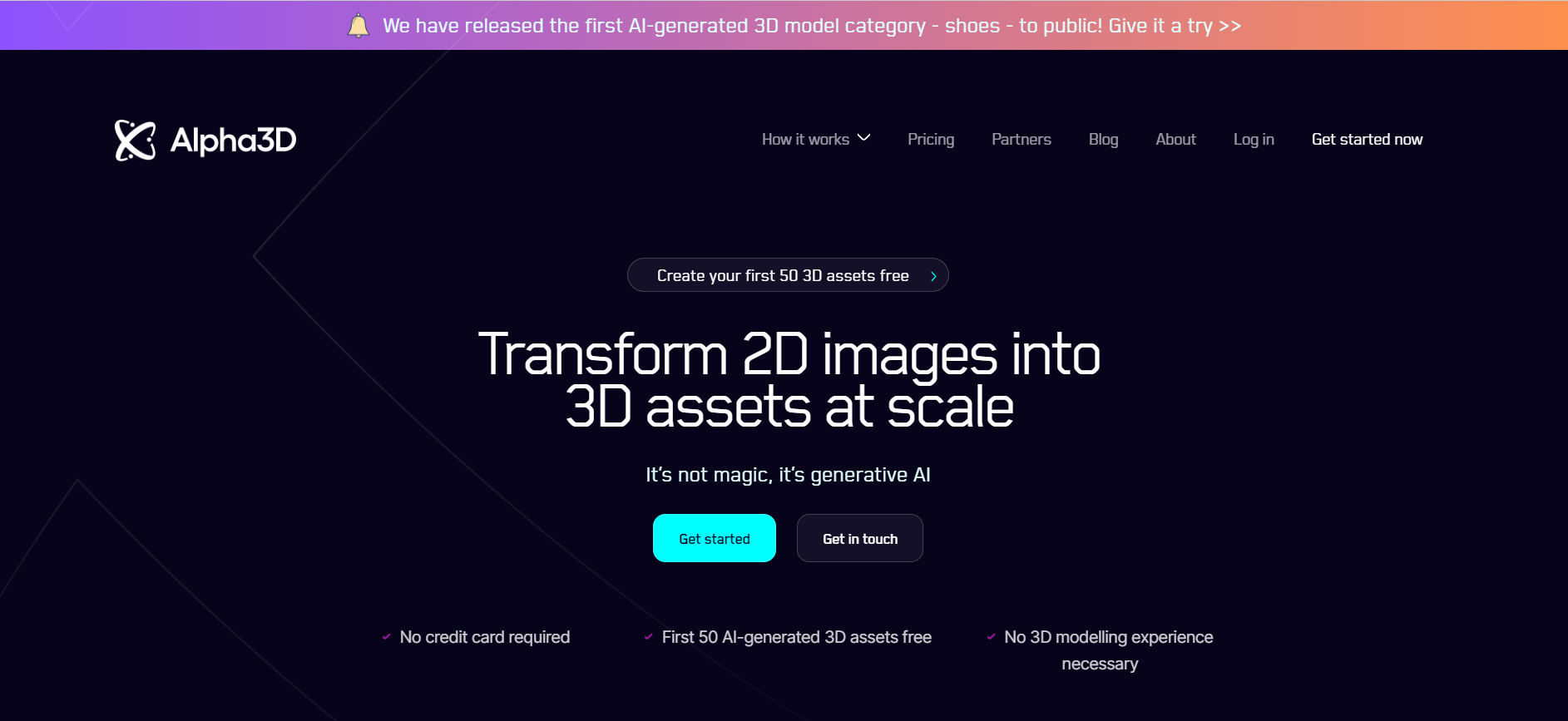
Alpha3D is an AI-powered 3D content creation platform that turns text prompts, images, or multi-view inputs into production-ready 3D models. It handles the full pipeline—generation, retopology, UV unwrapping, texturing, rigging, and export—enabling creators to build game-ready assets quickly without advanced 3D skills.
 4.8
4.8sizeless
3D
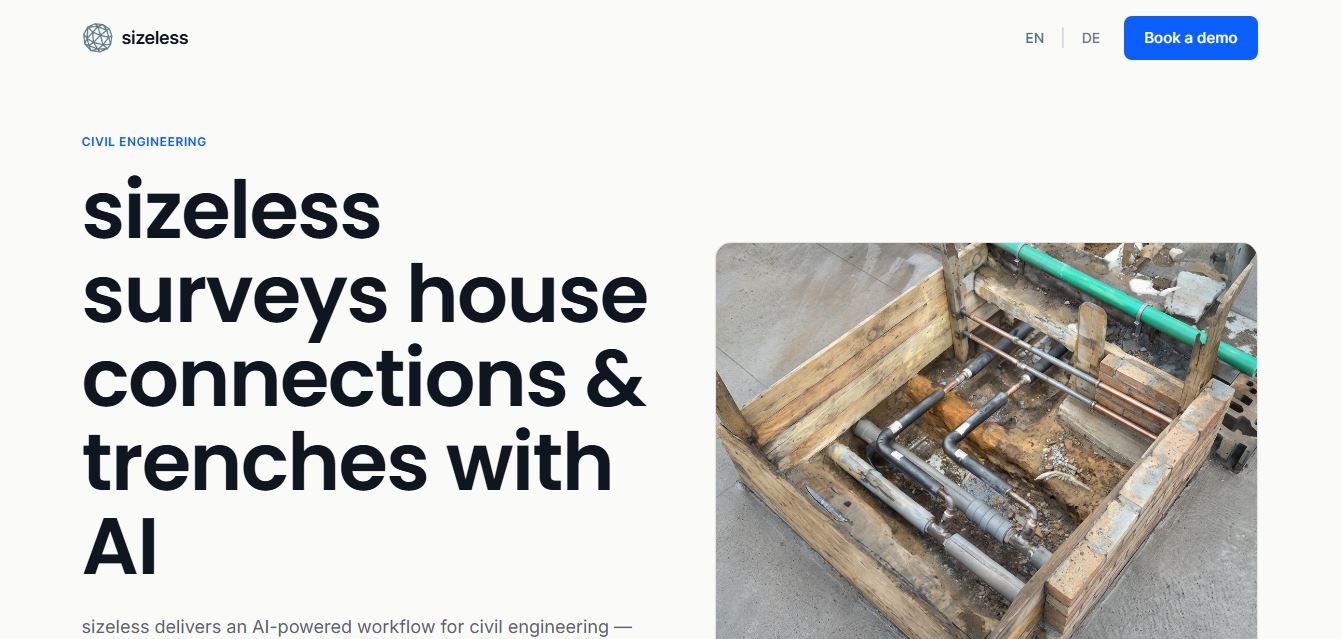
sizeless is an AI-powered 3D digital twin, surveying, and reality capture platform for civil engineering, district heating, and AEC infrastructure that transforms smartphone video of open trenches and house connections into centimetre-accurate 3D point clouds, BIM models, and CAD as-built plans (DWG/DXF).
Spline AI 3D Generation
3D
Spline AI 3D Generation is a cloud-based generative 3D creation studio that transforms natural language text prompts and 2D reference images into textured, production-ready 3D meshes with real PBR materials, multi-format exports, and real-time web interactivity.
 4.8
4.8Scenario
3D
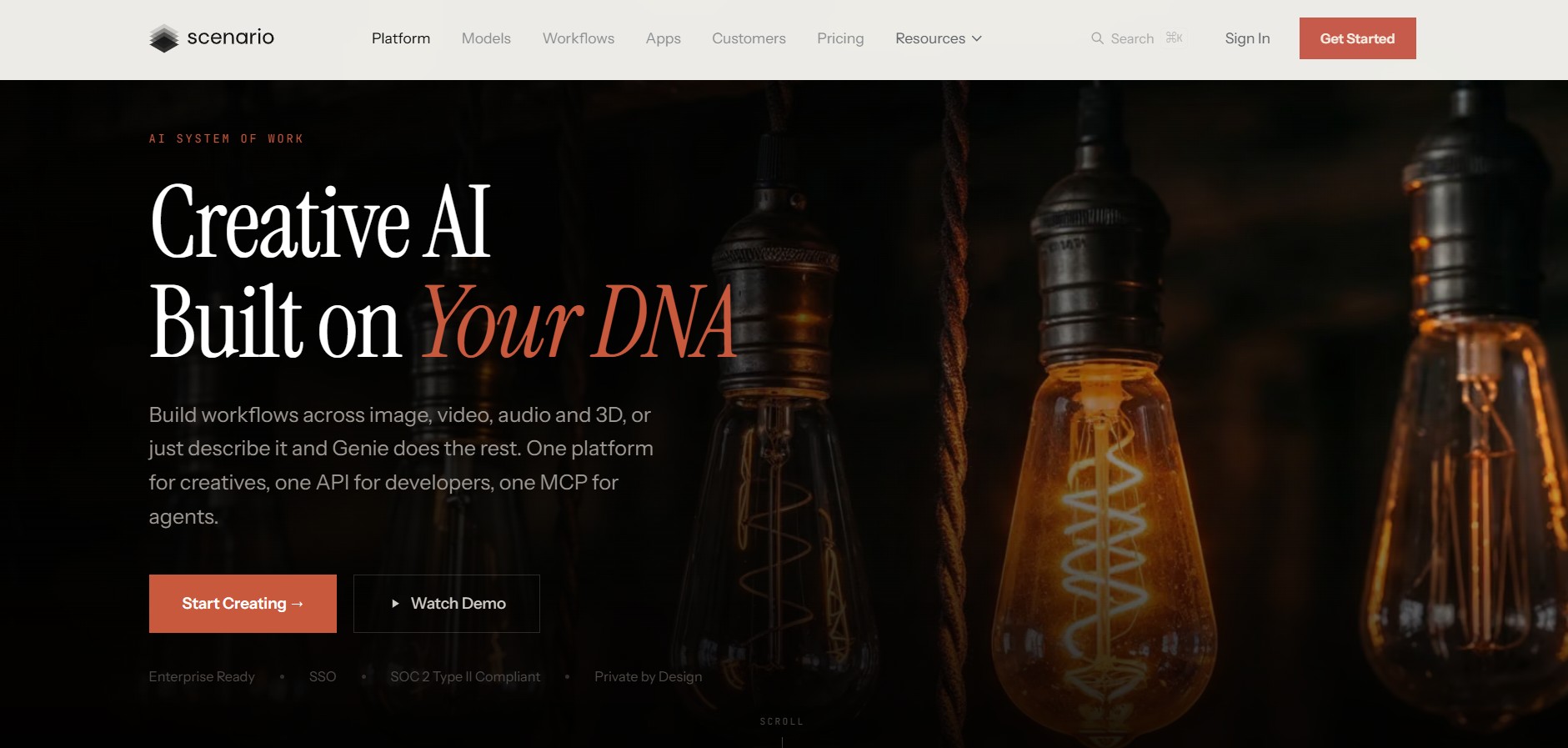
Scenario is an AI-powered creative infrastructure and game asset generation platform that enables game developers, digital artists, and creative studios to train custom style-consistent AI models and produce 2D graphics, 3D meshes, textures, and video assets via web studio and production REST APIs.
 4.8
4.8Meshy AI
3D
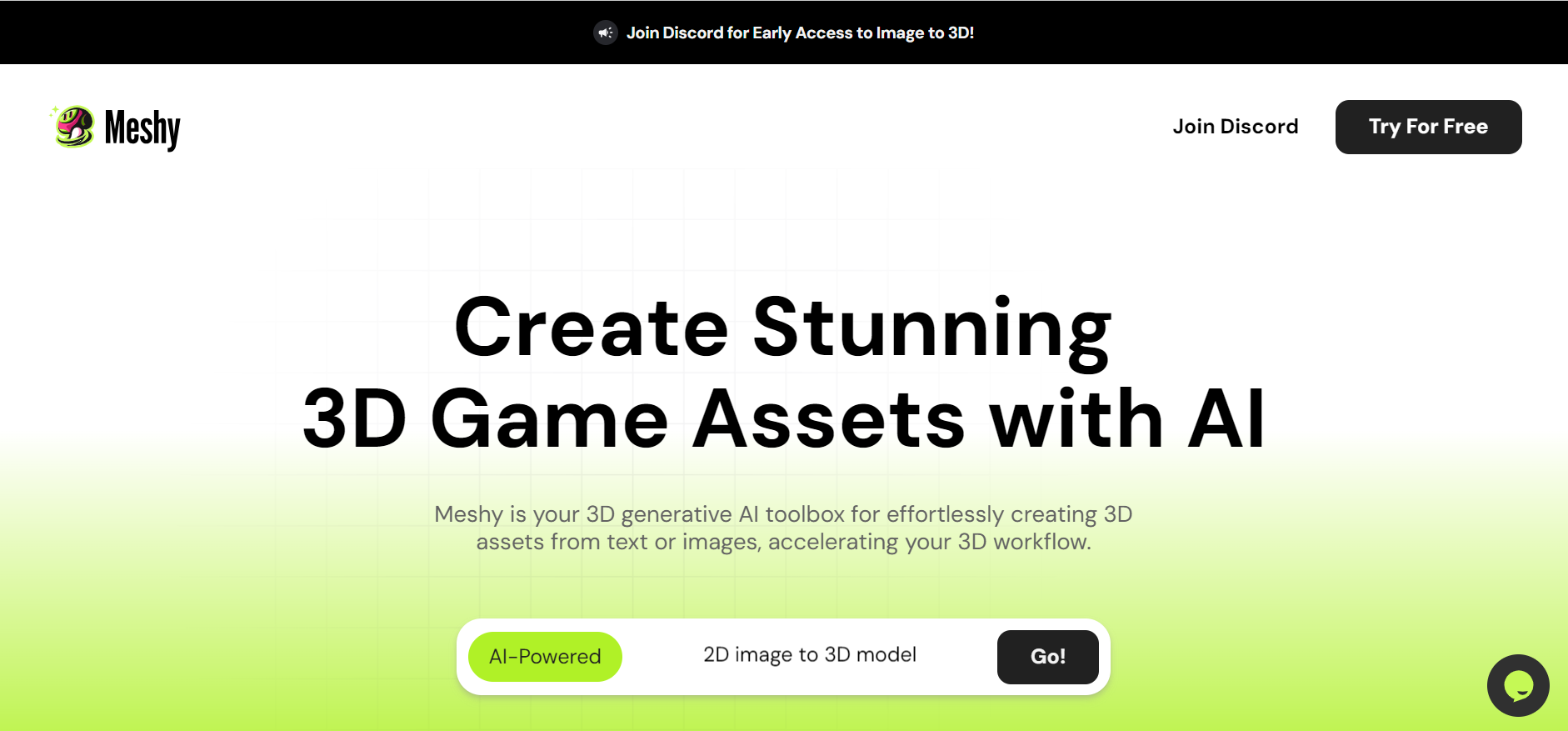
Meshy AI is a generative 3D AI modeling platform that turns text prompts and 2D concept images into textured, production-ready, and 3D-printable models with automated PBR texturing, rigging, animation, and multi-format exports.
 4.7
4.7Fiddl.art
3D
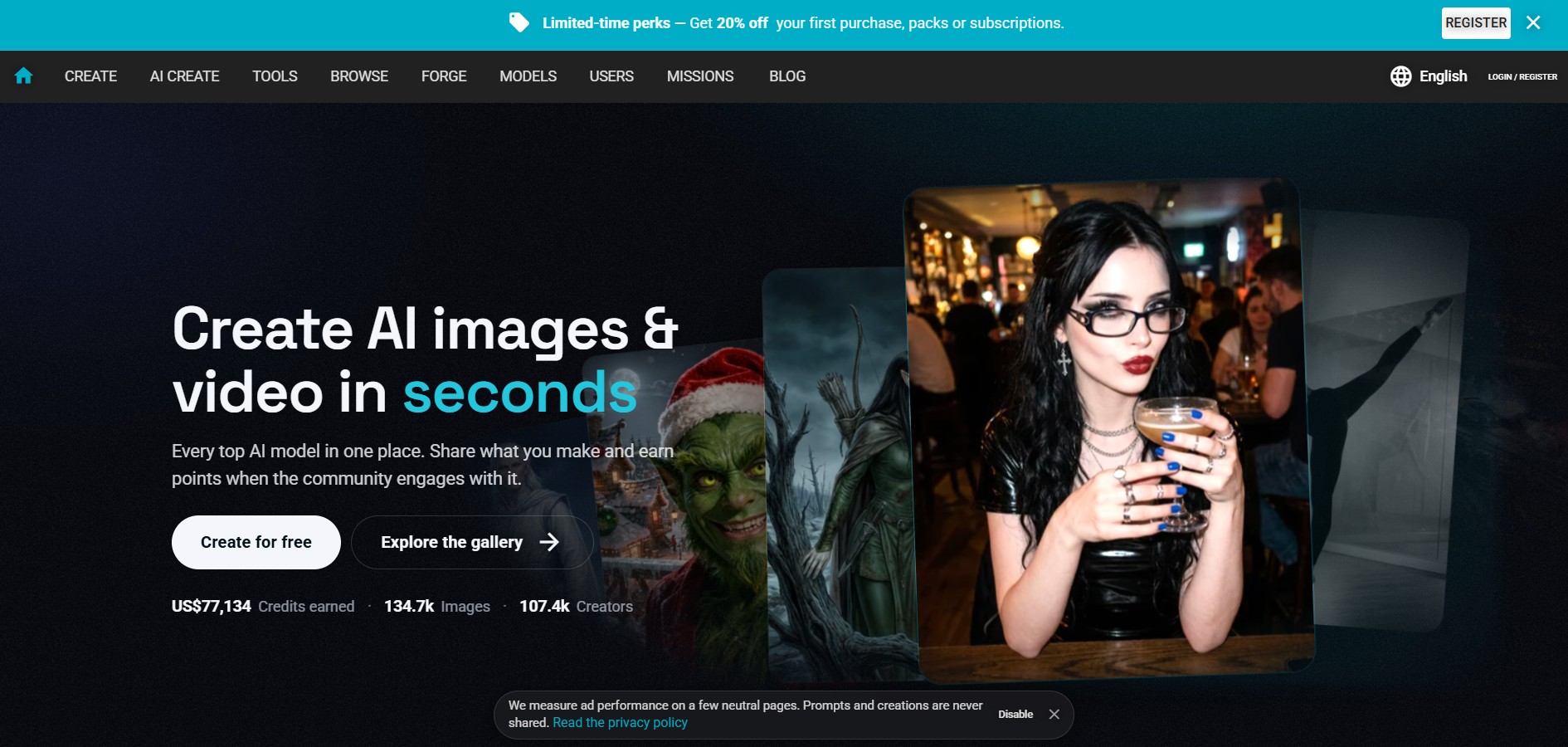
Fiddl.art is a browser-based AI art studio and social platform that enables digital artists, creators, and hobbyists to generate AI images and videos, train custom models, remix prompts, and monetize digital assets through a creator-driven economy.
 4.7
4.7PixMaker AI
3D
PixMaker AI is an AI-driven image editing and product photography platform designed to generate professional-grade graphics, high-converting e-commerce product photos, marketing banners, and visual content with automated AI design tools.
 4.8
4.8Dreamina AI
3D
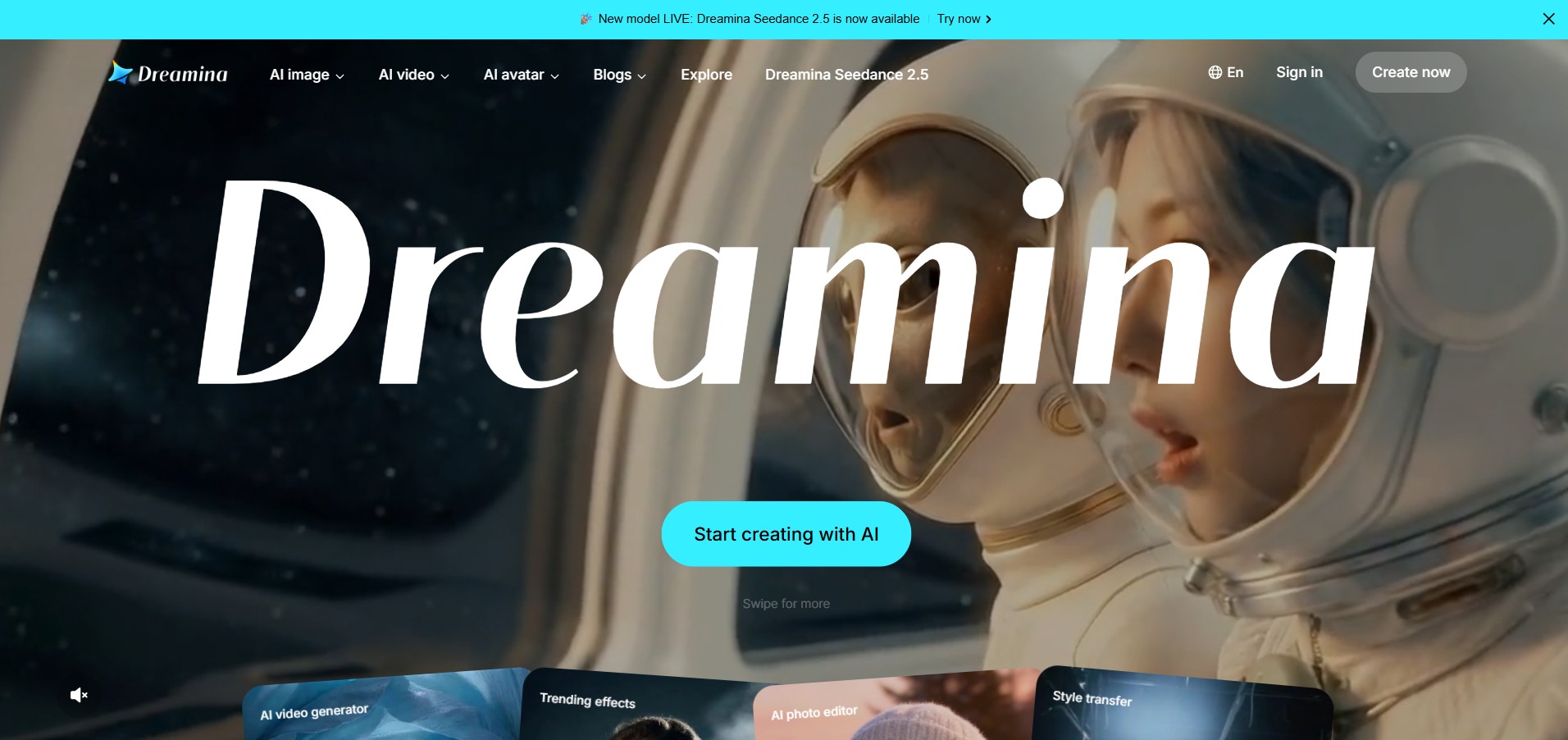
Dreamina AI is an advanced multi-modal AI art and video generation platform developed by ByteDance (CapCut) that enables creators to transform text prompts and reference images into high-resolution visual artwork, motion graphics, and video clips.
 4.8
4.8QuickMagic
3D
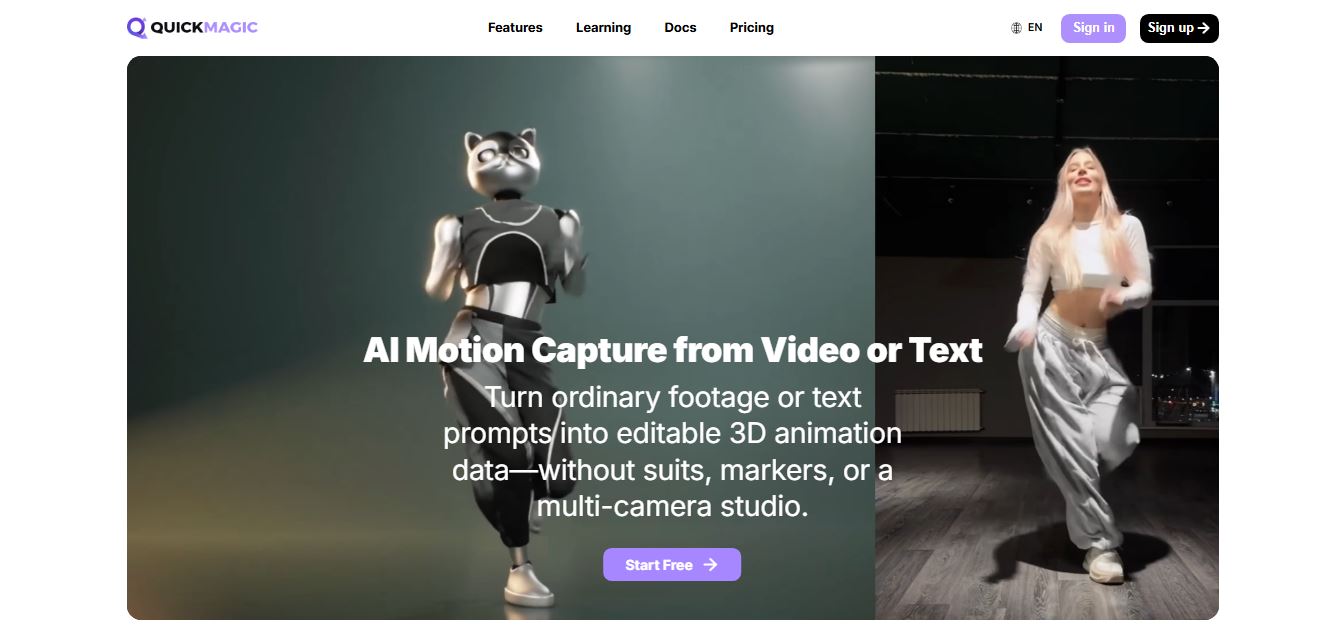
QuickMagic AI is an AI-powered motion capture tool that converts video footage and text prompts into editable 3D character animations. It helps animators, game developers, and content creators capture body, hand, and facial movements without specialized suits, markers, or expensive multi-camera studio setups.