
PicWish
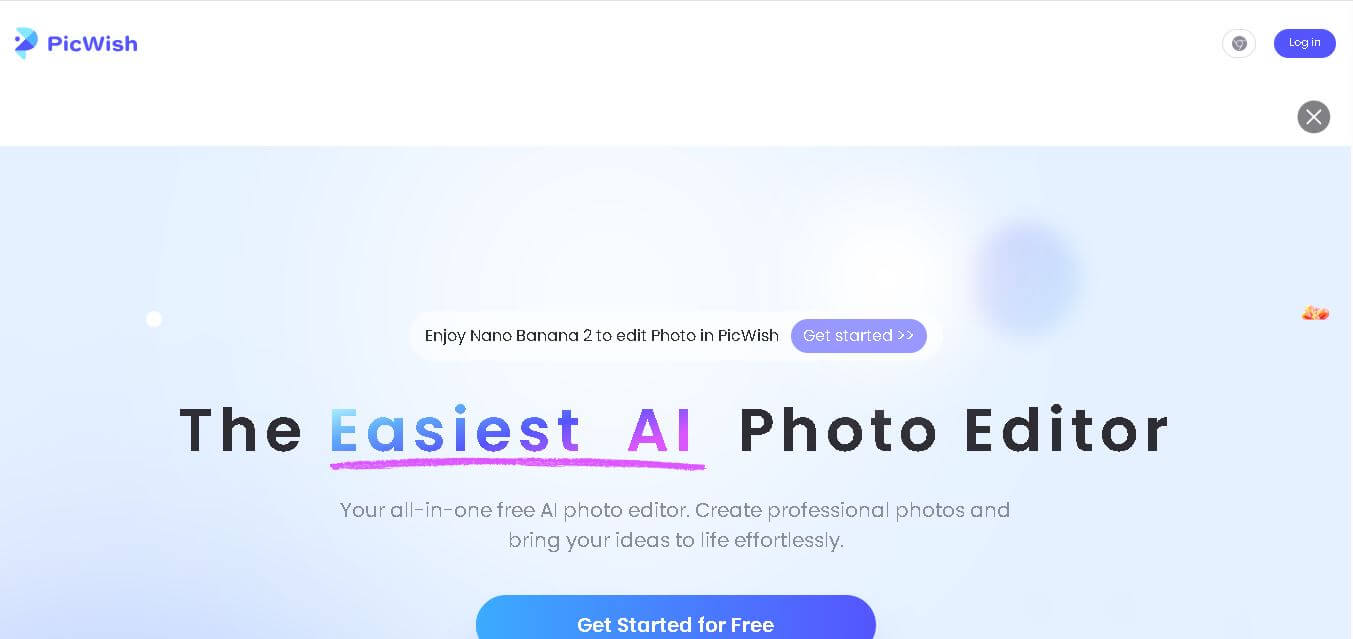
PicWish is an AI-powered image editing tool that removes backgrounds, enhances photos, and optimizes visuals quickly, helping users create professional-quality images effortlessly online.
What is PicWish AI?
- Founders: Developed by a team of AI and software experts (parent company: Apowersoft)
- Launch: Introduced as part of modern AI image editing solutions in recent years
- Use Cases:
- E-commerce product image editing
- Social media content creation
- Marketing and branding visuals
- ID photo generation
- Graphic design assistance
- Technology:
- Advanced AI and deep learning algorithms
- Computer vision for edge detection and segmentation
- Cloud-based processing for fast performance
PicWish is an AI-powered image editing platform that simplifies image editing by automating complex tasks like background removal, photo enhancement, and object retouching. Designed for both beginners and professionals, it allows users to create high-quality visuals without requiring advanced technical skills. The tool uses intelligent algorithms to detect edges, refine details, and produce clean outputs within seconds. Whether for e-commerce, social media, or personal use, PicWish offers a fast and efficient solution for visual content creation. Its intuitive interface, combined with powerful AI capabilities, makes it a popular choice for users looking to save time while achieving professional-level image results.
Key Features
PicWish AI key features are
- AI Background Remover:
Automatically removes image backgrounds with high precision, delivering clean cutouts in seconds without manual effort. - Batch Image Processing:
Allows users to edit multiple images simultaneously, saving time for businesses handling large volumes of product photos. - Photo Enhancer:
Improves image quality by sharpening details, correcting colors, and increasing resolution for clearer visuals. - Object Removal Tool:
Easily removes unwanted objects, watermarks, or distractions from images with minimal effort. - Portrait Enhancer:
Enhances facial features, smoothens skin, and improves lighting for professional-looking portraits. - Background Templates:
Offers ready-made backgrounds and customizable templates for quick and attractive designs. - ID Photo Maker:
Generates passport-size and official ID photos with proper dimensions and background adjustments. - User-Friendly Interface:
Simple drag-and-drop functionality makes it accessible for beginners and non-designers.
Pricing
- Free Plan:
- Limited features
- Watermarked downloads
- Basic editing tools
- Pay-As-You-Go:
- Purchase credits for image processing
- Suitable for occasional users
- Subscription Plans:
- Monthly or yearly plans
- Access to premium features
- High-resolution downloads without watermark
Disclaimer: For the latest and most accurate pricing information, please visit the official PicWish AI website.
Who is using it?
A diverse range of users and organizations utilize PicWish AI
- E-commerce sellers for product image optimization
- Digital marketers for campaign visuals
- Content creators for social media posts
- Photographers for quick editing workflows
- Students and individuals for personal projects
- Small businesses for branding and promotions
Alternatives
Some PicWish AI alternatives are
- Remove.bg
- Canva Background Remover
- Adobe Express
- Fotor
- Slazzer
- PhotoRoom
Conclusion
PicWish stands out as a powerful yet easy-to-use AI image editing tool that caters to a wide range of users. Its ability to automate tasks like background removal, enhancement, and batch processing makes it highly efficient for both personal and professional use. The platform reduces the need for complex software while delivering high-quality results in seconds. With flexible pricing options and a growing set of features, PicWish continues to be a reliable solution for modern visual content needs. Whether you are an entrepreneur, designer, or casual user, it provides the tools needed to create polished and engaging images effortlessly.
People are also reading
FAQ
What is PicWish used for?
PicWish is used for background removal, photo enhancement, and creating professional-quality images using AI technology.
Is PicWish free to use?
Yes, it offers a free version with limited features, but premium plans provide advanced tools and watermark-free downloads.
Can beginners use PicWish easily?
Yes, its simple interface makes it beginner-friendly with no technical skills required.
Does PicWish support batch editing?
Yes, users can process multiple images at once, which is ideal for businesses.
Is PicWish suitable for e-commerce?
Absolutely, it is widely used by e-commerce sellers for product image editing and background removal.
Does PicWish work online or offline?
PicWish mainly works as an online tool, but some versions may support desktop usage.
User Reviews
No reviews yet for PicWish.
Featured Tools
Featured AI tools from TechShark

Melody Genie
MelodyGenie is an AI-powered music generator that creates original songs from simple text prompts. Users can choose styles, moods, and genres, then instantly generate melodies and full tracks, making it easy for creators, marketers, and hobbyists to produce custom music without musical expertise.
Freemium

Kimi AI
Kimi AI is an advanced AI assistant developed by Moonshot AI that helps you chat, research, write, code, and automate tasks in one place. It supports web search, file analysis, and multimodal inputs, and can even run autonomous “agent” workflows to complete complex tasks end-to-end.
Freemium

Fashion Diffusion AI
Fashion Diffusion is an AI-powered fashion design platform that helps brands and designers create clothing designs, virtual try-ons, AI models, product photos, and marketing visuals faster and cost-effectively.
Paid

Veo 4
Veo 4 AI is an AI video creation platform that generates dramatic videos from text, images, audio, and video prompts using realistic motion and synchronized sound.
Paid
Alternatives
Alternatives to PicWish
PicWish is a smart AI image editing platform designed for background removal, photo enhancement, and batch processing. It enables individuals and businesses to create clean, high-quality visuals quickly without advanced design skills.
 4.7
4.7Flux.ai
Design
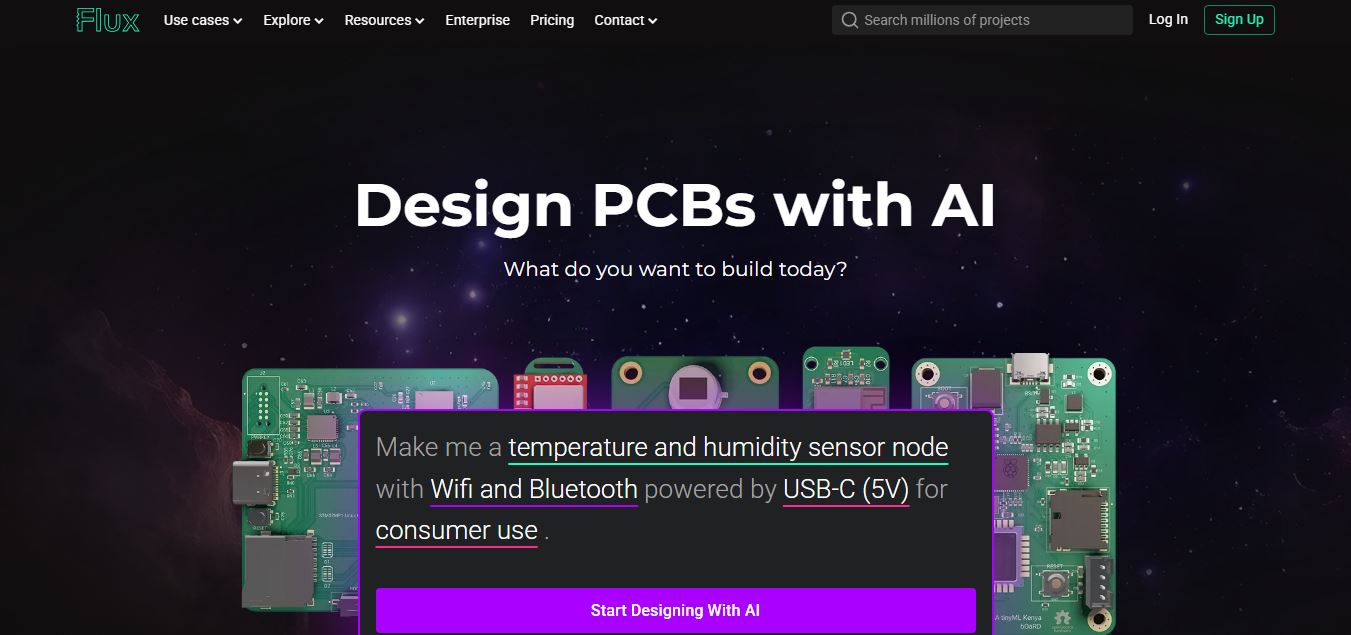
Flux AI is an AI-powered electronics design platform that helps engineers create schematics, design printed circuit boards (PCBs), select components, and optimize routing. Its browser-based workspace supports real-time collaboration, design validation, and manufacturing exports, making hardware development more accessible for individuals, startups, and engineering teams.
 4.8
4.8Repaint
Design
Repaint helps entrepreneurs and small businesses build websites, online stores, booking systems, and custom web applications using AI chat. Users can generate designs, edit content, manage customer accounts, accept payments, and organize business data without traditional coding. It offers subscription plans with different usage limits and business management capabilities.
 4.8
4.8SWAPP
Design
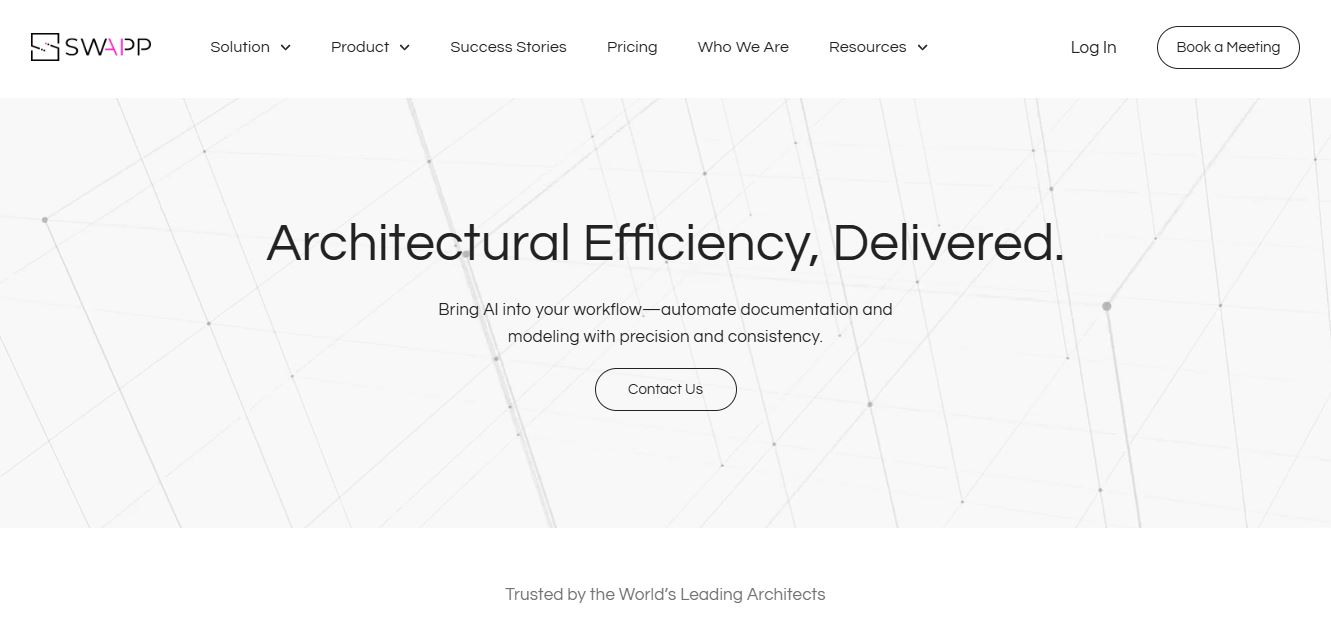
SWAPP helps architecture firms automate construction documentation, BIM modeling, and QA work inside Revit and ArchiCAD. Its Frank agent applies firm-specific standards to repetitive production tasks, while workflow memory preserves organizational knowledge. The platform is suited to teams seeking faster delivery, consistency, and less manual production effort across complex projects.
 4.9
4.9Elasticsearch
E-commerce
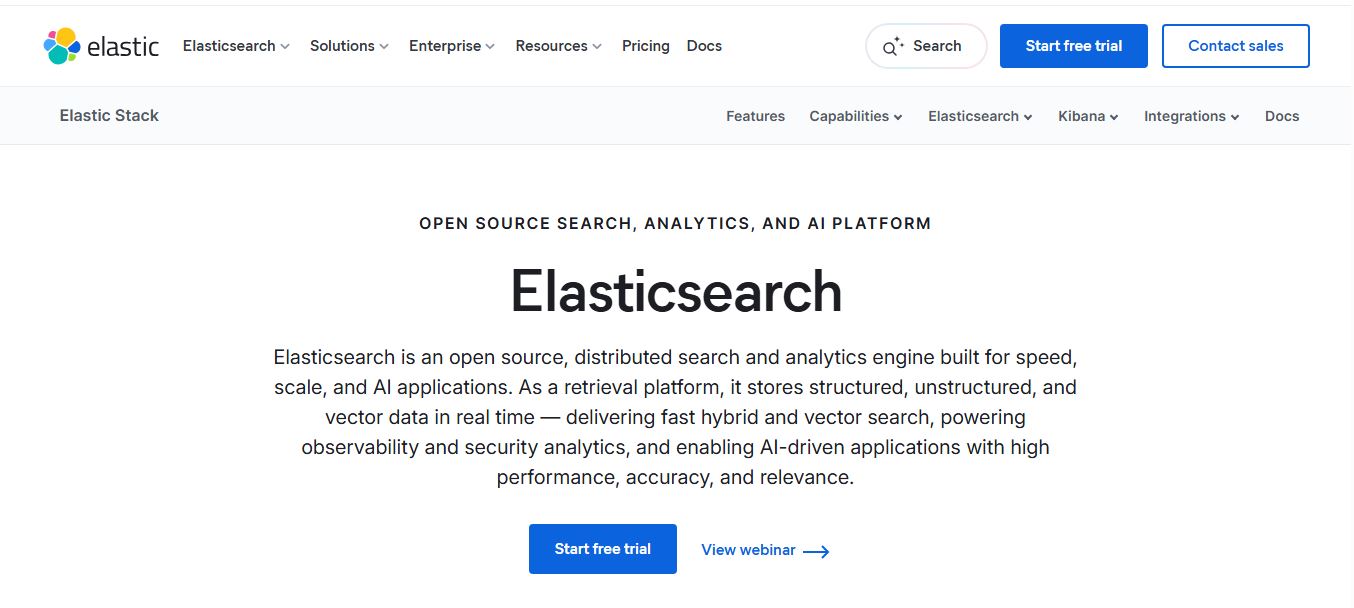
Elasticsearch is an open-source, distributed search and analytics engine that helps teams store, search, and analyze structured, unstructured, and vector data in real time. It powers full-text search, AI-driven applications, and large-scale analytics with high speed, relevance, and scalability across cloud or on-prem environments.
 4.9
4.9Bloomreach
E-commerce
Bloomreach is an AI-powered ecommerce experience platform that helps businesses deliver personalized marketing, search, and shopping experiences across channels. It unifies customer and product data, uses Loomi AI for real-time decisioning, and automates campaigns, enabling brands to increase conversions, engagement, and revenue.
 4.9
4.9Coveo
E-commerce
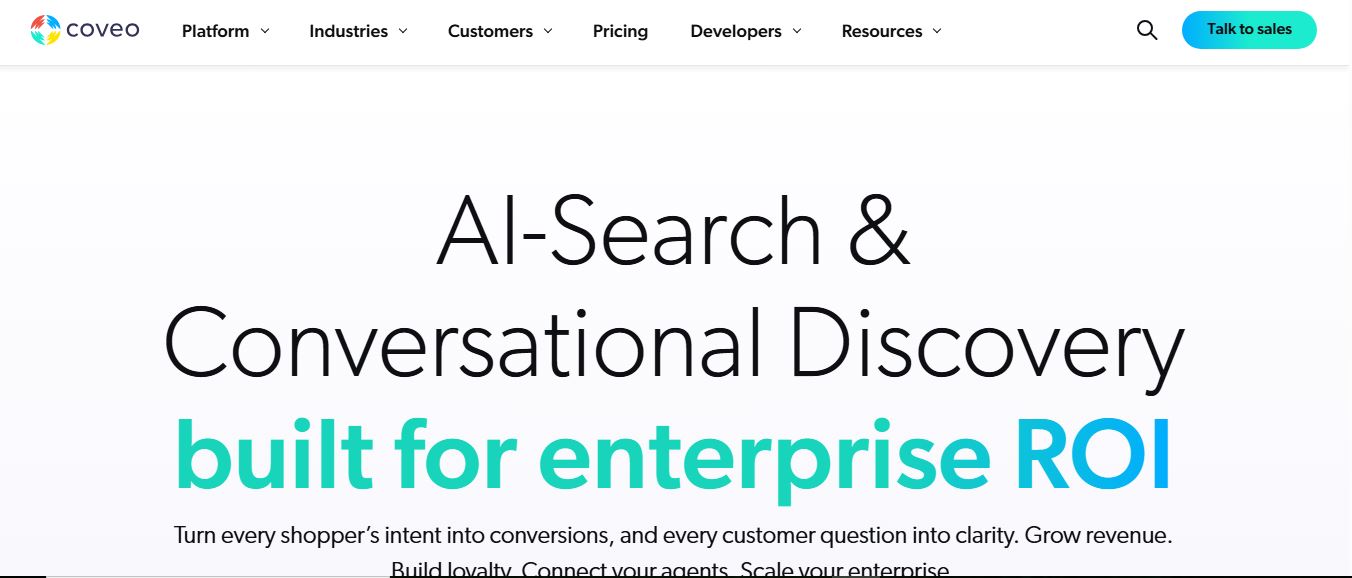
Coveo is an AI-powered relevance and search platform that helps enterprises deliver personalized search, recommendations, and generative answers across websites, ecommerce, service, and workplace apps. It unifies data into a single index and uses machine learning to match user intent with the most relevant content and experiences.
 4.9
4.9Salesforce AI Shopping Assistants
E-commerce
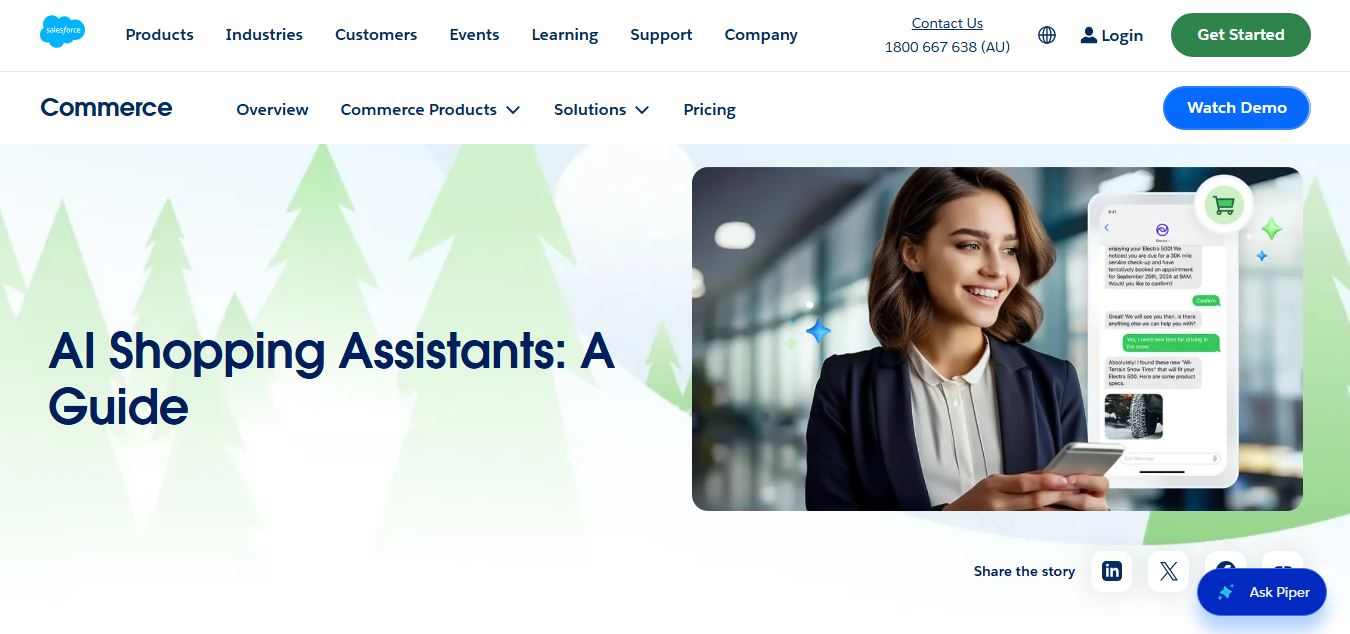
Salesforce AI Shopping Assistants are AI-powered conversational agents that help customers discover, compare, and purchase products using natural language. They use real-time product, customer, and inventory data to deliver personalized recommendations, automate checkout tasks, and improve conversions through guided, end-to-end shopping experiences.
 4.9
4.9Zoovu
E-commerce
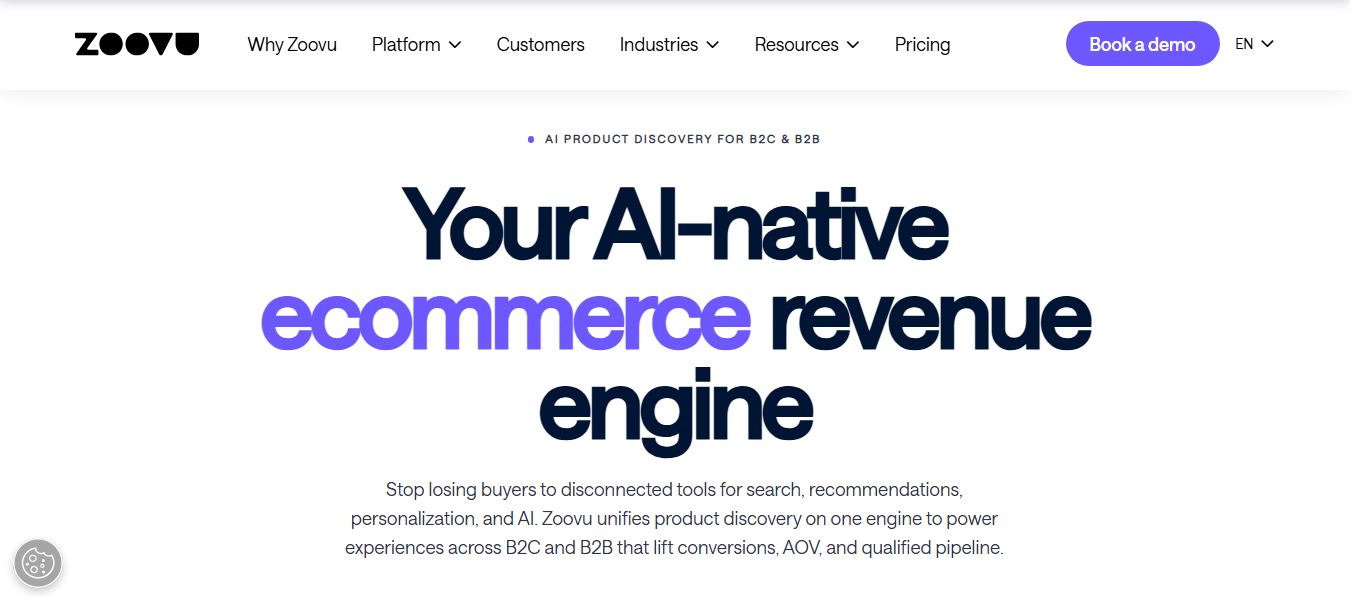
Zoovu is an AI-powered product discovery platform that helps ecommerce and B2B companies guide customers to the right products using AI search, personalization, and recommendations. It unifies data, conversational assistants, and guided selling to increase conversions, average order value, and overall customer experience.
 4.9
4.9Adobe Stock
Design
Adobe Stock is a creative asset marketplace that helps designers and businesses access millions of royalty-free images, videos, templates, and 3D assets. It integrates with Adobe Creative Cloud, enabling users to search, customize, and license high-quality visuals quickly for marketing, design, and content creation.