
ON1 Photo RAW
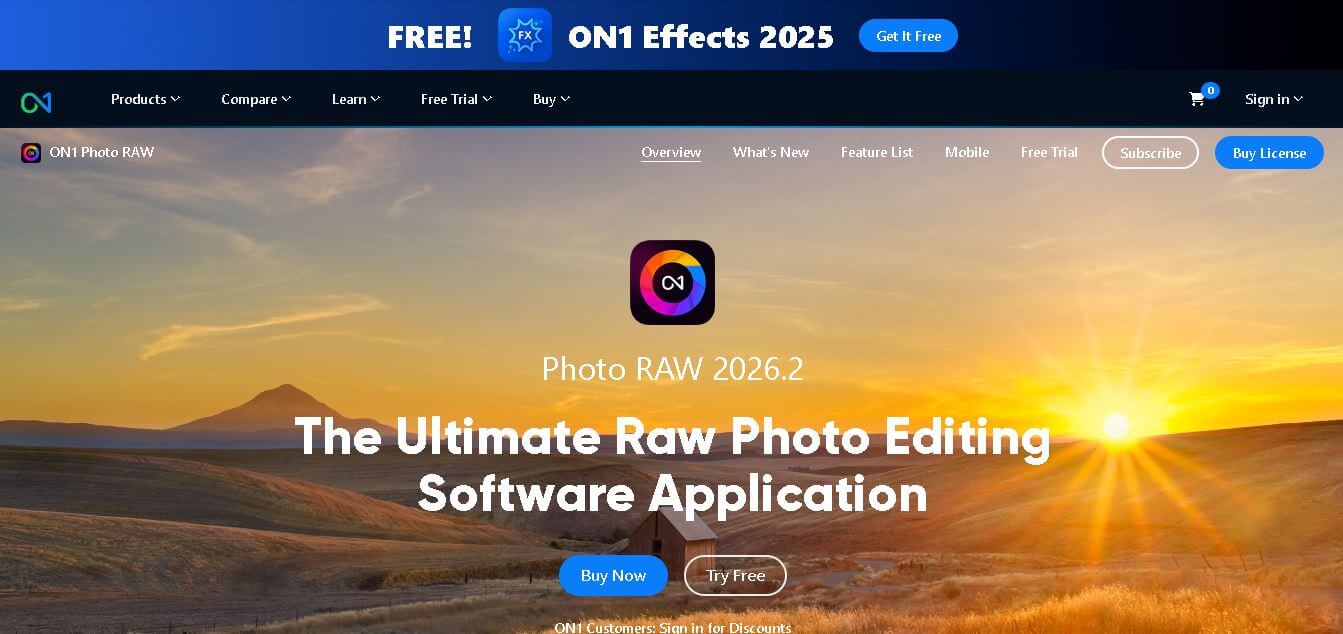
ON1 Photo RAW is a powerful, all-in-one AI-driven photo editor and organizer offering non-destructive RAW editing, layers, masking, and advanced tools in a unified workflow.
ON1 Photo RAW?
- Founders: ON1, Inc. is the parent company of Photo RAW.
- Launch: ON1 Photo RAW is a fantastic app that has gone through several iterations across multiple full versions per year (and some years, on annual use cases as well as less important functionality and minor "bug" fixes). Those new versions also had new functionality with generative AI tools, better masking possibilities (as well as the speed that the photo editing community now expects), and non-destructive depth-aware editing.
Use Cases
- Example use cases include
- RAW conversion and tonal and color correction for final output
- Composite creation using their masks and layers
- Sky replacement, subject removal, and other local retouching work
- Any—or all—rough and final output images for website, print, social media, or client use
Technology: On one hand, ON1 Photo RAW is a non-destructive and lossless solution for your capture. All the edits are accomplished in a way to preserve the original file without any loss of information. AI modules at their disposal include scene optimization, selecting part of the image (sky, subject, and background from AI), and noise reduction—plus generative AI capabilities: content-aware fills (or refills) with matching content and significant and simple-to-marvelous (depth-aware) editing possibilities (masked for foreground, midground, and background separation).
Lastly, the built-in "browsing, editing, and export" pipelines create a singular tool for one workflow.
ON1 Photo RAW is an AI-powered image editing platform that simplifies photography workflows by combining RAW image processing, cataloging, and creative retouching all within one environment. Photographers have control over edits with non-destructive editing tools, advanced masking, and intelligent features like Brilliance AI. You don’t have to switch between editors and plugins. Whether you are editing landscapes or portraits, ON1 Photo RAW is designed to keep everything simple for you so you can focus on your creative process—not managing your software. This balance between some automation and full manual control is appealing to everyone from hobbyists to professionals.
Key Features
ON1 Photo RAW key features are
- The key features in ON1 Photo RAW are
- RAW and non-destructive editing: All edits can always be modified or removed without touching the original file.
- Intelligent enhancement (Brilliance AI, etc.): Automatic correction can be accomplished and fine-tuned.
- Smart mask and subject selection (Super Select AI, etc.):
- Generative content fill tools: Remove items and generative fill that will be in harmony (matching content).
- Depth-aware editing: Applies adjustment depending on foreground or mid- or background mask
Pricing
- One-time purchase
- Annual subscription option
- Monthly subscription plan
- Free trial available
Disclaimer: For the latest and most accurate pricing information, please visit the official ON1 Photo RAW website.
Who is using it?
A wide range of users and organizations are using ON1 Photo RAW
- Professional photographers
- Photography enthusiasts
- Creative content creators
- Wedding and portrait editors
- Landscape photographers
Alternatives
Some ON1 Photo RAW alternatives are
- Adobe Lightroom and Photoshop
- Capture One
- DxO PhotoLab
- Skylum Luminar/Luminar Neo
- Darktable / RawTherapee
- Affinity Photo
Conclusion
ON1 Photo RAW represents a solid offering, with robust AI features, nondestructive RAW editing, layered compositing, and photo management built into one application. Those who do not desire a subscription plan will find ON1's one-time licensing model attractive. Although its generative features are still being developed, the program has an established suite of editing tools and a well-thought-out workflow that position it as a solid choice for photo editing. If you appreciate both automation and precision, ON1 Photo RAW is a product you should consider when exploring the trial.
People are also reading
FAQ
Does ON1 Photo RAW require an ongoing subscription?
No. The base license can be purchased outright, though optional bundle plans may use subscription models.
Can ON1 Photo RAW function as a plugin inside Photoshop or Lightroom?
Yes, in its “Max” version, ON1 tools can integrate as plugins.
What platforms are supported?
ON1 Photo RAW supports both macOS and Windows systems.
Is there a trial version available?
Yes, ON1 typically offers a full-featured trial (e.g., 30 days) for new users.
How frequent are major updates?
ON1 issues major annual versions and periodic incremental updates during the year.
How well do ON1’s AI tools perform?
ON1’s AI features (scene optimization, masking, and content fill) are regarded as effective and improving with each version; user control is maintained to adjust or override automated results.
User Reviews
No reviews yet for ON1 Photo RAW.
Featured Tools
Featured AI tools from TechShark

Melody Genie
MelodyGenie is an AI-powered music generator that creates original songs from simple text prompts. Users can choose styles, moods, and genres, then instantly generate melodies and full tracks, making it easy for creators, marketers, and hobbyists to produce custom music without musical expertise.
Freemium

Kimi AI
Kimi AI is an advanced AI assistant developed by Moonshot AI that helps you chat, research, write, code, and automate tasks in one place. It supports web search, file analysis, and multimodal inputs, and can even run autonomous “agent” workflows to complete complex tasks end-to-end.
Freemium

Fashion Diffusion AI
Fashion Diffusion is an AI-powered fashion design platform that helps brands and designers create clothing designs, virtual try-ons, AI models, product photos, and marketing visuals faster and cost-effectively.
Paid

Veo 4
Veo 4 AI is an AI video creation platform that generates dramatic videos from text, images, audio, and video prompts using realistic motion and synchronized sound.
Paid
Alternatives
Alternatives to ON1 Photo RAW
ON1 Photo RAW unites RAW processing, photo cataloging, creative effects, AI enhancements, and layered editing into a single application—ideal for photographers who want features like Lightroom and Photoshop without juggling multiple tools.
 4.7
4.7Flux.ai
Design
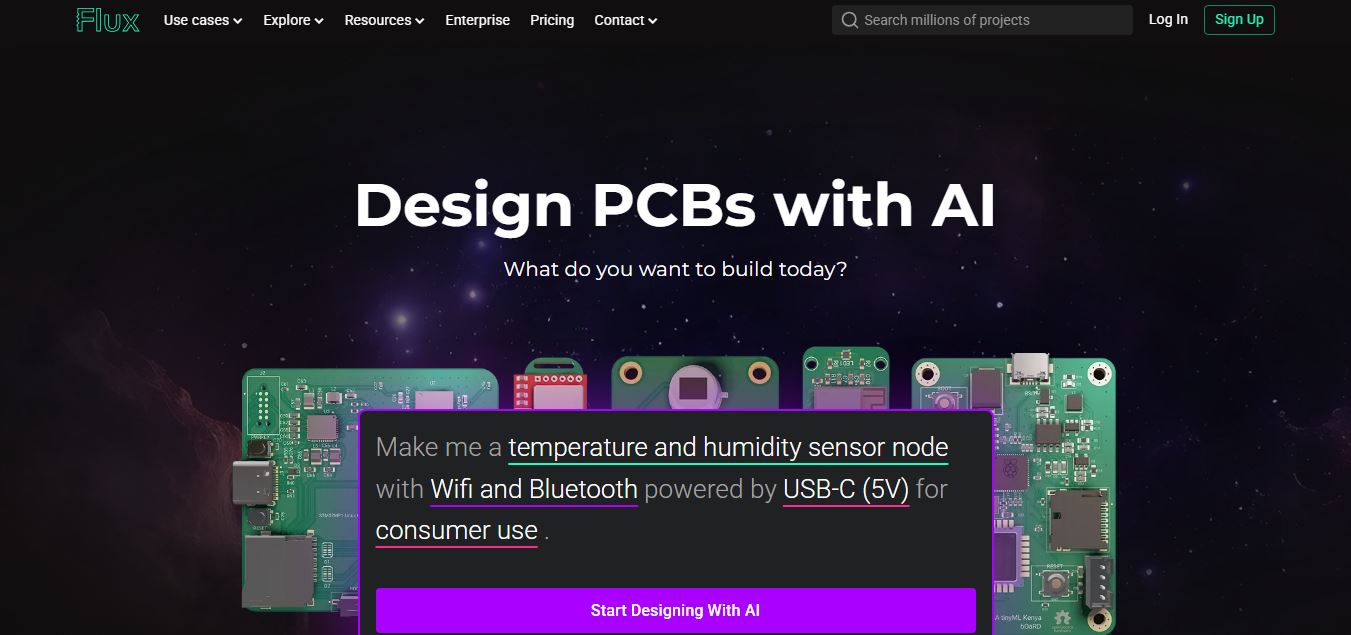
Flux AI is an AI-powered electronics design platform that helps engineers create schematics, design printed circuit boards (PCBs), select components, and optimize routing. Its browser-based workspace supports real-time collaboration, design validation, and manufacturing exports, making hardware development more accessible for individuals, startups, and engineering teams.
 4.8
4.8Repaint
Design
Repaint helps entrepreneurs and small businesses build websites, online stores, booking systems, and custom web applications using AI chat. Users can generate designs, edit content, manage customer accounts, accept payments, and organize business data without traditional coding. It offers subscription plans with different usage limits and business management capabilities.
 4.8
4.8SWAPP
Design
SWAPP helps architecture firms automate construction documentation, BIM modeling, and QA work inside Revit and ArchiCAD. Its Frank agent applies firm-specific standards to repetitive production tasks, while workflow memory preserves organizational knowledge. The platform is suited to teams seeking faster delivery, consistency, and less manual production effort across complex projects.
 4.9
4.9Adobe Stock
Design
Adobe Stock is a creative asset marketplace that helps designers and businesses access millions of royalty-free images, videos, templates, and 3D assets. It integrates with Adobe Creative Cloud, enabling users to search, customize, and license high-quality visuals quickly for marketing, design, and content creation.
 4.9
4.9Yellow Images
Design
Yellow Images is a digital marketplace that helps designers create branding and marketing visuals using high-quality mockups, fonts, PNGs, and graphic assets. It offers a large library of ready-to-use creative resources, enabling faster design workflows for agencies, freelancers, and ecommerce businesses.
 4.9
4.9Placeit
Design
Placeit is a browser-based design platform that helps creators and businesses generate mockups, logos, videos, and marketing visuals using ready-made templates. It allows users to quickly customize designs and download professional assets, making it ideal for ecommerce, social media, and branding without advanced design skills.
 4.8
4.8Perfomir
Real-Estate
Perfomir helps construction and infrastructure teams turn complex contracts into actionable risk intelligence. Through Contriqo, users can review clauses, identify obligations, monitor notice deadlines, detect emerging claim exposure, and track commercial risk throughout project delivery, giving project leaders and commercial teams earlier visibility for more informed contract decisions and actions.
 4.8
4.8Figma AI
Design
Figma AI brings generative and assistive tools directly into Figma workflows, helping designers move from ideas to editable designs, visuals, prototypes, and production-ready experiences faster. Users can generate concepts, edit images, search files, automate repetitive work, and collaborate with teammates while keeping creative exploration inside the familiar Figma design environment.
 4.8
4.8Edensign
Real-Estate
Edensignis an AI-powered real estate virtual staging and photo intelligence platform founded by Harvard GSD alumni George Zheng. It offers multi-view spatial consistency across room angles, automated decluttering, virtual renovation, 2D to 3D floor plan conversion, and listing enhancement tools in 15 seconds.