
Octoparse AI
Octoparse AI helps individuals and teams automate repetitive work across websites, Windows apps, Excel, and data files. Its no-code workflow builder, AI Copilot, bots, OCR, and ready-made apps make automation accessible without programming. It is especially useful for data extraction, lead generation, data transfer, productivity, and recurring operational tasks efficiently.
What is Octoparse AI?
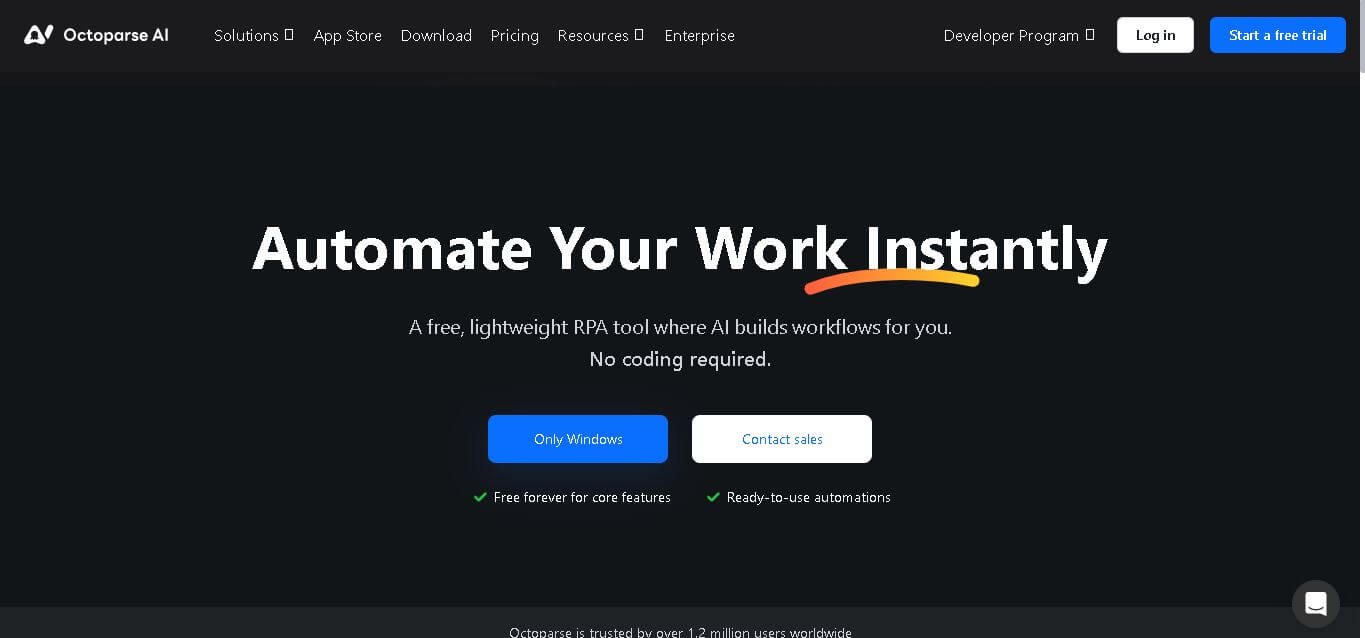
Octoparse AI is a no-code robotic process automation tool that helps users build workflows across websites, Windows applications, Excel, and data files. It lets you automate repetitive actions through natural language, drag-and-drop workflow design, or code. AI Copilot can turn task descriptions into workflows, while bots support unattended execution. The platform also brings AI features such as OCR, text processing, and CAPTCHA solving into automation, making cross-system business processes easier to manage.
Octoparse AI is trusted by more than 1.2 million users and offers features free forever. Its paid plans include Starter at $29 monthly and Team at $69 monthly, or $49 monthly when billed annually. New users can receive a 14-day Team trial. The platform provides AI Copilot, workflow automation, bots, webhooks, time triggers, OCR, and CAPTCHA solving. Octoparse AI currently supports Windows, while Chrome and Microsoft Edge are recommended for web automation. Usage-based resources can add costs beyond plan pricing.
- Platform Role: No-Code AI Automation Bot & Robotic Process Automation (RPA) Platform
- Developer & Organization: Octopus Data Inc. (Octoparse)
- Cross-Platform Access: Windows Desktop Application, Web Platform, and Cloud Runners
Use Cases:
- Automating B2B lead generation and prospect list extraction from social platforms and directory sites
- Executing web data extraction and auto-exporting directly to Google Sheets, Excel, or local databases
- Automating e-commerce workflows like inventory alerts, order notifications, and price tracking
- Embedding AI capability into routines for automatic text extraction, OCR document processing, and CAPTCHA handling
- Connecting legacy desktop software with modern cloud services without custom API integration
Technology:
- AI Copilot interface enabling workflow generation via natural language prompts and drag-and-drop actions
- Computer vision and OCR engines for interface navigation across desktop apps and complex web pages
- Integrated web auto-detection algorithms for automatic element recognition and data scraping
- Autonomous scheduling engine for 24/7 background bot execution and automated task triggers
Target Users:
- Growth marketers and sales teams harvesting prospective leads and social media metrics
- E-commerce managers tracking competitor catalog listings, pricing, and stock updates
- Operations professionals needing lightweight RPA tools to eliminate repetitive data entry
Acquisition: Direct software download and free tier access available via octoparse.ai.
What are the key features of Octoparse AI?
Octoparse AI's key platform features are
- AI Copilot Builder: Construct automated bots using natural language instructions, visually guided drag-and-drop steps, or custom logic.
- Cross-Application Automation: Link web browsers, local Windows applications, and flat files into unified, end-to-end task pipelines.
- Pre-Built Automation Templates: Access a library of community and official templates for social media extraction, Google Maps prospect harvesting, and inventory tracking.
- Embedded AI Capabilities: Native text extraction, translation, automatic CAPTCHA solving, and smart OCR for unstructured data processing.
- Continuous 24/7 Execution: Schedule background bots to run tasks, upload datasets, and issue notifications around the clock.
- Direct File & Cloud Integration: Seamless sync with Google Sheets, Dropbox, Excel workbooks, and custom webhooks.
How much does Octoparse AI cost?
Octoparse AI offers a free core model alongside enterprise options for advanced workloads.
Free Core Tier:
- Free Forever Plan: Free access for core features, allowing individuals and small teams to build and run basic RPA bots locally.
Commercial & Custom Tier:
- Enterprise & Sales Plans: Custom quotes for expanded cloud runners, concurrent executions, priority support, and team collaboration features.
Disclaimer: Pricing terms and core feature allowances may adjust based on cloud usage and team deployment needs. Check octoparse.ai for the latest terms.
Who should use Octoparse AI?
Octoparse AI is designed for non-technical teams and operations managers, including
- Sales & Business Development Teams: Professionals seeking automated contact gathering, directory extraction, and CRM list building.
- E-Commerce Operations Staff: Retailers needing automated product monitoring, order processing alerts, and sheet syncs.
- Agencies & Marketers: Teams conducting bulk influencer research, content tracking, and competitive analysis.
What are the best alternatives to Octoparse AI?
Some of the strongest Octoparse AI alternatives include
- Microsoft Power Automate
- UiPath
- Bardeen.ai
- Make.com
- Axiom.ai
What are the pros and cons of Octoparse AI?
What are the pros of Octoparse AI?
- No coding required, making RPA accessible via AI prompts and visual tools
- Native bridge between web browser tasks, local files, and Windows applications
- Free forever access for core feature sets and basic bot creation
- Pre-packaged workflow templates accelerate common operational setup times
What are the cons of Octoparse AI?
- Primary desktop client compatibility is currently limited to Windows environments
- Complex desktop UI automation may require tuning for dynamic visual layout shifts
- Cloud-based heavy automation tasks require paid plan scale-ups
Why should you choose Octoparse AI?
Octoparse AI removes the traditionally high barrier to entry associated with enterprise RPA tools. By combining AI natural language instructions with direct desktop and browser action controllers, it enables business operators to build 24/7 working bots without writing code or waiting for internal engineering support.
How does Octoparse AI compare to competitors?
While traditional RPA software like UiPath requires intensive setup, Octoparse AI focuses on lightweight, prompt-driven automation that links web scraping and desktop software rapidly.
| Feature / Platform | Octoparse AI | Power Automate | Bardeen.ai | UiPath |
|---|---|---|---|---|
| Primary Focus | No-Code AI & Web RPA | Microsoft Ecosystem Automation | Browser Automation & Scraping | Enterprise Process Automation |
| Workflow Builder | AI Prompt & Visual Drag-and-Drop | Low-Code Flow Canvas | Browser Extension & AI Prompts | Low-Code Studio & Scripts |
| Application Support | Web, Windows Apps, Files | Web, Desktop, Microsoft 365 | Web Browsers & Web APIs | Cross-Platform & Mainframe |
| Entry Tier | Free Core Features | Included with Windows / Pay Plans | Free Tier Available | Free Community / Enterprise Paid |
How do we rate Octoparse AI?
| Parameter | Rating (out of 5) |
|---|---|
| Ease of Use & AI Copilot Capabilities | 4.8 |
| Web & Application Automation Flexibility | 4.7 |
| Template Library & Readiness | 4.7 |
| Value for Money | 4.8 |
| Reliability & Execution Speed | 4.6 |
| Overall Score | 4.72 |
What is our review and verdict on Octoparse AI?
Octoparse AI delivers a practical and effective solution for teams wanting to automate routine tasks without complex software engineering. By connecting web scraping, AI prompt building, and desktop UI control into a unified tool, it serves as a powerful productivity booster for sales, operations, and e-commerce professionals.
Conclusion
Octoparse AI is a practical option for users who want to automate repetitive workflows without depending entirely on APIs or advanced coding. Its combination of RPA, AI Copilot, ready-made apps, bots, OCR, and cross-system automation makes it versatile for business tasks. The free plan provides an accessible starting point, while paid tiers add collaboration and scaling features for more demanding automation needs.
FAQ
Do I need coding skills to use Octoparse.ai?
No, Octoparse.ai offers a completely non-code interface.
Can it scrape JavaScript-heavy or dynamic websites?
Yes, it handles AJAX, dynamic, and infinite-scroll pages easily.
Is Octoparse.ai compliant with data privacy laws?
Yes, users must adhere to ethical scraping practices and website terms.
Does it offer cloud-based scraping?
Yes, Octoparse.ai provides cloud automation for continuous data extraction.
How can I export data from Octoparse.ai?
Data can be exported in CSV, Excel, or via API for integration with other tools.
User Reviews
No reviews yet for Octoparse AI.
Featured Tools
Featured AI tools from TechShark

Melody Genie
MelodyGenie is an AI-powered music generator that creates original songs from simple text prompts. Users can choose styles, moods, and genres, then instantly generate melodies and full tracks, making it easy for creators, marketers, and hobbyists to produce custom music without musical expertise.
Freemium

Kimi AI
Kimi AI is an advanced AI assistant developed by Moonshot AI that helps you chat, research, write, code, and automate tasks in one place. It supports web search, file analysis, and multimodal inputs, and can even run autonomous “agent” workflows to complete complex tasks end-to-end.
Freemium

Fashion Diffusion AI
Fashion Diffusion is an AI-powered fashion design platform that helps brands and designers create clothing designs, virtual try-ons, AI models, product photos, and marketing visuals faster and cost-effectively.
Paid

Veo 4
Veo 4 AI is an AI video creation platform that generates dramatic videos from text, images, audio, and video prompts using realistic motion and synchronized sound.
Paid
Alternatives
Alternatives to Octoparse AI
The best Octoparse AI alternatives include Microsoft Power Automate, UiPath, Bardeen.ai, and Axiom.ai. While Octoparse AI offers a lightweight prompt-driven RPA experience, alternatives like Power Automate and UiPath serve enterprise-scale systems integration.
 4.8
4.8Greenlite
Automation
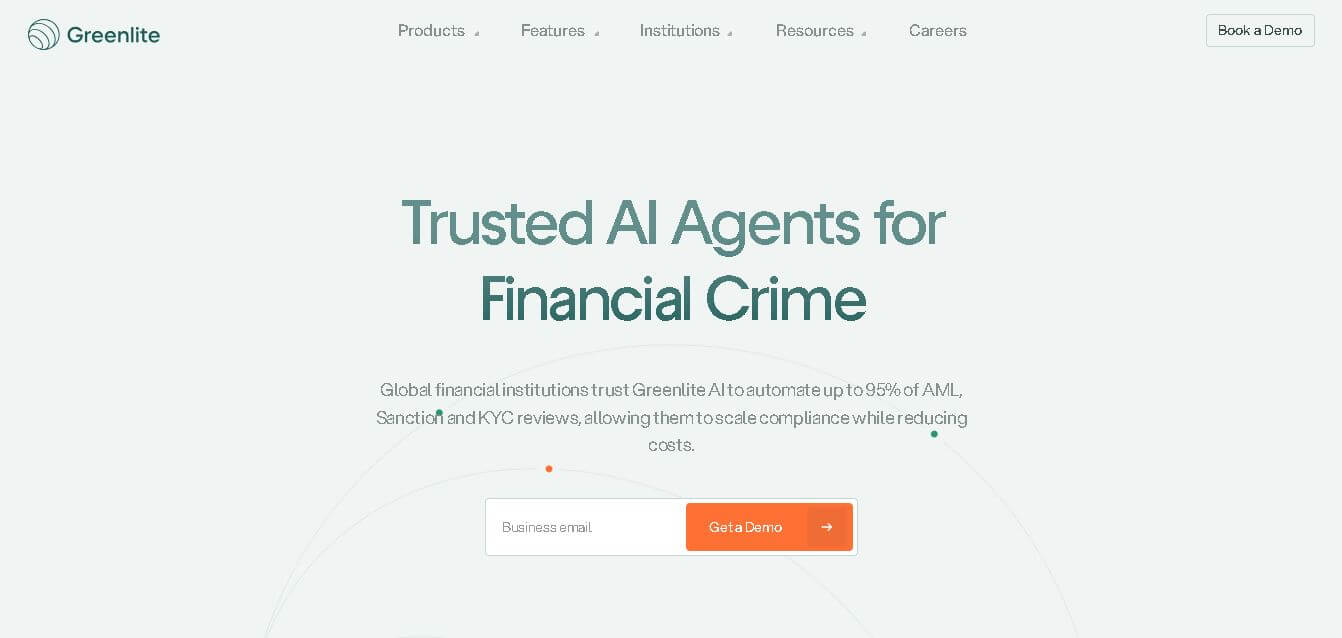
Greenlite helps financial institutions automate compliance and financial crime workflows using AI. It supports alert handling, AML reviews, due diligence, customer investigations, and documentation while maintaining evidence trails. The solution is designed for regulated organizations that need greater operational efficiency, scalable review capacity, consistent analysis, and audit-ready outputs without relying entirely on additional compliance staff.
 4.8
4.8Rossum
Automation
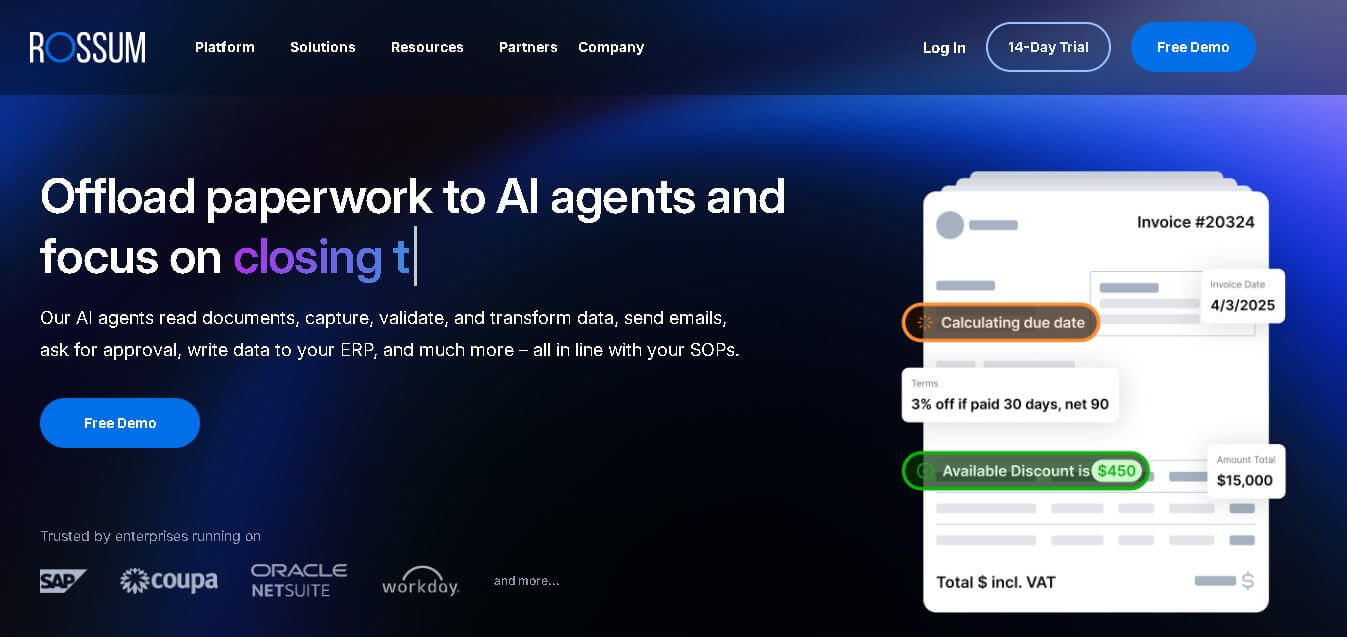
Rossum helps businesses automate transactional document workflows, including invoice and purchase-order processing. It receives documents from multiple channels, extracts and validates data, applies business rules, manages exceptions, and connects with downstream systems. Its AI agents support approvals, communications, and reporting for faster, more consistent business operations with less manual effort.
 4.7
4.7Rocket Sender
Automation
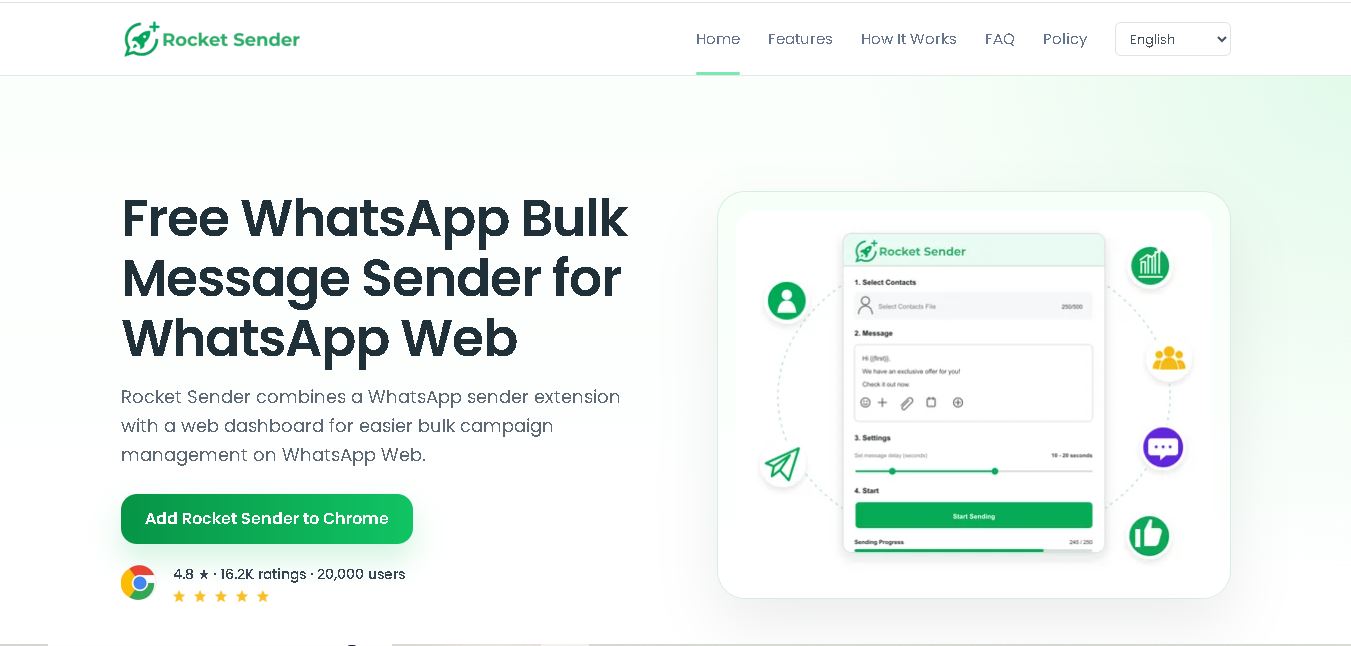
Rocket Sender is a free WhatsApp Web bulk messaging tool for organizing personalized outreach. It supports Excel contact imports, customized messages, attachments, sending intervals, pause and resume controls, and campaign progress tracking, making repetitive WhatsApp communication easier to manage directly through your browser and existing WhatsApp Web workflow.
 4.7
4.7BrowserAct
Automation
BrowserAct is a no-code web scraping and browser automation tool that turns natural-language instructions into reusable Bots. It helps users collect structured web data, handle dynamic pages and CAPTCHAs, schedule cloud runs, reuse browser sessions, and export results through CSV, JSON, APIs, webhooks, and popular workflow integrations without coding easily.
 4.8
4.8Pairaphrase
Automation
Pairaphrase helps teams translate documents, multimedia, and business content through a secure, centralized workflow. It combines multiple translation engines, formatting preservation, Translation Memory, glossaries, collaboration, and review tools. With support for 160+ languages and numerous file formats, it suits organizations managing recurring, sensitive, or high-volume multilingual translation projects more efficiently.
 4.6
4.6Chatzy AI
Automation
Chatzy AI helps businesses automate sales, customer support, lead qualification, and everyday conversations using intelligent AI agents. Teams can engage customers through WhatsApp, voice, websites, Instagram, Messenger, and other channels from one unified inbox. It also supports business knowledge sources, automation journeys, human handoffs, and multilingual customer interactions.
 4.7
4.7LinkedAPI
Automation
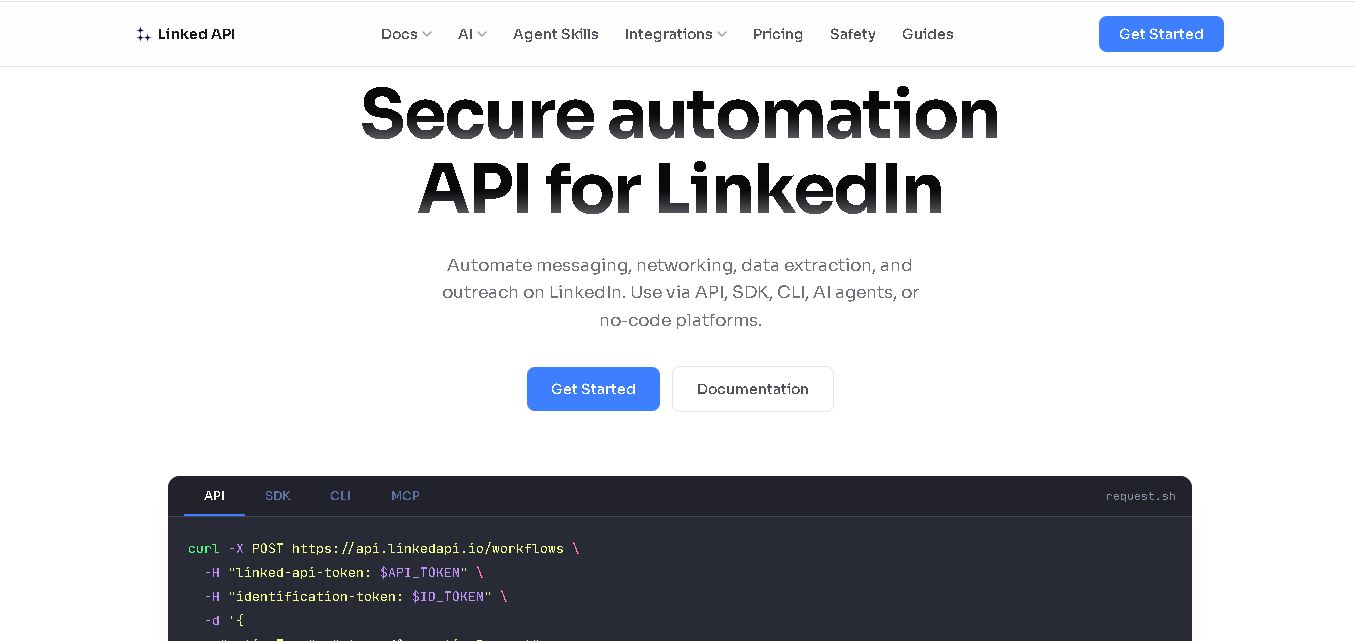
Linked API helps businesses, developers, and AI agents automate LinkedIn workflows without manually performing repetitive activities. Users can search profiles, collect data, send connection requests, manage messaging, and integrate LinkedIn activities into external workflows. It supports API, SDK, CLI, MCP, n8n, Make, and other automation environments for scalable operations.
 4.8
4.8Capgo
Automation
CapGo AI helps AI and SaaS businesses increase organic and AI search visibility through SEO, GEO, programmatic SEO, and content automation. Its spreadsheet-based CapGo Table supports research, large-scale page creation, optimization, and publishing workflows, helping marketing teams transform company data into searchable content for Google and AI assistants more efficiently.
 4.8
4.8Bannerbear
Automation
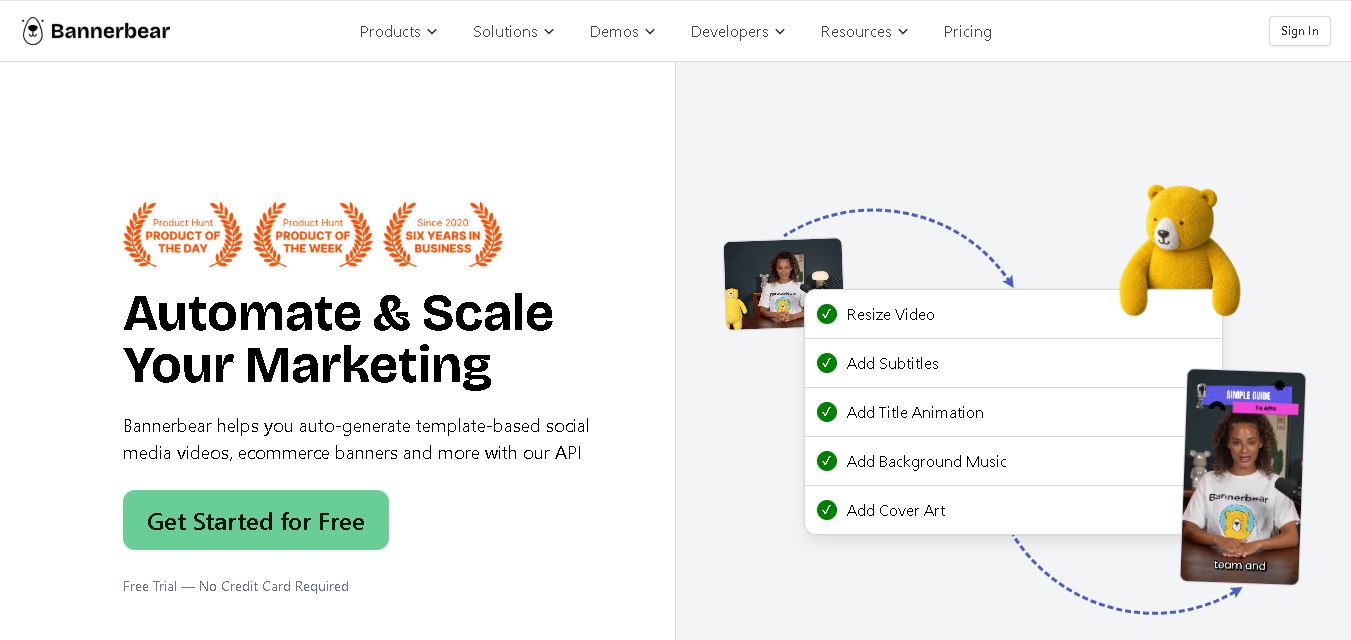
Bannerbear helps teams automate branded visual content using reusable templates, APIs, integrations, forms, and workflows. It can generate images, PDFs, animations, and videos while keeping designs consistent. Developers and marketers can create multiple content variations from structured data, reducing repetitive manual design work and supporting scalable content production at scale.