
Rocket Sender
Rocket Sender is a free WhatsApp Web bulk messaging tool for organizing personalized outreach. It supports Excel contact imports, customized messages, attachments, sending intervals, pause and resume controls, and campaign progress tracking, making repetitive WhatsApp communication easier to manage directly through your browser and existing WhatsApp Web workflow.
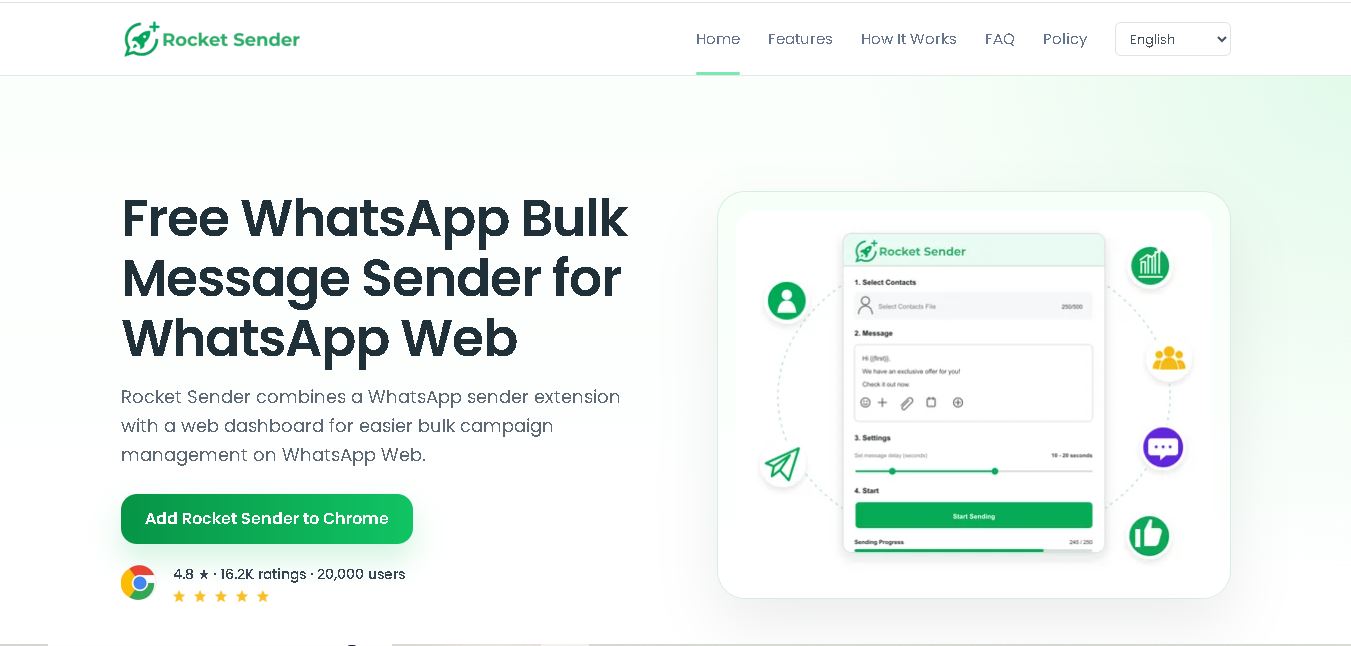
What is Rocket Sender?
Rocket Sender is a WhatsApp Web messaging tool that helps users prepare, personalize, and manage bulk communication through a Chrome extension and web dashboard. It lets you import contacts, customize messages with recipient variables, attach media, control sending intervals, and monitor campaign progress. Actual message sending takes place through your authenticated WhatsApp Web session rather than a separate messaging API.
Rocket Sender is a WhatsApp Web bulk messaging solution with a Chrome extension and browser-based campaign dashboard. Its website currently displays a 4.8-star rating, 16.2K ratings, and 20,000 users. The tool supports .xls and .xlsx contact imports, personalization variables, media attachments, sending intervals, pause/resume controls, and real-time progress tracking. Its official FAQ also states that users can attach up to 5 files per message and send without a separate API connection or Rocket Sender account.
- Platform Role: WhatsApp Bulk Messaging Extension & Marketing Tool
- Developer & Organization: Rocket Sender Team
- Cross-Platform Access: Google Chrome Extension (operates on WhatsApp Web)
Use Cases:
- Broadcasting promotional offers, newsletters, and announcements to opt-in customer lists
- Sending personalized notifications, appointment reminders, and billing updates using custom tags
- Uploading contact lists from Excel/CSV files directly into WhatsApp Web without saving numbers to a phone address book
- Attaching images, documents, PDFs, and video collateral alongside text messages in bulk broadcasts
- Managing time gaps and delay intervals between messages to prevent spam detection and maintain delivery safety
Technology:
- Chrome Extension architecture leveraging the native WhatsApp Web interface
- CSV/Excel parsing engine for custom field dynamic placeholder substitution (e.g., name, account balance)
- Customizable sending gap algorithms (randomized delays) to emulate natural human message rates
- Local storage privacy design ensuring customer contact lists remain locally stored on the user's browser
Target Users:
- Small business owners, local retailers, and service providers engaging repeat clients
- Digital marketers and sales teams conducting targeted cold outreach or follow-up campaigns
- Event organizers and community leaders dispatching group notifications and event updates
Acquisition: Consumer and SMB SaaS tool operated by Rocket Sender (rocketsender.co)

What are the key features of Rocket Sender?
Rocket Sender's key platform features are
- Bulk WhatsApp Messaging: Send mass messages to unsaved contacts directly through WhatsApp Web.
- CSV & Excel Contact Import: Easily upload spreadsheets to target hundreds or thousands of contacts in a few clicks.
- Message Personalization: Use dynamic placeholders like {Name} or custom variables to tailor messages per recipient.
- Attachment Support: Include photos, videos, PDFs, and document attachments within bulk dispatches.
- Randomized Delay Settings: Set customized time intervals between sent messages to maintain account security.
- Real-Time Campaign Tracking: Monitor messaging progress and delivery reports live on screen.
How much does Rocket Sender cost?
Rocket Sender operates under a freemium model offering a free tier with daily messaging limitations along with premium subscription plans for unlimited sending capabilities and advanced batch features.
Pricing Tiers:
- Free Plan ($0 / month): Basic bulk sending with daily message caps and standard contact list imports.
- Pro / Unlimited Plan (Monthly or Annual Subscription): Unlocks unlimited daily messages, priority batch processing, full media attachment support, and advanced delay controls.
Disclaimer: Pricing, feature availability, and message limits are subject to change. Check the official Rocket Sender website or Chrome Web Store listing for up-to-date subscription tiers.
Who should use Rocket Sender?
Rocket Sender is designed for businesses and marketers, including
- E-commerce & Retail Stores: Driving sales with flash promos, coupon codes, and order announcements.
- Real Estate & Sales Agents: Reaching prospective buyers with property listings and open house invitations.
- Marketing Agencies: Managing direct client broadcast campaigns through flexible browser automation.
What are the best alternatives to Rocket Sender?
Some of the top Rocket Sender alternatives include
- WA Web Plus
- WAPlus CRM
- WATI
- Interakt
- WhatsAutomate
- SendApp
What are the pros and cons of Rocket Sender?
What are the pros of Rocket Sender?
- No official WhatsApp API integration required, allowing instant browser-based setup
- Direct contact uploading via CSV without adding phone numbers to mobile contacts
- Intuitive browser extension interface built directly into WhatsApp Web
- Cost-effective alternative to expensive per-message WhatsApp Business API fees
What are the cons of Rocket Sender?
- Risk of account temporary suspension or banning if anti-spam delay settings are configured too aggressively
- Requires WhatsApp Web to remain open in an active browser tab during dispatches
- Lacks advanced multi-agent shared inbox capabilities compared to full API CRMs
Why should you choose Rocket Sender?
For small businesses and individual marketers, setting up the official WhatsApp Business API can involve complex verification and costly per-message fees. Rocket Sender provides an affordable, zero-friction alternative that turns any standard WhatsApp Web browser session into a broadcast channel with list management and message personalization.
How does Rocket Sender compare to competitors?
Rocket Sender sits between lightweight browser extensions and heavy enterprise WhatsApp Business API suites like WATI. While API tools require developer setup and monthly messaging surcharges, Rocket Sender runs directly in your Chrome browser for immediate use.
| Feature / Platform | Rocket Sender | WA Web Plus | WATI (Official API) |
|---|---|---|---|
| Setup Type | Chrome Extension | Chrome Extension | WhatsApp Business API |
| Bulk Messaging | Supported via CSV | Supported via CSV | Supported via Official API |
| Account Risk | Moderate (Requires delay management) | Moderate (Requires delay management) | Zero Risk (Official Partner) |
| Best For | Solopreneurs & SMBs needing low-cost bulk sending | Users seeking WhatsApp CRM and extension features | Mid-market companies wanting official API integration |
How do we rate Rocket Sender?
| Parameter | Rating (out of 5) |
|---|---|
| Ease of Setup & Use | 4.8 |
| Bulk Messaging Features | 4.6 |
| Personalization & Contact Import | 4.5 |
| Value for Money | 4.7 |
| Overall Score | 4.65 |
What is our review and verdict on Rocket Sender?
Rocket Sender is a practical, efficient tool for anyone needing to scale direct WhatsApp communications without technical overhead. By providing essential features like custom contact importing, delay intervals, and media attachments, it streamlines broadcast marketing for small teams.
Conclusion
Rocket Sender provides a straightforward way to organize personalized WhatsApp bulk messaging through WhatsApp Web. Its contact imports, personalization variables, attachments, sending controls, and progress tracking can simplify repetitive communication workflows. The tool does not require a separate API or account, while its privacy policy emphasizes local handling of workflow data. Users should nevertheless communicate responsibly, contact opted-in recipients, and follow WhatsApp’s terms and applicable regulations when using the extension.
FAQ
What is Rocket Sender?
Rocket Sender is a Chrome extension and web dashboard designed for sending personalized bulk messages through WhatsApp Web. You can import contacts, create customized messages, attach media, set sending intervals, pause or resume campaigns, and monitor results. It works through your existing WhatsApp Web session without requiring a separate Rocket Sender account.
Is Rocket Sender free to use?
Yes, Rocket Sender is presented as a free WhatsApp bulk message sender with no subscription or hidden fees. It does not require a separate Rocket Sender account or API connection. You still need an active WhatsApp Web session to send messages. For responsible use, contact opted-in recipients and follow WhatsApp’s applicable policies.
Can I import contacts into Rocket Sender?
Yes. Rocket Sender allows you to import contact lists, including Excel files in .xls and .xlsx formats. Column headers can be used as personalization variables, allowing you to customize messages for individual recipients. You can also organize recipients before starting your campaign and manually enter numbers when needed.
Can I personalize WhatsApp messages with Rocket Sender?
Yes. Rocket Sender supports contact variables that let you personalize messages for individual recipients. When contacts are imported from Excel, information from the spreadsheet can be used within messages. This can make customer follow-ups, reminders, support updates, and other consent-based communications feel more relevant and individually addressed.
Can Rocket Sender send images, videos, and documents?
Yes. Rocket Sender supports attachments such as images, videos, and documents alongside WhatsApp messages. The official FAQ states that users can attach up to five files per message, provided the formats are supported. This can be useful when your communication requires catalogs, promotional materials, documents, or other relevant media.
Does Rocket Sender require the WhatsApp API?
No. Rocket Sender is designed to work directly through WhatsApp Web rather than requiring a WhatsApp API integration. You install the Chrome extension, open WhatsApp Web, prepare your campaign, and launch sending through your authenticated session. This keeps the workflow within the familiar WhatsApp Web environment.
User Reviews
No reviews yet for Rocket Sender.
Featured Tools
Featured AI tools from TechShark

Melody Genie
MelodyGenie is an AI-powered music generator that creates original songs from simple text prompts. Users can choose styles, moods, and genres, then instantly generate melodies and full tracks, making it easy for creators, marketers, and hobbyists to produce custom music without musical expertise.
Freemium

Kimi AI
Kimi AI is an advanced AI assistant developed by Moonshot AI that helps you chat, research, write, code, and automate tasks in one place. It supports web search, file analysis, and multimodal inputs, and can even run autonomous “agent” workflows to complete complex tasks end-to-end.
Freemium

Fashion Diffusion AI
Fashion Diffusion is an AI-powered fashion design platform that helps brands and designers create clothing designs, virtual try-ons, AI models, product photos, and marketing visuals faster and cost-effectively.
Paid

Veo 4
Veo 4 AI is an AI video creation platform that generates dramatic videos from text, images, audio, and video prompts using realistic motion and synchronized sound.
Paid
Alternatives
Alternatives to Rocket Sender
The best Rocket Sender alternatives include WA Web Plus, WAPlus CRM, WATI, and Interakt. While Rocket Sender focuses on fast, browser-based bulk WhatsApp messaging via CSV upload, alternatives like WATI offer official WhatsApp Business API integration and multi-agent customer support dashboards.
 4.8
4.8Greenlite
Automation
Greenlite helps financial institutions automate compliance and financial crime workflows using AI. It supports alert handling, AML reviews, due diligence, customer investigations, and documentation while maintaining evidence trails. The solution is designed for regulated organizations that need greater operational efficiency, scalable review capacity, consistent analysis, and audit-ready outputs without relying entirely on additional compliance staff.
 4.7
4.7Octoparse AI
Automation
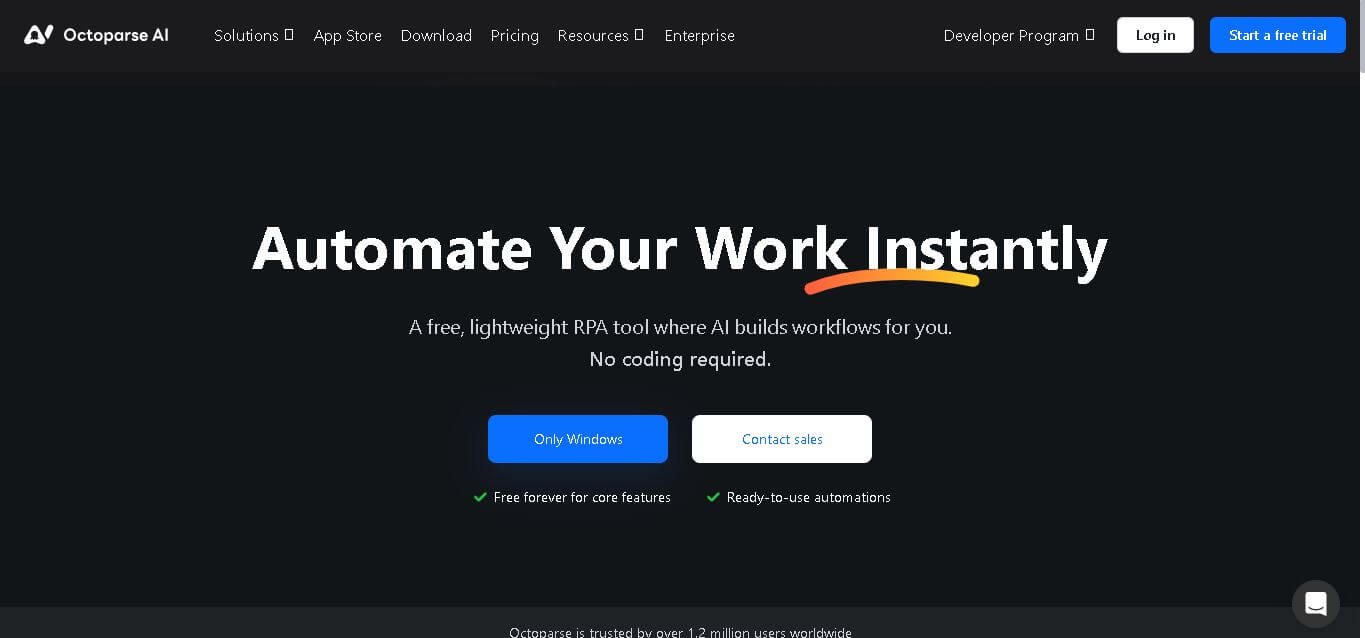
Octoparse AI helps individuals and teams automate repetitive work across websites, Windows apps, Excel, and data files. Its no-code workflow builder, AI Copilot, bots, OCR, and ready-made apps make automation accessible without programming. It is especially useful for data extraction, lead generation, data transfer, productivity, and recurring operational tasks efficiently.
 4.8
4.8Rossum
Automation
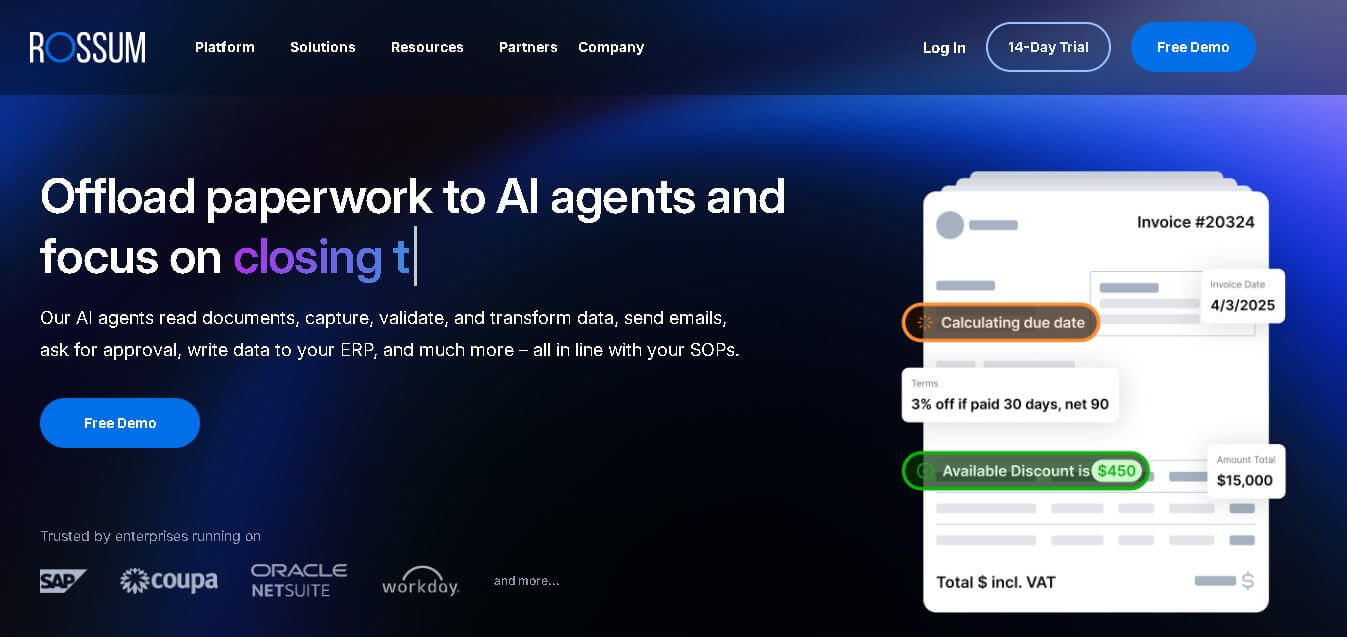
Rossum helps businesses automate transactional document workflows, including invoice and purchase-order processing. It receives documents from multiple channels, extracts and validates data, applies business rules, manages exceptions, and connects with downstream systems. Its AI agents support approvals, communications, and reporting for faster, more consistent business operations with less manual effort.
 4.7
4.7BrowserAct
Automation
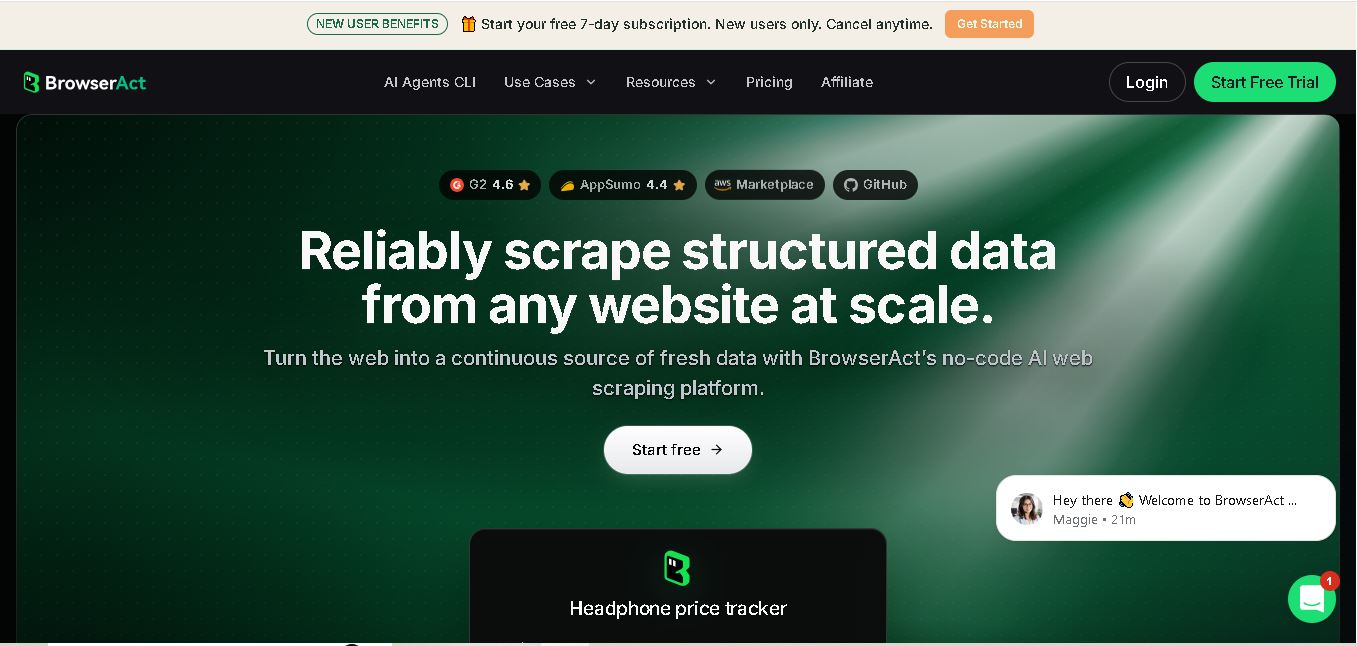
BrowserAct is a no-code web scraping and browser automation tool that turns natural-language instructions into reusable Bots. It helps users collect structured web data, handle dynamic pages and CAPTCHAs, schedule cloud runs, reuse browser sessions, and export results through CSV, JSON, APIs, webhooks, and popular workflow integrations without coding easily.
 4.8
4.8Pairaphrase
Automation
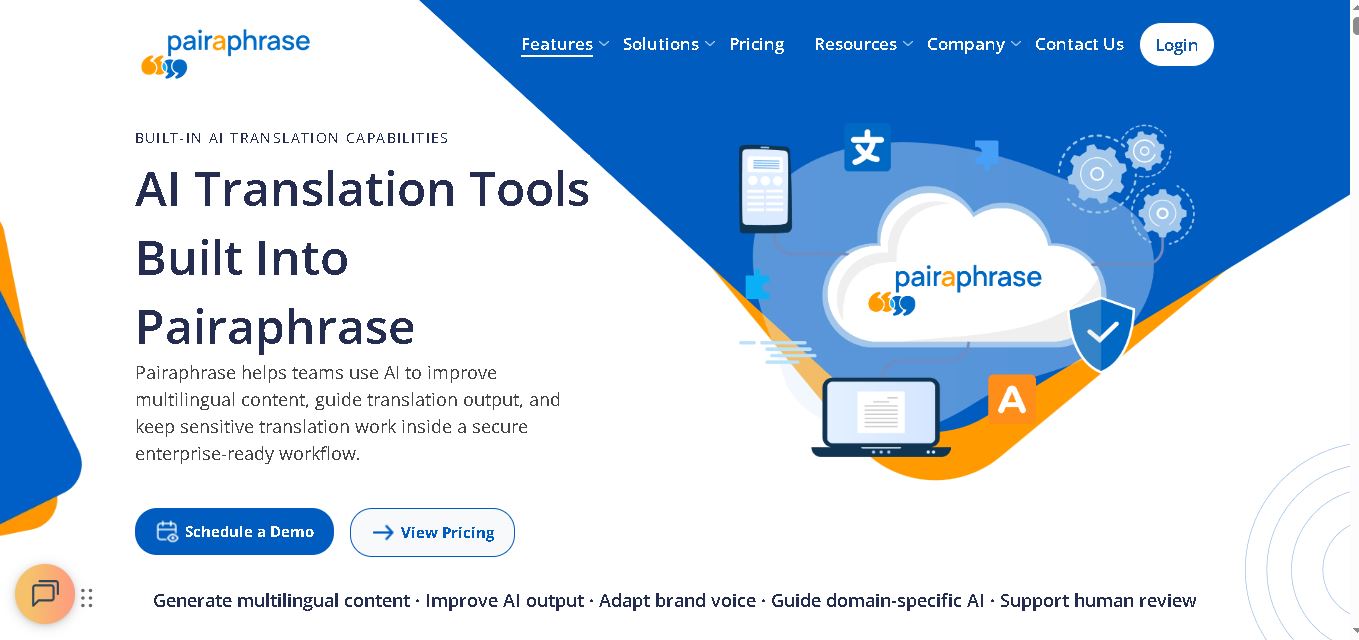
Pairaphrase helps teams translate documents, multimedia, and business content through a secure, centralized workflow. It combines multiple translation engines, formatting preservation, Translation Memory, glossaries, collaboration, and review tools. With support for 160+ languages and numerous file formats, it suits organizations managing recurring, sensitive, or high-volume multilingual translation projects more efficiently.
 4.6
4.6Chatzy AI
Automation
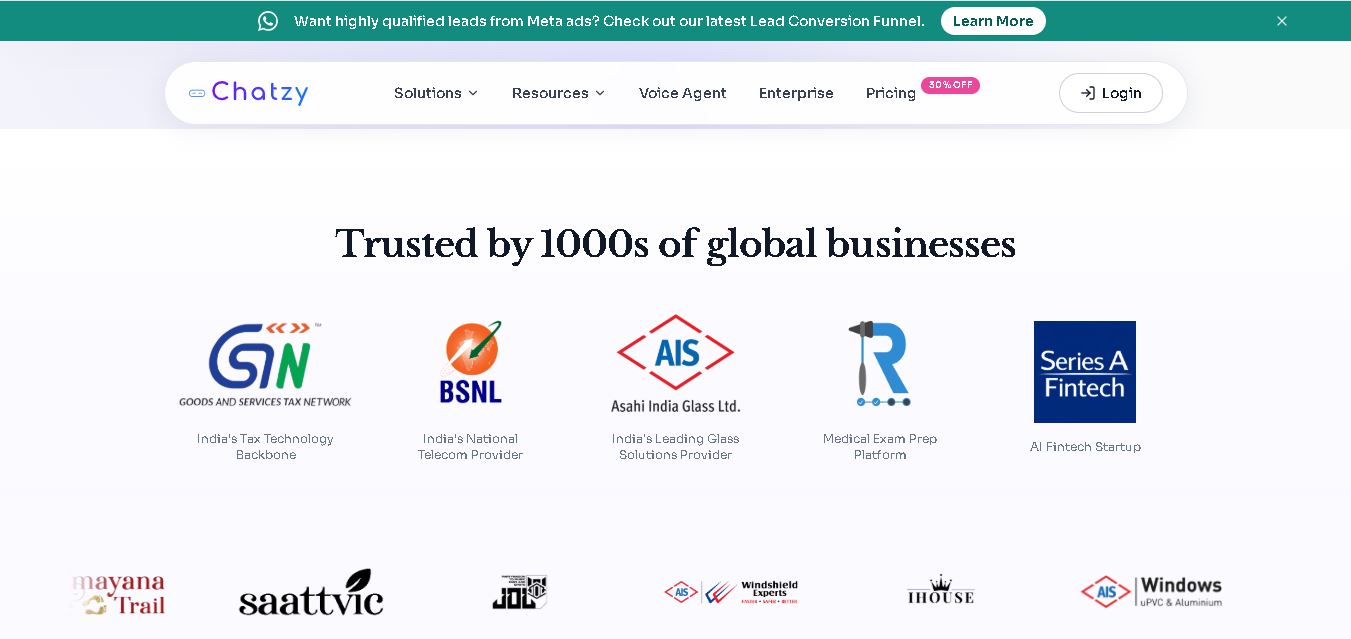
Chatzy AI helps businesses automate sales, customer support, lead qualification, and everyday conversations using intelligent AI agents. Teams can engage customers through WhatsApp, voice, websites, Instagram, Messenger, and other channels from one unified inbox. It also supports business knowledge sources, automation journeys, human handoffs, and multilingual customer interactions.
 4.7
4.7LinkedAPI
Automation
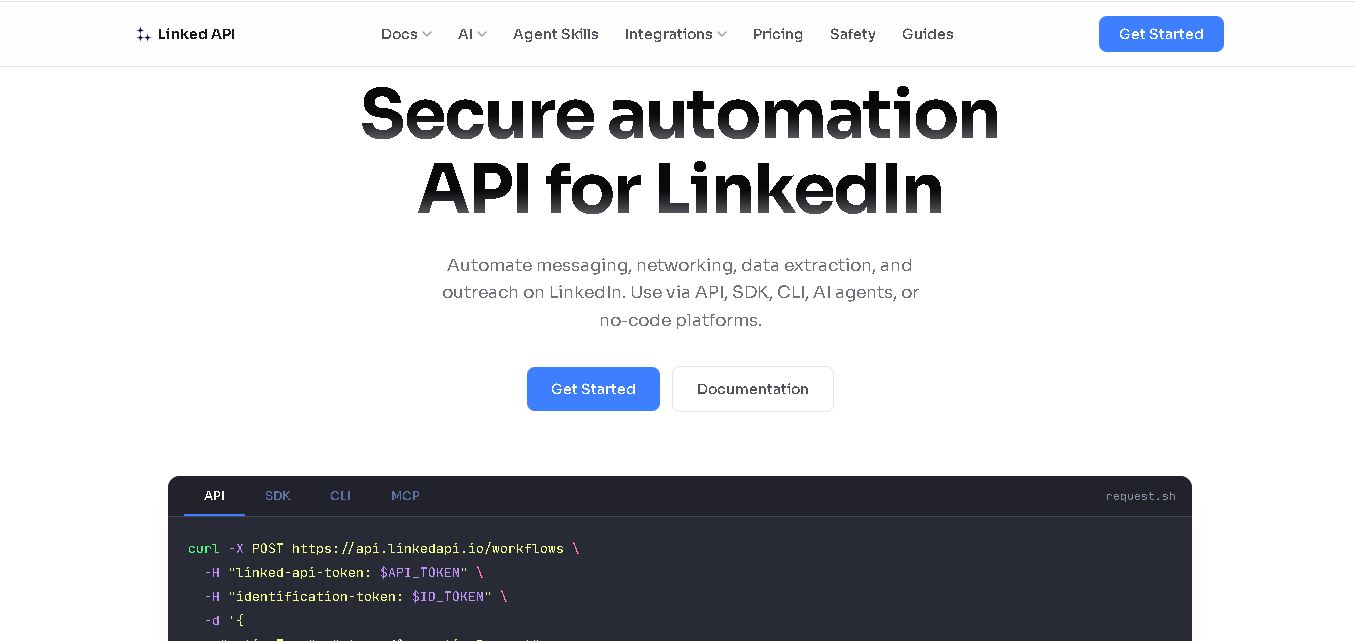
Linked API helps businesses, developers, and AI agents automate LinkedIn workflows without manually performing repetitive activities. Users can search profiles, collect data, send connection requests, manage messaging, and integrate LinkedIn activities into external workflows. It supports API, SDK, CLI, MCP, n8n, Make, and other automation environments for scalable operations.
 4.8
4.8Capgo
Automation
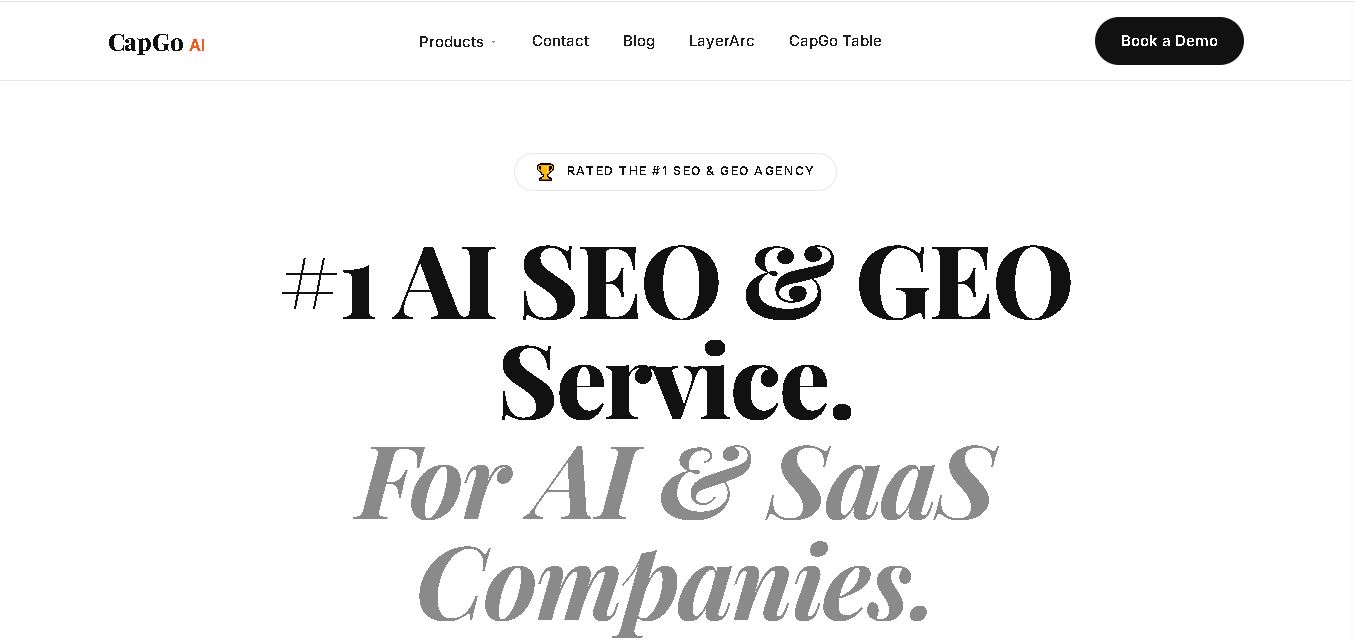
CapGo AI helps AI and SaaS businesses increase organic and AI search visibility through SEO, GEO, programmatic SEO, and content automation. Its spreadsheet-based CapGo Table supports research, large-scale page creation, optimization, and publishing workflows, helping marketing teams transform company data into searchable content for Google and AI assistants more efficiently.
 4.8
4.8Bannerbear
Automation
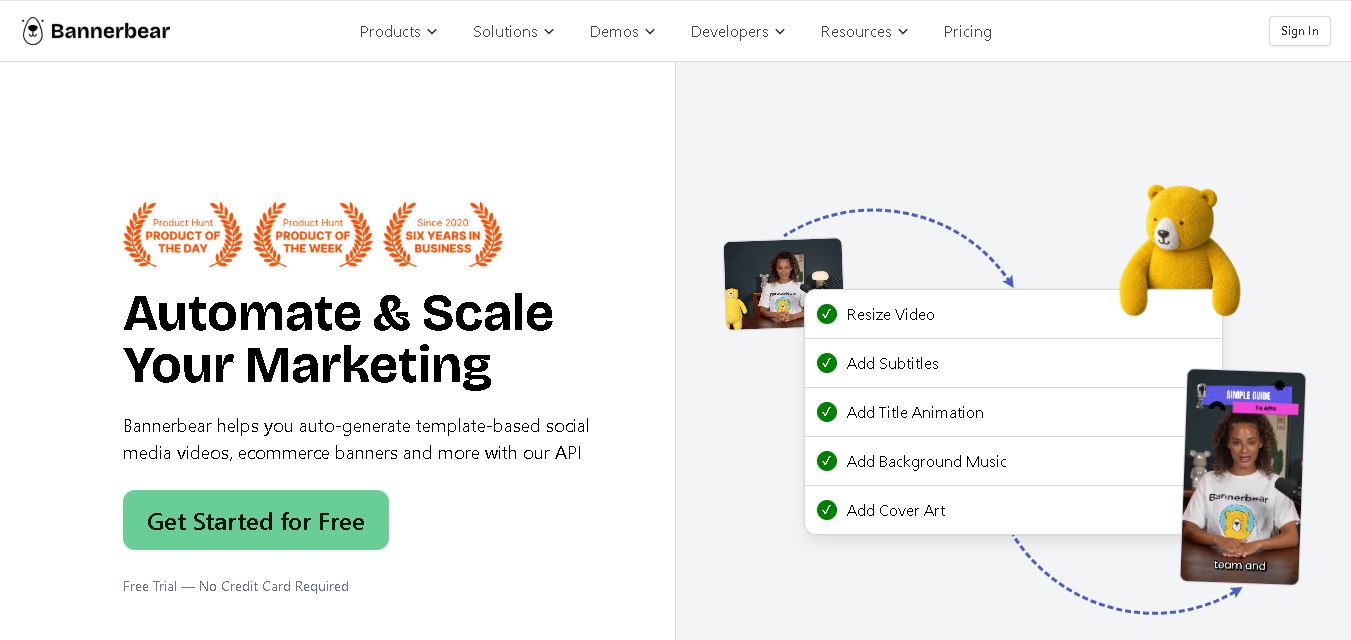
Bannerbear helps teams automate branded visual content using reusable templates, APIs, integrations, forms, and workflows. It can generate images, PDFs, animations, and videos while keeping designs consistent. Developers and marketers can create multiple content variations from structured data, reducing repetitive manual design work and supporting scalable content production at scale.