
Bannerbear
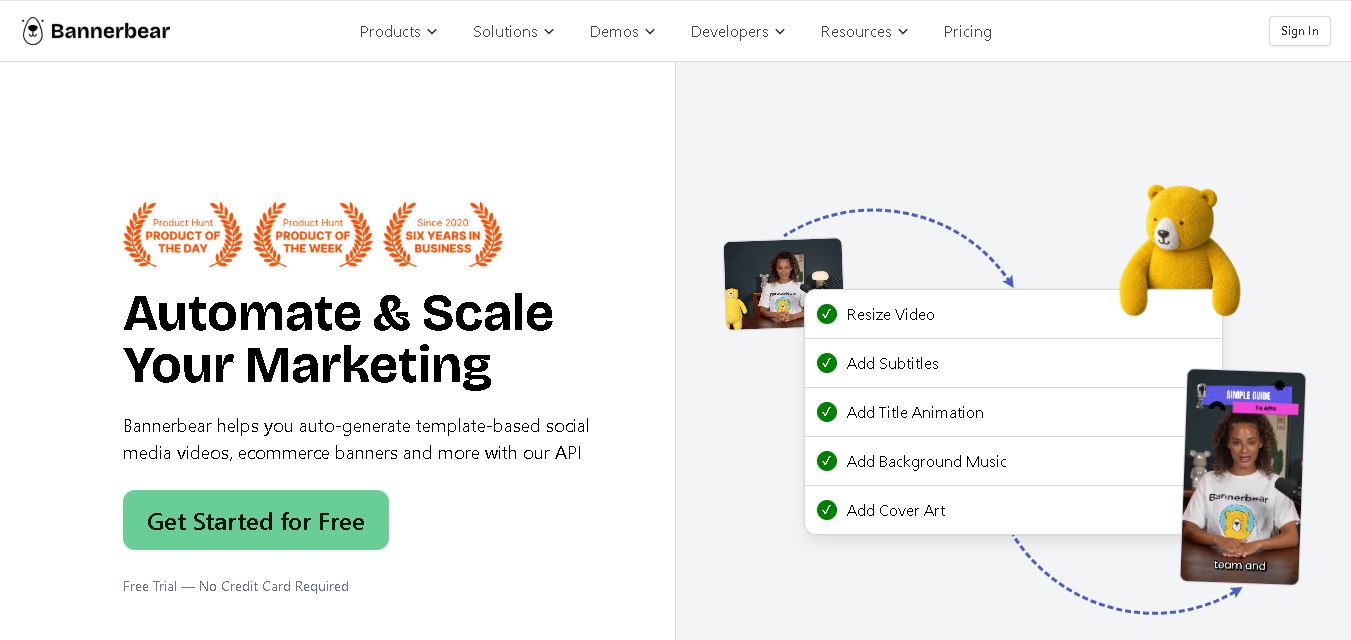
Bannerbear helps teams automate branded visual content using reusable templates, APIs, integrations, forms, and workflows. It can generate images, PDFs, animations, and videos while keeping designs consistent. Developers and marketers can create multiple content variations from structured data, reducing repetitive manual design work and supporting scalable content production at scale.
What is Bannerbear?
Bannerbear is a template-based automation tool for generating branded images, PDFs, animations, and videos from structured data. Users create reusable designs with editable layers, then connect those templates to APIs, integrations, forms, workflows, or AI tools. The service is designed to produce consistent visual assets repeatedly while reducing manual design work for marketing, e-commerce, and content teams. It supports repeatable production at scale across multiple campaigns and content workflows.
Bannerbear focuses on automated visual content generation using reusable templates and APIs. Its pricing page offers a free trial with 30 API credits and three paid tiers: $49, $149, and $299 monthly. The Image API supports batches of up to 100 renders in one call and outputs JPG, PNG, PDF, WebP, and AVIF. Bannerbear advertises 50+ native integrations and 9,000+ Zapier connections. Its API has official libraries for Node, Python, Ruby, and PHP, supporting image, PDF, animation, and video workflows.
- Platform Role: Dynamic Media Generation API, Automated Visual Marketing Engine & PDF Rendering Service
- Developer & Organization: Bannerbear (Founded by Jon Yongfook)
- Cross-Platform Access: Web Dashboard (Template Editor), REST API, Node/Python/Ruby SDKs, Model Context Protocol (MCP) Server, and Zapier/ Make integrations
Use Cases:
- Auto-generating branded social media post graphics and e-commerce promotional banners dynamically from databases or CMS updates
- Creating automated short-form videos with animated titles, dynamic subtitles, audio overlays, and branded intro cards
- Rendering single- or multi-page personalized PDF invoices, certificates, real estate listing sheets, and reports via API
- Integrating with no-code tools like Airtable, Zapier, Make, and WordPress to trigger automated image generation upon row creation
- Powering AI agents through Model Context Protocol (MCP) to automatically design and output visual assets on demand
Technology:
- High-concurrency rendering engine supporting dynamic text auto-resizing, layer positioning, image cropping, and custom fonts
- RESTful API architecture with OpenAPI specifications and SDK support across major backend programming languages
- AI-powered auxiliary microservices, including automated video transcription, subtitle generation, and background removal
- Native integrations with 50+ third-party tools, databases, webhooks, and automation frameworks
Target Users:
- Developers and SaaS teams building custom image, video, or PDF generation features directly into their applications
- E-commerce brand managers scaling multi-channel promotional ads and localized banner variations
- Digital publishers and podcasters auto-generating visual audiograms, video snippets, and article cover art
- No-code automation specialists using Airtable, Zapier, and Make to streamline visual marketing pipelines
Acquisition: Independent cloud software service operated by Bannerbear (bannerbear.com)

What are the key features of Bannerbear?
Bannerbear's key platform features are
- Visual Template Editor: Design dynamic templates with smart layers, text containers, and auto-resizing properties before publishing to the API.
- Image & PDF Generation API: Programmatically pass JSON payloads containing text, images, and brand colors to output high-resolution JPEG, PNG, or PDF files.
- Video & Animation API: Stitch together title cards, animated overlays, video clips, background audio, and dynamic auto-generated subtitles.
- Workflow & No-Code Automation: Direct native integrations with Airtable, Zapier, Make, WordPress, Notion, and Webflow for zero-code media workflows.
- AI Subtitling & Transcription: Transcribe spoken dialogue automatically to overlay synchronized, animated closed captions onto videos.
- Model Context Protocol (MCP) Server: Enables conversational AI agents and LLMs to design and render visual content natively within agentic workflows.
How much does Bannerbear cost?
Bannerbear offers tiered subscription plans based on monthly API credit usage, alongside a free trial that includes 30 API credits without requiring a credit card.
Subscription Tiers:
- Starter Plan ($49/month): Includes 1,000 API credits per month, full access to Image/PDF APIs, standard support, and basic integrations.
- Pro Plan ($149/month): Includes 5,000 API credits per month, video generation access, webhook support, and higher rate limits.
- Business Plan ($299/month): Includes 15,000 API credits per month, priority rendering queues, dedicated integrations, and custom domain options.
- Enterprise Plan: Custom high-volume API credit allocations, enterprise SLAs, dedicated account management, and tailored support.
Disclaimer: A free trial offering 30 API credits is available with no credit card required. API credits are consumed based on the media type rendered (e.g., images, video clips, or multi-page PDFs).
Who should use Bannerbear?
Bannerbear is designed for technical marketers, automation builders, and software engineers, including
- SaaS Product Teams: Companies needing automated social share card generation, personalized onboarding PDFs, or certificate generation.
- E-Commerce Retailers: Merchants generating hundreds of promotional product banners across multiple ad networks and seasonal campaigns automatically.
- Content Creators & Publishers: Media outlets turning long-form articles or podcast recordings into animated video clips and social posts automatically.
What are the best alternatives to Bannerbear?
Some of the strongest Bannerbear alternatives include
- Placid.app
- APITemplate.io
- Renderforest API
- Shotstack (Video Automation API)
- Creatomate
- Canva
What are the pros and cons of Bannerbear?
What are the pros of Bannerbear?
- Intuitive visual template editor combined with fully documented REST APIs and SDKs
- Extensive library of pre-built integrations for no-code tools like Zapier, Airtable, and Make
- Support for multi-format output, including static images, PDFs, animated GIFs, and videos with subtitles
- Cutting-edge AI capabilities, including MCP server compatibility for LLM agent workflows
What are the cons of Bannerbear?
- Credit-based pricing can become costly for ultra-high-volume image generation needs
- Video rendering times depend on API queue loads and video length
Why should you choose Bannerbear?
Manually tweaking graphics templates in traditional design software for every new product launch, blog post, or social campaign wastes valuable hours. Bannerbear automates this bottleneck by separating design creation from data rendering. Once a template is published, any database update, web form submission, or API request instantly generates professional, on-brand images and videos automatically.
How does Bannerbear compare to competitors?
The primary distinction between Bannerbear, APITemplate.io, Placid.app, and Shotstack lies in product versatility, integration depth, and media coverage. While Shotstack focuses strictly on complex video cloud editing, and APITemplate.io specializes in document rendering, Bannerbear provides a balanced, comprehensive suite covering images, videos, PDFs, and no-code ecosystem connections.
| Feature / Platform | Bannerbear | APITemplate.io | Placid.app | Shotstack |
|---|---|---|---|---|
| Core Focus | Automated Image, Video & PDF API | Image & PDF Document Generation API | Creative Automation & Dynamic Banners | Cloud Video Editing & Rendering API |
| Media Capabilities | Image, PDF, Animated GIF, Subtitled Video | Image & PDF (HTML/CSS to PDF) | Image & Short Video Banners | Advanced Video Stitching & Audio |
| No-Code Ecosystem | Extensive (Airtable, Zapier, Make, MCP) | Moderate (Zapier, Make, Bubble) | Strong (WordPress, Ghost, Zapier) | Developer-Focused API / SDKs |
| Template Editor | Visual Drag-and-Drop Editor | WYSIWYG & HTML/CSS Canvas | Visual Drag-and-Drop Editor | JSON Schema / Timeline Code Editor |
| Best For | Teams wanting a complete visual automation suite across image, video, and PDF | Developers generating structured PDF reports and invoices | Content creators scaling social graphics via CMS integrations | Engineers building programmatic video editing applications |
How do we rate Bannerbear?
| Parameter | Rating (out of 5) |
|---|---|
| Template Editor & Customization Ease | 4.8 |
| API Performance & Developer Experience | 4.9 |
| No-Code & AI Integration Ecosystem | 5.0 |
| Media Output Quality (Image/Video/PDF) | 4.8 |
| Value for Money | 4.6 |
| Overall Score | 4.82 |
What is our review and verdict on Bannerbear?
Bannerbear sets the standard for programmatic media generation. By connecting visual drag-and-drop template design with a clean, powerful API and broad no-code support, it removes the complexity of scaling graphic design and video editing. For teams looking to automate visual marketing and document generation, Bannerbear is a top-tier choice.
Conclusion
Bannerbear is built for teams that need repeatable visual production without recreating every asset manually. Its template system, API, integrations, batch rendering, and video capabilities make it suitable for automated marketing and e-commerce workflows. With a free trial and tiered pricing, users can evaluate its automation approach before choosing a plan matching their production volume and required features for their needs.
FAQ
What is Bannerbear?
Bannerbear is a template-based image and video automation service that turns reusable designs into generated marketing assets. You can connect templates to data, APIs, integrations, forms, workflows, or AI tools, then create branded images, PDFs, animations, and videos. It is designed for teams needing consistent visual content at scale efficiently.
How does Bannerbear work?
Bannerbear starts with a reusable template containing editable layers such as text and images. You provide values through the API, integrations, forms, or supported workflows. Bannerbear renders the requested asset automatically, allowing the same design to produce many variations without manually editing every graphic, image, or video asset automatically today easily.
What can you create with Bannerbear?
With Bannerbear, you can generate social media graphics, e-commerce banners, PDFs, images, animations, and branded videos. Its current image API supports JPG, PNG, PDF, WebP, and AVIF outputs. Video tools can handle resizing, subtitles, overlays, title animations, background music, and cover art for marketing workflows for campaigns today.
Does Bannerbear have an API?
Yes. Bannerbear provides a documented REST API for programmatic image, PDF, animation, and video generation. The current API uses authentication keys, while official libraries are available for Node, Python, Ruby, and PHP. Developers can send template modifications such as text, images, colours, and other dynamic values securely programmatically easily directly.
Does Bannerbear offer integrations?
Yes. Bannerbear currently advertises more than 50 native integrations and more than 9,000 additional connections through Zapier. It also supports forms and workflows, making it possible to connect data from business tools to branded visual generation. Common use cases include marketing automation, e-commerce content, social graphics, and personalized assets today.
How much does Bannerbear cost?
Bannerbear currently offers a free trial with 30 API credits and no credit card required. Paid plans include Automate at $49 per month, Scale at $149, and Enterprise at $299. Included credits and capabilities vary by plan, with features such as workflows, instant URLs, team members, SSO, and audit logs.
User Reviews
No reviews yet for Bannerbear.
Featured Tools
Featured AI tools from TechShark

Melody Genie
MelodyGenie is an AI-powered music generator that creates original songs from simple text prompts. Users can choose styles, moods, and genres, then instantly generate melodies and full tracks, making it easy for creators, marketers, and hobbyists to produce custom music without musical expertise.
Freemium

Kimi AI
Kimi AI is an advanced AI assistant developed by Moonshot AI that helps you chat, research, write, code, and automate tasks in one place. It supports web search, file analysis, and multimodal inputs, and can even run autonomous “agent” workflows to complete complex tasks end-to-end.
Freemium

Fashion Diffusion AI
Fashion Diffusion is an AI-powered fashion design platform that helps brands and designers create clothing designs, virtual try-ons, AI models, product photos, and marketing visuals faster and cost-effectively.
Paid

Veo 4
Veo 4 AI is an AI video creation platform that generates dramatic videos from text, images, audio, and video prompts using realistic motion and synchronized sound.
Paid
Alternatives
Alternatives to Bannerbear
The best Bannerbear alternatives include Placid.app, APITemplate.io, Shotstack, and Creatomate. While Bannerbear offers a full-suite automated image, video, and PDF generation API with deep Zapier, Airtable, and MCP integrations, alternatives like Shotstack specialize in advanced programmatic cloud video editing and APITemplate.io focuses primarily on PDF document rendering.
 4.8
4.8Greenlite
Automation
Greenlite helps financial institutions automate compliance and financial crime workflows using AI. It supports alert handling, AML reviews, due diligence, customer investigations, and documentation while maintaining evidence trails. The solution is designed for regulated organizations that need greater operational efficiency, scalable review capacity, consistent analysis, and audit-ready outputs without relying entirely on additional compliance staff.
 4.7
4.7Octoparse AI
Automation
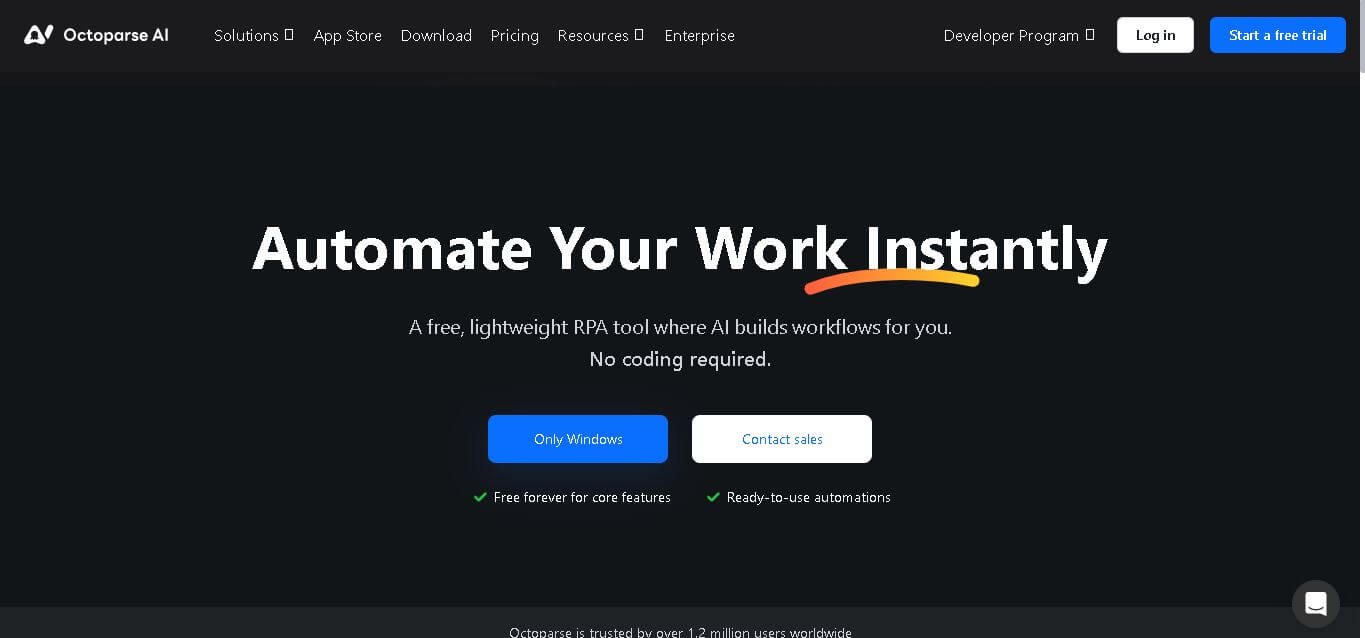
Octoparse AI helps individuals and teams automate repetitive work across websites, Windows apps, Excel, and data files. Its no-code workflow builder, AI Copilot, bots, OCR, and ready-made apps make automation accessible without programming. It is especially useful for data extraction, lead generation, data transfer, productivity, and recurring operational tasks efficiently.
 4.8
4.8Rossum
Automation
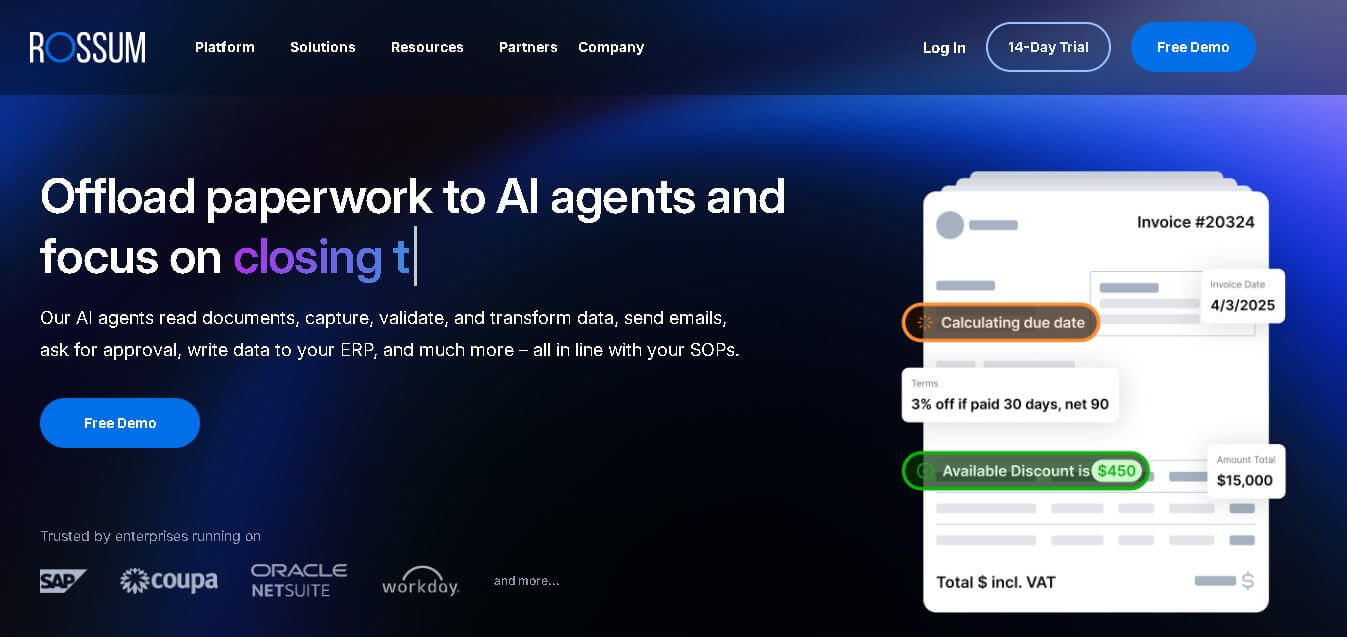
Rossum helps businesses automate transactional document workflows, including invoice and purchase-order processing. It receives documents from multiple channels, extracts and validates data, applies business rules, manages exceptions, and connects with downstream systems. Its AI agents support approvals, communications, and reporting for faster, more consistent business operations with less manual effort.
 4.7
4.7Rocket Sender
Automation
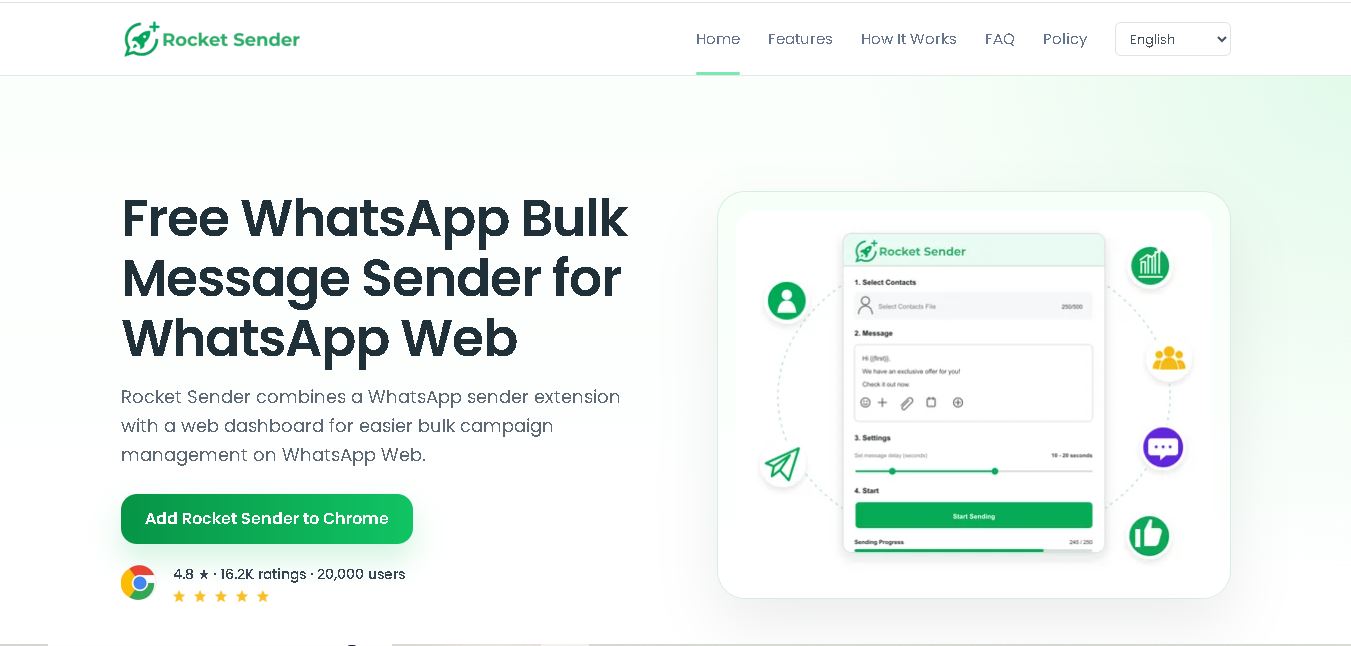
Rocket Sender is a free WhatsApp Web bulk messaging tool for organizing personalized outreach. It supports Excel contact imports, customized messages, attachments, sending intervals, pause and resume controls, and campaign progress tracking, making repetitive WhatsApp communication easier to manage directly through your browser and existing WhatsApp Web workflow.
 4.7
4.7BrowserAct
Automation
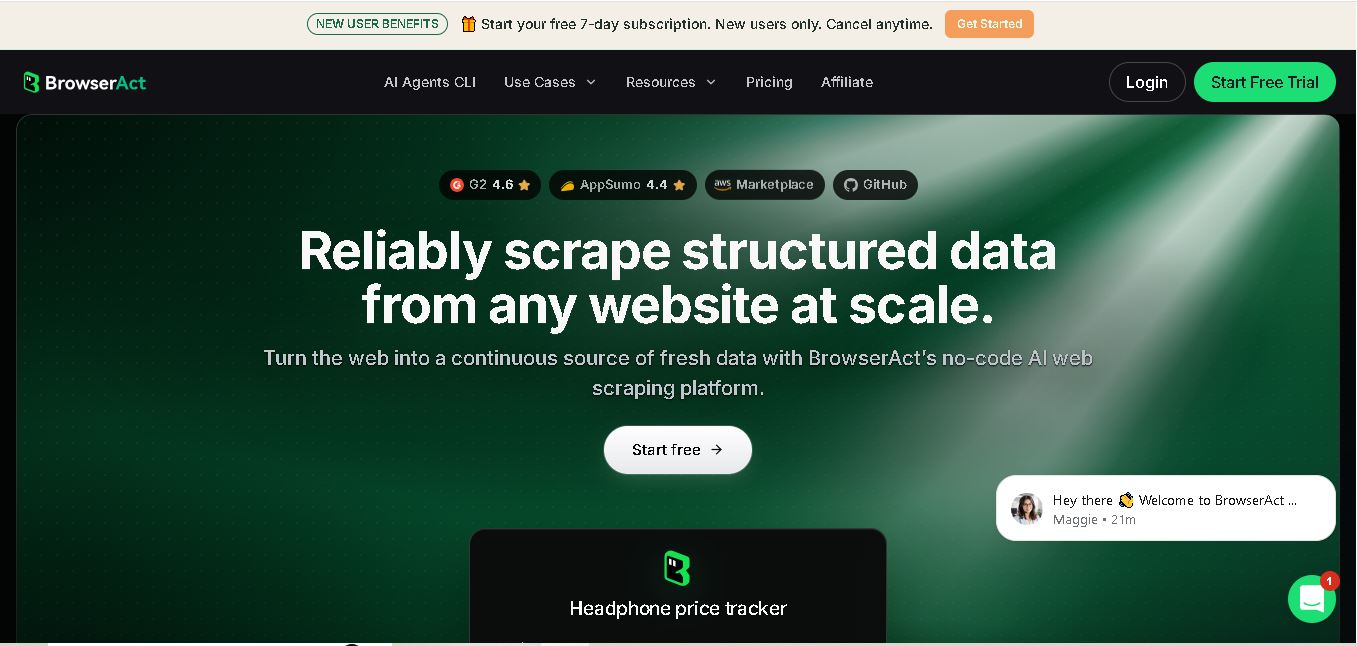
BrowserAct is a no-code web scraping and browser automation tool that turns natural-language instructions into reusable Bots. It helps users collect structured web data, handle dynamic pages and CAPTCHAs, schedule cloud runs, reuse browser sessions, and export results through CSV, JSON, APIs, webhooks, and popular workflow integrations without coding easily.
 4.8
4.8Pairaphrase
Automation
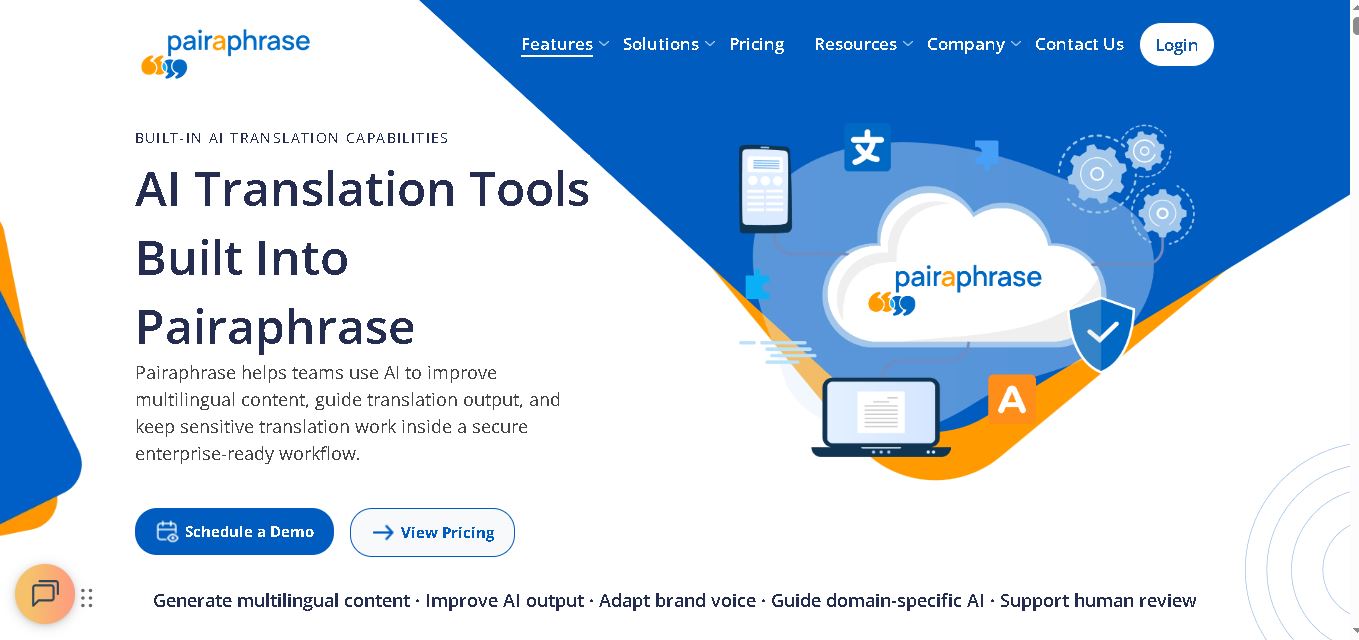
Pairaphrase helps teams translate documents, multimedia, and business content through a secure, centralized workflow. It combines multiple translation engines, formatting preservation, Translation Memory, glossaries, collaboration, and review tools. With support for 160+ languages and numerous file formats, it suits organizations managing recurring, sensitive, or high-volume multilingual translation projects more efficiently.
 4.6
4.6Chatzy AI
Automation
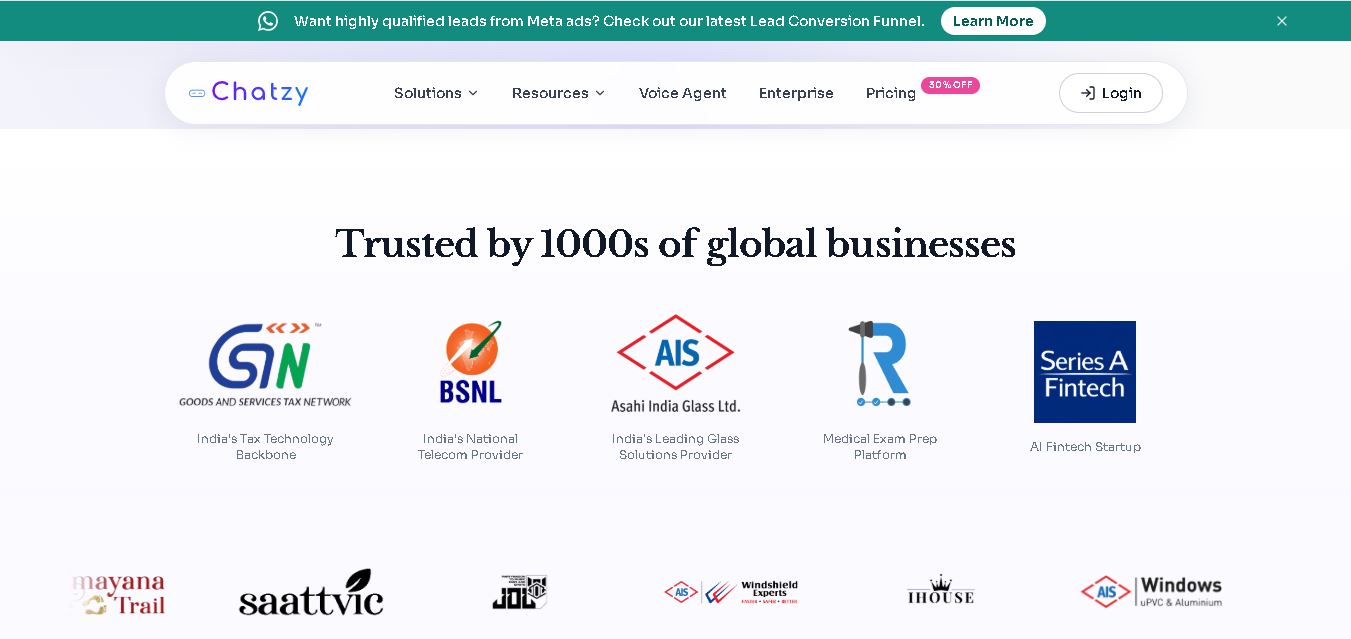
Chatzy AI helps businesses automate sales, customer support, lead qualification, and everyday conversations using intelligent AI agents. Teams can engage customers through WhatsApp, voice, websites, Instagram, Messenger, and other channels from one unified inbox. It also supports business knowledge sources, automation journeys, human handoffs, and multilingual customer interactions.
 4.7
4.7LinkedAPI
Automation
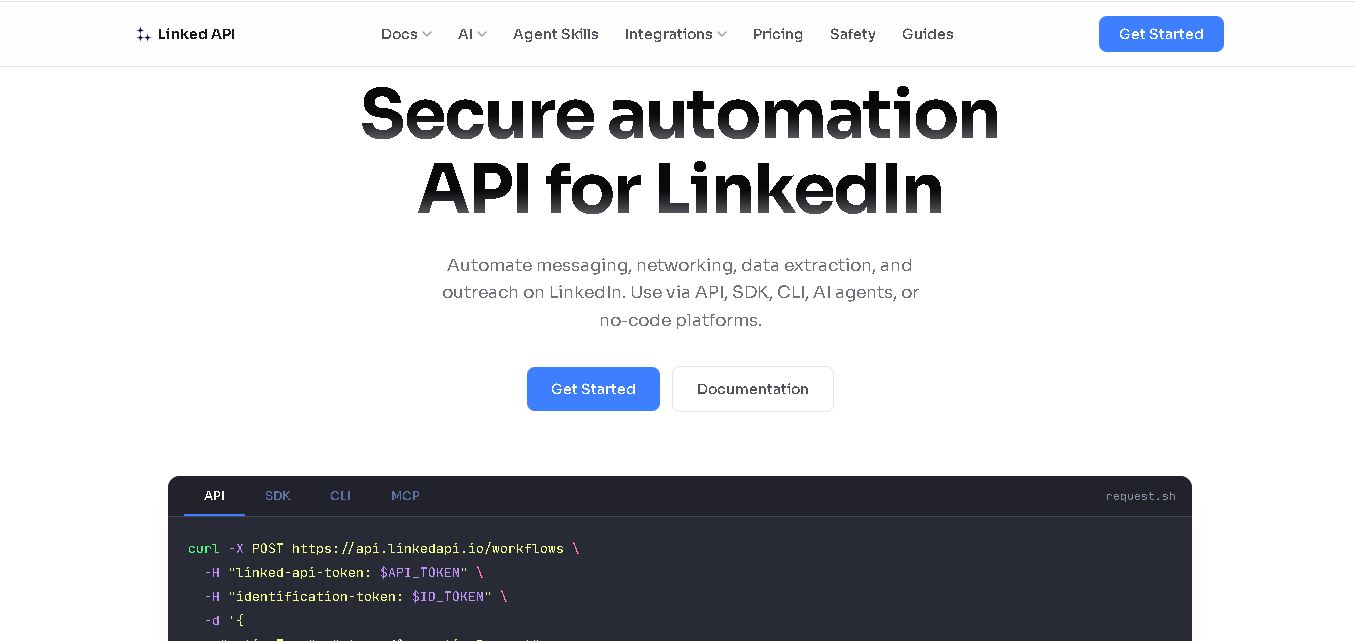
Linked API helps businesses, developers, and AI agents automate LinkedIn workflows without manually performing repetitive activities. Users can search profiles, collect data, send connection requests, manage messaging, and integrate LinkedIn activities into external workflows. It supports API, SDK, CLI, MCP, n8n, Make, and other automation environments for scalable operations.
 4.8
4.8Capgo
Automation
CapGo AI helps AI and SaaS businesses increase organic and AI search visibility through SEO, GEO, programmatic SEO, and content automation. Its spreadsheet-based CapGo Table supports research, large-scale page creation, optimization, and publishing workflows, helping marketing teams transform company data into searchable content for Google and AI assistants more efficiently.