MyStorybook
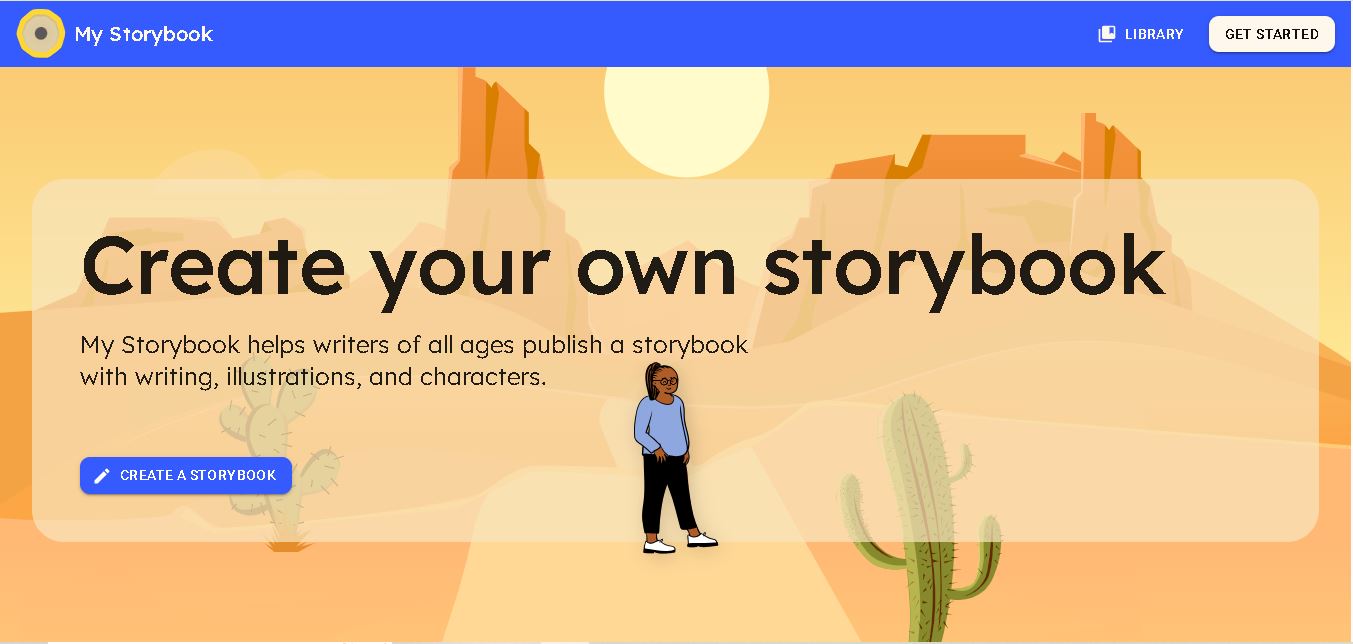
My Storybook is an online tool for creating, illustrating, and sharing digital storybooks. It helps children, parents, teachers, and writers turn imaginative ideas into engaging stories. Users can explore free creation features, develop writing skills, and access paid membership options for printing physical books and supporting classroom storytelling activities.
What is MyStorybook?
My Storybook is an online storybook creation tool that enables users to write, illustrate, customize, and share their own digital books. It provides a creative space for children, parents, teachers, and aspiring authors to turn ideas into illustrated stories. Users can add text, artwork, and characters to make their books more engaging. The platform also offers paid membership options for authors and educators who want additional publishing and printing capabilities.
My Storybook is an online storybook creation platform designed for writers, children, families, and educators. Its official website reports that its community has created over 1,000,000 storybooks. Users can start creating and sharing stories for free, while author memberships begin at $10 per month and educator memberships cost $28 per month. The platform offers a 7-day free trial for paid plans. Members can print their creations through supported options, including PDF downloads and photo-book printing via Google Photos.
- Core Focus: Digital Storytelling, Creative Writing & Children's Book Publishing
- Platform Type: Web-Based Digital Book Creator & Publishing Community
Use Cases:
- Empowering children to write and illustrate their own storybooks, fairy tales, and adventures
- Enabling elementary and middle school teachers to run creative writing and digital literacy projects
- Allowing homeschooling parents to combine creative arts and language arts into engaging home assignments
- Publishing and sharing finished storybooks securely with family members or classroom reading circles
Technology:
- Browser-based drag-and-drop illustration canvas with pre-built artwork, shapes, and character items
- Digital page-turning story viewer simulating a physical hardcover book reading experience
- Secure cloud storage archiving user books and enabling easy online sharing and printing options
Target Users:
- Children and Young Authors (Ages 5 to 14) expressing creativity through stories and art
- K-12 Teachers, Librarians, and Language Arts Instructors managing classroom writing projects
- Parents and Guardians looking for wholesome, educational creative tools
- Content creators using writing tools to draft children's literacy guides, creative writing tutorials, and EdTech tool reviews
Corporate Entity: MyStorybook (Digital Publishing / Education)

Key features of MyStorybook
MyStorybook's key features are
- Interactive Book Creator: Simple drag-and-drop interface for adding text pages, backgrounds, characters, and artwork.
- Custom Illustration Canvas: Draw freehand art, position objects, and design unique visual scenes for every page.
- Page-Flipping Viewer: Realistic digital book reader mode letting authors and readers flip through completed stories.
- Online Publishing & Sharing: Instantly publish books online and share secure links with teachers, family, or friends.
- Print-Ready Export: Options to download or order physical printed copies of completed masterpieces.
- Safe & Kid-Friendly Environment: Designed specifically for young creators with intuitive navigation and safe sharing controls.
MyStorybook Pricing
MyStorybook offers accessible free creation features alongside optional paid publishing, downloading, and printing upgrades.
Free Creation Tier:
- Free Digital Story Creation: Write, illustrate, and publish stories online using the core browser bookmaker with zero upfront cost
Paid Publishing & Downloads:
- PDF Downloads & Printed Books: One-time fees for high-resolution PDF downloads, digital downloads, or ordering physical printed softcover/hardcover storybooks
Disclaimer: Printing fees, PDF download rates, and shipping costs vary by region and book length. Visit mystorybook.com for current pricing details.
Who is using MyStorybook?
MyStorybook is designed for young writers, educators, and families, including
- Young Authors & Kids: Crafting imaginative stories and sharing books with friends
- Language Arts Teachers: Running creative writing assignments and publishing class anthologies
- Homeschooling Parents: Encouraging spelling, grammar, and storytelling through artistic creation
- Content Creators: Using writing tools to draft children's literature guides and EdTech reviews
Best MyStorybook Alternatives
Some of the top MyStorybook alternatives include
- Book Creator
- StoryJumper
- Pixton
- Canva for Education
- Scratch
- Adobe Express for Education
Pros and Cons of MyStorybook
Pros
- Incredibly simple, intuitive drag-and-drop interface requires zero learning curve for young children
- Combines creative writing with visual art illustration to foster holistic literacy skills
- Allows kids to experience the pride of publishing and sharing their own finished books
- The option to print physical copies turns digital creations into lifelong family keepsakes
Cons
- Advanced export formats and physical book printing require one-time paid purchases
- Focused primarily on storybook illustration and writing rather than complex multimedia animation
- Requires internet connectivity for cloud storage and browser access
Why Choose MyStorybook?
MyStorybook is the ideal choice for children, parents, and educators seeking a simple, joyful digital publishing platform that transforms young imaginations into published authors.
- Features an intuitive drag-and-drop illustration and text editor
- Provides realistic page-flipping digital readers and secure sharing links
- Offers options to order physical printed copies of children's finished books
MyStorybook vs. Competitors
The main difference between MyStorybook, StoryJumper, and Book Creator is that MyStorybook offers a streamlined, incredibly accessible web-based canvas specifically focused on straightforward story writing and illustration for young kids, whereas StoryJumper provides advanced classroom management and custom character builders, and Book Creator supports rich multimedia audio/video embedding across tablets. MyStorybook stands out for its pure simplicity and ease of publishing.
| Feature / Tool | MyStorybook (mystorybook.com) | StoryJumper | Book Creator | Canva for Education |
|---|---|---|---|---|
| Core Focus | Simple Digital Storybook Writing & Publishing | Classroom Digital Book Publishing & Custom Art | Multimedia eBook Creation with Audio/Video | Professional Graphic Design & Education Suite |
| Ease of Use | Extremely Simple (No Learning Curve) | Moderate (Classroom Portals) | Versatile (Rich Media Tools) | Feature-Rich Design Editor |
| Physical Book Printing | Yes (Printed Hardcover/Softcover Orders) | Yes (Custom Book Printing) | PDF / eBook Export | Print Partnership Options |
| Target Age | Ages 5 to 14 | K-12 Students & Teachers | K-12 Students & Teachers | Students & Educators |
| Starting Price | Free Online Creation / Paid Print & PDF | Free Trial / Paid Class Licenses | Free Tier / Teacher Paid Upgrades | 100% Free for Schools |
| Best For | Kids and teachers wanting a fast, simple storybook creation tool | Classroom book publishing projects with custom characters | Creating multimedia interactive eBooks with audio and video | Designing advanced school posters, presentations, and graphics |
How do we rate MyStorybook?
| Parameter | Rating (out of 5) |
|---|---|
| Simplicity & Ease of Use | 5.0 |
| Creative Writing & Art Tools | 4.8 |
| Publishing & Sharing UX | 4.9 |
| Educational Value | 4.9 |
| Value for Money | 4.8 |
| Overall Score | 4.88 |
MyStorybook Review
MyStorybook is a wonderful, highly engaging digital platform that brings the joy of storytelling and book publishing to children. By offering an intuitive drag-and-drop canvas for text, illustrations, and character design, MyStorybook removes technical hurdles and lets young authors focus entirely on their creativity. The ability to read books in a page-flipping digital viewer and order physical printed copies makes the writing experience deeply rewarding. For parents and educators seeking a delightful creative writing tool in 2026, MyStorybook is a fantastic asset.
Conclusion
My Storybook makes digital storytelling accessible to children, parents, teachers, and aspiring writers by combining story creation, illustrations, and sharing features in one place. Its free creation option provides an accessible starting point, while paid memberships offer additional publishing and printing benefits. For users seeking a practical way to encourage creativity or introduce storytelling into classrooms, My Storybook is worth exploring. Review its current pricing, features, and membership requirements to determine whether it suits your needs.
FAQ
Is My Storybook free to use?
Yes, My Storybook allows you to create and share stories for free, making it useful for beginners, families, and teachers. If you want to print your creations or access additional membership benefits, you can explore paid plans. Check the official pricing page for current subscription details before upgrading.
How does My Storybook work?
My Storybook lets you turn your ideas into illustrated digital books through an online story creation process. You can write your story, add illustrations and characters, arrange the pages, and share your finished creation. If you need physical copies, eligible memberships provide printing options for preserving and distributing your work.
Can children use My Storybook for learning?
Yes, My Storybook can support children's learning by encouraging creative writing, storytelling, and visual expression. Teachers can use it to introduce narrative structure and help students communicate ideas through illustrated books. Parents can also encourage children to invent characters and stories, making reading and writing activities more engaging and enjoyable.
Does My Storybook offer tools for teachers?
Yes, My Storybook provides educator-focused features designed to support classroom storytelling and student creativity. Its educator membership includes classroom integration options, printing capabilities, and instructions for storybook pages. These features can help teachers incorporate creative writing projects into lessons and give students opportunities to develop storytelling skills through practical activities.
How much does My Storybook cost?
My Storybook offers free story creation, while paid memberships provide additional publishing and printing benefits. According to its official website, author plans start at $10 per month, and educator plans cost $28 per month. A seven-day free trial is available for paid memberships. Confirm current prices and billing conditions before subscribing.
Can I print my stories using My Storybook?
Yes, eligible My Storybook members can turn their digital creations into physical books. The platform explains that users can export stories for photo-book printing through Google Photos or obtain a PDF to print a booklet at home. This makes it easier to preserve children's stories, classroom projects, and personal creative work.
User Reviews
No reviews yet for MyStorybook.
Featured Tools
Featured AI tools from TechShark
Melody Genie
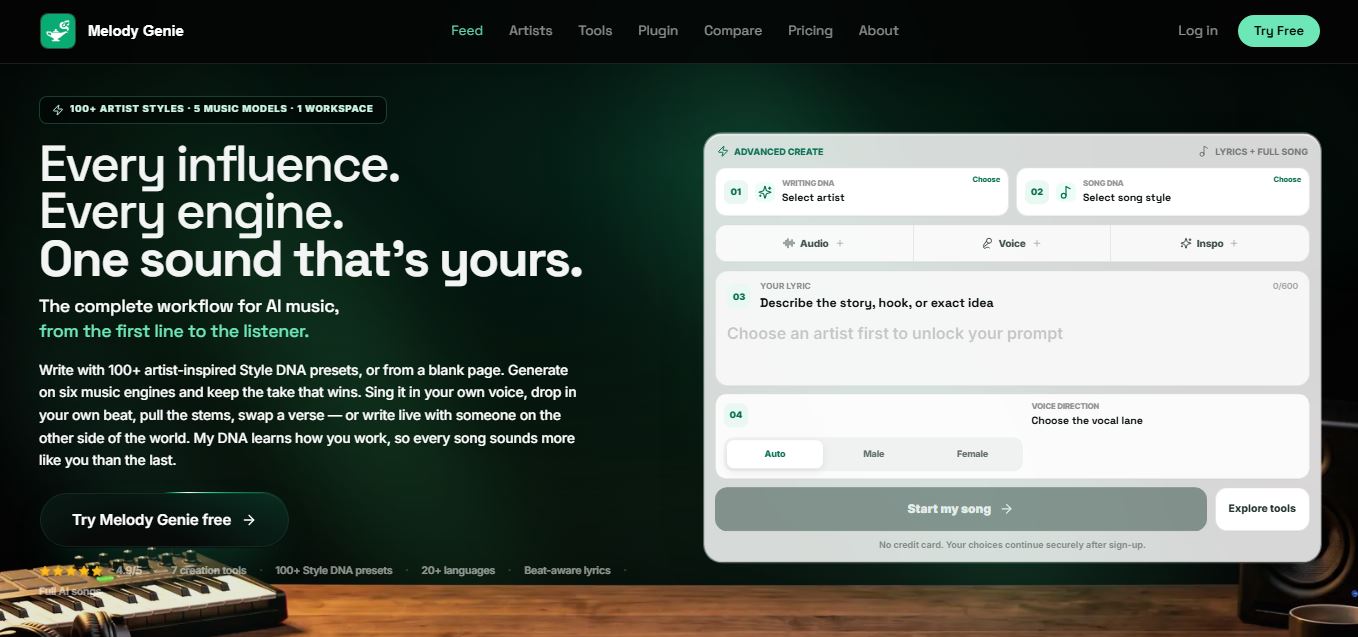
MelodyGenie is an AI-powered music generator that creates original songs from simple text prompts. Users can choose styles, moods, and genres, then instantly generate melodies and full tracks, making it easy for creators, marketers, and hobbyists to produce custom music without musical expertise.
Freemium
Kimi AI
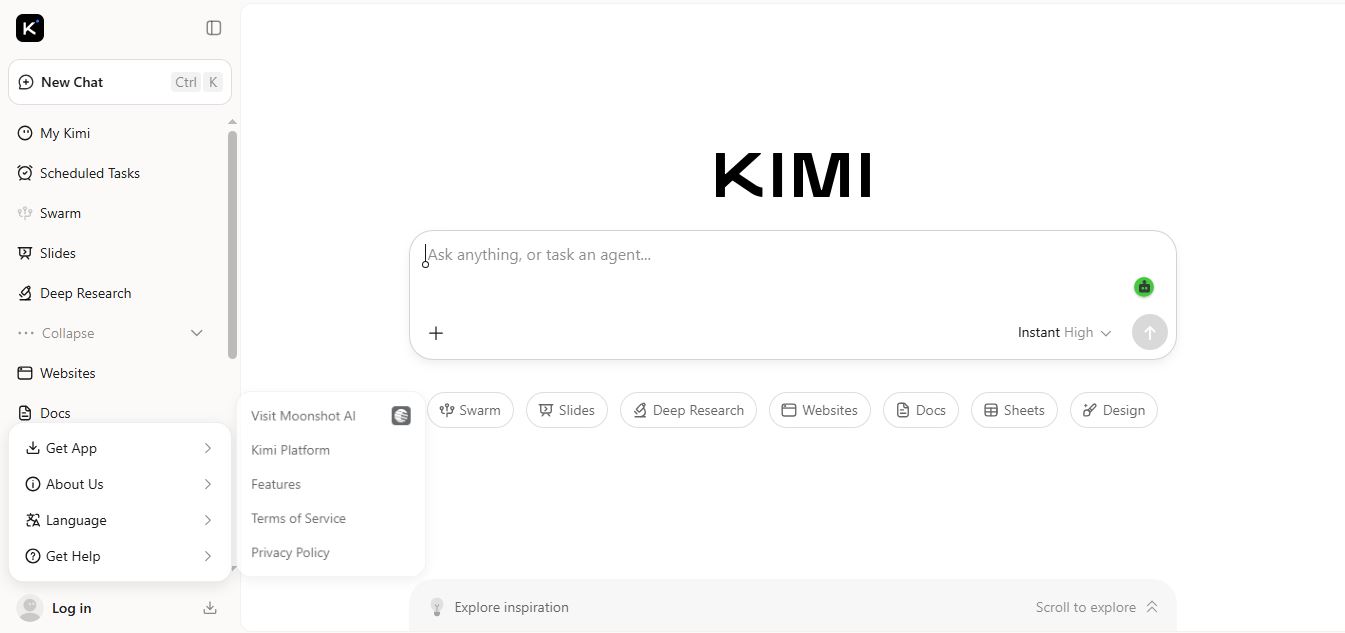
Kimi AI is an advanced AI assistant developed by Moonshot AI that helps you chat, research, write, code, and automate tasks in one place. It supports web search, file analysis, and multimodal inputs, and can even run autonomous “agent” workflows to complete complex tasks end-to-end.
Freemium
Fashion Diffusion AI
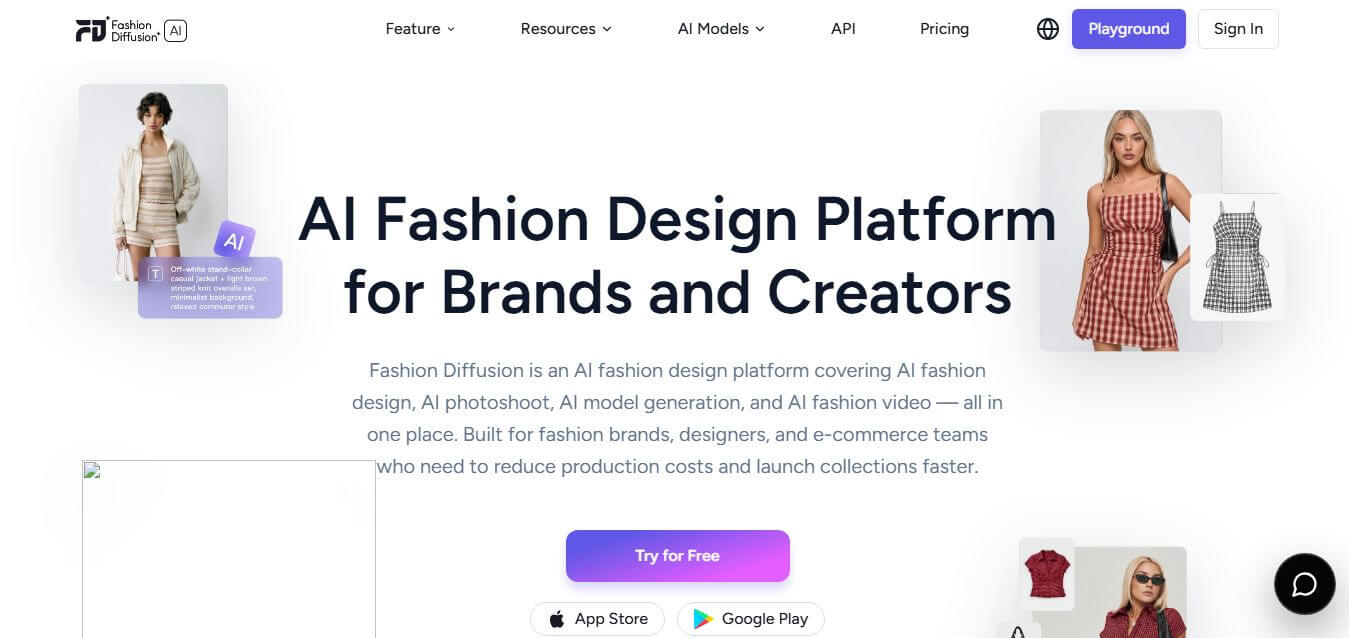
Fashion Diffusion is an AI-powered fashion design platform that helps brands and designers create clothing designs, virtual try-ons, AI models, product photos, and marketing visuals faster and cost-effectively.
Paid
Veo 4
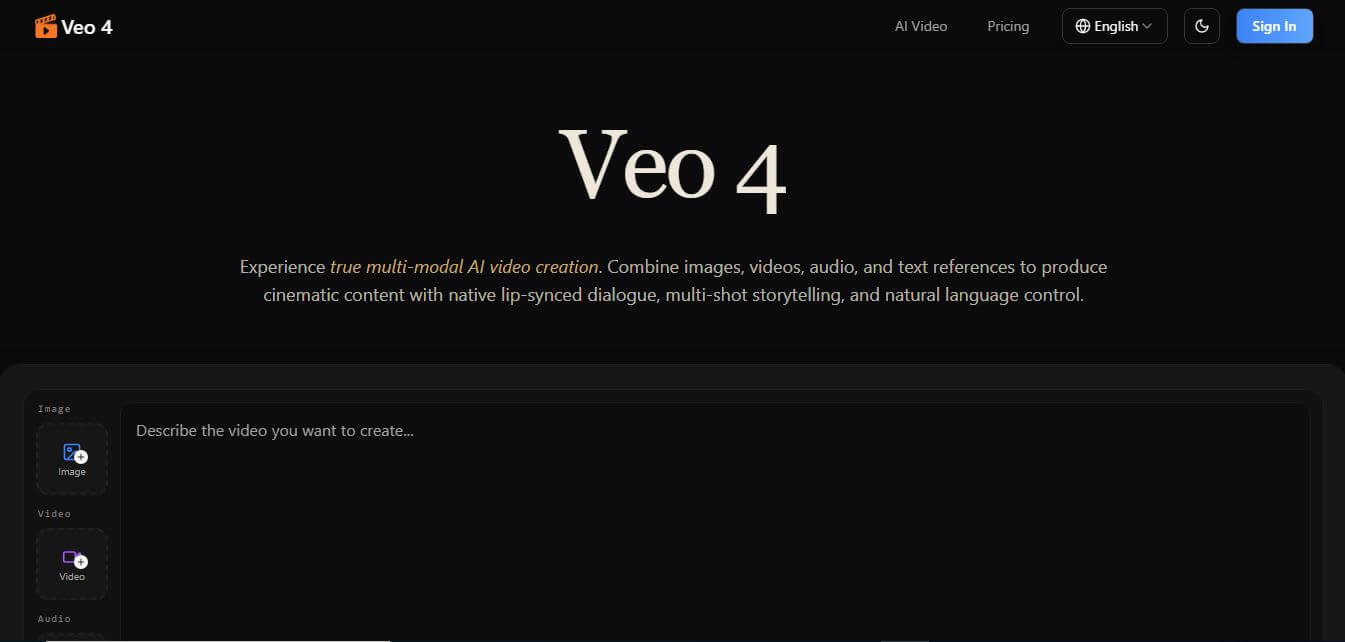
Veo 4 AI is an AI video creation platform that generates dramatic videos from text, images, audio, and video prompts using realistic motion and synchronized sound.
Paid
Alternatives
Alternatives to MyStorybook
The best MyStorybook alternatives include Book Creator, StoryJumper, Pixton, Canva for Education, and Scratch. These platforms provide creative writing and digital publishing tools for students. While MyStorybook offers a fast, incredibly simple drag-and-drop storybook creator with physical printing options, alternatives like StoryJumper feature classroom portals and custom character builders.
 4.9
Humain AI Literacy Mission (HAILM)
Kids
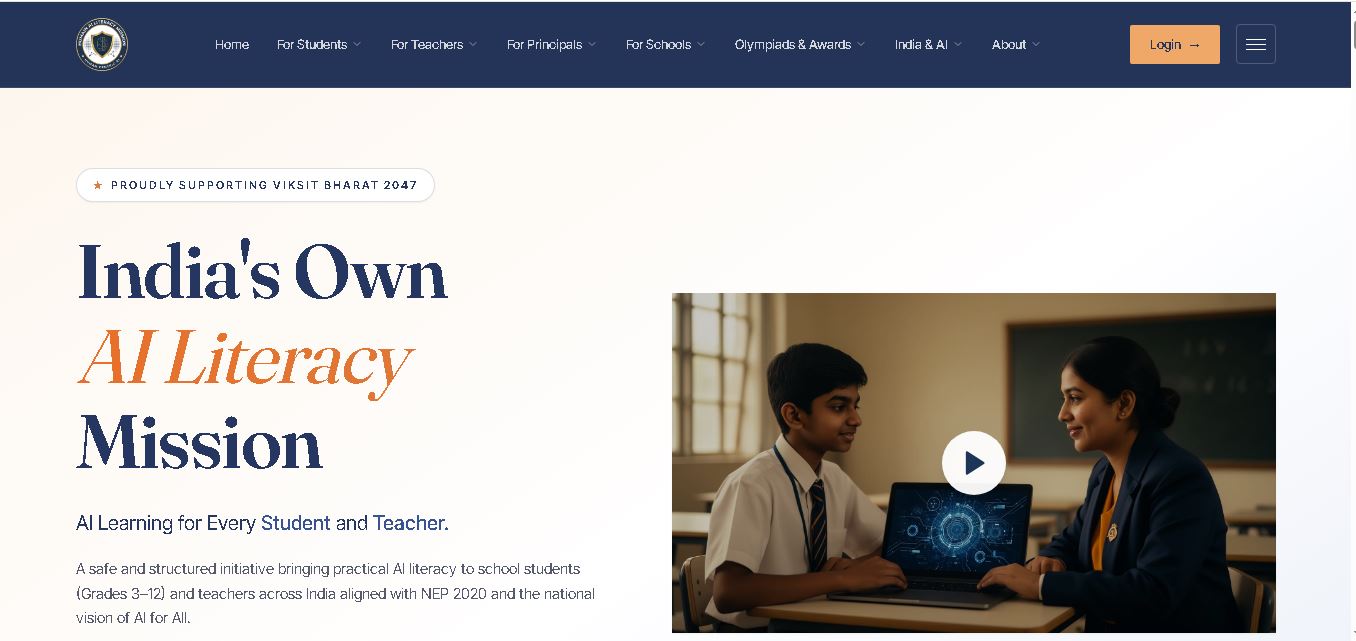
Humain AI Literacy Mission is an educational initiative helping Indian students in Grades 3–12 and teachers develop practical artificial intelligence skills. It offers foundational AI courses, interactive activities, assessments, and certificates. Aligned with NEP 2020 and international educational guidance, HAILM promotes responsible AI use, digital safety, critical thinking, and future-ready learning.
 4.9
Brisk Teaching
Kids
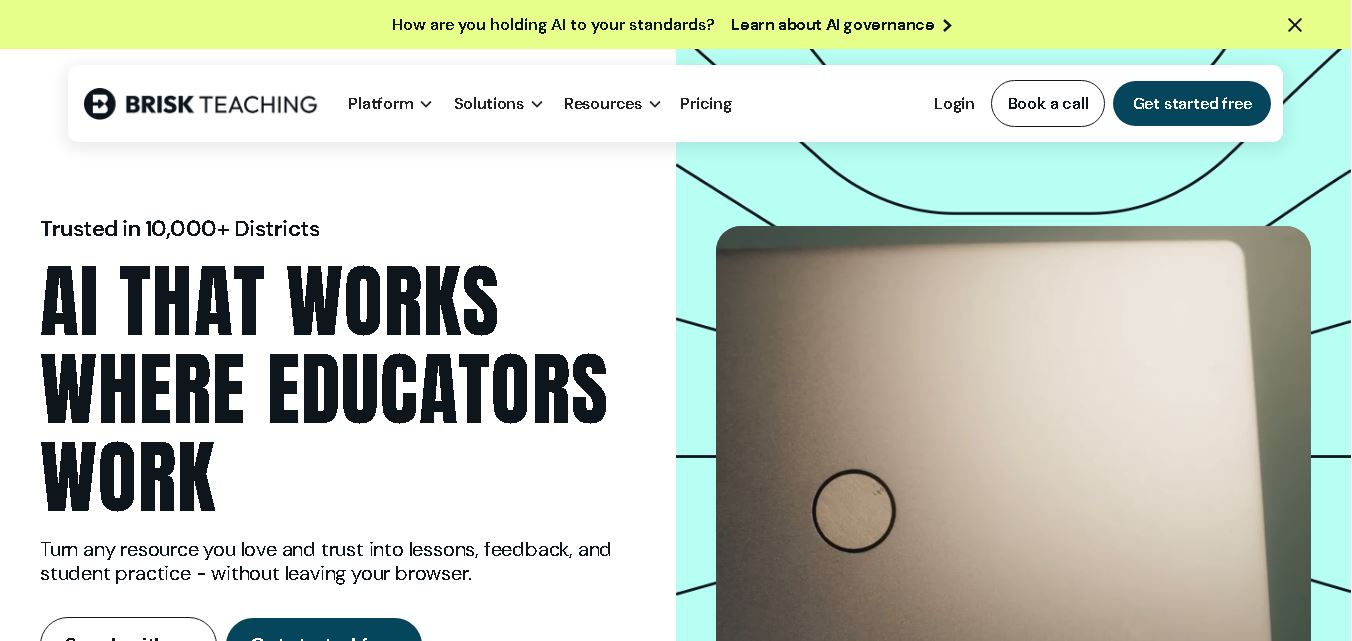
Brisk Teaching helps educators create lesson plans, quizzes, worksheets, presentations, and personalized feedback using AI. It integrates with familiar teaching tools and supports differentiated instruction, translation, and student activities. With free educator access and advanced school plans, Brisk helps teachers reduce repetitive preparation and focus more on meaningful classroom learning.
 4.9
Diffit
Kids
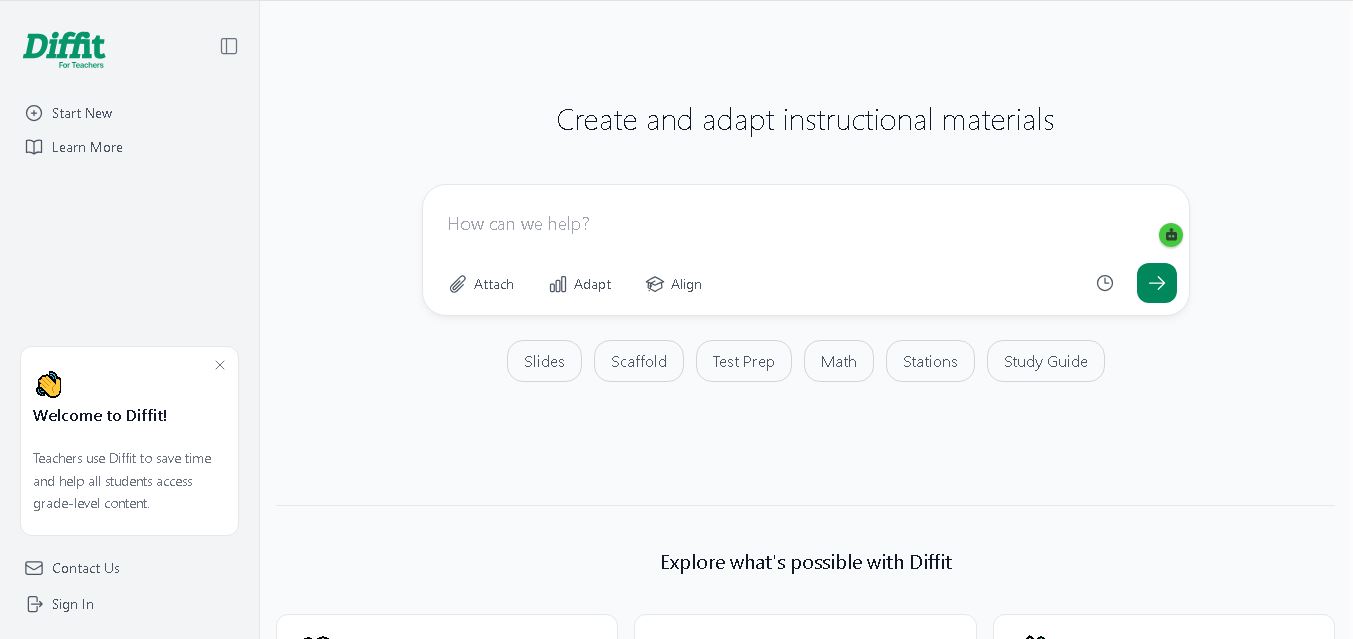
Diffit helps teachers create differentiated classroom materials from topics, text, PDFs, URLs, and video transcripts. It can produce reading passages, vocabulary tasks, comprehension questions, worksheets, and lesson activities tailored to student needs. Educators can edit, print, share, and, with eligible plans, export resources to familiar teaching tools more efficiently.
 5.0
MagicSchool AI
Kids
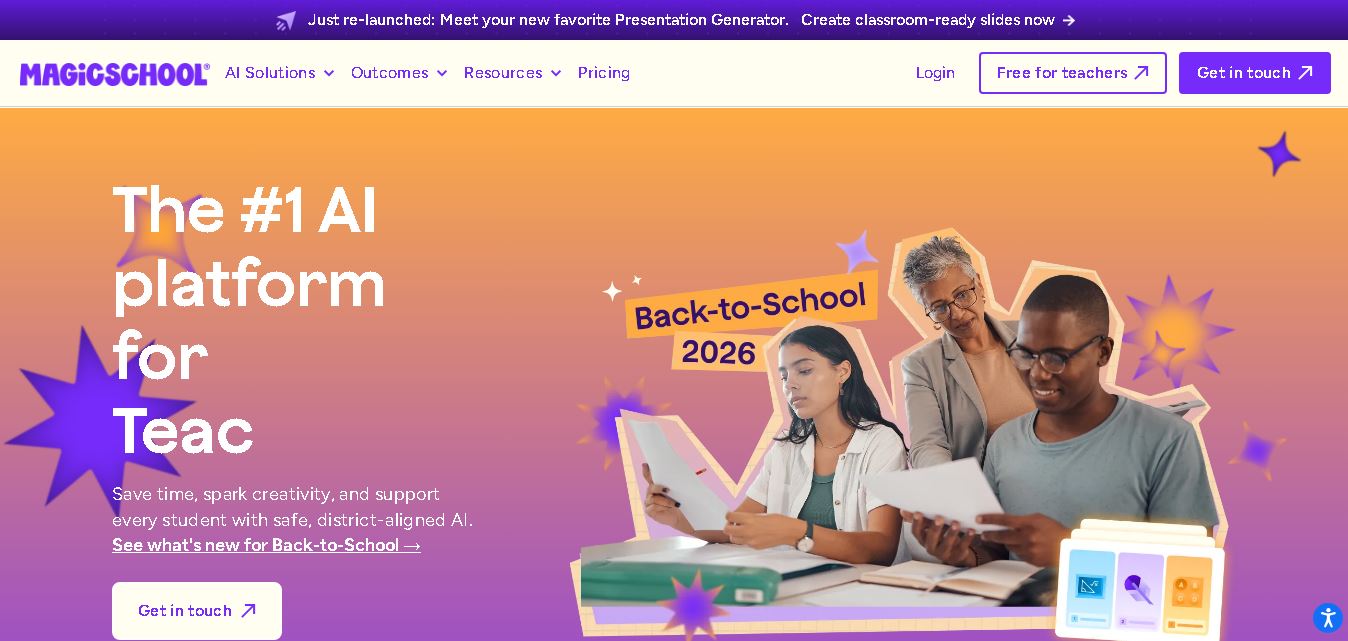
MagicSchool AI helps teachers and students use artificial intelligence for educational tasks. It offers tools for lesson planning, quiz creation, worksheet generation, writing feedback, and personalized learning. With free and paid plans, it supports classroom productivity, differentiated instruction, and responsible AI adoption across schools and educational institutions worldwide.
 4.9
Curipod
Kids
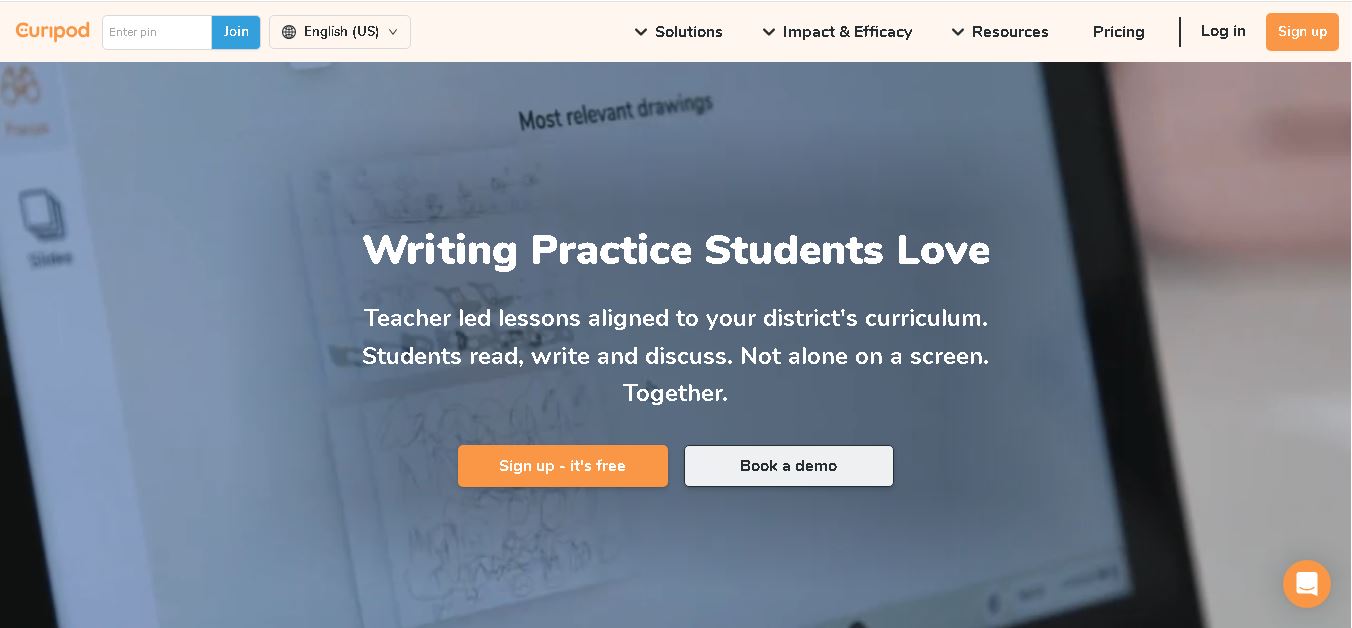
Curipod offers teachers a practical way to create interactive lessons, encourage classroom participation, and provide structured feedback on student learning. Its AI-assisted lesson generation, writing activities, and assessment tools can reduce preparation time while supporting more engaging instruction. The free plan provides an accessible starting point, while schools can explore paid options for broader needs. For educators seeking technology that combines classroom interaction with teacher-controlled AI, Curipod is worth evaluating against their curriculum, privacy, and teaching requirements.
 4.8
Powtoon
Kids
Powtoon is an online video and presentation creation tool for producing animated explainers, educational videos, marketing content, and business presentations. It offers customizable templates, animated characters, multimedia editing, and AI-assisted features. Beginners, educators, marketers, and businesses can use it to transform complex ideas into engaging visual stories without advanced animation skills.
 4.8
Animaker
Kids
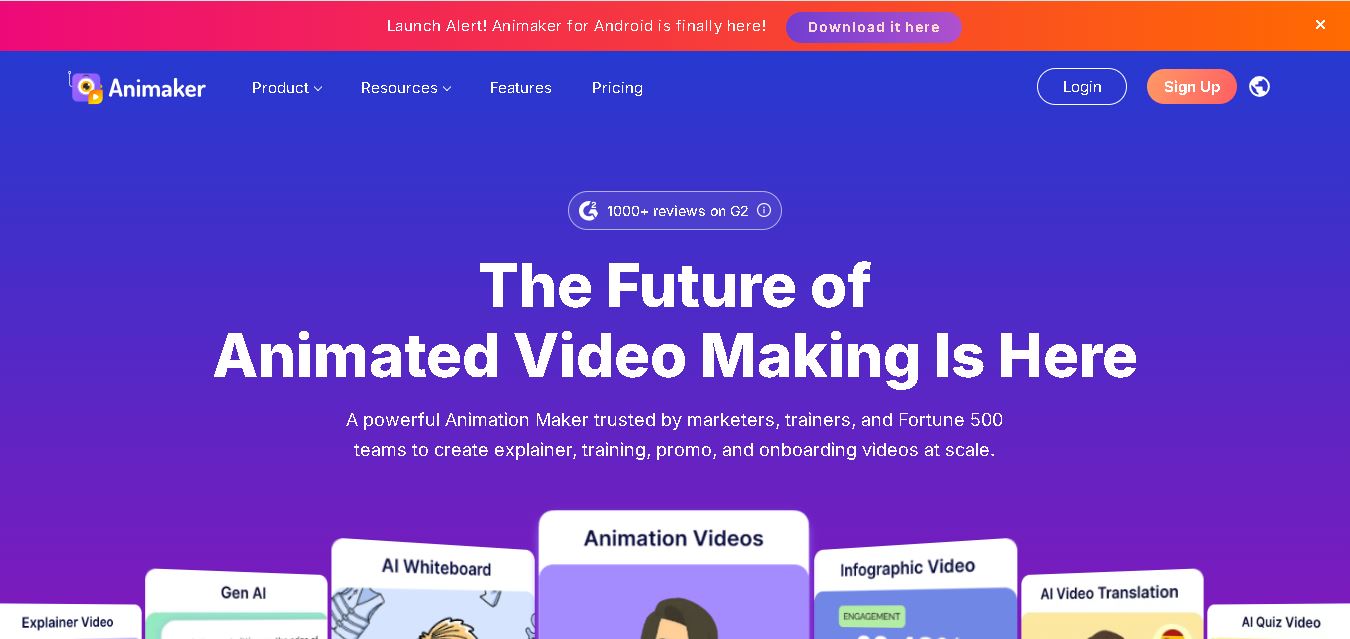
Animaker helps users create animated videos, explainer content, presentations, and promotional materials using customizable characters, templates, AI video generation, and editing features. Its online editor supports voiceovers, subtitles, and multilingual video translation. It is useful for marketers, educators, businesses, and creators who want engaging videos without advanced animation or editing expertise.
 5.0
Google Read Along
Kids
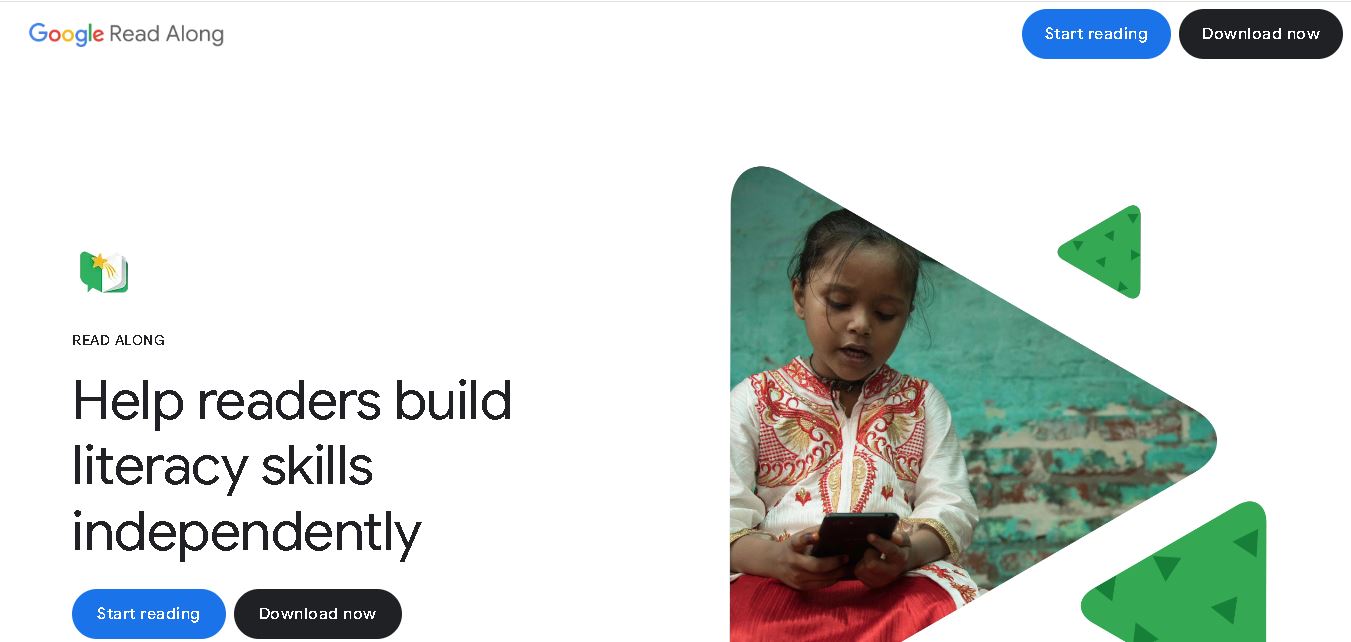
Google Read Along is a free reading practice tool for children that improves pronunciation, fluency, and confidence through interactive stories, reading games, and real-time feedback from its assistant, Diya. Supporting multiple languages and offline Android access, it helps families and educators make early literacy practice more engaging, accessible, and convenient for young learners.
 4.8
Squibler
Kids
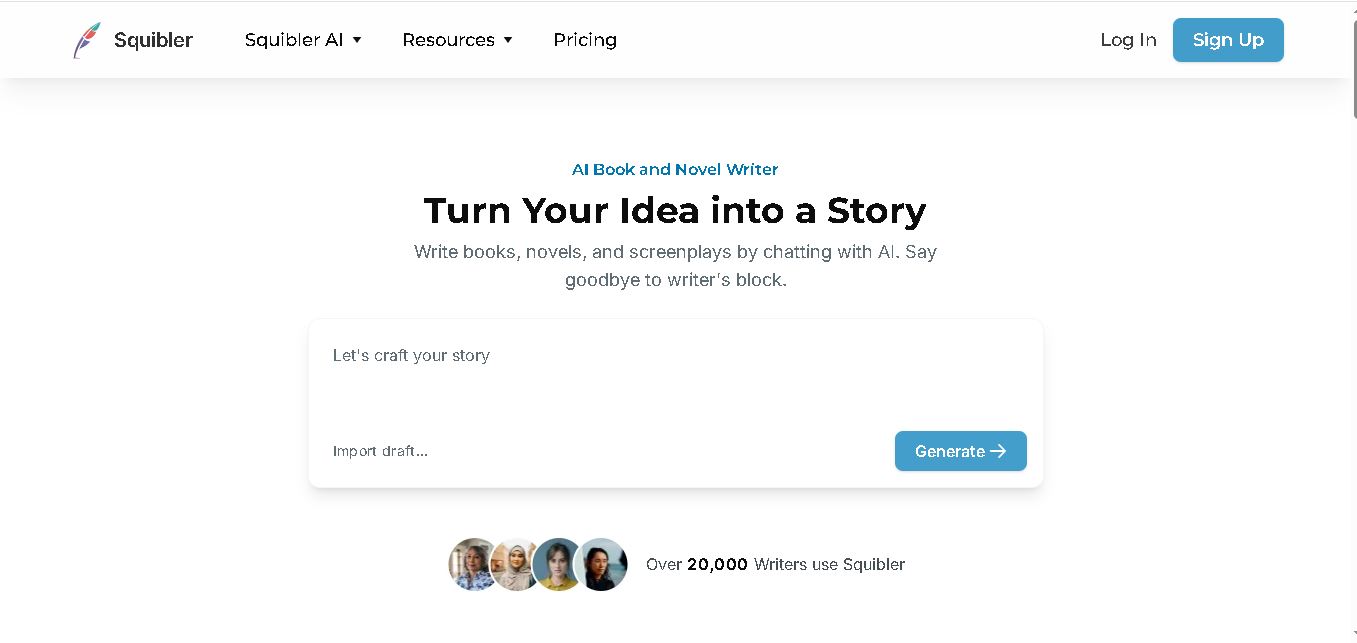
Squibler is an AI writing assistant for creating books, novels, screenplays, and story outlines. It helps writers develop characters, organize chapters, refine existing drafts, and generate visuals. With free and paid plans, Squibler supports beginners and experienced authors seeking a more structured, efficient, and creative long-form writing workflow.