Magic Eraser
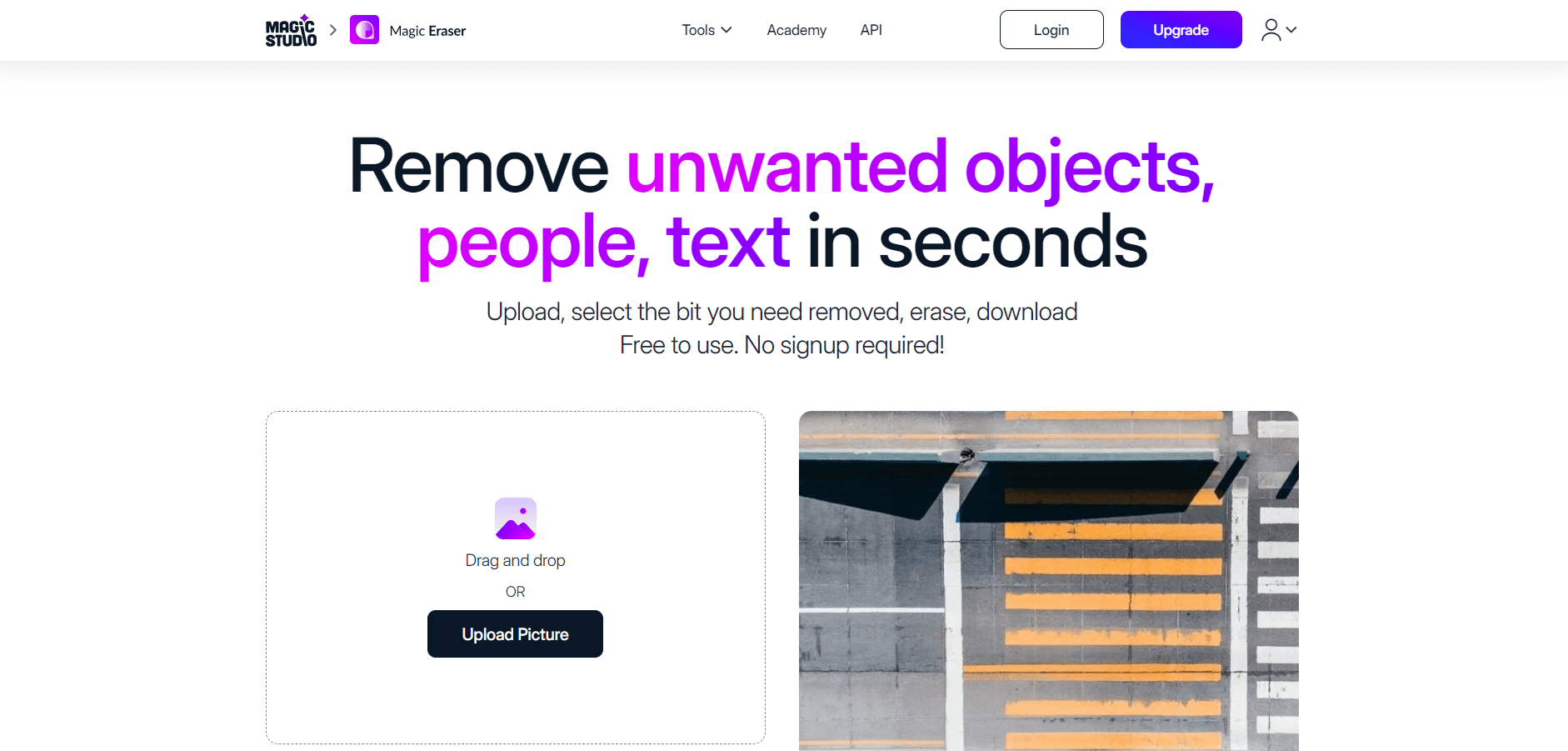
Magic Eraser is an AI-powered background removal tool that allows users to effortlessly remove unwanted objects, people, text, and blemishes from photos, providing clean and professional-looking images instantly.
What is Magic Eraser?
Magic Eraser is an AI-powered image editing tool that helps to remove image backgrounds, unwanted objects, people, or imperfections. Magic Eraser uses advanced AI and machine learning algorithms to identify and remove objects from any image.
Key Features
Magic Eraser's key features are:
- Object Removal: Magic Eraser easily removes unwanted objects, from images within a second.
- Intelligent Algorithms: The tool uses advanced AI and machine learning algorithms to understand the image context and remove objects based on the user's input.
- User-Friendly Interface: The tool offers simple drag-and-select functionality and makes it accessible with prior editing skills.
- Versatile Applications: The tool offers various features such as image editing, and product enhancement.
Pricing
Magic Eraser offers various pricing plans:
Free Plan:
- Users can edit one image at a time
- Magic Studio logo added on the download image
- Users can download low-resolution images.
Pro Plan:
- The plan starts at $4.99 per month
- Users can download images without the Magic Studio logo
- Users can download high-resolution images.
- Offers bulk image editing.
Disclaimer: For the latest and most accurate pricing information, please visit the official Magic Eraser website.
Who is Using Magic Eraser?
A diverse range of users and organizations utilize Magic Eraser:
- Graphic Designers
- UI/UX Designers
- Social Media Influencers
- Marketing and Design Teams
- Real Estate Agents
- e-Commerce Sellers
- Creative Professionals
Magic Eraser
Magic Eraser Alternatives
Some of the alternatives are:
- Background eraser
- Erase.bg
- Green screen ai image
- Clipping Magic
- Adobe Express
- Cutout Pro
- Photoroom
Conclusion
Magic Eraser is a powerful AI tool that is used by a wide range of professionals, such as photographers, social media influencers, marketers, and more, to remove image backgrounds and unwanted objects easily and quickly.
Also Check:
FAQ
What is Magic Eraser?
Magic Eraser is an AI-powered background removal tool that allows users to remove unwanted objects, people, text, and blemishes from photos, providing clean and professional-looking images instantly.
Do I need to sign up to use Magic Eraser?
No, you can use the basic features of Magic Eraser without creating an account
What image formats are supported?
Magic Eraser supports JPEG, PNG, HEIC, WEBP, and SVG formats.
Is Magic Eraser free to use?
Yes, the basic version is free with limitations on resolution and includes a watermark.
User Reviews
No reviews yet for Magic Eraser.
Featured Tools
Featured AI tools from TechShark

Kimi AI
Kimi AI is an advanced AI assistant developed by Moonshot AI that helps you chat, research, write, code, and automate tasks in one place. It supports web search, file analysis, and multimodal inputs, and can even run autonomous “agent” workflows to complete complex tasks end-to-end.
Freemium

Fashion Diffusion AI
Fashion Diffusion is an AI-powered fashion design platform that helps brands and designers create clothing designs, virtual try-ons, AI models, product photos, and marketing visuals faster and cost-effectively.
Paid

Veo 4
Veo 4 AI is an AI video creation platform that generates dramatic videos from text, images, audio, and video prompts using realistic motion and synchronized sound.
Paid
Happy Horse
HappyHorse AI is an AI-powered video generator that creates cinematic videos with synchronized audio from text, images, and prompts instantly.
Paid
Alternatives
Alternatives to Magic Eraser
Magic Eraser is an AI-powered Image tool that enables users to quickly and easily remove unwanted objects, people, text, and blemishes from photos, enhancing image quality and providing clean, professional-looking results in seconds.
 4.9
4.9iPic Ai
Image
iPic is an AI-powered image generation and editing platform that lets users create visuals from text prompts and enhance photos with tools like background removal, upscaling, and style filters. It’s designed for quick, creative image creation for marketing, social media, and design needs.
Facetune
Image
Facetune is an AI-powered photo editing app focused on enhancing selfies and portraits. It offers tools for skin smoothing, teeth whitening, makeup, lighting adjustments, and filters, helping users quickly create polished, social media-ready images with minimal effort.
 4.7
4.7AI2image
Image
AI2image (ai2image.com) is an easy-to-use AI image generation platform powered by OpenAI's DALL-E models that allows users to create custom visuals, Ghibli-style art, anime portraits, e-commerce product photos, and social media graphics instantly from text prompts.
Photoleap
Image
Photoleap is an AI-powered photo editing app that helps users create and enhance images with tools like background removal, AI image generation, effects, and retouching. It’s designed for both beginners and creators to easily transform photos into professional-looking visuals and creative designs.
 4.8
4.8Facewow
Image
Facewow is an AI-powered photo enhancement tool that helps users improve portraits with features like face retouching, background editing, and image upscaling. It automatically enhances facial details and overall quality, making photos look clearer, more polished, and ready for social media or professional use.
 4.8
4.8HeadshotPro
Image
HeadshotPro (headshotpro.com) is an AI-powered professional headshot generator that transforms everyday selfies into studio-quality business portraits for individuals and enterprise teams within 30 minutes, featuring style customization, profile editing, and brand consistency management.
 4.6
4.6Imgkits
Image
Imgkits is an online collection of image, video, and creative AI tools for generating, editing, enhancing, and transforming visual content. It supports tasks such as background removal, photo restoration, image upscaling, object removal, artistic effects, image generation, and video creation, making everyday visual workflows faster without requiring specialized editing software.
 4.8
4.8jpgRM
Image
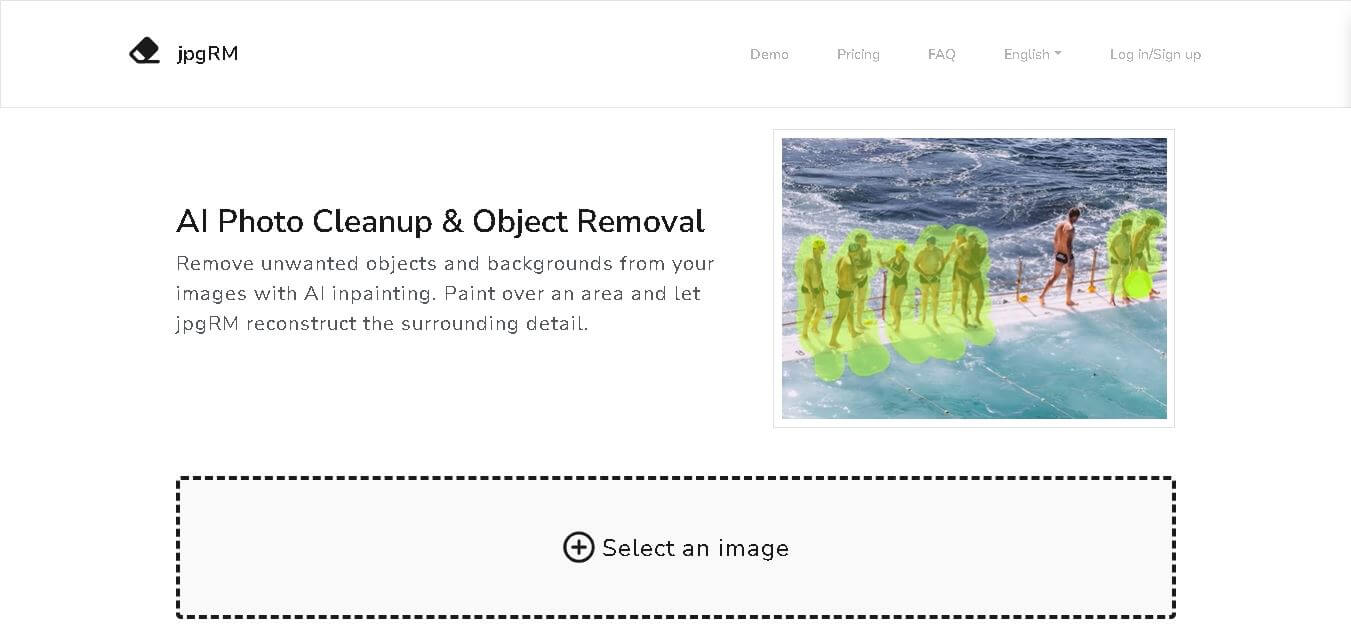
jpgRM is an AI image cleanup tool for removing unwanted objects, people, backgrounds, and visual distractions. Users can brush over an area they want removed, and its AI inpainting technology reconstructs the surrounding details. It also supports background removal, mobile browsers, and higher-resolution downloads through its VIP plans.
 4.9
4.9Photopea
Image
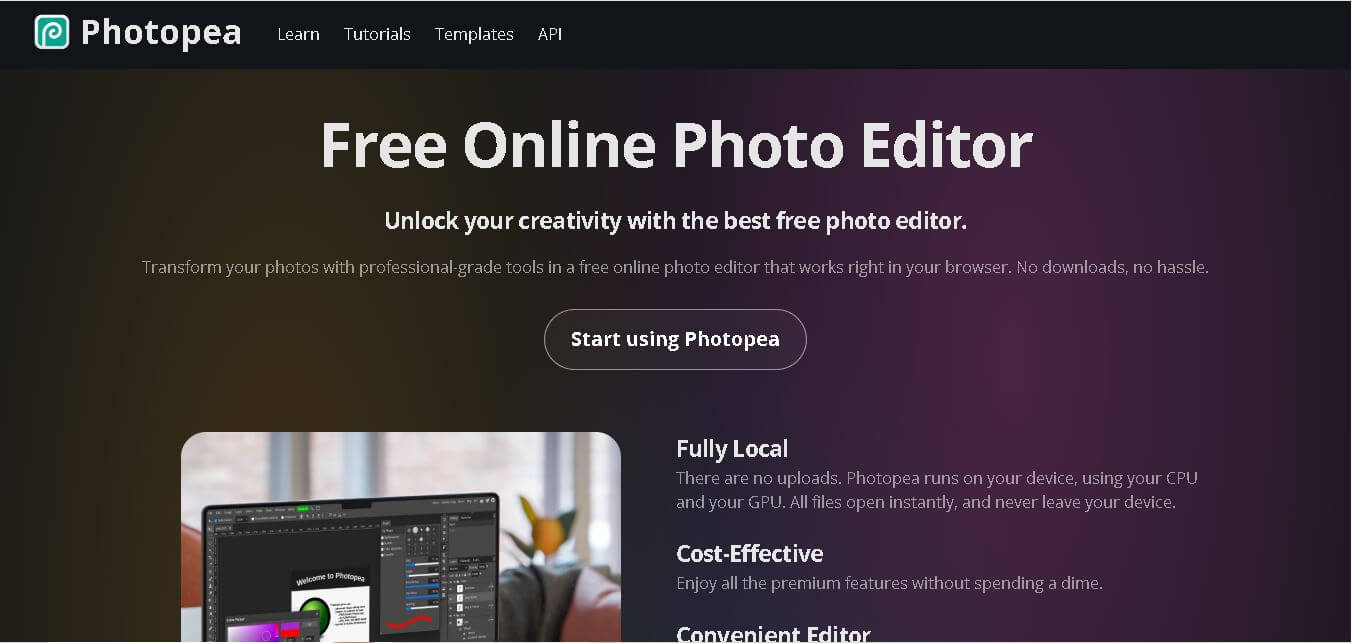
Photopea is a powerful online photo and graphics editor that works directly in your browser without requiring traditional desktop software. It supports PSD files, layers, masks, vector graphics, RAW images, filters, Smart Objects, and numerous formats. It is useful for designers, students, marketers, photographers, creators, and businesses needing accessible image-editing capabilities.